Product photo editor
Home / Product Photo Editor
Product Photo Editor for Listings, Ads, and Stores
Use this product photo editor page to choose the right AI editing tool before publishing ecommerce product images. Compare tools for background cleanup, object removal, upscaling, restoration, mask edits, reference-guided edits, and commercial scene composition.
A product photo editor is the correction layer before ecommerce image generation or publishing. KrafLayer separates editing into focused tools so each product photo can be cleaned, repaired, enhanced, or restaged without forcing every image through one generic workflow.
All product photo editing tools
Pick the tool by the defect you need to fix, not by a generic editing mode.
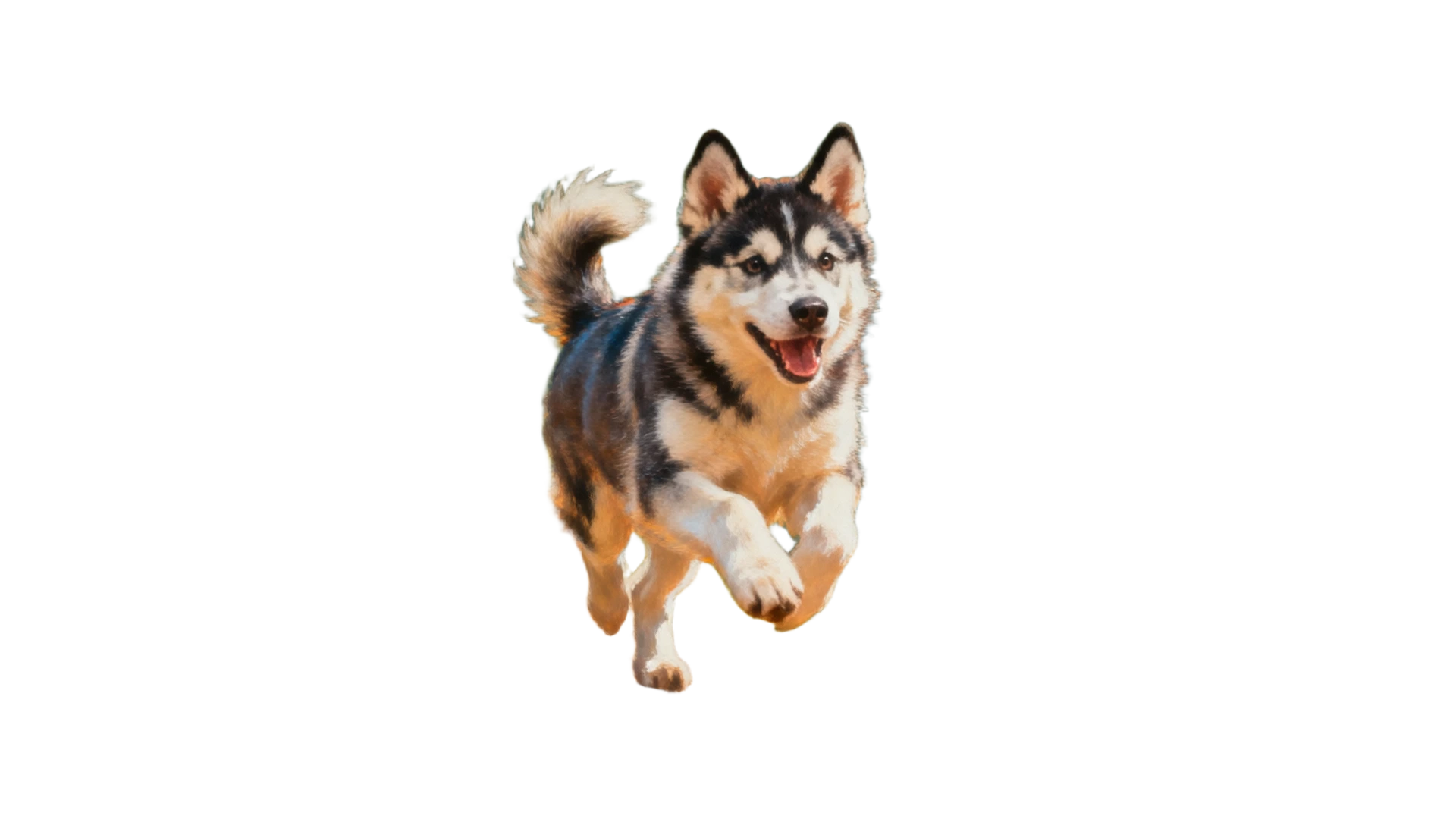
AI Background Remover
Use this when the current background is the main problem: messy room, supplier photo backdrop, uneven surface, or a listing that needs a clean product cutout.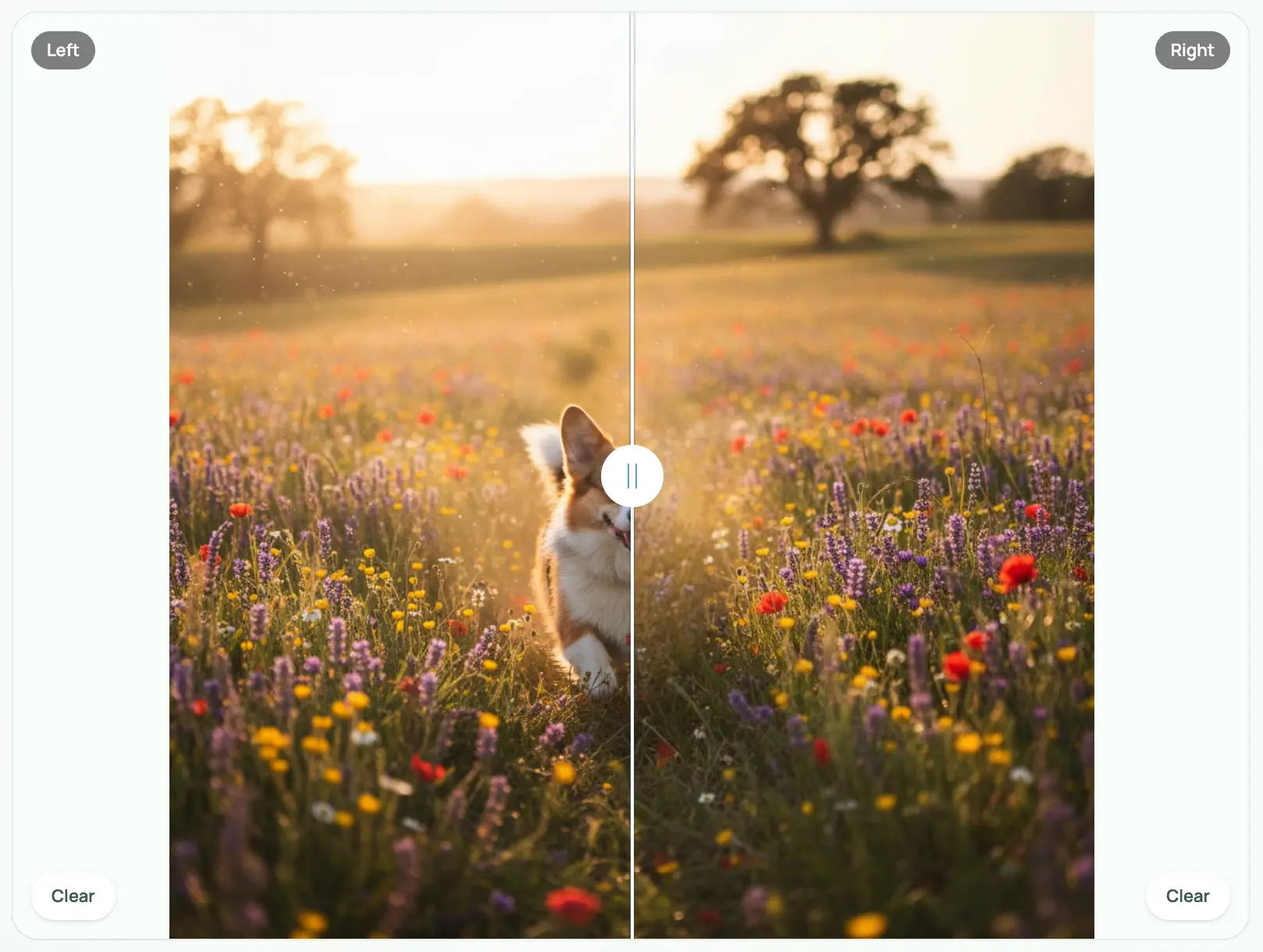
AI Object Eraser
Use this for props, stickers, stains, dust, small marks, hands, clutter, or anything around the product that should disappear without changing the product.
AI Image Upscaler
Use this when the product photo is too small for a store page, marketplace zoom, ad crop, or detail view but the image itself is otherwise usable.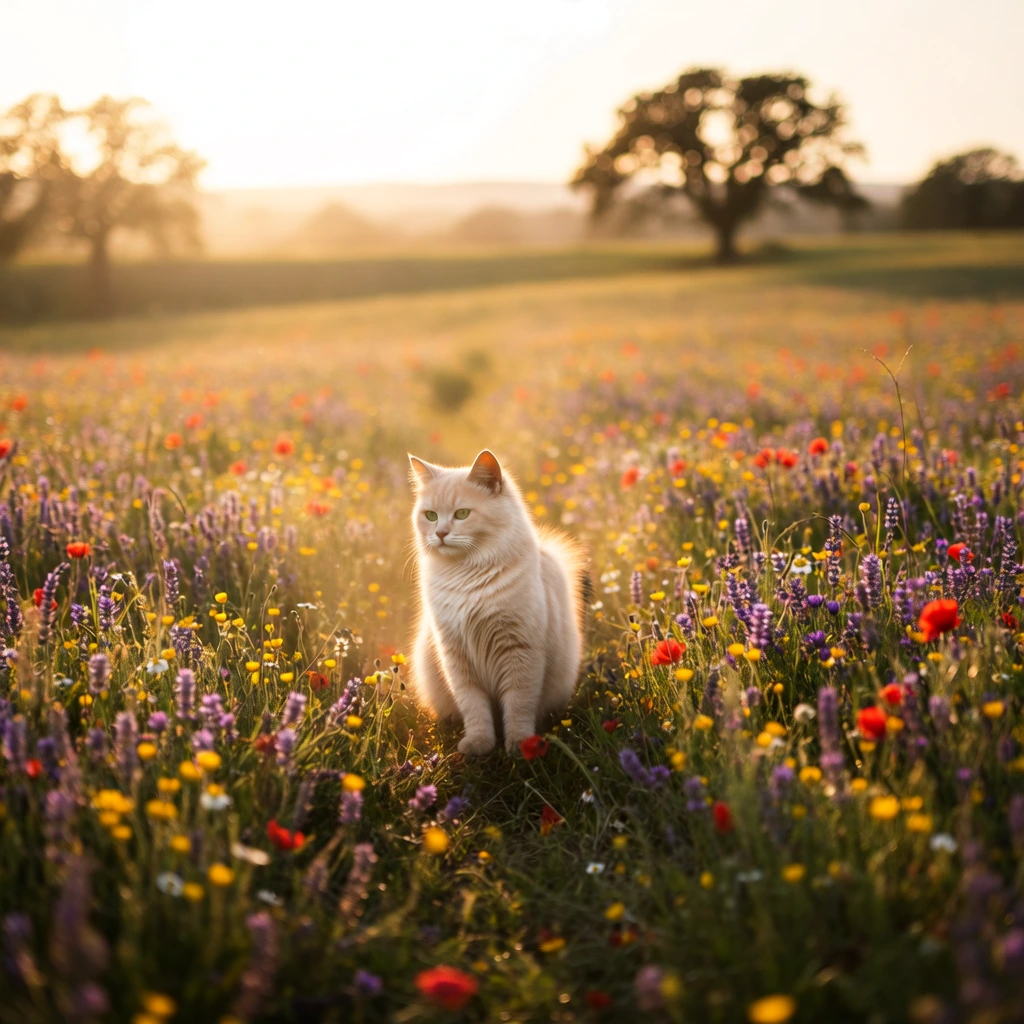
AI Image Restoration
Use this for noisy, compressed, damaged, blurry, or older catalog photos that need repair before they can be reused in listings or campaigns.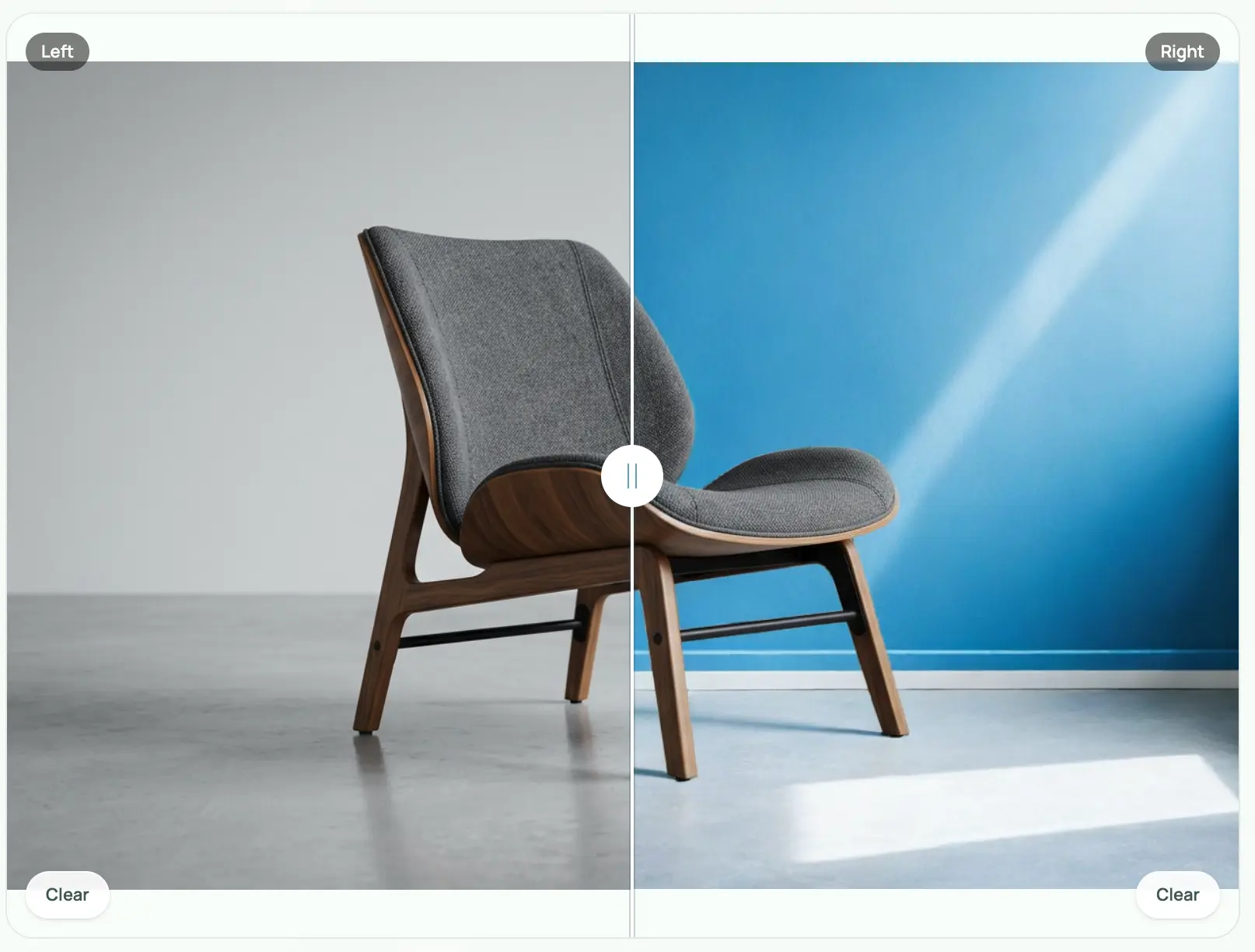
AI Background Replacer
Use this when the product is usable but the scene is not: replace the old background with a cleaner studio, lifestyle, seasonal, or campaign setting.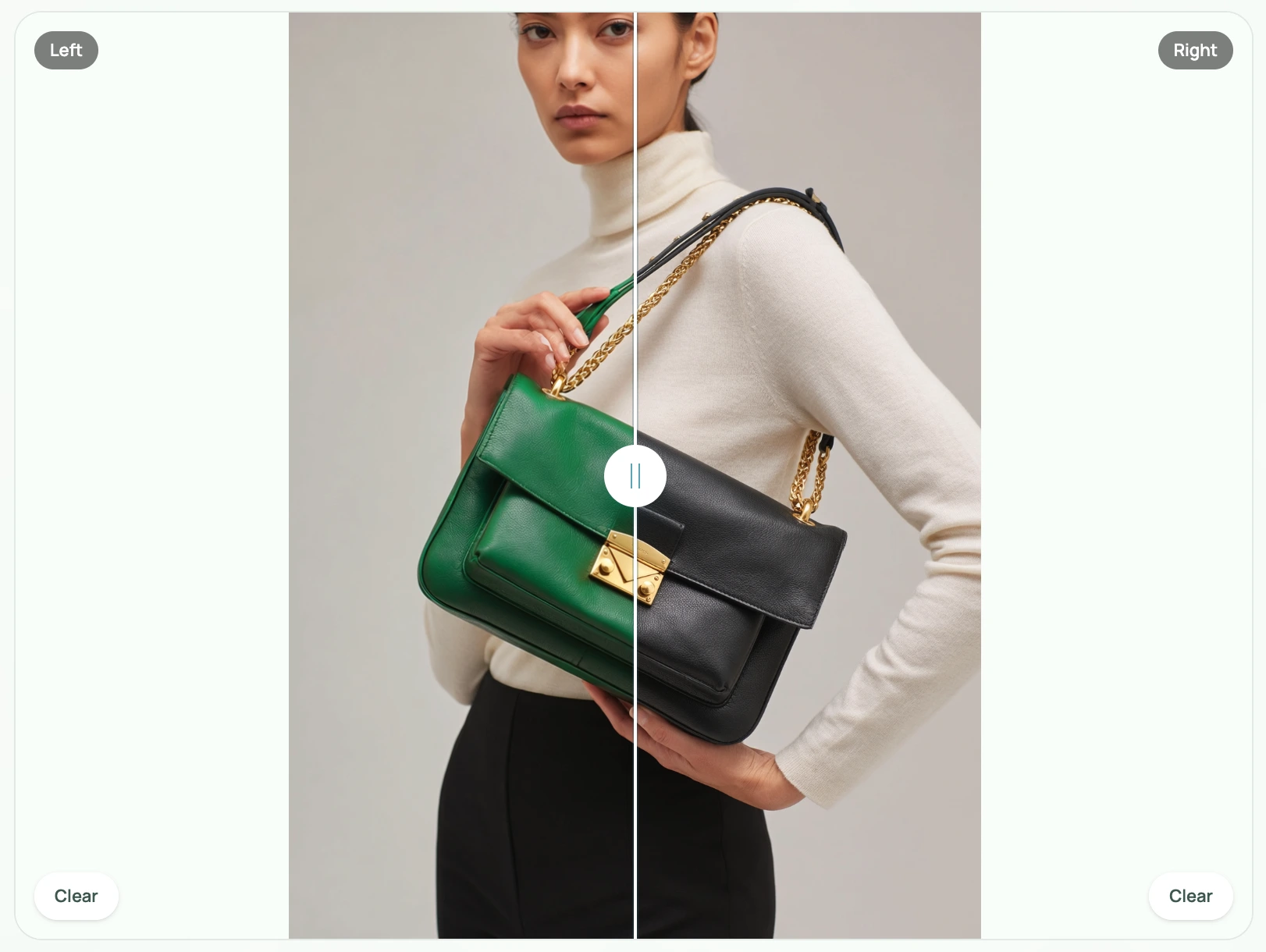
AI Mask Edit
Use this when only one selected area should change, such as a label position, edge issue, reflection, color cast, shadow, or small product detail.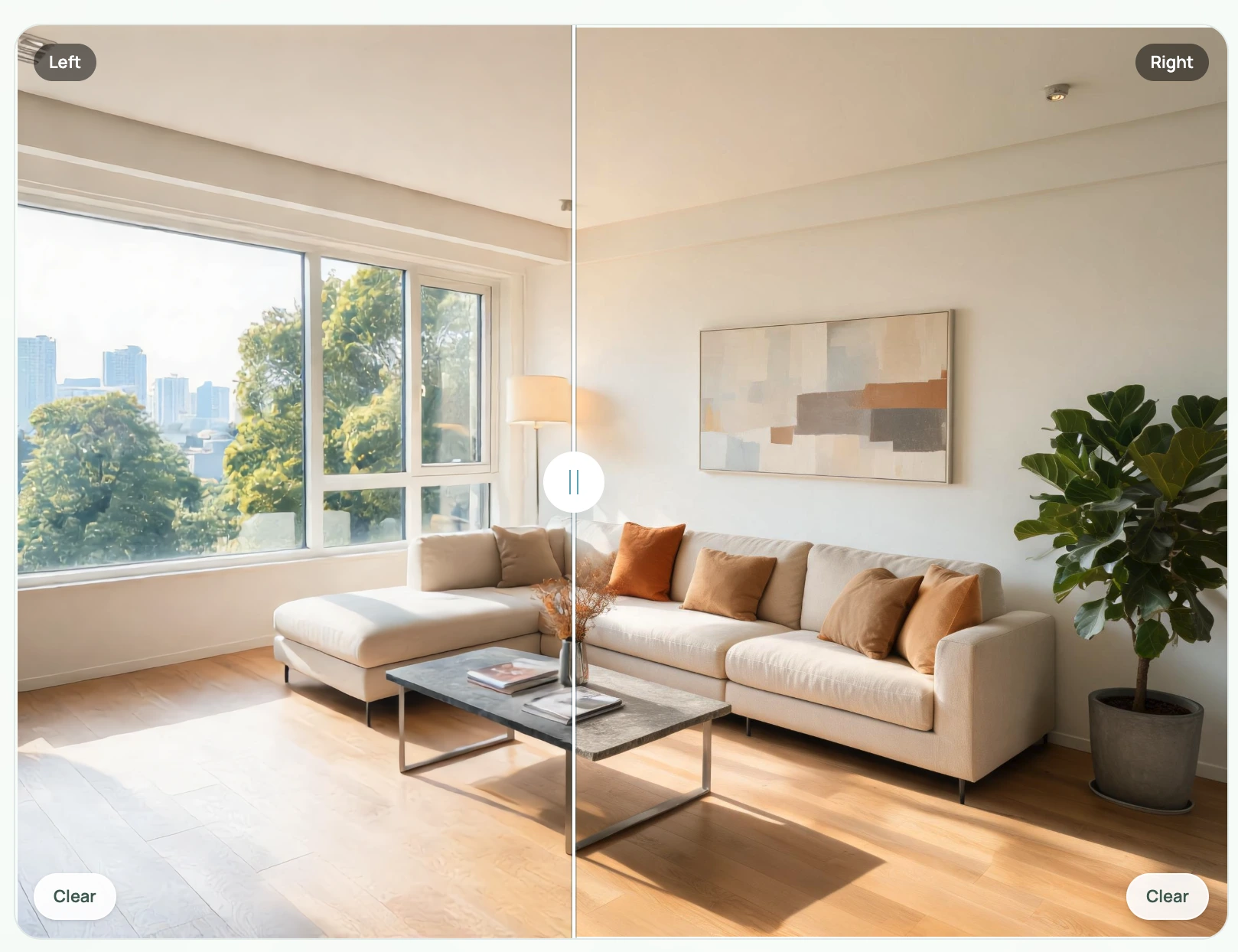
AI Reference Image Editor
Use this when another image should guide the edit, such as lighting, material treatment, composition, brand mood, or a visual standard you want to match.
AI Scene Compose
Use this when the product needs a more controlled commercial scene with better scale, surface, lighting, product placement, and shopper context.
What this product photo editor page is for
This page helps ecommerce sellers, designers, and catalog teams choose the right AI product photo editing tool before publishing or generating final product images. It is a tool map, not a one-size-fits-all editor: start from the visible issue in the source image, then open the KrafLayer tool built for that specific editing task.
Product photo editing matters because many listing images fail before the creative stage. A product photo may have a cluttered background, dust, stains, low resolution, compressed detail, broken cutout edges, color cast, noisy supplier-photo quality, or a scene that does not fit Amazon, Shopify, Etsy, ads, or a product detail page. Fixing those problems first gives every later workflow a cleaner product reference.
- What this page provides
- Eight focused AI product photo editing tools with direct links for background removal, object cleanup, upscaling, restoration, background replacement, mask edits, reference-guided editing, and scene composition.
- How to choose a tool
- Look at the defect in the image first. Background problem, unwanted object, low resolution, damaged source, local area issue, reference direction, and full scene rebuild each need a different edit tool.
- Why edit before generating
- Cleaner source images make AI product image generation more reliable because product edges, labels, color, material, scale, and SKU-specific details are easier to preserve.
- What to review after editing
- Check label text, logo shape, product silhouette, material texture, color accuracy, shadow contact, scale, and channel fit before using the image in a listing, store page, or ad.
FAQ
Which KrafLayer editing tool should I choose first?
Start from the visible problem in the source image. Use Background Remover for cutouts, Background Replacer for a new scene, Object Eraser for clutter or stains, Image Upscaler for low-resolution assets, Image Restoration for damaged or compressed photos, Mask Edit for one selected area, Reference Image Editor when another image should guide the result, and Scene Compose when the product needs a more controlled commercial setting.
What is the difference between Background Remover and Background Replacer?
Background Remover is for isolation: it removes the original background so the product can sit on transparent, white, or cleaner listing-ready output. Background Replacer is for restaging: it keeps the product as the subject but builds a new studio, lifestyle, seasonal, or campaign background around it. If the product edge is the issue, remove first. If the scene is the issue, replace the background.
What is the difference between Object Eraser and Mask Edit?
Object Eraser is best when something should simply disappear, such as dust, stains, stickers, props, marks, hands, or background clutter. Mask Edit is better when the selected area needs a specific change, such as fixing a reflection, adjusting a shadow, moving a small label detail, or replacing one local region while the rest of the product image stays stable.
Will AI editing preserve product labels, color, and shape?
The goal is to preserve the real product, but every edited image should still be checked before publishing. Review label text, logo shape, material texture, color, edges, shadows, scale, and important SKU details. For high-risk areas such as labels, packaging claims, jewelry settings, fabric patterns, or regulated product information, use smaller local edits and compare the result against the original product photo.
Can I remove watermarks, logos, or brand marks from product photos?
Only edit images you own or have permission to modify. KrafLayer product photo tools are useful for removing clutter, dust, stickers, props, and unwanted marks from authorized product assets. They should not be used to remove third-party copyright watermarks, marketplace ownership marks, or brand identifiers from images you do not have rights to use.
Should I edit the source photo before using an AI product image generator?
Yes when the source photo has clutter, low resolution, crop problems, stains, dust, heavy color cast, damaged areas, distracting backgrounds, or unclear product edges. Cleaner source images give the generator a stronger product reference, which usually improves product identity, label readability, material accuracy, and consistency across listing images or campaign variants.