AI product image generator
Home / AI Product Image Generator
AI Product Image Generator for Listing and Detail Images
Upload product references and generate ecommerce product images for listings, product pages, marketplace galleries, social ads, and campaign assets. Create white-background images, lifestyle scenes, detail visuals, and brand-ready variations without rebuilding each asset manually.
An AI product image generator turns product reference images and production instructions into ecommerce visuals. In KrafLayer, the workflow uses a required main product image, optional side/back views, output type, target platform, visual style, language, campaign brief, and generation parameters to create coordinated product image sets.
Product references first
Upload the main product image first, then optional left, right, and back views. These references help preserve product shape, material, packaging, label, and details.
Listing and detail image modes
Choose main image mode for marketplace covers and gallery images, or detail image mode for feature callouts, material close-ups, scale context, and PDP modules.
White background and lifestyle output
Generate clean ecommerce visuals for white-background listings, soft studio scenes, lifestyle product images, brand landing pages, and campaign assets.
Free-start positioning
Use `free` carefully in copy: KrafLayer can offer free credits to start, but the page should avoid implying unlimited free product image generation.
What this workflow supports
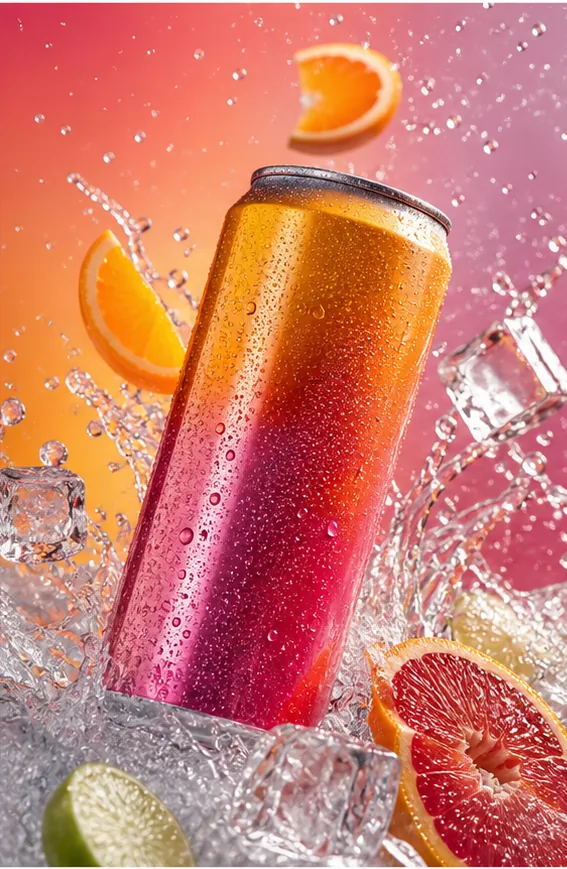
Main image set
Main image generation should prioritize immediate product recognition, consistent crop language, clean lighting, and SKU-level identity across output variants.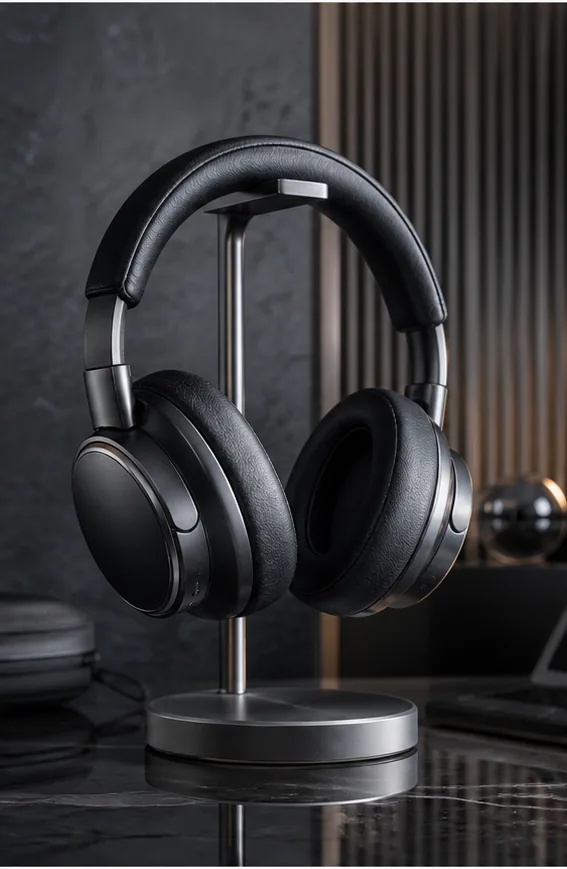
Detail image set
Detail images work best when the generator turns selling points into visual modules: material close-ups, feature callouts, use context, scale, and comparison frames.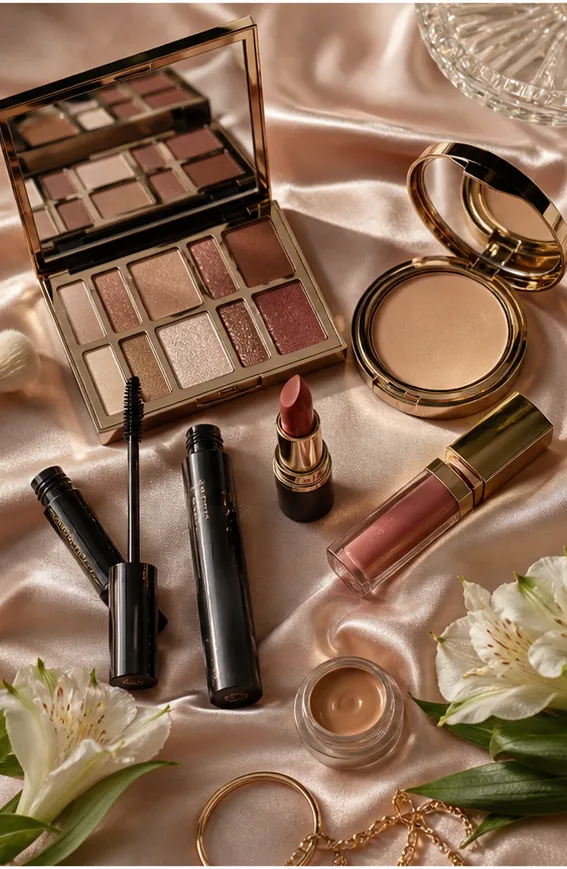
Campaign variation
A generator workflow can reuse the same product reference for store banners, ads, seasonal launches, and social creatives while keeping the product recognizable.
Workflow
- Upload the main product image and optional left, right, or back views.
- Choose Main image or Detail image output type.
- Set target platform, visual style, target language, and campaign brief.
- Set model, resolution, size, and image count.
- Let KrafLayer analyze product selling points.
- Generate a coordinated ecommerce product image set.
Related pages
- Ecommerce Product Photography
Plan the broader ecommerce product photo workflow before generating images. - Product-on-model photos
Create product-on-model photos from product references. - Product Photo Editor
Clean and repair product photos before generating final image sets. - Amazon product photos
Generate Amazon-oriented listing and detail photos. - Shopify product images
Generate product images for Shopify stores and campaigns. - AI Background Remover
Create clean cutouts from product photos.
FAQ
What is an AI product image generator?
An AI product image generator creates ecommerce product visuals from product references and instructions. It can generate listing images, detail visuals, white-background images, lifestyle scenes, and campaign assets while using the uploaded product as the identity source.
Can KrafLayer generate product photos from a reference image?
Yes. Upload a main product image first, then add optional side or back views when available. KrafLayer uses these references to preserve product shape, material, label, packaging, color, and signature details across generated outputs.
Can it create both main images and detail images?
Yes. The workflow has separate main image and detail image modes. Detail image mode can turn product selling points into feature callouts, material close-ups, comparison blocks, and product detail page modules.
Can I make white background and lifestyle product images?
Yes. KrafLayer can help create clean white-background product images, simple studio visuals, lifestyle scenes, detail shots, and campaign images from the same product reference workflow.