Shopify store visuals
Home / Marketplace product images / AI Product Images for Shopify
AI Product Images for Shopify Stores
KrafLayer helps Shopify merchants create brand-forward product images for product pages, collections, campaigns, and social creatives. Shopify visuals can be warmer and more editorial than marketplace listings, but the product still needs to stay commercially clear.
Create Shopify product images →
Best for
Brand-led product page style
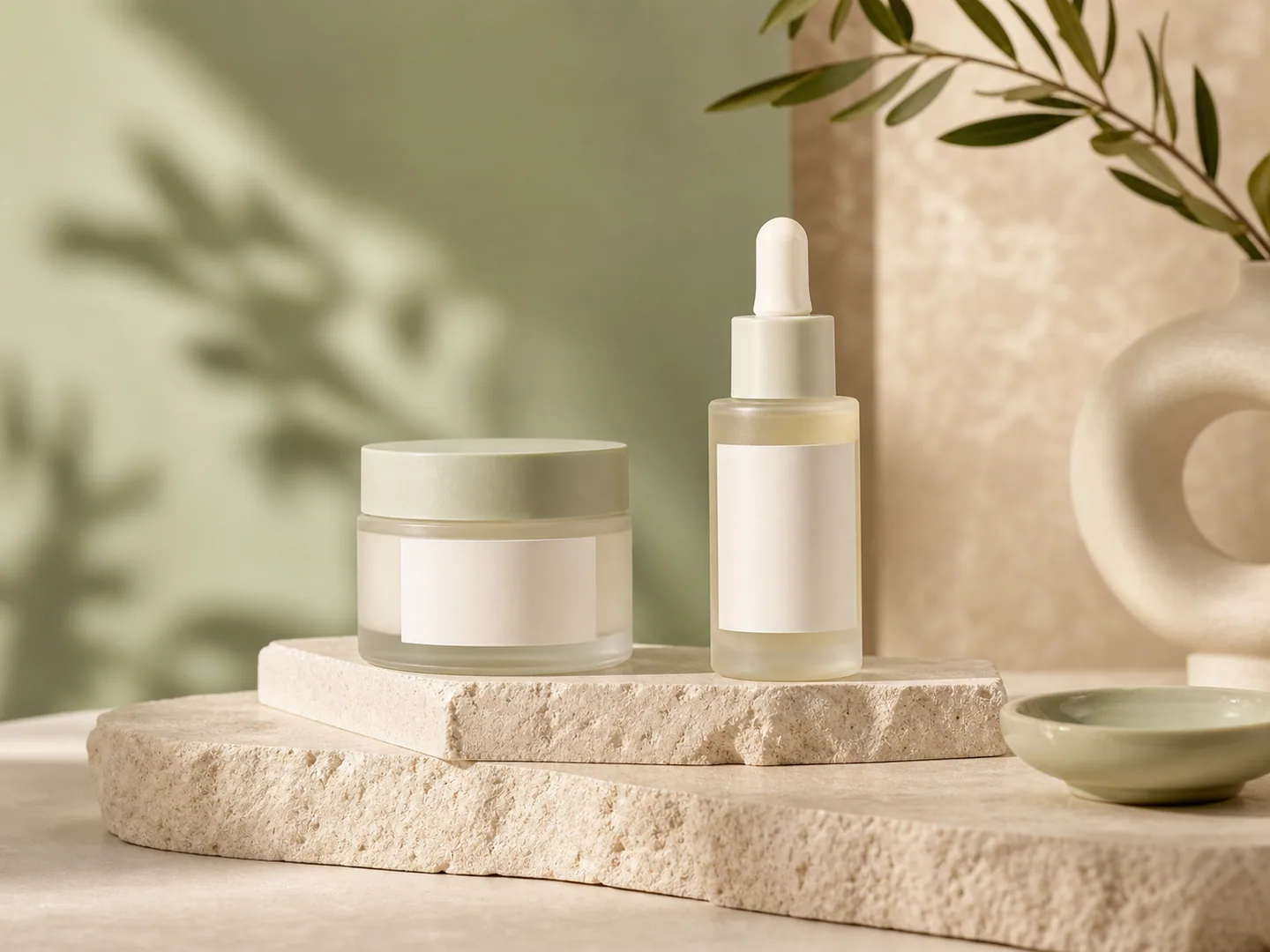
Shopify product images can carry more brand atmosphere than marketplace listings. Use intentional color, softer shadows, premium surfaces, and clean negative space while keeping product details readable.
Collection-grid style
A Shopify collection should feel like one visual system. Repeated lighting, crop language, surface choices, and background tone help different SKUs look coherent across product grids.
Campaign and landing-page style
Shopify campaigns can be warmer, more editorial, and more seasonal. Lifestyle props, model context, shadows, and brand references work well as long as the product remains the visual anchor.
Shopify product image size and storefront checklist
Shopify product images need to fit product pages, collection grids, theme crops, and campaign modules. Start with high-quality originals, then keep aspect ratio and focal point consistent across the store.
| Requirement | What to check | KrafLayer action |
|---|---|---|
| Image size | Shopify product and collection images can be uploaded up to 5000 x 5000 px or 25 megapixels, and product images should stay under 20 MB. Square product images around 2048 x 2048 px usually display well. | Generate or upscale store-ready square and campaign crops, then export variants for product pages and collections. |
| File type | Shopify recommends PNG first for most product images, followed by JPEG, and also supports formats such as WebP, HEIC, GIF, SVG, PSD, TIFF, and BMP. | Create clean product assets in KrafLayer, then export the final file format through your normal Shopify asset workflow. |
| Aspect ratio | Collection grids look more consistent when featured images share the same aspect ratio. Theme crops can otherwise make products feel uneven. | Use consistent crops, background style, and product scale across SKUs before uploading to Shopify. |
| Focal point | Important product detail should stay inside the safe focal area so theme crops do not hide labels, handles, textures, or key features. | Generate product-page, collection, and campaign variants with enough negative space for responsive cropping. |
Shopify's current product media guidance lists 5000 x 5000 px or 25 megapixels, under 20 MB, and 2048 x 2048 px as a strong square-product-image size.
Useful tools
- Ecommerce product photography
Plan listing images, lifestyle scenes, detail shots, and store-ready product visuals. - Product image sets
Generate product image sets for listing images, main images, and detail-page assets. - Product-on-model photos
Create product-on-model or lifestyle image sets when human context helps the product sell. - Product photo editor
Clean, retouch, upscale, restore, outpaint, and repair product photos before publishing. - Reference-style product images
Generate ecommerce product images from competitor, brand, or campaign reference styles while preserving your own product identity. - Background replacer
Place products into polished commercial scenes without reshooting. - Scene compose
Compose products into ready-made commercial scenes for store and campaign visuals. - Reference edit
Use visual references to guide materials, lighting, texture, or brand details. - Mask edit
Edit only selected product regions while preserving the rest of the image. - Background remover
Cut out product backgrounds for clean marketplace-ready listing images. - Image upscaler
Improve soft, compressed, or low-resolution product assets before publishing.
Related ecommerce paths
Compare this channel workflow with nearby product categories and other selling-channel pages before you create the final asset set.
Other marketplace product image pages
- AI Product Photos for Amazon: Use KrafLayer to prepare Amazon product photos with AI. Follow a listing image requirements checklist, clean backgrounds, upscale, and create detail images.
- AI Product Photos for Etsy: Learn Etsy product photo size guidance and create AI photos for handmade goods, jewelry, gifts, home decor, listing thumbnails, and detail shots.
- AI Product Photos for Walmart Marketplace: Create Walmart Marketplace product photos with AI for clean listing images, retail packs, lifestyle visuals, and product detail assets.
- AI Product Images for WooCommerce: Create WooCommerce product images with AI for WordPress stores, product pages, category visuals, listing sets, and campaign assets.
Product categories
- AI Beauty: Create AI beauty product photos for skincare, cosmetics, fragrance, bath sets, and campaign visuals with ecommerce-ready lighting and composition.
- AI Consumer Packaged Goods: Generate AI product images for packaged goods, drinks, snacks, supplements, and retail campaigns with bold ecommerce-ready visuals.
- AI Jewelry: Create AI jewelry product photos for rings, necklaces, watches, accessories, detail shots, and luxury ecommerce campaigns.
- AI Fashion Models: Create AI fashion model photos for apparel, accessories, sunglasses, scarves, lifestyle campaigns, and on-model ecommerce imagery.
- AI Furniture: Create AI furniture product images, room scenes, background swaps, interior lifestyle visuals, and ecommerce catalog assets.
- AI Technology: Generate AI product images for electronics, gadgets, keyboards, headphones, devices, tech accessories, PDP details, and ecommerce ads.
- AI Handbags: Create AI handbag product photos, fashion accessory images, on-model styling, lifestyle scenes, and luxury ecommerce campaigns.
- AI Food: Create AI food product images for drinks, snacks, packaged food, meal kits, ingredient ads, and ecommerce campaigns.
- AI Footwear: Create AI footwear product photos for sneakers, running shoes, detail images, on-model looks, lifestyle scenes, and ecommerce listings.
Workflow
- Upload product images or start from a campaign brief.
- Choose product image set, product-on-model photos, or style copy based on the Shopify page section you are building.
- Add optional model references, background references, style references, or scene descriptions.
- Let KrafLayer analyze selling points, brand mood, and reference style before generating image sets.
- Download assets for product pages, collection modules, landing sections, ads, or social campaigns.
FAQ
What size should Shopify product images be?
Shopify product and collection images can be uploaded up to 5000 x 5000 px or 25 megapixels, and product images need to stay under 20 MB. For square product images, Shopify says 2048 x 2048 px usually displays best. In practice, a Shopify store also needs consistency: collection thumbnails should share crop language, product-page images should preserve detail, and campaign images should have enough safe space for responsive layouts. KrafLayer can generate product-page heroes, collection-friendly crops, lifestyle scenes, and detail images from the same product reference workflow.
Can KrafLayer create product images for Shopify stores?
Yes. KrafLayer can generate product hero images, detail visuals, background variants, lifestyle scenes, and short product videos for Shopify product and marketing pages.
Can I keep Shopify product images visually consistent?
Yes. Reference-guided edits, background replacement, masks, and scene composition help keep lighting, materials, and campaign direction consistent across product images.
Can KrafLayer prepare Shopify product page and collection images?
Yes. KrafLayer can create product-page hero images, collection-grid images, lifestyle scenes, background variants, and detail visuals. Use the same product reference image to create a consistent family of Shopify assets, then review each crop for product scale, focal point, label readability, and brand fit before uploading.
Does KrafLayer connect directly to Shopify?
KrafLayer creates and edits ecommerce media in the browser. You can download generated assets and upload them to Shopify through your store admin or existing asset workflow.