Reference-style ecommerce images
Home / Reference-Style Product Images
Reference-Style Ecommerce Product Images
Upload competitor or brand reference images, add your own product photos, and create ecommerce product images that follow the proven visual style while keeping your SKU, label, material, and packaging identity intact.
Reference-style ecommerce product image generation uses existing product ads, listing images, or brand campaign visuals as style references. KrafLayer analyzes their lighting, composition, camera angle, background, color palette, typography rhythm, and layout logic, then applies that visual method to your own product images without copying the competitor product, logo, packaging identity, or exact text.
Create reference-style product images →
Generate ecommerce images from proven references
Use competitor listings, store banners, ads, or brand campaign images as visual references when you want a product image direction that already fits your market. KrafLayer reads the visual method, not the competitor's product identity.
Preserve your own product as the source of truth
Upload your main product image and optional side, back, packaging, or detail views. These product references control shape, color, material, label, scale, packaging, and signature details in the generated ecommerce images.
Match lighting, layout, and campaign mood
Reference images guide the lighting, composition, camera feeling, background treatment, color palette, typography rhythm, and commercial finish. The output should feel market-ready while still showing your own product clearly.
Create main images and detail modules
Use the same reference-led workflow for hero listing images, gallery images, detail-page modules, campaign assets, and ad creatives. KrafLayer adapts the visual system to the output type instead of producing a one-to-one copy.
Avoid legal and brand-copying risk
Do not copy competitor logos, packaging identity, product features, exact text, watermarks, or proprietary layouts. Use references for reusable visual principles and apply them to your own product and selling points.
What this workflow supports
Reference-led campaign style
Start with a proven ad or store visual direction, then rebuild the image around your own product instead of imitating the competitor's SKU or brand identity.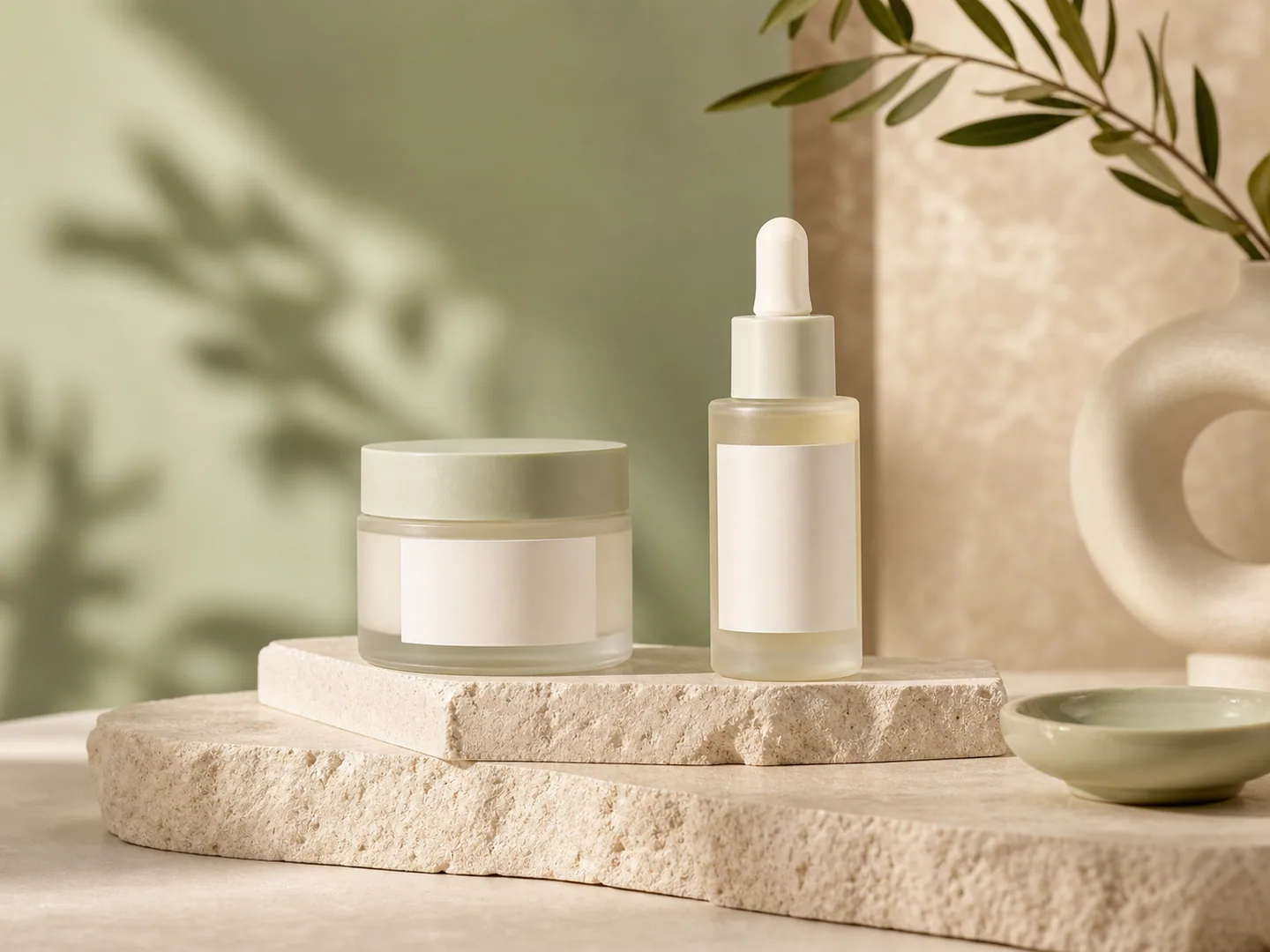
Storefront-ready product image
Reference styles can guide composition, mood, and background treatment for Shopify-style hero images while keeping the product readable in responsive layouts.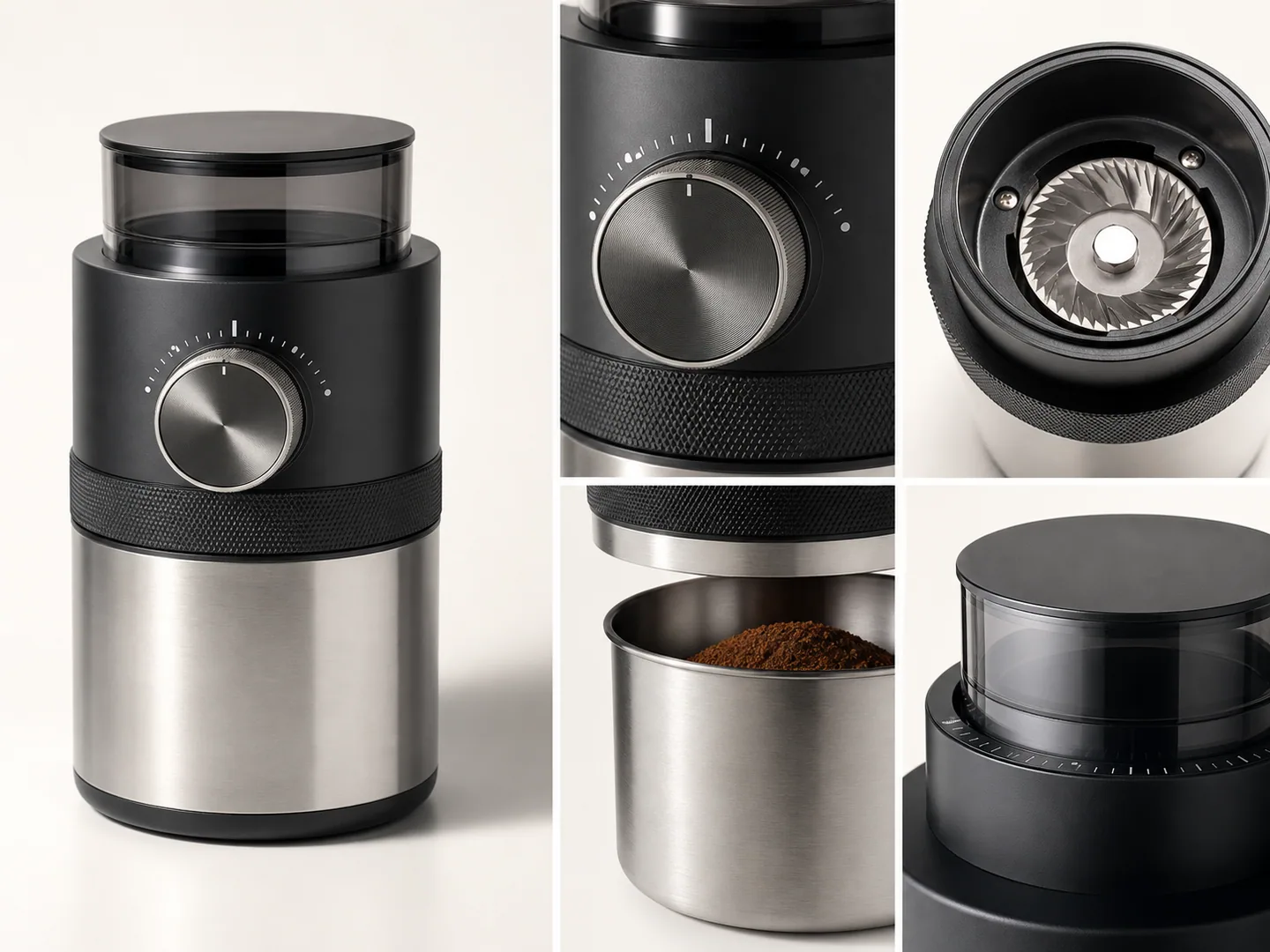
Detail-page visual system
For detail modules, use references to transfer layout rhythm, feature hierarchy, callout style, and commercial polish without copying exact text or competitor claims.
Workflow
- Upload competitor, brand, or campaign reference images that show the visual direction you want.
- Upload your main product image and optional left, right, or back views.
- Add target language, campaign notes, selling points, and any layout requirements.
- Set model, resolution, size, and image count.
- Let KrafLayer analyze the reference style, product identity, and ecommerce selling points.
- Generate reference-style ecommerce product images for listings, stores, ads, or detail pages.
- Review the output to confirm your product identity is accurate and competitor brand elements were not copied.
Related pages
- Ecommerce Product Photography
Plan the full product image workflow for ecommerce. - Product image sets
Generate ecommerce product image sets for listings and detail pages. - Product-on-model photos
Create product-on-model photos from product references. - Product Photo Editor
Clean and repair source product photos. - Gallery
Browse public KrafLayer examples.
FAQ
What is reference-style ecommerce product image generation?
Reference-style ecommerce product image generation uses existing ads, product listings, or brand visuals as creative direction. KrafLayer studies the lighting, composition, camera, background, color, typography rhythm, and layout logic, then applies that visual method to your own product images.
What product images should I upload?
Upload a clear main product image first. Optional left, right, and back views help preserve shape, material, label, color, and signature details. These product images are treated as the source of truth for the generated output.
Can it make both main images and detail images?
Yes. The workflow can generate hero-style main images, gallery images, campaign visuals, and detail-page modules from the same reference and product inputs. KrafLayer adapts the reference style to the image type instead of making a direct copy.
Will it copy competitor logos, products, or exact layouts?
No. References should guide style direction only. Your uploaded product remains the source of truth, while competitor products, logos, packaging identity, watermarks, proprietary claims, and exact text should not be copied.
How is this different from a normal AI product image generator?
A normal AI product image generator starts mainly from your product reference and a prompt. This workflow adds reference images so the generated ecommerce product images can follow a specific market style, ad direction, layout rhythm, or storefront look while still preserving your product identity.