Product category styles
Home / Product Category Image Styles
AI Product Image Styles by Category
Choose the product type before you generate or edit. This page helps you start with the category that best matches your SKU, so the image style, lighting, material detail, scale, and scene feel natural for what shoppers are trying to evaluate.
Product category image styles are practical AI product photography starting points for different product types. A skincare bottle, ring, chair, sneaker, handbag, snack pouch, and tech gadget should not use the same visual treatment, because shoppers look for different details before they trust the product.
Pick the category that matches what shoppers need to see
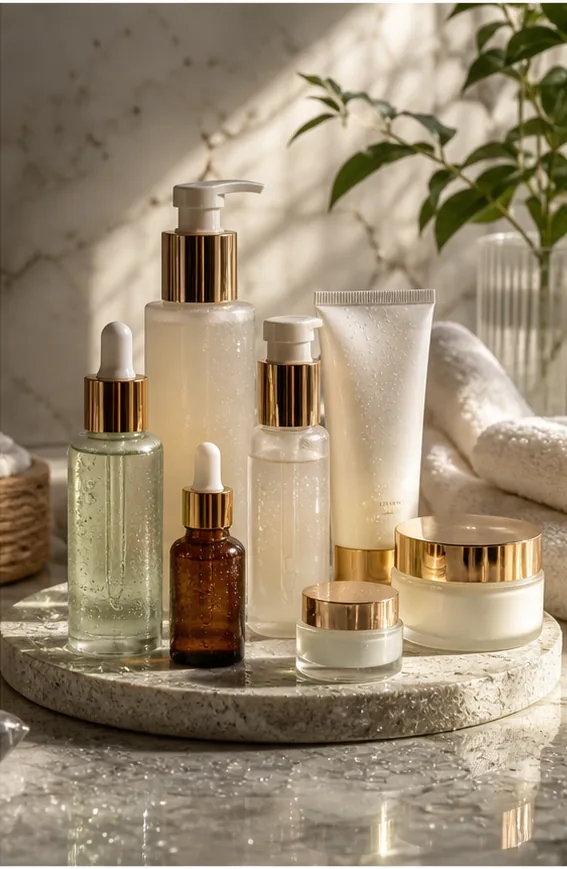
AI Beauty
Soft premium lighting, clean surfaces, readable packaging, and refined spa or vanity scenes for skincare, cosmetics, fragrance, and beauty bundles.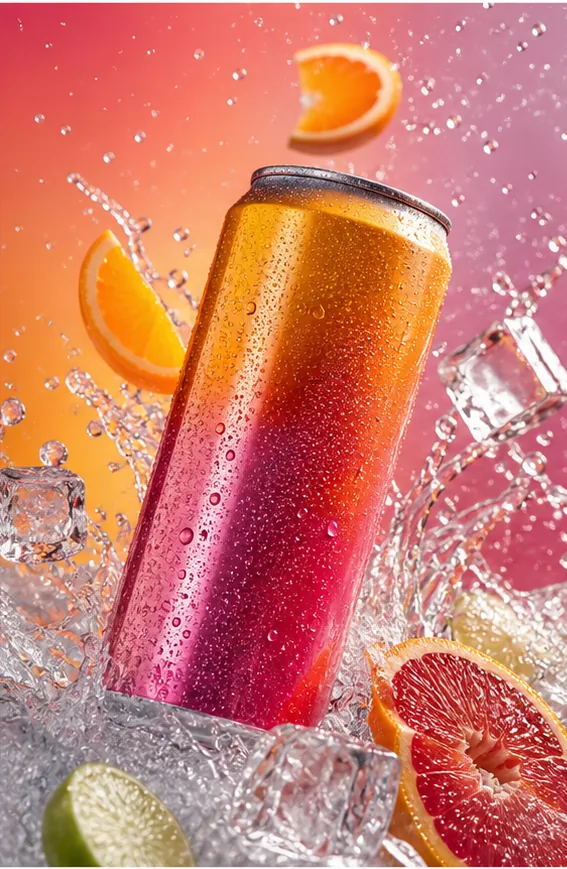
AI Consumer Packaged Goods
Bold color, clear packaging hierarchy, ingredient motion, splash effects, and retail-ready campaign energy for drinks, snacks, supplements, and pouches.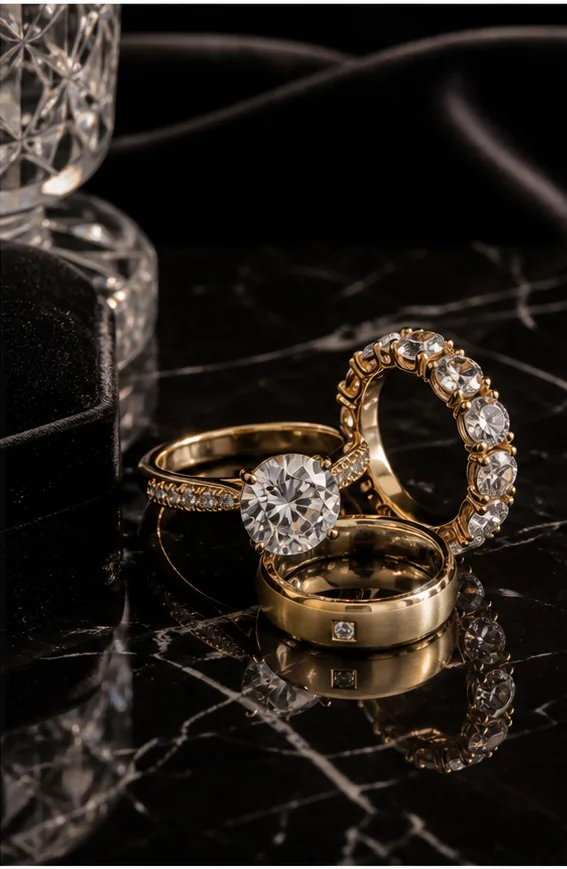
AI Jewelry
Macro detail, controlled reflections, velvet or marble surfaces, accurate scale, and luxury light for rings, watches, necklaces, and small accessories.
AI Fashion Models
Model context, fabric drape, fit, body scale, movement, and catalog clarity for apparel, accessories, and wearable product images.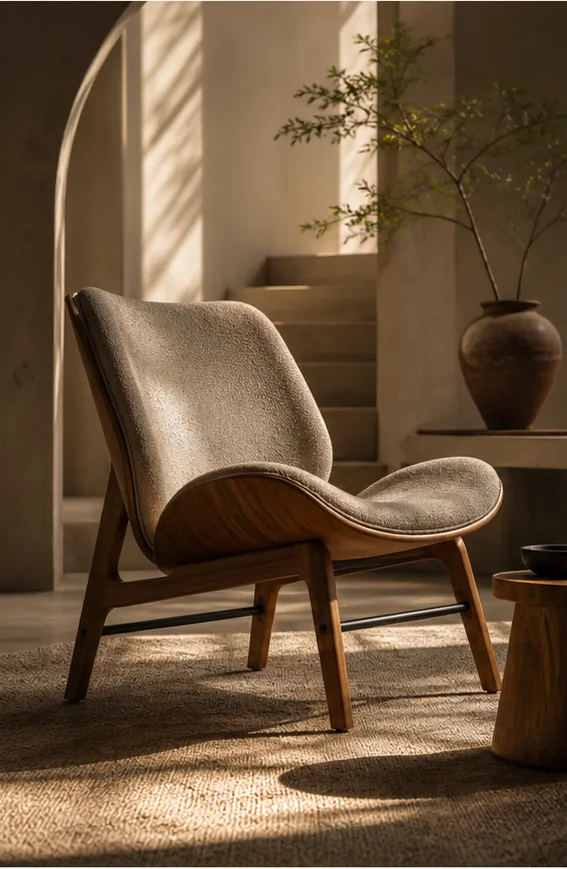
AI Furniture
Realistic room scale, material texture, contact shadows, natural light, and lifestyle context for chairs, tables, decor, and home goods.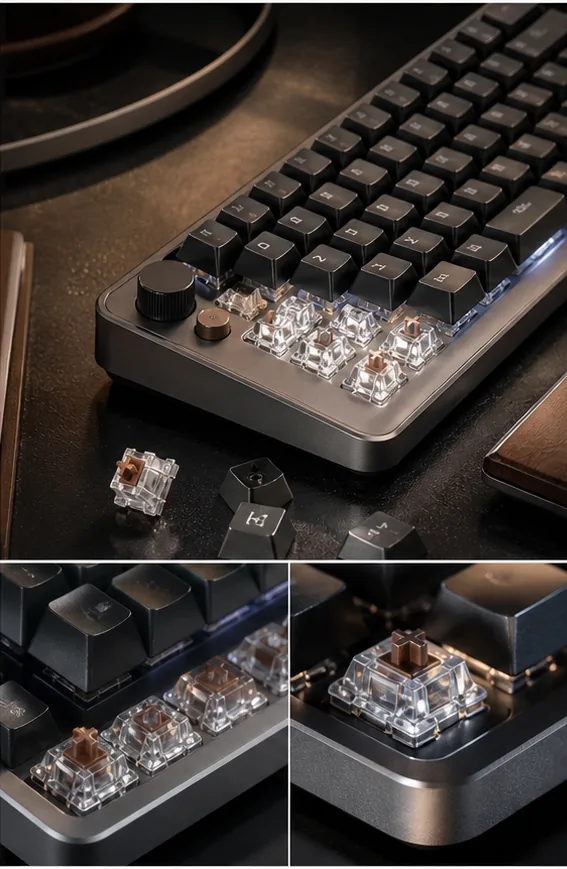
AI Technology
Clean geometry, precise highlights, soft futuristic lighting, ports and details kept readable, and uncluttered scenes for electronics and gadgets.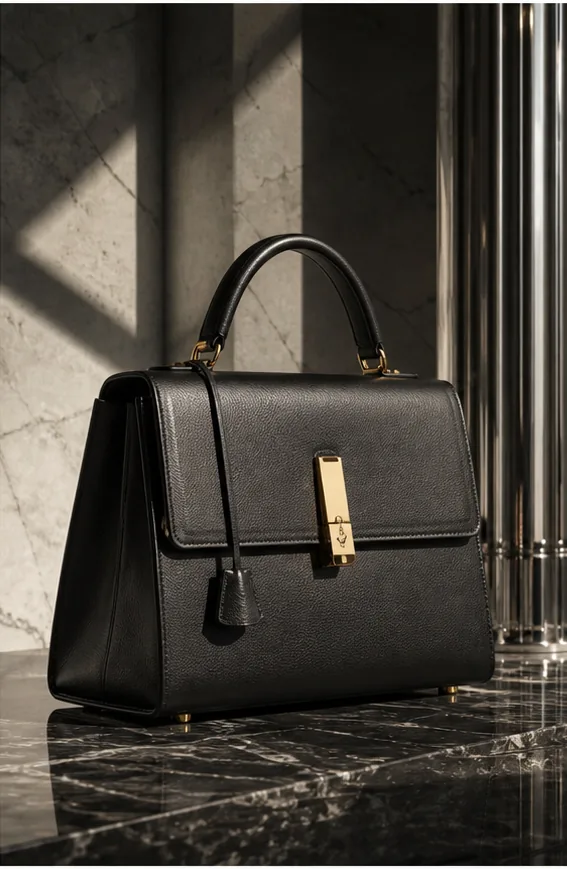
AI Handbags
Shape-first product views, leather or fabric texture, hardware detail, strap structure, scale cues, and premium styling for bags and accessories.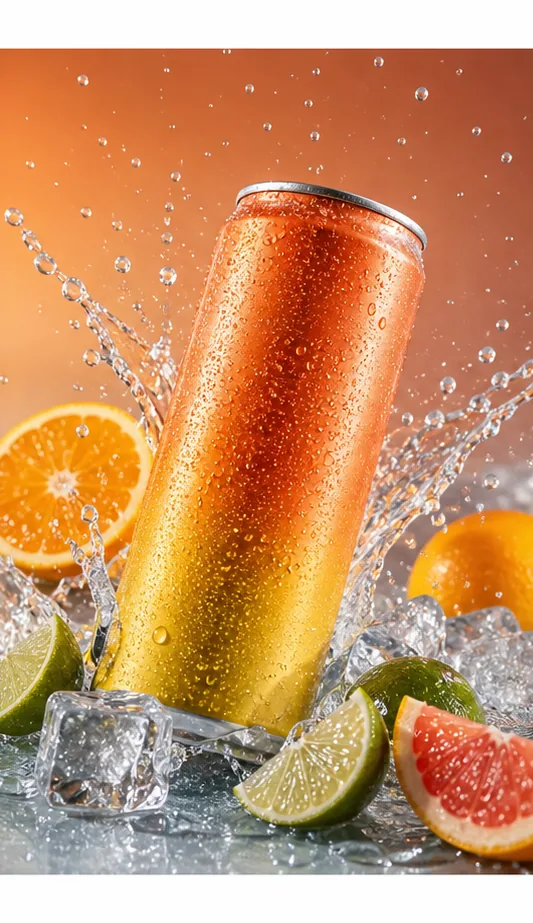
AI Food
Freshness, appetite appeal, natural texture, serving context, warm light, and believable portions for food, drinks, menus, and packaged goods.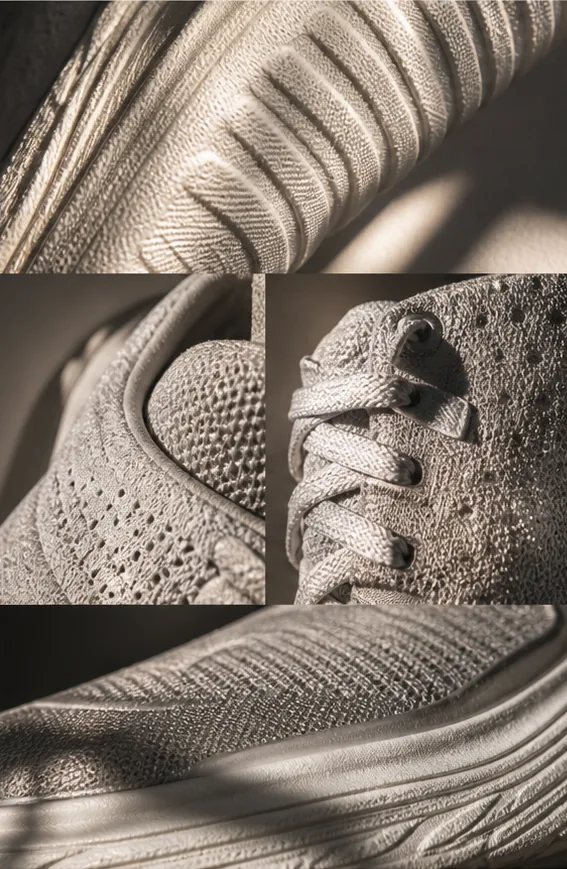
AI Footwear
Accurate silhouette, sole detail, material texture, outdoor or studio context, and believable ground contact for sneakers, boots, and shoes.
Why product categories change the image brief
This page helps ecommerce teams choose a product-specific AI image direction before opening a generator or edit tool. Different products create different shopper questions. A beauty buyer looks for label clarity, finish, shade, and premium routine context. A jewelry buyer needs macro detail, metal reflection, stone setting, and scale. A furniture buyer needs room proportion, material texture, and believable contact with the floor. Treating every SKU with the same generic AI product photo style makes images look polished but less trustworthy.
Each product type needs different proof: texture, scale, label clarity, material finish, wearing context, appetite appeal, or technical detail. Start with the closest category, then choose the workflow or editing tool. Use the category page to decide what must stay visible, what scene feels natural, and what the shopper needs to believe before they click, compare, or buy.
- What shoppers need to verify
- Identify the proof point first: readable packaging for beauty and CPG, small-detail inspection for jewelry, fit and drape for apparel, scale for furniture, ports and surface finish for technology, freshness for food, hardware and structure for handbags, and sole or material detail for footwear.
- How the category guides the workflow
- Use product categories for direction, then move into the right workflow. Generate a new product image set when the product reference is clean, use Product Photo Editor when the source image needs repair, use Scene Compose when scale and environment matter, and use marketplace pages when Amazon, Shopify, or Etsy requirements control the final image.
- What to review before publishing
- Check whether the result answers the category-specific buying question. For example, confirm cosmetic labels are readable, jewelry reflections are controlled, furniture size feels realistic, food texture looks appetizing, fashion products keep believable fit, and tech products preserve shape, ports, buttons, and finish.
- When categories overlap
- Choose the category based on the strongest purchase concern. A beauty device may belong under Technology if controls and finish matter most, or Beauty if the routine and premium skincare context matter more. A small leather accessory may need Handbags for structure, Fashion Models for wearing context, or Jewelry for close-up hardware detail.
FAQ
Why should I choose a product category before generating images?
Choose a product category first because it tells the image workflow what the shopper needs to inspect. Beauty images usually need premium packaging, clean surfaces, and label readability. Jewelry needs small-scale detail and controlled reflections. Furniture needs believable room scale. Food needs freshness and texture. Starting from the right category reduces generic AI styling and makes the result easier to judge for ecommerce use.
What content does this page help me choose?
This page helps you choose the visual direction before opening a workflow. Each category card points to examples and guidance for that product type: the lighting style, surface choice, scale cues, material details, and scene logic that usually matter. After choosing a category, you can move into image generation, product photo editing, background replacement, scene composition, or a marketplace-specific image page.
Which product category should I start with if my item fits more than one?
Start with the category that controls the most important buying decision. If the product is a beauty device, choose Technology when buttons, shape, ports, and finish matter most; choose Beauty when the scene, routine, and premium skincare context matter more. For a fashion accessory, choose Handbags or Jewelry when material and hardware detail matter, and Fashion Models when fit or wearing context is the main question.
Are product category pages the same as tools?
No. A category page helps decide the image direction for the product type. A tool is what you use to create or repair the image. For example, a jewelry category page explains macro detail, scale, and reflections; then you may use AI Product Image Generator, Product Photo Editor, Background Replacer, Mask Edit, or Scene Compose to produce the actual asset.
Do I still need marketplace pages like Amazon or Shopify?
Yes, when the selling channel has specific image expectations. Product category pages answer what the product should look and feel like. Marketplace pages answer where the image will be used. A chair may need furniture-style scale and material cues, but an Amazon image may need stricter clarity while a Shopify hero image can carry more brand atmosphere.