AI product category
Home / AI Technology
AI Technology Product Images
Create premium visuals for electronics, gadgets, keyboards, headphones, accessories, feature callouts, and product detail pages.
Examples
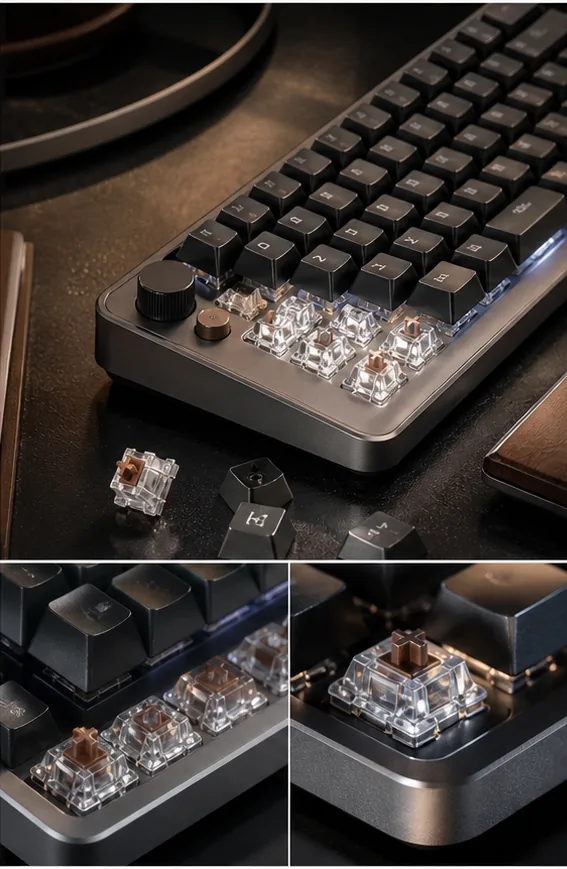
Keyboard PDP Detail
Mechanical keyboard detail collage with macro close-ups and product callouts.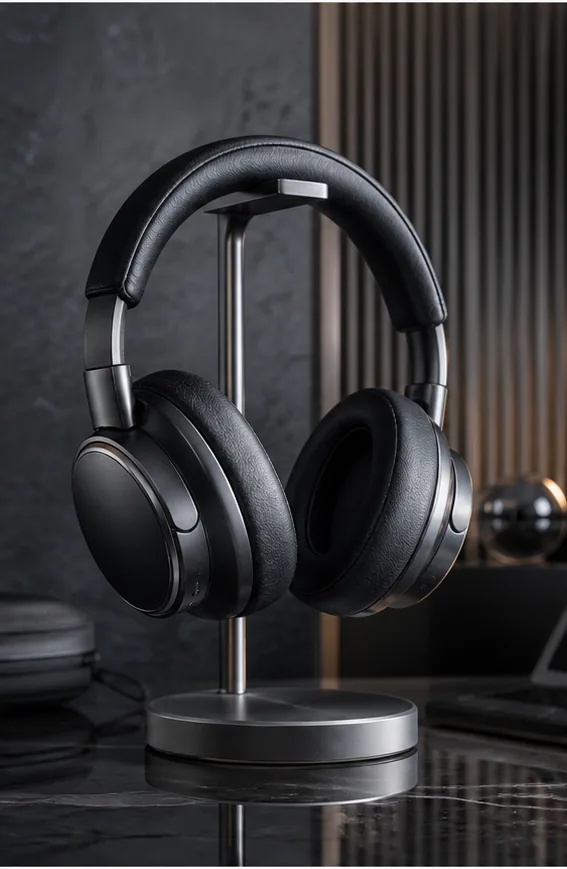
Headphones Background
White wireless headphones placed into a premium studio background.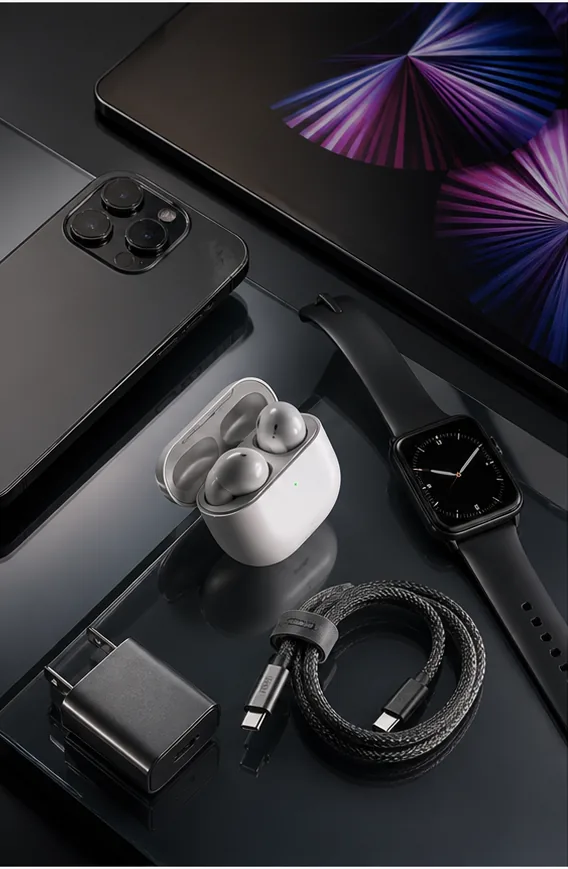
Product Detail Output
Clean product detail composition with sharp materials and commercial lighting.
Key features
- Generate ecommerce images for electronics, gadgets, keyboards, and accessories.
- Create PDP detail collages with material, feature, and macro callouts.
- Build studio, lifestyle, gaming, office, and launch campaign visuals.
- Keep device edges, product surfaces, ports, and materials crisp.
- Create background swaps and social ads for the same product.
- Upscale and refine product detail images for catalog use.
Workflow
- Upload a technology product reference or describe the device.
- Choose studio, lifestyle, PDP detail, or ad creative direction.
- Generate product image variants.
- Refine details, background, crop, and resolution before publishing.
FAQ
Can KrafLayer create electronics product images?
Yes. KrafLayer can generate technology product visuals for electronics, keyboards, headphones, gadgets, accessories, and launch campaigns. It is useful for both clean product shots and feature-led detail images.
Can I create product detail callouts?
Yes. You can prompt macro details, materials, feature callouts, close-ups, comparison layouts, and product detail page collages.
Can I use a real product photo as reference?
Yes. Uploading product references helps preserve the device silhouette, color, material, and major visible details while exploring new commercial settings.
Related product categories and use cases
Use these pages to compare nearby product types, marketplace requirements, and channel-specific image needs.
Product categories
- AI Beauty: Create AI beauty product photos for skincare, cosmetics, fragrance, bath sets, and campaign visuals with ecommerce-ready lighting and composition.
- AI Consumer Packaged Goods: Generate AI product images for packaged goods, drinks, snacks, supplements, and retail campaigns with bold ecommerce-ready visuals.
- AI Jewelry: Create AI jewelry product photos for rings, necklaces, watches, accessories, detail shots, and luxury ecommerce campaigns.
- AI Fashion Models: Create AI fashion model photos for apparel, accessories, sunglasses, scarves, lifestyle campaigns, and on-model ecommerce imagery.
- AI Furniture: Create AI furniture product images, room scenes, background swaps, interior lifestyle visuals, and ecommerce catalog assets.
- AI Handbags: Create AI handbag product photos, fashion accessory images, on-model styling, lifestyle scenes, and luxury ecommerce campaigns.
- AI Food: Create AI food product images for drinks, snacks, packaged food, meal kits, ingredient ads, and ecommerce campaigns.
- AI Footwear: Create AI footwear product photos for sneakers, running shoes, detail images, on-model looks, lifestyle scenes, and ecommerce listings.
Use cases
- AI Product Photos for Amazon: Use KrafLayer to prepare Amazon product photos with AI. Follow a listing image requirements checklist, clean backgrounds, upscale, and create detail images.
- AI Product Images for Shopify: Learn Shopify product image size guidance and create AI product images for product pages, collections, lifestyle scenes, and campaigns.
- AI Product Photos for Etsy: Learn Etsy product photo size guidance and create AI photos for handmade goods, jewelry, gifts, home decor, listing thumbnails, and detail shots.
- AI Product Photos for Walmart Marketplace: Create Walmart Marketplace product photos with AI for clean listing images, retail packs, lifestyle visuals, and product detail assets.
- AI Product Images for WooCommerce: Create WooCommerce product images with AI for WordPress stores, product pages, category visuals, listing sets, and campaign assets.
Start creating
Start from a prompt or product reference, generate options, then refine the best result inside KrafLayer.