AI product category
Home / AI Jewelry
AI Jewelry Product Photography
Generate refined jewelry and accessory visuals with macro detail, premium reflections, clean backgrounds, and luxury campaign styling.
Examples
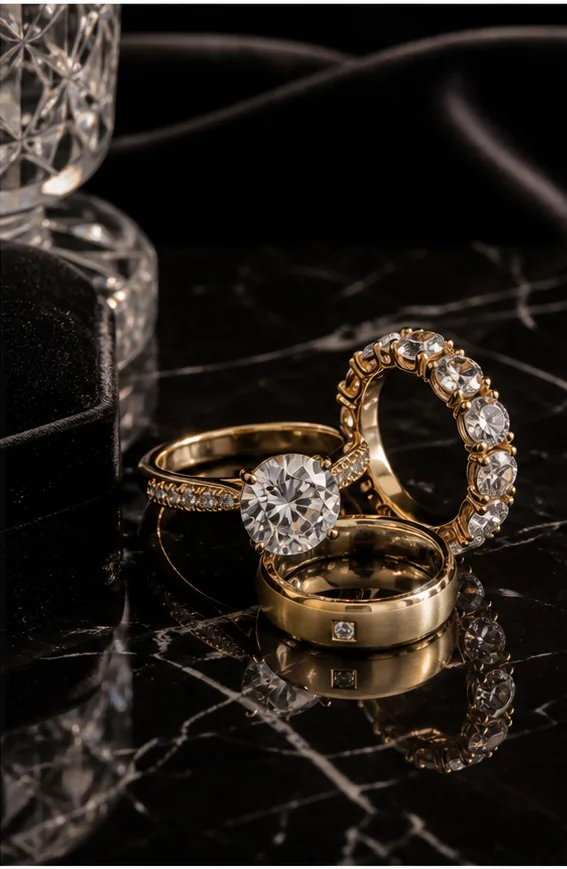
Diamond Ring Editorial
Fine rings and gold bands styled with black marble, velvet props, and dramatic reflections.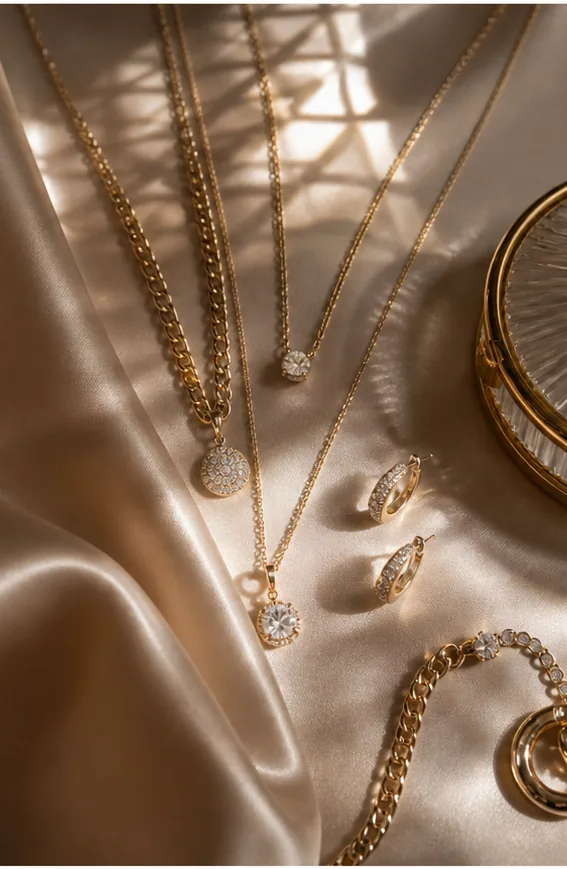
Silk Jewelry Flatlay
Layered necklaces and earrings arranged on silk with warm luxury window light.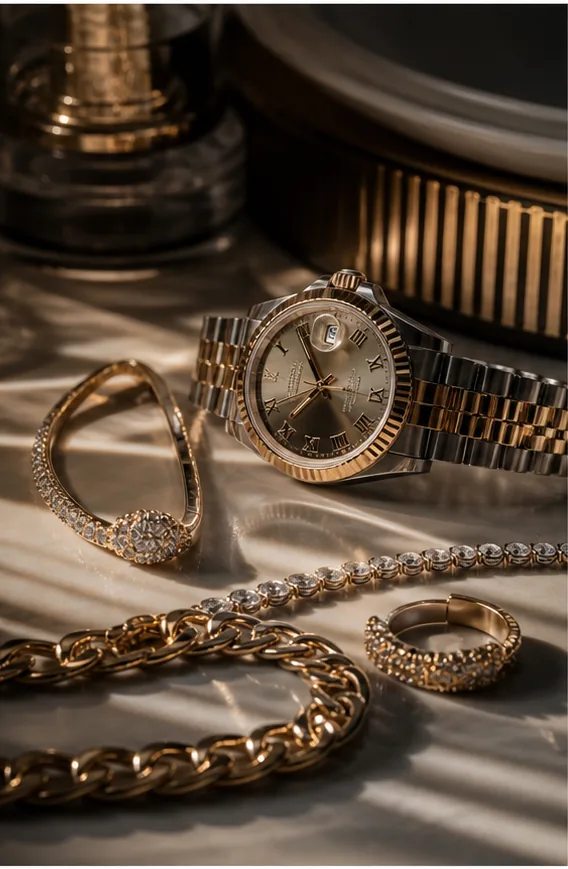
Watch and Bracelet Set
Watch, bracelet, and fine jewelry staged with metallic highlights and editorial depth.
Key features
- Generate luxury-style product images for jewelry and small accessories.
- Create macro detail shots for stones, metal, texture, clasps, and finish.
- Test studio, velvet, marble, reflective, and lifestyle campaign scenes.
- Create on-model or product-only accessory compositions.
- Build consistent product detail images across collection drops.
- Refine reflections, background, and crop with AI edit tools.
Workflow
- Upload a jewelry or accessory reference image.
- Describe the material, stone, finish, camera angle, and display surface.
- Generate product-only, macro, or on-model visuals.
- Upscale, restore, or locally edit the final image.
FAQ
Can AI generate jewelry detail photos?
Yes. KrafLayer can create macro-style jewelry and accessory images with premium lighting, reflective surfaces, and detail-focused compositions. Use reference images when product shape, stone color, engraving, or hardware must stay close to the original.
Can I create on-model jewelry images?
Yes. You can prompt jewelry as worn or styled with a model. Keep prompts product-forward and review anatomy, scale, clasp placement, and reflections before publishing.
Is this useful for luxury ecommerce campaigns?
Yes. KrafLayer can help explore studio surfaces, macro angles, collection launches, seasonal campaigns, and premium accessory bundles before committing to a full production shoot.
Related product categories and use cases
Use these pages to compare nearby product types, marketplace requirements, and channel-specific image needs.
Product categories
- AI Beauty: Create AI beauty product photos for skincare, cosmetics, fragrance, bath sets, and campaign visuals with ecommerce-ready lighting and composition.
- AI Consumer Packaged Goods: Generate AI product images for packaged goods, drinks, snacks, supplements, and retail campaigns with bold ecommerce-ready visuals.
- AI Fashion Models: Create AI fashion model photos for apparel, accessories, sunglasses, scarves, lifestyle campaigns, and on-model ecommerce imagery.
- AI Furniture: Create AI furniture product images, room scenes, background swaps, interior lifestyle visuals, and ecommerce catalog assets.
- AI Technology: Generate AI product images for electronics, gadgets, keyboards, headphones, devices, tech accessories, PDP details, and ecommerce ads.
- AI Handbags: Create AI handbag product photos, fashion accessory images, on-model styling, lifestyle scenes, and luxury ecommerce campaigns.
- AI Food: Create AI food product images for drinks, snacks, packaged food, meal kits, ingredient ads, and ecommerce campaigns.
- AI Footwear: Create AI footwear product photos for sneakers, running shoes, detail images, on-model looks, lifestyle scenes, and ecommerce listings.
Use cases
- AI Product Photos for Amazon: Use KrafLayer to prepare Amazon product photos with AI. Follow a listing image requirements checklist, clean backgrounds, upscale, and create detail images.
- AI Product Images for Shopify: Learn Shopify product image size guidance and create AI product images for product pages, collections, lifestyle scenes, and campaigns.
- AI Product Photos for Etsy: Learn Etsy product photo size guidance and create AI photos for handmade goods, jewelry, gifts, home decor, listing thumbnails, and detail shots.
- AI Product Photos for Walmart Marketplace: Create Walmart Marketplace product photos with AI for clean listing images, retail packs, lifestyle visuals, and product detail assets.
- AI Product Images for WooCommerce: Create WooCommerce product images with AI for WordPress stores, product pages, category visuals, listing sets, and campaign assets.
Start creating
Start from a prompt or product reference, generate options, then refine the best result inside KrafLayer.