AI product category
Home / AI Furniture
AI Furniture Product Photography
Place chairs, tables, sofas, decor, bedding, and home products into realistic interiors with correct scale, shadows, and commercial styling.
Examples
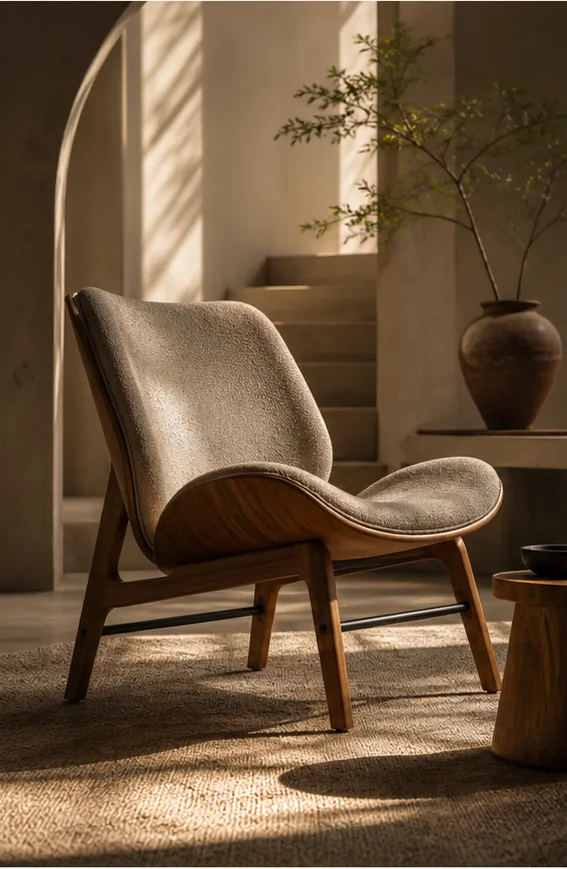
Lounge Chair Scene
Black lounge chair composed into a warm interior with realistic light and scale.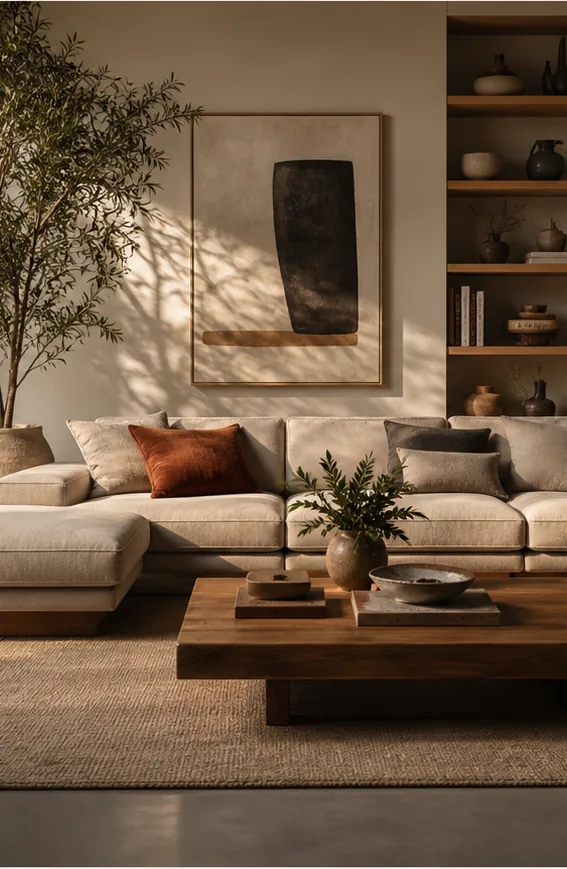
Room Local Edit
Interior scene edited locally while preserving room layout and lighting.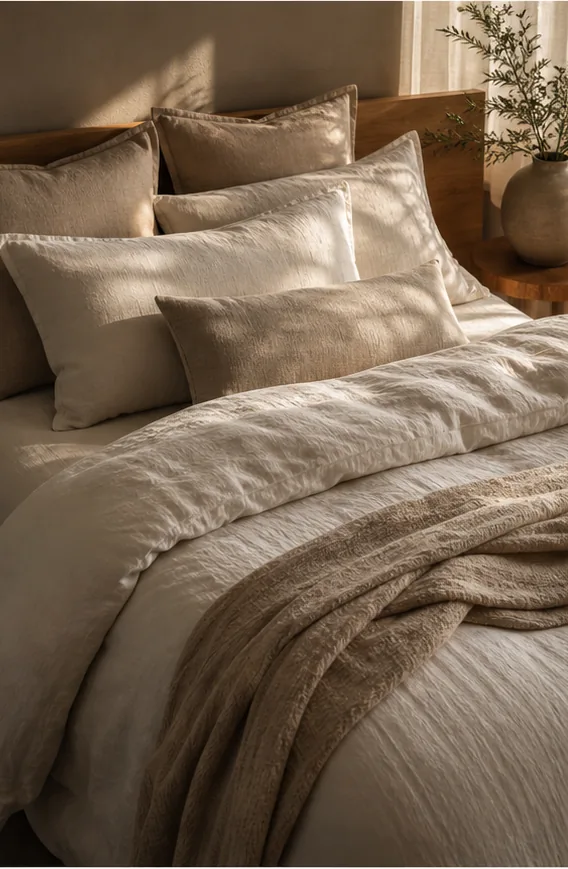
Bedding Lifestyle
Linen bedding in a sunlit bedroom with soft folds and refined home styling.
Key features
- Generate realistic room scenes for furniture, decor, bedding, and home products.
- Replace plain backgrounds with interiors while keeping product scale and perspective.
- Create catalog, lifestyle, seasonal, and marketplace-ready furniture visuals.
- Test room styles, materials, color palettes, and lighting without a location shoot.
- Use scene composition and background tools for controlled product placement.
- Create multi-image sets for product listings and detail pages.
Workflow
- Upload a furniture or home product image.
- Describe the interior style, room type, lighting, and product placement.
- Generate room scene variations.
- Refine scale, background, crop, and shadows with edit tools.
FAQ
Can KrafLayer place furniture into realistic rooms?
Yes. KrafLayer can generate furniture and home product scenes with realistic lighting, scale, perspective, and contact shadows. Product references are useful when the chair, table, sofa, bedding, or decor item must stay recognizable.
Can I replace a furniture photo background?
Yes. Background replacement and scene composition can turn plain product photos into interior, studio, seasonal, or lifestyle ecommerce images.
Can this help with marketplace listing images?
Yes. Furniture sellers can create hero images, room context images, detail shots, lifestyle variants, and campaign concepts for ecommerce listings.
Related product categories and use cases
Use these pages to compare nearby product types, marketplace requirements, and channel-specific image needs.
Product categories
- AI Beauty: Create AI beauty product photos for skincare, cosmetics, fragrance, bath sets, and campaign visuals with ecommerce-ready lighting and composition.
- AI Consumer Packaged Goods: Generate AI product images for packaged goods, drinks, snacks, supplements, and retail campaigns with bold ecommerce-ready visuals.
- AI Jewelry: Create AI jewelry product photos for rings, necklaces, watches, accessories, detail shots, and luxury ecommerce campaigns.
- AI Fashion Models: Create AI fashion model photos for apparel, accessories, sunglasses, scarves, lifestyle campaigns, and on-model ecommerce imagery.
- AI Technology: Generate AI product images for electronics, gadgets, keyboards, headphones, devices, tech accessories, PDP details, and ecommerce ads.
- AI Handbags: Create AI handbag product photos, fashion accessory images, on-model styling, lifestyle scenes, and luxury ecommerce campaigns.
- AI Food: Create AI food product images for drinks, snacks, packaged food, meal kits, ingredient ads, and ecommerce campaigns.
- AI Footwear: Create AI footwear product photos for sneakers, running shoes, detail images, on-model looks, lifestyle scenes, and ecommerce listings.
Use cases
- AI Product Photos for Amazon: Use KrafLayer to prepare Amazon product photos with AI. Follow a listing image requirements checklist, clean backgrounds, upscale, and create detail images.
- AI Product Images for Shopify: Learn Shopify product image size guidance and create AI product images for product pages, collections, lifestyle scenes, and campaigns.
- AI Product Photos for Etsy: Learn Etsy product photo size guidance and create AI photos for handmade goods, jewelry, gifts, home decor, listing thumbnails, and detail shots.
- AI Product Photos for Walmart Marketplace: Create Walmart Marketplace product photos with AI for clean listing images, retail packs, lifestyle visuals, and product detail assets.
- AI Product Images for WooCommerce: Create WooCommerce product images with AI for WordPress stores, product pages, category visuals, listing sets, and campaign assets.
Start creating
Start from a prompt or product reference, generate options, then refine the best result inside KrafLayer.