AI product category
Home / AI Food
AI Food Product Images
Generate food, drink, snack, packaged goods, meal kit, and ingredient-led visuals for ecommerce listings, social ads, and campaign testing.
Examples
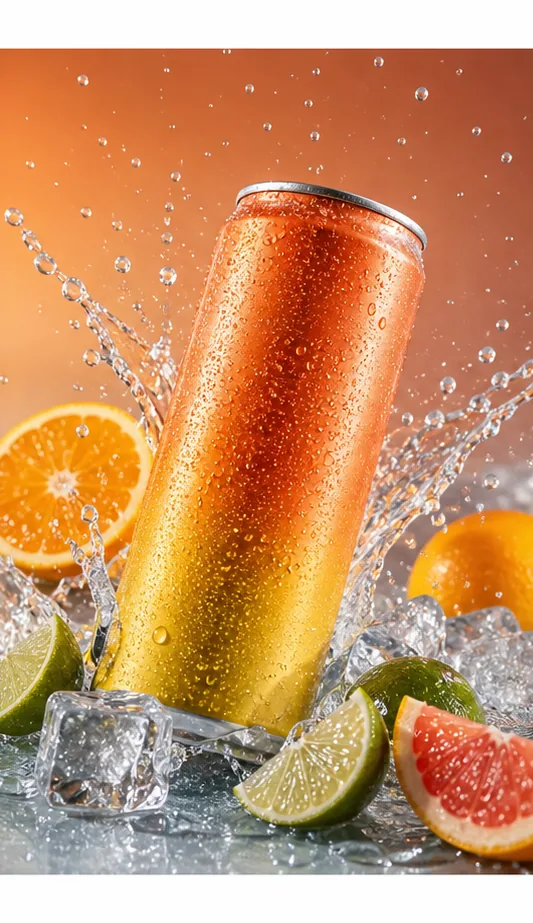
Drink Splash
Sparkling drink can with citrus, ice, droplets, and bold campaign color.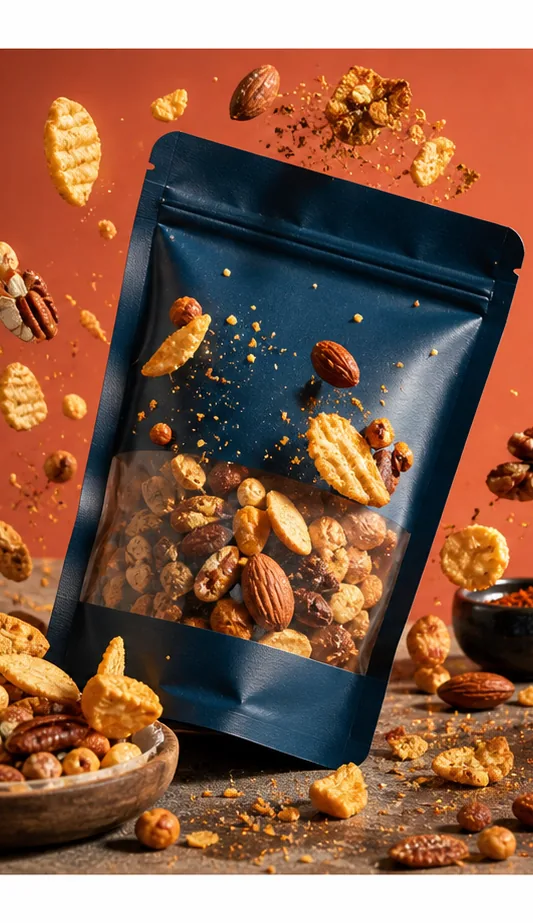
Snack Ad
Snack pouch with flying ingredients and saturated product ad styling.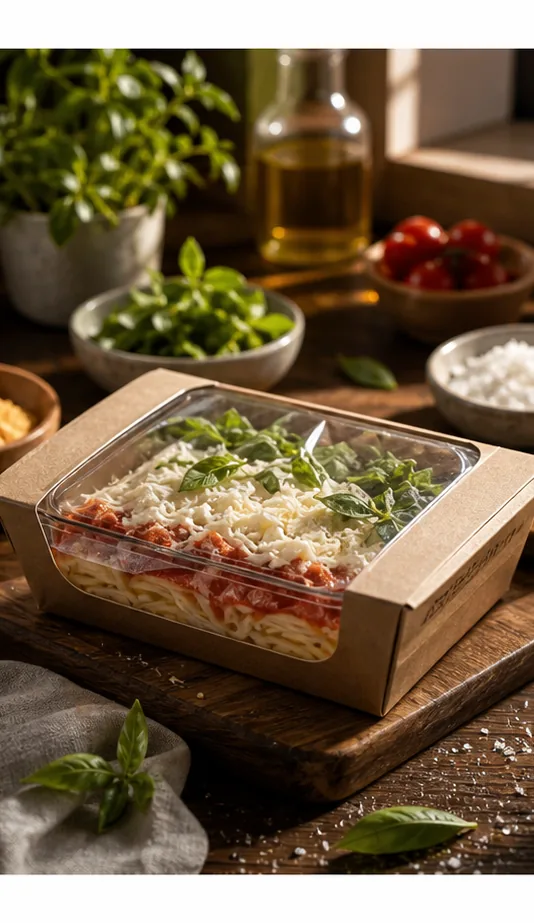
Fitness Bottle
Outdoor campaign image with water droplets, texture, and product energy.
Key features
- Generate ecommerce visuals for food, drinks, snacks, and packaged products.
- Add appetizing ingredients, splash, crumbs, texture, ice, fruit, or motion.
- Create listing images, social ads, bundles, retail promos, and seasonal campaigns.
- Keep packaging and product identity visible in dynamic compositions.
- Create multiple ad directions from one SKU or product family.
- Clean up, upscale, or restyle outputs with product image edit tools.
Workflow
- Upload a food package reference or describe the product.
- Choose listing, ad, bundle, or ingredient-led campaign direction.
- Generate food product image variations.
- Review packaging, claims, ingredients, and final image quality.
FAQ
Can KrafLayer create food and drink product images?
Yes. KrafLayer can generate images for drinks, snacks, packaged food, supplements, meal kits, and ingredient-led ecommerce campaigns. Product references help keep packaging and product identity visible.
Can I create ingredient motion or splash effects?
Yes. You can prompt citrus, ice, water, crumbs, fruit, sauce, powder, texture, and dynamic motion for social ads and launch images.
Can I use the images for product claims?
Use generated food images carefully. Always review packaging, ingredients, nutrition claims, health claims, and regulatory language before publishing.
Related product categories and use cases
Use these pages to compare nearby product types, marketplace requirements, and channel-specific image needs.
Product categories
- AI Beauty: Create AI beauty product photos for skincare, cosmetics, fragrance, bath sets, and campaign visuals with ecommerce-ready lighting and composition.
- AI Consumer Packaged Goods: Generate AI product images for packaged goods, drinks, snacks, supplements, and retail campaigns with bold ecommerce-ready visuals.
- AI Jewelry: Create AI jewelry product photos for rings, necklaces, watches, accessories, detail shots, and luxury ecommerce campaigns.
- AI Fashion Models: Create AI fashion model photos for apparel, accessories, sunglasses, scarves, lifestyle campaigns, and on-model ecommerce imagery.
- AI Furniture: Create AI furniture product images, room scenes, background swaps, interior lifestyle visuals, and ecommerce catalog assets.
- AI Technology: Generate AI product images for electronics, gadgets, keyboards, headphones, devices, tech accessories, PDP details, and ecommerce ads.
- AI Handbags: Create AI handbag product photos, fashion accessory images, on-model styling, lifestyle scenes, and luxury ecommerce campaigns.
- AI Footwear: Create AI footwear product photos for sneakers, running shoes, detail images, on-model looks, lifestyle scenes, and ecommerce listings.
Use cases
- AI Product Photos for Amazon: Use KrafLayer to prepare Amazon product photos with AI. Follow a listing image requirements checklist, clean backgrounds, upscale, and create detail images.
- AI Product Images for Shopify: Learn Shopify product image size guidance and create AI product images for product pages, collections, lifestyle scenes, and campaigns.
- AI Product Photos for Etsy: Learn Etsy product photo size guidance and create AI photos for handmade goods, jewelry, gifts, home decor, listing thumbnails, and detail shots.
- AI Product Photos for Walmart Marketplace: Create Walmart Marketplace product photos with AI for clean listing images, retail packs, lifestyle visuals, and product detail assets.
- AI Product Images for WooCommerce: Create WooCommerce product images with AI for WordPress stores, product pages, category visuals, listing sets, and campaign assets.
Start creating
Start from a prompt or product reference, generate options, then refine the best result inside KrafLayer.