Walmart marketplace visuals
Home / Marketplace product images / AI Product Photos for Walmart Marketplace
AI Product Photos for Walmart Marketplace
KrafLayer helps marketplace sellers create retail-ready product photos for Walmart Marketplace: clean packshots, detail images, practical lifestyle visuals, and catalog assets that feel clear, trustworthy, and shelf-ready.
Create Walmart product photos →
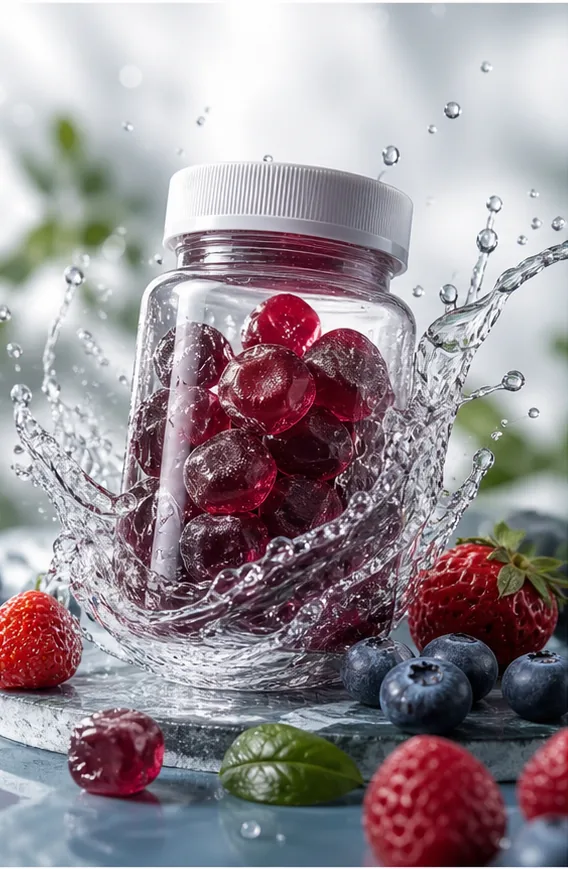
Best for
Retail-ready main image style
Walmart Marketplace visuals should feel clear, practical, and shelf-ready. Product shape, pack size, variant, color, and included items need to read quickly with bright, trustworthy lighting.
Household and CPG detail style
For packaged goods, home, kitchen, wellness, and everyday retail products, detail images should make benefits, quantity, ingredients, dimensions, or use cases easy to understand.
Practical lifestyle style
Lifestyle scenes should show realistic use in a home, kitchen, bathroom, office, garage, or outdoor setting. The mood can be friendly, but product clarity matters more than editorial drama.
Useful tools
- Ecommerce product photography
Plan listing images, lifestyle scenes, detail shots, and store-ready product visuals. - Product image sets
Generate product image sets for listing images, main images, and detail-page assets. - Product photo editor
Clean, retouch, upscale, restore, outpaint, and repair product photos before publishing. - Background remover
Cut out product backgrounds for clean marketplace-ready listing images. - Object eraser
Remove props, dust, marks, unwanted labels, or distractions from product photos. - Background replacer
Place products into polished commercial scenes without reshooting. - Image restoration
Refresh noisy or degraded catalog photos for reuse in modern ecommerce pages. - Image upscaler
Improve soft, compressed, or low-resolution product assets before publishing. - Scene compose
Compose products into ready-made commercial scenes for store and campaign visuals. - Reference-style product images
Generate ecommerce product images from competitor, brand, or campaign reference styles while preserving your own product identity. - Mask edit
Edit only selected product regions while preserving the rest of the image.
Related ecommerce paths
Compare this channel workflow with nearby product categories and other selling-channel pages before you create the final asset set.
Other marketplace product image pages
- AI Product Photos for Amazon: Use KrafLayer to prepare Amazon product photos with AI. Follow a listing image requirements checklist, clean backgrounds, upscale, and create detail images.
- AI Product Images for Shopify: Learn Shopify product image size guidance and create AI product images for product pages, collections, lifestyle scenes, and campaigns.
- AI Product Photos for Etsy: Learn Etsy product photo size guidance and create AI photos for handmade goods, jewelry, gifts, home decor, listing thumbnails, and detail shots.
- AI Product Images for WooCommerce: Create WooCommerce product images with AI for WordPress stores, product pages, category visuals, listing sets, and campaign assets.
Product categories
- AI Beauty: Create AI beauty product photos for skincare, cosmetics, fragrance, bath sets, and campaign visuals with ecommerce-ready lighting and composition.
- AI Consumer Packaged Goods: Generate AI product images for packaged goods, drinks, snacks, supplements, and retail campaigns with bold ecommerce-ready visuals.
- AI Jewelry: Create AI jewelry product photos for rings, necklaces, watches, accessories, detail shots, and luxury ecommerce campaigns.
- AI Fashion Models: Create AI fashion model photos for apparel, accessories, sunglasses, scarves, lifestyle campaigns, and on-model ecommerce imagery.
- AI Furniture: Create AI furniture product images, room scenes, background swaps, interior lifestyle visuals, and ecommerce catalog assets.
- AI Technology: Generate AI product images for electronics, gadgets, keyboards, headphones, devices, tech accessories, PDP details, and ecommerce ads.
- AI Handbags: Create AI handbag product photos, fashion accessory images, on-model styling, lifestyle scenes, and luxury ecommerce campaigns.
- AI Food: Create AI food product images for drinks, snacks, packaged food, meal kits, ingredient ads, and ecommerce campaigns.
- AI Footwear: Create AI footwear product photos for sneakers, running shoes, detail images, on-model looks, lifestyle scenes, and ecommerce listings.
Workflow
- Upload retail product photos or package references.
- Choose main image or detail image output for the listing set.
- Set target platform, visual style, language, and campaign brief.
- Let KrafLayer analyze product selling points and generate Walmart-ready listing assets.
- Use style copy or product-on-model workflows for secondary campaign and lifestyle variants.
FAQ
Can KrafLayer create Walmart Marketplace product photos?
Yes. KrafLayer can generate and edit retail product images for Walmart Marketplace-style listing workflows, including clean product photos, detail images, practical lifestyle scenes, and refreshed catalog assets.
How are Walmart Marketplace images different from Amazon images?
The core need is similar: clean product clarity. Walmart Marketplace visuals often lean retail and shelf-ready, especially for CPG, home, kitchen, wellness, and household products. The page should still avoid logos and platform-specific UI.
Does KrafLayer manage Walmart listings?
No. KrafLayer creates product media. Listing upload, compliance review, and marketplace management still happen in Walmart seller tools.