Background colors
Beige Background for Product Photos
Beige and other warm neutrals give product photos a natural, handmade feel. They are popular for skincare, home goods, and anything sold on a calm, earthy brand palette.
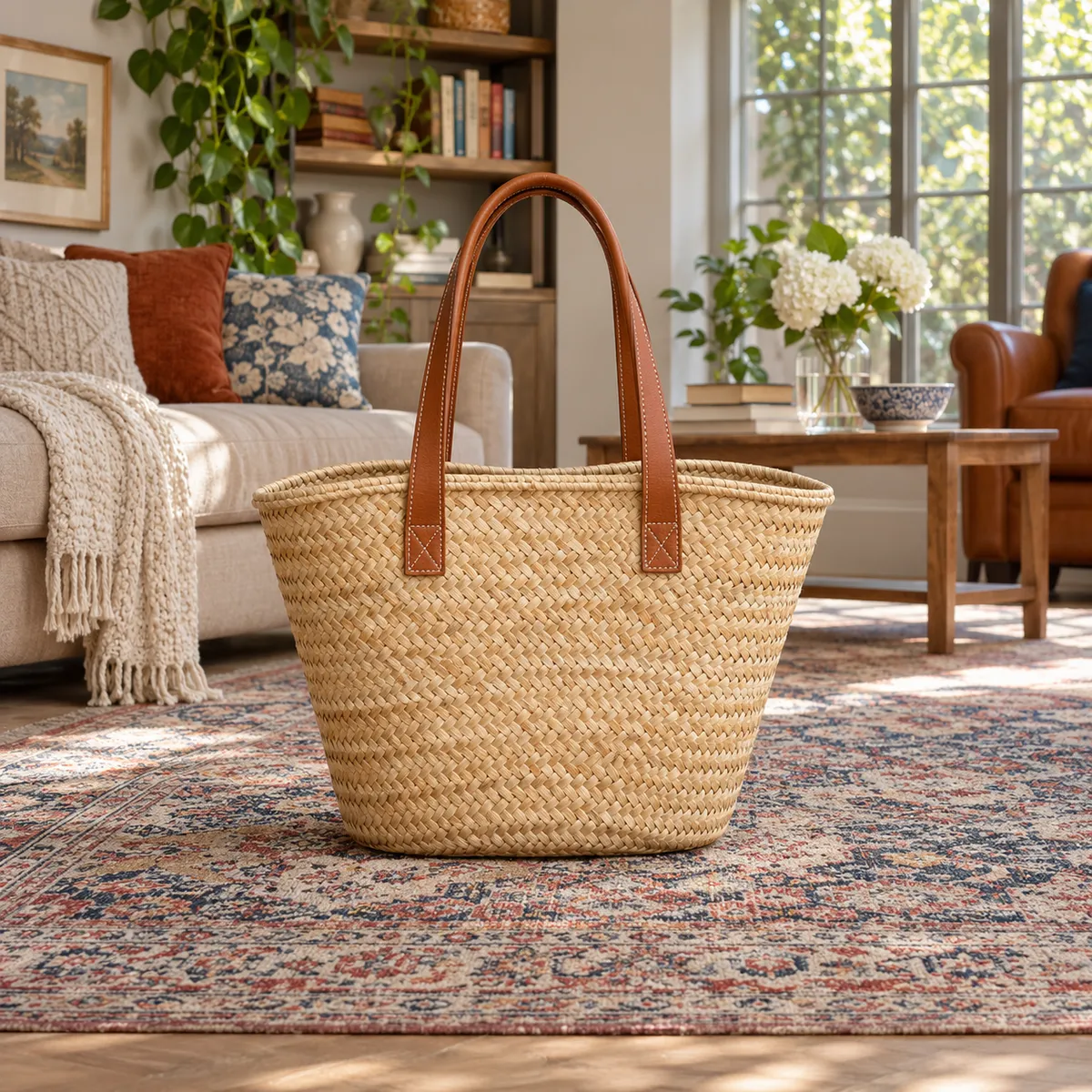
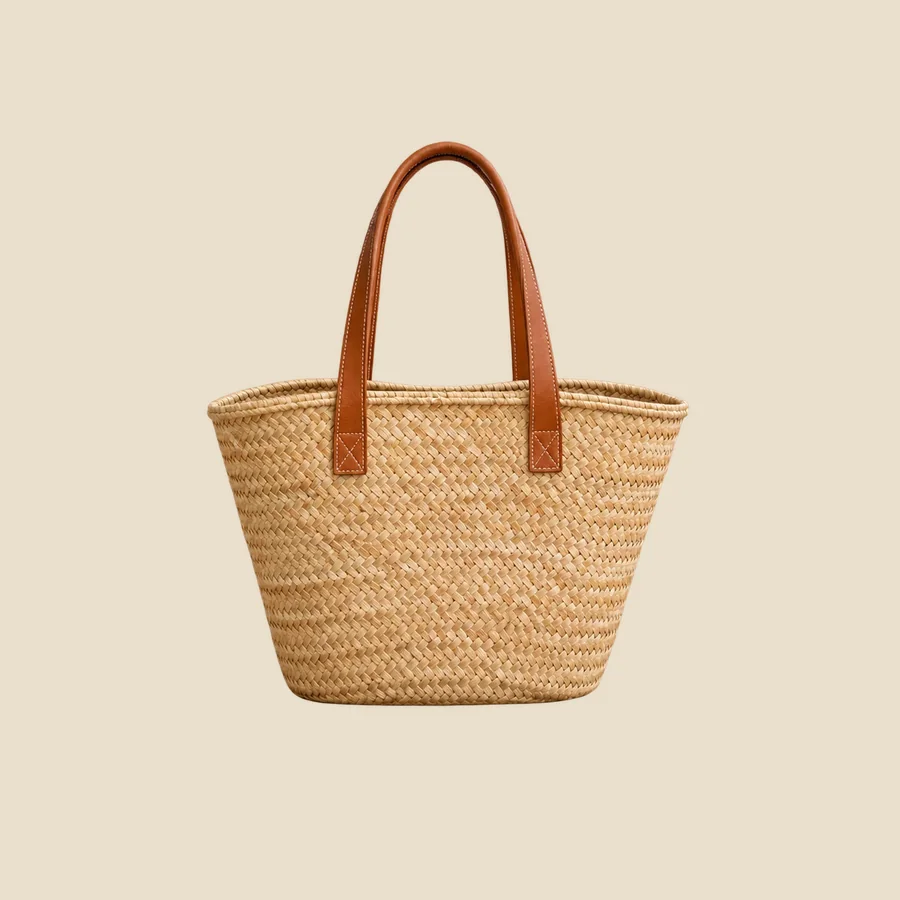
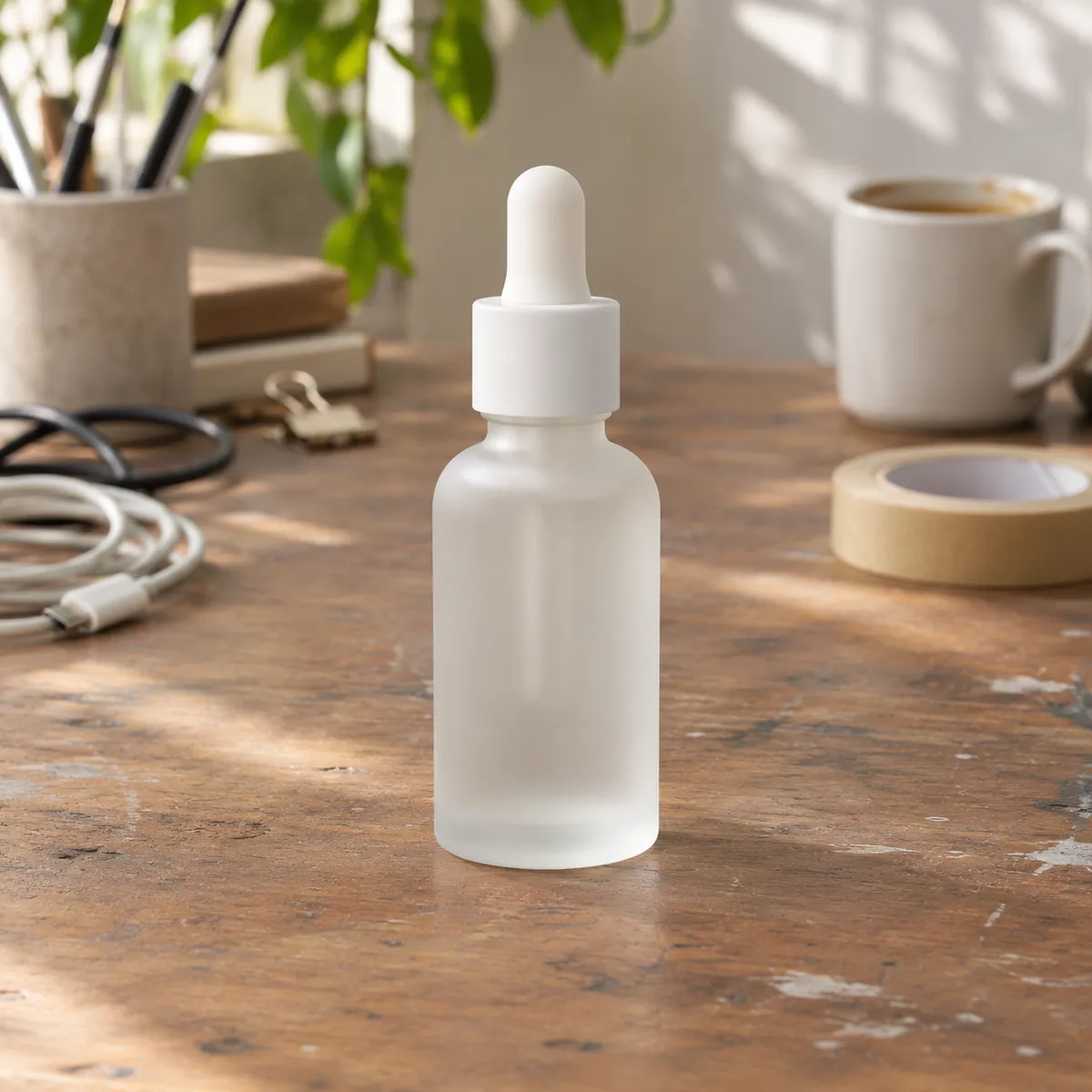
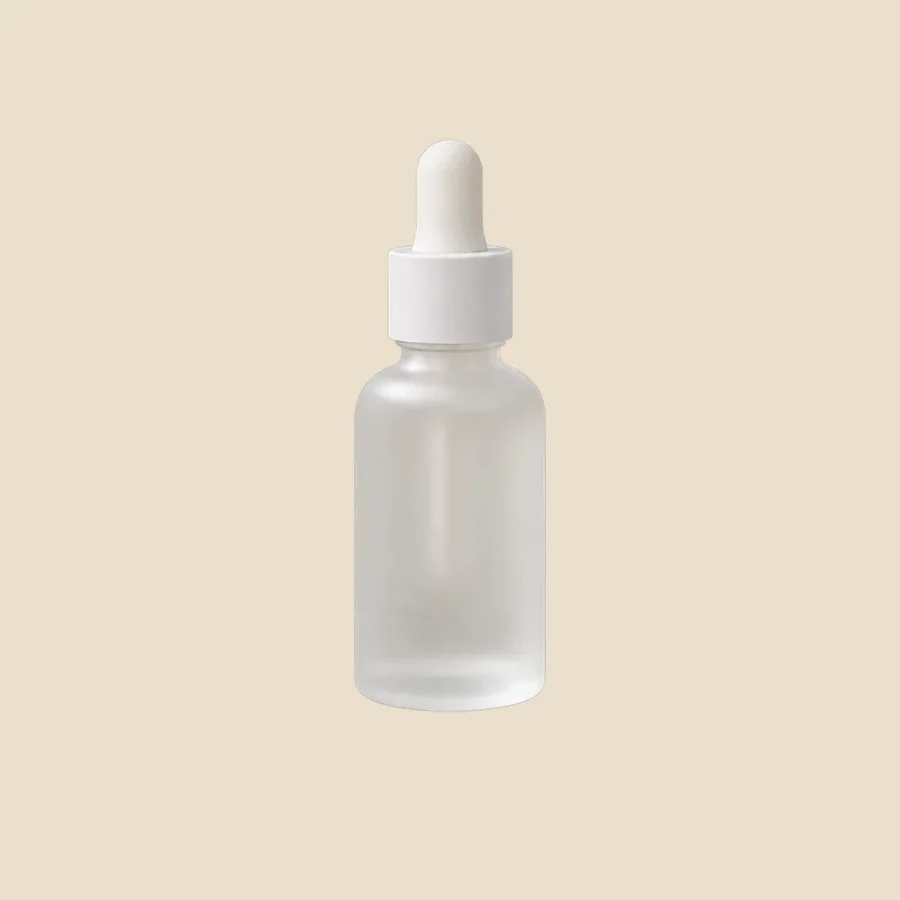
The same product on a beige background
The Background Remover cutout placed on solid beige (#EADFCD). Cutouts are illustrative examples made with GPT Image models.
Products that suit a beige background
- Skincare, candles, and wellness products
- Ceramics, linen, and handmade goods
- Leather bags and accessories
- Brands with a warm, natural identity
Where beige goes wrong
- Beige products blend in; go darker (sand) or lighter (cream) for contrast
- Warm backgrounds can make white packaging look yellow, so compare with the original
- Not a substitute for white where a marketplace requires it
Beige shades to try
- Beige: #EADFCD
- Sand: #DCCBB0
- Cream: #F3ECDF
How to change a product background to beige
- Upload your product photo to the AI Background Remover and download the transparent PNG.
- Place the cutout on a beige canvas (#EADFCD) in any design tool. This keeps the product pixels untouched.
- Want matching light and shadow? Use Background Replacer with a prompt like: “seamless warm beige studio background, soft natural daylight, gentle shadow to one side”.
Frequently asked questions
What products look best on a beige background?
Products with natural materials or a calm brand palette: skincare, candles, ceramics, linen, leather, and wood. Beige adds warmth without competing with the product.
How do I stop white packaging from looking yellow on beige?
Place the original cutout on the color rather than regenerating the product, and compare the label with the source photo. If you generate the background, ask for neutral daylight instead of warm light.
Compare other background colors
- Black background product photos
- Gray background product photos
- Pink background product photos
- Blue background product photos
- Green background product photos
- Yellow background product photos
- Red background product photos
- Orange background product photos
- Purple background product photos
- Brown background product photos
- Navy background product photos
- White background product photos