Background colors
Yellow Background for Product Photos
Yellow backgrounds are bright, optimistic, and hard to ignore. Butter yellow is soft enough for a catalog; sunflower yellow is an attention color for ads and launches.
The same product on a yellow background
The Background Remover cutout placed on solid yellow (#F6E6A4). Cutouts are illustrative examples made with GPT Image models.
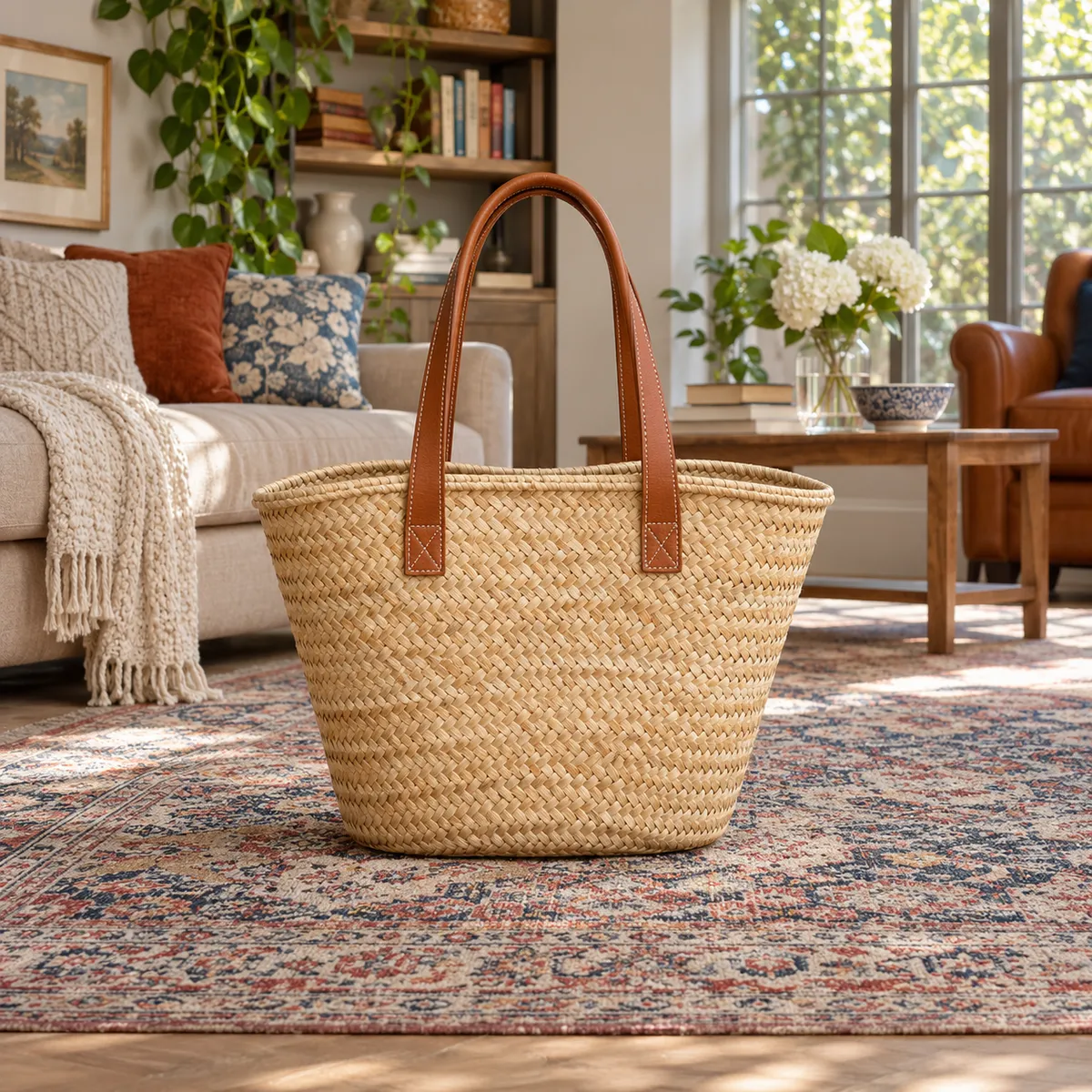
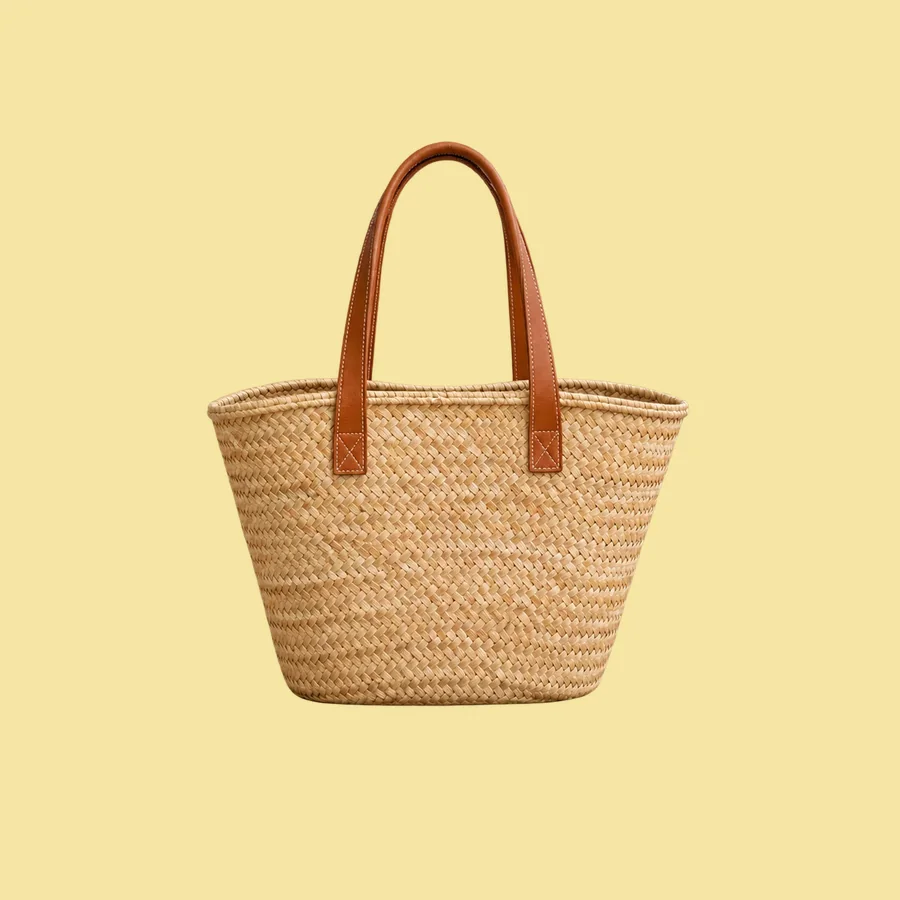
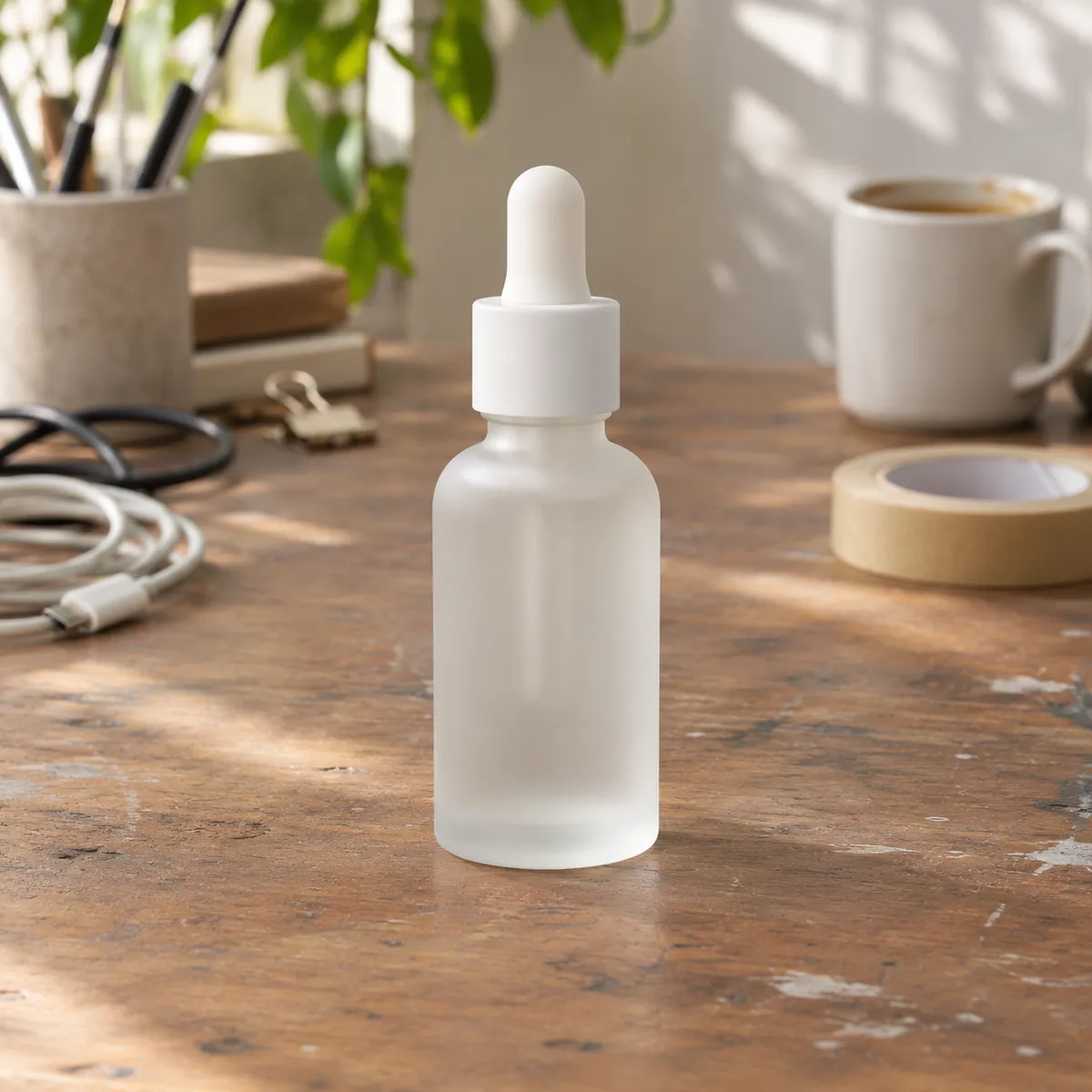
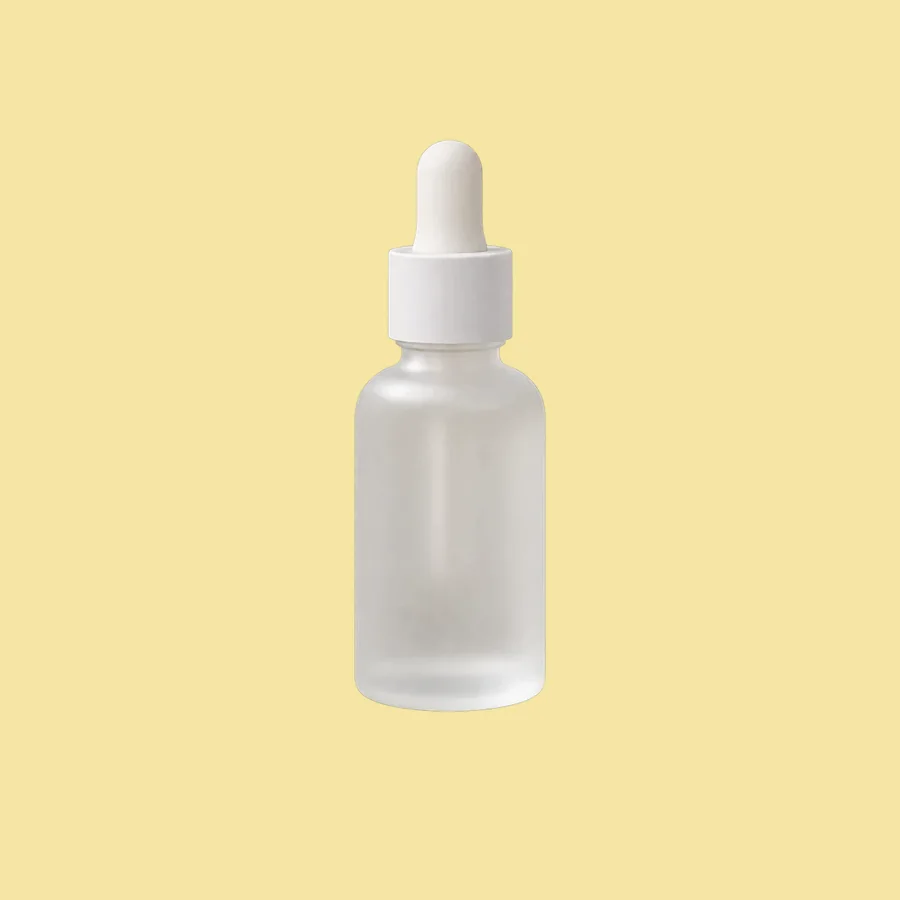
Products that suit a yellow background
- Children's products and toys
- Food, drinks, and snacks
- Summer and sale campaigns
- Black, navy, and white products that contrast strongly
Where yellow goes wrong
- Yellow tints white and glossy surfaces; compare with the original
- Gold and yellow products lose their outline
- Saturated yellow tires the eye across a full catalog
Yellow shades to try
- Butter: #F6E6A4
- Sunflower: #F5C63C
- Mustard: #C99A2E
How to change a product background to yellow
- Upload your product photo to the AI Background Remover and download the transparent PNG.
- Place the cutout on a yellow canvas (#F6E6A4) in any design tool. This keeps the product pixels untouched.
- Want matching light and shadow? Use Background Replacer with a prompt like: “seamless soft butter yellow studio background, bright even lighting, small soft shadow”.
Frequently asked questions
Is a yellow background good for product photography?
Yes for products that should feel cheerful or energetic, such as toys, snacks, drinks, and summer items, and for dark products that need contrast. Use a soft butter yellow for catalogs and keep strong yellow for ads.
How do I avoid a yellow cast on my product?
Keep the original cutout and only change what is behind it. If you generate the background with Background Replacer, compare whites and labels with the source photo and regenerate if they shifted.
Compare other background colors
- Black background product photos
- Gray background product photos
- Beige background product photos
- Pink background product photos
- Blue background product photos
- Green background product photos
- Red background product photos
- Orange background product photos
- Purple background product photos
- Brown background product photos
- Navy background product photos
- White background product photos