Background colors
Brown Background for Product Photos
Brown backgrounds feel warm, grounded, and artisanal. They suit coffee, leather, and wood brands and make cream, white, and gold products stand out.
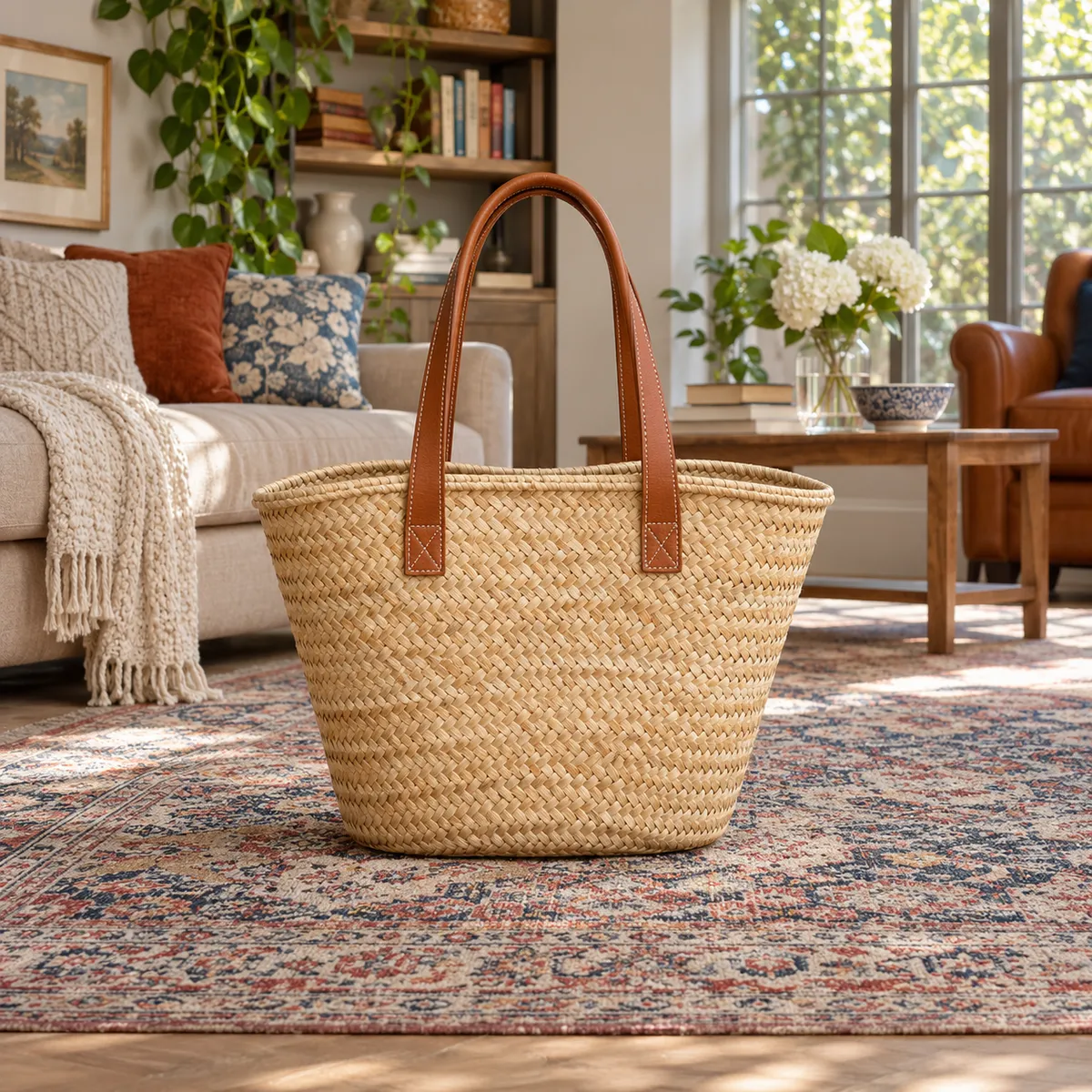
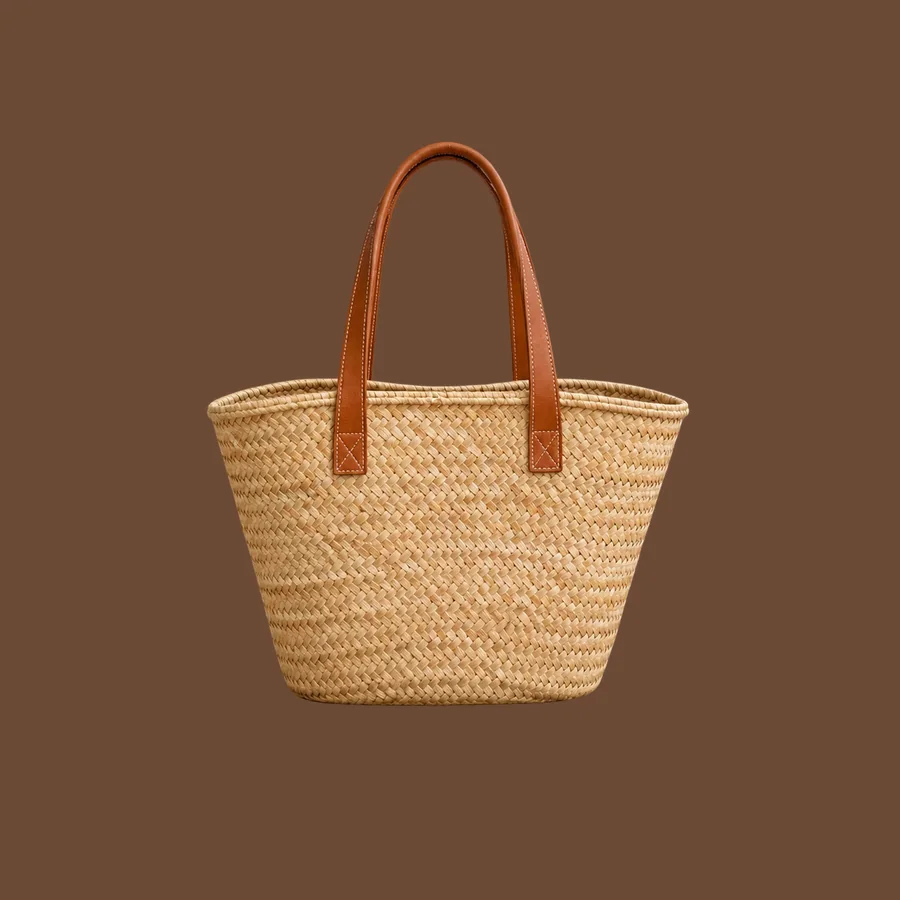
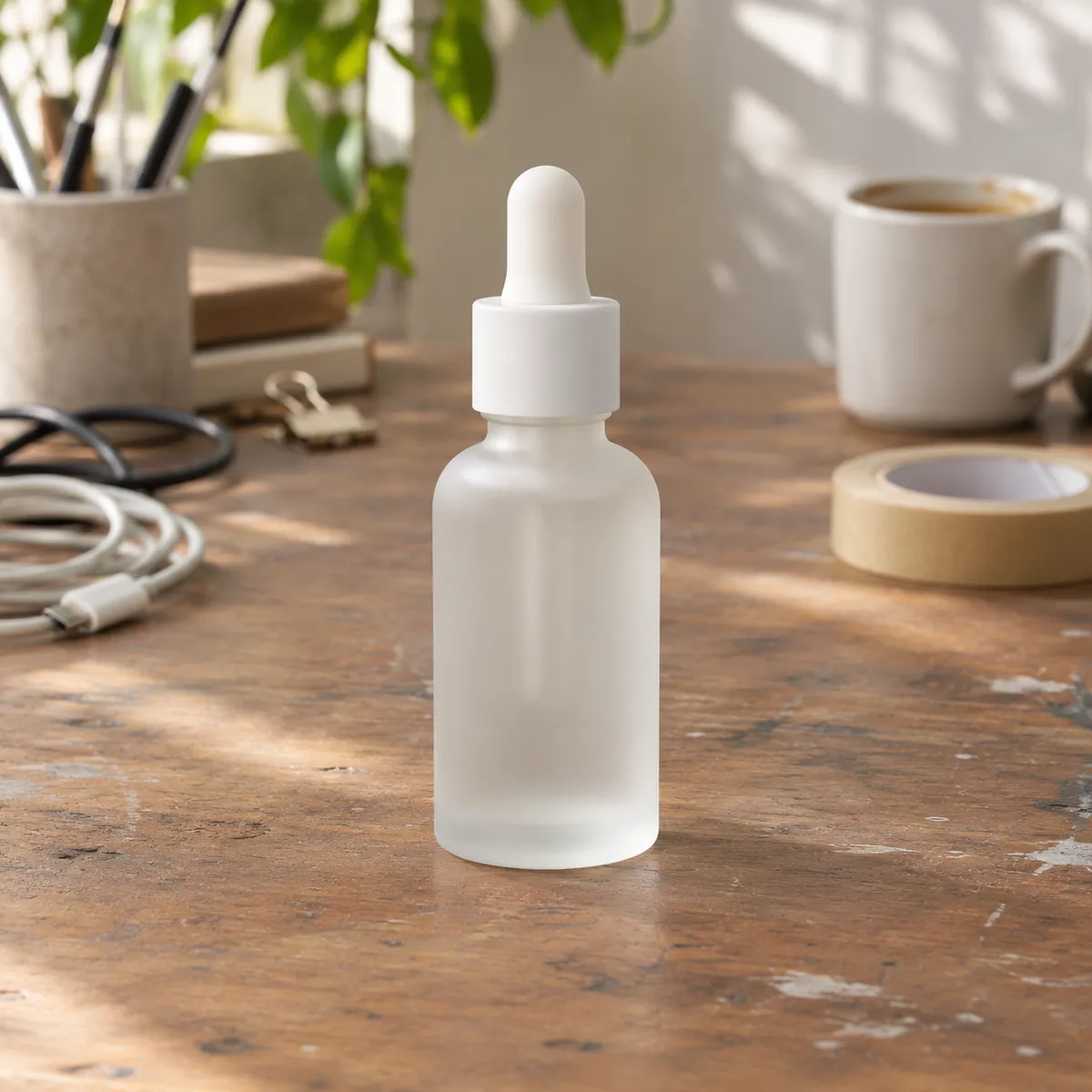
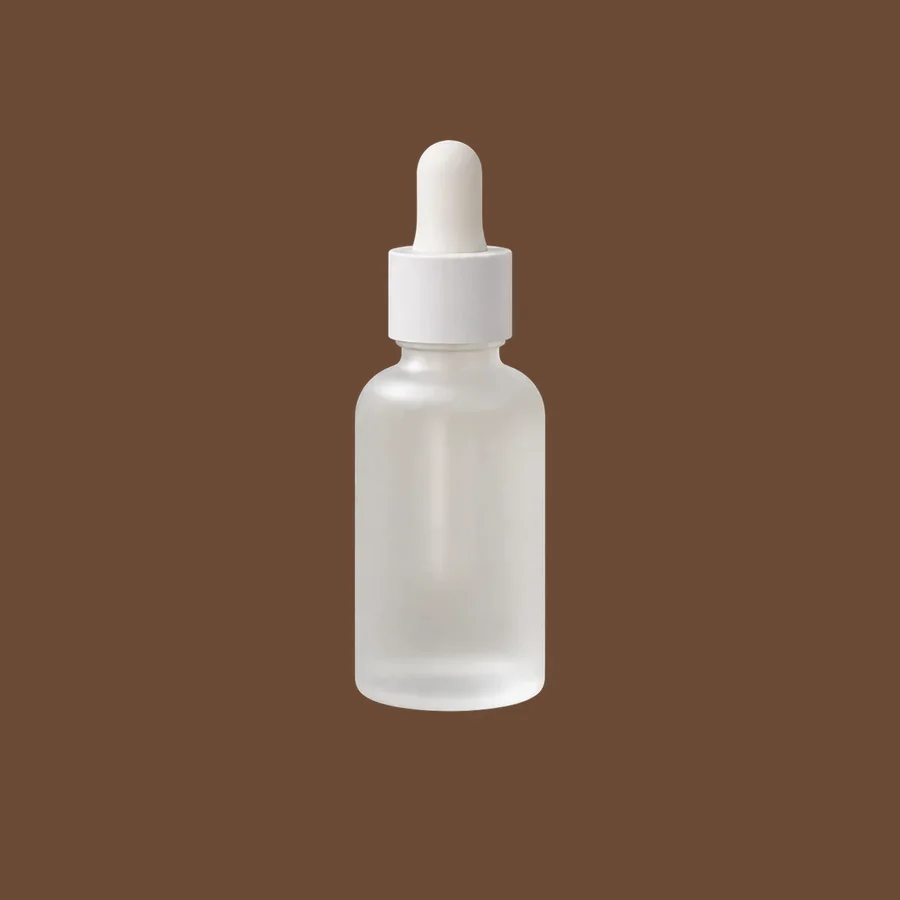
The same product on a brown background
The Background Remover cutout placed on solid brown (#6B4A36). Cutouts are illustrative examples made with GPT Image models.
Products that suit a brown background
- Coffee, chocolate, and bakery products
- Leather goods and watches
- Cream and white packaging that needs warm contrast
- Rustic, heritage, and handmade brands
Where brown goes wrong
- Dark and wooden products lose their outline
- Brown can look dull without warm, directional light
- Tan is easier than chocolate for a full catalog
Brown shades to try
- Chocolate: #6B4A36
- Tan: #B98D66
- Espresso: #3A2A22
How to change a product background to brown
- Upload your product photo to the AI Background Remover and download the transparent PNG.
- Place the cutout on a brown canvas (#6B4A36) in any design tool. This keeps the product pixels untouched.
- Want matching light and shadow? Use Background Replacer with a prompt like: “seamless warm brown studio background, soft warm side light, gentle shadow under the product”.
Frequently asked questions
What does a brown background communicate?
Warmth, craft, and reliability. It is common for coffee, leather, and heritage brands that want a natural, premium look.
Which products work best on brown?
Light products: cream packaging, white ceramics, gold jewelry, and pale fabrics. Dark products usually need tan instead of chocolate.
Compare other background colors
- Black background product photos
- Gray background product photos
- Beige background product photos
- Pink background product photos
- Blue background product photos
- Green background product photos
- Yellow background product photos
- Red background product photos
- Orange background product photos
- Purple background product photos
- Navy background product photos
- White background product photos