Image generation
AI Product Image Accuracy: A 7-Point Review Guide
TL;DR
Review AI product image accuracy with a seven-point check for shape, construction, color, material, graphics, scale, and variant identity.
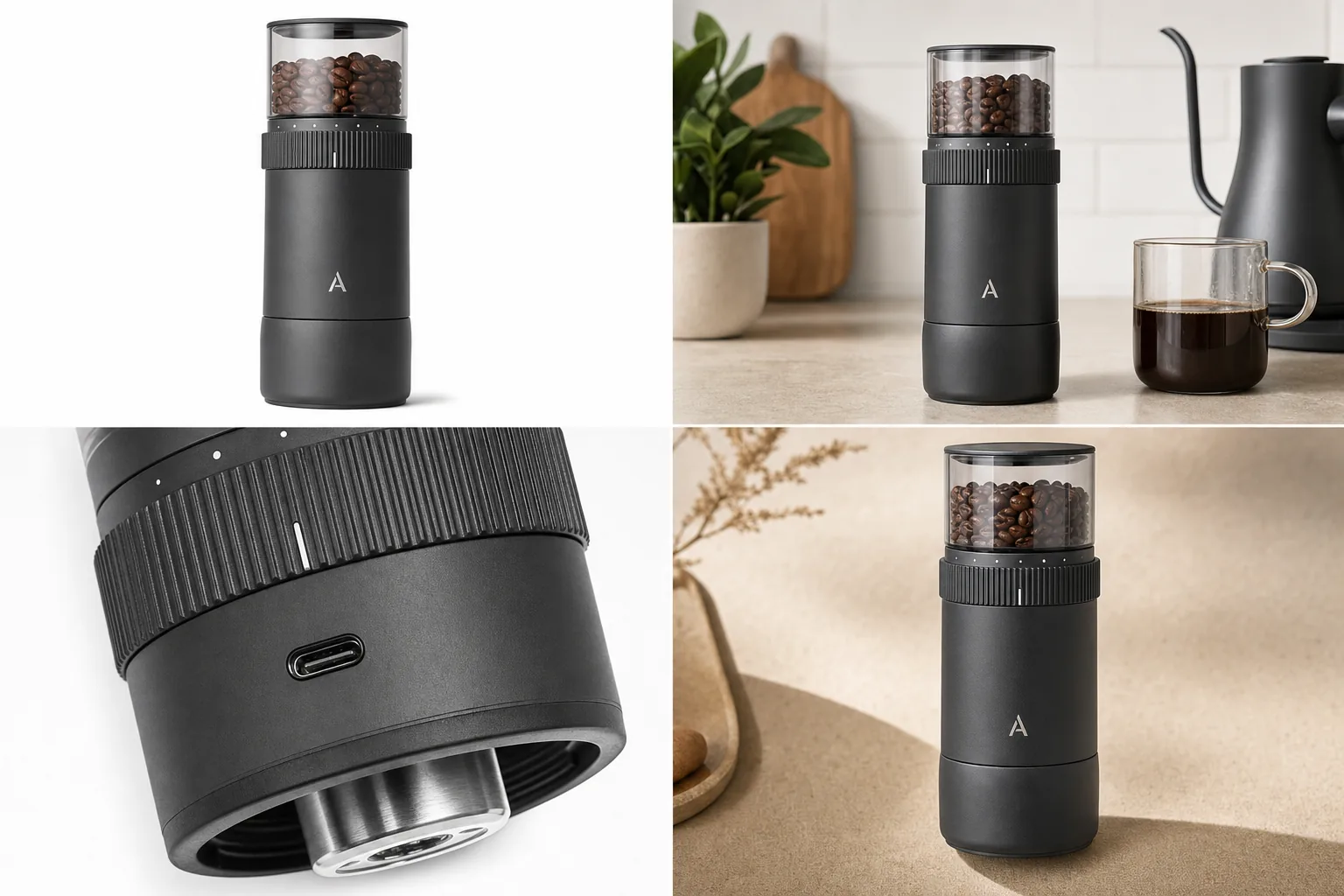
Accurate AI product images begin with verified source evidence and end with a human review. Check shape, construction, color, material, graphics, scale, and variant identity before any generated asset reaches a store.
Quick Summary
Give each product fact an authoritative source, generate one image role at a time, and reject any result that invents a buyer-relevant detail.
AI generated product images are useful only when they keep the product facts buyers depend on. For AI generated product images for ecommerce, the safe rule is simple: AI can change the setting, lighting, crop, and image role, but it should not invent or remove product details such as shape, color, material, ports, seams, labels, lids, hardware, closures, or scale.
In KrafLayer, use the [AI product image generator](/ai-product-image-generator) to create new product-led visuals, plan the image roles with an [AI product photography](/ai-product-photography) workflow, and use the [product photo editor](/product-photo-editor) for cleanup after the SKU is accurate. The goal is better ecommerce product photography, not a polished image of a different product.
Start With Product Truth, Not A Prompt
Before generating, write a product-truth list. This is the set of details that must stay fixed across every image.
For the Aven espresso grinder example above, the protected details are the compact cylinder shape, matte charcoal body, transparent bean hopper, ribbed adjustment dial, small A monogram, USB-C port, brushed metal burr area, rubber base, and overall product scale. The background can change. The grinder should not turn into a larger coffee machine, a speaker, a spice mill, or a generic black cylinder.
For accurate product images with AI, include these facts in the list:
- product type and silhouette
- true color, finish, and material texture
- logo, label, monogram, or package panel position
- ports, dials, caps, lids, buttons, clasps, zippers, seams, handles, or hardware
- visible accessories that are included with the real product
- scale cues that help buyers understand size
- details that should not be added, such as fake screens, extra buttons, badges, or attachments
This list is more important than a long creative prompt. It gives the model constraints and gives your team a review checklist before publishing.
Choose One Image Role At A Time
AI generated product images drift when one prompt asks for too many jobs at once. Ask for one ecommerce image role at a time, then compare the output to the product-truth list.
Use role-specific directions:
- Main image: clean product-first composition, complete silhouette, simple surface or white background, natural shadow.
- Lifestyle image: believable use setting, product still dominant, props secondary.
- Detail image: close crop of one buyer-relevant feature such as a dial, port, zipper, stitch, label, material, or closure.
- Ad crop: stronger composition for paid, social, or email use without fake platform UI or unsupported claims.
- Alternate angle: same product, same finish, same key details, different view only when it helps the buyer inspect the item.
This is where an AI product image generator becomes useful for ecommerce: it creates a controlled product image set instead of one dramatic but unreliable render. Treat it like an AI product photo generator with stricter review rules, because the generated photo still has to match the real item.
Prompt Template For Detail Accuracy
Use a prompt that names what can change and what cannot change:
Create a realistic ecommerce product image from this product reference. Keep the same product type, silhouette, color, material, logo or label area, scale, and all visible details. Make a [main listing image / lifestyle scene / close detail image / ad crop] for an online store. Use clean commercial lighting and a product-first composition. Do not add new features, fake badges, review stars, certifications, marketplace UI, barcodes, QR codes, unreadable label text, or unsupported claims.
For detail images, add the exact detail:
Create a close detail image of the same product focused on [ribbed dial / USB-C port / fabric seam / zipper pull / glass edge / package label / lid texture]. Keep the detail consistent with the reference product. The image should help a buyer inspect the product, not invent a feature.
The second prompt is stricter because product detail accuracy is where AI mistakes are easiest to miss.
Review AI Generated Product Images Before Publishing
Review the generated image as if you are about to place it on a product page, marketplace listing, email campaign, or ad.
Check for these common failures:
- Shape drift: the product becomes taller, slimmer, rounder, wider, or smoother.
- Color drift: the shade changes between main image, scene image, and ad crop.
- Material drift: metal becomes plastic, fabric becomes rubber, glass loses thickness, or leather loses grain.
- Feature drift: ports, dials, buttons, straps, seams, lids, clasps, labels, or closures move or multiply.
- Scale drift: the product appears too large or too small for the scene.
- Text drift: labels become unreadable, fake, or inconsistent with the real package.
- Claim drift: the image adds badges, ratings, certifications, discounts, or benefit claims the product cannot support.
A generated image can look premium and still be wrong. If it changes the product detail accuracy that buyers rely on, do not publish it.
When To Edit Instead Of Regenerate
If the product is accurate but the image has one weak area, edit the image instead of regenerating it. Regeneration can fix a messy background while quietly changing the product.
Use the [product photo editor](/product-photo-editor) when:
- the background is too busy
- the crop needs small adjustment
- shadow or glare needs cleanup
- a minor distraction should be removed
- the image needs upscaling for a product page
- the scene is good but the product needs local retouching around edges or reflections
Use generation again when the whole image role is wrong, the scene makes no sense, or the product has already drifted away from the real SKU.
Build A Product Image Set Buyers Can Trust
For most [ecommerce product photography](/ecommerce-product-photography), start with a compact image set:
- one main product image for instant recognition
- one lifestyle image for scale and context
- one detail image for material, construction, port, closure, or package proof
- one alternate angle when shape or depth matters
- one ad crop if the product needs paid or social creative
Each image should answer a different buyer question. The main image says what the product is. The lifestyle image says where it fits. The detail image says what the material or feature really looks like. The ad crop attracts attention without changing the SKU.
What Not To Do With AI Generated Product Images
Avoid using AI in ways that make the final asset harder to trust:
- Do not invent product features to make the item look more advanced.
- Do not add fake platform marks, review stars, awards, discounts, certifications, or approval language.
- Do not use unreadable AI label text as final packaging copy.
- Do not hide important product details behind blur, props, shadows, hands, or decorative crops.
- Do not generate detail images for details the real product does not have.
- Do not treat lifestyle images as proof of exact fit, safety, capacity, durability, or compliance.
Controlled AI generated product images should make the product easier to understand. They should not create new product facts.
Create a source hierarchy for every product fact
Google requires the image to match the listed color, pattern, and material and allows up to 10 additional images in free listings. Assign each fact to a source instead of expecting one front photo to define the whole product ([Google image requirements](https://support.google.com/merchants/answer/6324350?hl=en); [Google free listings](https://support.google.com/merchants/answer/13889434?hl=en), 2026).
Use a hierarchy:
- full-product views own silhouette and proportion;
- neutral color references own variant shade;
- macro images own material and surface detail;
- side, back, top, and underside views own hidden geometry;
- approved artwork files own labels and graphics;
- product data owns dimensions, contents, and specifications;
- style references own only lighting, camera, and composition.
When two sources conflict, stop. Resolve the real product fact before generating more outputs.
Treat some errors as hard failures
A visual score can hide a dangerous edit. Do not average a wrong label with good lighting. Use hard rejection gates for product identity.
| Hard gate | Reject when |
|---|---|
| Variant | Color, pattern, or material describes another SKU |
| Text | Label, warning, logo, or number changes |
| Components | Part is added, removed, duplicated, or moved |
| Contents | Image implies an item not included |
| Scale | Props or model imply a false size |
| Condition | Damage or wear disappears from a used item |
Google's main-image rules also prohibit promotional overlays and unrelated products. Put lifestyle context in additional images when the main view needs to remain factual ([Google Merchant Center](https://support.google.com/merchants/answer/6324350?hl=en), 2026).
Preserve AI provenance during export
Google requires generative-AI product images to retain IPTC `DigitalSourceType` metadata and supports AI source labels across main, additional, and lifestyle image attributes. Do not strip that metadata during WebP conversion or CDN processing ([Google AI-generated content](https://support.google.com/merchants/answer/14743464?hl=en), 2026).
Keep the untouched original, edited master, generated derivative, prompt, source filenames, and export date. Provenance does not prove the image is accurate, but it makes the review trail auditable.
FAQ
What are AI generated product images?
AI generated product images are product visuals created or extended with AI from a prompt, reference image, or product description. For ecommerce, the useful output is a clear product image role such as a main listing image, lifestyle scene, product detail crop, alternate angle, or ad creative.
Can AI generated product images be used for ecommerce?
Yes, when they preserve the real product. Review the final image for shape, color, material, label placement, ports, seams, closures, scale, and included accessories before publishing. If the image changes the SKU, regenerate or edit it before using it on a product page.
How do I keep AI product images accurate?
Start with a product-truth list, generate one image role at a time, and compare every output against the real product reference. Keep settings, lighting, and crop flexible, but protect details such as material, labels, hardware, ports, seams, buttons, lids, and product scale.
Should I use an AI product image generator or a product photo editor?
Use an AI product image generator when you need a new image role, scene, or ad crop. Use a product photo editor when the product is already accurate and only needs background cleanup, shadow control, glare reduction, crop adjustment, upscaling, or local retouching.
How does KrafLayer help with product detail accuracy?
KrafLayer helps create product-led images from a reference and then clean up the results without restarting the whole generation. That makes it easier to build main images, lifestyle scenes, detail images, and ad crops while keeping product facts visible and reviewable.
Conclusion
AI generated product images work best when creative control starts with product detail accuracy. Define the SKU facts, generate one image role at a time, review the output like a seller, and edit only the parts that need cleanup. KrafLayer supports that workflow by combining AI product image generation with product photo editing, so sellers can produce main images, lifestyle scenes, detail crops, and ad creatives without losing the product buyers expect.
Keep exploring
Continue the story
More practical guidance on product accuracy, composition, and conversion-ready visuals.
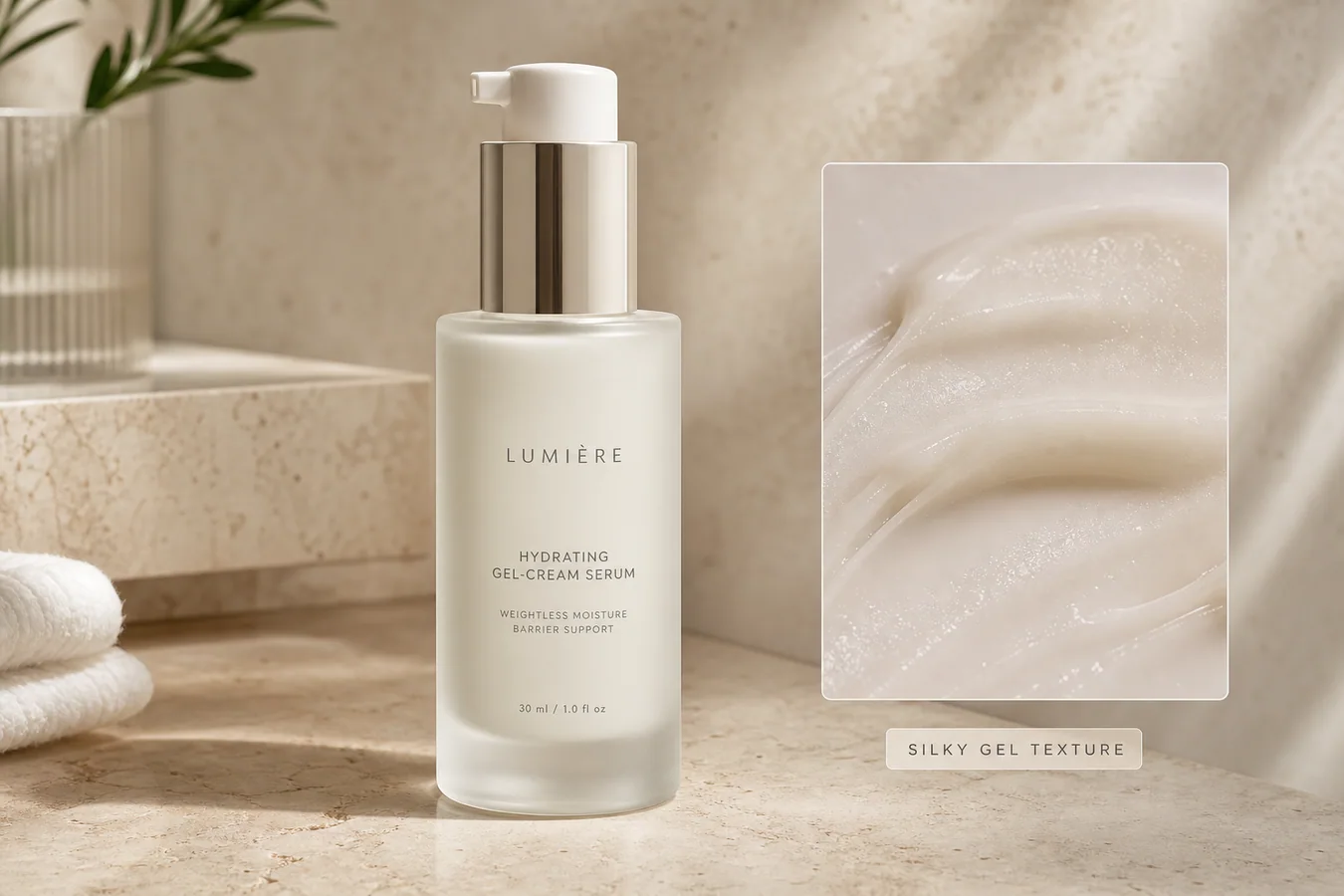
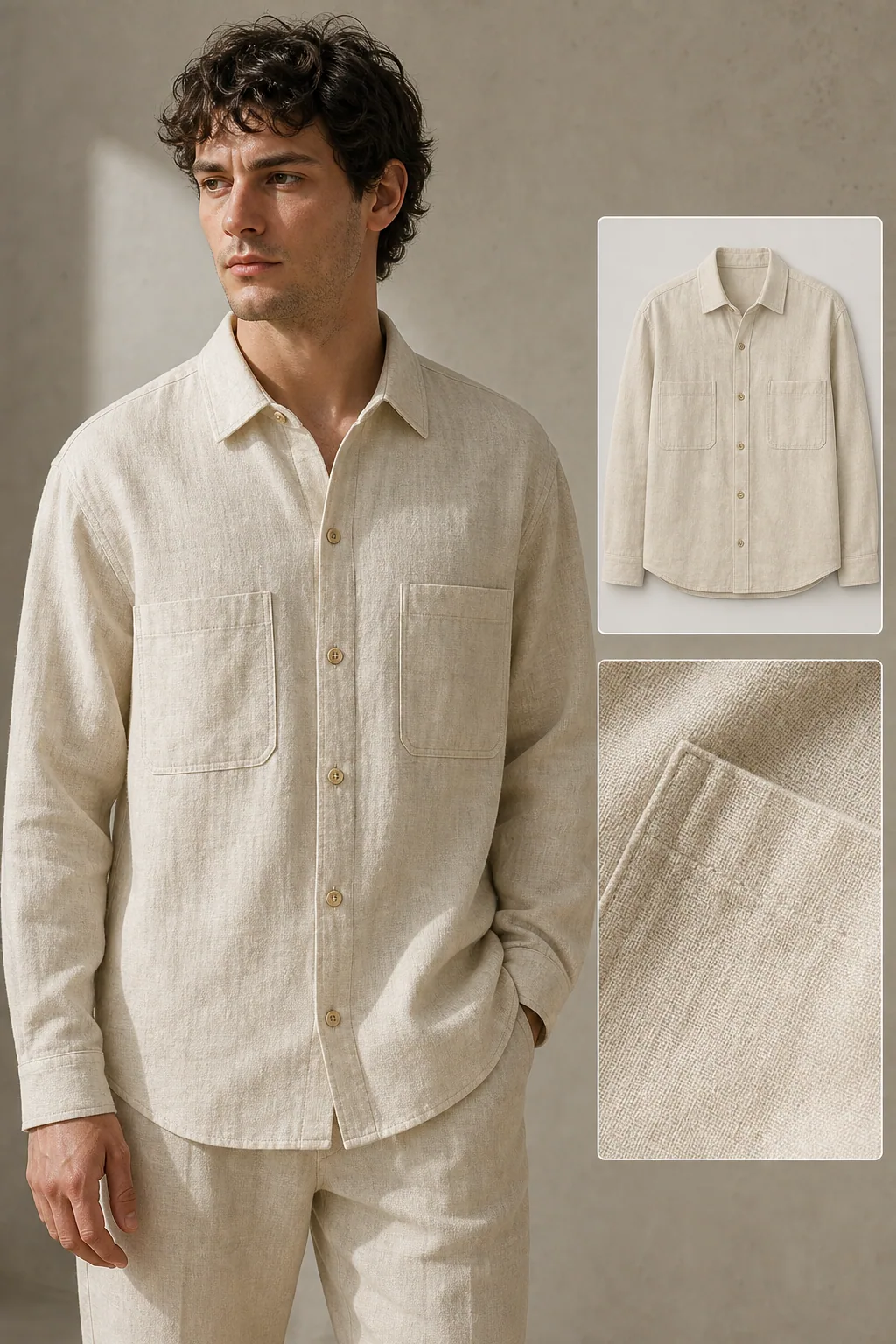
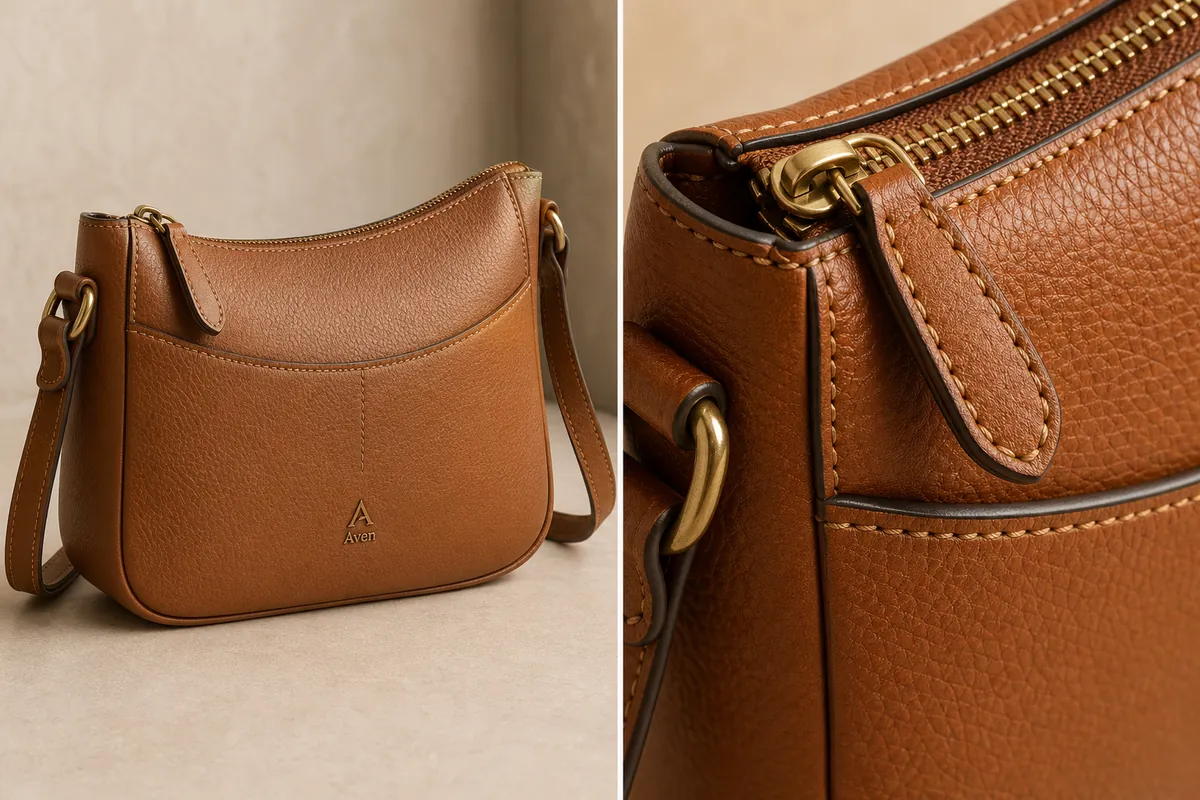
Put it into practice
Take the next step in KrafLayer
Choose a generation or editing workflow that matches what you just learned.