Image generation
How to Create Macro Detail Texture Images with AI
TL;DR
A macro product-detail workflow for showing texture, stitching, grain, finish, and craftsmanship without inventing fake material detail. Includes how to do it in KrafLayer.
TL;DR
For Create Macro Detail Texture Images, use KrafLayer for controlled local changes or reference-guided edits. Use Mask Edit for a local change with a short instruction, or Reference Image Editor when the result needs a visual example. The finished image should still prove that shape, material, labels, color, scale, and accessories still match the source SKU.
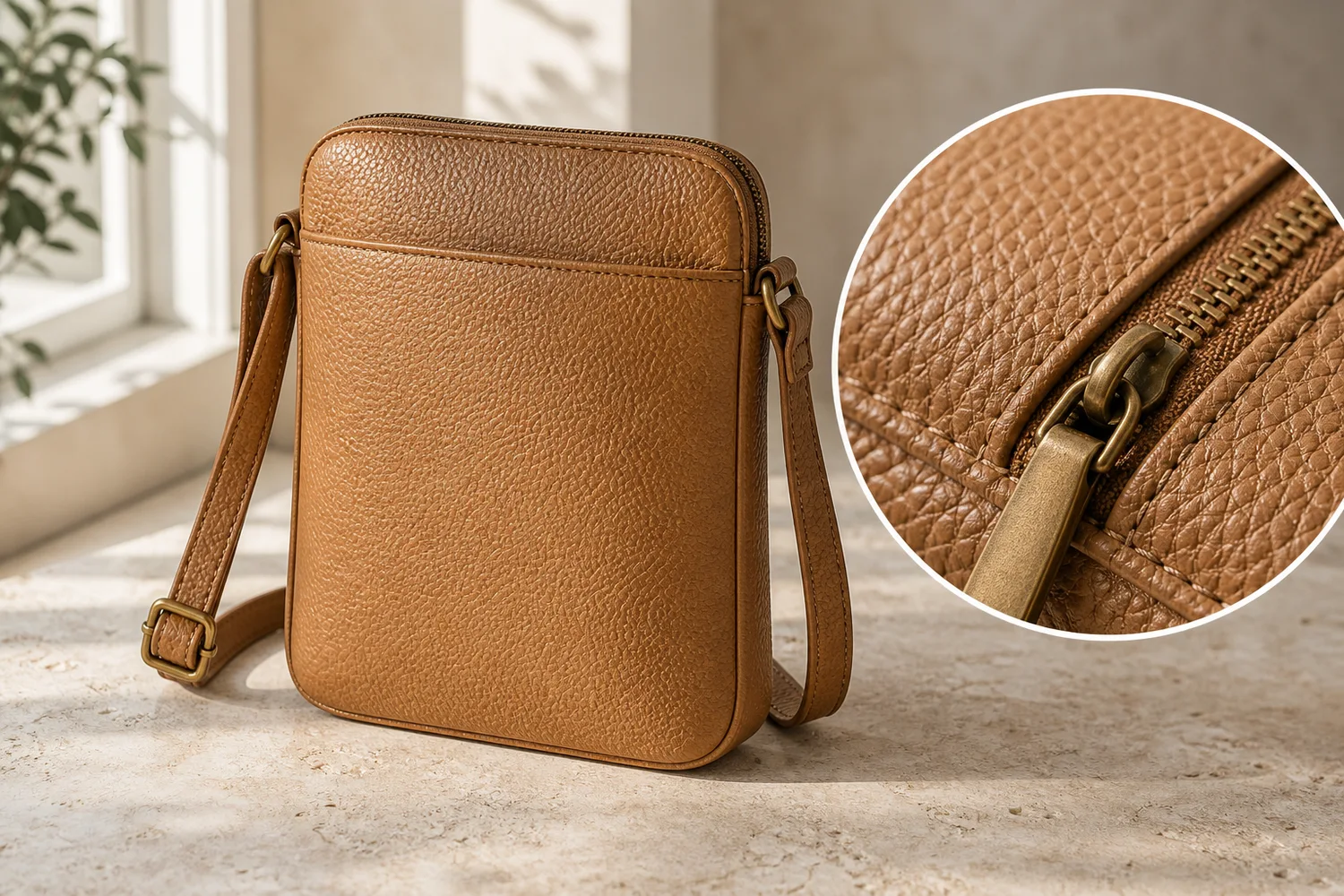
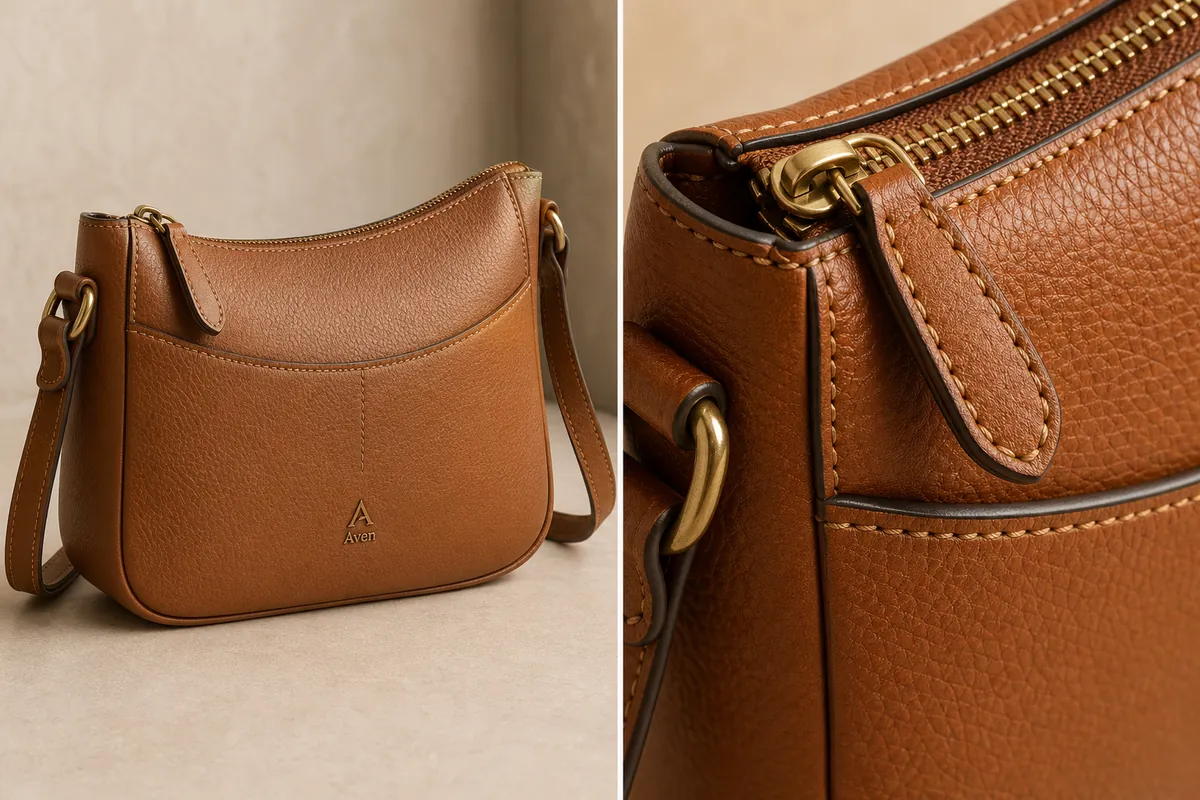
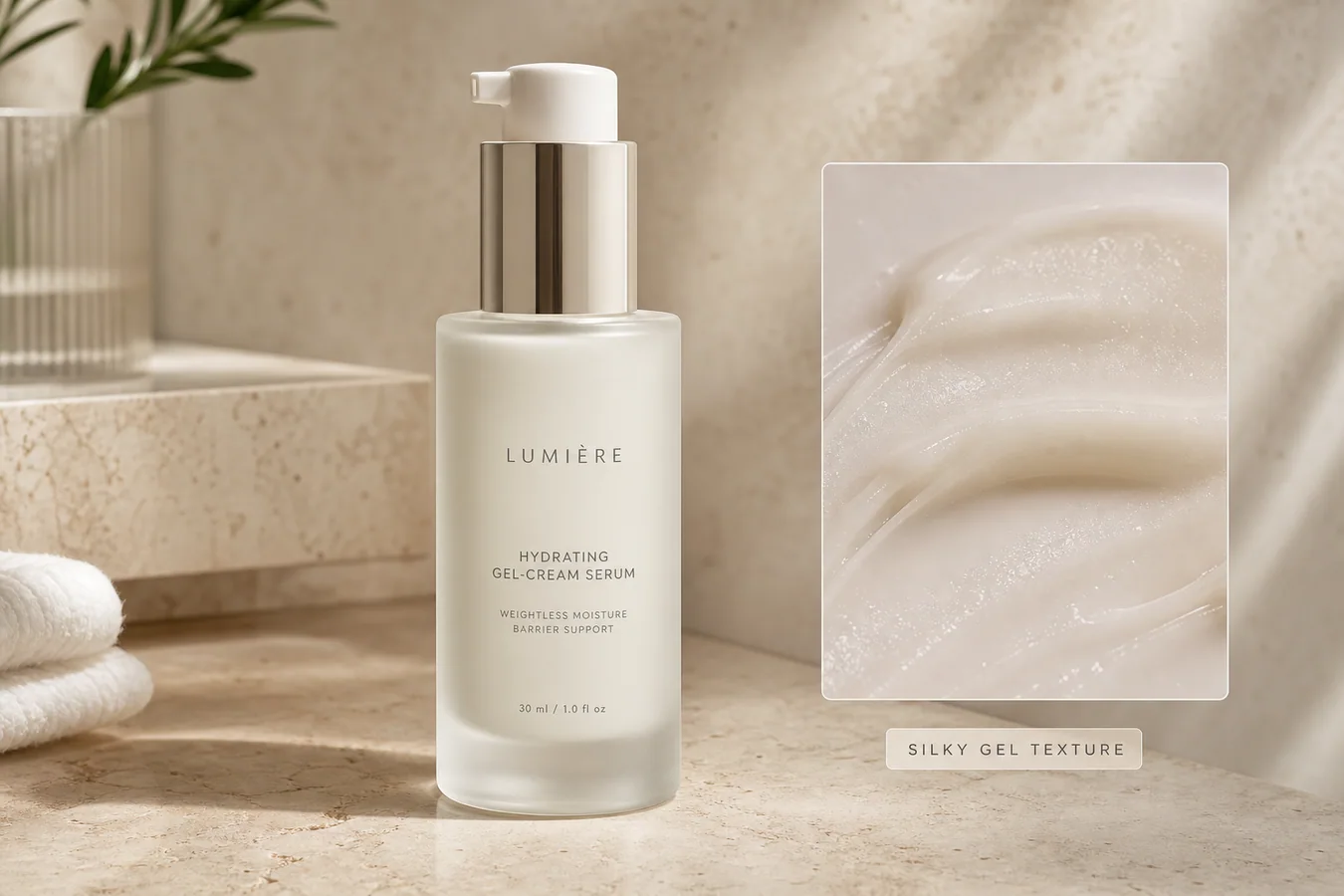
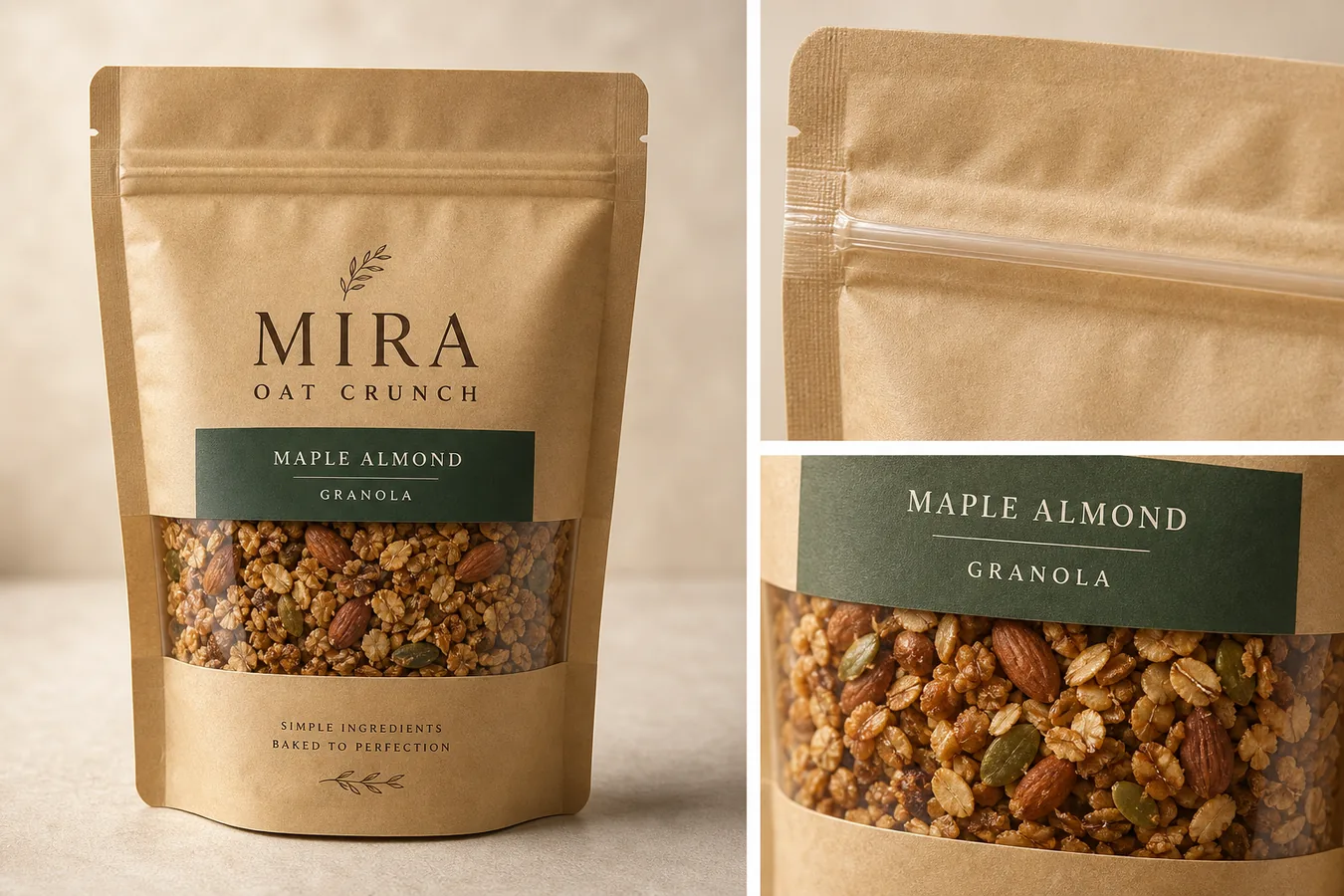
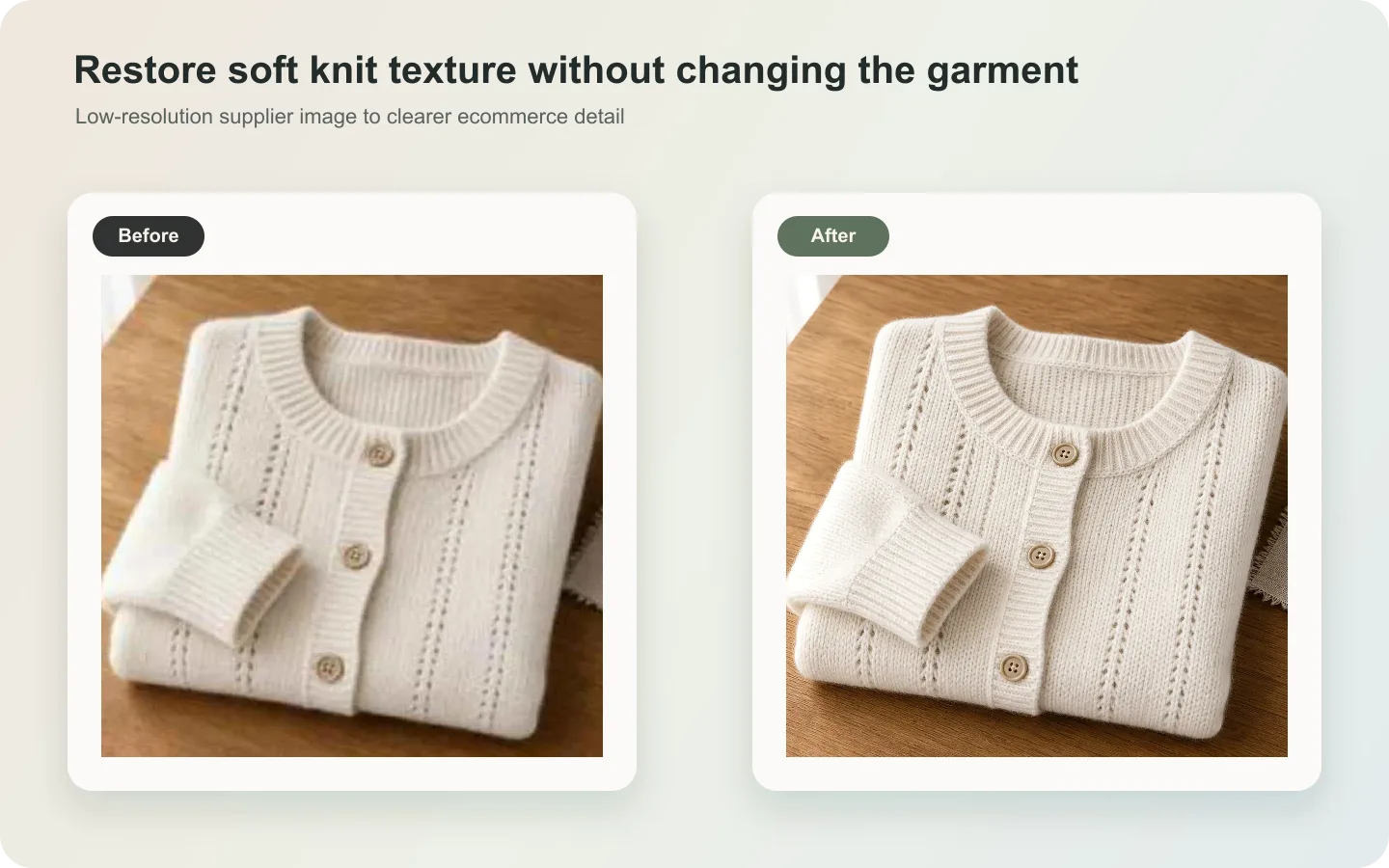
Macro detail images help buyers trust material quality. They can show leather grain, knit texture, stitching, metal finish, glass thickness, fabric weave, ceramic glaze, or packaging surface. The risk is that AI may invent texture that the product does not actually have.
When to create macro details
Use macro detail images when material is a selling point: leather bags, jewelry, watches, knitwear, cosmetics packaging, home textiles, wood products, shoes, and premium accessories.
Do not use macro images to fake craftsmanship. They should prove the product, not decorate the page.
Workflow
1. Choose the detail area: seam, grain, zipper, label, finish, stone, weave, or edge. 2. Preserve the material and scale from the product reference. 3. Ask for shallow focus only if it does not hide the detail. 4. Keep the detail connected to the same SKU. 5. Compare the macro output with the main product image.
Where KrafLayer Fits
When you apply this Create Macro Detail Texture Images workflow in KrafLayer, the tool choice matters: use Mask Edit for a local change with a short instruction, or Reference Image Editor when the result needs a visual example. After generation, judge the image by the channel it serves — detail-page modules — and check that shape, material, labels, color, scale, and accessories still match the source SKU.
Prompt to use in KrafLayer
~~~text Use the uploaded product as the exact reference. Create a macro ecommerce detail image showing [texture/detail area]. Preserve the real material, grain, stitching, edge shape, color, finish, scale, and product identity. Use clean close-up lighting and realistic depth of field. Do not invent fake texture, add extra seams, change material, exaggerate grain, or create a detail that does not belong to the product. ~~~
FAQ
Are AI macro detail images reliable?
They are useful when guided by a clear reference, but they must be checked. AI can exaggerate texture or create details that look plausible but are not real.
What products benefit most from macro detail images?
Products where material affects purchase confidence: leather, fabric, jewelry, cosmetics packaging, watches, shoes, wood, ceramics, and handmade goods.
Should macro images replace normal product photos?
No. Macro images support the main gallery. Buyers still need full product views for shape, scale, and color.
Keep exploring
Continue the story
More practical guidance on product accuracy, composition, and conversion-ready visuals.
Put it into practice
Take the next step in KrafLayer
Choose a generation or editing workflow that matches what you just learned.