Ecommerce
How to Create Lifestyle Scenes for Home Goods Product Images with AI
TL;DR
A home-goods lifestyle image workflow: build believable room scenes around one product while preserving scale, material, shadow, and buyer-use context. Includes how to do it in KrafLayer.
TL;DR
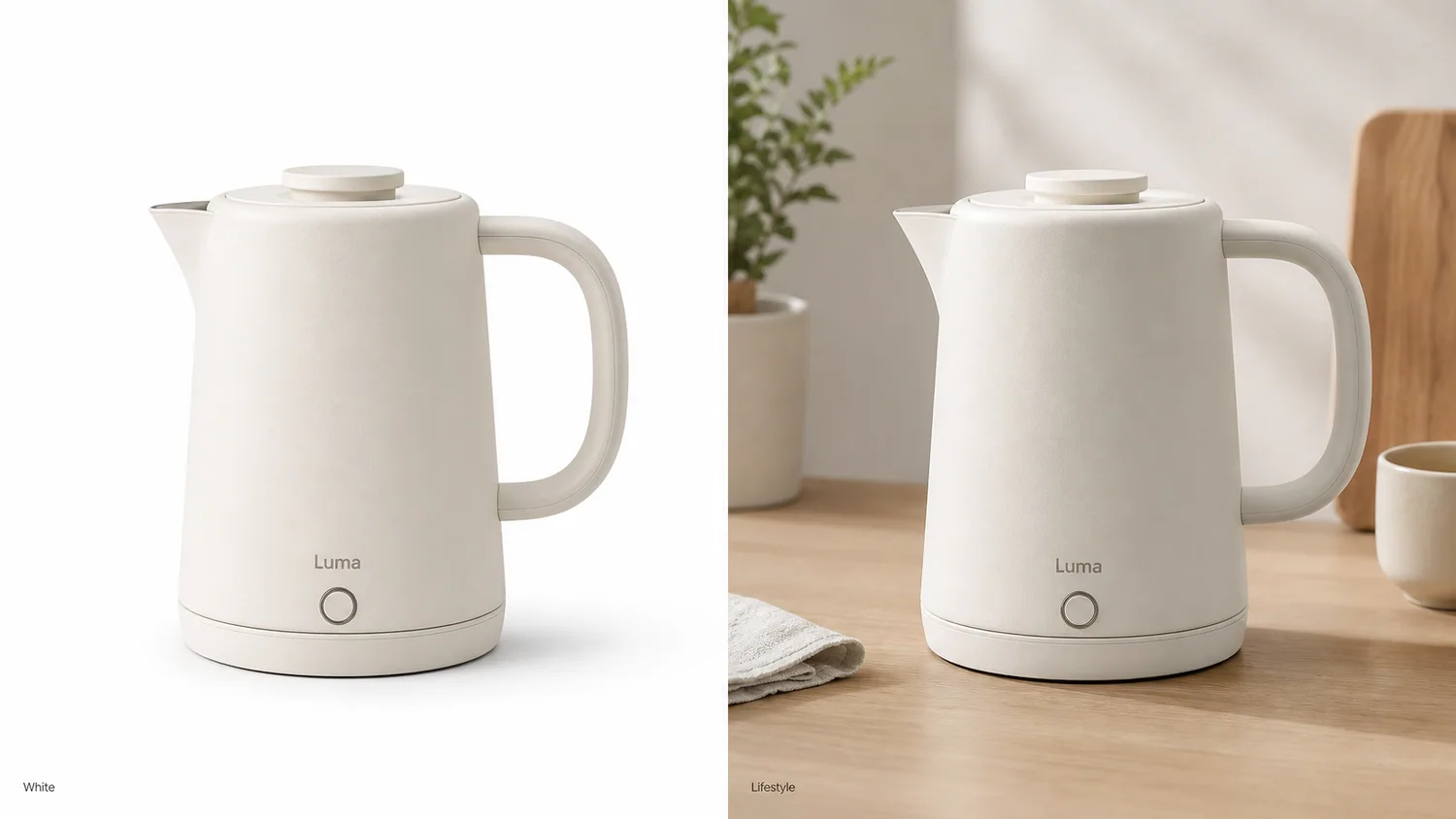
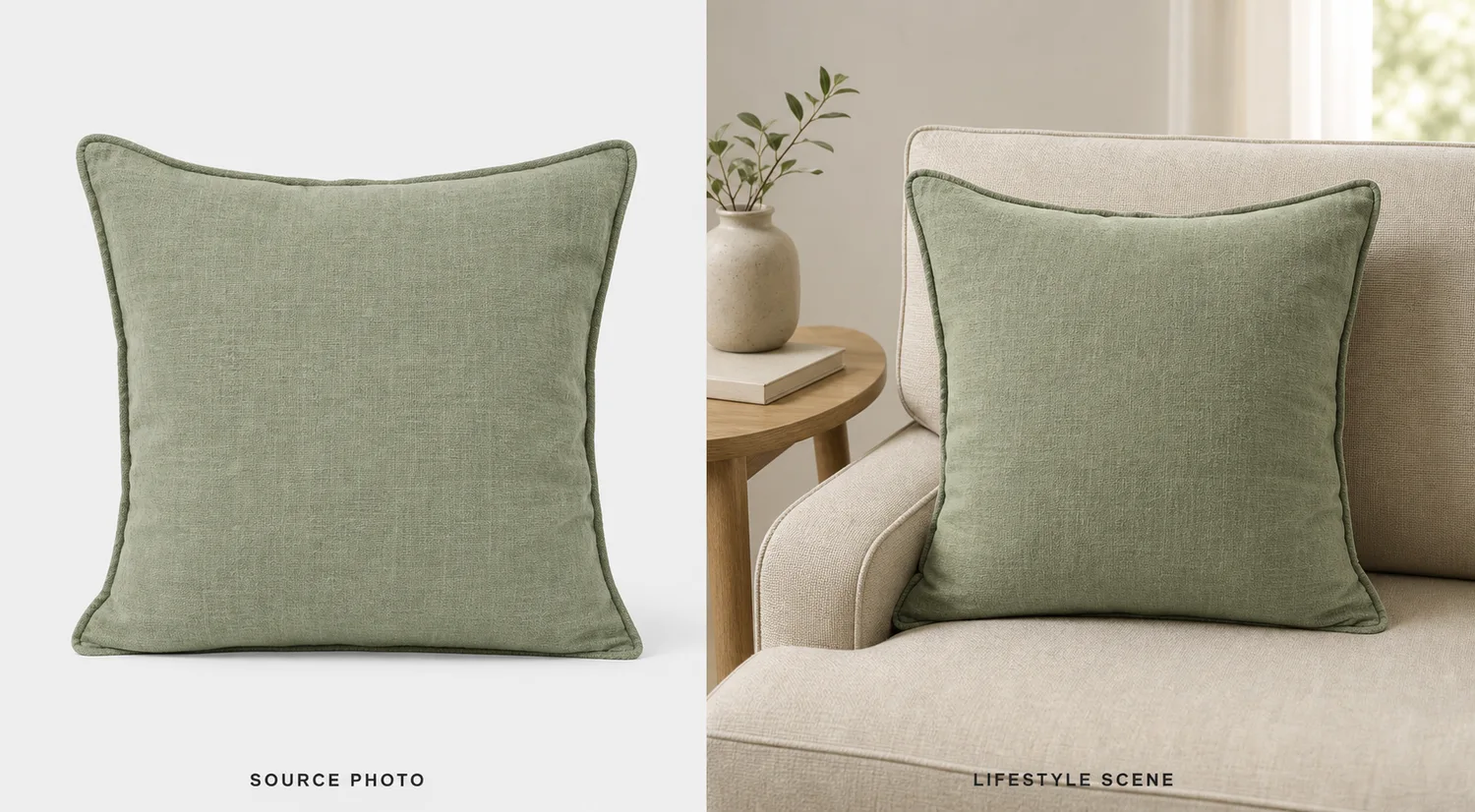
For Create Lifestyle Scenes for Home Goods Product Images, KrafLayer helps when the product is real but the surrounding scene needs work. Use Replace BG for a prompted or reference-based scene, or Scene Compose when product position and scale must match a base scene. Use the scene to support listing images, detail pages, or ad assets, then check that scale, material, placement, and shadow still make sense in the space.
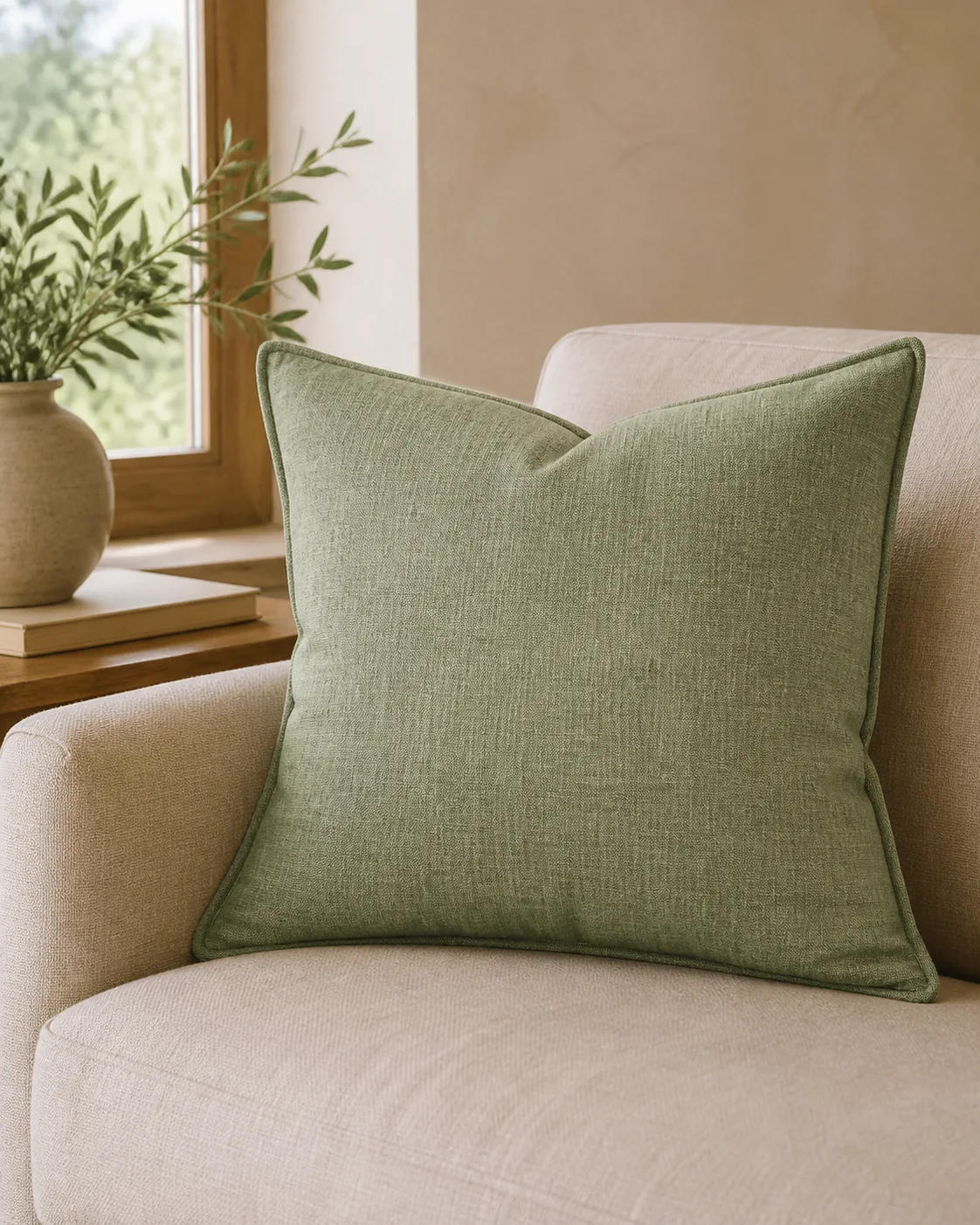
A home goods lifestyle scene should help shoppers imagine the product in use. It should not bury the product inside a decorative room. The product must remain easy to identify, correctly scaled, and materially believable.
Use this workflow for cushions, lamps, storage pieces, ceramics, bedding, small furniture, decor, and kitchenware when a plain image does not communicate use or atmosphere.
What makes the scene useful
A useful lifestyle scene answers scale, style fit, placement, and material questions. For home goods, buyers notice depth, fabric texture, wood grain, surface contact, and whether props make sense.
Avoid over-styled rooms where the actual SKU becomes a minor decoration.
Workflow
1. Define the room or surface: sofa, shelf, counter, bedside table, kitchen, bathroom, or entryway. 2. Lock the product scale and material before adding props. 3. Use props only to explain use, not to fill the frame. 4. Match light direction and contact shadow to the room. 5. Check whether the product still reads at product-card size.
Where KrafLayer Fits
When you apply this Create Lifestyle Scenes for Home Goods Product Images workflow in KrafLayer, the tool choice matters: use Replace BG for a prompted or reference-based scene, or Scene Compose when product position and scale must match a base scene. After generation, judge the image by the channel it serves — listing images, detail pages, or ad assets — and check that scale, material, placement, and shadow still make sense in the space.
Prompt to use in KrafLayer
~~~text Use the uploaded home goods product as the exact reference. Create a realistic lifestyle scene for ecommerce in [room/context]. Preserve the product shape, material, texture, color, scale, proportions, and natural contact shadow. Use simple supporting props and believable room lighting. Keep the product as the clear hero. Do not change the product design, make the room too busy, distort scale, hide edges, or add unrelated decor. ~~~
FAQ
Are lifestyle scenes good for main images?
Usually they work better as supporting images. Keep the main image product-first, then use lifestyle scenes to show scale, mood, and placement.
How many props should I include?
Use fewer than you think. One or two context props can help; too many props make the product harder to evaluate.
Why does AI make home products the wrong size?
The scene prompt may lack scale anchors. Mention the room context, surface, and product size cues, and check the output against the original reference.
Keep exploring
Continue the story
More practical guidance on product accuracy, composition, and conversion-ready visuals.

Put it into practice
Take the next step in KrafLayer
Choose a generation or editing workflow that matches what you just learned.