Ecommerce
How to Create Realistic AI Lifestyle Product Images Without Looking Staged
TL;DR
A lifestyle product image workflow for realism: create believable scenes, preserve product identity, avoid over-styling, and keep buyer-use context clear. Includes how to do it in KrafLayer.
TL;DR
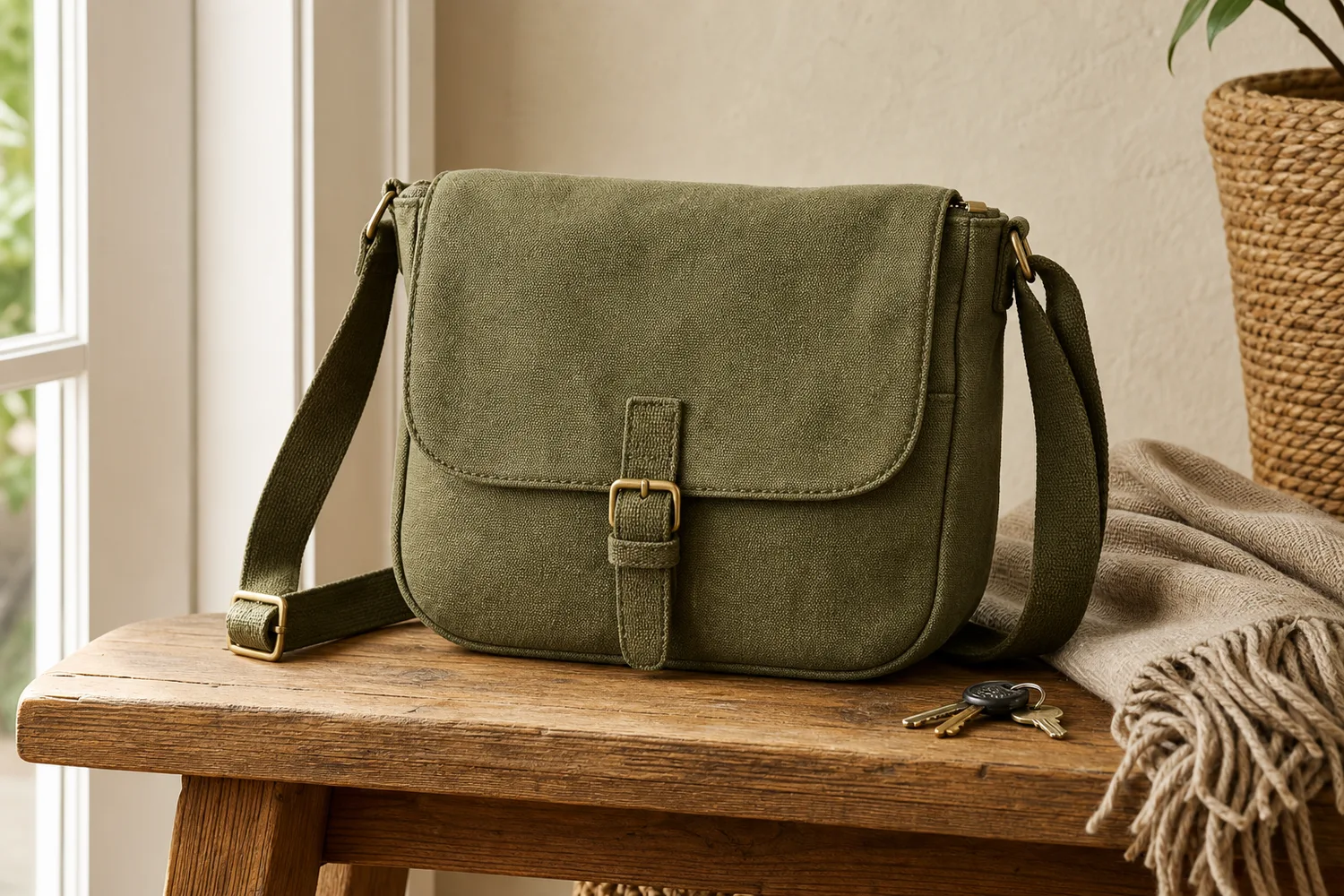
For Create Realistic AI Lifestyle Product Images Without Looking Staged, KrafLayer helps when the product is real but the surrounding scene needs work. Use Replace BG for a prompted or reference-based scene, or Scene Compose when product position and scale must match a base scene. Use the scene to support listing images, detail pages, or ad assets, then check that scale, material, placement, and shadow still make sense in the space.
Realistic lifestyle product images work when the scene feels lived-in but still intentional. They fail when every prop looks arranged for the camera or the product becomes a small object inside a fake room.
What makes lifestyle images believable
Believability comes from ordinary surfaces, natural light, correct scale, sensible props, and imperfect-but-clean spacing. The product should look usable, not staged for a showroom.
Workflow
1. Pick a real use moment: entryway, desk, kitchen, bathroom, gym bag, nightstand, or travel setup. 2. Keep the product large enough to inspect. 3. Use only props that would naturally be there. 4. Match shadow and scale to the surface. 5. Remove anything that makes the scene look like stock photography.
Where KrafLayer Fits
When you apply this Create Realistic AI Lifestyle Product Images Without Looking Staged workflow in KrafLayer, the tool choice matters: use Replace BG for a prompted or reference-based scene, or Scene Compose when product position and scale must match a base scene. After generation, judge the image by the channel it serves — listing images, detail pages, or ad assets — and check that scale, material, placement, and shadow still make sense in the space.
Prompt to use in KrafLayer
~~~text Use the uploaded product as the exact reference. Create a realistic ecommerce lifestyle image in [specific everyday scene]. Preserve product shape, color, material, logo area, scale, and natural shadow. Use believable light, ordinary surfaces, and minimal props that support real use. Keep the product clearly visible. Do not over-stage the scene, add unrelated decor, change the SKU, or hide key details. ~~~
FAQ
Why do AI lifestyle images look staged?
The scene is often too perfect or too full of props. Use a specific real moment and fewer objects.
Should the product be centered?
Not always, but it should be visually dominant enough for ecommerce. Lifestyle does not mean the product becomes background.
Can lifestyle images replace product-only images?
No. Use them to support product-only images by showing scale, use, and mood.
Keep exploring
Continue the story
More practical guidance on product accuracy, composition, and conversion-ready visuals.
Put it into practice
Take the next step in KrafLayer
Choose a generation or editing workflow that matches what you just learned.