Ecommerce
Amazon Product Photo Requirements and AI Editing Checklist
TL;DR
Amazon product photo preparation should start with product clarity, a clean primary image, high-resolution source files, and careful secondary images. AI can help with cleanup and variants, but sellers should verify current Seller Central and category rules before uploading.
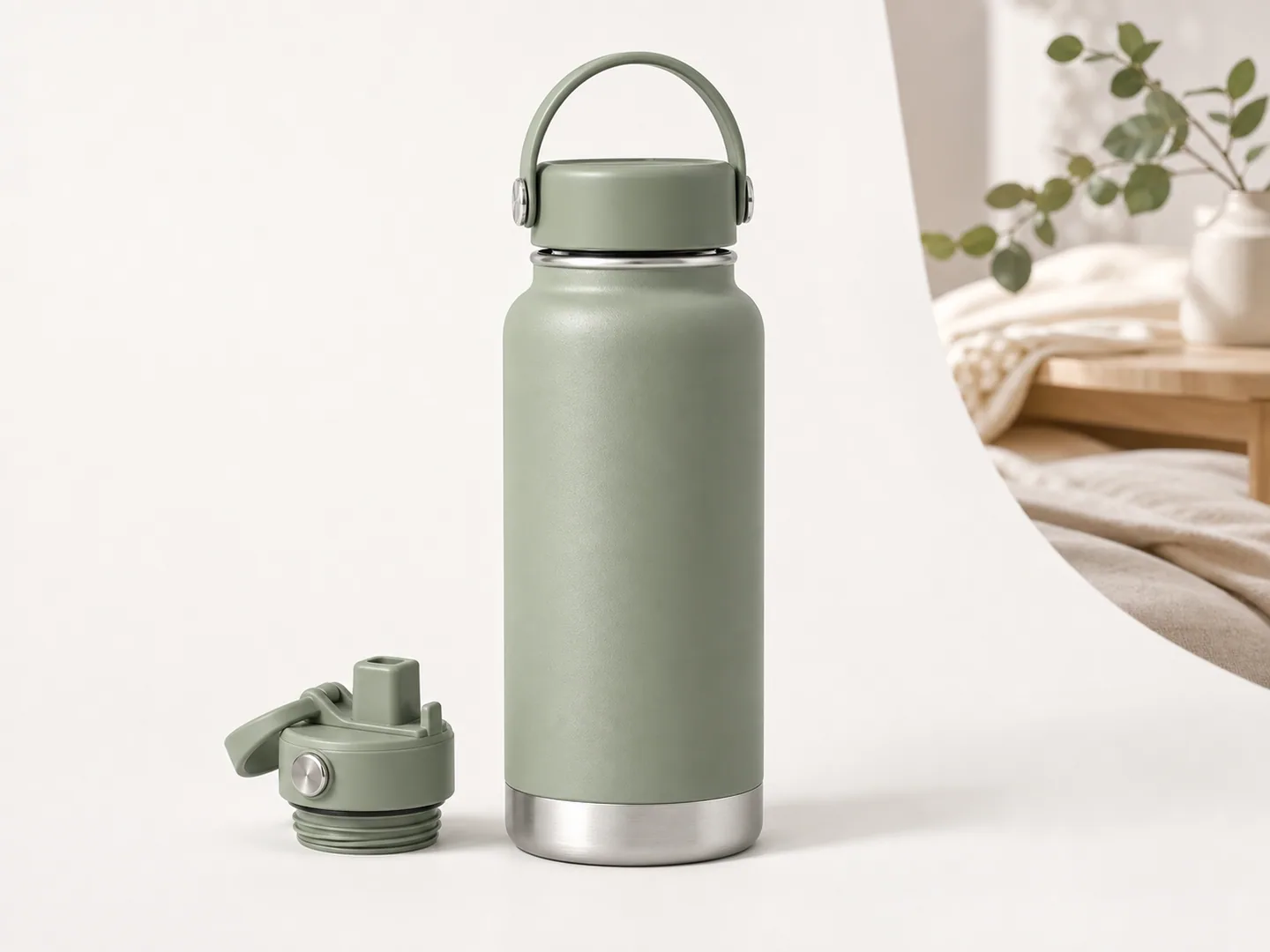
Amazon product photo requirements start with clarity
Amazon product photo requirements are not only about image dimensions. The main job is to make the product easy to evaluate. A shopper should understand what the item is, what is included, what it looks like, and why it fits their need.
Exact rules can vary by marketplace and category, so sellers should verify current guidance in Seller Central before uploading. Amazon's Seller Central image requirements page is the final reference when available to your account: [Amazon Seller Central image requirements](https://sellercentral.amazon.com/help/hub/reference/external/G1881).
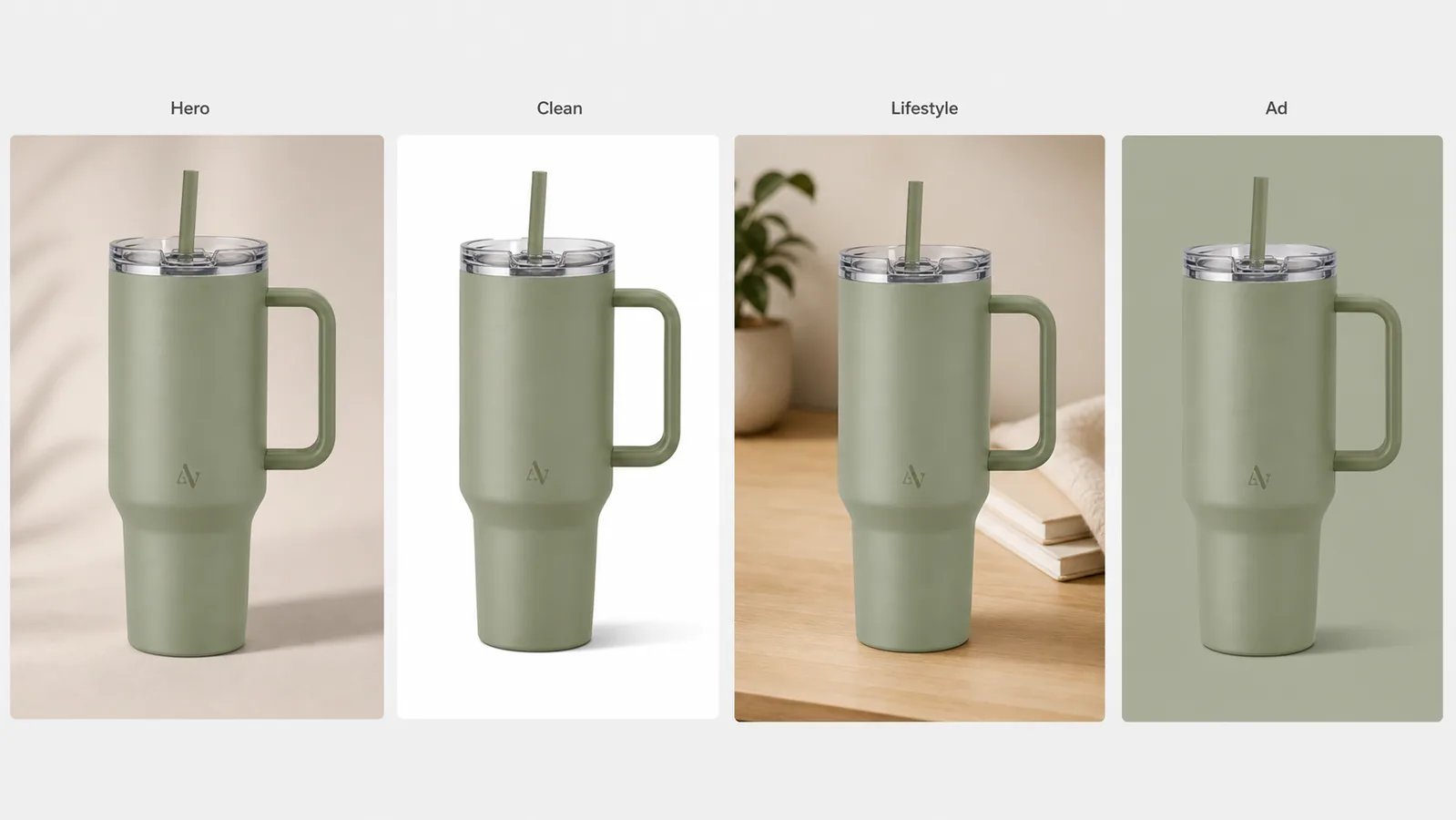
KrafLayer's [Amazon product photos](/use-cases/amazon-product-photos) workflow is built around a practical checklist: clean main image, high-resolution source, product accuracy, secondary images, and careful editing.
Main image checklist
For the primary listing image, check:
- The product is the clear focus.
- The image is clean, bright, and easy to inspect.
- The product silhouette is not cropped in a confusing way.
- No extra props imply something is included when it is not.
- No badges, borders, watermarks, or decorative text are added.
- Shadows look natural and do not hide product edges.
- Labels, packaging, color, and material stay accurate.
Use [AI background remover](/tools/ai-background-remover) when the product is good but the background creates clutter. Use the broader [product photo editor](/product-photo-editor) when the source needs dust cleanup, object removal, upscaling, restoration, or local repair before it becomes a listing image.
Secondary image checklist
Secondary Amazon images can explain more than the main image. They can show:
- Feature callouts.
- Material and texture.
- Scale and dimensions.
- Included accessories.
- Use context.
- Before and after states.
- Comparison frames.
- Packaging details.
The risk is overdesign. A secondary image should explain the product, not bury it under heavy graphic elements. If text is used, keep it readable, truthful, and visually secondary to the product.
AI editing checklist before upload
AI can help prepare Amazon product photos, but each edited output needs review.
Check these items:
1. Product shape did not change. 2. Label text and packaging are still accurate. 3. Color and material are believable. 4. Edges are clean but not cutout-looking. 5. Shadows are subtle and physically plausible. 6. No extra accessories were invented. 7. Reflections and highlights do not hide important details. 8. Resolution is high enough for inspection. 9. The image still matches what the buyer receives.
This review step matters because AI can make images look polished while introducing small product inaccuracies.
When to use each KrafLayer tool
| Task | KrafLayer path |
|---|---|
| Create a listing image set | [AI product image generator](/ai-product-image-generator) |
| Remove a distracting background | [AI background remover](/tools/ai-background-remover) |
| Clean dust, props, or marks | [Product photo editor](/product-photo-editor) |
| Improve a soft image | [AI image upscaler](/tools/ai-image-upscaler) |
| Replace a weak scene | [AI background replacer](/tools/ai-background-replacer) |
| Edit one selected region | [AI mask edit](/tools/ai-mask-edit) |
Amazon main image vs detail images
The main image should identify the exact product. Detail images should reduce uncertainty.
If a buyer might ask "how big is it," add a scale image. If they might ask "what is included," add an included-items image. If they might ask "how does the material look," add a close-up. If they might ask "where would I use this," add a practical lifestyle image.
This approach makes secondary images useful without turning them into generic ads.
How to create Amazon-style product photos with AI
Use this workflow:
1. Upload the cleanest product reference available. 2. Remove distractions before generating new variants. 3. Generate a main image or detail image set. 4. Review each output against Seller Central and category rules. 5. Keep only images that preserve product identity and buyer trust.
AI should speed up preparation, not replace seller responsibility.
FAQ
What are Amazon product photo requirements?
Amazon product photo requirements focus on product clarity, accurate representation, suitable image quality, and avoiding misleading additions. Requirements can vary by category and marketplace, so sellers should check current Seller Central guidance before publishing.
Can AI edit Amazon product photos?
Yes. AI can remove backgrounds, clean distractions, upscale, restore, and create secondary image concepts. Every edited image should be reviewed for product accuracy, category compliance, and whether it truthfully represents the item.
Should Amazon product photos use a white background?
Many Amazon main images require a clean product-focused presentation, often with a white background depending on category rules. Sellers should verify the current rule for their category before uploading.
What should secondary Amazon images show?
Secondary images should explain the product: feature callouts, scale, material, included items, use context, accessories, and practical lifestyle scenarios. They should not make the product harder to evaluate.
Keep exploring
Continue the story
More practical guidance on product accuracy, composition, and conversion-ready visuals.


Put it into practice
Take the next step in KrafLayer
Choose a generation or editing workflow that matches what you just learned.