Ecommerce
Ecommerce Listing Images for Stores, Marketplaces, and Ads
TL;DR
A practical guide to ecommerce listing images for store pages, marketplaces, ads, detail proof, product truth, and AI review.
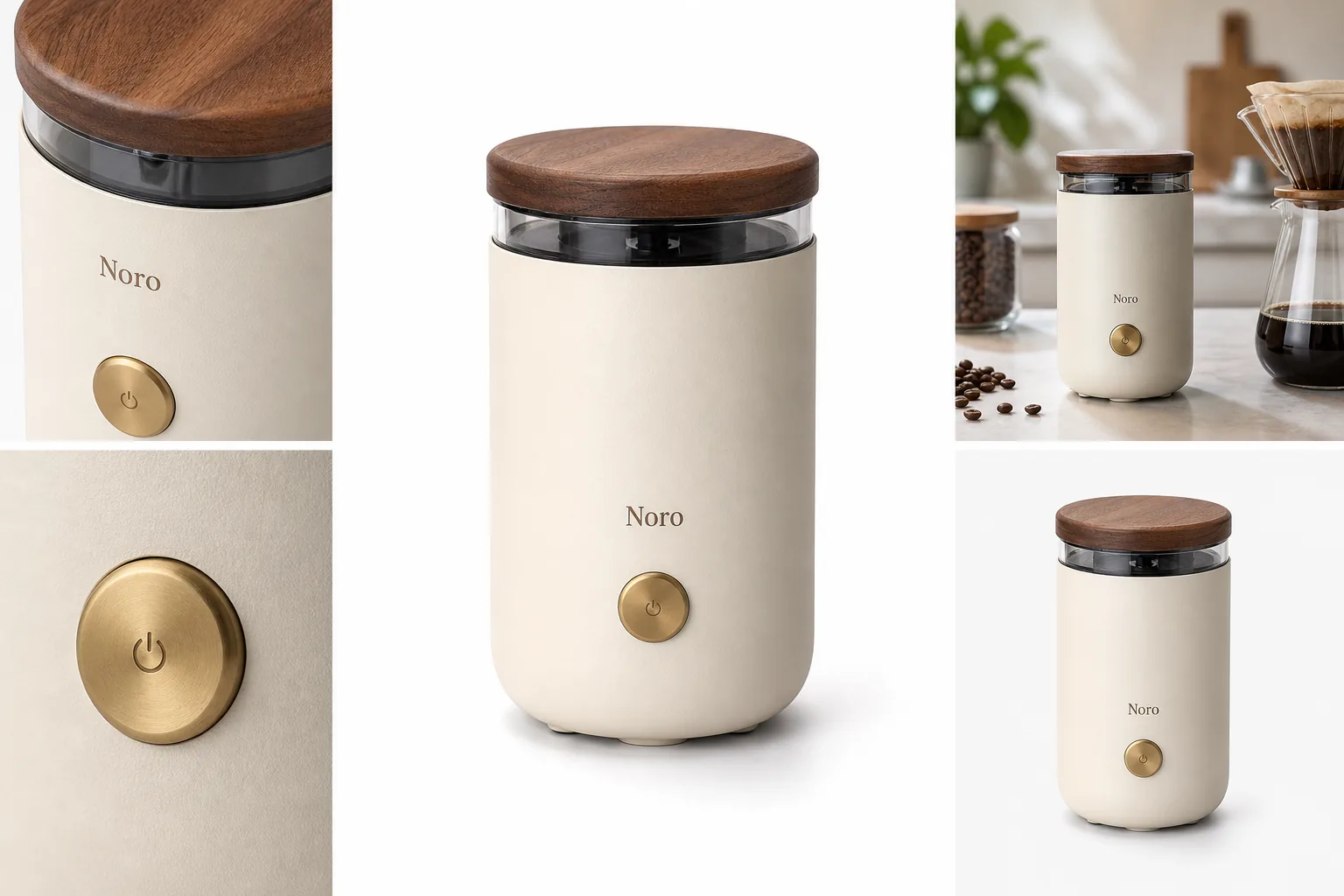
Ecommerce listing images should keep one product truth while changing the image role for each channel. Your store page may need brand-led product storytelling, a marketplace listing may need stricter product-first clarity, and an ad crop may need faster recognition at a smaller size.
The practical rule is simple: start with the same verified product facts, then build a main image, detail proof, use-context image, and ad-ready crop around those facts. In KrafLayer, that means using [ecommerce product photography](/ecommerce-product-photography) workflows to keep the product consistent before you generate or edit channel-specific images.
Ecommerce Listing Images Are Channel Assets
Ecommerce listing images are the product photos and visual assets used to sell one item on a product page, marketplace listing, or campaign landing page. They overlap with product listing images, but the ecommerce version has to work across more surfaces: store grids, PDP galleries, marketplaces, ads, retargeting, email, and social previews.
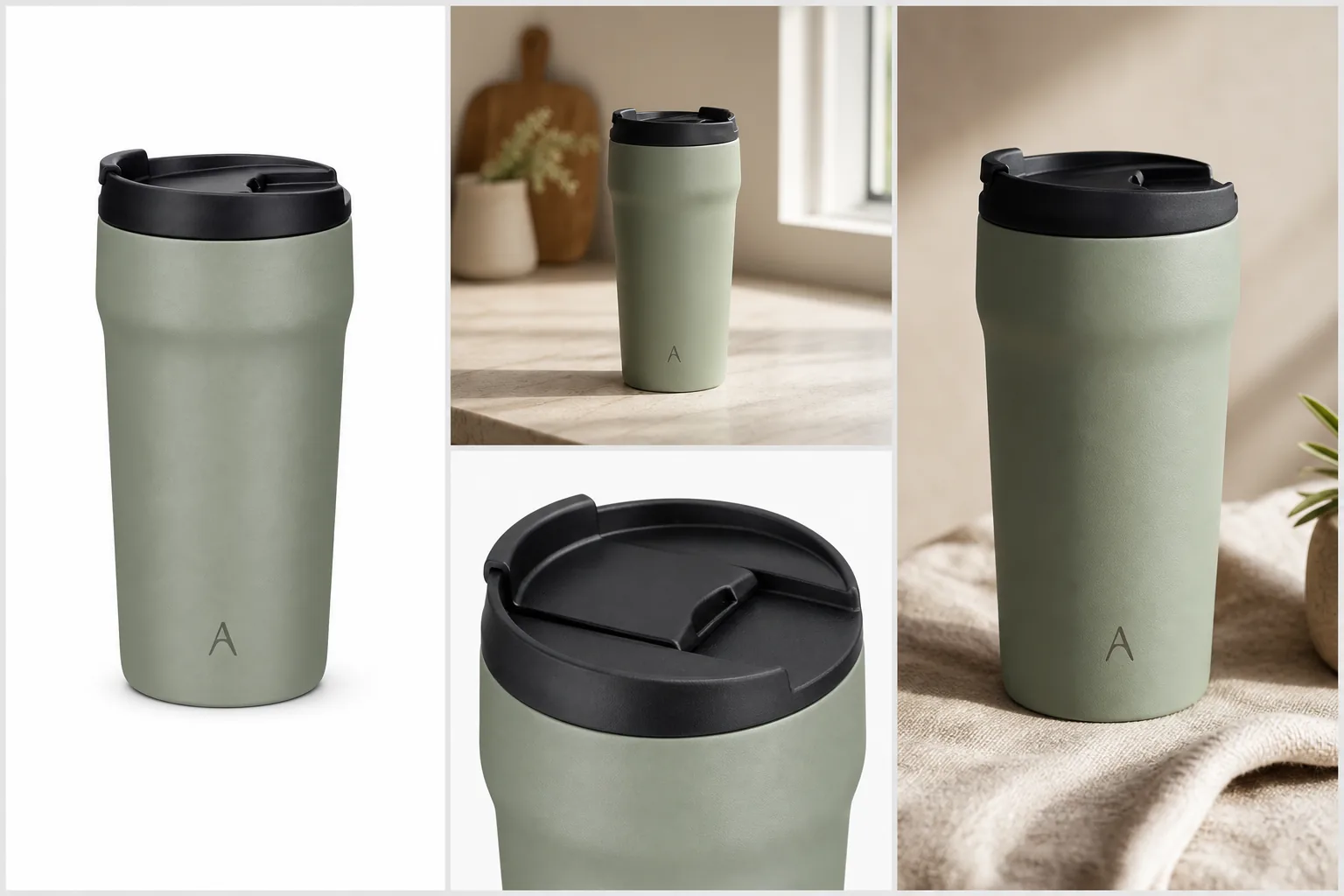
A useful set usually includes:
- a clean main product image for recognition
- a second angle or scale image for structure
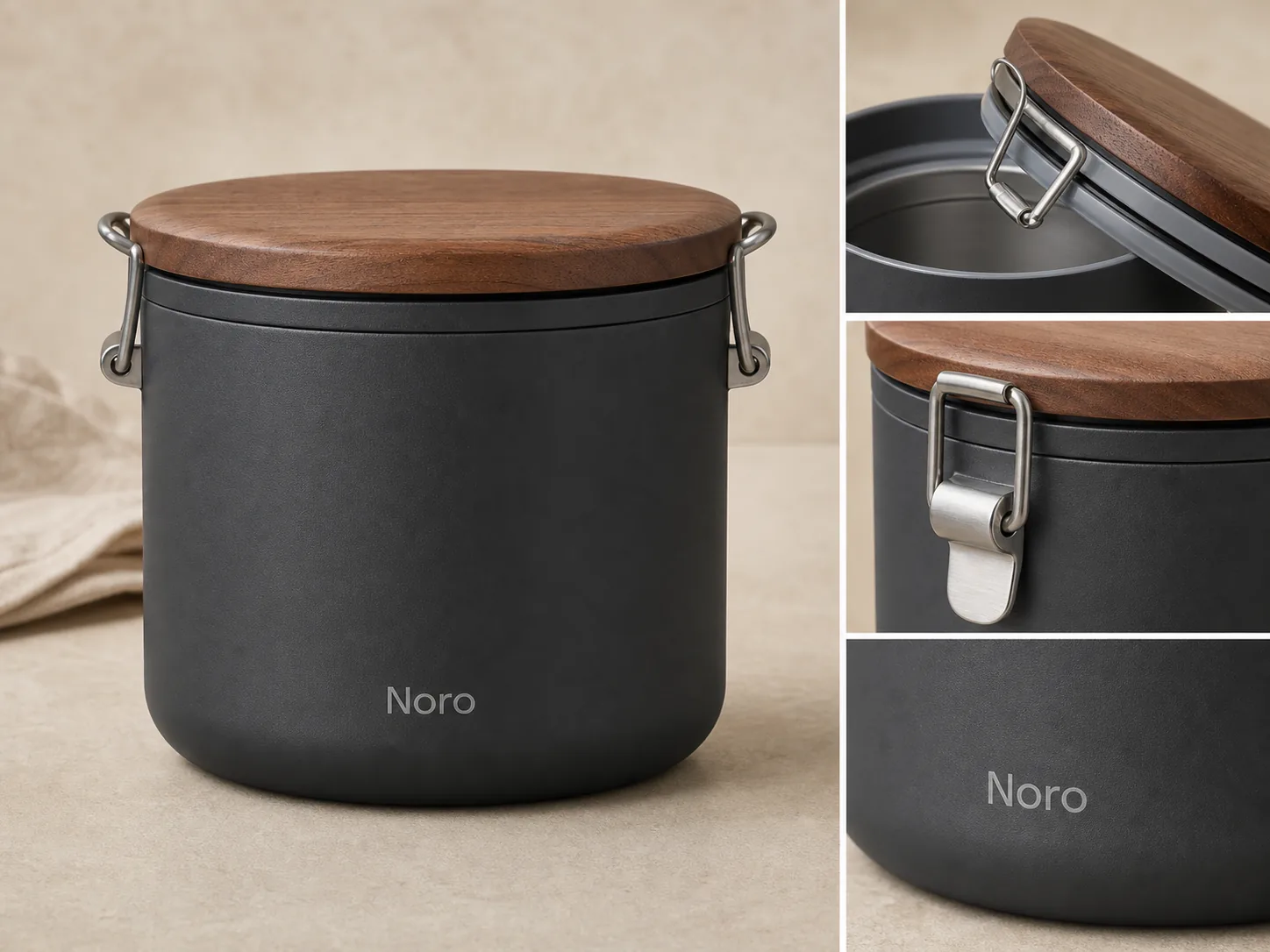
- a product detail image for material, texture, hardware, label, fit, or construction
- a lifestyle image that shows use without hiding the product
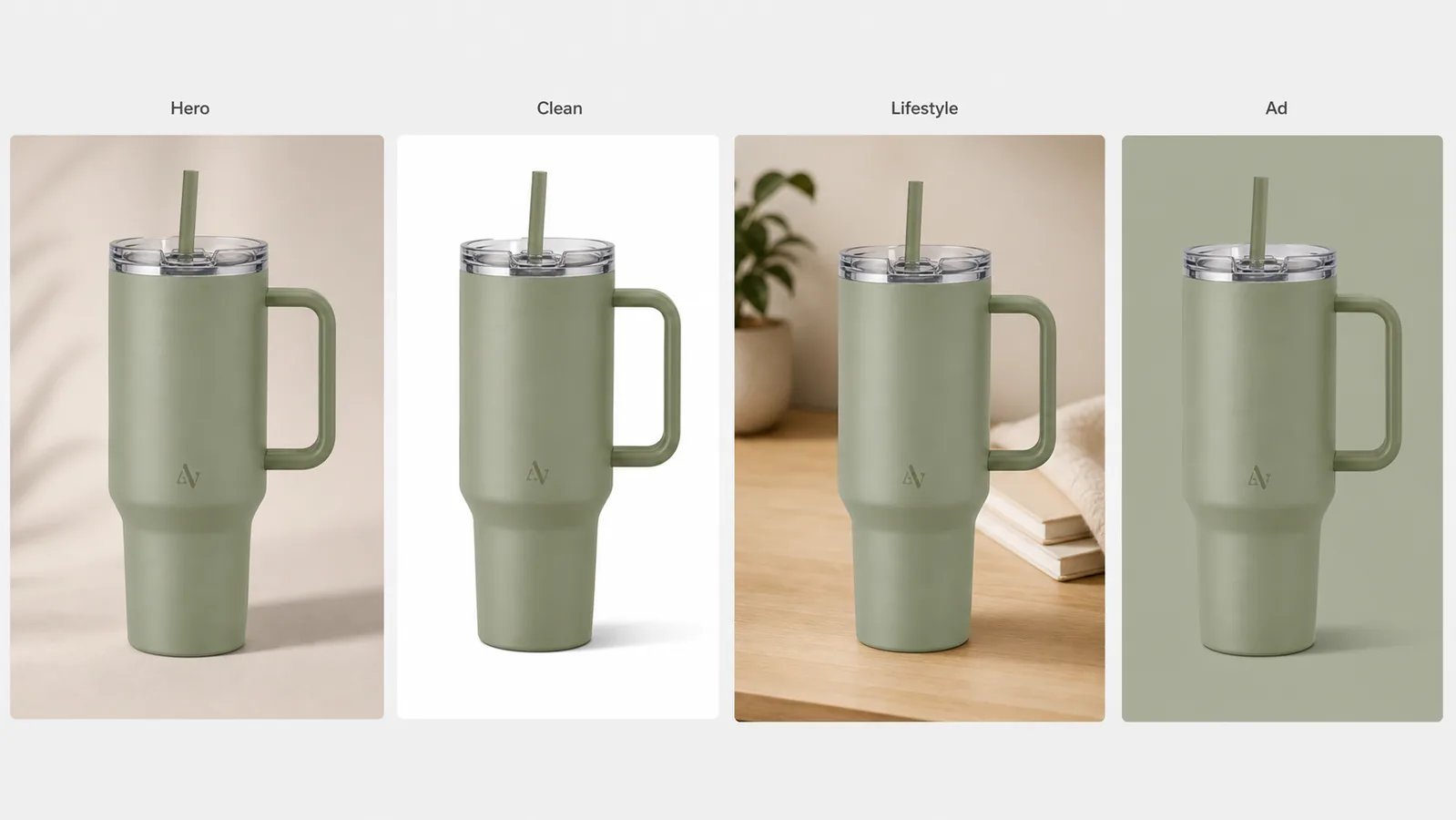
- a channel crop for mobile thumbnails, product grids, or ads
- a variant or bundle image when the offer includes real options
If those roles all use a different-looking product, the image set becomes less trustworthy. The buyer should feel like every frame came from the same SKU.
Store Pages Need Product Story And Consistency
On a direct ecommerce site or [Shopify product image](/marketplace-product-images/shopify-product-images) page, listing images can do more than identify the item. They can build a controlled product story because you own the surrounding layout, copy, recommendations, bundle modules, and brand cues.
For store product images, prioritize:
- a main image that reads clearly in product grids
- consistent crop logic across collection cards
- detail images that answer objections before support tickets happen
- lifestyle images that match the brand without making the product secondary
- reusable crops for email, landing pages, and retargeting ads
- alt text and filenames that describe the actual product, not vague campaign mood
The risk on store pages is over-styling. A beautiful scene can still fail if the product is small, cropped strangely, or visually different from the cart and checkout thumbnails.
Marketplaces Need Product-First Review
Marketplace product images should be reviewed more conservatively. The right approach is not to copy one platform's rules into every channel; it is to keep a product-first image set and check current platform guidance before publishing.
For [Amazon product photos](/marketplace-product-images/amazon-product-photos), review main images, secondary images, text overlays, props, claims, and backgrounds carefully against current marketplace guidance. Do not assume AI-edited marketplace product images are automatically compliant.
For handmade, vintage, or maker-led listings, keep material and scale visible. Over-polished AI scenes can make a real product feel generic. A lifestyle image should support authenticity, not erase it.
Useful marketplace checks:
- no real marketplace UI, fake badges, review stars, or unauthorized logos
- no unsupported performance, health, safety, or certification claims
- props do not look included unless they are included
- product condition and buyer-relevant defects are not hidden
- generated labels, barcodes, QR codes, seals, and tiny text are rejected unless they come from approved artwork
- product color, scale, material, and included parts match the actual listing
This is where cautious editing matters. The image should reduce buyer uncertainty without inventing proof.
Ads Need Faster Recognition
Ad-ready product images have a different job. They need fast product recognition in a feed, but they still have to match the product page.
For ad crops, ask:
- Can the product be identified in a small mobile preview?
- Is the crop centered enough for square, vertical, and wide placements?
- Does the image use one message instead of several competing messages?
- Does the product still match the PDP main image?
- Are offer claims, feature claims, and visual callouts approved?
An ad image can be more energetic than a PDP detail photo, but it should not turn the item into a different premium version. Strong ecommerce product photography keeps campaign energy and product truth in the same frame.
A KrafLayer Workflow For Listing Image Sets
Use the [AI product image generator](/ai-product-image-generator) when you have a clear product reference and need missing image roles. Use the [product photo editor](/product-photo-editor) when a source photo already contains the right product but needs background cleanup, crop correction, upscaling, object removal, or lighting repair.
A practical workflow:
1. Choose one verified product reference as the source of truth. 2. Write a product fact list: color, material, shape, label, hardware, scale, included parts, and non-negotiable details. 3. Generate or edit the main image first. 4. Create detail images only for buyer-relevant proof. 5. Add a lifestyle image that keeps the product dominant. 6. Make store, marketplace, and ad crops from the same product truth. 7. Review every output against the reference before publishing.
Use this prompt direction when creating ecommerce listing images:
Create ecommerce listing images for the same matte ivory countertop coffee grinder with a warm walnut lid, brass power button, rounded cylinder shape, transparent bean window, and small fictional Noro wordmark. Preserve the product shape, lid, button, material, color, proportions, logo position, lighting direction, scale, and contact shadow. Create one clean main image, one detail image, one restrained lifestyle image, and one ad-ready crop. Do not add real brand logos, marketplace UI, badges, review stars, barcodes, QR codes, sale stickers, certification marks, or unsupported claims.
For editing an existing product photo, use a tighter instruction:
Keep this exact product unchanged. Improve listing clarity, crop, background, lighting, and sharpness. Preserve color, material, silhouette, label placement, hardware, seams, transparent parts, scale, and buyer-relevant details.
The prompt should protect the product before it asks for a style.
Review The Set Across Surfaces
Do not review ecommerce listing images only as separate files. Review them as a buyer journey.
Start with the product grid thumbnail. Then check the PDP gallery. Then check the marketplace main image. Then check the ad crop. If the item appears to change between those surfaces, fix the inconsistency before publishing.
Use this final review:
- The first image explains what is being sold within one second.
- The detail image proves something buyers care about.
- The lifestyle image shows use or scale without hiding the item.
- Store and marketplace images use the same product color, scale, material, and label facts.
- Ad crops remain recognizable at small mobile sizes.
- No image adds fake logos, UI, badges, review stars, claims, or unreadable invented text.
- The set still feels like one real product page.
If an image does not add information, remove it or replace it with a more useful role. A shorter image set with clear jobs is stronger than a long set of repeated hero shots.
FAQ
What are ecommerce listing images?
Ecommerce listing images are the product visuals used to sell an item on store pages, marketplaces, ads, and product grids. They usually include a main image, angle or scale view, product detail image, lifestyle image, and channel-specific crops for different selling surfaces.
Are ecommerce listing images the same as product listing images?
They are closely related. Product listing images usually refer to the gallery on one listing or product page. Ecommerce listing images can include that gallery plus store-grid thumbnails, marketplace images, ad crops, landing-page visuals, and other assets used across the selling funnel.
How many ecommerce listing images should a product have?
Most products need four to six useful images: a main image, an angle or scale image, at least one product detail image, a lifestyle or use-context image, and a variant or bundle image when relevant. Complex products need more only when each image answers a real buyer question.
Can AI make ecommerce listing images?
AI can help create ecommerce listing images when it starts from a clear product reference and a narrow product fact list. It can generate missing main, detail, lifestyle, and ad-ready images, but every output should be checked for color, scale, material, labels, included parts, and unsupported claims.
What should I check before using listing images on marketplaces?
Check current marketplace guidance, product accuracy, backgrounds, props, overlays, claims, logos, badges, review stars, and condition details. Avoid treating AI editing as a compliance guarantee. The safer workflow is to keep the product clear, reject invented details, and review the image against the real SKU.
Conclusion
Ecommerce listing images work best when every surface uses the same product truth but a different visual job. Your store may need story and consistency, marketplaces need careful product-first review, and ads need faster recognition. KrafLayer helps sellers create and edit those image roles from a product-first workflow, so main images, detail proof, lifestyle scenes, and ad-ready crops support the same trustworthy listing instead of drifting into separate-looking products.
Keep exploring
Continue the story
More practical guidance on product accuracy, composition, and conversion-ready visuals.
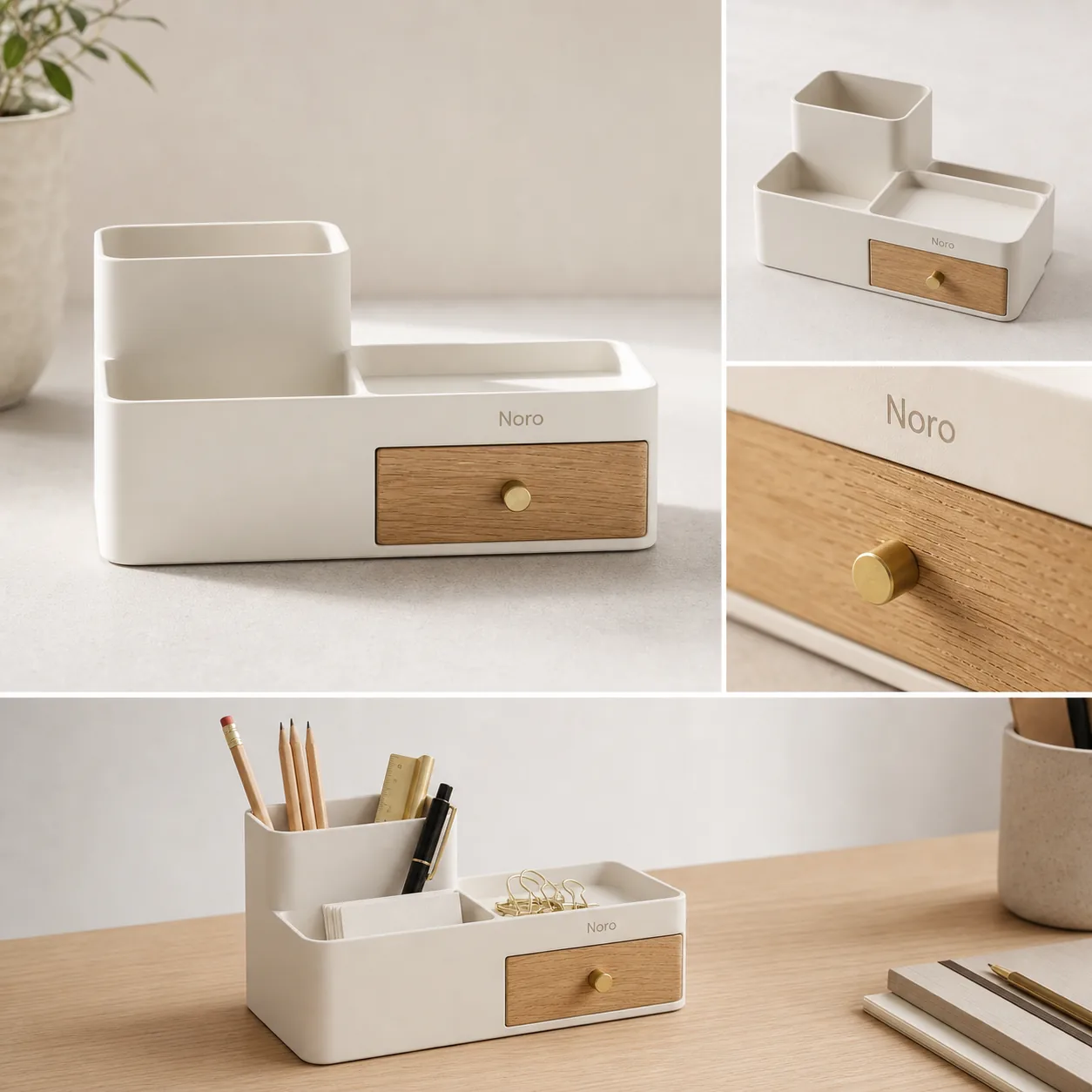
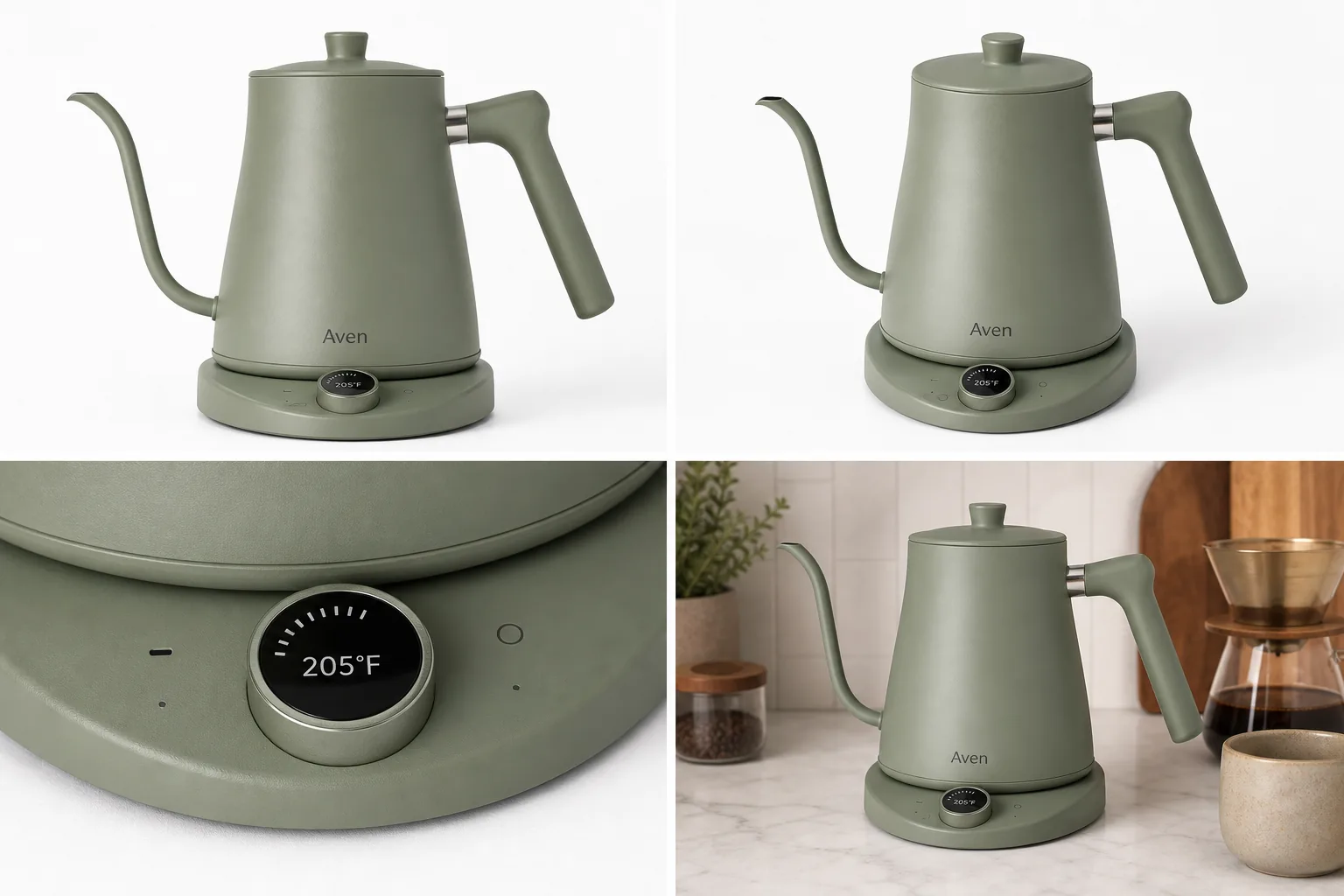
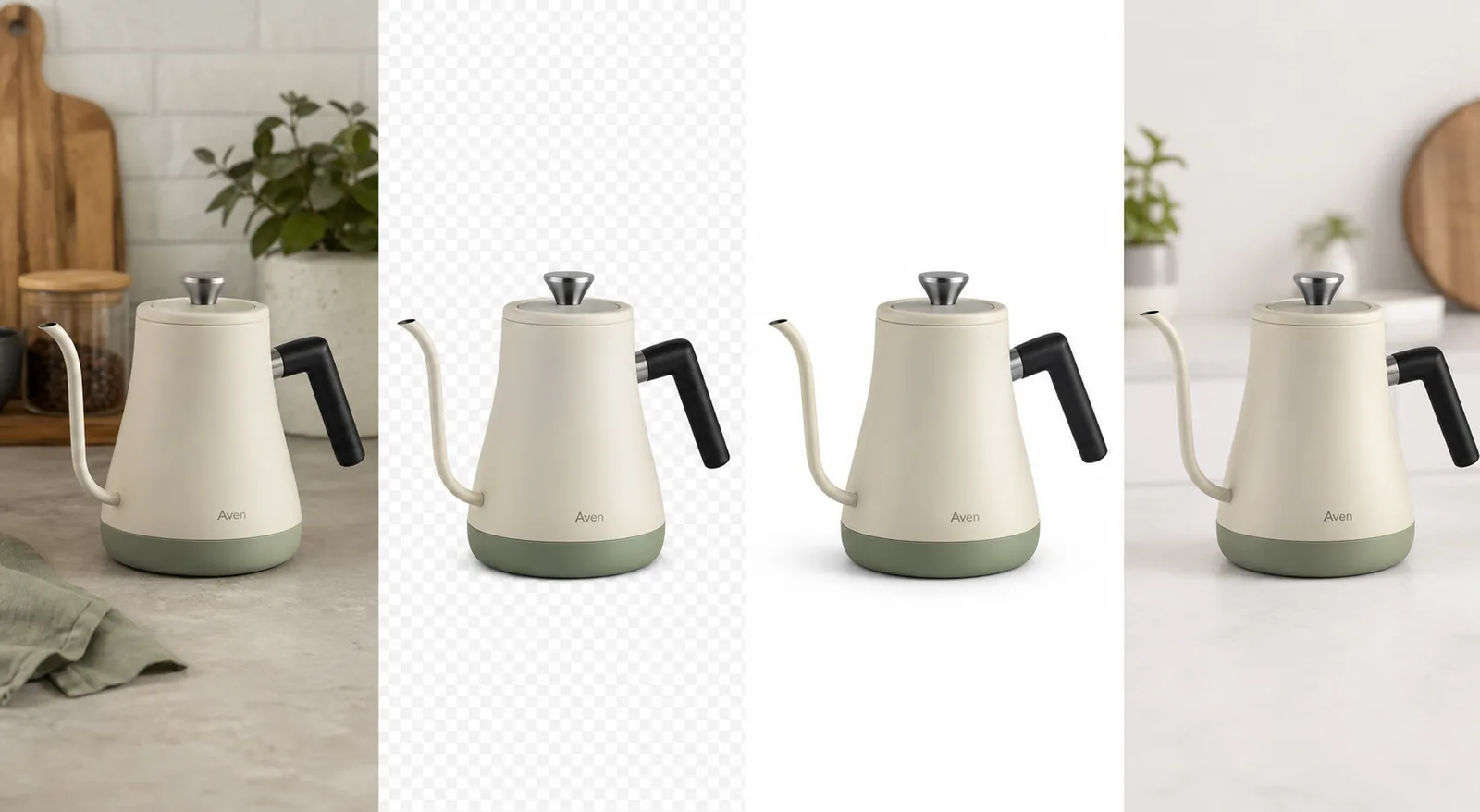
Put it into practice
Take the next step in KrafLayer
Choose a generation or editing workflow that matches what you just learned.