Ecommerce
Product Listing Images: A Practical Checklist for Online Stores
TL;DR
A practical product listing image checklist for main photos, detail shots, scale views, lifestyle images, channel fit, and AI review.
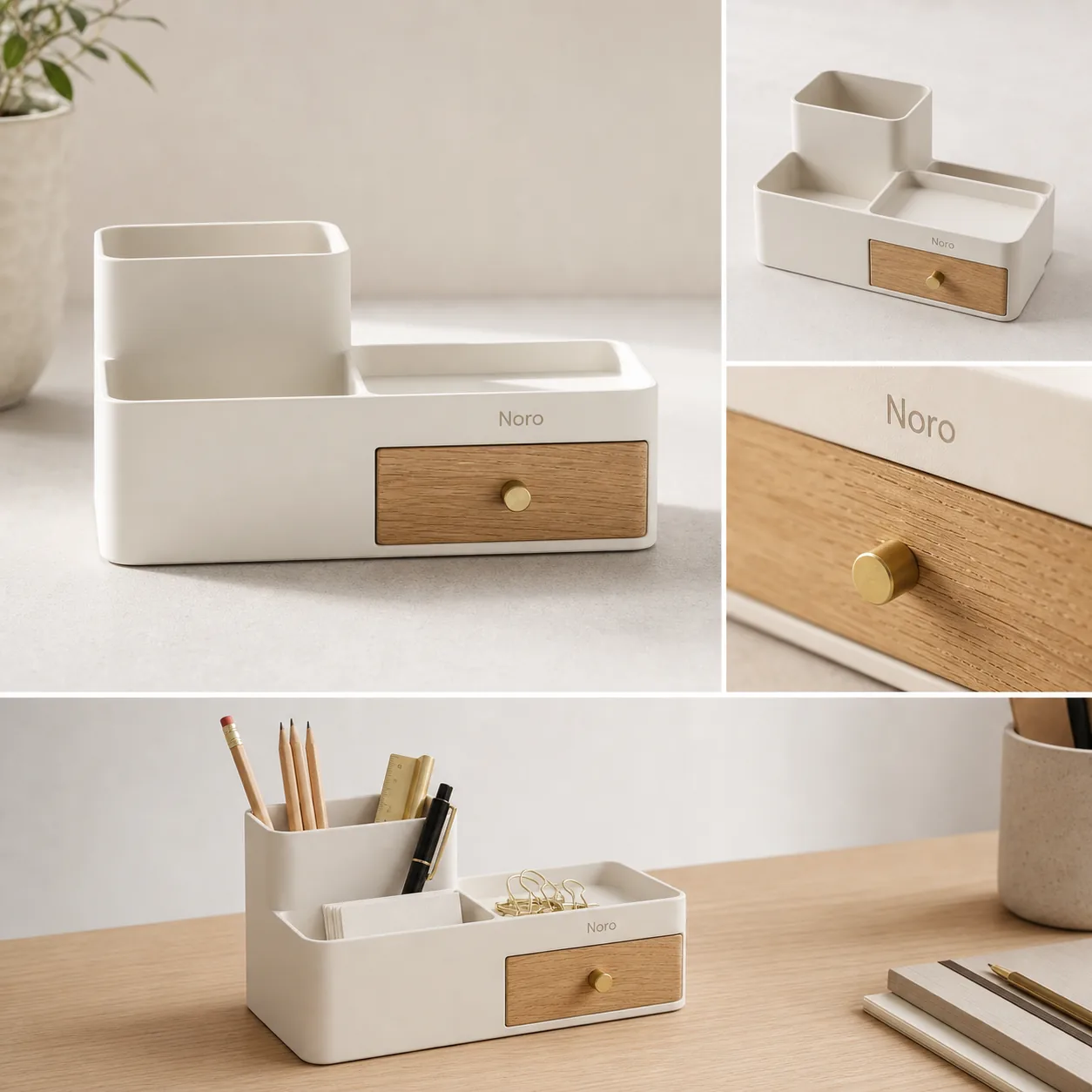
Product listing images should answer the buyer's inspection questions before they read the description. A strong listing set usually starts with a clean main image, then adds angle, scale, detail, variant, and lifestyle images only when each one explains something real about the product.
The practical rule is this: every product listing image should either identify the item, prove a detail, show scale, explain use, or reduce a buyer objection. KrafLayer fits into that workflow when sellers need to create missing listing-image roles, clean weak source photos, or keep [ecommerce product photography](/ecommerce-product-photography) consistent across a store. For online store product images, consistency matters as much as polish because the set has to feel like one trustworthy product page.
Product Listing Images Need Clear Jobs
Product listing images are not a gallery of nice photos. They are the visual evidence a shopper uses when they cannot hold the item.
Before publishing, each image should have one job:
- main image: make the product instantly recognizable
- angle image: reveal shape, depth, back, side, open state, or structure
- scale image: show size with a hand, desk, model, room, or familiar object
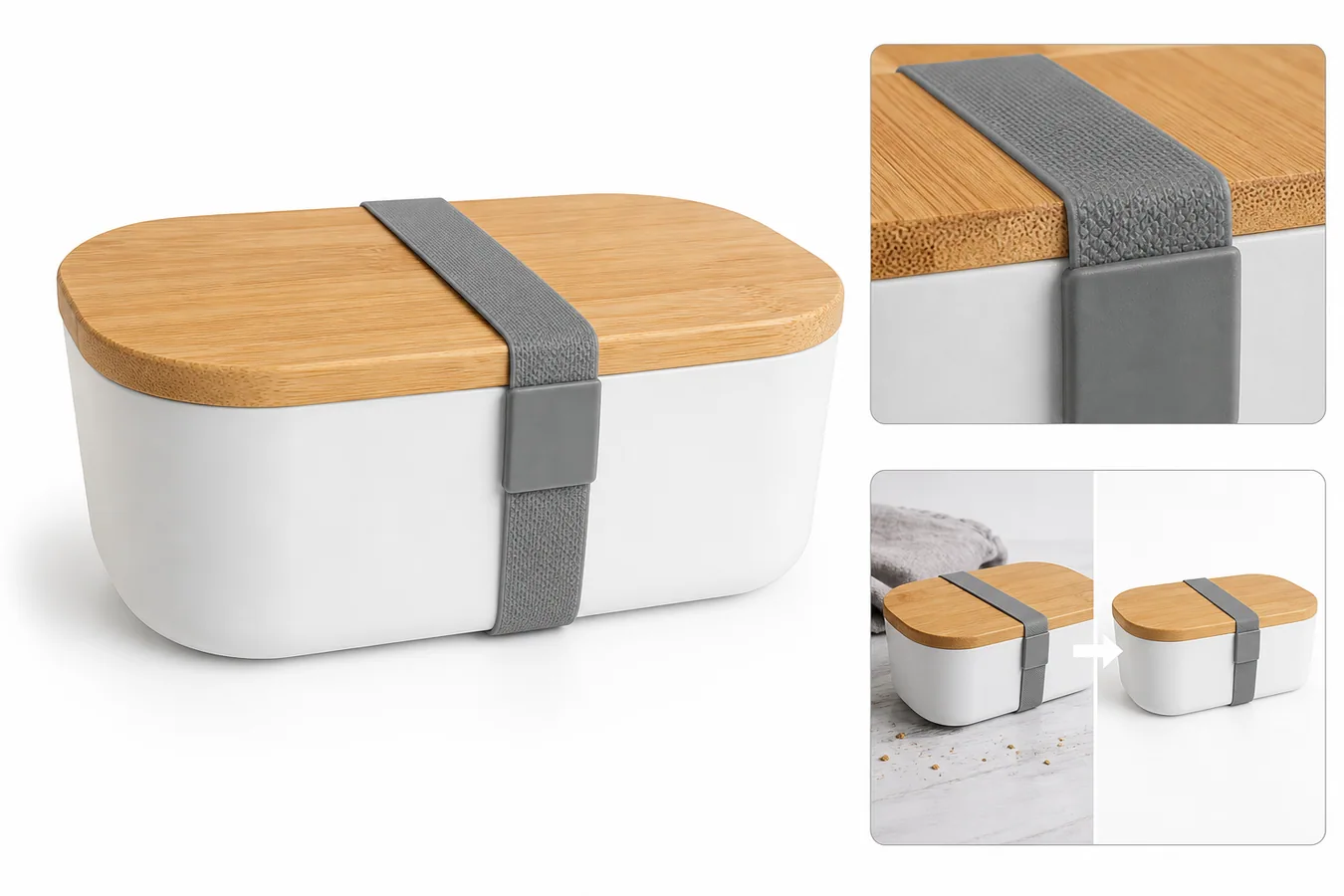
- detail image: prove material, texture, hardware, label quality, ports, seams, or construction
- variant image: show color, size, bundle, or option differences without changing the base SKU
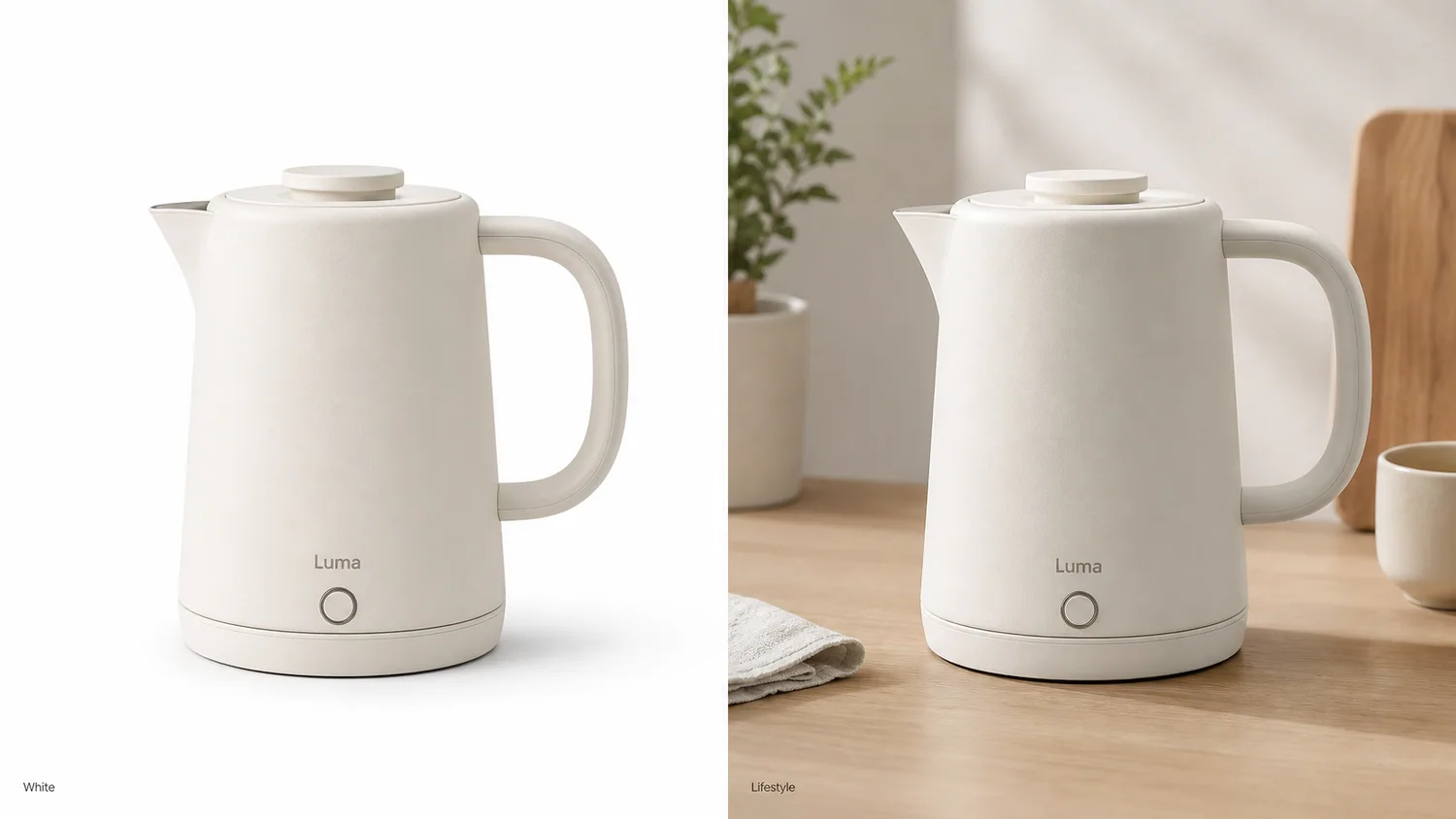
- lifestyle image: show use context while keeping the product dominant
- comparison image: clarify dimensions, included parts, or before/after setup when that is true
If an image does not do one of those jobs, it may be decoration. Decoration can support a campaign, but it should not replace product evidence on a listing page.
A Practical Checklist Before Publishing
Use this checklist for product listing images on a direct-to-consumer store, Shopify store, Amazon listing, Etsy listing, or paid traffic landing page.
Main image:
- product fills enough of the frame to read as a thumbnail
- full silhouette is visible
- crop does not cut off product-defining parts
- background is simple enough for fast recognition
- no fake badges, sale stickers, review stars, marketplace UI, or unsupported claims
Angle and scale images:
- side, back, open, worn, or in-hand view explains structure
- perspective matches the product's real shape
- color and finish stay consistent with the main image
- shadows and contact points look believable
- props do not look like included bundle items unless they are included
Product detail images:
- closeup answers a real buyer question
- material, texture, seam, hardware, port, label, cap, dial, screen edge, or package detail is sharp
- the detail crop clearly belongs to the same product
- AI has not invented markings, claims, labels, certification marks, barcodes, or QR codes
- any on-image label is short, factual, and approved
Lifestyle images:
- product remains the hero
- setting explains use, scale, or mood
- scene does not hide defects, condition, or important product parts
- color and scale still match the main image
- the image does not imply a use case the product cannot support
This checklist works because it keeps the product page focused on buyer confidence, not just visual polish.
Do Not Use One Platform Rule Everywhere
Product listing images need different emphasis by channel. A marketplace main image, a Shopify product page, an Etsy handmade listing, and a landing page for ads may all need a different first impression.
For [Shopify product images](/marketplace-product-images/shopify-product-images), sellers usually control the whole product page, so the image set can support brand style, PDP layout, variants, bundles, recommendations, and campaign traffic. Consistency across the store often matters as much as any single image.
For [Amazon product photos](/marketplace-product-images/amazon-product-photos), the image set should be reviewed carefully against current marketplace guidance before launch. Use cautious workflows: clean product-first images, honest detail views, no unsupported claims, and no assumption that AI editing automatically makes an image compliant.
For [Etsy product photos](/marketplace-product-images/etsy-product-photos), buyers often care about material, handmade feel, scale, and authenticity. Over-polished scenes can weaken trust if they make a handmade product look like a generic catalog item.
The same product may need one common product truth and several channel-specific crops. Do not force one channel's image logic onto every listing.
How KrafLayer Helps Build The Set
Use KrafLayer when the product is clear but the listing image set is incomplete.
The [AI product image generator](/ai-product-image-generator) can help create missing image roles from a product-first brief: a clean main view, an angle view, a detail shot, or a restrained lifestyle image.
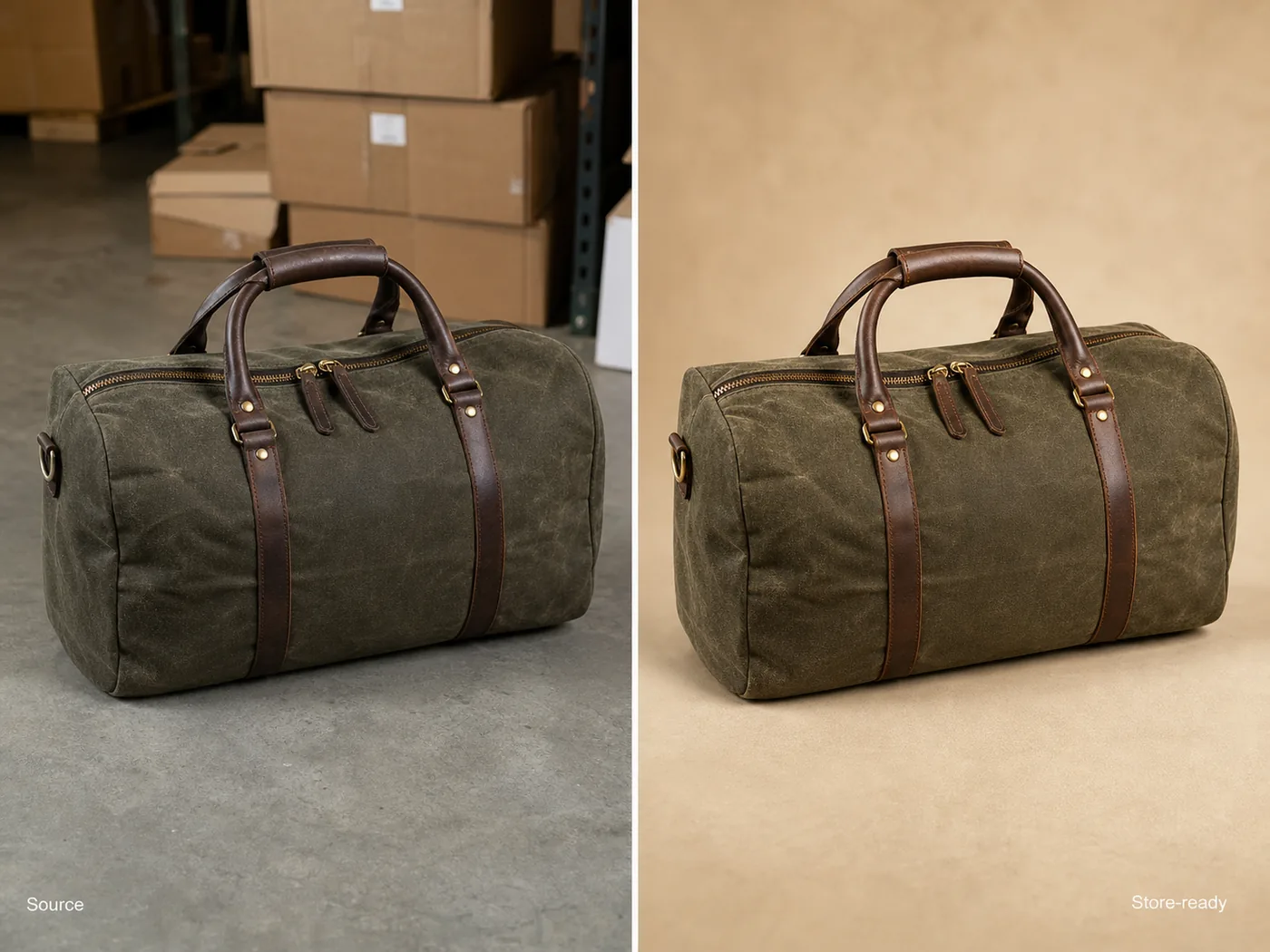
The [product photo editor](/product-photo-editor) is better when the existing photo already shows the right product but needs background cleanup, crop correction, object removal, upscaling, or lighting improvement.
A useful generation brief protects product truth before asking for style:
Create product listing images for the same matte warm-white desk organizer with an oak drawer, brass knob, and small fictional Noro wordmark. Preserve the product shape, drawer size, compartments, material, color, logo position, lighting direction, scale, and contact shadow. Create a clean main image, one angle image, one material detail image, and one restrained lifestyle image. Do not add real brand logos, marketplace UI, badges, review stars, barcodes, QR codes, sale stickers, certification marks, or unsupported claims.
For an edit, keep the instruction tighter:
Keep this exact product unchanged. Improve listing clarity, crop, background, lighting, and sharpness. Preserve color, material, silhouette, label placement, hardware, seams, compartments, scale, and buyer-relevant details.
The goal is not to make the product look like a different premium item. The goal is to make the real product easier to inspect and trust.
Review The Set In Listing Order
Do not review product listing images one by one in isolation. Review them in the order a buyer will see them.
Ask these questions:
1. Does the first image explain what is being sold within one second? 2. Does the second image add information instead of repeating the same view? 3. Does at least one image prove material, texture, construction, or scale? 4. Do all images show the same SKU, color, label, finish, and included parts? 5. Does the lifestyle image make the product clearer, or does it hide the product? 6. Would a buyer know what is not included? 7. Are there any fake claims, badges, UI marks, or unreadable invented text? 8. Does the set still work as small thumbnails?
If the answer is weak, fix the role that failed. A product page usually needs a clearer image, not just another image.
Common Listing Image Mistakes
The most common mistake is relying on one hero photo. A hero photo can attract attention, but it rarely proves size, material, scale, and usage by itself.
Another mistake is making every support image a lifestyle image. Lifestyle context is useful, but product detail images and scale images often answer more direct buyer questions.
AI-specific mistakes include changing the product between images, smoothing away real material, inventing labels, adding fake badges, changing color, and making props look like included accessories. These issues are subtle, so review generated listing images against a real reference before publishing.
Product listing images should make the buyer more certain about the item. If the image set creates new questions, it needs another pass.
FAQ
What are product listing images?
Product listing images are the product photos used on an online store or marketplace listing. They usually include a main image plus support images for angle, scale, detail, variants, and use context. Each image should help the buyer understand the real product before purchasing.
How many product listing images do I need?
A practical starting set is four to six images: main image, angle or scale image, product detail image, lifestyle image, and variant or bundle image when needed. Complex products may need more. The right number depends on what buyers must inspect before they feel confident.
What is the difference between product listing images and ecommerce product photography?
Ecommerce product photography is the broader process of creating product visuals for online selling. Product listing images are the specific images used on a product page or marketplace listing. Good ecommerce product photography should produce listing-ready images with clear roles and consistent product truth.
Can AI create product listing images?
AI can help create product listing images when it starts from a clear product reference and a narrow brief. It can generate main images, detail images, lifestyle scenes, and crop variations, but every output needs review for color, scale, material, labels, included parts, and unsupported claims.
Should product listing images be the same for Shopify, Amazon, and Etsy?
No. The same product truth should stay consistent, but each channel may need different crops, backgrounds, and review checks. Shopify can support more brand-led page design, Amazon needs careful marketplace-guidance review, and Etsy often benefits from authentic material, scale, and handmade-context images.
Conclusion
Product listing images work when every frame has a job: identify the product, prove a detail, show scale, explain use, or reduce buyer doubt. KrafLayer helps sellers create and edit those listing images from a product-first workflow, using AI product generation and product photo editing without losing the SKU details that make a listing trustworthy. For ecommerce teams, the advantage is a clearer product page with main images, detail images, lifestyle views, and channel-ready visuals built around the same product truth.
Keep exploring
Continue the story
More practical guidance on product accuracy, composition, and conversion-ready visuals.
Put it into practice
Take the next step in KrafLayer
Choose a generation or editing workflow that matches what you just learned.