Image generation
How to Create Cinematic Ecommerce Posters with AI
TL;DR
A practical guide to cinematic ecommerce poster generation: build drama with light and composition while keeping the product readable, accurate, and conversion-focused. Includes how to do it in KrafLayer.
TL;DR
For Create Cinematic Ecommerce Posters, use KrafLayer for controlled local changes or reference-guided edits. Use Mask Edit for a local change with a short instruction, or Reference Image Editor when the result needs a visual example. The finished image should still prove that shape, material, labels, color, scale, and accessories still match the source SKU.
Cinematic ecommerce posters work when the drama helps the product feel desirable. They fail when smoke, contrast, props, and lighting make the buyer work too hard to understand what is being sold.
Use cinematic lighting for campaign images, launch banners, landing-page heroes, and paid social creatives. For marketplace main images, keep the result cleaner. The product still needs to be the clearest object in the frame.
What cinematic means for ecommerce
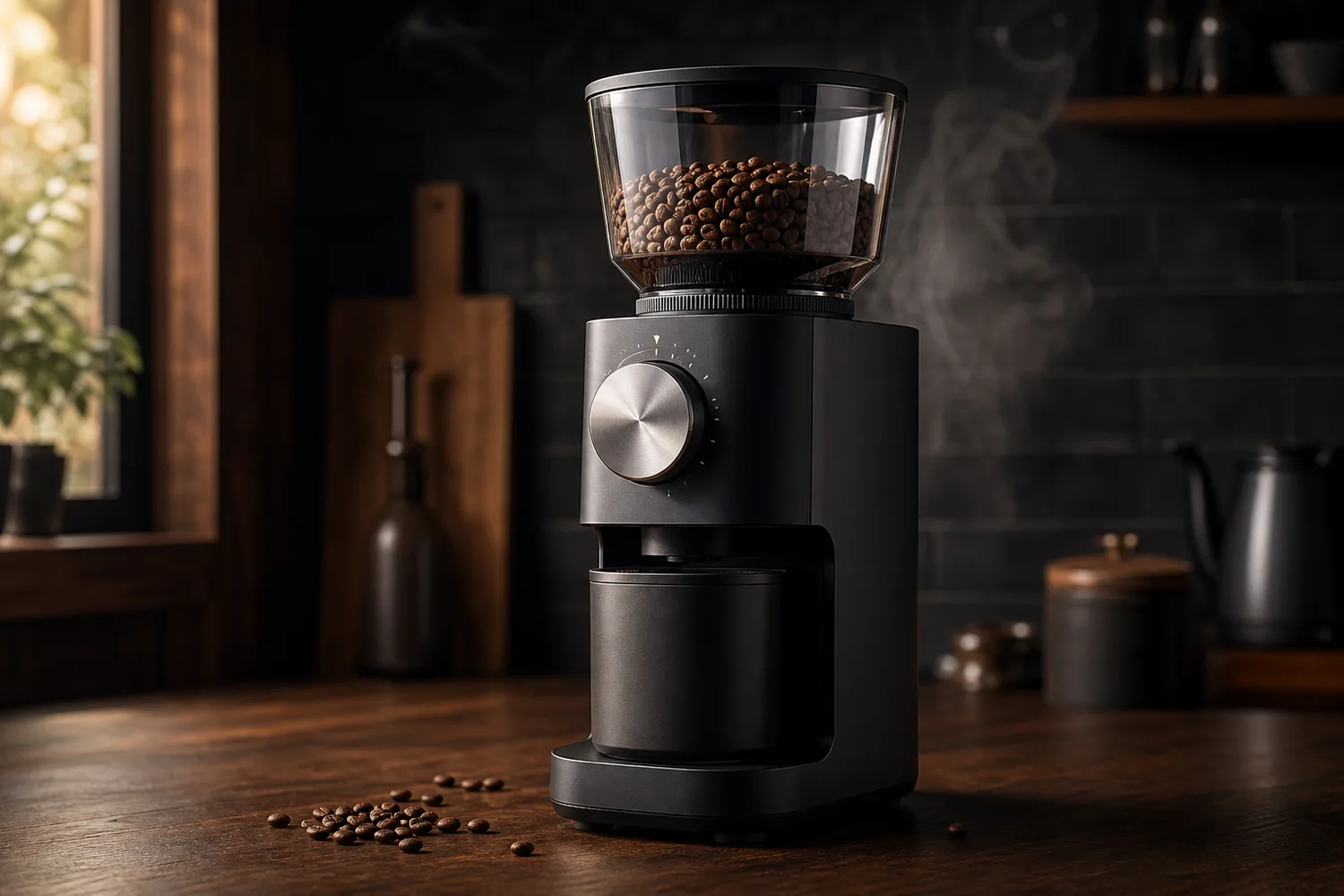
Cinematic does not mean dark. In ecommerce, it usually means motivated light, controlled contrast, atmospheric depth, strong product silhouette, and enough negative space for headline or offer text.
The product cannot become a prop inside its own ad. Keep logo areas, labels, handles, buttons, materials, and scale readable.
A useful poster workflow
1. Decide the poster job: launch, seasonal offer, premium brand story, hero banner, or paid ad. 2. Choose one lighting idea: side light, rim light, spotlight, window light, or warm backlight. 3. Place the product first, then add background depth around it. 4. Reserve clean space for copy instead of asking AI to generate final text. 5. Review product accuracy before judging mood.
Where KrafLayer Fits
When you apply this Create Cinematic Ecommerce Posters workflow in KrafLayer, the tool choice matters: use Mask Edit for a local change with a short instruction, or Reference Image Editor when the result needs a visual example. After generation, judge the image by the channel it serves — ad posters — and check that shape, material, labels, color, scale, and accessories still match the source SKU.
Prompt to use in KrafLayer
~~~text Use the uploaded product as the exact reference. Create a cinematic ecommerce poster for [campaign/use case]. Keep the product shape, material, logo area, functional details, color, and scale accurate. Use controlled dramatic lighting, a clear product silhouette, natural shadows, subtle atmospheric depth, and clean negative space for optional headline text. Do not hide the product in darkness, add fake text, change labels, distort geometry, or let props compete with the product. ~~~
What to avoid
- Over-dark images where the product edge disappears.
- Random smoke, sparks, or reflections that do not fit the product category.
- AI-generated headline text that looks almost correct but not usable.
- Props that suggest the wrong size, audience, or use case.
- Crops that look good as art but fail in ads or mobile banners.
Summary
Cinematic product posters should sell the product, not just the mood. Make light and composition do the storytelling while the SKU remains accurate, readable, and easy to crop.
FAQ
Can cinematic ecommerce posters include text?
It is safer to leave clean space for text and add final typography in your design tool. AI text can look convincing at first glance but often fails under close review.
What products work best with cinematic lighting?
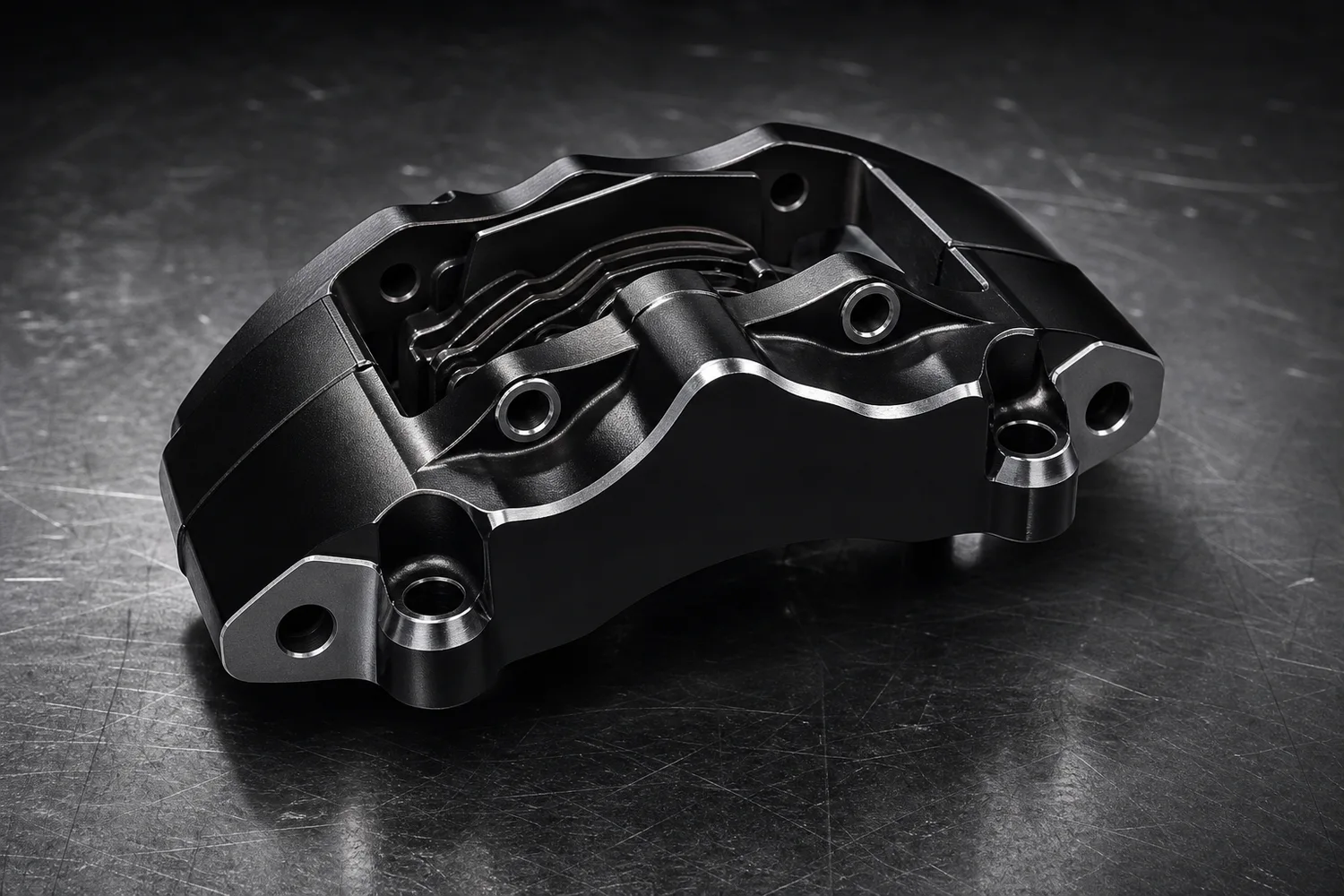
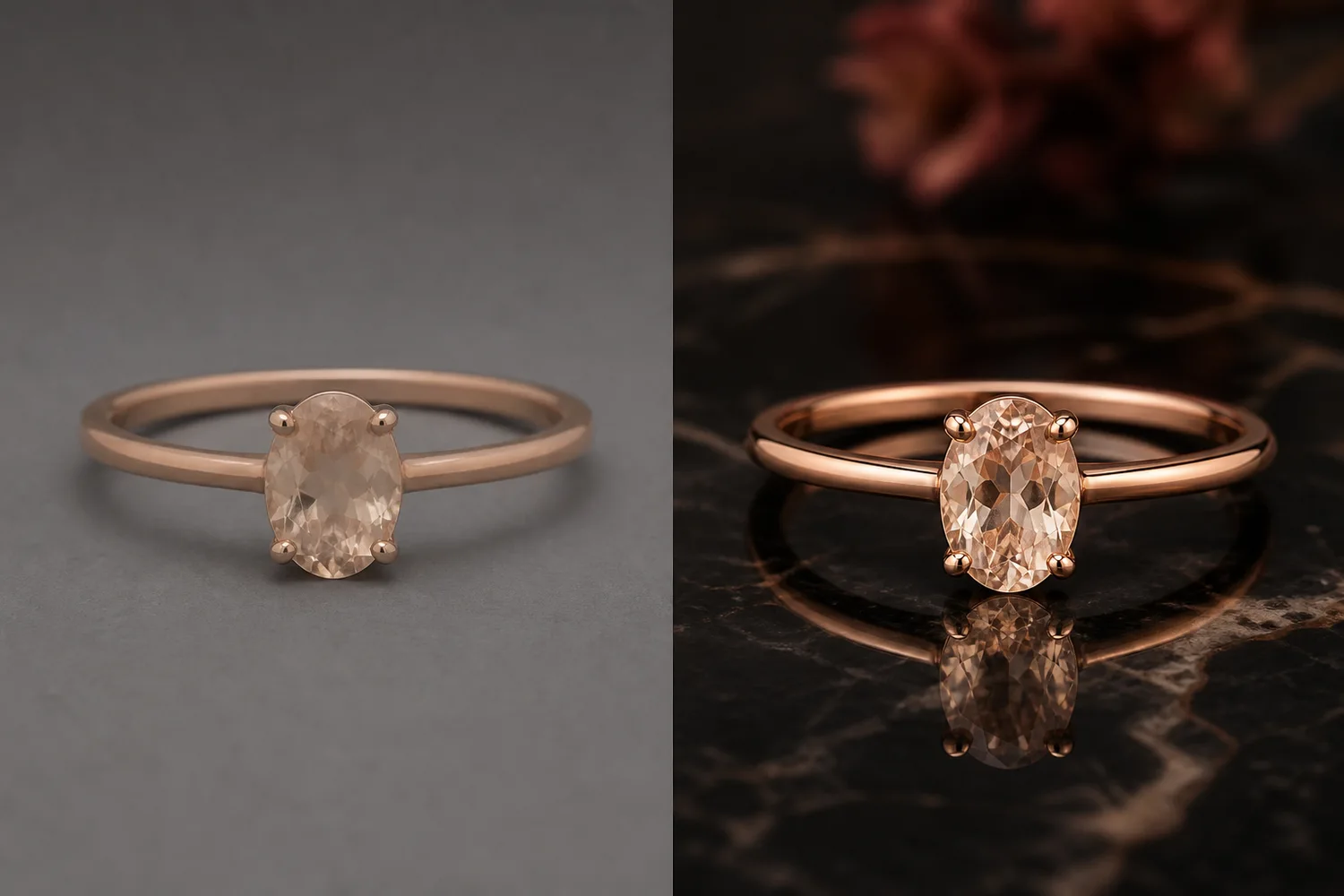
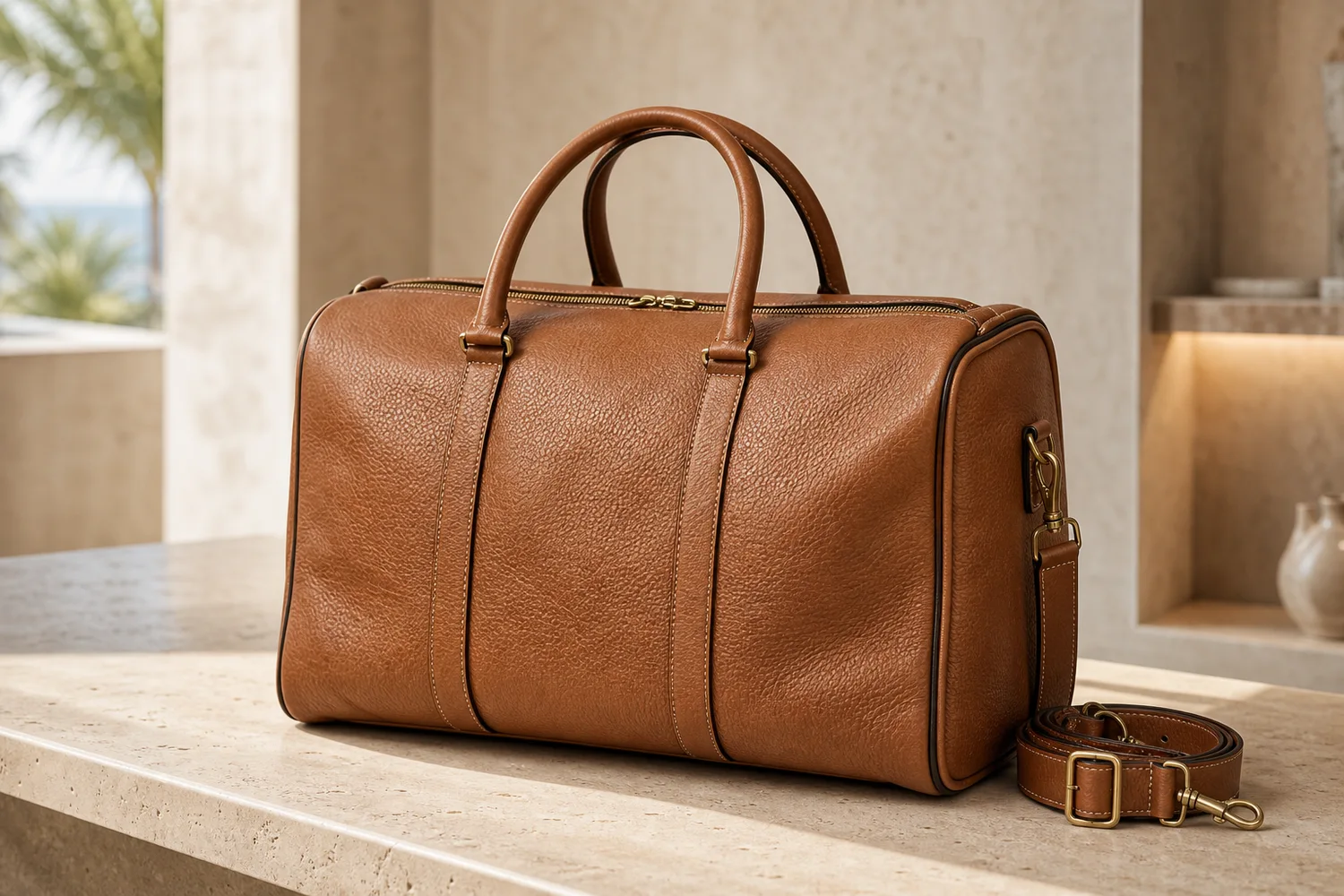
Coffee gear, beauty packaging, electronics, jewelry, automotive parts, beverages, and premium accessories often benefit from cinematic lighting because material and highlight control can communicate quality.
How do I keep a cinematic poster from looking fake?
Match the product light to the scene, keep contact shadows realistic, avoid excessive effects, and compare the product against the original reference before publishing.
Keep exploring
Continue the story
More practical guidance on product accuracy, composition, and conversion-ready visuals.



Put it into practice
Take the next step in KrafLayer
Choose a generation or editing workflow that matches what you just learned.