Image generation
How to Create Natural Product Lighting with AI
TL;DR
A practical guide to natural AI product lighting: create soft, breathable ecommerce images while preserving material, color, shadow direction, and product readability. Includes how to do it in KrafLayer.
TL;DR
For Create Natural Product Lighting, use KrafLayer for controlled local changes or reference-guided edits. Use Mask Edit for a local change with a short instruction, or Reference Image Editor when the result needs a visual example. The finished image should still prove that shape, material, labels, color, scale, and accessories still match the source SKU.
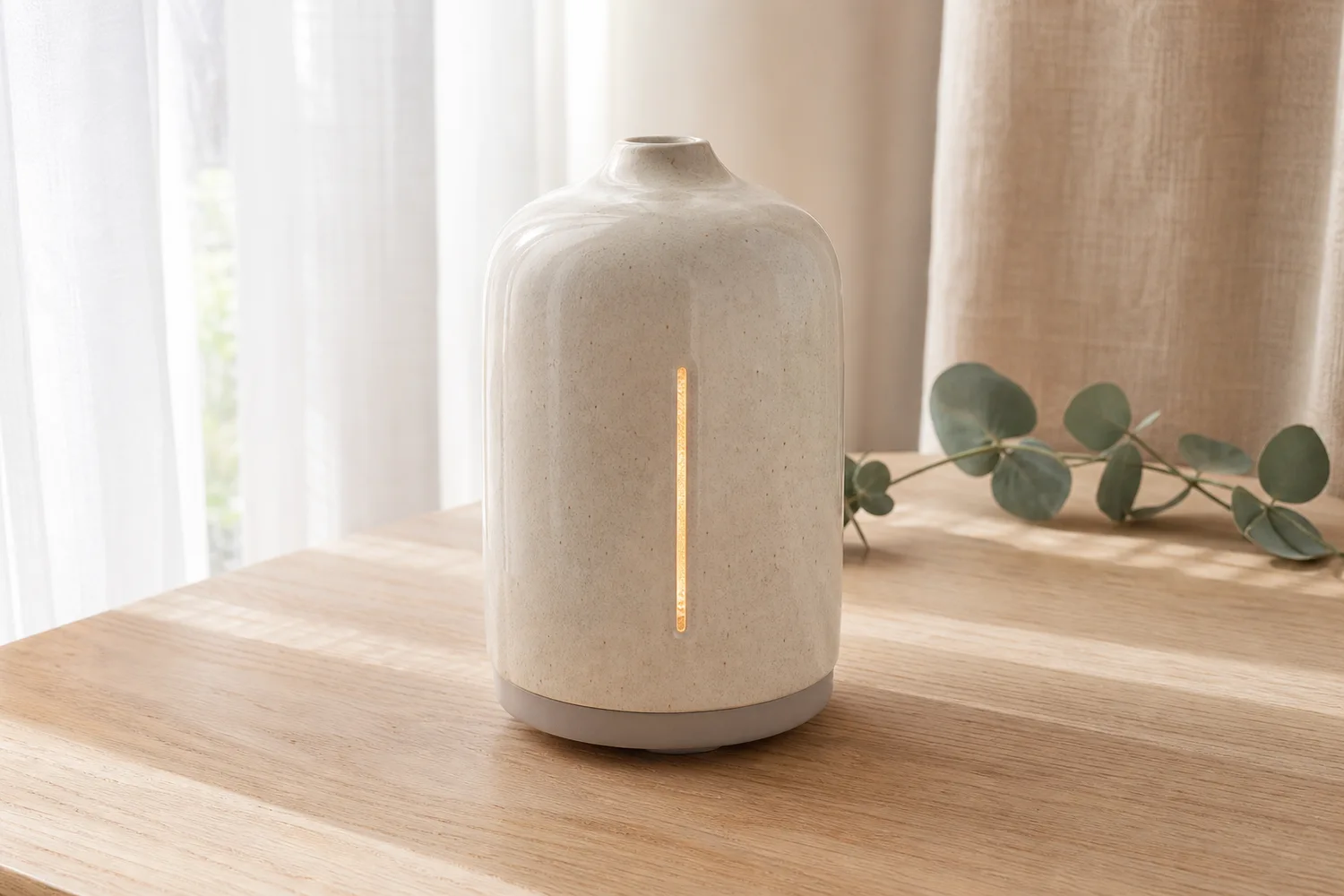
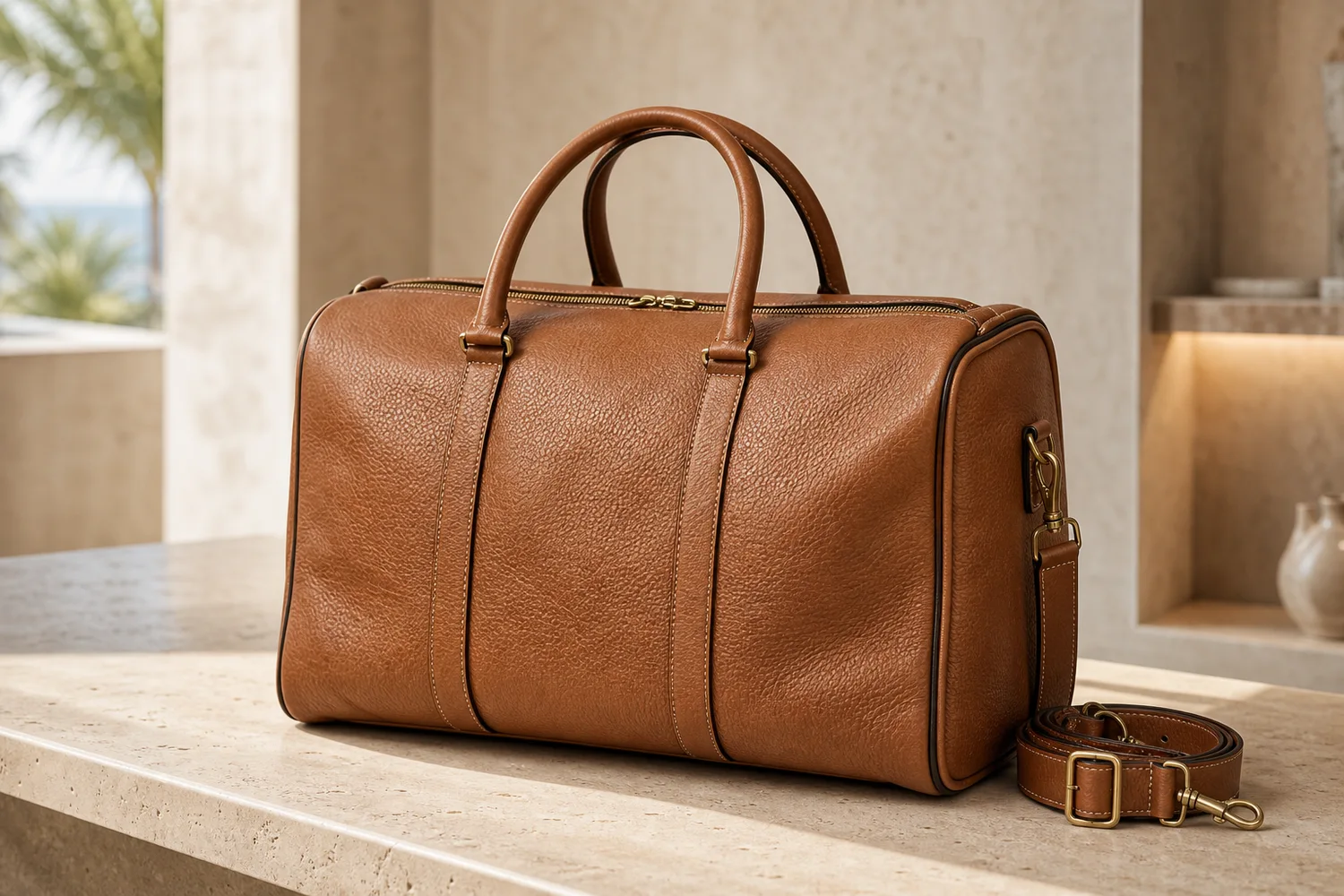
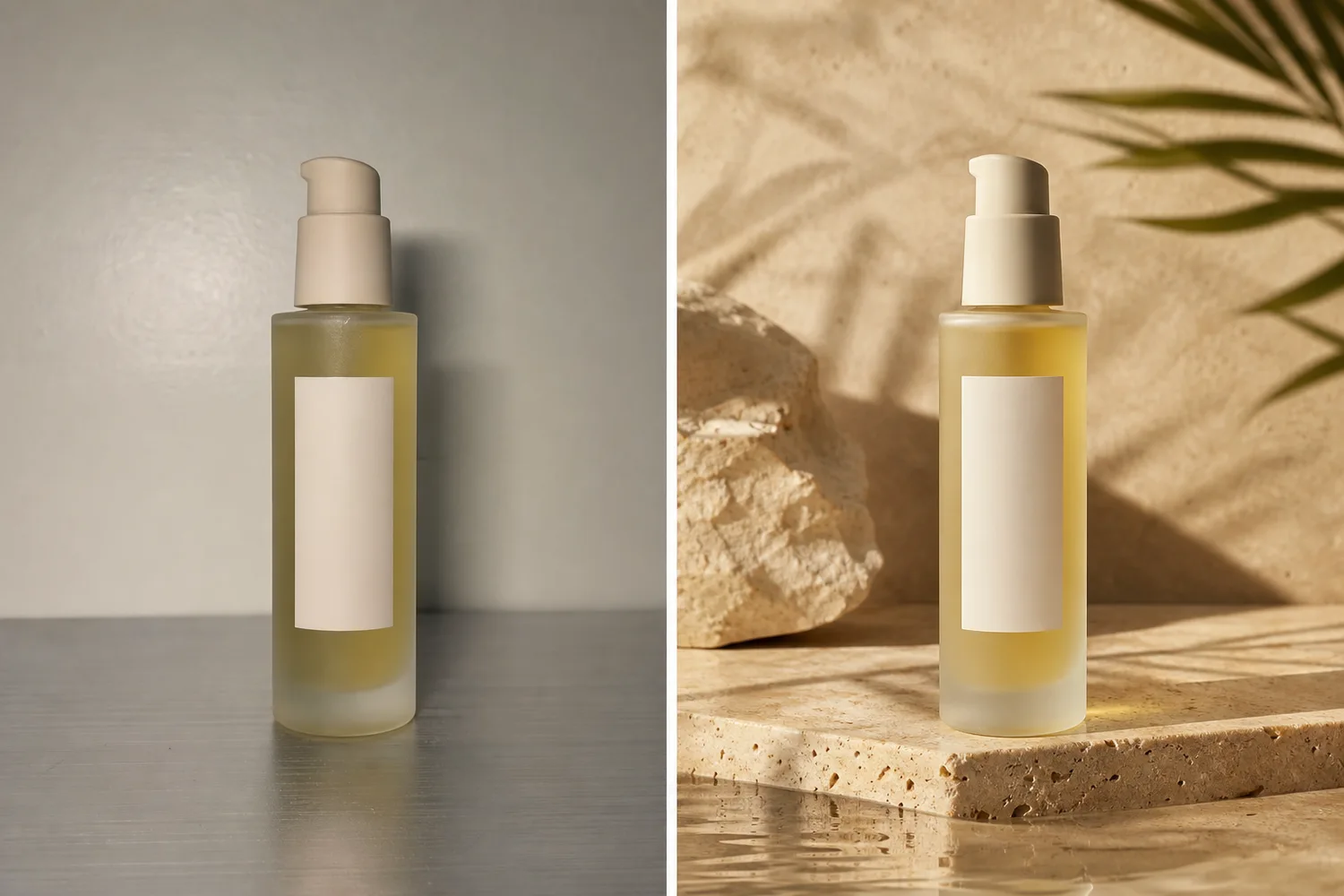
Natural product lighting should make the image feel believable, not under-produced. In ecommerce, “natural” usually means soft direction, visible material, clean shadows, and enough contrast for the product to read quickly.
Use this style when a product needs warmth and trust: home goods, ceramics, skincare, baby products, food packaging, flowers, apparel, and handmade goods.
What natural lighting should do
Good natural light reveals texture and shape without making the image feel staged. It should preserve color accuracy, show a clear contact shadow, and let the product breathe with enough space around it.
Do not confuse natural with flat. A product still needs a light direction, highlight, shadow, and background separation.
Workflow
1. Decide the light source: window light, soft morning light, warm afternoon light, or bright overcast light. 2. Keep the product color and material fixed before describing mood. 3. Ask for soft shadows, not shadow removal. 4. Use simple surfaces and few props so the product remains primary. 5. Check the result at thumbnail size; natural images can become too low-contrast in grids.
Where KrafLayer Fits
When you apply this Create Natural Product Lighting workflow in KrafLayer, the tool choice matters: use Mask Edit for a local change with a short instruction, or Reference Image Editor when the result needs a visual example. After generation, judge the image by the channel it serves — listing images, detail pages, or ad assets — and check that shape, material, labels, color, scale, and accessories still match the source SKU.
Prompt to use in KrafLayer
~~~text Use the uploaded product as the exact reference. Create a natural-light ecommerce product image with soft directional light, believable highlights, gentle contact shadow, clean background, and enough negative space. Preserve the product shape, material, color, texture, label area, scale, and shadow logic. Do not over-brighten, flatten the product, change the material, add distracting props, or make the image look like a stock lifestyle scene. ~~~
What to check
- Does the product still stand out from the background?
- Are highlights and shadows consistent with one light source?
- Is the true color preserved?
- Does the material still read correctly?
- Would this image sit naturally with the rest of the product page?
Summary
Natural AI lighting works when it feels intentional but not artificial. Keep product truth first, then use soft light to make the image warmer and easier to trust.
FAQ
Is natural lighting better than studio lighting?
Not always. Natural lighting is better for warmth and lifestyle trust. Studio lighting is better when you need strict consistency, crisp material detail, or marketplace-ready product isolation.
Why does natural-light AI look washed out?
The prompt may overemphasize softness. Ask for soft directional light with clear product separation and enough contrast for ecommerce thumbnails.
Should I add props to natural product images?
Use props sparingly. They should explain scale, use, or mood without becoming more important than the product.
Keep exploring
Continue the story
More practical guidance on product accuracy, composition, and conversion-ready visuals.
Put it into practice
Take the next step in KrafLayer
Choose a generation or editing workflow that matches what you just learned.