Image generation
How to Create High-Fidelity AI Product Visuals for Ecommerce
TL;DR
A practical guide to high-fidelity AI product visuals: protect SKU identity, material detail, lighting, scale, and buyer trust while improving ecommerce presentation. Includes how to do it in KrafLayer.
TL;DR
For Create High-Fidelity AI Product Visuals, KrafLayer is useful when a real product reference needs to become a usable asset for listing images, detail pages, or ad assets. Treat it as production editing, not product reinvention; the test is whether shape, material, labels, color, scale, and accessories still match the source SKU.
High-fidelity AI product visuals are not simply sharper or more cinematic images. A high-fidelity ecommerce visual is one where the product looks more polished while remaining recognizably the same SKU.
Use this workflow when you need premium product-page images, campaign assets, or ad creatives from a clear product reference. The goal is better presentation, not product redesign.
What high fidelity means
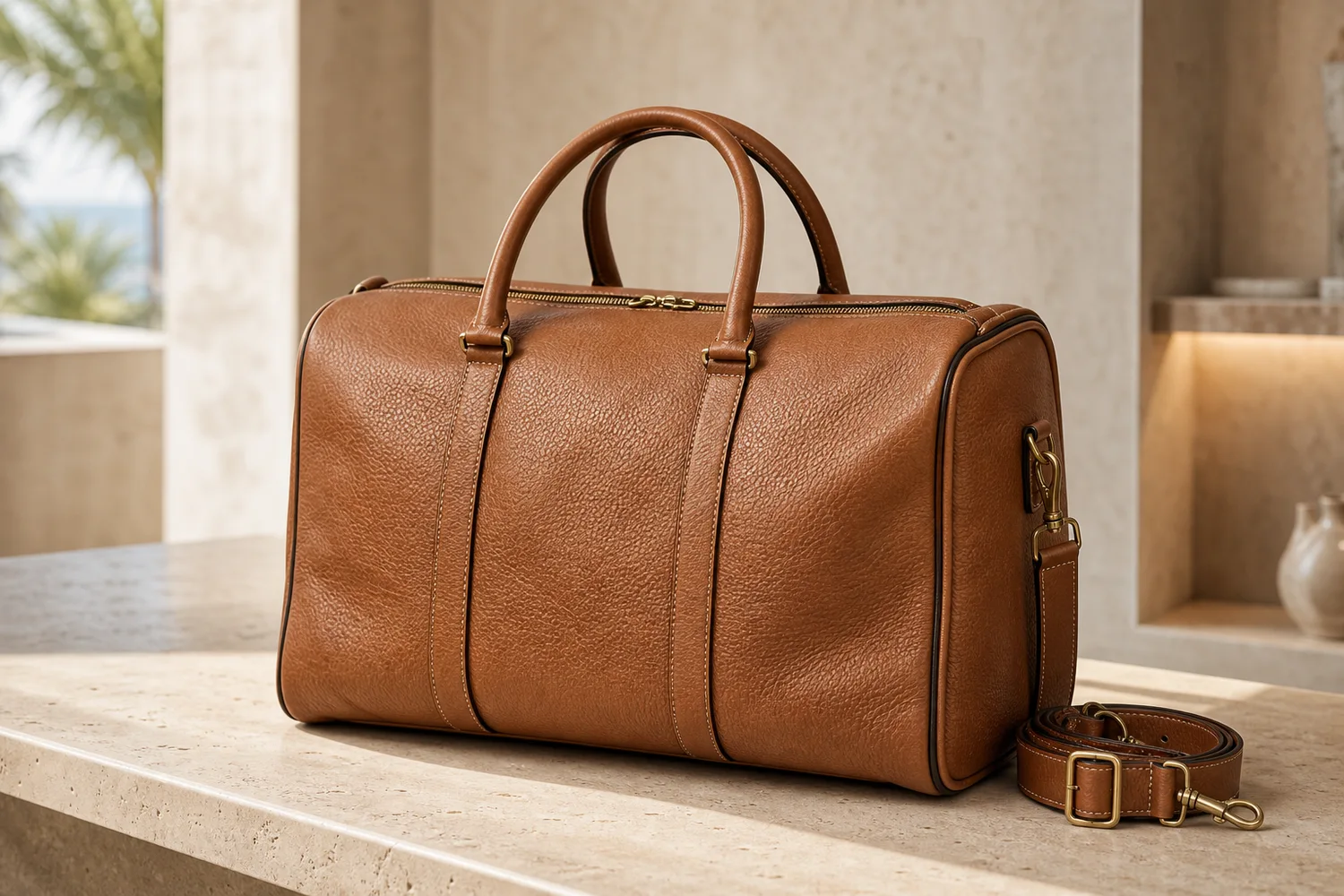
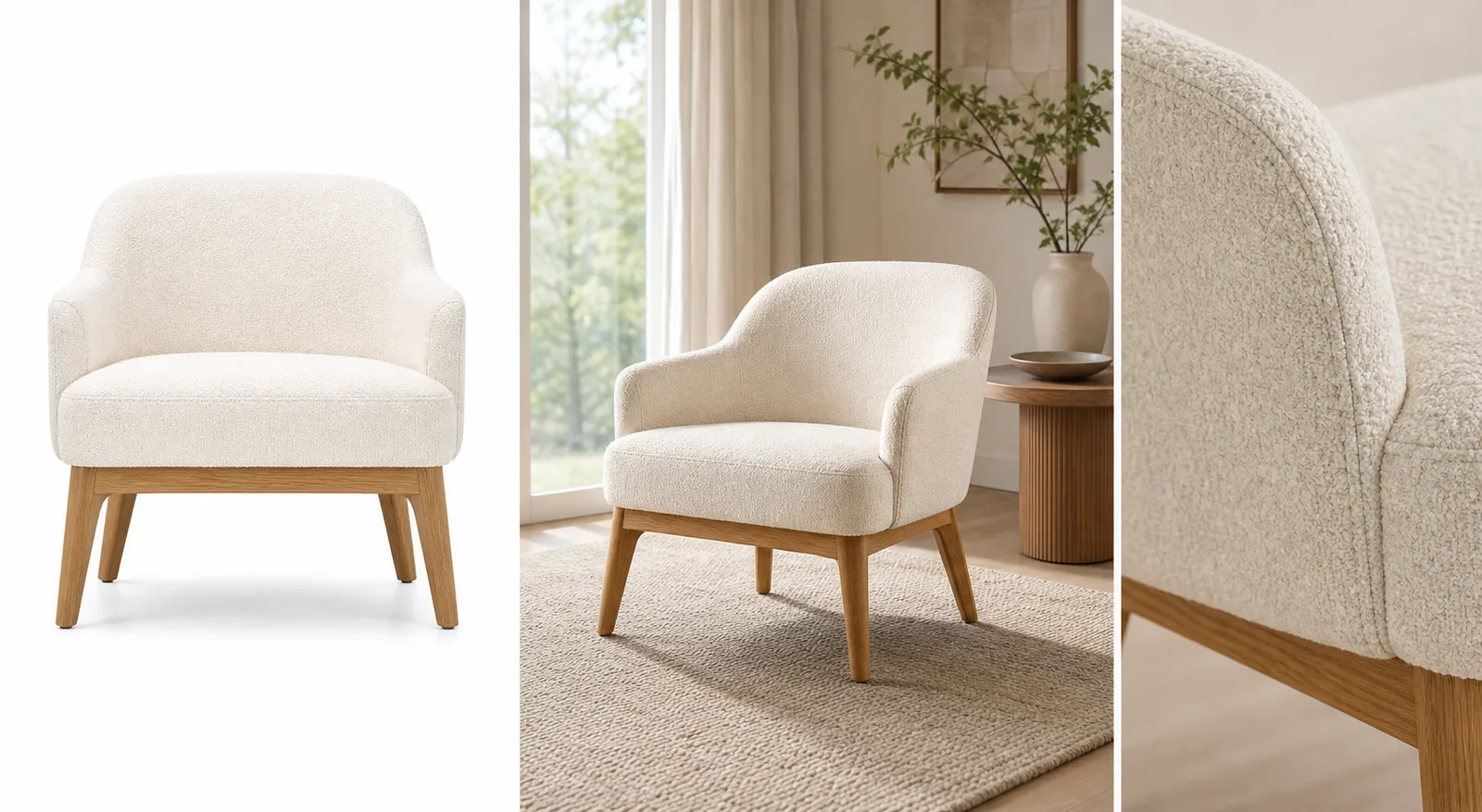
For ecommerce, fidelity means accurate shape, material, color, logo area, stitching, hardware, texture, shadow, and scale. It also means the image can survive close inspection on a product detail page.
A visual can look expensive and still fail if the zipper path changes, leather grain disappears, or the product becomes a slightly different design.
Workflow
1. Start with a clean reference that shows the real product clearly. 2. Define the commercial use: PDP hero, detail image, ad, email, or landing-page visual. 3. Improve lighting, background, and composition while locking product identity. 4. Ask for material realism, not generic luxury styling. 5. Compare the output with the original before approving it.
Where KrafLayer Fits
When you apply this Create High-Fidelity AI Product Visuals workflow in KrafLayer, start from the clearest product reference, then decide whether the asset needs cleanup, lighting, background work, detail support, or an ad version. Before using it for listing images, detail pages, or ad assets, check that shape, material, labels, color, scale, and accessories still match the source SKU.
Prompt to use in KrafLayer
~~~text Use the uploaded product as the exact SKU reference. Create a high-fidelity ecommerce product visual with premium lighting, clean composition, realistic material detail, and believable shadows. Preserve the product shape, proportions, color, logo area, stitching, hardware, texture, scale, and functional details. Do not redesign the product, invent features, change material, add fake logos, or hide important edges. ~~~
FAQ
What is the difference between high-fidelity and high-resolution?
High-resolution means more pixels. High-fidelity means the product remains accurate and believable. Ecommerce images need both, but fidelity matters more for buyer trust.
Why do AI product visuals lose detail?
The prompt often focuses on style before product facts. Put SKU-preservation instructions first, then describe lighting and background.
Can high-fidelity AI images replace photography?
They can supplement many product workflows, but final images should still be checked against the real product for color, scale, and material accuracy.
Keep exploring
Continue the story
More practical guidance on product accuracy, composition, and conversion-ready visuals.

Put it into practice
Take the next step in KrafLayer
Choose a generation or editing workflow that matches what you just learned.