Image generation
How to Create Jewelry Lighting and Reflections with AI
TL;DR
A jewelry lighting workflow for ecommerce: control reflections, preserve stone size and metal color, and make rings, pendants, and chains look premium without product drift. Includes how to do it in KrafLayer.
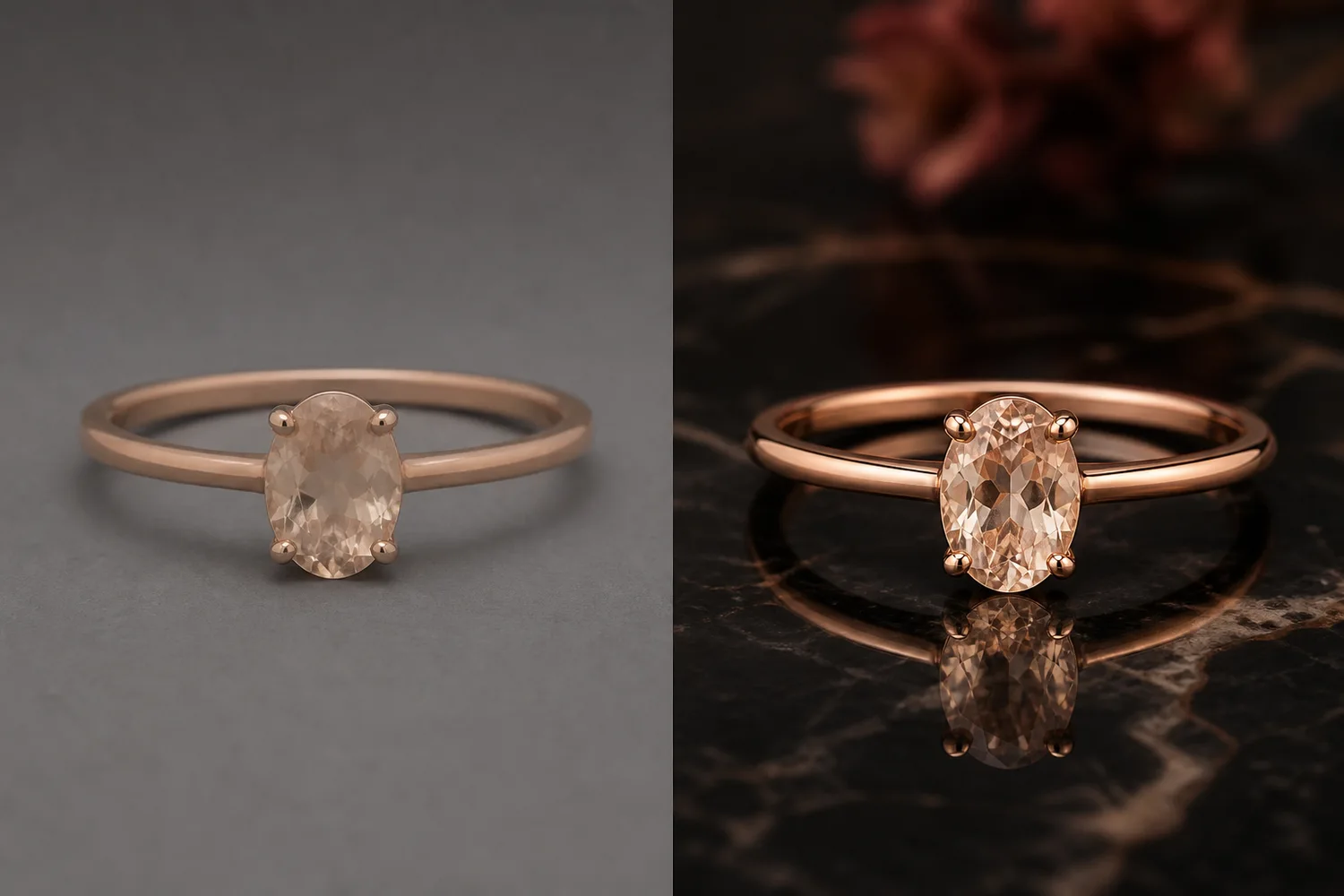
TL;DR
For Create Jewelry Lighting and Reflections, KrafLayer works best as a local cleanup tool: brush only the unwanted area in Erase and let the model fill from the surrounding pixels. Avoid regenerating the whole image; the result is only useful if metal color, stone scale, support cleanup, and macro detail remain accurate.
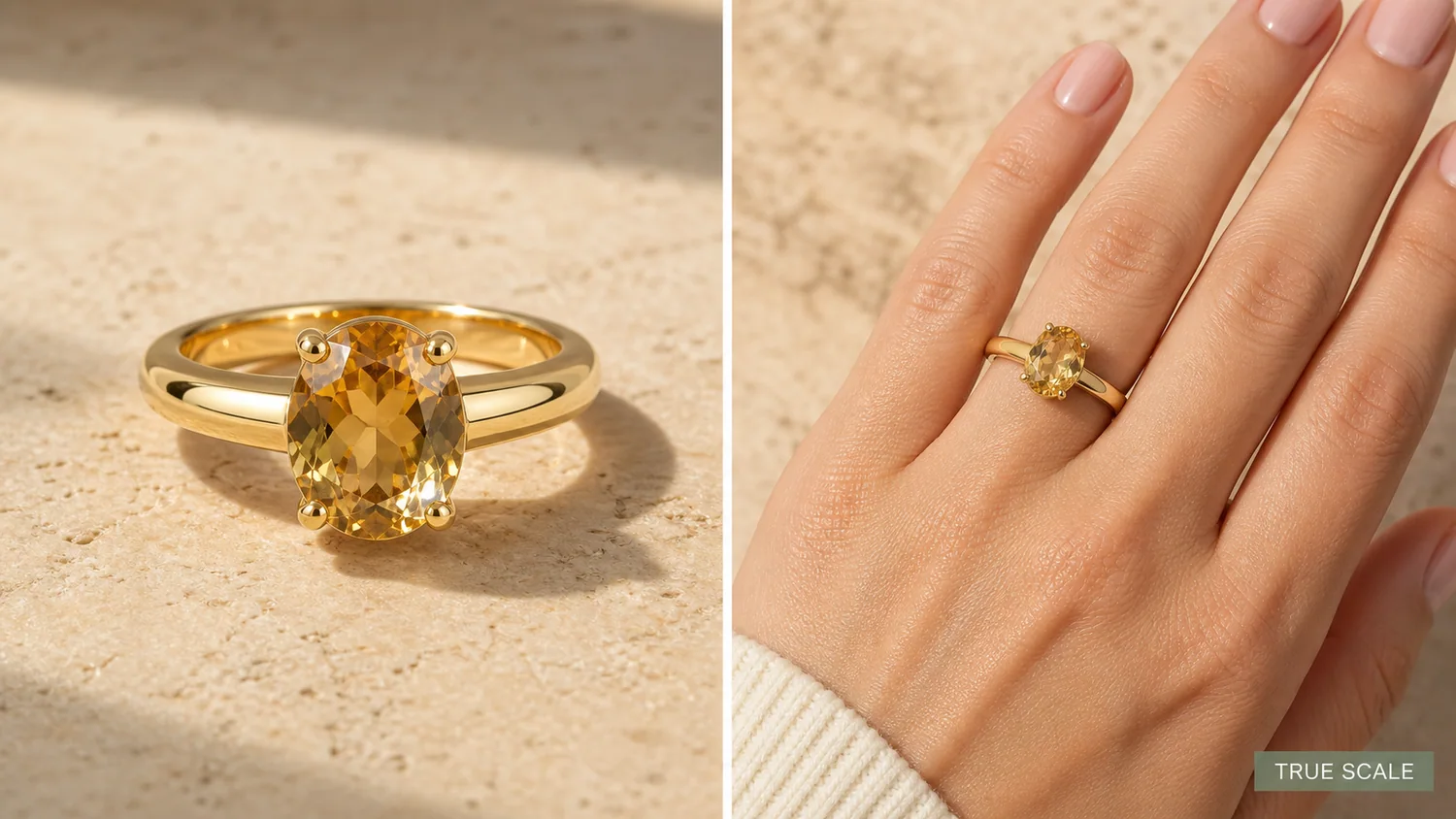
Jewelry lighting is difficult because reflection is both the problem and the proof. A ring, pendant, or chain needs highlights to show metal and stone quality, but uncontrolled glare can hide shape, setting, and scale.
What to preserve
Keep metal color, stone size, prong count, setting structure, chain links, engraving, and scale. Lighting should reveal these details, not replace them with a smoother luxury fantasy.
Workflow
1. Choose one lighting goal: soft catalog, luxury poster, sparkle detail, or reflective surface. 2. Protect the product structure before asking for mood. 3. Use controlled highlights and small reflections. 4. Avoid heavy props that compete with the jewelry. 5. Check stones and metal at full size.
Where KrafLayer Fits
When you apply this Create Jewelry Lighting and Reflections workflow in KrafLayer, the tool choice matters: brush only the unwanted area in Erase and let the model fill from the surrounding pixels. After generation, judge the image by the channel it serves — listing images, detail pages, or ad assets — and check that metal color, stone scale, support cleanup, and macro detail remain accurate.
Steps in KrafLayer
Use Erase with a brush mask: paint only the distracting object, sticker, hand, dust, or reflection area, then run the fill. There is no free-form prompt; mask accuracy controls the result.
1. Upload or choose the product image. 2. Run the tool according to its interaction model: one-click tools generate directly; Erase-style tools need a brush mask first. 3. Zoom in to check edges, text, material, shadow, and product scale before downloading or continuing the edit.
FAQ
Should jewelry images have strong sparkle?
Use sparkle carefully. It can help campaign images, but product pages need enough clean detail for buyers to inspect the piece.
Why does AI change stone size?
Luxury prompts often exaggerate jewelry. Lock stone size and setting structure before describing lighting.
What background is safest?
Neutral surfaces, dark reflective surfaces, or soft gradients are safest because they keep attention on the jewelry.
Keep exploring
Continue the story
More practical guidance on product accuracy, composition, and conversion-ready visuals.

Put it into practice
Take the next step in KrafLayer
Choose a generation or editing workflow that matches what you just learned.