Platforms
How to Create Amazon A+ Content Images With AI
TL;DR
A practical workflow for using AI to create Amazon A+ product story, detail, and use-context images without changing the SKU.
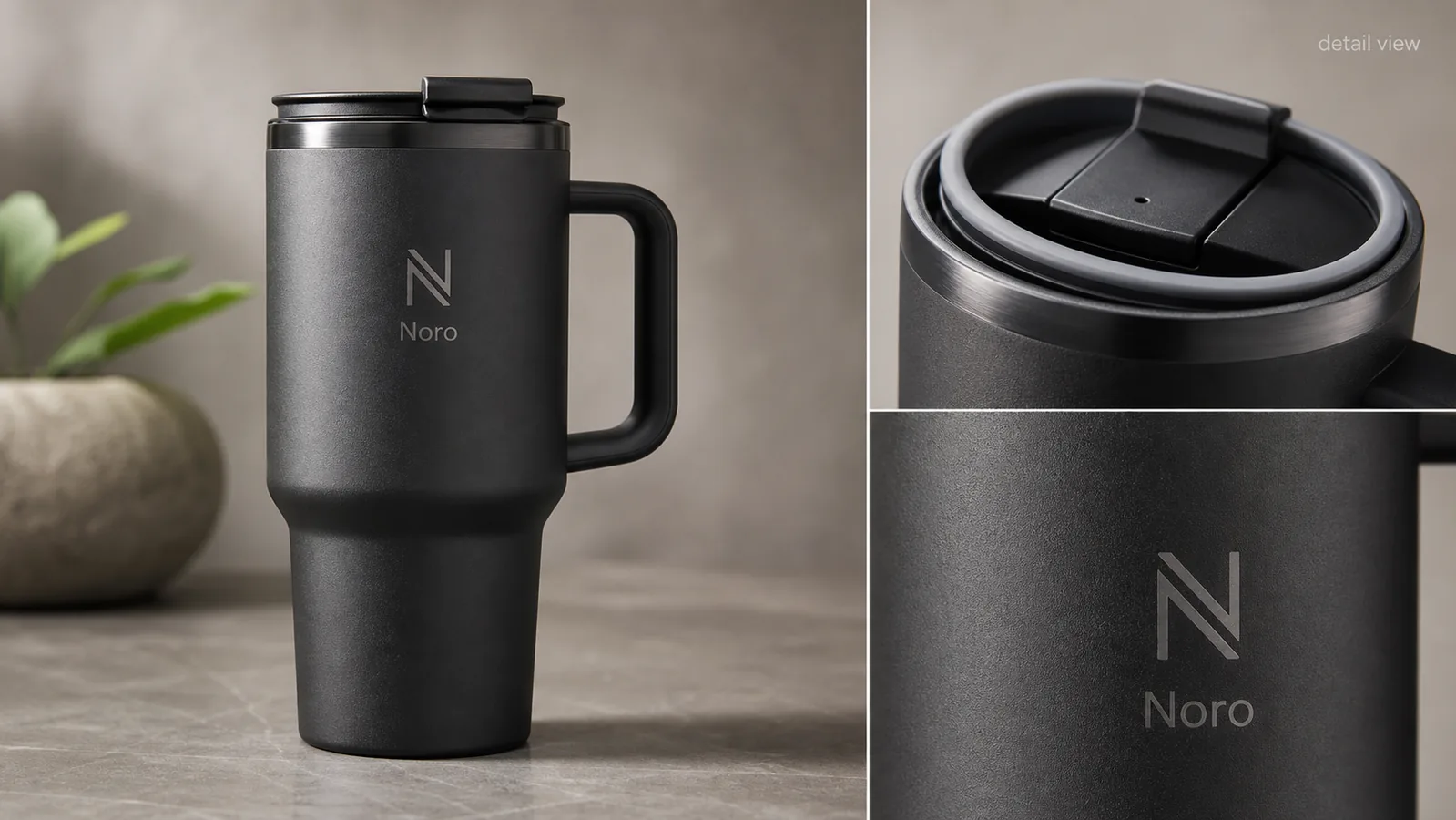
Amazon A+ content images with AI should explain the product more clearly without changing what is being sold. Use AI to create clean product story images, material close-ups, comparison-safe detail panels, and use-case visuals, but keep the real SKU fixed: same shape, color, label area, hardware, dimensions impression, and buyer-relevant details.
The safest workflow is to start with product-truth references, write one job for each A+ image, generate one module image at a time, then review every output before it goes near a listing. KrafLayer fits this workflow because you can create product-focused images with the [AI product image generator](/ai-product-image-generator), then use the [product photo editor](/product-photo-editor) for smaller cleanup instead of regenerating a different product.
What A+ Images Should Actually Do
A+ content is not just a prettier image block. For a buyer, each image should answer one question that the main gallery did not answer well enough.
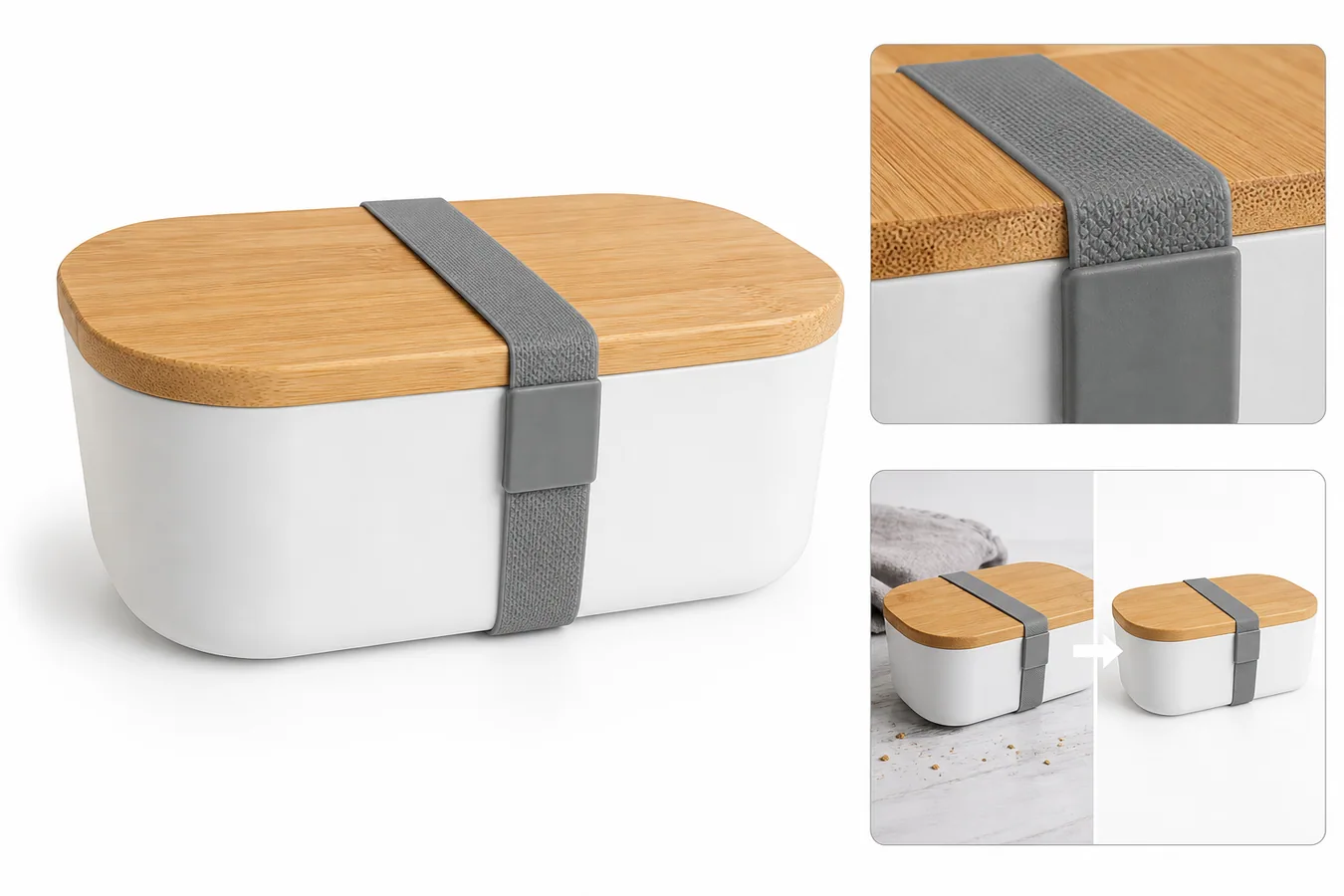
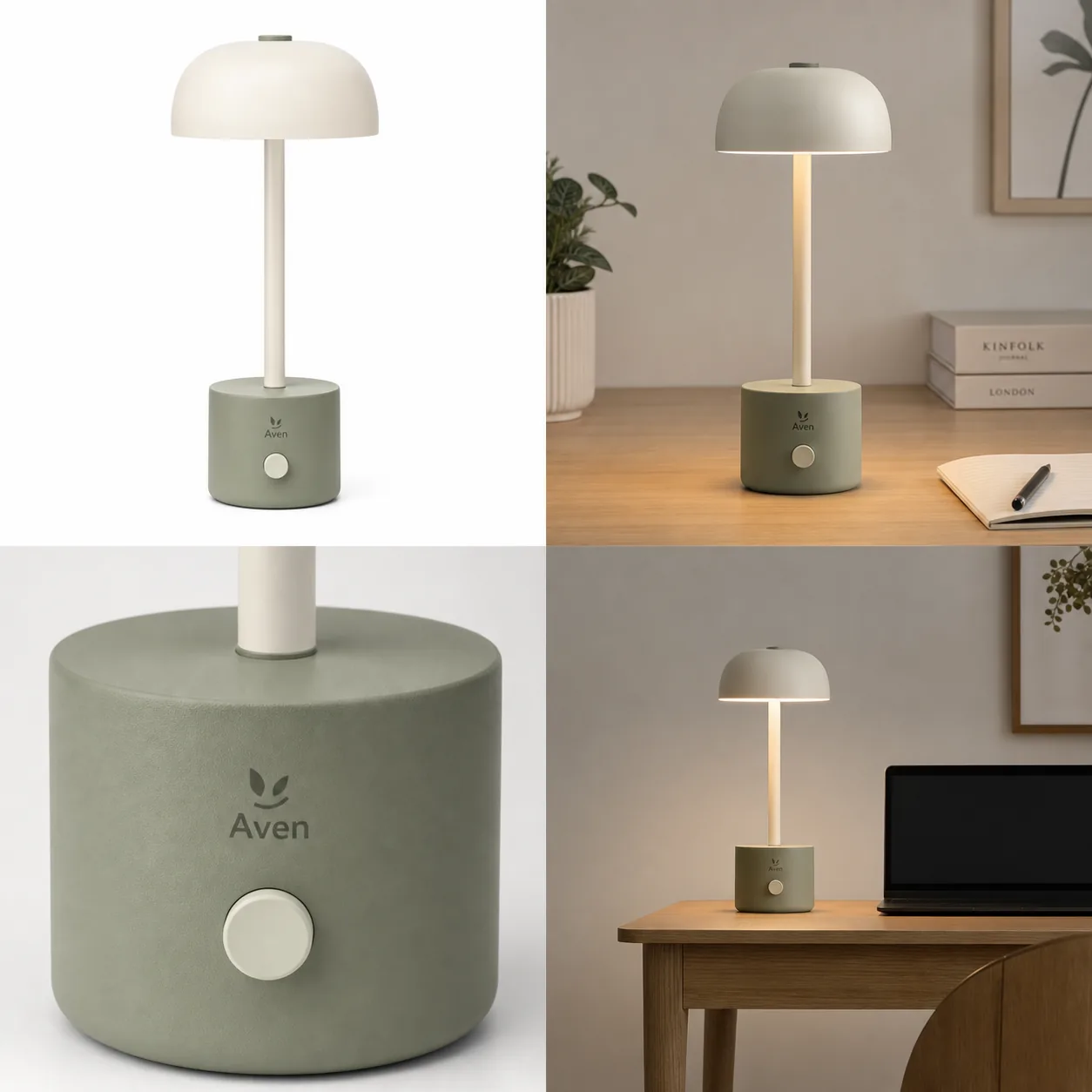
Good A+ content product images and product detail images usually do one of these jobs:
- Show a material, texture, stitching, glass edge, cap, handle, or connector in close detail.
- Explain scale or use context without hiding the product.
- Turn one selling point into a visual proof point.
- Show how parts of the same product relate to each other.
- Support brand feel while keeping product inspection easy.
The practical rule: one A+ image should carry one message. If the image tries to show five features, the buyer sees decoration instead of proof.
Start With Product Truth, Not A Mood Board
Before using AI, list the product facts that cannot move. This prevents the model from making a more polished but less accurate SKU.
For [Amazon product photos](/marketplace-product-images/amazon-product-photos), protect:
- Product silhouette and proportions.
- True color and material finish.
- Label, logo, or blank label area.
- Lid, cap, zipper, seams, buttons, ports, handles, or hardware.
- Texture that affects buyer expectation.
- Product-to-hand or product-to-scene scale.
- Bundle contents and variant-specific details.
- Any claim that would require evidence outside the image.
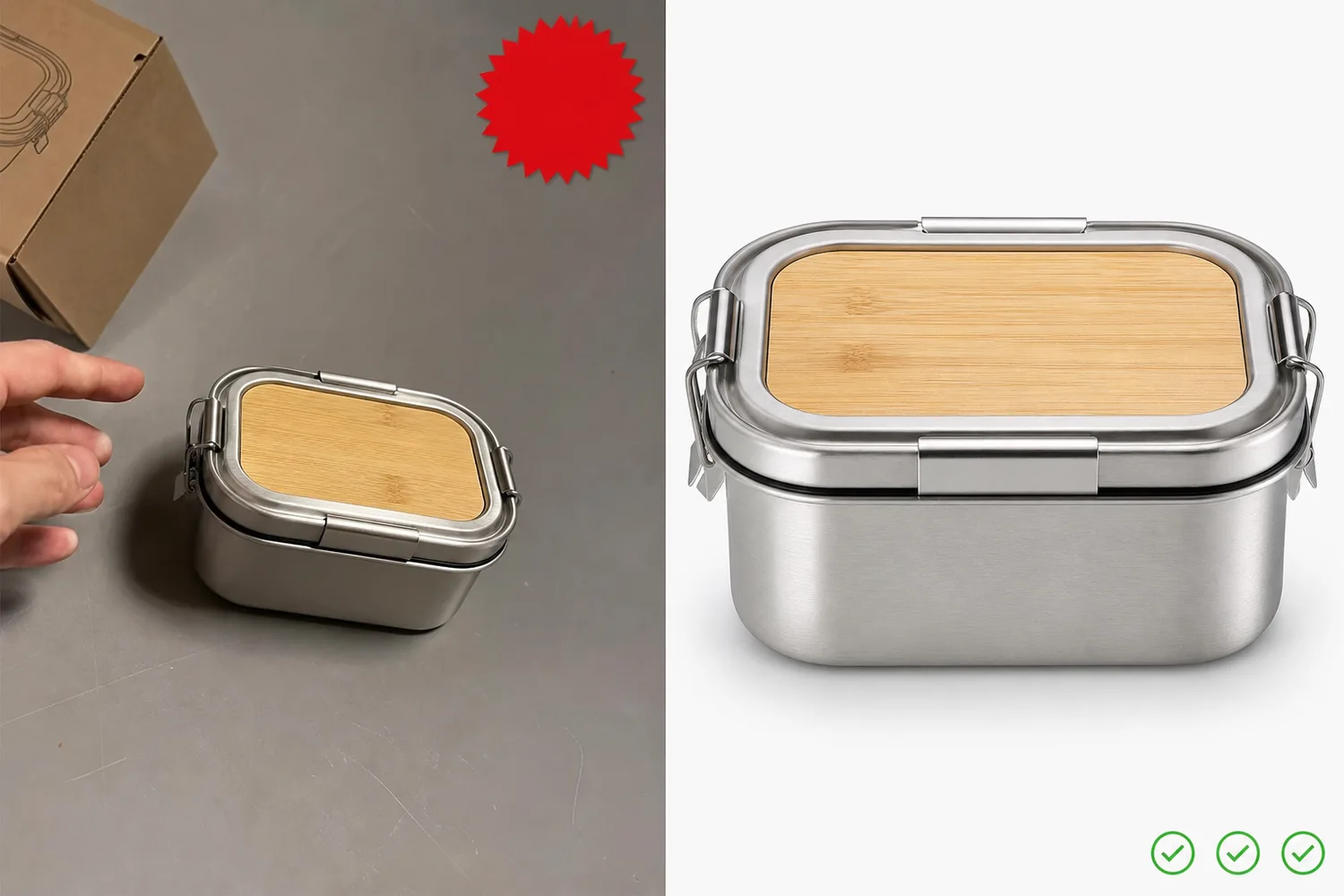
If the source travel mug has a black lid, handle, and matte charcoal body, the A+ detail image should not turn it into a glossy bottle or add a different lid design. Better-looking is not better when it changes the product.
A Simple A+ Image Plan
Use a small module plan before prompting. It keeps the article, designer, and reviewer aligned.
| A+ image role | What it should show | What to avoid |
|---|---|---|
| Product story hero | The full product in a cleaner branded setting | Fake marketplace UI, badges, review stars |
| Material detail | Same-SKU texture, stitching, glass, metal, fabric, or finish | Invented premium materials |
| Functional detail | Lid, closure, zipper, port, strap, pump, handle, or control area | Unsupported performance claims |
| Use context | Where the product fits in a normal buyer scenario | Props that hide the product |
| Size or set clarity | Real bundle contents or scale cues | Implied bundles not sold in the listing |
This plan also helps decide what not to generate. If a product does not have a verified benefit, do not turn that benefit into an image headline.
Build The Images In KrafLayer
Use this sequence for Amazon A+ content images with AI:
1. Upload the best product reference image. 2. Write the protected product-truth list. 3. Choose one A+ module role, such as material detail or use context. 4. Generate that one image with a narrow instruction. 5. Compare the result against the product reference. 6. Reject outputs that alter color, shape, label area, hardware, bundle contents, or scale. 7. Use local editing for small background or crop cleanup instead of regenerating the whole product. 8. Review the final image with your Amazon listing owner before publishing.
KrafLayer should be used like an ecommerce production tool here, not a fantasy product designer. The output should make the existing product easier to understand and stay consistent with the seller's broader ecommerce product photography system.
Prompt Template For A+ Content Product Images
Use this template when the module supports prompt-based generation:
Create a realistic ecommerce A+ content image for the same product reference. Preserve the exact product shape, color, proportions, logo or label area, cap, handle, hardware, material texture, camera angle, and natural shadow. Show one clear message: [material detail / lid detail / use context / product story hero]. Keep the composition clean and product-forward. Do not add Amazon logos, marketplace UI, review stars, discount badges, certification marks, QR codes, barcodes, unsupported claims, or extra bundle items.
For a detail image, add:
The close-up must visibly match the same product from the main image. Do not change the finish, seam placement, button shape, label area, or hardware.
This prompt is intentionally cautious. A+ images can be persuasive without pretending the product has features, certifications, or performance results that the seller has not verified.
Review Rules Before Publishing
Review A+ content images as product evidence.
Check product accuracy:
- Does the image still show the same SKU?
- Did color, finish, or material drift?
- Did AI invent a logo, badge, certification mark, or claim?
- Did the feature close-up match the main product image?
- Did the product gain or lose parts?
- Does the use-context image imply a bundle or accessory not included?
Check buyer usefulness:
- Can the buyer understand the message in two seconds?
- Is the product still the main subject?
- Is the detail large enough to inspect?
- Is any text short, factual, and readable?
- Does the image support the product page instead of acting like a generic ad?
If the answer is unclear, simplify the module. A strong detail image often beats a busy feature collage.
Where AI Helps Most
AI is strongest when it extends already reliable product information into more image roles.
Use AI for:
- Creating clean detail visuals from a clear product reference.
- Making a consistent branded surface or background.
- Showing restrained use context.
- Producing product story images after the main product facts are stable.
- Exploring layout directions before a designer finalizes the set.
Use more caution for:
- Tiny package text.
- Exact measurements.
- Regulated claims.
- Safety, medical, food, supplement, or child-product messaging.
- Certifications, seals, and marketplace marks.
- Any image that could be read as a guaranteed performance claim.
Amazon A+ content images with AI should support a listing, not replace seller review. The final decision still needs a human who knows the product, offer, and listing context.
FAQ
Can I create Amazon A+ content images with AI?
Yes, but use AI for product story, detail, and context images after you have a reliable product reference. The final images still need human review. Do not let AI change the SKU, invent features, add marketplace marks, or create unsupported claims just because the image looks more polished.
What should an A+ image show?
Each A+ image should answer one buyer question. Common jobs include showing material texture, explaining a functional detail, giving scale context, showing the product in use, or reinforcing brand feel. Avoid cramming several claims into one image, because buyers will not know what to inspect.
Should I put text on A+ content images?
Short factual text can help, but keep it restrained. Use labels like "detail view" or a simple material note when it clarifies the image. Avoid discount messages, review stars, fake badges, unsupported claims, and platform-like UI elements.
How does KrafLayer help with Amazon product images?
KrafLayer can help sellers generate product-focused images from references, create detail-image directions, clean backgrounds, and make local image fixes. For Amazon product photos and A+ images, the important step is reviewing every output against the real product before publishing.
What is the biggest risk with AI-generated A+ images?
The biggest risk is product drift. AI may make the product look cleaner while changing the cap, texture, label area, hardware, or bundle contents. Reject those outputs. A less dramatic image that preserves product truth is usually safer and more useful than a beautiful inaccurate one.
Conclusion
Amazon A+ content images with AI work best when they turn real product facts into clearer visual proof. Start with a product-truth list, create one module image at a time, keep claims cautious, and review every detail before publishing. KrafLayer can help generate and refine those ecommerce assets, but the seller should always protect the actual product over the prettiest variation.
Keep exploring
Continue the story
More practical guidance on product accuracy, composition, and conversion-ready visuals.
Put it into practice
Take the next step in KrafLayer
Choose a generation or editing workflow that matches what you just learned.