Platforms
Shopify Product Image Alt Text: How to Write Descriptive Ecommerce Image Copy
TL;DR
A practical guide to writing Shopify product image alt text for main, detail, lifestyle, and variant images without keyword stuffing.
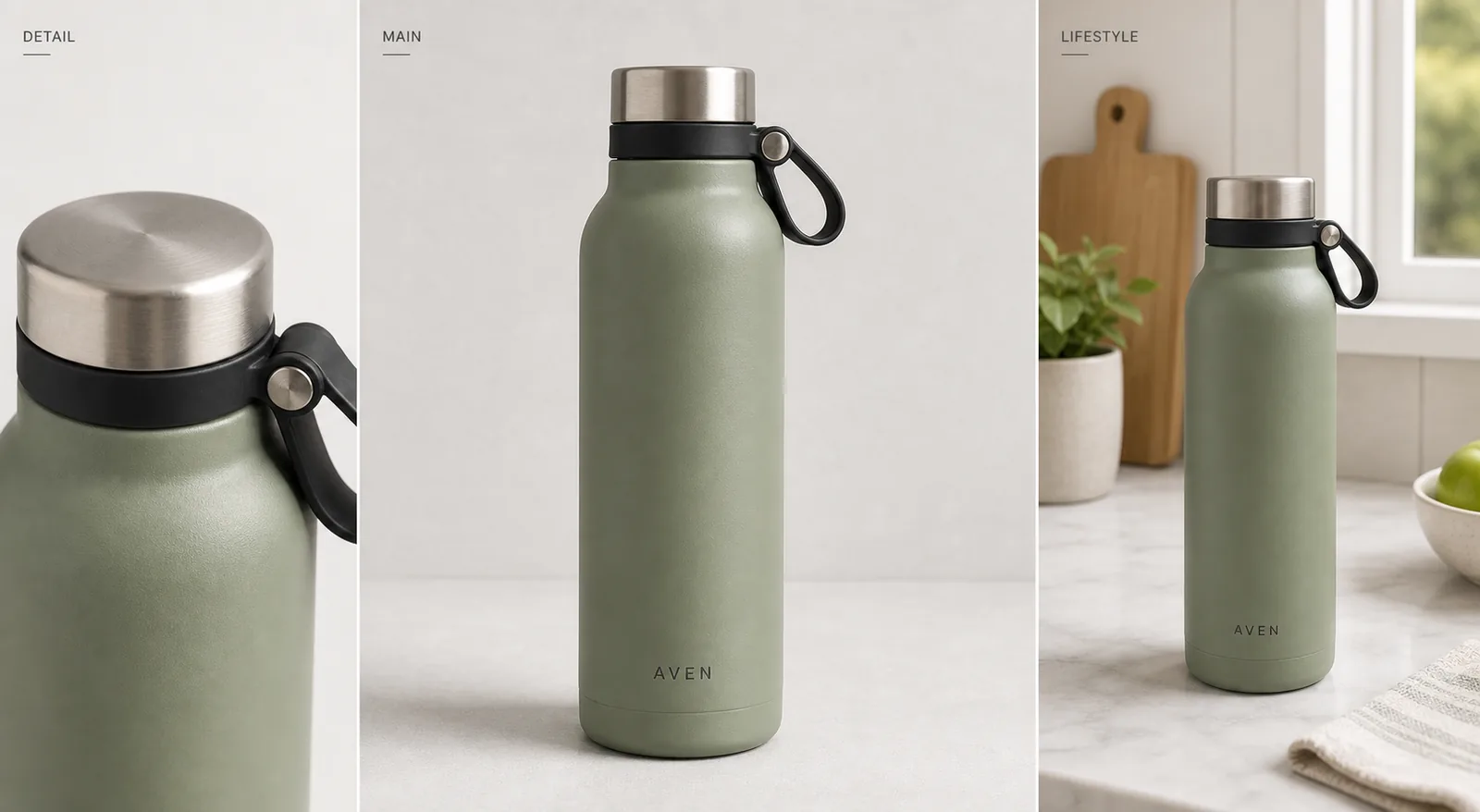
Shopify product images alt text should describe what is visibly useful in the image: product type, color, material, key detail, and image role. A good rule is simple: write the sentence a human catalog assistant would say to identify the image for a shopper who cannot see it. Do not stuff every keyword into every image.
For a product page, the main image, detail image, and lifestyle image should not all use the same alt text. The main image can identify the product clearly. A detail image should name the visible detail. A lifestyle image can explain the use context when that context helps the shopper understand the product. KrafLayer helps here because a clean product image set gives you real visible facts to describe instead of vague phrases like "high quality product image."
Shopify Product Images Alt Text: The Practical Formula
Use this formula for most ecommerce images:
Product type + visible attribute + important detail + image role.
Examples:
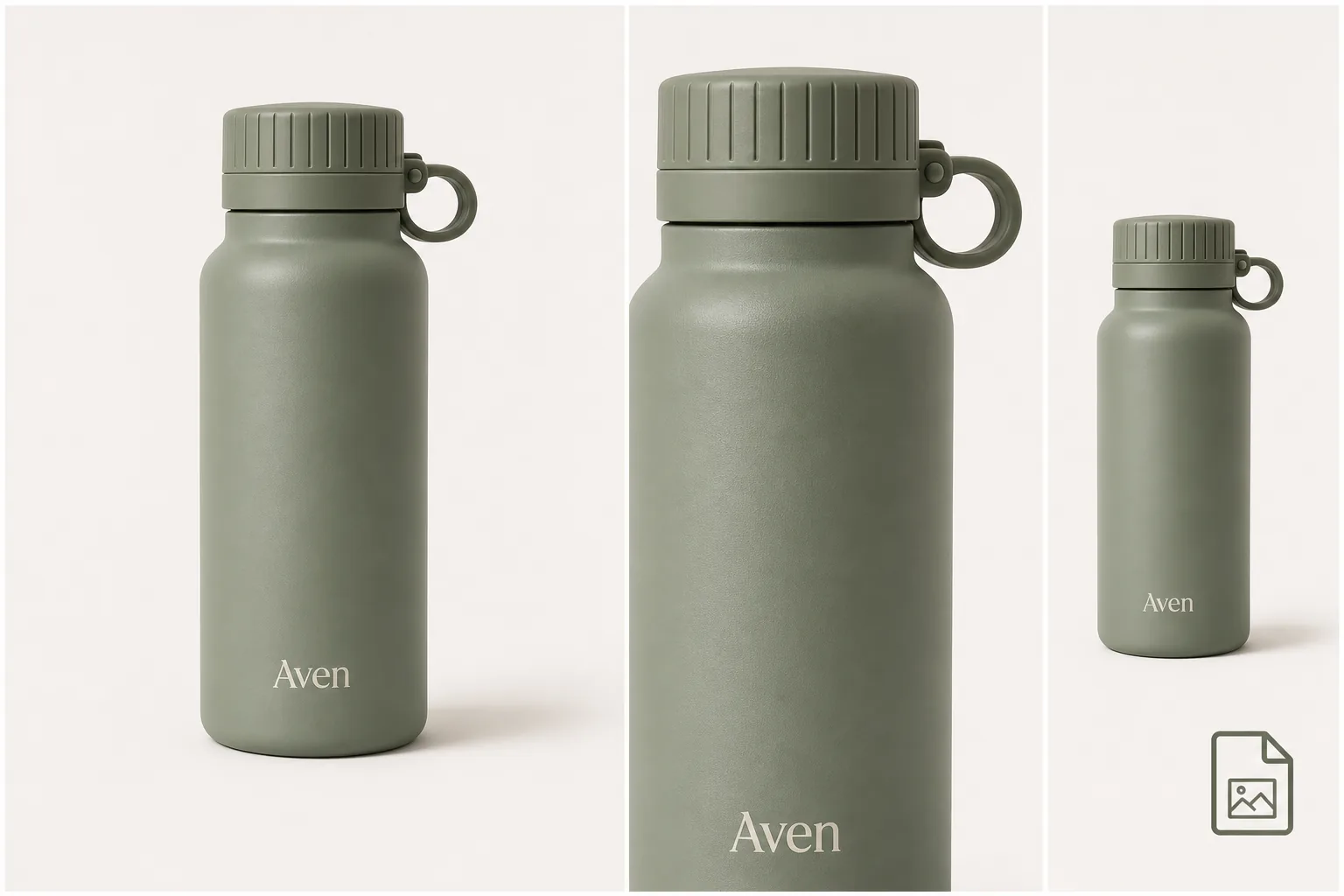
- "Matte sage insulated water bottle with brushed steel cap and black carry loop."
- "Close-up of the brushed steel cap and black loop on a sage water bottle."
- "Sage insulated water bottle on a kitchen counter near a window."
The best product image alt text is specific enough to identify the image, but short enough to read naturally. If the alt text sounds like a keyword list, rewrite it as a normal sentence.
This is the difference between Shopify image alt text that helps a catalog and descriptive ecommerce image copy that only sounds optimized.
Match Alt Text To The Image Role
Main Product Image
The main image alt text should identify the product as plainly as possible. Include color, product type, material, and the most visible feature when those details matter to the buyer.
Good:
- "Aven matte sage insulated water bottle with steel cap and black carry loop."
Weak:
- "Best Shopify product image water bottle ecommerce SEO product photo."
The weak version may contain search terms, but it does not help a shopper understand the image.
Detail Image
A detail image should describe the detail, not repeat the main product description. If the image shows stitching, lid texture, fabric grain, zipper hardware, label placement, or a surface finish, name that visible detail.
Good detail alt text says what the close-up proves:
- "Close-up of brushed steel cap, black loop, and matte sage bottle texture."
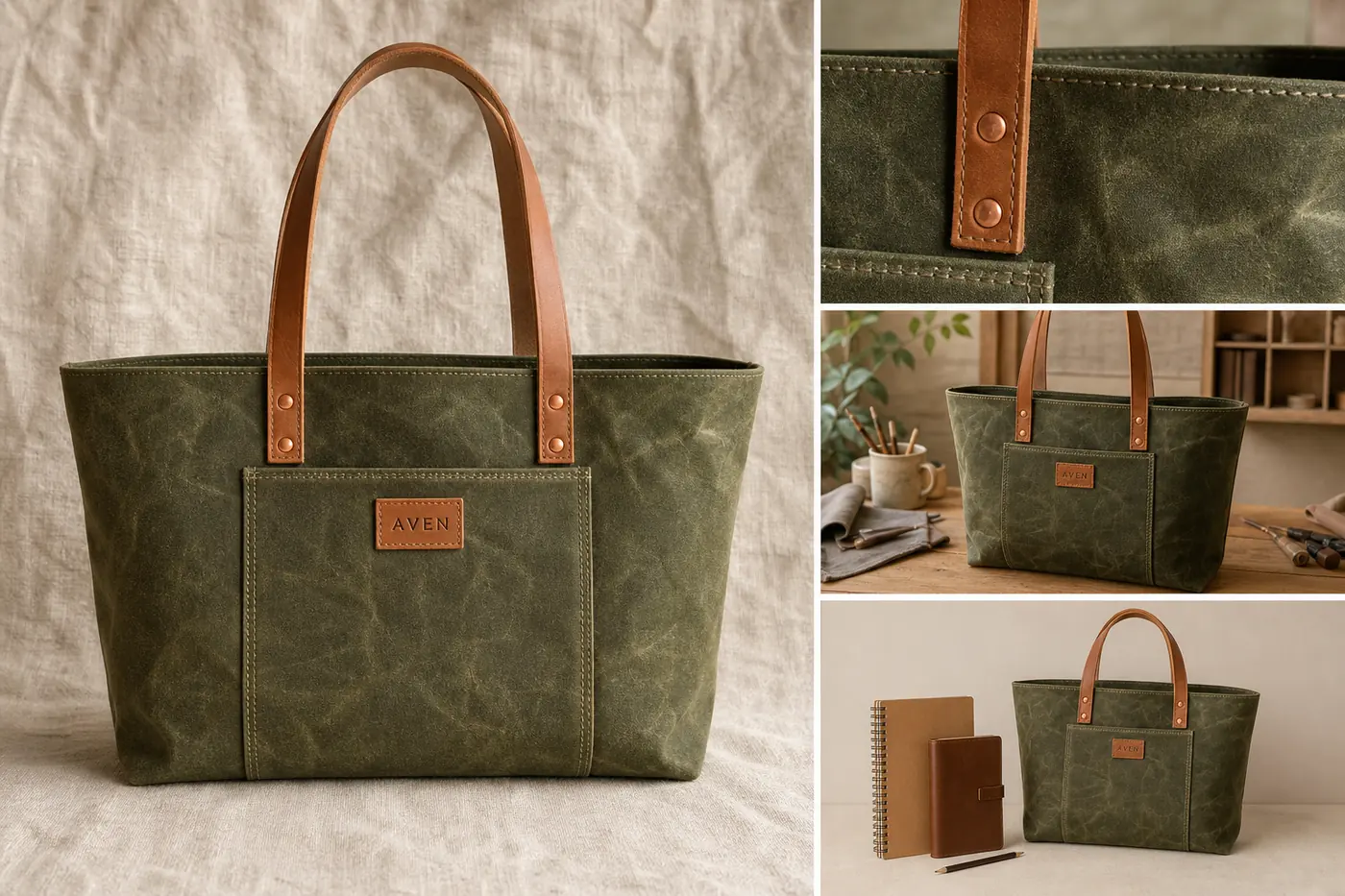
- "Detail view of woven strap hardware on a canvas crossbody bag."
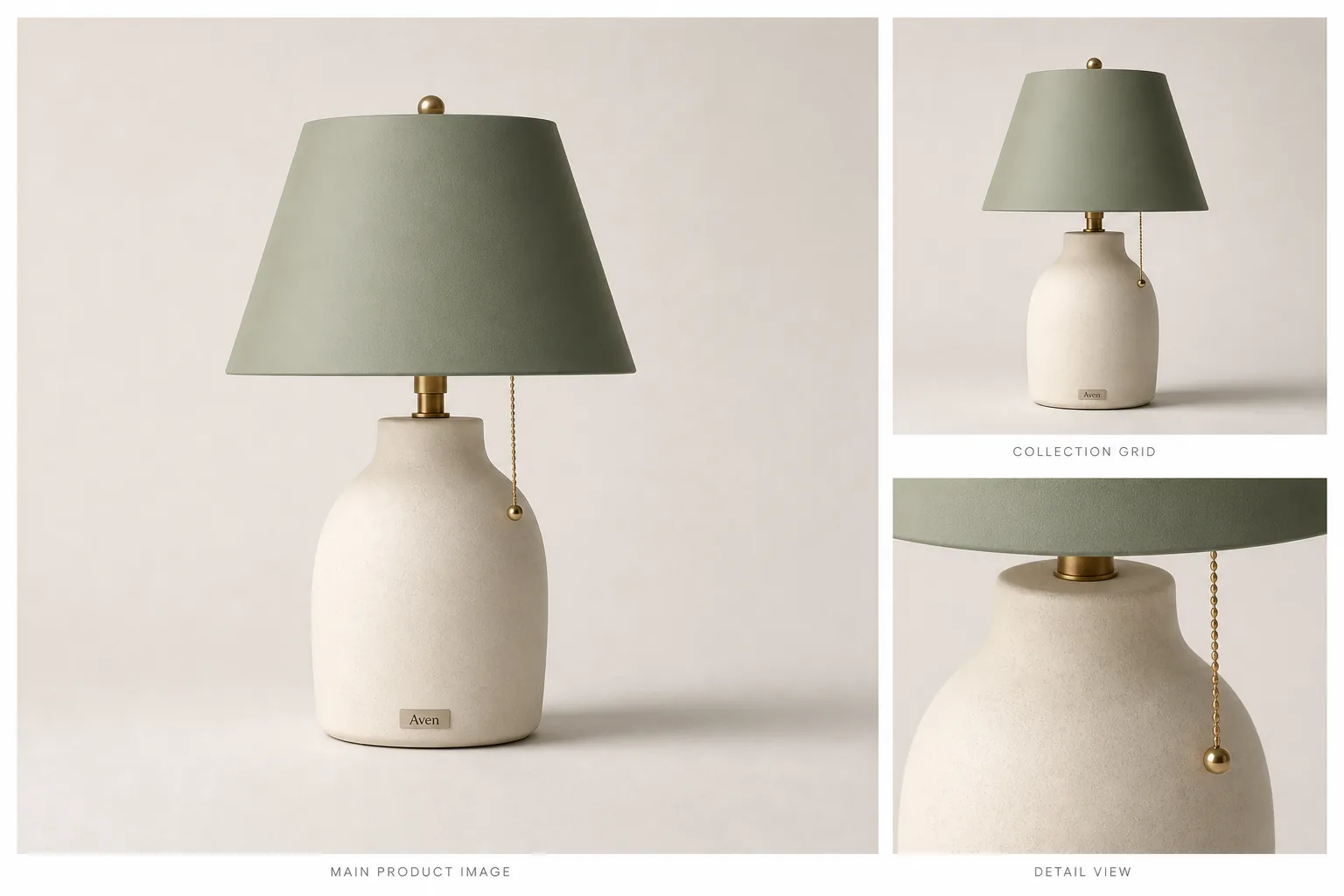
- "Macro image showing ribbed ceramic texture on a cream table lamp."
Lifestyle Image
Lifestyle image alt text can include the setting when the setting explains scale, use, or merchandising context. Keep it factual. Do not describe benefits that are not visible in the image.
Good:
- "Sage insulated water bottle on a marble kitchen counter beside a window."
Too vague:
- "Premium lifestyle product image for modern shoppers."
The second sentence sounds polished, but it does not describe what is actually in the photo.
What Not To Put In Shopify Image Alt Text
Avoid:
- keyword stuffing
- promotional claims that are not visible
- platform names repeated on every image
- fake certifications, awards, ratings, or approval promises
- color or material claims that contradict the photo
- identical alt text copied across every product image
- text like "image of image of product"
Alt text is not a place to hide a paragraph of SEO copy. It is image copy. The closer Shopify image alt text stays to visible product facts, the more useful it is for accessibility, catalog maintenance, and search context.
A KrafLayer Workflow For Better Alt Text
Alt text gets easier when the image set is organized. Before writing copy, prepare the product visuals:
1. Create or clean the main image so the product type, color, and silhouette are obvious. 2. Add a detail image that shows one real selling detail: texture, hardware, label, material, or construction. 3. Add a lifestyle image only when the setting helps shoppers understand scale, use, or style. 4. Review the image set for product truth: color, shape, material, label position, scale, and accessories. 5. Write separate alt text for each image role.
Use the [Shopify product images](/marketplace-product-images/shopify-product-images) page for the broader channel workflow, [ecommerce product photography](/ecommerce-product-photography) for product-image roles, [AI product image generation](/ai-product-image-generator) when you need new visual assets, and the [product photo editor](/product-photo-editor) when the source photo needs cleanup before you write the final copy.
Reusable Alt Text Templates
Use these as starting points, then replace the bracketed parts with visible facts:
- Main image: "[Color/material] [product type] with [visible key feature]."
- Detail image: "Close-up of [specific detail] on [product type]."
- Lifestyle image: "[Product type] shown in [visible setting/use context]."
- Variant image: "[Color/variant] [product type] with [same key feature as other variants]."
- Set image: "[Number] [product type/category] items in [visible color/material grouping]."
For example, a product set might use: "Three matte ceramic storage jars in sage, cream, and charcoal on a light counter." That is better than "Shopify product images alt text for ecommerce jars" because it describes the image someone actually needs to understand.
Alt Text Review Checklist
Before publishing a Shopify product page, check:
- Does each image have unique alt text?
- Does the main image identify the product clearly?
- Do detail images describe the visible detail instead of repeating the main image?
- Do lifestyle images mention the setting only when it helps the buyer?
- Are color, material, and product type accurate?
- Are claims limited to what the image actually shows?
- Is the sentence readable aloud?
- Would the copy still make sense without seeing the image?
If the image is too vague to describe, the image may need improvement before the alt text does. A product photo that clearly shows material, shape, and detail gives the copy something useful to say.
FAQ
What should Shopify product image alt text include?
Shopify product image alt text should include the visible product type, color, material, key detail, and image role when those facts help identify the image. Keep it natural. A sentence like "Matte sage insulated water bottle with brushed steel cap and black carry loop" is more useful than a keyword list.
Should every Shopify product image use the same alt text?
No. The main image, detail images, variant images, and lifestyle images should usually have different alt text because they show different information. Repeating the same sentence across every image wastes the detail views and can make the catalog feel mechanically written.
Is Shopify image alt text only for SEO?
No. Product image alt text also helps accessibility, catalog clarity, and image context. SEO is one benefit, but the copy should first describe the image accurately for a person who cannot see it or for a team member reviewing product media.
How long should product image alt text be?
Use one clear sentence in most cases. It should be long enough to identify the product and visible detail, but short enough to read naturally. If the sentence turns into a list of keywords, split the idea or remove anything that is not visible in the image.
Can AI help with Shopify product image alt text?
AI can help draft alt text, but the final copy should be checked against the actual image. KrafLayer can help create clearer product images and detail views, which makes alt text more accurate. The review step should protect color, material, labels, scale, and visible product details.
Conclusion
Shopify product images alt text works best when it describes real visual evidence: product type, color, material, detail, and context. Treat each image role separately, avoid keyword stuffing, and keep claims tied to what the shopper can actually see. KrafLayer can help create and clean the product image set first, so the final alt text is grounded in clear ecommerce visuals rather than generic SEO copy.
Keep exploring
Continue the story
More practical guidance on product accuracy, composition, and conversion-ready visuals.
Put it into practice
Take the next step in KrafLayer
Choose a generation or editing workflow that matches what you just learned.