Platforms
How to Make Product Photos for Etsy Without Losing Handmade Texture
TL;DR
A practical Etsy product photo workflow for clean main images, handmade texture details, lifestyle context, scale cues, and AI review checks.
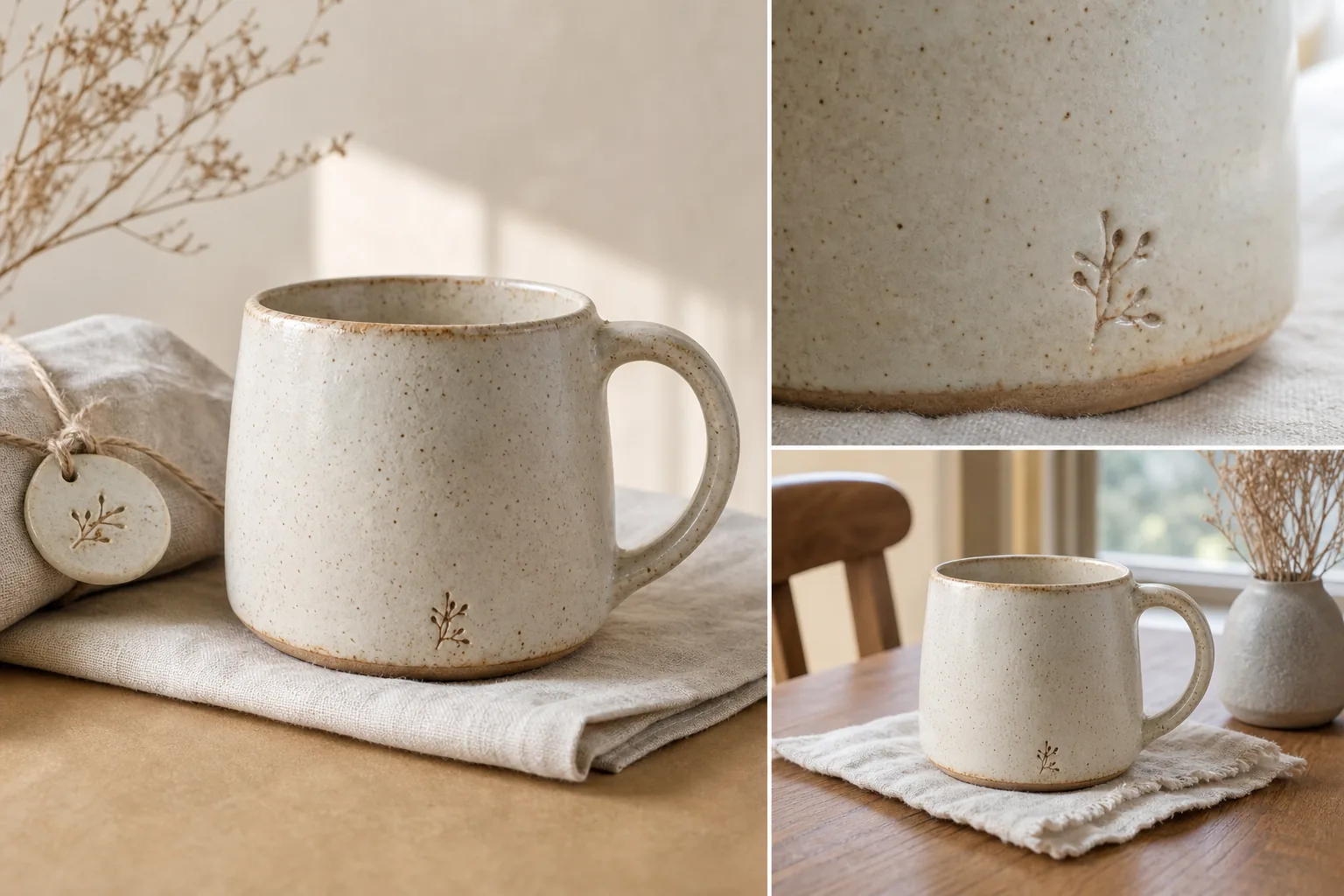
If you are wondering how to make product photos for Etsy, start with the real product instead of a decorative scene. A strong Etsy image set should show what the item is, what it is made from, how large it feels, and why the handmade detail is worth inspecting. Clean lighting matters, but over-polishing can make ceramic, leather, fabric, jewelry, and paper goods look generic.
The practical rule: make the product easy to buy, not artificially perfect. For Etsy product photos, that usually means one clear main image, one handmade texture detail, one lifestyle context image, and one scale or use image. KrafLayer can help create or refine those roles from a product reference, but every output should be checked against the real item before publishing.
Build The Set Around Product Truth
Before you generate, edit, or photograph anything, write a product truth list. This is the short set of facts the image must not change:
- product type and silhouette
- color, glaze, fabric, grain, metal, paper, or surface texture
- handle, clasp, seam, label, stamp, clasp, chain, edge, or hardware position
- real scale cues
- included items only
- visible handmade variation that should remain
This is the part many Etsy sellers skip. A product photo can look beautiful and still be weak if it smooths away the exact detail that makes the item handmade. For a ceramic mug, the speckled clay, uneven glaze line, maker mark, handle shape, and foot ring matter. For a leather wallet, grain, stitching, edge paint, and corner thickness matter.
Use this sentence as a quality gate: if the photo hides the reason a buyer would choose the handmade item, it is not finished yet.
Make The Main Image Simple, Not Sterile
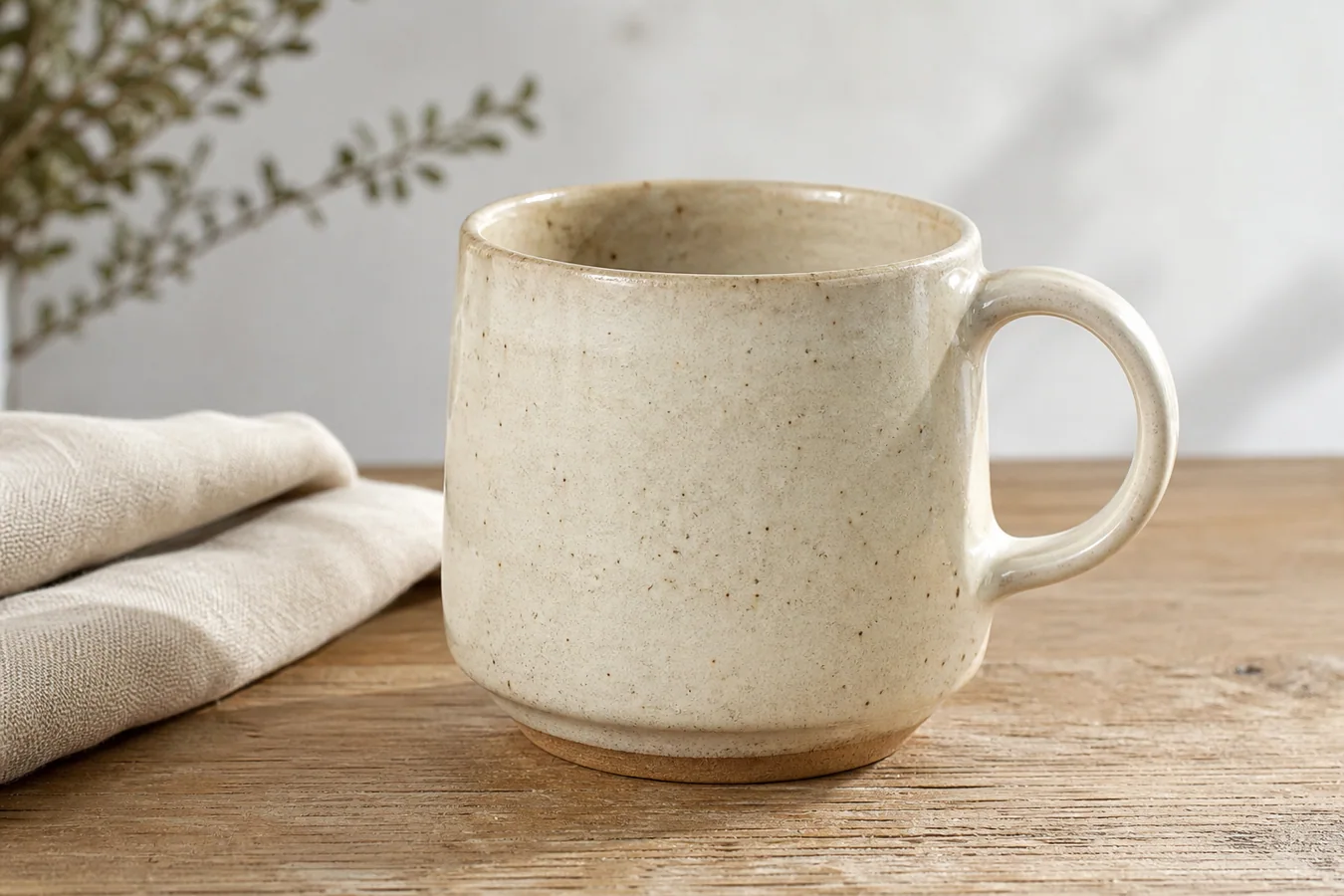
The main image should identify the product immediately. That does not mean it has to be a plain white cutout for every handmade shop. It means the product should be central, well lit, uncrowded, and easy to understand at thumbnail size.
For handmade product photography, choose a surface that supports the material without competing with it:
- linen or raw cotton for ceramics, candles, soaps, and paper goods
- warm wood for home goods, jewelry, and tableware
- neutral craft paper for packaging, stationery, and small accessories
- a clean wall or simple shelf for decor pieces
Avoid a main image where props explain the mood but not the product. A vase, dried flowers, notebook, cup, fabric, or box can support the scene, but the buyer should not have to guess what is for sale.
If you use [KrafLayer AI product photography](/ai-product-photography), start from one product reference and ask for one main ecommerce image first. Do not ask for a full shop campaign in one prompt. A focused main image is easier to review for shape, texture, and scale. This is the same discipline you would use when learning how to take product photos for Etsy with a camera: one clean product role, one controlled setup, one review pass.
Add A Texture Detail Image
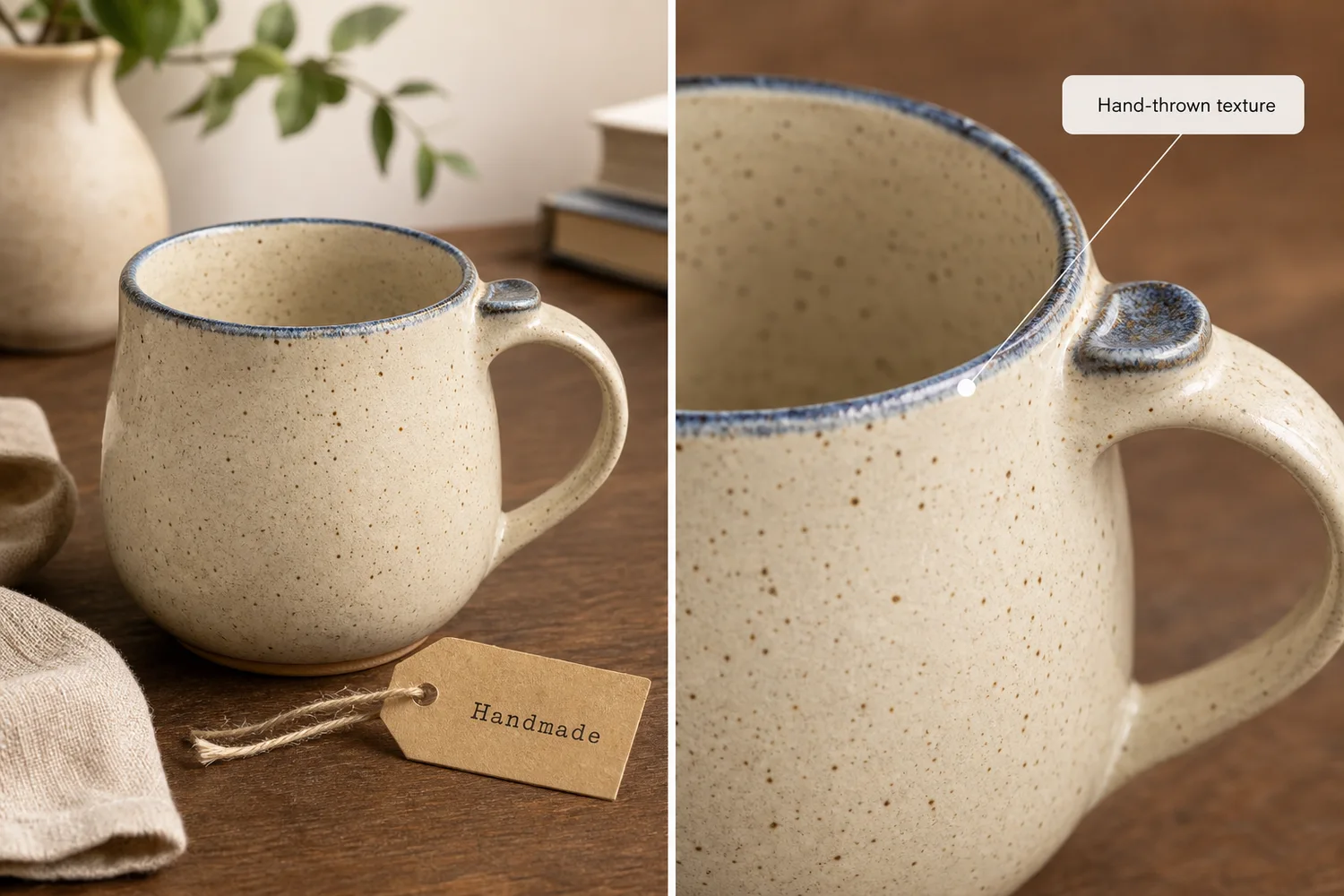
Texture is one of the strongest reasons to buy handmade goods. Use a detail image to show the proof: glaze speckles, brush marks, fabric weave, leather grain, hammered metal, paper tooth, stitched edges, carved marks, or a maker stamp.
The detail crop should answer one concrete buyer question:
- Is the material real?
- Is the finish smooth, rough, glossy, matte, woven, hammered, or speckled?
- Are the seams, edges, or closures clean?
- Does the handmade variation look intentional?
- What part of the item would I inspect in person?
Do not let the detail image become abstract. It should still connect visibly to the same item. If the close-up looks like a different product, a different color, or a different material, regenerate or edit it before using it.
For KrafLayer work, describe the exact detail you want preserved: "close crop of the same ivory speckled ceramic mug, visible glaze edge, clay body, small maker stamp, and natural linen surface." That is stronger than asking for "premium handmade texture."
Use Lifestyle Context To Show Scale And Feeling
Lifestyle images help Etsy shoppers imagine the item in use. The risk is that the scene can become more polished than the product. Keep the product large enough to inspect and use props only when they explain scale, use, or style.
Good lifestyle contexts include:
- a mug on a cafe table or kitchen shelf
- jewelry on a hand, linen tray, or simple box
- a candle on a bedside table
- wall art in a real room crop
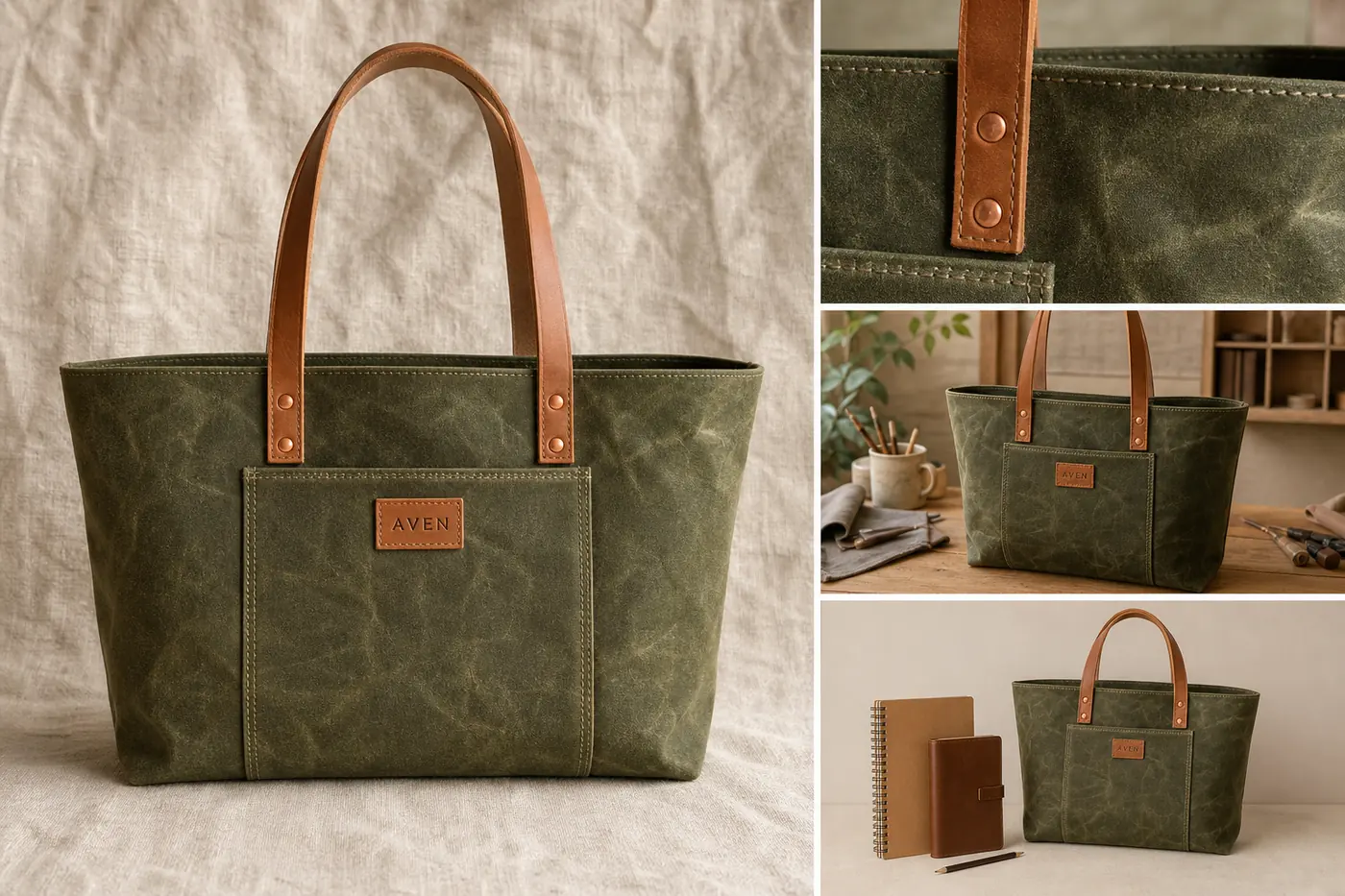
- a bag held or placed near daily objects
- stationery on a desk with writing tools
The quotable rule: lifestyle should add context, not replace product evidence. The item still needs to be the subject.
When you use [AI background replacement](/tools/ai-background-replacer), give the scene a restrained direction. For example: "warm window light on a neutral craft table, one linen cloth, no extra products, keep the mug centered and unchanged." Avoid scenes with too many props, fake shop signs, badges, or readable labels.
Keep Handmade Variation, Remove Distraction
The best Etsy product photo tips are not about making every image perfect. They are about choosing what to preserve and what to fix.
Preserve:
- natural material variation
- handmade texture
- real edge shape
- maker marks or product labels that belong to the item
- believable shadows
- true color
Fix:
- dust, lint, or background marks
- color cast from bad room lighting
- clutter that confuses the product
- overly dark shadows
- crooked crop
- low resolution that hides texture
The [product photo editor](/product-photo-editor) is useful when the source photo is close but not ready. Clean the distraction; do not redesign the item. A seller should still recognize the real product after the edit.
A Simple Etsy Product Photo Workflow
Use this sequence for a handmade product listing:
1. Pick the real product reference and write the product truth list. 2. Create or capture one clean main image. 3. Create one texture/detail image tied to the same product. 4. Create one lifestyle image that shows use or scale. 5. Add one alternate angle or packaging view if it helps the buyer. 6. Review the full set together for color, material, scale, and consistency. 7. Export web-ready images and keep a higher-quality master file.
This sequence works because each image has a job. The main image identifies the item. The detail image proves material and craft. The lifestyle image explains context. The alternate or packaging image reduces uncertainty.
Prompt Template For Etsy Product Photos
Use this prompt pattern when generating a role-specific image from a product reference:
~~~text Create one ecommerce product photo for this exact handmade product: [product type], [color], [material], [handmade texture], [key visible details]. Image role: [main product image / texture detail crop / lifestyle context / scale image / packaging view]. Keep the same product shape, color, material, handmade marks, scale, and included items. Make the photo clean, warm, and sellable, but do not remove the natural handmade texture. Avoid marketplace UI, real brand names, review stars, badges, QR codes, barcodes, discount stickers, fake claims, and extra products. ~~~
Generate one role at a time. If you try to create a main image, detail crop, lifestyle photo, scale image, and packaging view in a single prompt, the product details are more likely to drift.
Where KrafLayer Fits
Use KrafLayer when you have a product reference and need a cleaner Etsy photo set without losing the item's character. The [Etsy product photos](/marketplace-product-images/etsy-product-photos) workflow is the owner page for this channel. Use [AI product photography](/ai-product-photography) for main and lifestyle images, [AI background replacement](/tools/ai-background-replacer) when the source scene is weak, and [ecommerce product photography](/ecommerce-product-photography) when you are planning image roles across Etsy, your own store, and ads.
The best workflow is incremental: create one image role, compare it with the real product, fix drift, and then move to the next role.
Common Mistakes
- Making handmade products look machine-made.
- Using props that compete with the item.
- Cropping the main product too small for thumbnails.
- Hiding material texture in soft light or blur.
- Changing color, scale, glaze, fabric, hardware, or seams between images.
- Adding fake labels, badges, shop UI, or unsupported claims.
- Publishing a lifestyle image that looks better than the product but explains less.
Etsy product photos should feel human and trustworthy. Clean the image enough for shoppers to understand it, but keep the product evidence buyers came for.
FAQ
How do I make product photos for Etsy?
Start with one clear main image, then add a texture detail, lifestyle context, and scale or alternate-angle image. Keep the product central, use soft natural light, remove distractions, and preserve handmade material facts such as glaze, weave, stitching, grain, maker marks, color, and real scale.
What makes Etsy product photos different from generic ecommerce photos?
Etsy product photos often need to show craft, material, and small handmade variation. A generic ecommerce image may prioritize a perfectly clean surface, but an Etsy image should also prove texture, finish, scale, and character. The product should look polished enough to buy, not so polished that it feels mass-produced.
Can AI help create Etsy product photos?
Yes, AI can help create Etsy product photos when you start from a real product reference and review carefully. Generate one role at a time: main image, detail crop, lifestyle context, or scale view. Check shape, color, material, handmade marks, and included items before publishing.
Should Etsy product photos use a white background?
A white or very clean background can work for simple product identification, but it is not the only useful option. Handmade goods often benefit from neutral surfaces such as linen, wood, paper, or a restrained lifestyle scene. The background should support the material and keep the item easy to inspect.
How do I show handmade texture in product photos?
Use a close detail image focused on one material fact: glaze speckles, fabric weave, leather grain, hammered metal, paper texture, stitching, or a maker mark. Keep the crop tied to the same product and avoid over-smoothing. The texture image should help buyers trust what the item will feel like in person.
Do better Etsy product photos guarantee more sales or marketplace approval?
No. Better images can make a listing clearer and more trustworthy, but they do not guarantee sales, ranking, or marketplace approval. Use official Etsy guidance for final upload decisions when exact requirements matter, and use the image set to accurately represent the real product.
Conclusion
Learning how to make product photos for Etsy is mostly about discipline: show the product clearly, preserve handmade texture, and give every image a job. KrafLayer helps sellers create main images, texture details, and lifestyle context from a product reference, but the final standard is product truth. Keep the craft visible, remove distractions, and publish only the images that help a buyer understand the real item.
Keep exploring
Continue the story
More practical guidance on product accuracy, composition, and conversion-ready visuals.
Put it into practice
Take the next step in KrafLayer
Choose a generation or editing workflow that matches what you just learned.