Platforms
Etsy Product Photo Tips for Handmade Sellers Using AI Carefully
TL;DR
Practical Etsy product photo tips for handmade sellers: plan main, detail, lifestyle, and scale images while keeping product truth intact.
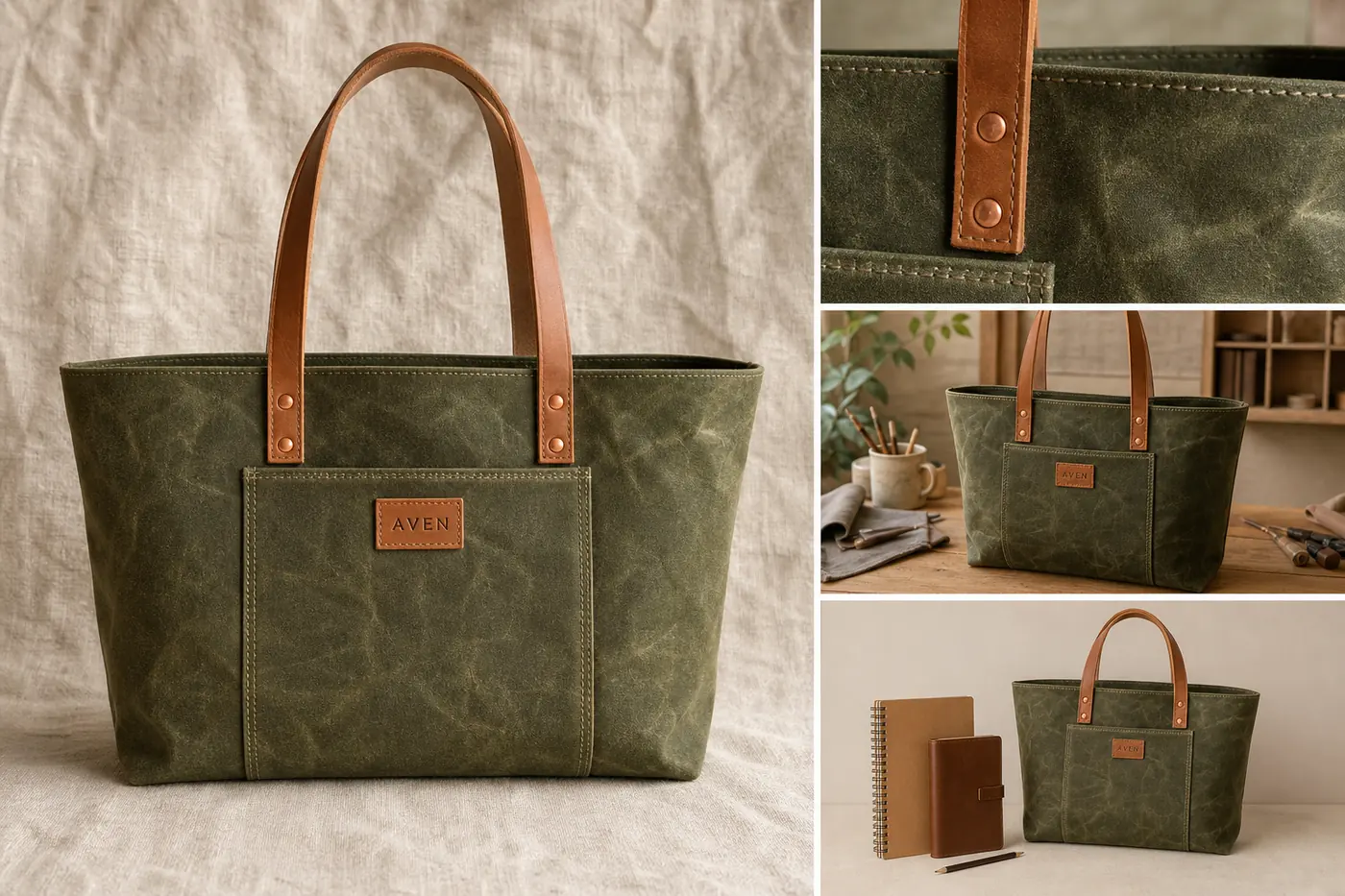
Good Etsy product photo tips start with buyer trust: show the real item clearly, keep handmade texture visible, and use each image to answer a different buying question. A polished photo set can help a handmade listing feel easier to understand, but over-cleaning the product can remove the exact craft cues buyers care about.
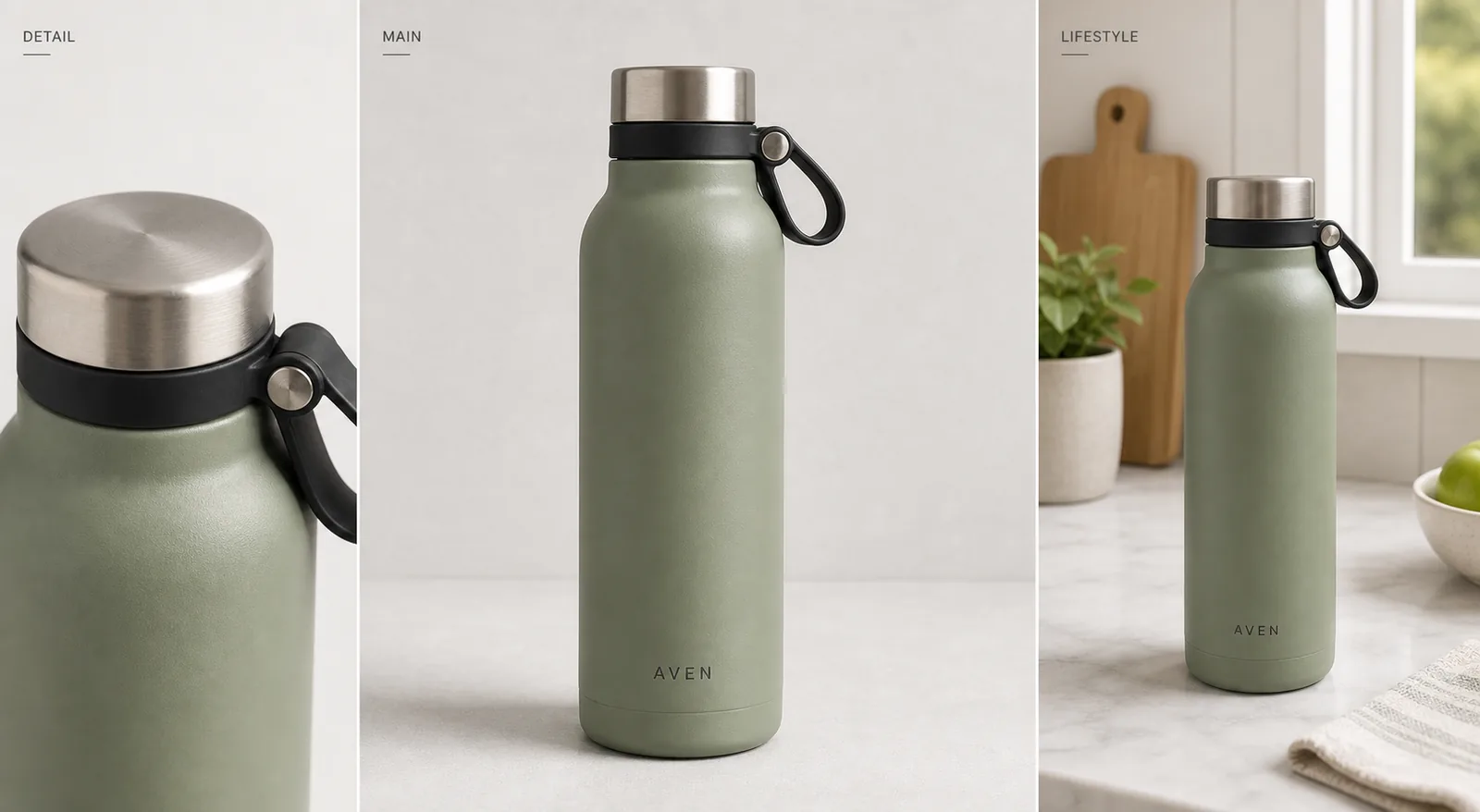
The practical rule is simple: every Etsy product photo should prove one thing about the item. The main image identifies it, the detail image proves material and craft, the lifestyle image gives context, and the scale image reduces uncertainty. In KrafLayer, use AI product photography and editing as a controlled workflow around those roles, not as a way to invent a different product.
Start With A Product Truth List
Before you generate, edit, or retouch Etsy product photos, write down the product facts that must stay unchanged:
- product type, silhouette, and proportions
- color and material
- handmade texture, grain, weave, glaze, or surface marks
- seams, stitches, handles, hardware, maker tag, label, or clasp position
- included items only
- believable scale and contact shadow
This list is the guardrail for every edit. If a tote bag becomes smoother, cleaner, or more symmetrical but loses its waxed-canvas grain, leather-handle shape, stitch spacing, or maker tag position, the image is not ready for a listing.
A useful Etsy image should be clean enough to inspect and honest enough to recognize in real life.
Tip 1: Make The Main Image Read At Thumbnail Size
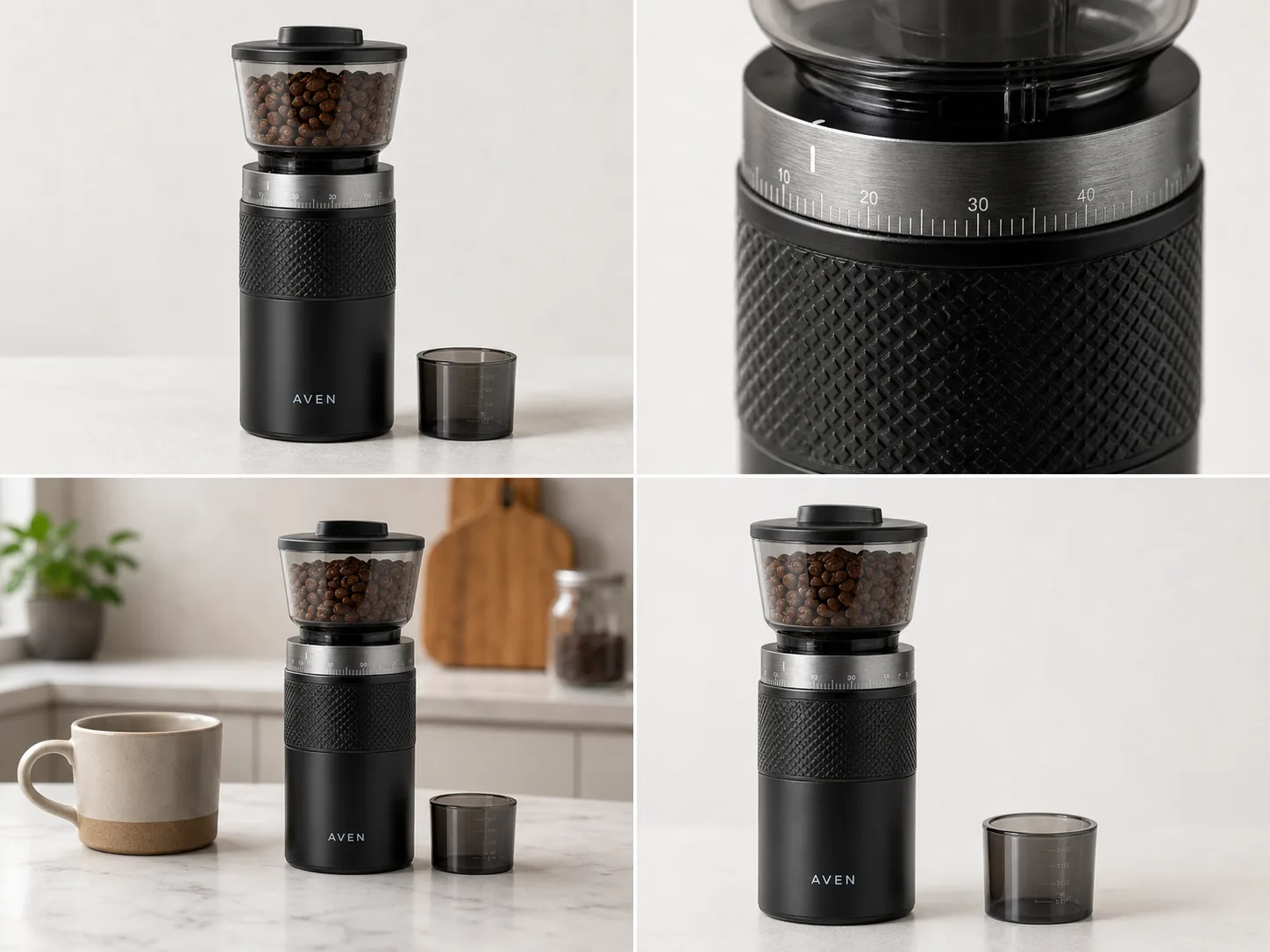
The first photo has one job: help a shopper understand what is for sale in a small search-grid thumbnail. Keep the product large, central, and easy to identify. Use soft light, a quiet surface, and very few props.
For handmade product photography, the background should support the material without becoming the point of the image. Linen, warm wood, craft paper, stone, or a plain wall can work. A crowded desk, too many dried flowers, fake shop signs, or styled props can make the listing feel pretty but unclear.
When learning how to take product photos for Etsy, make this main-image review a habit before you worry about extra scenes. When using [AI product photography](/ai-product-photography), create the main image first. For AI product photography for Etsy, ask for one clear product photo from the reference item, then compare shape, color, texture, and scale against the real product before creating the rest of the set.
Tip 2: Use Detail Photos To Prove Craft
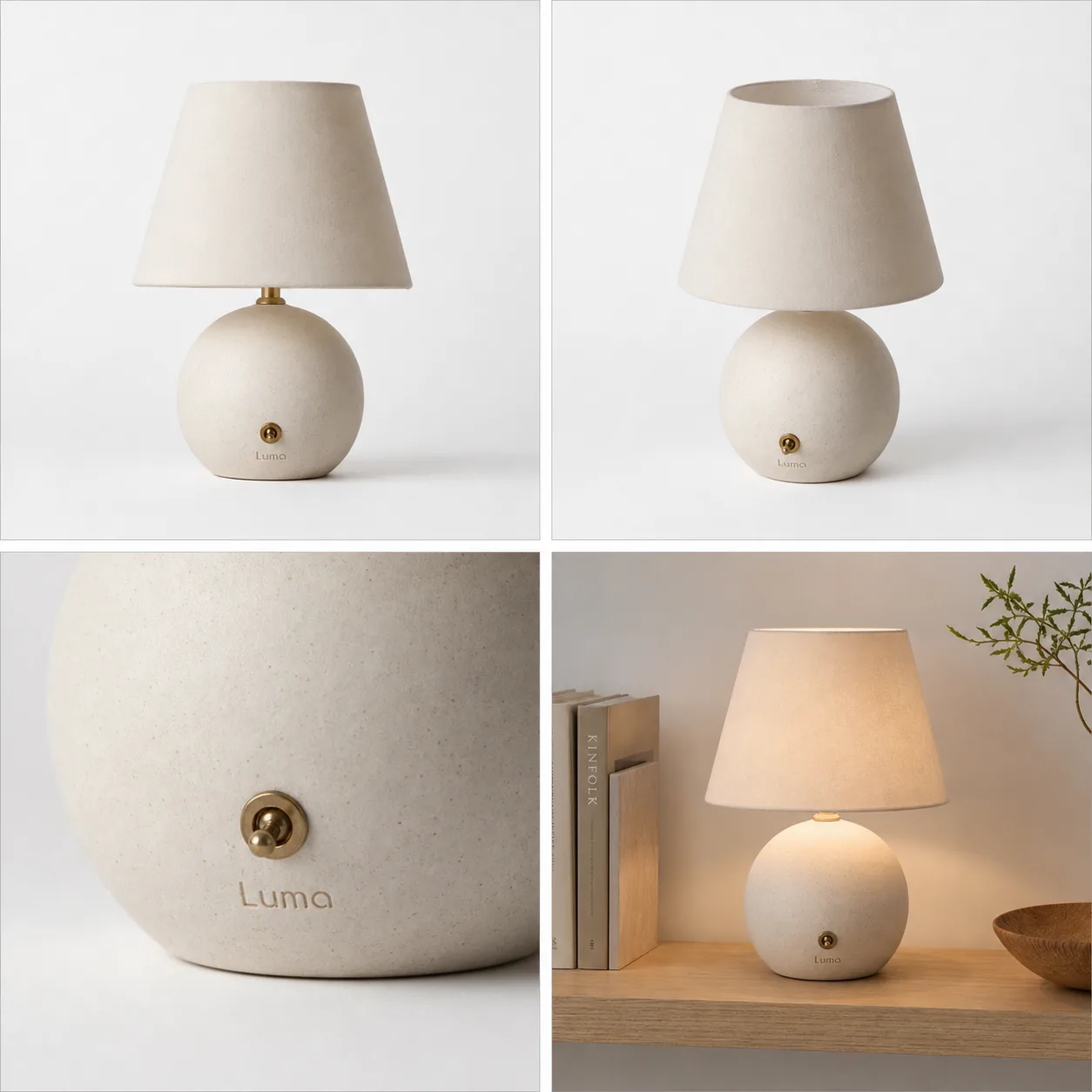
Detail photos are where Etsy product photos can beat generic ecommerce images. They show what the buyer cannot feel through the screen: leather grain, canvas weave, ceramic glaze, hammered metal, paper tooth, hand stitching, maker marks, or edge finishing.
Choose one detail per image. A close-up that tries to show every feature often shows none of them well. A strong detail photo might focus on:
- stitching and handle attachment on a handmade bag
- glaze variation on a ceramic mug
- clasp, chain, and stone setting on jewelry
- weave and hem quality on a linen product
- paper texture and print edge on stationery
The detail image must still look like the same item. If the close crop changes color, material, or construction, regenerate or edit it before publishing.
Tip 3: Add Lifestyle Context Without Hiding The Product
Lifestyle images should show use, scale, or mood while keeping the item inspectable. The product still needs to be the subject.
Good Etsy lifestyle contexts include:
- a handmade bag on a simple craft table with daily objects for scale
- a mug near a linen napkin and window light
- jewelry on a hand or neutral tray
- a candle on a bedside table
- wall art in a real room crop
The quotable rule: lifestyle context should explain the product, not replace product evidence. If the scene is more memorable than the item, the image is doing the wrong job.
Use [AI background replacement](/tools/ai-background-replacer) when the source scene is weak, but keep the prompt restrained: one surface, one light direction, no extra products, no marketplace UI, no fake badges, and no readable claims.
Tip 4: Keep Handmade Variation, Clean Only Distraction
Handmade products should not look machine-made. Preserve real texture, small material variation, maker marks, natural edges, and believable shadows. Clean problems that distract from buying:
- dust, lint, and background marks
- yellow or green room-light color cast
- clutter around the item
- crooked crop
- overly dark shadows
- low resolution that hides useful texture
The [product photo editor](/product-photo-editor) is useful when the source photo is close but not ready. Use it to clean the listing image, not to redesign the item.
Tip 5: Build A Complete Listing Set
For a handmade Etsy listing, plan the set before generating or editing:
1. Main image: clear product identification. 2. Detail image: material, texture, stitching, finish, or maker mark. 3. Lifestyle image: use case, mood, or room context. 4. Scale image: hand, body, table, shelf, or daily-object reference. 5. Alternate angle or packaging image: what arrives, opens, closes, hangs, clasps, or stores.
This structure makes the listing easier to trust because every image has a role. It also gives you a clean review pass: check whether all images still show the same product color, material, hardware, scale, and included items.
Prompt Template For Etsy Product Photos
Use this prompt pattern one image role at a time:
~~~text Create one Etsy-style product photo for this exact handmade product: [product type], [color], [material], [handmade texture], [key visible details]. Image role: [main image / detail crop / lifestyle context / scale image / packaging view]. Keep the same product shape, color, material, handmade marks, seams, hardware, labels, scale, and included items. Make it clean, warm, and sellable without removing the handmade texture. Avoid marketplace UI, Etsy logo, real brand names, review stars, badges, QR codes, barcodes, discount stickers, fake claims, and extra products. ~~~
Generate the main image before the lifestyle image. It is easier to keep product identity consistent when the first approved image defines the visual standard for the set.
Where KrafLayer Fits
The [Etsy product photos](/marketplace-product-images/etsy-product-photos) owner page covers the channel workflow. Use [KrafLayer AI product photography](/ai-product-photography) when you need main, detail, and lifestyle images from a product reference. Use the [product photo editor](/product-photo-editor) when a real source photo needs cleanup. Use [ecommerce product photography](/ecommerce-product-photography) when you also need the same product image set for your store, social content, or ads.
The safest workflow is incremental: create one image role, compare it with the real item, fix drift, and only then create the next role.
Common Etsy Product Photo Mistakes
- Making handmade goods look too smooth, glossy, or mass-produced.
- Letting props compete with the item.
- Cropping the main product too small for search thumbnails.
- Using lifestyle images that hide size, material, or construction.
- Changing color, handle shape, seam placement, hardware, texture, or scale between images.
- Adding fake labels, badges, shop UI, or unsupported claims.
- Publishing an AI image without comparing it to the real product reference.
Etsy product photo tips are useful only when they make the product easier to inspect. Keep the item clear, keep the craft visible, and make every image answer a buyer question.
FAQ
What are the most important Etsy product photo tips?
Use one clear main image, one material or craft detail, one lifestyle image, and one scale or alternate-angle image. Keep the product central, preserve handmade texture, remove distractions, and review every photo against the real item for color, shape, material, scale, and included parts.
How do I take product photos for Etsy if I do not have a studio?
Use soft window light, a neutral surface, and a simple background. Photograph or generate one image role at a time: main, detail, lifestyle, scale, and packaging. The image does not need to look like a commercial studio shoot; it needs to make the handmade item easy to understand and trust.
Can AI help with Etsy product photos?
Yes, AI can help with Etsy product photos when you start from a real product reference and review carefully. Use AI to clean distractions, create a simple background, or build role-specific images. Do not use AI to change material, construction, color, scale, included items, or handmade marks.
Should handmade Etsy photos look perfectly polished?
No. Handmade product photography should look clean and trustworthy, but not so polished that the item feels machine-made. Preserve texture, small material variation, maker marks, stitching, grain, glaze, or other craft evidence. Remove visual noise that gets in the way of inspection.
What should I avoid in Etsy listing photos?
Avoid clutter, tiny product crops, inconsistent color, fake badges, unreadable labels, marketplace UI, discount stickers, review stars, and unsupported claims. Also avoid changing product facts between photos. A listing set should feel consistent enough that the buyer trusts every image shows the same item.
Do better Etsy product photos guarantee more sales or approval?
No. Better images can make a listing clearer and more trustworthy, but they do not guarantee sales, ranking, or marketplace approval. Use official Etsy guidance for final upload decisions when exact requirements matter, and use your product photo set to represent the real item accurately.
Conclusion
Strong Etsy product photo tips come back to the same standard: make the item easy to understand while preserving the handmade evidence that makes it worth buying. KrafLayer helps sellers create main images, detail photos, lifestyle context, and scale-use visuals from a product reference, but the final review should always protect product truth. For handmade sellers, the advantage is not making every image look artificially perfect; it is producing cleaner Etsy product photos that still show real material, craft, scale, and selling intent.
Keep exploring
Continue the story
More practical guidance on product accuracy, composition, and conversion-ready visuals.
Put it into practice
Take the next step in KrafLayer
Choose a generation or editing workflow that matches what you just learned.