Ecommerce
How to Create Ecommerce Product Photos Without a Studio
TL;DR
A practical no-studio workflow for turning one product reference into main images, detail images, lifestyle scenes, and ad creatives.
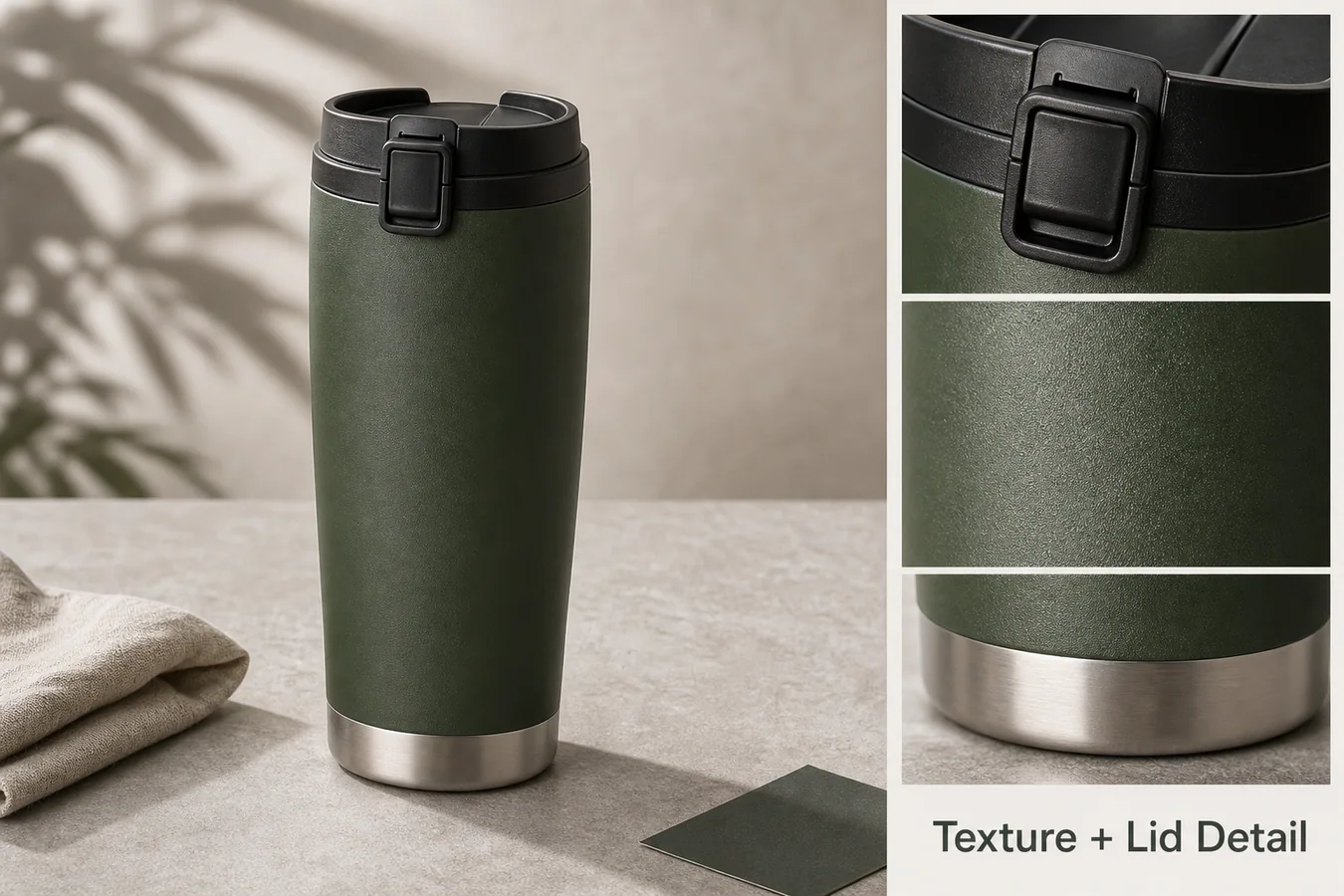
The fastest practical way to create ecommerce product photos without a studio is to start with one honest product reference, decide which sales images you need, generate the missing scenes, then review the output like a product photographer would. The goal is not to make a prettier picture at any cost. The goal is to keep the product recognizable while producing main images, detail images, lifestyle scenes, and ad creatives that can actually support an online listing.
KrafLayer is useful for this workflow because it connects product-reference generation with editing tasks such as background cleanup, product photo editing, and visual variation. A seller can move from one usable product photo to a small image set instead of booking a full studio shoot for every listing update.
What You Need Before You Generate
A no-studio product photo workflow still needs product facts. Before using AI, collect the information that a buyer would notice if it changed:
- the exact product shape, proportions, and camera angle
- material details such as fabric grain, metal finish, glass thickness, or rubber texture
- color family and variant names
- labels, stitching, ports, buttons, seams, handles, caps, and other buyer-relevant details
- the target image roles: main image, detail image, lifestyle scene, marketplace crop, or ad creative
Practical rule: AI product photography is safest when the product reference is treated as the source of truth and every generated image is judged against that reference.
A Simple No-Studio Workflow
Start with one clean product reference. It does not need to be perfect, but it should show the item clearly with enough resolution for the model and editor to understand the product.
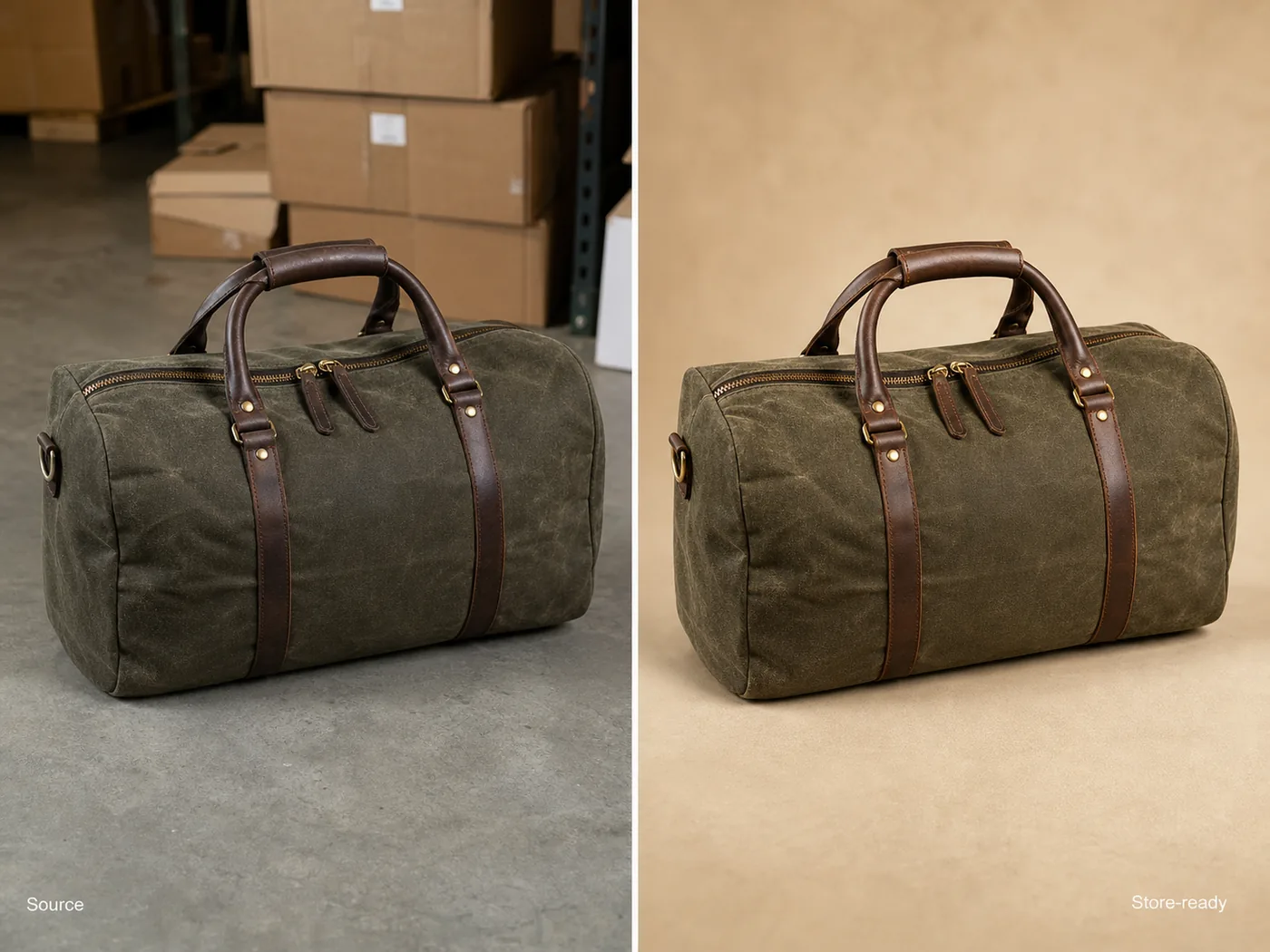
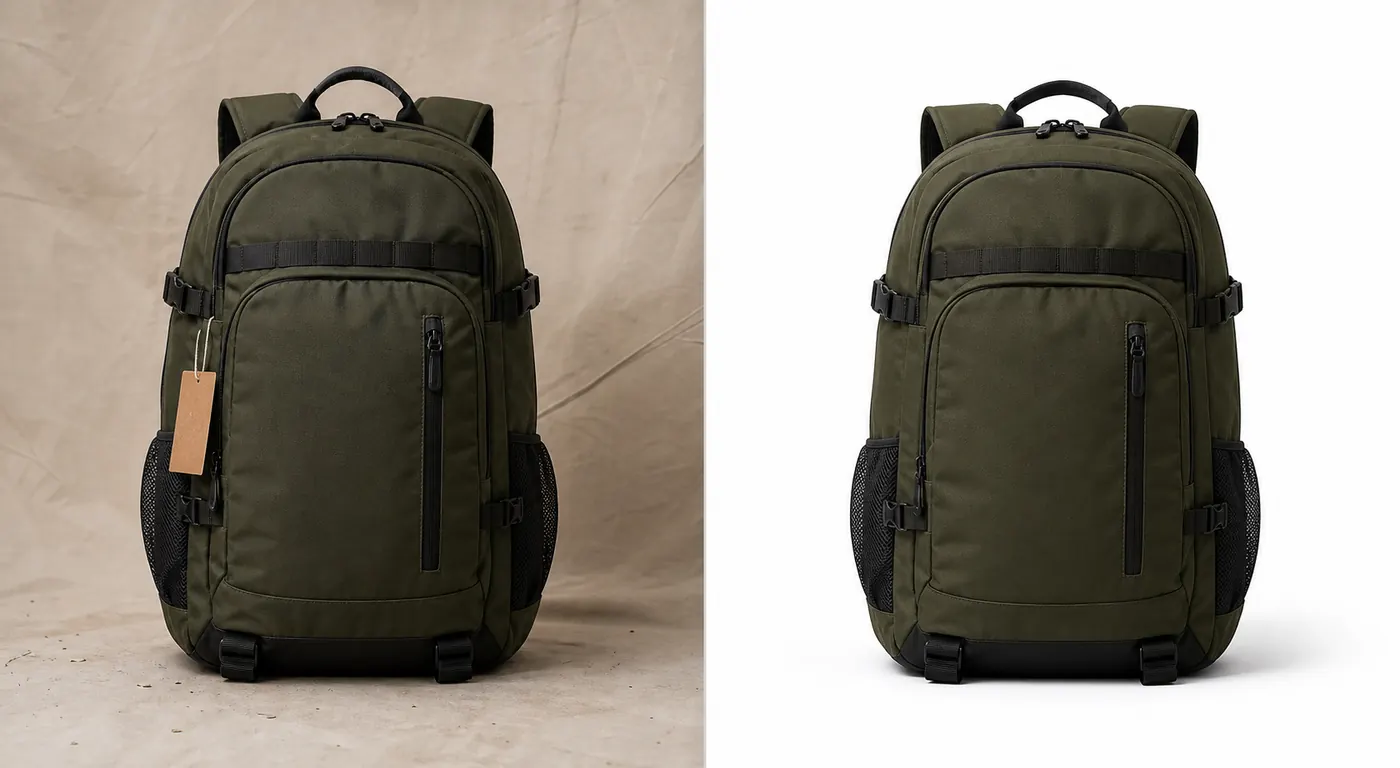
Next, create a main image. For most ecommerce pages, this means a clear product-forward image with the item centered, a controlled background, visible edges, and a natural contact shadow. If the item is for a marketplace listing, keep the image restrained and avoid props that compete with the SKU.
Then create one or two detail images. These should prove something a buyer cares about: texture, hardware, scale, closure, fabric, transparency, finish, or packaging. A good detail image is not just a zoomed-in crop. It should answer a specific buyer question.
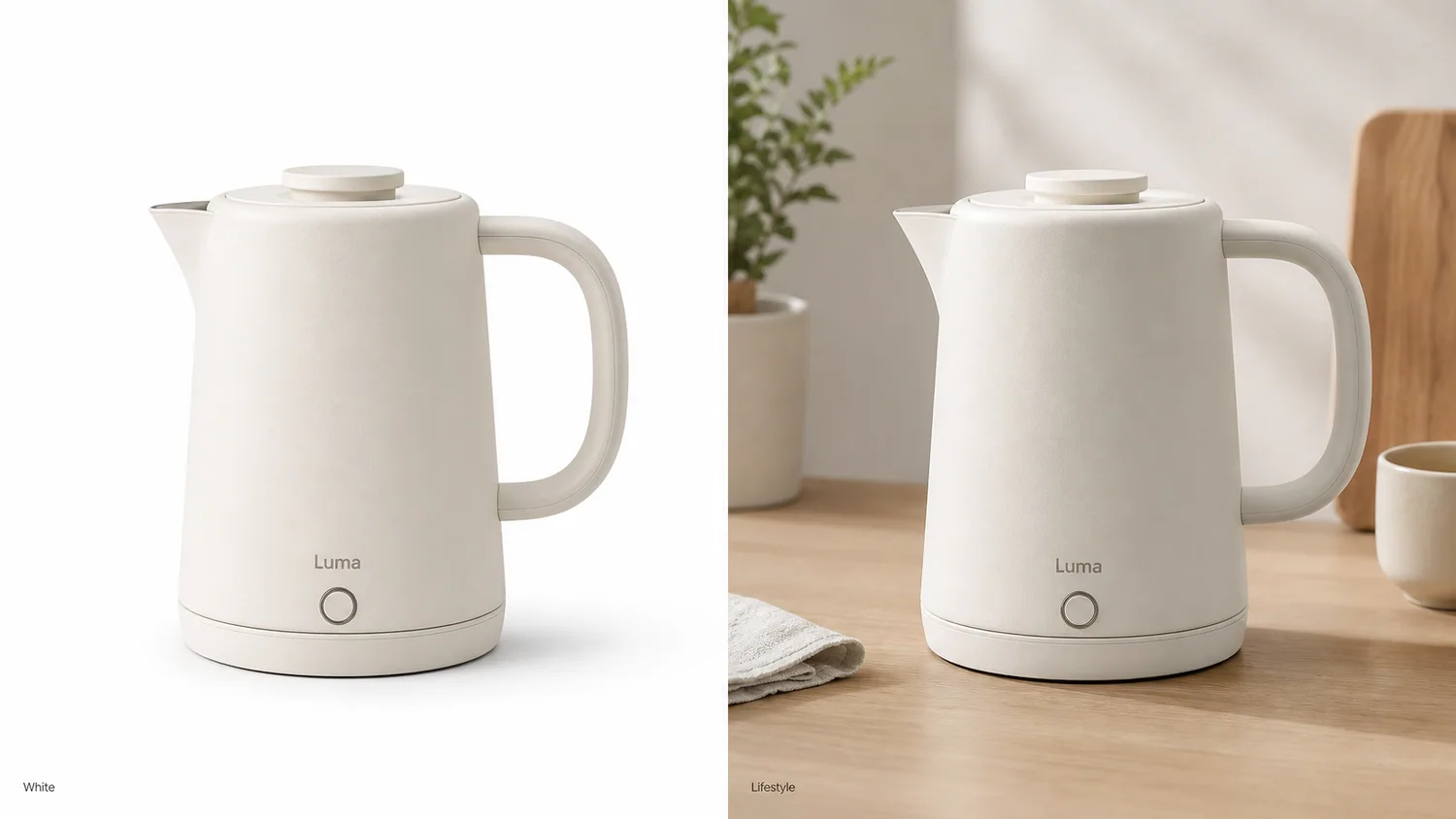
Finally, create a lifestyle or campaign image only after the main image is trustworthy. Lifestyle scenes are useful for Shopify product pages, ads, email, and social content, but they should not change the product's color, shape, or scale.
What KrafLayer Should Preserve
When using KrafLayer for ecommerce product photography, write the instruction around preservation before styling. For example:
Use this product reference to create a clean ecommerce main image and one lifestyle variation. Preserve the product shape, color, material texture, cap, seams, scale, and natural shadow. Do not add logos, claims, extra products, or redesign the item.
This kind of prompt gives the model a job: build better selling images around the product, not a new product inspired by it.
For edits after generation, use the [AI product photo editor](/product-photo-editor) to clean distracting marks, improve crop, repair background issues, or prepare a sharper catalog image. If the main problem is the background, the [product background remover](/tools/ai-background-remover) is the cleaner next step than regenerating the whole product.
Image Set To Build First
For a new product listing, create a small set before making dozens of variations:
| Image role | What it should prove | Common mistake |
|---|---|---|
| Main image | The buyer immediately understands the product | Props or lighting hide the item |
| Detail image | Material, feature, finish, or construction is clear | Detail crop shows a changed product |
| Lifestyle image | The product has believable use context | Scene looks nice but scale is wrong |
| Ad creative | One selling angle is visually obvious | Too much text or too many objects |
If those four images are consistent, you can later adapt them for Shopify sections, Amazon-style secondary images, TikTok Shop visuals, or paid ads.
Quality Checks Before Publishing
Do not publish AI product photos just because they look polished. Check the output against the product reference:
- Is the silhouette still the same?
- Did the model change material, shade, label position, or hardware?
- Are shadows attached to the product instead of floating?
- Does the image crop leave enough room for the selling channel?
- Is any on-image text real, approved, and readable?
- Would a buyer feel misled if they compared the image with the shipped product?
A strong ecommerce AI image keeps product trust intact. A weak one quietly changes the SKU.
Where This Fits In Your Store Workflow
Use the [ecommerce product photography](/ecommerce-product-photography) page as the broader planning hub when you need main images, detail images, lifestyle images, and campaign visuals. Use the [AI product image generator](/ai-product-image-generator) when you already know the image role and want to turn a product reference into new selling assets.
For teams without a studio, the practical workflow is: reference photo, controlled generation, editing pass, consistency review, then export for the channel. That sequence keeps AI useful without letting it replace product judgment.
FAQ
Can I create ecommerce product photos without a photography studio?
Yes. You can create ecommerce product photos without a studio by starting with a clear product reference, generating product-forward scenes, and checking every output for accurate shape, material, color, and scale. AI works best as a production workflow, not as permission to invent a different product.
What product photo should I upload first?
Upload the clearest photo you have: centered product, visible edges, readable construction details, and minimal occlusion. A phone photo can work if it shows the real item. Avoid using a heavily filtered image as the only reference because the generated output may inherit incorrect color or material cues.
Should I generate white background images or lifestyle images first?
Create the clean main image first, then lifestyle images. The main image proves product identity and makes later variations easier to judge. Lifestyle images are valuable for store pages and ads, but they are more likely to introduce scale, color, or prop distractions.
Can AI replace a product photographer?
AI can reduce the need for repeat studio shoots for many listing updates, variations, and campaign assets. It does not remove the need for product judgment. Someone still needs to check accuracy, buyer trust, channel fit, and whether the image honestly represents the item being sold.
How does KrafLayer help with no-studio product images?
KrafLayer helps sellers turn product references into ecommerce visuals, then clean or adapt those visuals with editing tools. The useful part is the combined workflow: generate the image set, fix background or detail issues, review product consistency, and prepare images for store and campaign use.
Conclusion
Creating ecommerce product photos without a studio works best when the workflow starts with product truth and ends with channel-ready image roles. KrafLayer helps sellers turn one product reference into AI product photography outputs such as main images, detail images, lifestyle scenes, and ad creatives while keeping product shape, material, scale, and selling intent visible. For teams that need better ecommerce product photography without constant reshoots, the advantage is faster image production with a stricter review habit around product accuracy.
Keep exploring
Continue the story
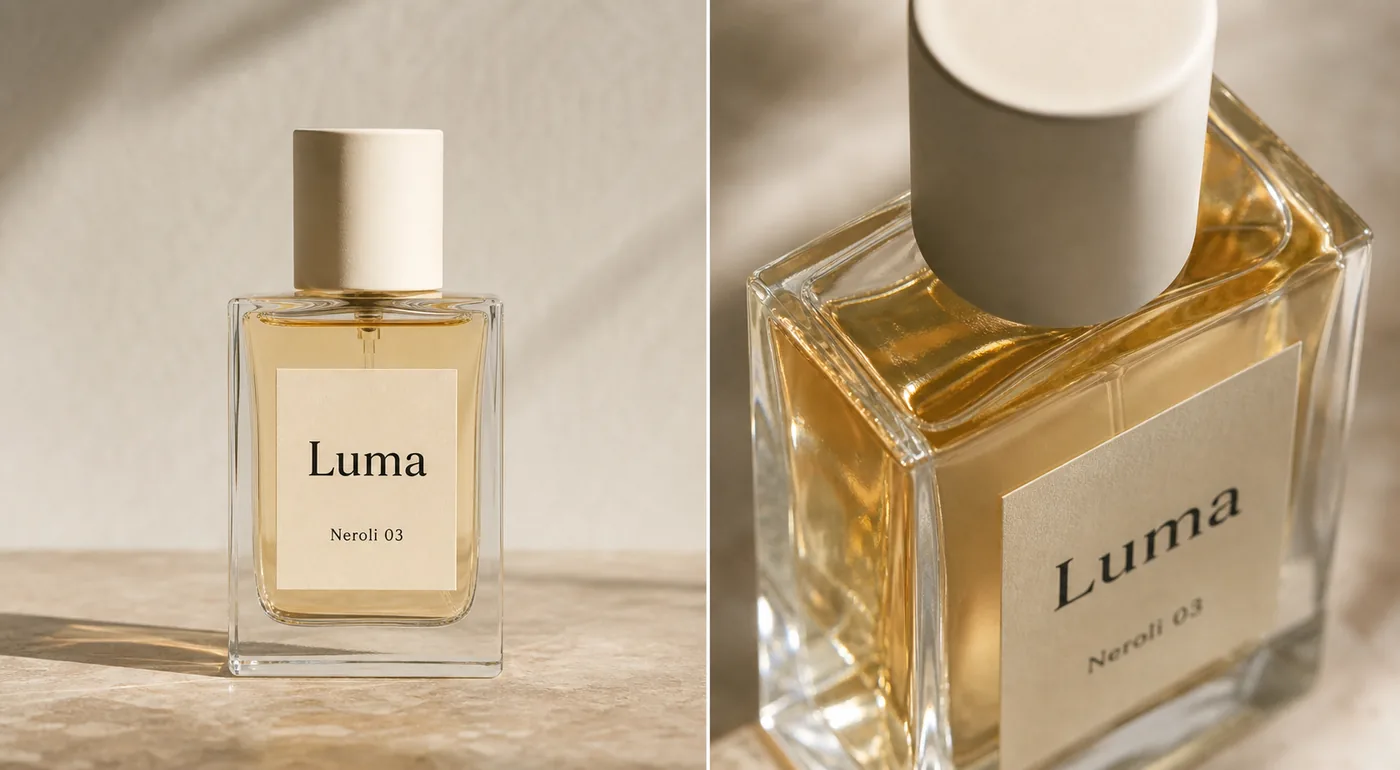
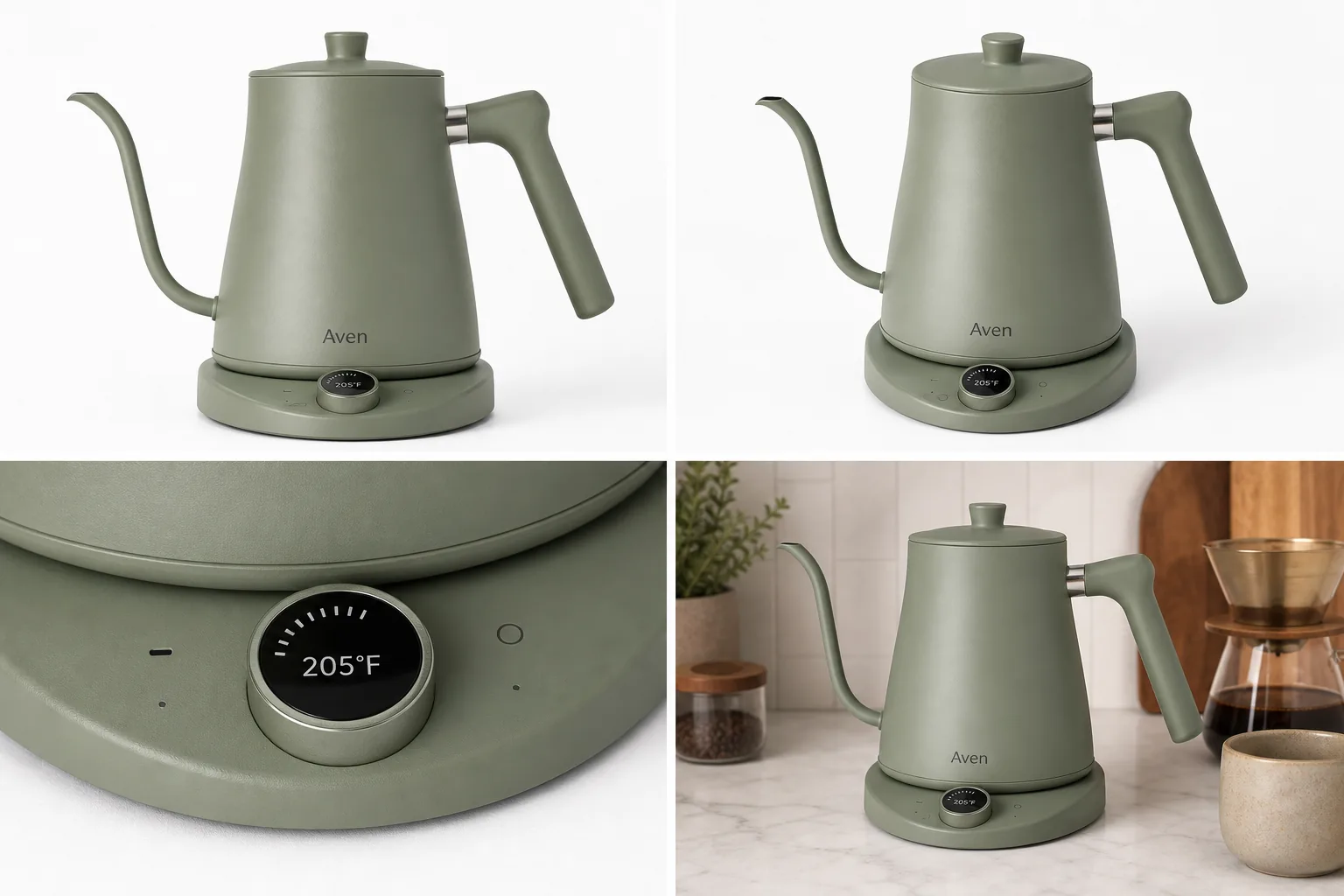
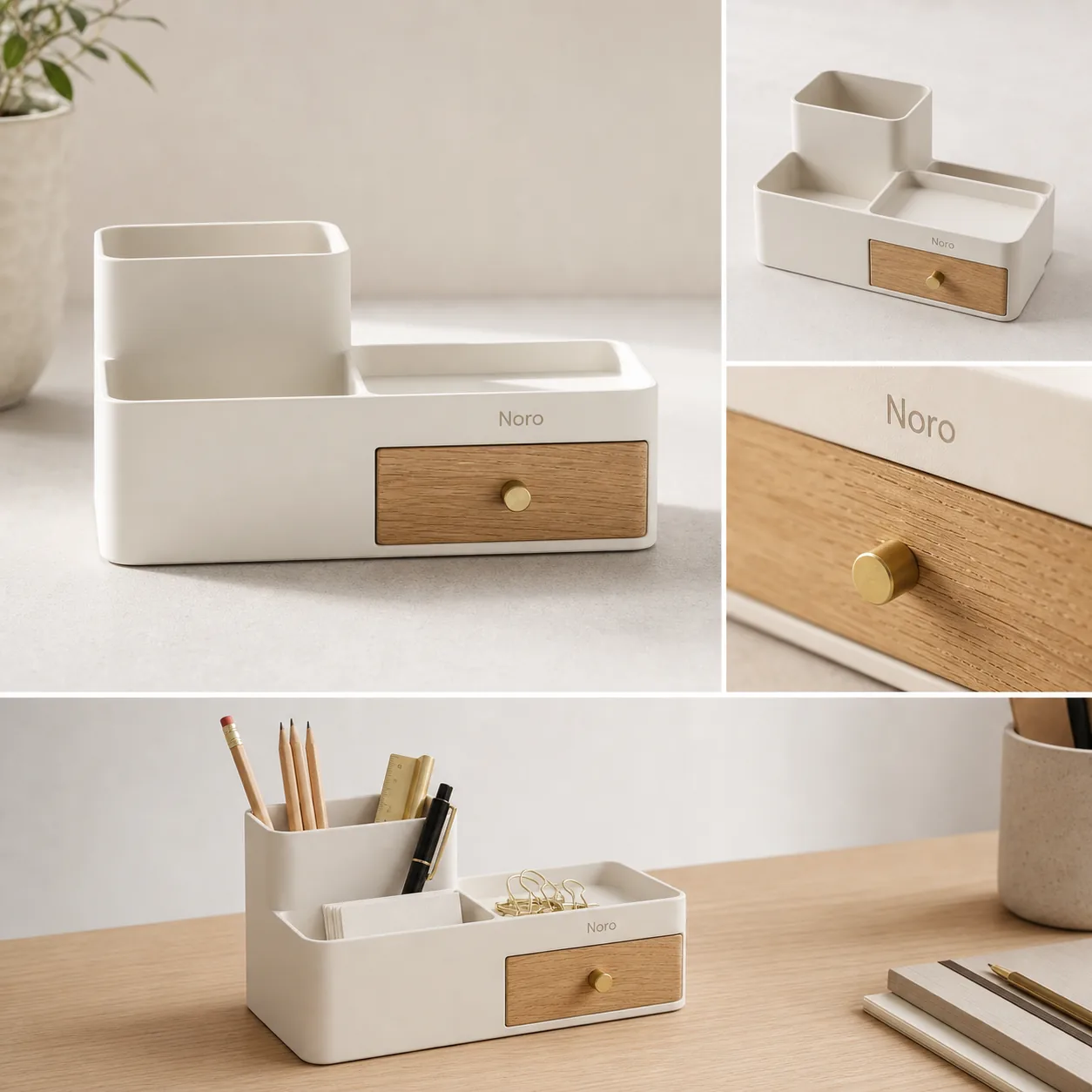
More practical guidance on product accuracy, composition, and conversion-ready visuals.
Put it into practice
Take the next step in KrafLayer
Choose a generation or editing workflow that matches what you just learned.