Image generation
How to Create Product Benefit Images With Close-Up Callouts
TL;DR
A practical workflow for creating ecommerce product benefit images with accurate close-up callouts, short labels, and product-truth review.
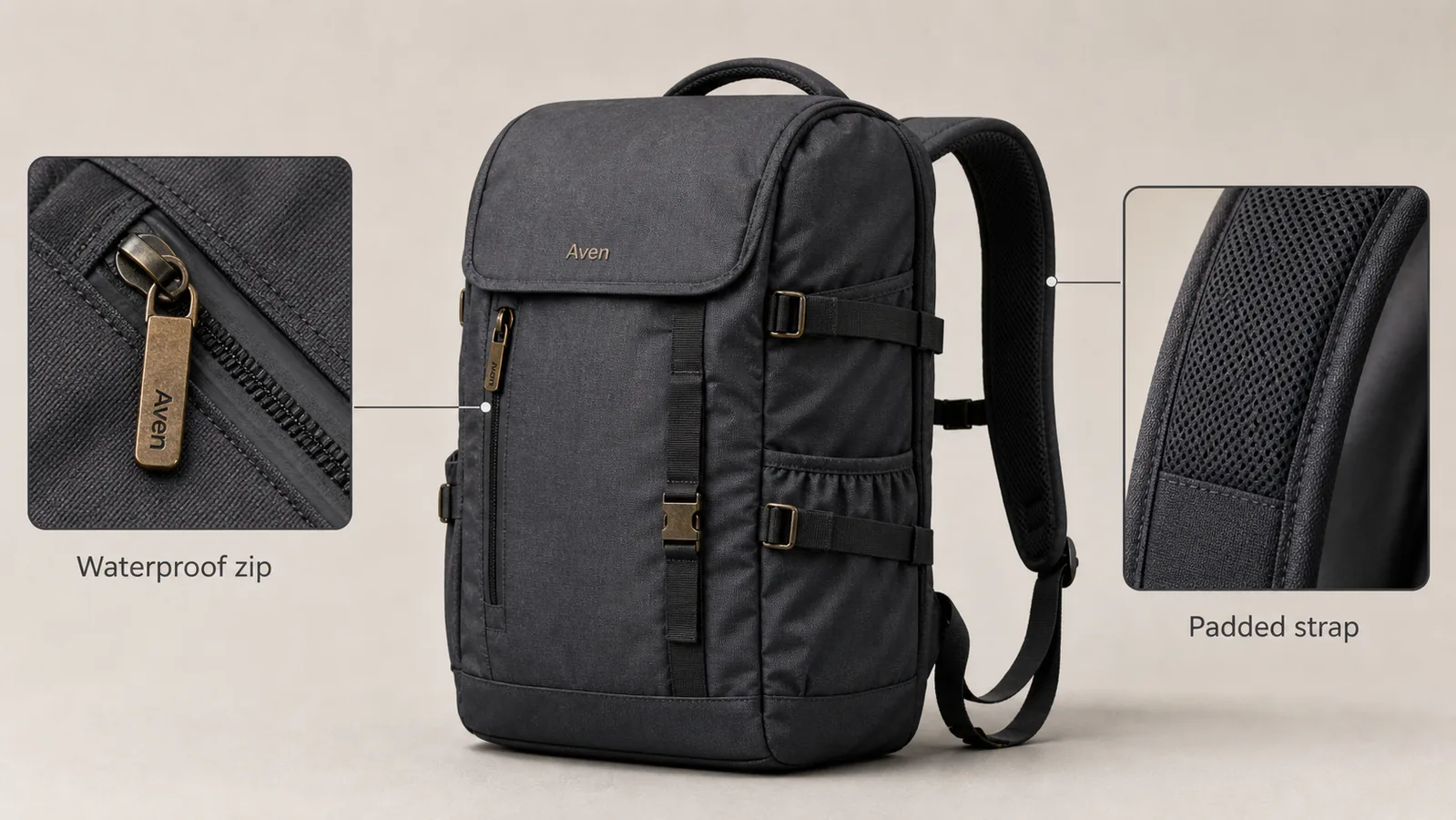
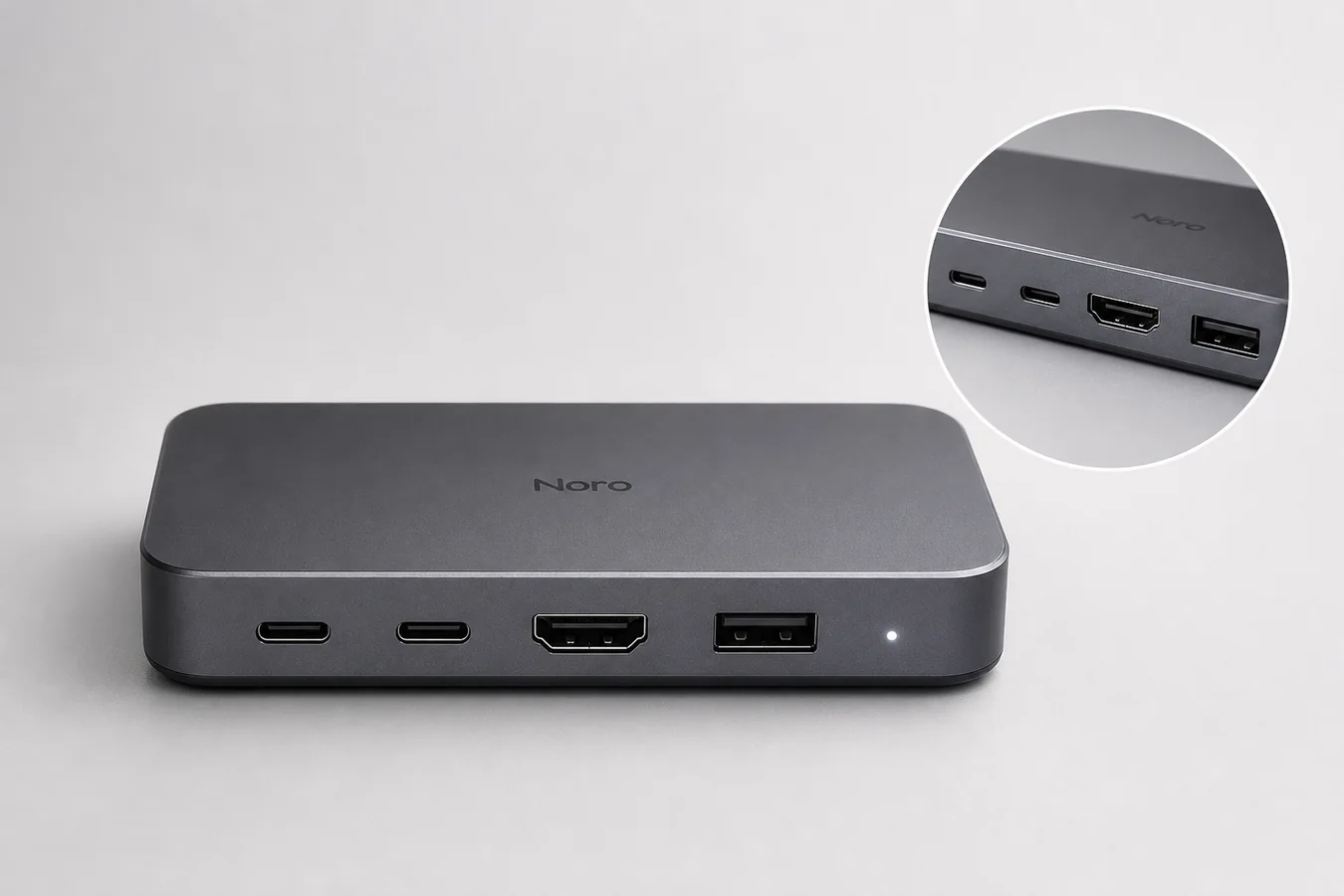
Product benefit images with close-up callouts work when the buyer can understand the product, the detail, and the reason to care in one glance. The main product image should answer "what is being sold?" while the close-up callouts prove specific details such as texture, stitching, hardware, ports, fabric, ingredients, finish, or fit.
The practical rule is: show one product, make each callout prove one real benefit, and keep the label short enough to scan. In KrafLayer, you can start from a product reference, generate a main ecommerce image, create detail views, and use the editor to refine labels or local areas without turning the product into a generic poster.
What A Product Benefit Callout Should Do
A product benefit callout is not decoration. It should connect a visible detail to a buyer question.
Good callouts answer questions like:
- Is the material durable?
- Is the zipper, clasp, strap, lid, port, or seam easy to inspect?
- Does the detail support a claim already true for the product?
- Can the buyer understand the benefit without reading a long paragraph?
- Does the close-up crop match the same SKU shown in the main image?
Weak callouts usually fail because they are too broad. "Premium quality" tells the buyer almost nothing. "Reinforced zipper pull" or "Padded shoulder strap" is more useful because the detail can be checked visually.
Start With One Product And One Message
The easiest way to make product benefit images look credible is to keep the scene narrow. Use one product as the hero. Then choose one or two close-up details that support the main selling argument.
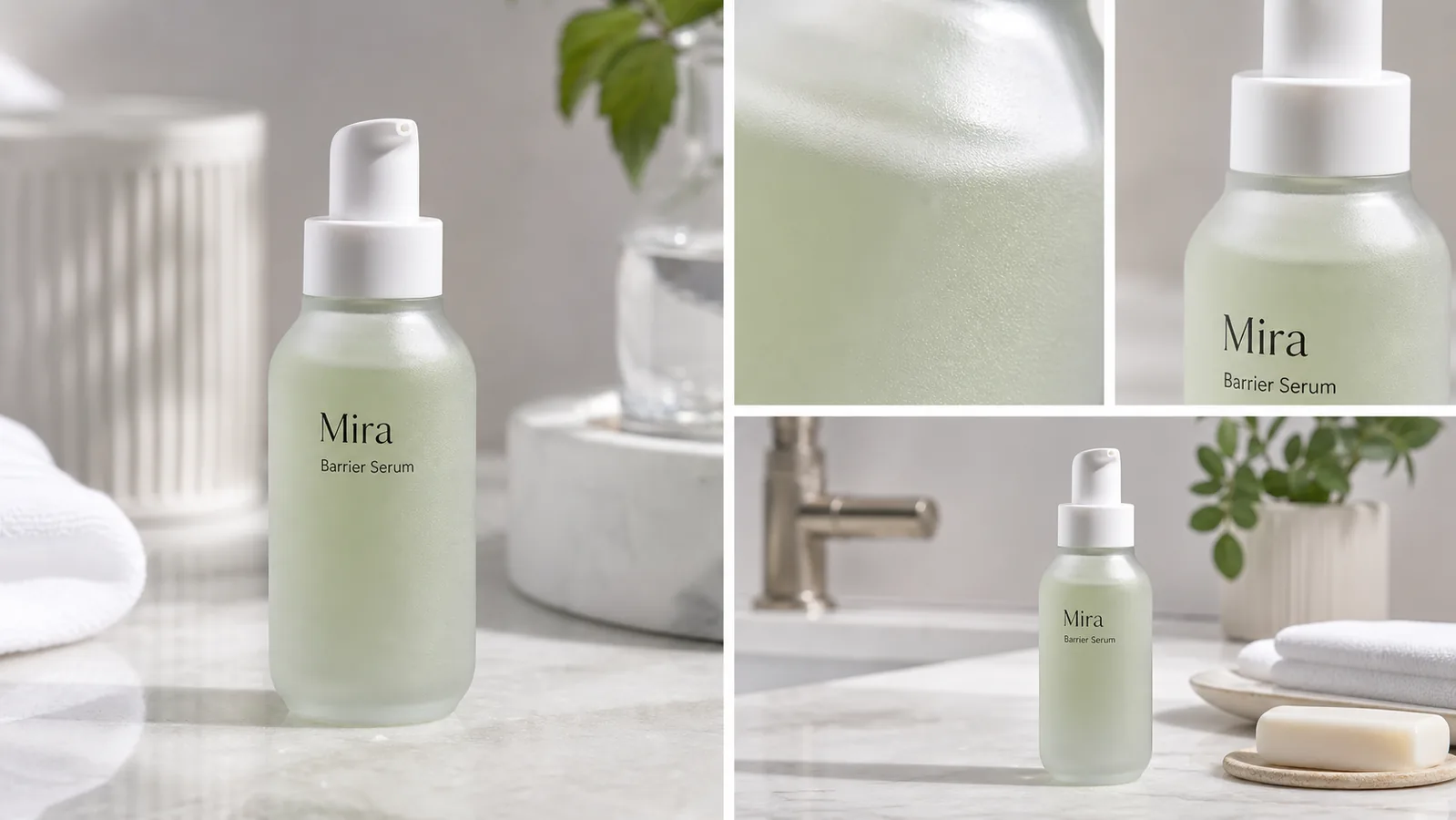
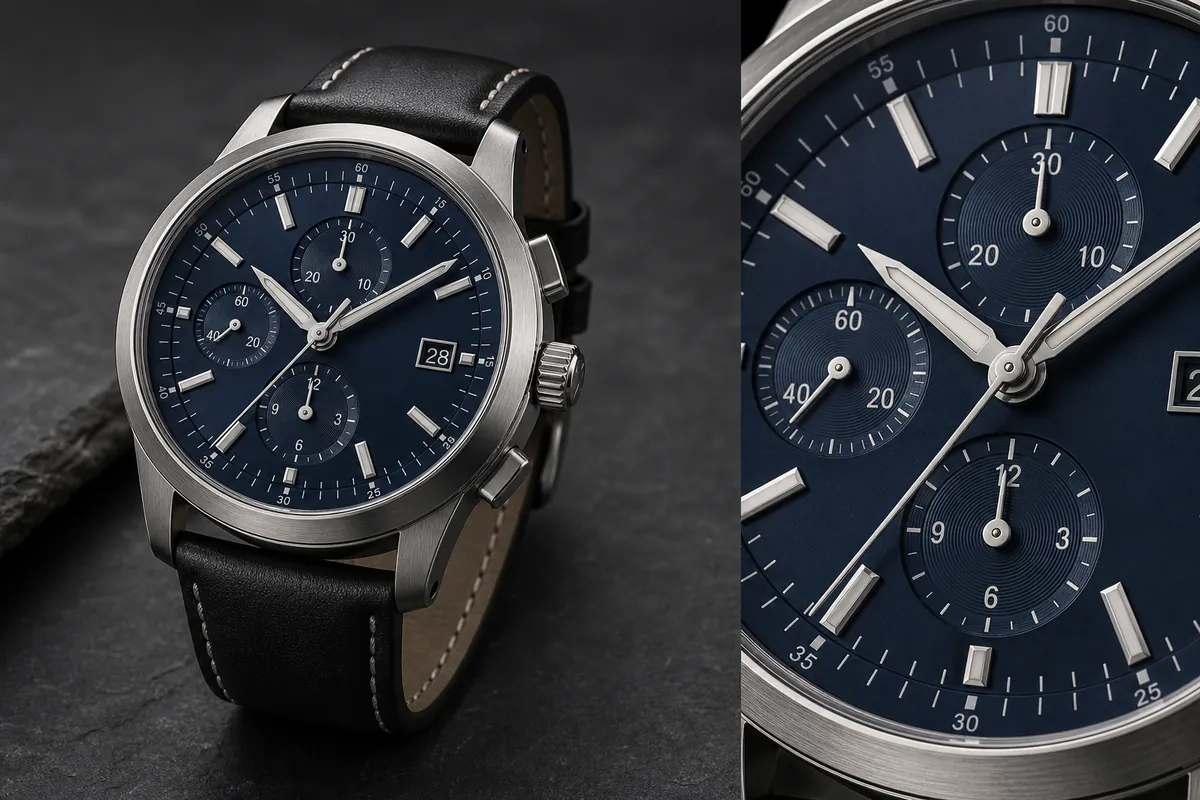
For a backpack, that could be zipper construction and strap padding. For a skincare bottle, it could be pump design and texture spread. For a watch, it could be dial detail and strap stitching. For electronics, it could be port layout and button texture.
Do not build a crowded graphic with five callouts unless the product page genuinely needs a technical diagram. Most ecommerce pages convert better when each image has one job.
Choose Benefits That Are Actually Visible
A close-up product callout should show evidence, not a promise the image cannot support.
Use callouts for visible facts:
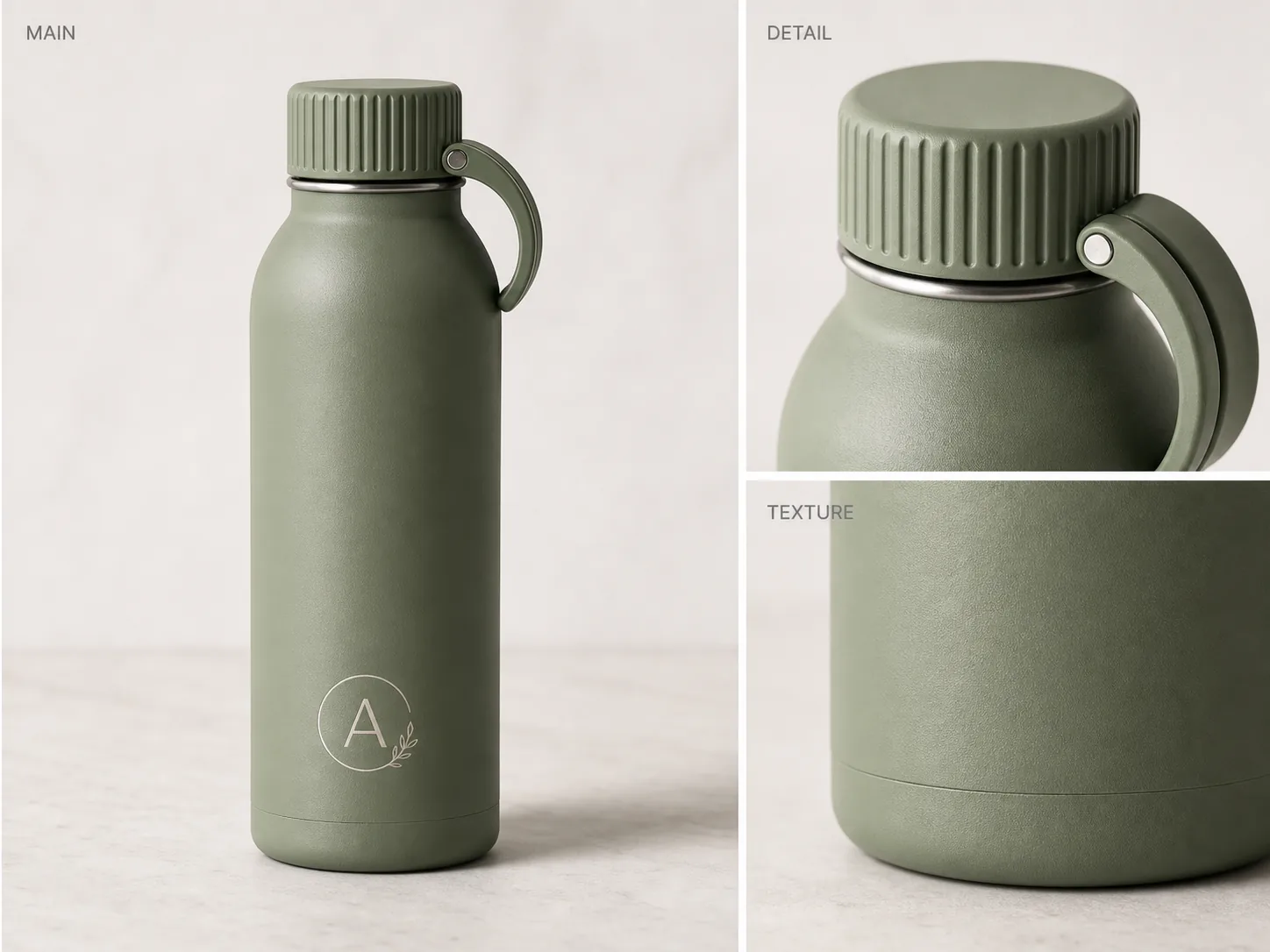
- Material grain, knit texture, glass thickness, leather pores, or fabric weave.
- Hardware shape, zipper teeth, stitching, clasps, buttons, hinges, ports, or seams.
- Product scale, fit, edge finish, opening mechanism, grip, or surface treatment.
- Formula texture, powder finish, gloss level, or detail-page ingredient texture when accurate.
Avoid callouts for unsupported claims:
- Medical, safety, certification, or compliance claims.
- Exact waterproof, fireproof, child-safe, organic, or regulated claims unless verified outside the image workflow.
- Fake marketplace badges, review stars, brand logos, QR codes, barcodes, or official seals.
- Benefits that are not visible in the close-up crop.
If a product really has a waterproof zipper, the callout can say that. If you are not sure, use safer visual language such as "sealed zipper detail" or "coated zipper finish."
Build The Main And Detail Pair In KrafLayer
Use this workflow for product benefit images with close-up callouts:
1. Upload the cleanest product reference. 2. Write a product-truth list: shape, color, material, logo area, hardware, seams, scale, and any benefit you plan to show. 3. Generate the main product image with the full product large and centered. 4. Generate or crop one detail image from the same product truth. 5. Check that the close-up crop matches the main SKU. 6. Add short labels only after the visual detail is correct. 7. Review the final image at normal size and mobile size.
The [AI product image generator](/ai-product-image-generator) is useful for creating a clean main image and detail-image direction. The [product photo editor](/product-photo-editor) is useful when you need to refine a local detail, remove clutter, improve a label area, or prepare the final asset for a product page.
Prompt Template For Close-Up Callout Images
Use a prompt that locks product facts before asking for the selling layout.
Create a realistic ecommerce product benefit image for this product. Keep the same product shape, color, material, proportions, logo placement, stitching, zipper/hardware layout, surface texture, camera angle, and natural shadow. Show the full product as the main subject and add two close-up callout panels from the same product: one detail of [benefit 1] and one detail of [benefit 2]. Use short, factual labels only. Do not invent real brand logos, marketplace badges, certifications, QR codes, barcodes, medical claims, review stars, or unsupported performance claims.
For a detail-only image, narrow the prompt:
Create a close-up ecommerce detail image of the same product. Focus on [specific material or feature]. Preserve the same material texture, color, seams, hardware, scale, and light direction. The crop should prove the buyer-relevant detail without changing the product design.
The prompt should tell the model what must stay unchanged. The more specific the protected details are, the less likely the image will become a generic product poster.
Make Callout Labels Short
Callout text should be closer to a product-page label than an ad headline. Keep it specific and compact.
Better:
- "Padded strap"
- "Matte glass texture"
- "Reinforced stitching"
- "USB-C port layout"
- "Soft knit ribbing"
- "Brushed metal edge"
Weaker:
- "Designed for your lifestyle"
- "Premium quality"
- "Amazing durability"
- "Best choice"
- "Perfect for everyone"
Short factual labels are easier to read on mobile and safer for ecommerce review.
Check The Image Like A Buyer Would
Before publishing, inspect the final image for product truth and layout clarity.
Check the main product:
- Does the buyer immediately know what is being sold?
- Is the product large enough to inspect?
- Did the model change shape, color, hardware, seams, or scale?
- Is the fictional label or brand mark clearly not a real brand imitation?
Check the close-up callouts:
- Do the callout crops belong to the same product?
- Does each callout prove one benefit?
- Are the lines pointing to the correct part?
- Is the label readable at product-page size?
- Are there any unsupported claims, fake badges, or misleading marks?
For [ecommerce product photography](/ecommerce-product-photography), the strongest benefit images feel like product evidence. They are designed, but they do not make the buyer wonder whether the product was changed.
Where Product Benefit Images Fit In A Listing
Use benefit images after the main image and before deeper lifestyle or comparison content. A practical product page sequence often looks like this:
1. Clean main product image. 2. Product benefit image with close-up callouts. 3. Detail image for material or construction. 4. Use-case image or size/fit image. 5. Comparison, bundle, variant, or care image when needed.
This order helps the buyer move from recognition to trust. The main image identifies the SKU. The callout image explains why the details matter.
FAQ
What are product benefit images with close-up callouts?
Product benefit images with close-up callouts show one main product plus cropped detail areas that explain buyer-relevant features. A good callout connects a visible detail, such as stitching, texture, hardware, or port layout, to a short factual label.
How many close-up callouts should one product image include?
Use one or two callouts for most ecommerce images. Three can work for technical products, but more than that often becomes hard to scan. Each callout should prove a different useful detail instead of repeating the same selling point.
Can AI create accurate product callout images?
AI can help create main-and-detail product benefit images, but you still need to review product facts. Check the close-up crop against the real SKU for material, seams, hardware, logo area, color, scale, and any benefit label before publishing.
What should I avoid in product benefit callout images?
Avoid fake certification marks, review stars, marketplace logos, barcodes, QR codes, medical claims, and unsupported performance claims. Also avoid vague labels such as "premium quality" when the crop can show a more specific detail.
Should callout images replace normal product photos?
No. Use callout images to support the normal product photo set. The buyer still needs a clean main image, useful detail images, and any required size, fit, variant, or use-case visuals.
Conclusion
Product benefit images with close-up callouts are strongest when they behave like visual proof. Keep one product as the hero, show details that are visible and true, label each benefit plainly, and review the final image for product accuracy. KrafLayer helps sellers generate the main image and detail views, then refine the asset in the editor so the finished image feels useful on a real ecommerce product page.
Keep exploring
Continue the story
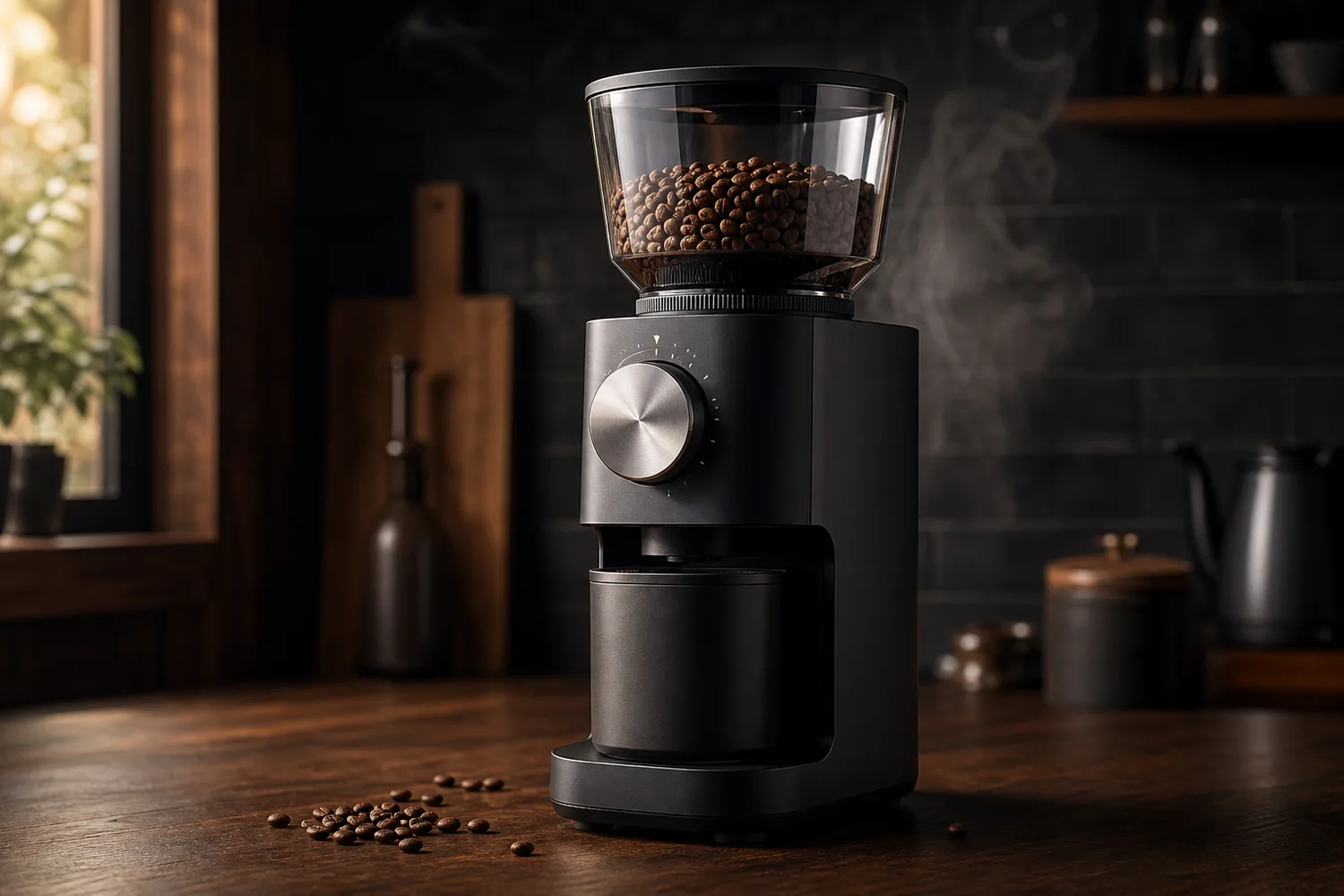
More practical guidance on product accuracy, composition, and conversion-ready visuals.

Put it into practice
Take the next step in KrafLayer
Choose a generation or editing workflow that matches what you just learned.