Image generation
AI Listing Image Generator: How to Build a Complete Product Image Set
TL;DR
Use an AI listing image generator to create a main image, lifestyle image, detail crop, and ad crop while keeping product facts consistent.
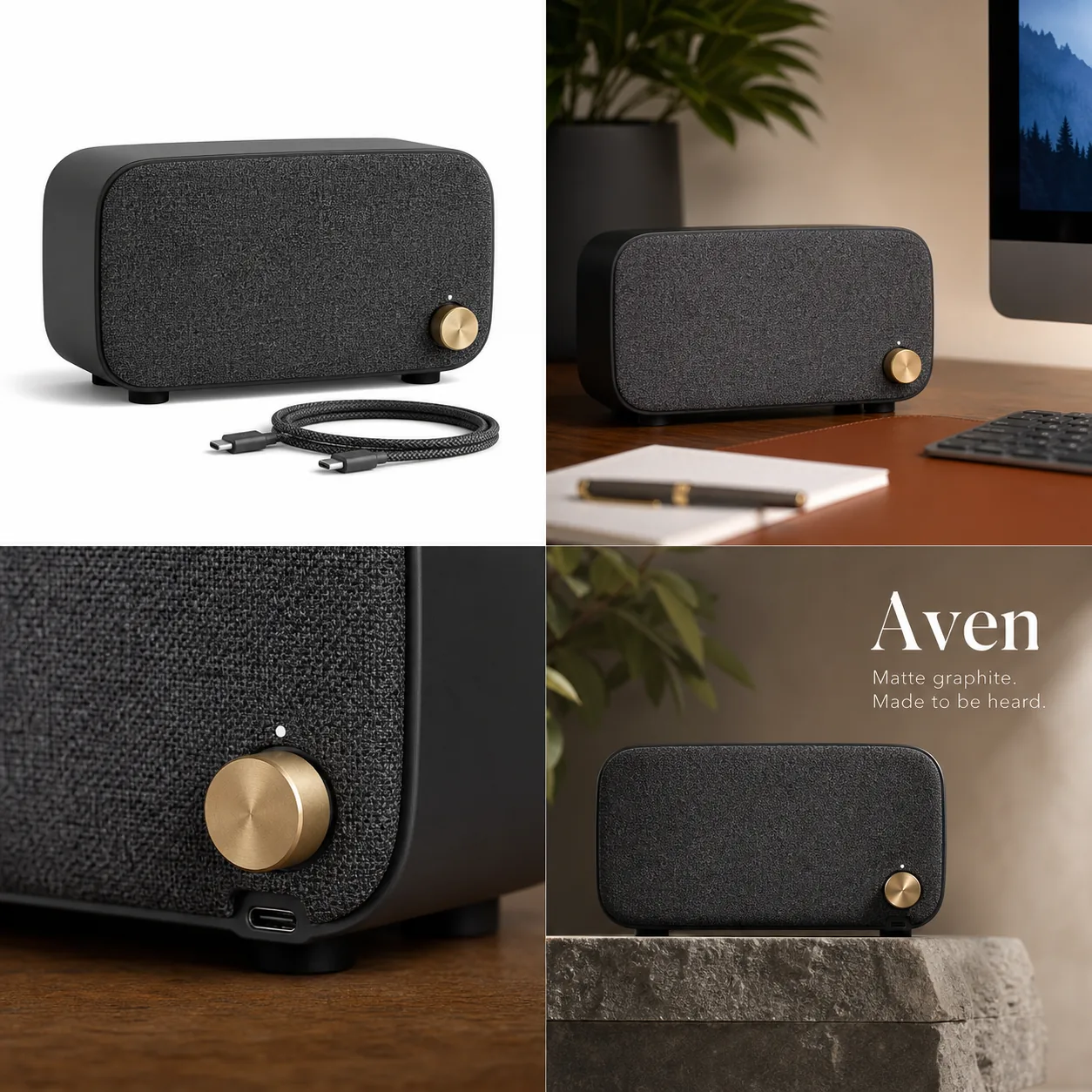
An AI listing image generator should help you build a complete product image set: a clean main image, a context image, a detail image, and a campaign crop that all still show the same product. The practical rule is simple: generate around image roles, not around random styles. A listing image set is only useful when the buyer can recognize the product, inspect the important details, and trust that every image is showing the same item.
In KrafLayer, the [AI product image generator](/ai-product-image-generator) is best used with one product reference and a clear image-role plan. For the Aven matte graphite wireless desk speaker below, the product facts that must stay stable are the fabric grille, brass volume knob, USB-C port, rubber feet, compact body, and short woven charging cable.
What An AI Listing Image Generator Should Produce
An AI listing image generator is not just a hero-image maker. For ecommerce, it should help produce a small product image set that covers different selling jobs.
Start with these four roles:
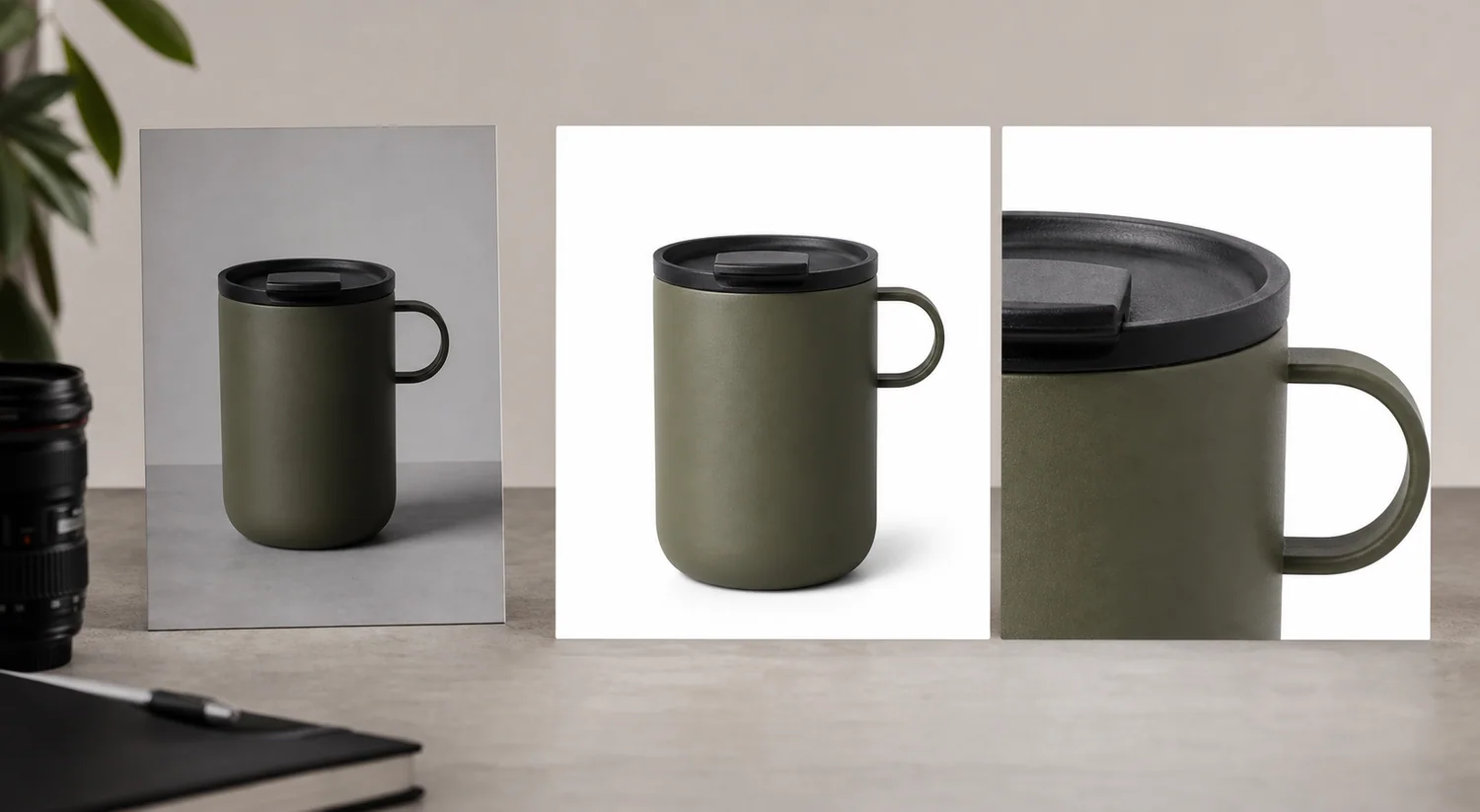
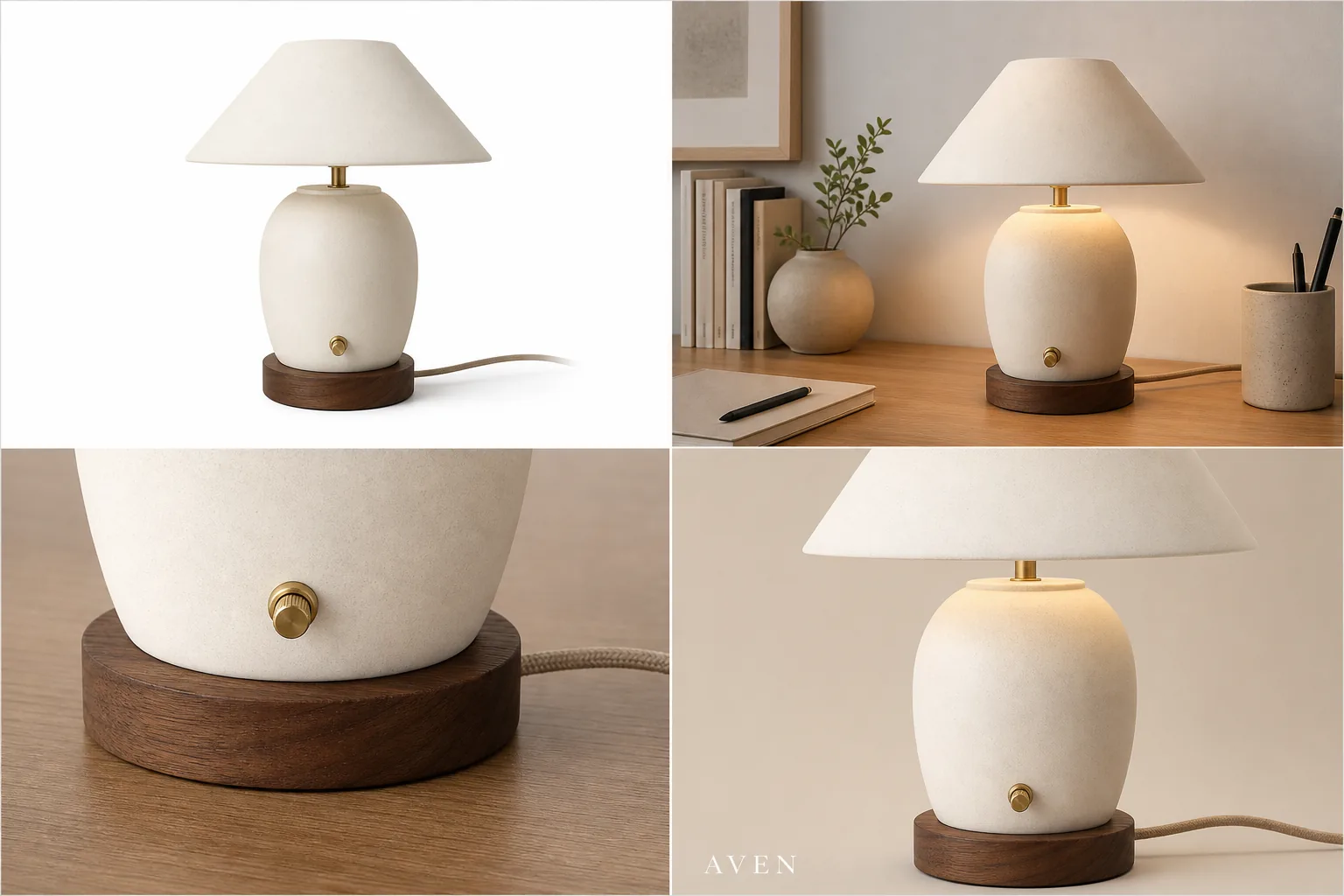
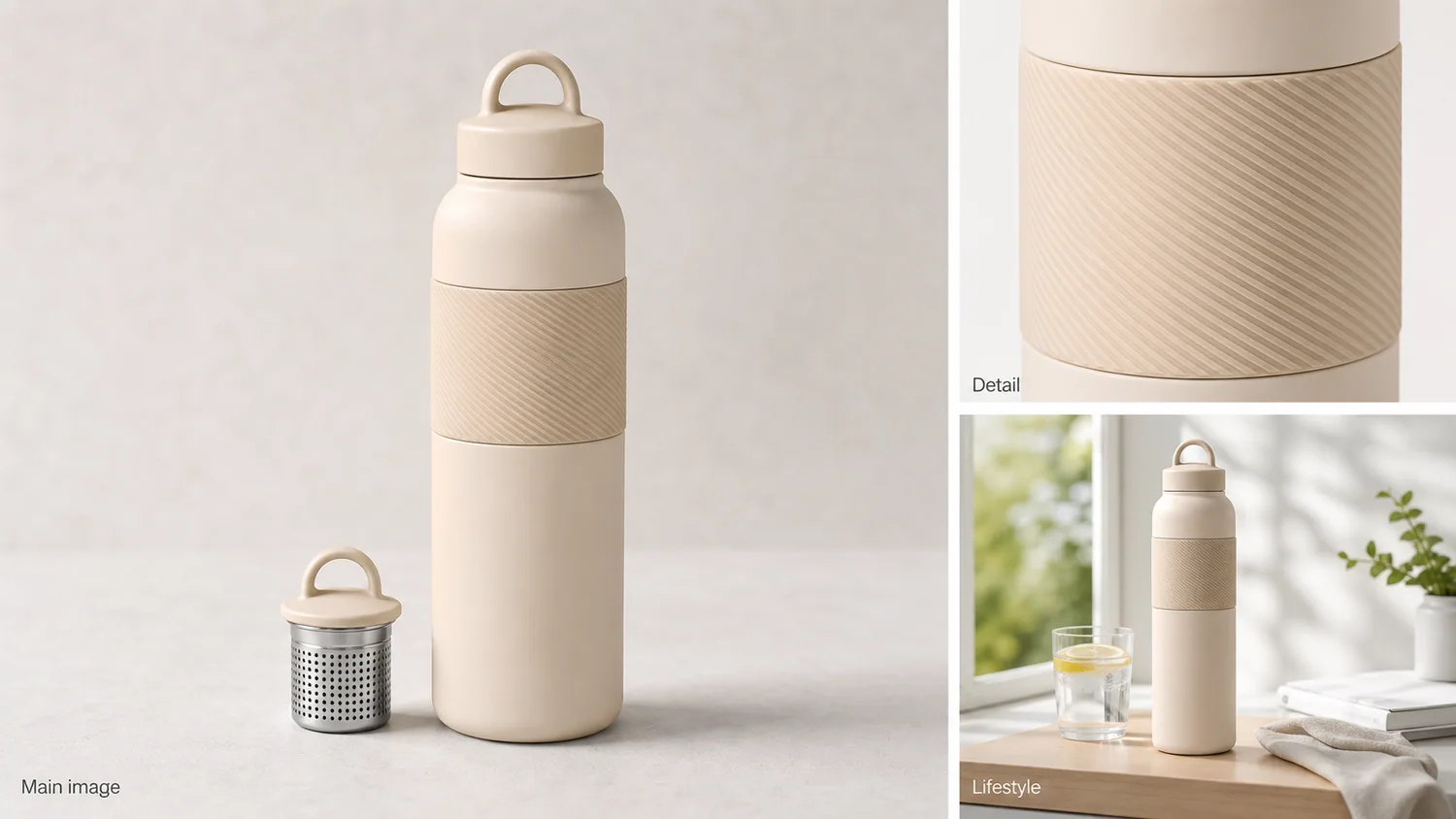
- Main listing image: the full product is easy to recognize, centered, and not competing with props.
- Lifestyle image: the product appears in a believable use context while staying dominant.
- Detail image: one material, feature, port, closure, texture, or scale cue is inspectable.
- Ad-style crop: the composition has stronger visual energy, but it does not add fake platform UI, badges, reviews, discounts, or unsupported claims.
This structure keeps the article, PDP, Shopify product page, Amazon listing, or campaign asset grounded in the same product truth instead of drifting into disconnected AI variations.
Build The Set From Product Truth First
Before choosing a style, write down what cannot change. For the speaker example, the protected details are:
- matte graphite rectangular body
- black fabric grille
- small brass volume knob
- visible USB-C port
- rubber feet
- short woven charging cable
- compact desktop scale
Use that product-truth list in every prompt or review step. If the lifestyle image loses the cable, the detail crop changes the knob, or the ad crop invents a second speaker model, reject that output. A listing image generator is helpful only when it keeps the SKU stable across the set.
Workflow: Generate A Complete Listing Image Set
Use this workflow before publishing ecommerce listing images:
- Choose one source product reference with the clearest shape, material, color, and details.
- Define the four image roles before generation: main, lifestyle, detail, and campaign crop.
- Generate one role at a time instead of asking for a vague bundle of beautiful images.
- Compare every output against the original product reference.
- Keep the image that best supports each buyer question.
- Use the [product photo editor](/product-photo-editor) for cleanup when the product is right but the crop, background, shadow, glare, or small distraction needs work.
- Regenerate only when the product itself changed.
This is the difference between an AI product image generator workflow and a random inspiration gallery. The set should make the product easier to buy, not just more decorative.
Prompt Template For Listing Images
Use one prompt and change only the role in brackets:
Create a realistic ecommerce [main listing image / lifestyle image / close detail image / ad-style crop] from this product reference. Keep the same product type, silhouette, color, material, scale, ports, knob, feet, cable, and visible details. Make the product the clear subject. Use clean commercial lighting. Do not add marketplace UI, review stars, fake badges, certification marks, QR codes, barcodes, discount stickers, unreadable label text, or unsupported claims.
For a product image set generator test, run the prompt four times. A good tool should keep the same product while changing the image role.
How To Review Listing Images Before Publishing
Review the final set like a seller, not like a designer judging mood.
Check:
- Does the main image explain what the product is in one second?
- Does the lifestyle image still show the same product clearly?
- Does the detail image prove something buyers care about?
- Does the ad crop create attention without misrepresenting the item?
- Are shape, color, material, features, and scale consistent across the set?
- Are there fake badges, claims, platform UI, review stars, or unreadable text?
- Would the set support [ecommerce product photography](/ecommerce-product-photography) goals: recognition, trust, detail, and conversion path clarity?
For platform-specific pages, keep the review conservative. Shopify product images and Amazon product photos often need different crops and image roles, but neither benefits from AI inventing product facts. Use the owner guides for [Shopify product images](/marketplace-product-images/shopify-product-images) and [Amazon product photos](/marketplace-product-images/amazon-product-photos) when the listing context matters.
When To Edit Instead Of Regenerate
Do not regenerate a strong image just because one small part is imperfect. If the product is accurate, editing is usually safer.
Edit when:
- the background needs cleanup
- the crop is slightly off
- the shadow is too heavy
- a prop distracts from the product
- the detail image needs more edge clarity
- the ad crop needs cleaner composition
Regenerate when:
- the product shape changed
- a port, knob, seam, cap, strap, or cable disappeared
- the material looks wrong
- the product scale is implausible
- the image adds false claims or fake certification marks
That decision rule keeps the listing image generator workflow practical. The goal is not to produce endless alternatives; it is to publish a trustworthy product image set with fewer reshoots.
FAQ
What is an AI listing image generator?
An AI listing image generator creates ecommerce listing images from a product reference or prompt. For real store use, it should create role-based images such as a main image, lifestyle scene, detail crop, and ad crop while keeping product shape, color, material, scale, and key details consistent.
How many images should a product listing image set include?
A useful starter set has four roles: a main listing image, a lifestyle image, a detail image, and an ad-style crop. Some products need more angles or feature images, but those four roles are enough to test whether the AI workflow can support a real product page.
Can AI generate Shopify and Amazon listing images?
AI can help create product images for Shopify stores and marketplace workflows, but the output still needs human review. Check current platform guidance separately when exact requirements matter, and avoid fake marketplace UI, review stars, badges, claims, or product changes.
What should I check before publishing AI ecommerce listing images?
Check whether every image shows the same product. Review silhouette, color, material, scale, label area, ports, seams, buttons, knobs, straps, cables, shadows, and accessories. Reject outputs that redesign the SKU or add unsupported claims, even if the image looks polished.
How does KrafLayer help with product image sets?
KrafLayer helps sellers generate product-led image roles from one reference, then clean up weak areas with editing tools. That matters when you need listing images, detail images, lifestyle images, and campaign crops that look related and still protect the real product.
Conclusion
An AI listing image generator is useful when it creates a complete product image set without changing the product being sold. KrafLayer supports that workflow by helping sellers generate main, lifestyle, detail, and ad-style images from a product reference, then edit small issues instead of starting over. The best result is not one dramatic AI image; it is a consistent ecommerce listing image set that helps buyers recognize the product, inspect the details, and trust what they are about to buy.
Keep exploring
Continue the story
More practical guidance on product accuracy, composition, and conversion-ready visuals.
Put it into practice
Take the next step in KrafLayer
Choose a generation or editing workflow that matches what you just learned.