Image generation
Free AI Product Image Generators: Limits to Check
TL;DR
Compare free AI product image generators with one test pack, then check fidelity, resolution, export terms, editing control, volume, and true approved-asset cost.
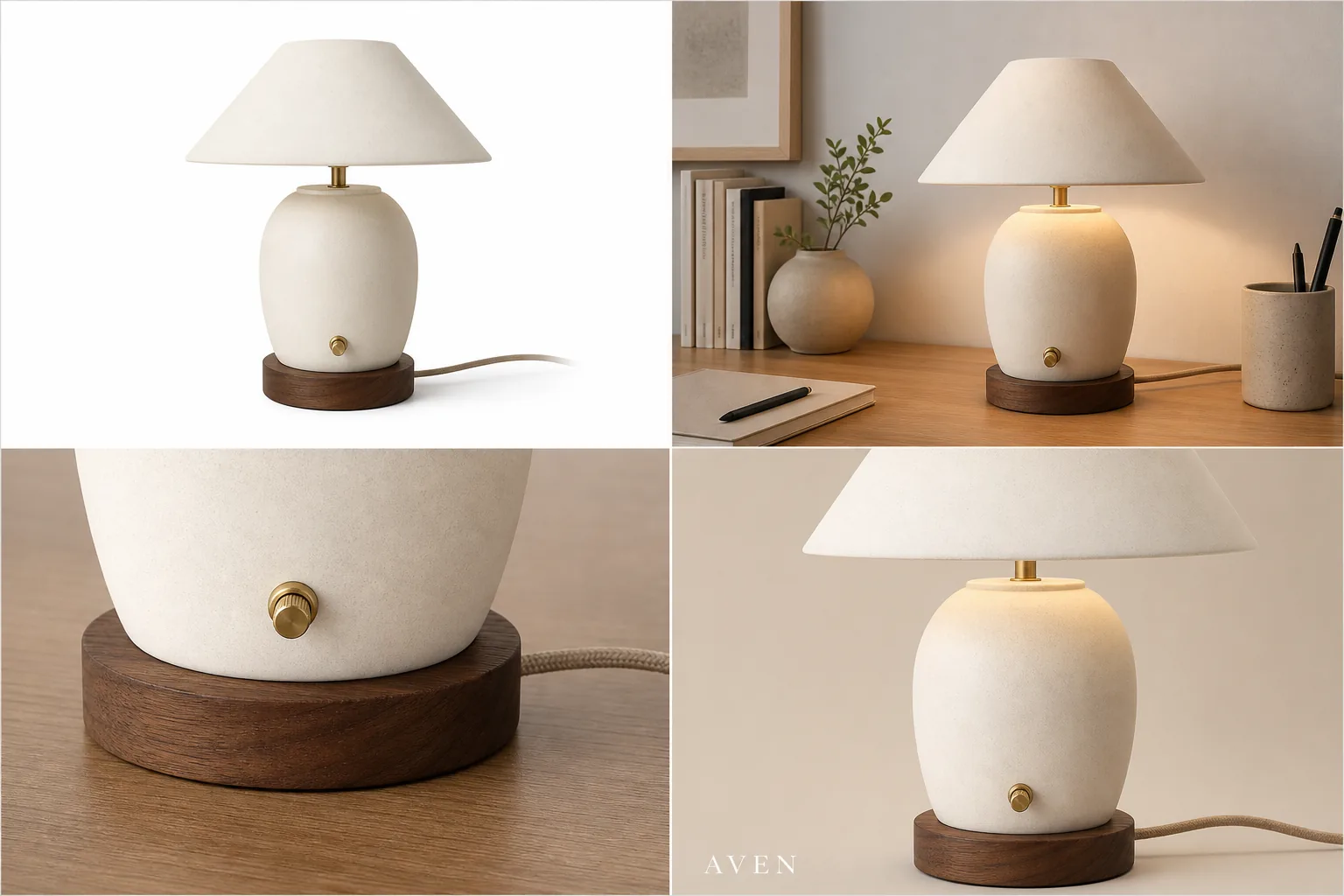
Use a free AI product image generator to test workflow fit, not to assume unlimited production. Compare tools with the same SKU and image roles, then measure product fidelity, export quality, usage terms, editing control, volume, and approval rate.
A free AI product image generator is useful for testing whether AI can keep your product recognizable while creating better ecommerce visuals. If your search is "ai product image generator free," the practical rule is: use the free stage to test product accuracy, image roles, and workflow fit, not to assume unlimited commercial production. Free output should help you decide whether the tool can preserve the real product before you create a larger image set.
In KrafLayer, the [AI product image generator](/ai-product-image-generator) is the next step when you want to turn one product reference into listing images, lifestyle scenes, detail images, and ad-ready crops. If you are comparing free tools, judge them by product truth first: shape, color, material, scale, label area, cord, switch, hardware, and other buyer-visible details should remain stable.
What A Free AI Product Image Generator Should Prove
A free AI product image generator should answer one question before anything else: can it create a useful ecommerce image without changing the product being sold?
For the Aven ceramic desk lamp example above, the protected details are the cream ceramic shade, rounded lamp body, walnut base, brass switch, fabric cord, warm desk-light behavior, and compact tabletop scale. The background can change. The product should not become a different lamp, lose its cord, gain fake controls, or turn into a generic decor object.
Use free generation to test:
- whether the product stays recognizable across image roles
- whether the main image is clean enough for a product page
- whether lifestyle scenes keep the product dominant
- whether detail crops show real material or feature information
- whether ad-style crops still protect the product facts
- whether the workflow is fast enough for your store or catalog process
If the free output fails those checks, more credits or a bigger plan will not fix the underlying workflow problem by itself.
Where Free Tools Usually Have Limits
Free product image generator for ecommerce searches often hide a tradeoff. A free tier may be enough for testing, but it may not be enough for a publish-ready catalog workflow.
Watch for these limits:
- limited generation credits or trial runs
- lower output resolution
- watermarked exports
- fewer editing controls
- no batch workflow for multiple SKUs
- weaker product-reference control
- restricted commercial or team usage terms
- missing cleanup tools for shadows, glare, background, crop, or detail correction
Do not plan a launch around unlimited free usage unless the provider states it clearly in current terms. For ecommerce, the better question is whether the free test proves the tool can create accurate product assets worth scaling.
Review The Free Output Like A Seller
Review each image as if it were going onto a Shopify product page, marketplace listing, landing page, email, or paid ad.
Check the visible product facts:
- silhouette and size
- true color and material texture
- label, logo, or monogram placement
- ports, cords, switches, caps, lids, handles, zippers, seams, or hardware
- contact shadow and product scale
- included accessories
- any generated text, claim, badge, rating, or certification
A free AI product image generator can create a beautiful image that is still wrong for ecommerce. If the generated output changes what the buyer expects to receive, treat it as a rejected draft.
Test One Image Role At A Time
The fastest way to compare an ecommerce product image generator is to test one product across a few image roles.
Start with:
- Main image: clean product-first image with full silhouette and natural shadow.
- Lifestyle scene: believable setting where the product remains the subject.
- Detail image: close crop of one feature buyers care about.
- Ad crop: stronger composition for social or paid creative, without fake platform UI.
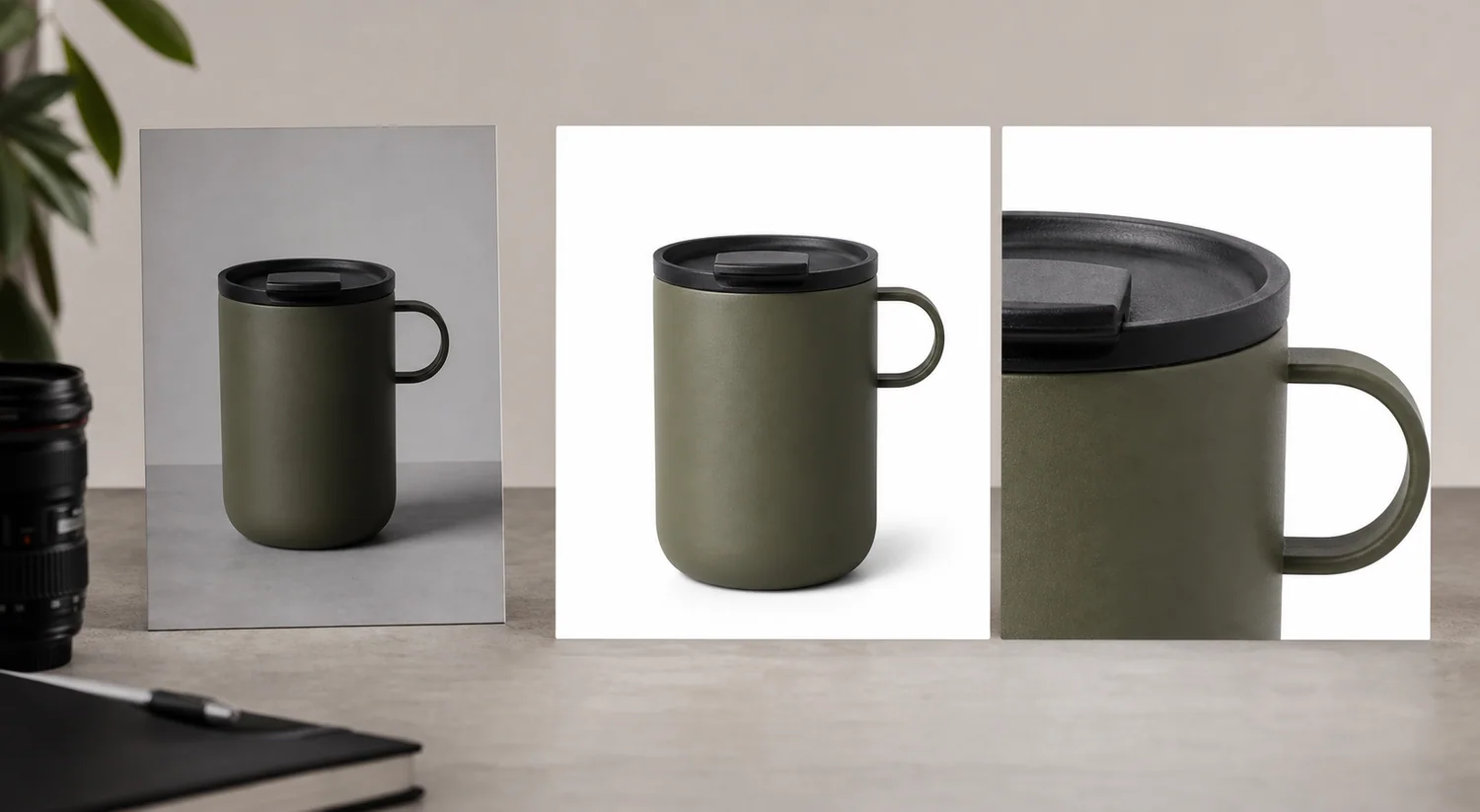
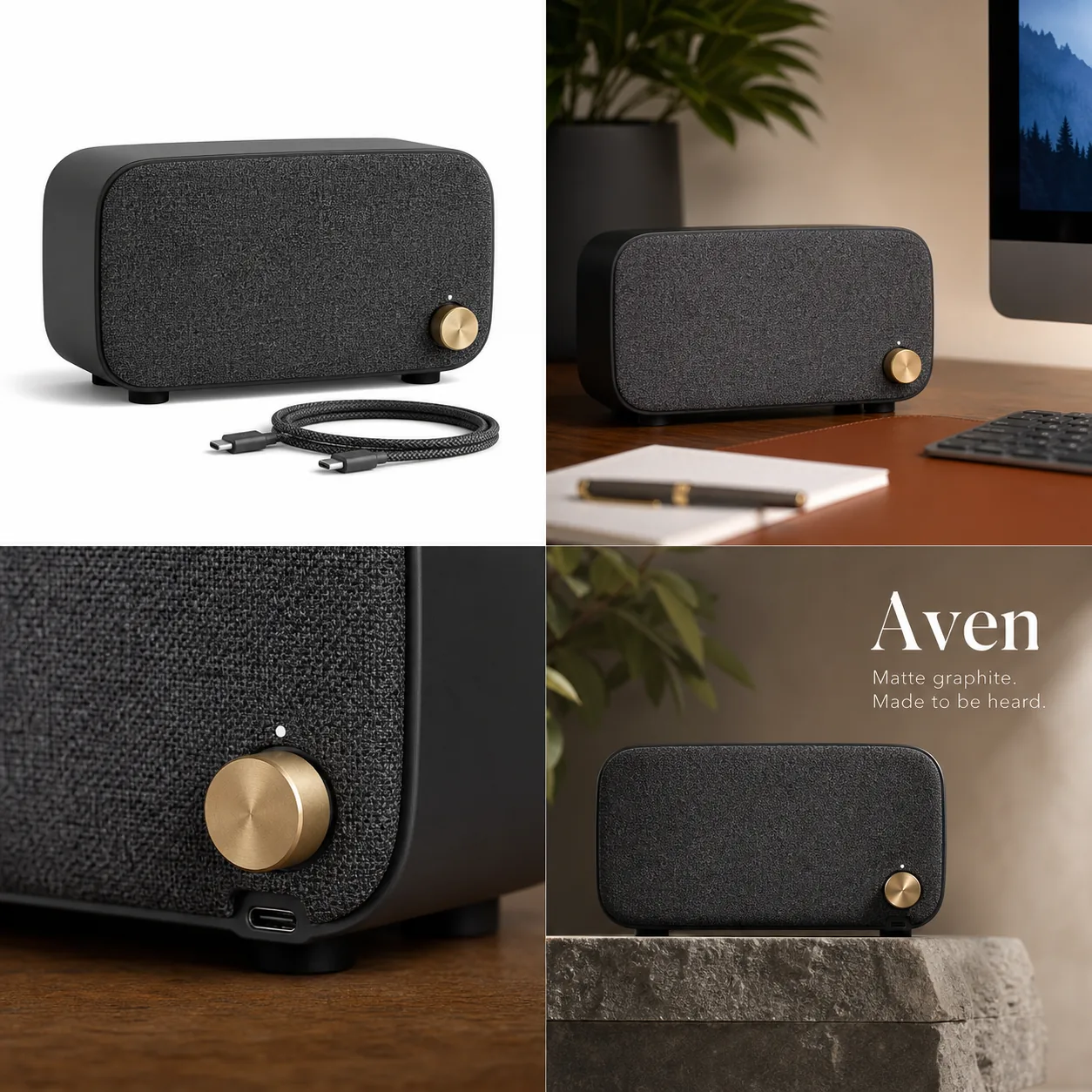
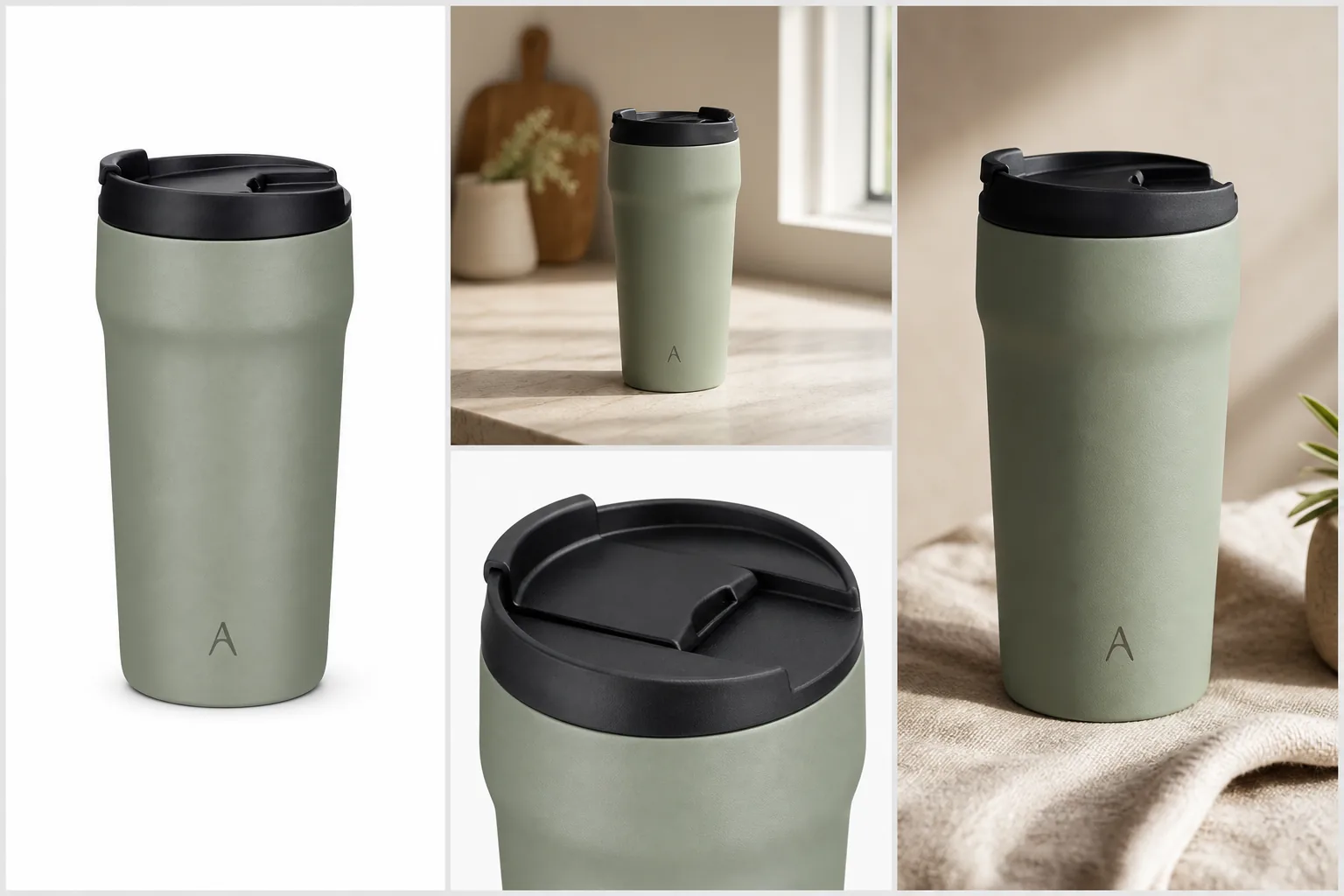
This test is more useful than asking for one dramatic hero image. It shows whether the tool can support the real jobs inside [ecommerce product photography](/ecommerce-product-photography): recognition, context, proof, and attention.
Prompt Template For A Free Trial Test
Use a prompt that makes the trial measurable:
Create a realistic ecommerce product image from this product reference. Keep the same product type, silhouette, color, material, scale, cord, switch, base, and all visible details. Create a [main listing image / lifestyle scene / close detail crop / ad-style crop] for an online store. Use clean commercial lighting and make the product the clear subject. Do not add fake badges, review stars, marketplace UI, discounts, certifications, barcodes, QR codes, unreadable label text, or unsupported claims.
For a second run, change only the image role. If the product changes between roles, the tool may be risky for catalog work even if the first image looked good.
When To Move Beyond The Free Stage
Move beyond a free test when the tool proves three things: the product stays accurate, the output matches real selling roles, and the workflow gives you enough control to fix small issues.
That is where KrafLayer fits. Use [AI product photography](/ai-product-photography) workflows to plan the image set, generate product-led scenes with the AI product image generator, and use the [product photo editor](/product-photo-editor) when an otherwise good image needs cleanup. Editing is often safer than regenerating when the product is already accurate and only the crop, glare, background, or shadow needs work.
For a real store, the useful outcome is not one free image. It is a repeatable process for creating main images, detail images, lifestyle images, and ad creatives while protecting the product buyers will receive.
Compare free tools with the same test pack
Free plans change, so compare workflows rather than marketing labels. As of August 2026, Photoroom describes its Free Space as limited in features, AI credits, and monthly exports, while paid plans add advanced tools, higher allowances, batch export, and high-resolution export ([Photoroom plans](https://help.photoroom.com/en/articles/6976012-what-are-photoroom-s-plans), 2026). Adobe Express lists a free plan with photo tools and limited generative access, and Pixelcut offers a free online AI product-photography entry point ([Adobe Express pricing](https://www.adobe.com/express/pricing); [Pixelcut AI product photos](https://www.pixelcut.ai/ai-product-photos), 2026).
Use one product and the same four requested outputs across every tool. Do not compare a polished template from one service with an unedited first generation from another.
| Test | What to record | Hard failure |
|---|---|---|
| Product fidelity | Shape, material, color, hardware, label | SKU changes |
| Output resolution | Downloaded pixel dimensions | Too small for intended placement |
| Export terms | Watermark and allowed use | Unclear or incompatible permission |
| Editing control | Mask, regenerate, background, crop | Only full-image retries |
| Volume | Credits, exports, queue limits | Cannot complete the planned set |
| Workflow | Batch, naming, history, team review | Manual process creates mapping risk |
Take a screenshot or note the plan terms on the test date. Recheck them before a campaign because free allowances, model access, and commercial-use conditions can change.
Calculate cost per approved asset, not per generation
A free generation is not free operationally when it takes ten retries and manual cleanup. Track:
```text approved asset cost = generation charges + editing time + review time + failed-output time ```
Measure how many attempts produce an asset that passes your product-truth checklist. Also record whether you can repair a local flaw or must regenerate the entire scene. A tool with fewer included generations can be more economical when it preserves the SKU and supports local edits.
Check four limits before commercial use
Read the provider's current terms and product page for:
1. Commercial use: confirm whether free-plan outputs may be used in store listings and paid ads. 2. Watermarks and provenance: identify visible marks, invisible labels, or metadata requirements. 3. Data handling: understand whether uploaded product photos can be retained or used to improve models. 4. Model and asset rights: confirm that your source photos, logos, packaging, and generated context are lawful to use.
Do not treat a landing-page word such as “free” as a license. Save the relevant terms with the date and ask qualified counsel when the campaign carries meaningful legal risk.
Use KrafLayer's free stage as an acceptance test
KrafLayer offers free sign-up credits so a seller can test image and video workflows before upgrading. The current source of truth is the [KrafLayer pricing page](/pricing), because credit costs and plan allowances can change.
Spend the test credits on one difficult, representative SKU rather than several easy products. Create a factual main image, a lifestyle scene, a detail proof image, and one channel crop. Then use a local edit on the best result. If the tool cannot preserve the product through those roles, it is not ready for a catalog rollout.
Decide when the free test is complete
Move to production only when you have:
- an approved product evidence pack;
- a repeatable prompt or edit route for each image role;
- a measured approval rate;
- known output dimensions and file formats;
- confirmed usage terms;
- a naming and SKU-mapping process;
- a realistic credit and review budget.
The purpose of the free stage is a confident go or no-go decision. It should expose limitations before the store depends on the workflow.
FAQ
Is there a free AI product image generator for ecommerce?
Many AI product image tools offer free trials, free credits, or free-to-start testing. Use that stage to evaluate product accuracy, output quality, editing controls, and export limits. Do not assume unlimited free generation unless the current provider terms clearly say so.
What should I test in a free AI product image generator?
Test one real product across a main image, lifestyle scene, detail crop, and ad-style crop. Check whether the product shape, color, material, scale, label area, cord, switch, hardware, and other buyer-visible details stay consistent across every output.
Can free AI product images be used in an online store?
They can be useful if the image is accurate, high enough resolution, unwatermarked, and allowed by the tool terms for your use case. Review the image like a seller before publishing. If it changes the SKU or adds unsupported claims, do not use it as a final product image.
What is the difference between a free generator and a paid product image workflow?
A free generator is best for testing fit. A paid or full workflow should give you enough output quality, control, editing, asset volume, and review confidence to create repeatable ecommerce images for multiple SKUs, campaigns, or store pages.
How does KrafLayer help after the free test?
KrafLayer helps turn a promising test into a product-image workflow: generate image roles from a product reference, build main and detail images, create lifestyle or ad crops, then edit weak areas without restarting the entire asset. That matters when a store needs consistent product visuals, not one isolated demo image.
Conclusion
A free AI product image generator is best used as a product-truth test: does the image keep the real item recognizable while creating a better ecommerce visual? KrafLayer helps sellers move from that test into a repeatable AI product image generator workflow for main images, lifestyle scenes, detail images, and ad creatives. The advantage is not unlimited free output; it is learning quickly whether AI can produce product visuals worth scaling while keeping shape, material, scale, and selling details consistent.
Keep exploring
Continue the story
More practical guidance on product accuracy, composition, and conversion-ready visuals.
Put it into practice
Take the next step in KrafLayer
Choose a generation or editing workflow that matches what you just learned.