Ecommerce
Ecommerce Product Photography Services vs AI Product Photography
TL;DR
Ecommerce product photography services and AI product photography solve different parts of the same problem. Studios are best for physical proof and complex shoots; AI is strongest for fast image sets, edits, variants, and campaign testing.
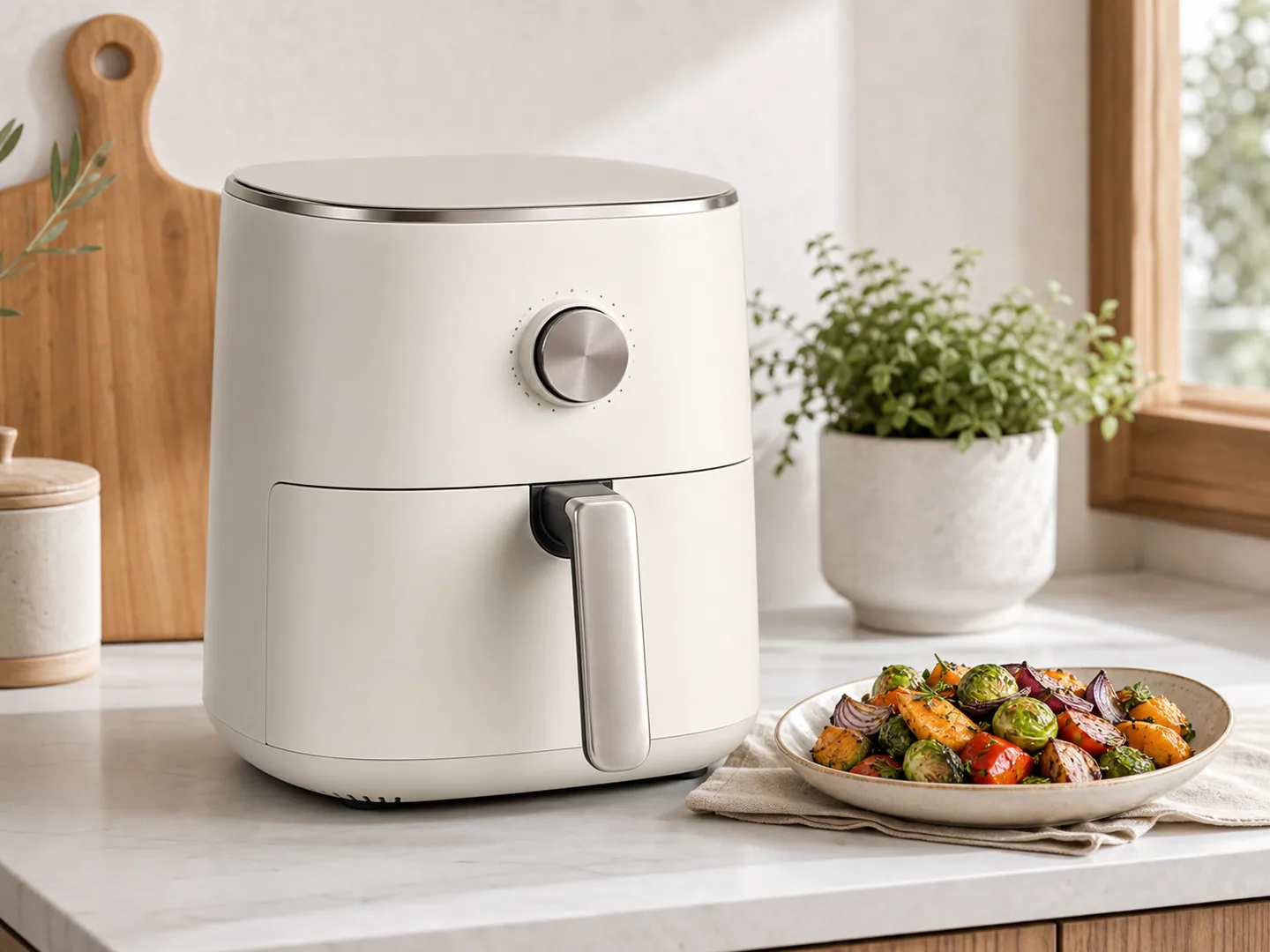
The real comparison is not studio or AI
Ecommerce product photography services and AI product photography are not direct opposites. A studio creates physical product photos with controlled cameras, lights, surfaces, props, and people. An AI workflow uses product references and editing instructions to generate or repair ecommerce visuals faster.
The practical question is not which one is better forever. It is which workflow fits the image you need today.
Use a studio when you need physical proof, exact material behavior, regulated accuracy, complex packaging documentation, or original brand campaign photography. Use [AI product photography](/ai-product-photography) when you need fast variants, lifestyle concepts, product-on-model tests, background changes, detail-image drafts, or ecommerce assets from an existing product reference.
When ecommerce product photography services are the better choice
A professional product photography service is still valuable when the image must prove something physical. Examples include jewelry with exact stone behavior, cosmetics with strict color matching, food with compliance constraints, medical products, safety-critical products, and packaging where every line of text matters.
Studios also help when you need a full campaign with art direction, talent, set design, prop sourcing, controlled retouching, and a brand team approving every frame.
The tradeoff is speed and cost. Studio workflows often need scheduling, shipping, shot lists, approvals, revisions, and retouching rounds. That makes them less efficient for testing many backgrounds, variants, crops, or seasonal campaigns.
When AI product photography is the better choice
AI product photography works best when you already have a usable product reference and need more ecommerce outputs from it.
Good AI use cases include:
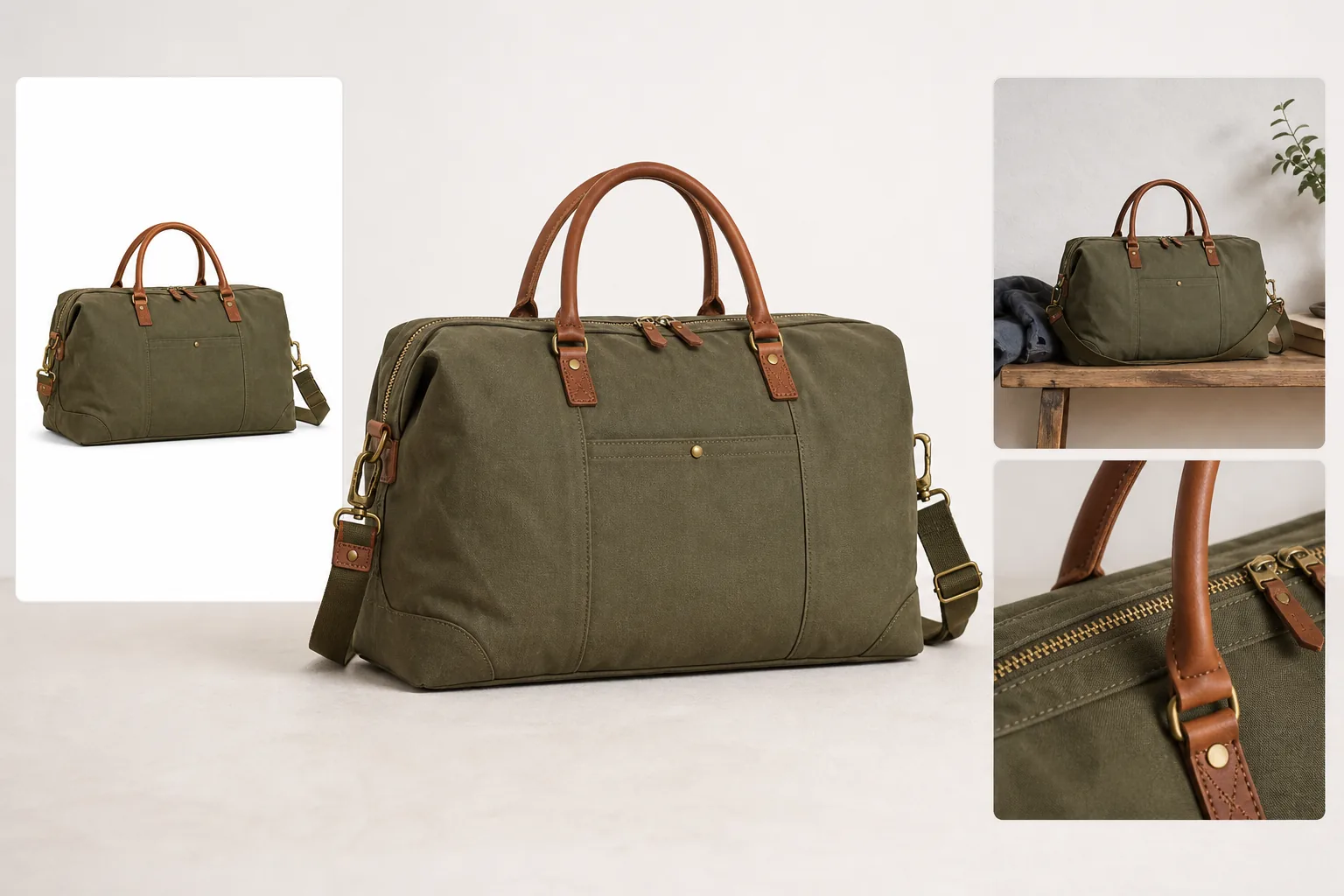
- Creating lifestyle scenes from a product packshot.
- Testing backgrounds before a real campaign.
- Generating product-on-model directions for apparel or accessories.
- Producing detail image concepts for PDP modules.
- Creating store banners and ad variations.
- Localizing product images for different markets.
- Repairing old catalog photos before reuse.
In KrafLayer, the key is to keep the uploaded product image as the identity source. The goal is not to turn the product into generic AI art. The goal is to produce commercially useful product images while protecting shape, label, material, color, and scale.
Comparison table
| Need | Studio service | AI product photography |
|---|---|---|
| Exact physical proof | Strongest choice | Needs review and may not be enough |
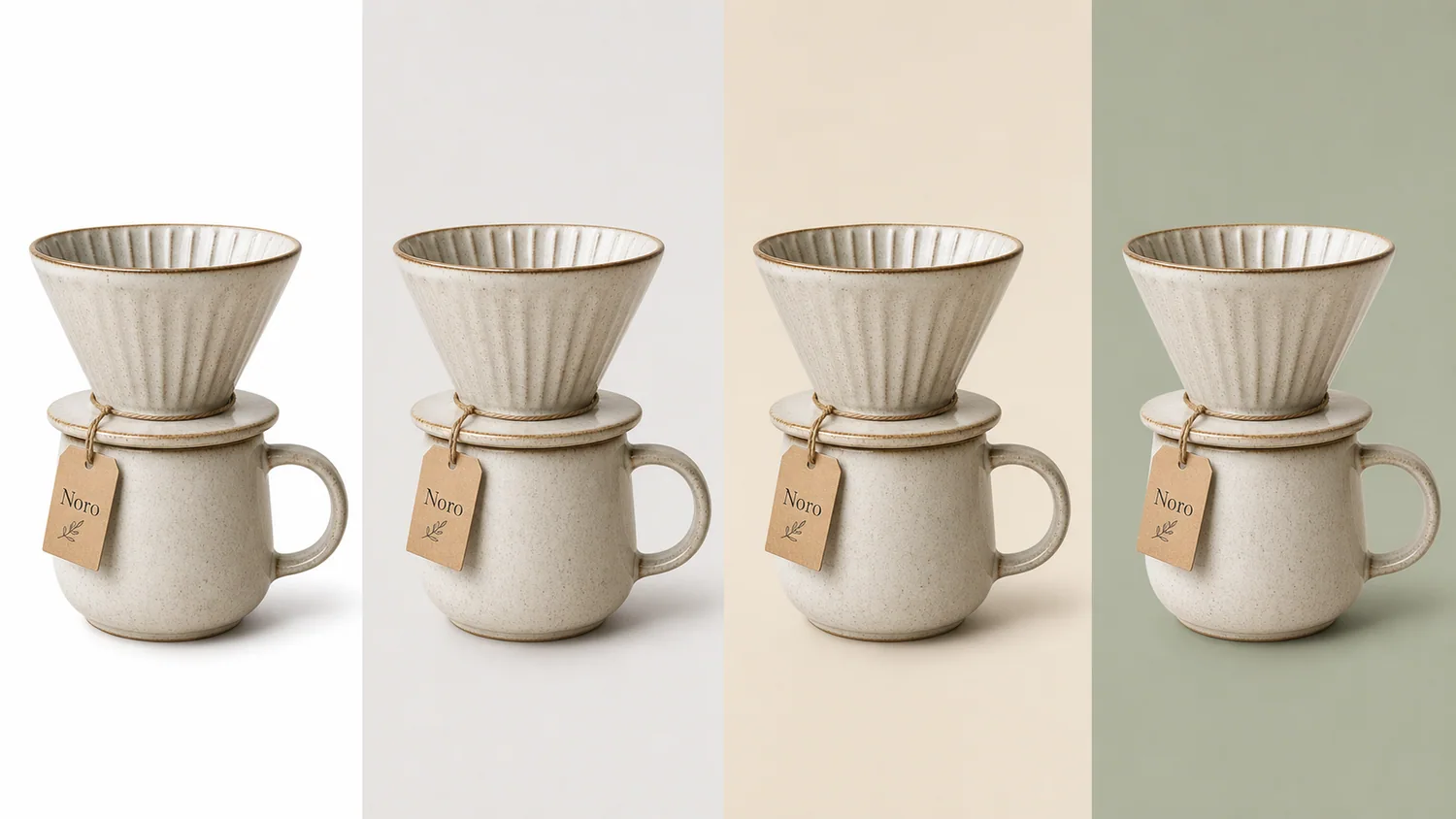
| Fast background variants | Slower and more expensive | Strong fit |
| Large SKU experiments | Operationally heavy | Strong fit |
| Premium campaign shoot | Strong choice | Useful for concepts and extensions |
| Product cleanup | Often retouching-led | Use [product photo editor](/product-photo-editor) workflows |
| Listing image sets | Accurate but slower | Strong fit when source images are clean |
How to combine studio and AI
The best workflow is often hybrid:
1. Shoot or collect accurate product references. 2. Use AI to create extra ecommerce image directions. 3. Edit source photos before generation if needed. 4. Use studio shoots for final campaign frames that need physical proof. 5. Use AI again for resizing, background variants, localization, and seasonal tests.
This lets a brand preserve real product accuracy while reducing repeated production work.
Where KrafLayer fits
KrafLayer should not present itself as a local photography studio. It is better positioned as an ecommerce product image workspace for teams that already have product references and need to create, edit, or adapt more visual assets.
Use these paths:
- [Ecommerce product photography](/ecommerce-product-photography) for the full image system.
- [AI product image generator](/ai-product-image-generator) for main images, detail images, and ecommerce variants.
- [Product photo editor](/product-photo-editor) for background removal, cleanup, upscaling, restoration, and local edits.
- [Shopify product images](/use-cases/shopify-product-images), [Amazon product photos](/use-cases/amazon-product-photos), and [Etsy product photos](/use-cases/etsy-product-photos) for platform-specific preparation.
Decision checklist
Choose a studio service if:
- The product is legally or technically sensitive.
- Exact color, material, scale, or label accuracy is non-negotiable.
- You need physical proof of texture, fit, size, or packaging.
- You are producing a flagship brand campaign.
Choose AI product photography if:
- You need more ecommerce assets from existing product images.
- You need to test scenes, backgrounds, or campaigns quickly.
- You need image sets for listings, ads, and product pages.
- You want to reduce repeated retouching and resizing work.
FAQ
Are ecommerce product photography services still useful?
Yes. They are useful when exact physical accuracy, regulated product representation, or premium campaign production matters. AI does not remove the need for real product proof in every category.
Is AI product photography cheaper than a studio?
AI can be cheaper for repeated variants, early concepts, background tests, and product page assets. Cost depends on review time, model usage, source quality, and how many final images are needed.
Can AI product photography use studio photos?
Yes. Studio packshots often make excellent references for AI product photography because they provide clean product identity. KrafLayer can use those references to create lifestyle scenes, detail modules, and campaign variants.
What should not be automated blindly?
Do not blindly automate product images where labels, safety information, regulated claims, sizing, material, or exact color are critical. Those outputs need human review and often a real source image.
Keep exploring
Continue the story
More practical guidance on product accuracy, composition, and conversion-ready visuals.
Put it into practice
Take the next step in KrafLayer
Choose a generation or editing workflow that matches what you just learned.