Image generation
How to Put Products on Models with KrafLayer
TL;DR
A practical Product on Model workflow for ecommerce: combine model, product, background, and campaign brief while protecting fit, scale, anatomy, and product identity. Includes how to do it in KrafLayer.
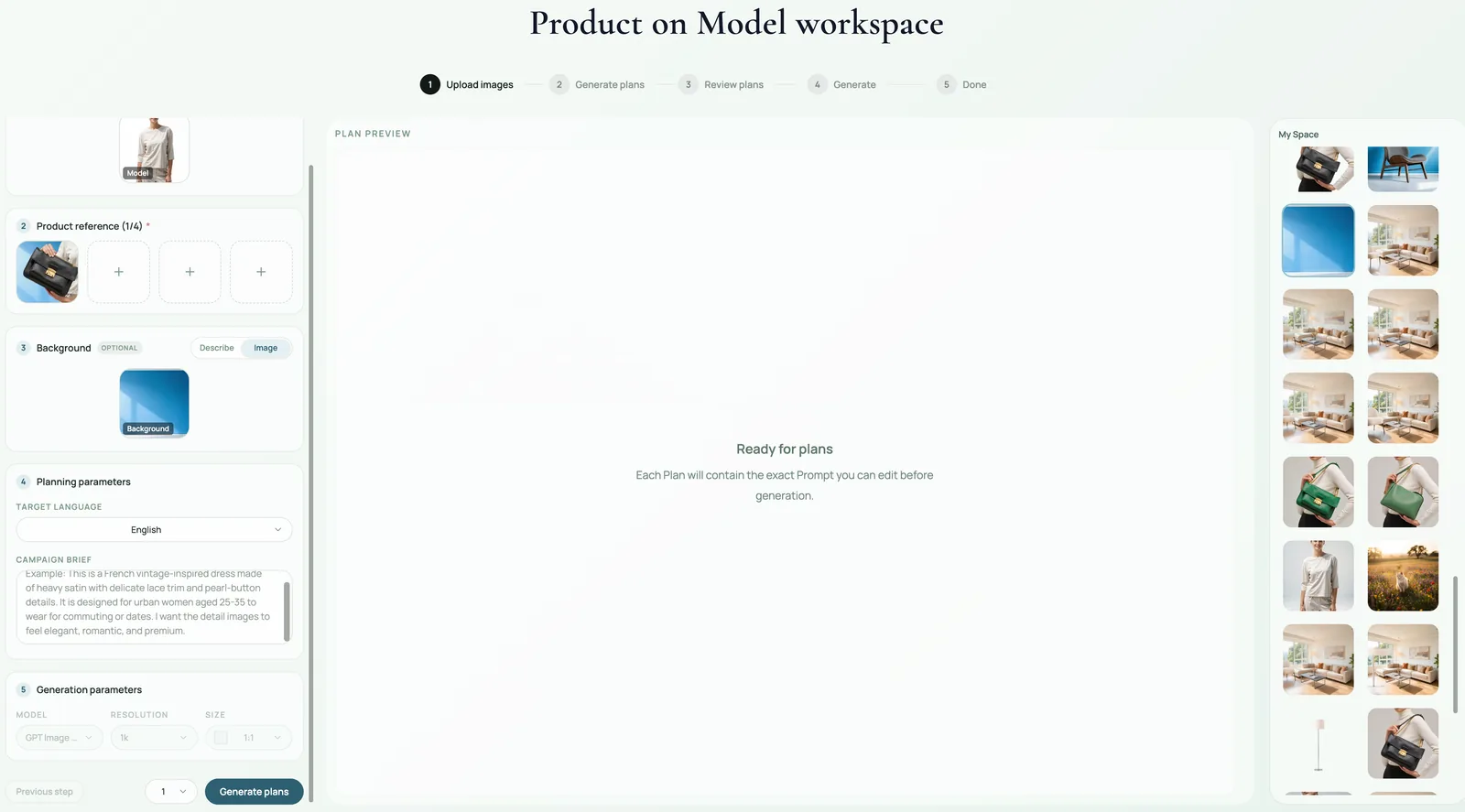
TL;DR
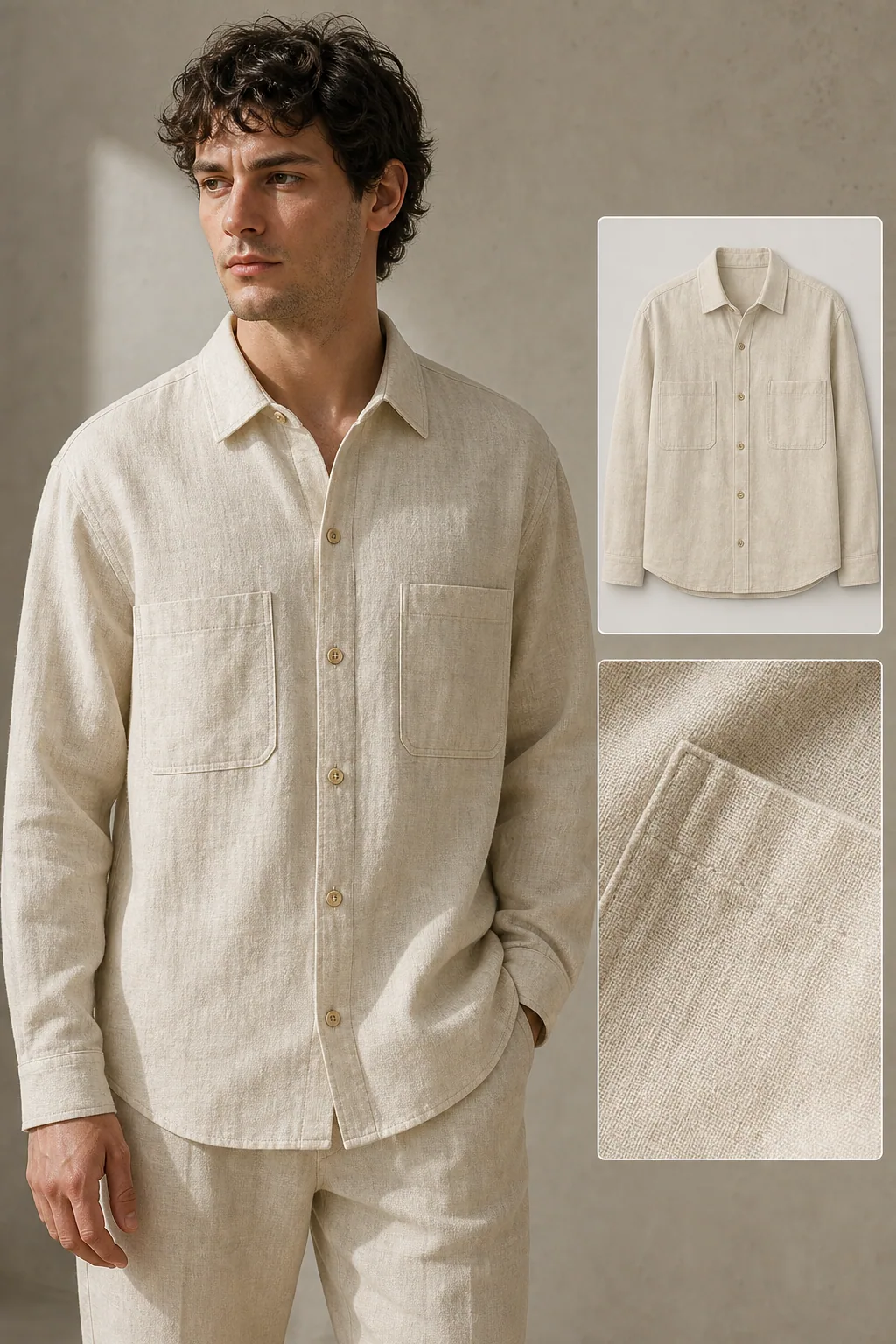
For Put Products on Models with KrafLayer, KrafLayer is useful when a real product reference needs to become a usable asset for listing images, detail pages, or ad assets. Treat it as production editing, not product reinvention; the test is whether fit, fabric, shoulder line, garment length, and real color are still intact.
Product-on-model generation is useful when a flat product photo cannot show scale, fit, styling, or emotional context. The hard part is not putting an object near a person. The hard part is keeping the product accurate while the model, pose, clothing, background, and campaign use all work together.
KrafLayer's Product on Model workspace is designed around four inputs: product reference, model reference or direction, background/context, and campaign brief. The better those roles are separated, the less likely AI is to merge details incorrectly.
When to use Product on Model
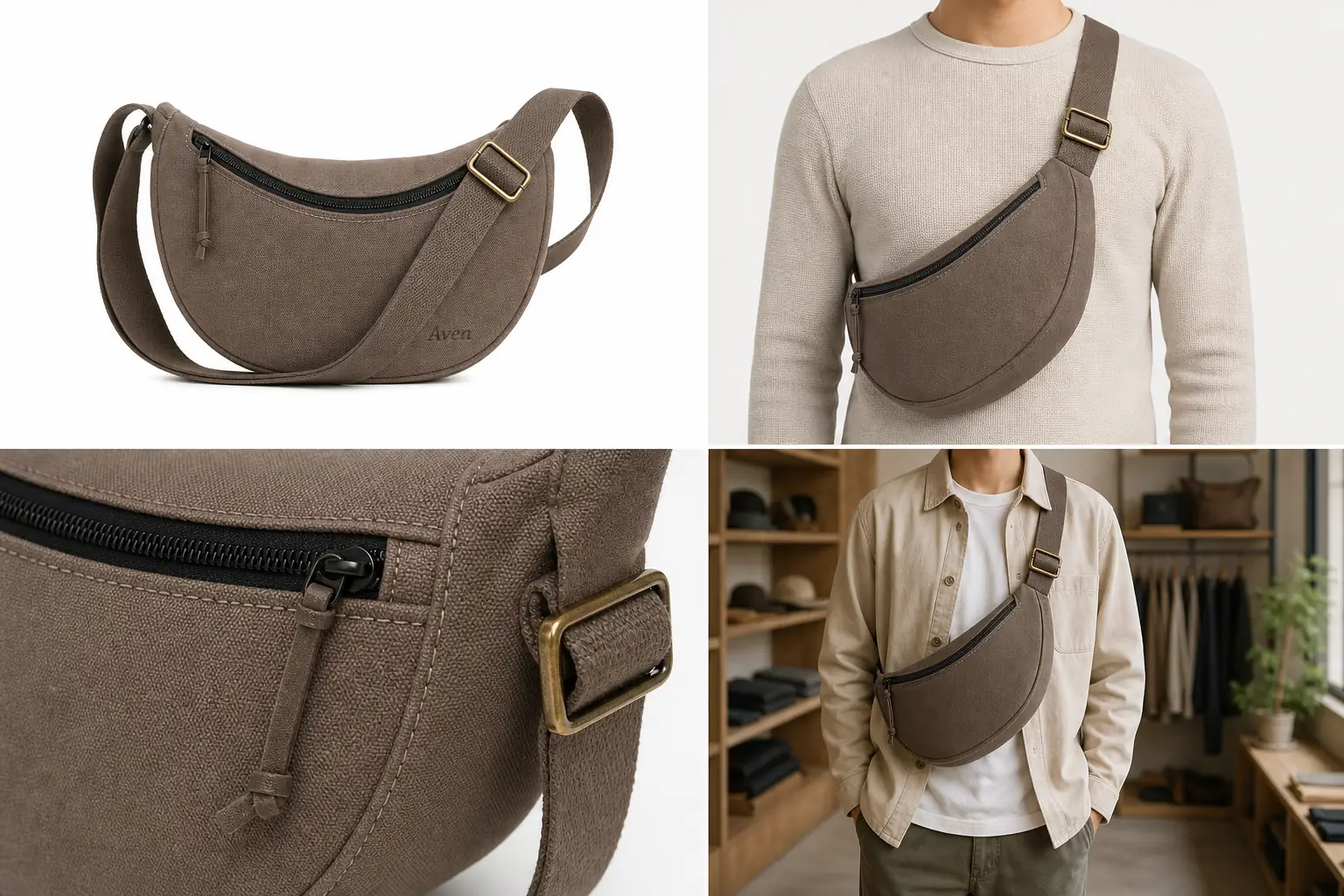
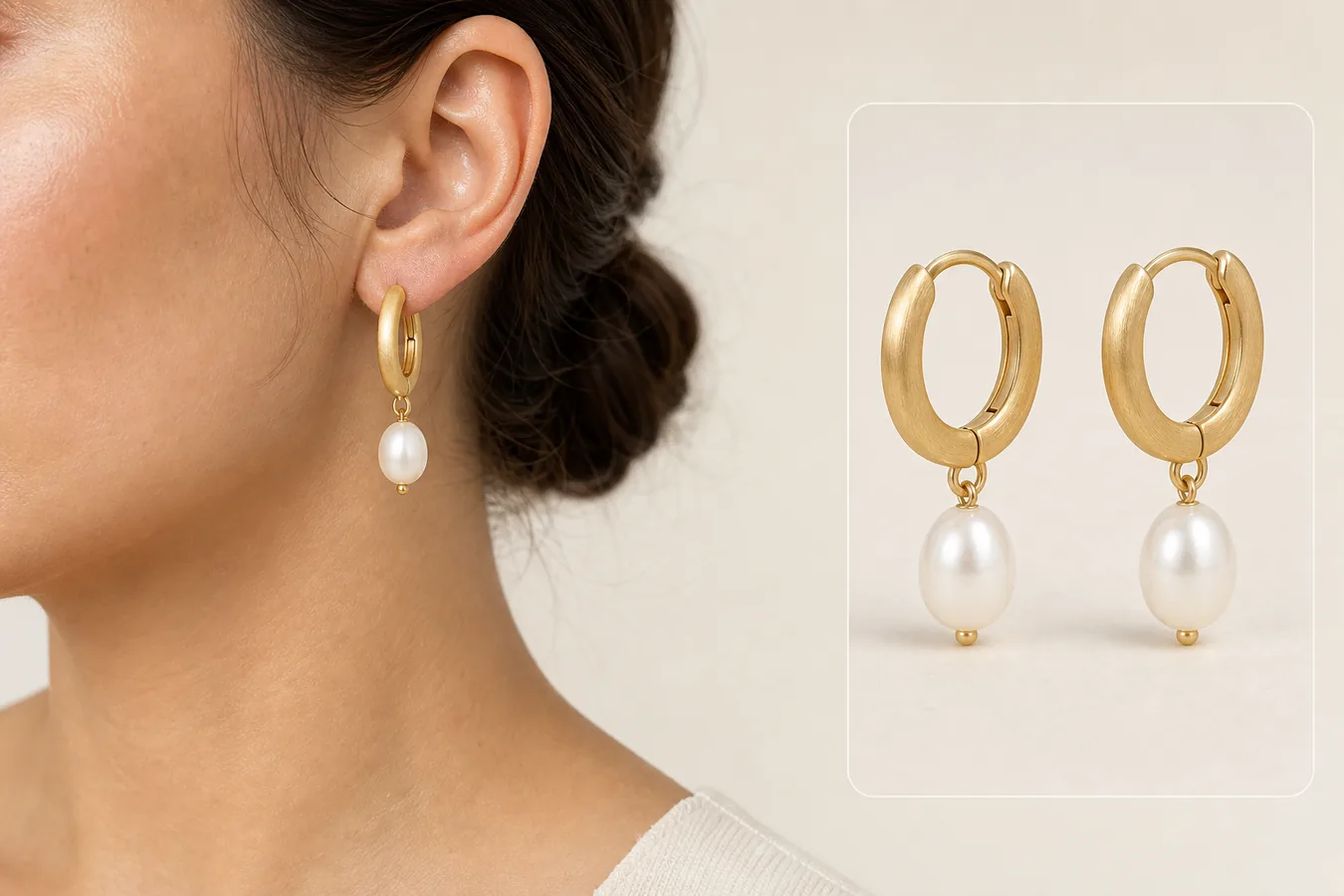
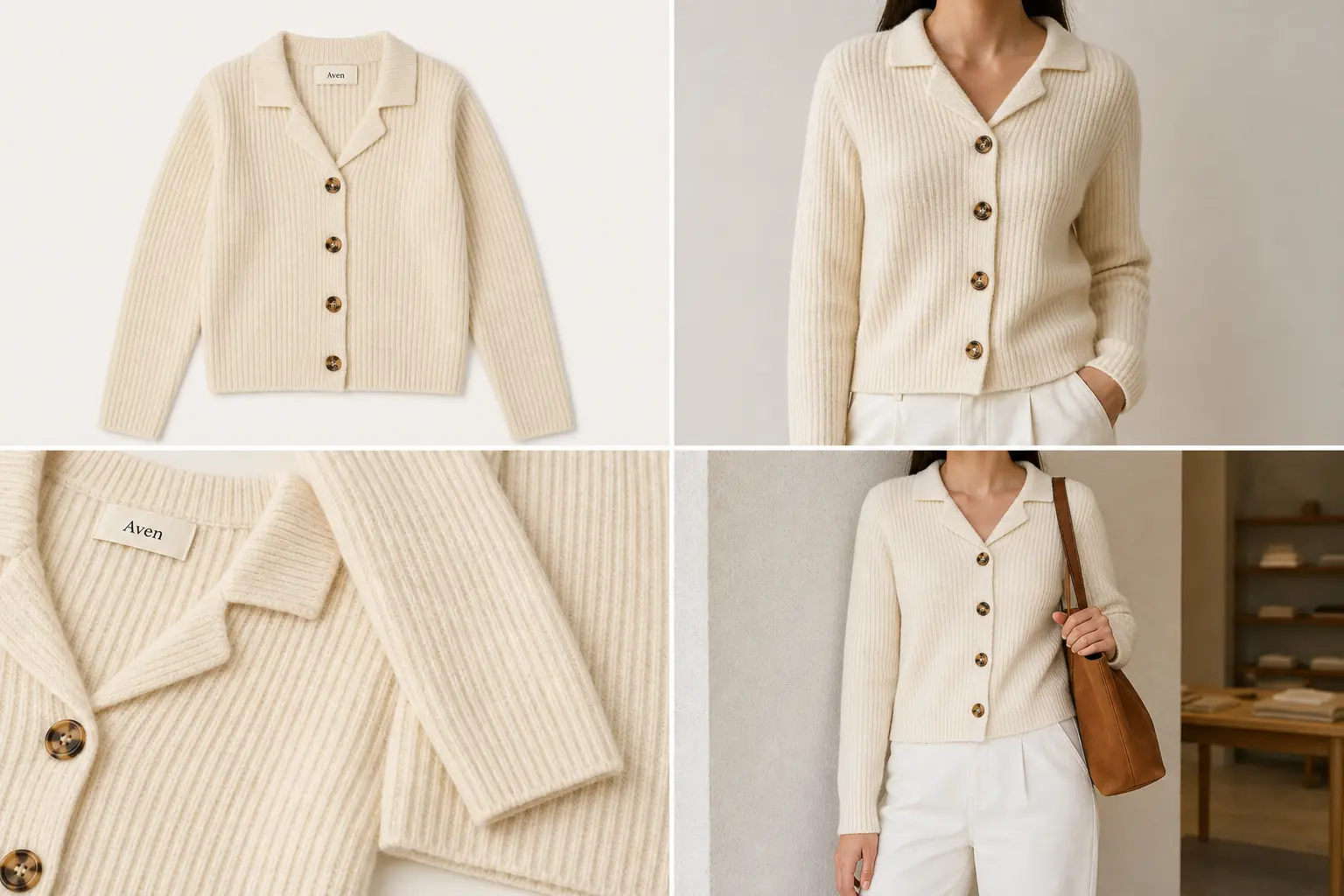
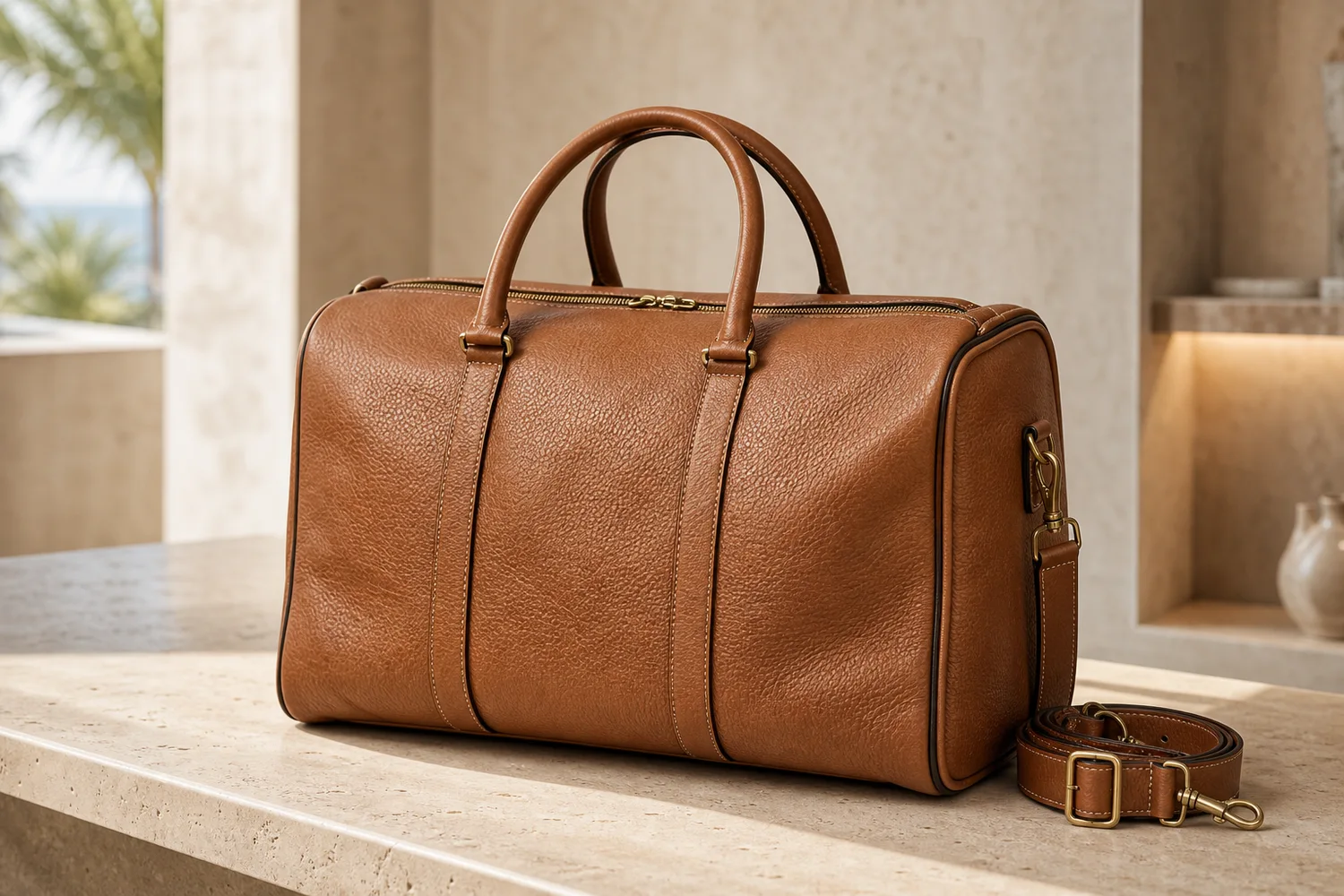
Use it for apparel, bags, jewelry, shoes, eyewear, accessories, beauty products, and lifestyle goods when shoppers need to understand scale or styling. It is especially useful for PDP support images, ads, lookbook visuals, and social creatives.
For strict marketplace main images, use product-on-model carefully. Many platforms prefer simple product-first images for the main slot and model images as supporting gallery assets.
What to define before generation
Product role: What exact SKU must be preserved? Name color, material, silhouette, logo area, strap, closure, fit, or signature detail.
Model role: What should the model contribute? Body type, pose direction, styling mood, hand visibility, face crop, or lifestyle context.
Background role: What selling context should the image suggest? Studio, street, gym, home, beach, office, boutique, or campaign set.
Campaign role: Where will the image be used? Product page, ad, email hero, social cover, or landing page.
Where KrafLayer Fits
When you apply this Put Products on Models with KrafLayer workflow in KrafLayer, start from the clearest product reference, then decide whether the asset needs cleanup, lighting, background work, detail support, or an ad version. Before using it for listing images, detail pages, or ad assets, check that fit, fabric, shoulder line, garment length, and real color are still intact.
Prompt to use in KrafLayer
~~~text Use the uploaded product image as the exact SKU reference and the model/background inputs as styling context. Create a realistic ecommerce product-on-model image for [channel/use case]. Preserve product color, material, silhouette, logo area, scale, fit, and signature details. Keep the model anatomy natural and make the product clearly visible. Let pose, lighting, and background support the product without hiding it. Do not change the product design, add extra limbs or hands, distort fit, invent labels, or cover key product details. ~~~
For bags and accessories, use safer language:
~~~text Style the product naturally with the model as part of the look. Keep the product visible and commercially prominent. Avoid complex hand gripping or unclear body contact. ~~~
Review checklist
- Is the product still the same SKU?
- Does the model scale make sense for the product size?
- Are hands, arms, shoulders, feet, and straps anatomically believable?
- Is the product visible enough for a buyer to judge details?
- Does the image match the channel: PDP, ad, social, or lookbook?
Summary
A strong Product on Model image balances realism and selling clarity. Separate product, model, background, and campaign roles before prompting, then judge the result by product accuracy, human realism, and channel usefulness.
FAQ
Can Product on Model replace a real photoshoot?
It can replace or supplement some ecommerce lifestyle shots, especially for early campaigns, variants, and creative testing. For exact fit claims, complex apparel sizing, or regulated products, review carefully and use real photography when precision is required.
Why do AI model images create strange hands or straps?
The prompt may over-specify physical interaction. Use simpler styling language, keep product placement broad, and avoid detailed hand or finger instructions unless they are necessary.
What inputs produce the best results?
Use a clean product image, a clear model reference or model direction, a simple background idea, and a specific campaign use. Vague prompts produce generic fashion images; role-separated inputs produce more controllable ecommerce assets.
Keep exploring
Continue the story
More practical guidance on product accuracy, composition, and conversion-ready visuals.
Put it into practice
Take the next step in KrafLayer
Choose a generation or editing workflow that matches what you just learned.