Platforms
How to Keep Amazon Variation Product Images Consistent
TL;DR
A practical workflow for keeping Amazon variation images aligned across colors, sizes, materials, and bundles without changing product facts.
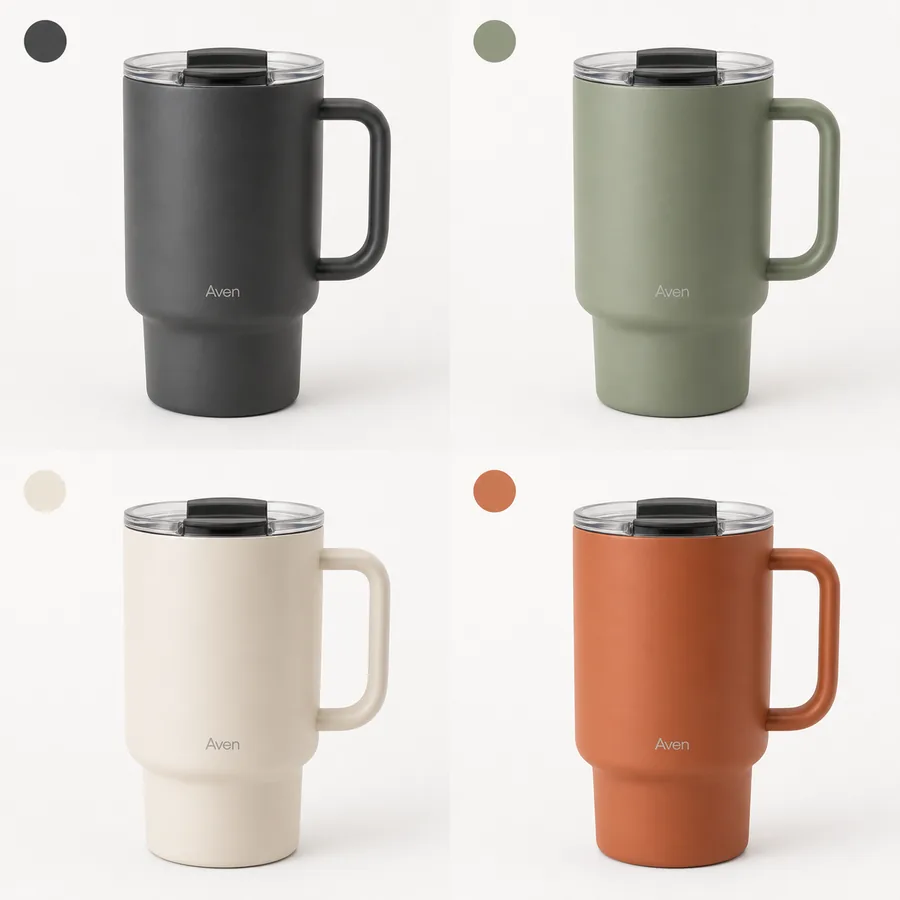
Amazon variation product images consistency means each color, size, bundle, or material option should look like it belongs to the same product family. The buyer should see what changed in the variation, not wonder whether the seller photographed a different product line.
The practical rule is simple: lock the camera angle, crop, scale, lighting, background, and shadow first; then let only the real variation attribute change. In KrafLayer, that often means using the strongest product reference, cleaning or matching backgrounds in the [product photo editor](/product-photo-editor), and using the [AI image upscaler](/tools/ai-image-upscaler) only when a variation file needs more listing-ready detail.
Why Variation Image Consistency Matters
Inconsistent variation images create friction. A buyer may click a color swatch and see the product jump from a front angle to a side angle, from white background to lifestyle scene, or from tight crop to tiny product. That makes comparison harder and can make a legitimate variation feel less trustworthy.
For [Amazon product photos](/marketplace-product-images/amazon-product-photos), consistency is not about making every image identical. It is about making comparison easy. The shopper should immediately understand: this is the same mug in another color, the same bag in another size, or the same bundle with a different count.
Use this rule when reviewing a variation set:
A good variation image changes only the variation attribute. Everything else should feel deliberately controlled.
Build A Product Truth Grid First
Before editing or generating images, create a small product truth grid. This prevents AI or manual retouching from smoothing out real SKU differences.
| Detail to lock | What should stay consistent | What can change |
|---|---|---|
| Camera angle | Front, three-quarter, side, or top view | Only if every variation uses the new angle |
| Crop and scale | Product size in frame and visible margins | Real size differences when size is the variation |
| Background | White, light gray, or same brand surface | Only if each variation role intentionally changes |
| Lighting | Highlight direction, shadow softness, contrast | Minor reflection differences by material |
| Product parts | Lid, handle, strap, zipper, ports, buttons, seams | Real variant-specific parts |
| Color/material | True finish and texture | The actual color or material variant |
For Amazon variation product images consistency, the grid matters more than a clever prompt. It gives the editor a checklist and gives the seller a clear reason to reject pretty but inaccurate outputs.
Workflow For Consistent Variation Product Images
Use this sequence when the original variation files are uneven:
1. Choose the best reference image from the variation set. 2. Define the locked image system: angle, crop, background, shadow, and product size in frame. 3. List the real variation attributes that may change. 4. Clean obvious background clutter before making style decisions. 5. Match each variation to the reference crop and scale. 6. Use upscaling only after composition is correct. 7. Compare the full set as a grid, not one image at a time. 8. Reject any output where AI changes a non-variation detail.
This approach keeps the work grounded. If the sage, cream, charcoal, and terracotta mugs share the same handle, lid, logo position, and silhouette, those details should match across the set. Only the body color should change.
When To Use AI And When To Edit Manually
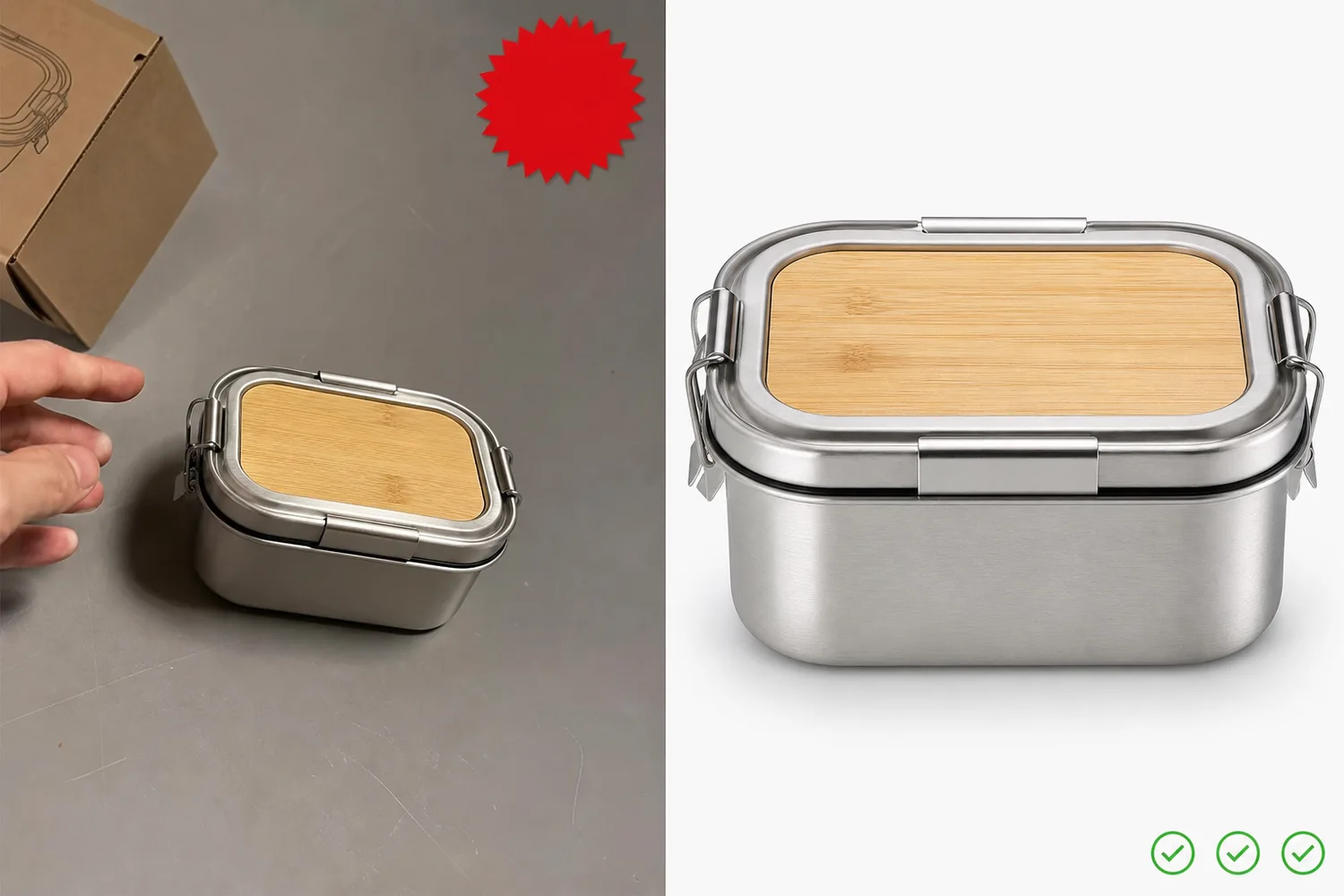
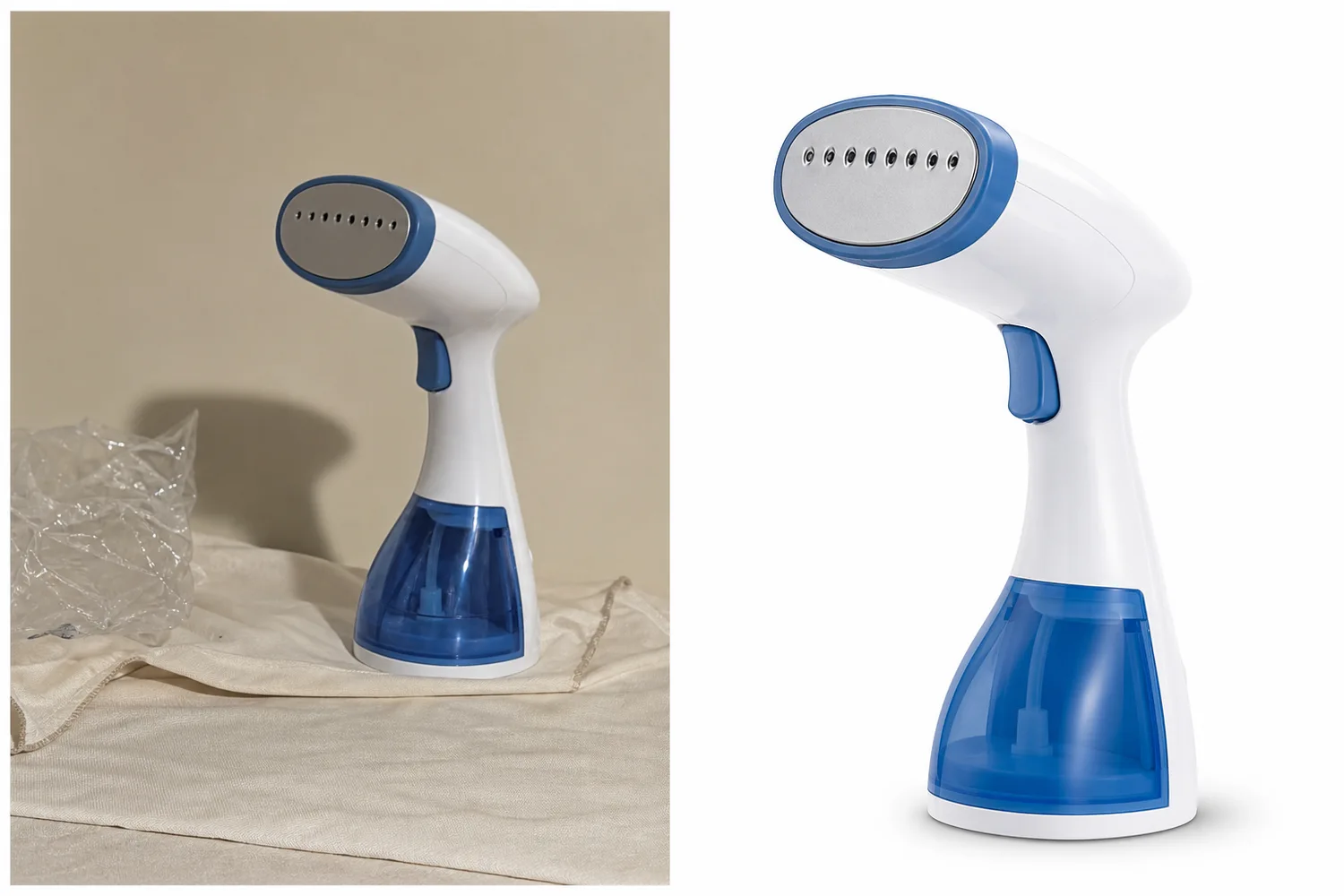
AI helps when the problem is visual production: a weak background, uneven lighting, different crop, soft detail, or a need for a cleaner product-family presentation.
Use AI or assisted editing for:
- Matching backgrounds across a variation set.
- Creating a cleaner product-forward crop from rough source photos.
- Restoring weak lighting while preserving color.
- Upscaling low-resolution variation files after the crop is right.
- Creating a controlled reference image that guides the rest of the set.
Use manual review for:
- True color checks.
- Size differences.
- Bundle contents.
- Model numbers or labels.
- Variant-specific hardware, ports, straps, buttons, or stitching.
- Any claim, badge, or text that could mislead shoppers.
The safest workflow is not "generate all variations and trust the prettiest result." It is "use AI to standardize the presentation, then review every SKU fact."
Prompt Template For Variation Consistency
Use this prompt when a prompt-capable workflow is appropriate:
Create a realistic ecommerce product image for the same product family. Preserve the exact product silhouette, camera angle, crop, scale, lid, handle, logo or label placement, material texture, contact shadow, and lighting style from the reference image. Show this variation only: [color / size / bundle / material]. Do not change non-variation details. Do not add Amazon logos, marketplace UI, review stars, discount badges, certification marks, QR codes, barcodes, or unsupported claims.
For a color variation, add:
Only the product color may change. Keep the finish realistic and consistent with the reference material.
For a size variation, add:
Preserve the real size relationship. Do not make the smaller size look like a cropped version of the larger size.
For a bundle variation, add:
Show only the actual included items. Do not invent accessories, packaging, or bonus products.
Review The Set As A Grid
Variation product images should be reviewed together. A single image can look fine while the full set still feels inconsistent.
Check the grid for:
- Same product height in frame unless size is the variation.
- Same camera angle and perspective.
- Same shadow direction and softness.
- Same background color and brightness.
- Same logo, label, or blank label area position.
- Same material realism across all colors.
- No invented parts, marks, or accessories.
- No hidden crop differences that make one variant look premium and another look cheap.
If one variation looks better than the rest, do not automatically publish it. Either bring the weaker images up to the same standard or simplify the stronger one so the family feels coherent.
Common Mistakes To Avoid
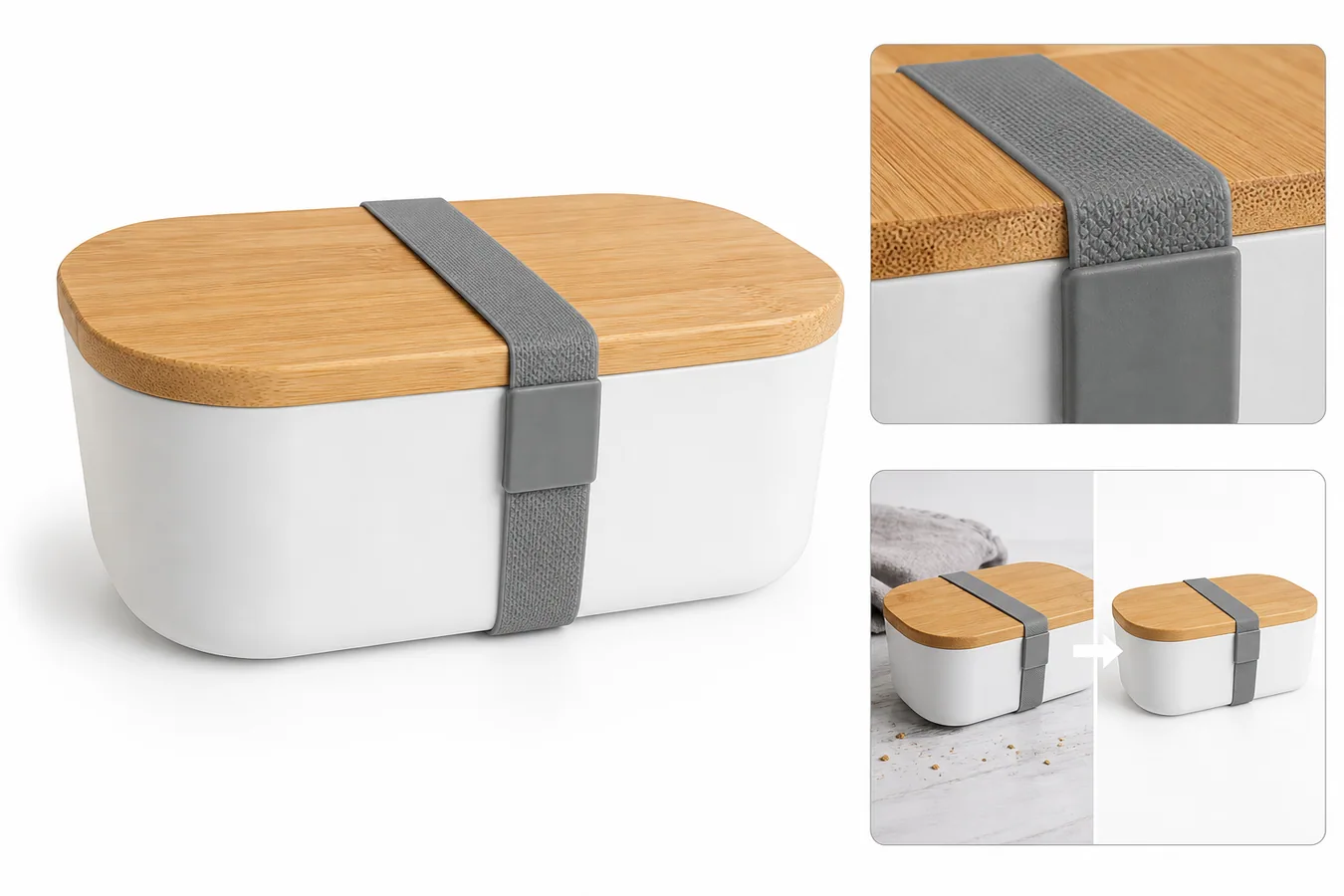
The most common mistake is letting AI improve the product and not just the image. A mug variation image should not gain a new lid, a cleaner handle design, a different logo placement, or a more expensive finish just because the generated image looks persuasive.
Other mistakes include:
- Mixing white-background and lifestyle images inside the same variation selector.
- Showing different product angles for color variants.
- Using inconsistent shadows that make products look different sizes.
- Upscaling before fixing crop and background.
- Letting product labels or small marks drift between variations.
- Showing a bundle quantity that does not match the actual option.
Variation images work when they are boring in the right ways. The system stays stable so the real product choice becomes obvious.
FAQ
What is Amazon variation product images consistency?
Amazon variation product images consistency means the visual system stays stable across product options. Angle, crop, scale, background, lighting, and shadow should match, while the real variation attribute changes. This helps shoppers compare color, size, material, or bundle differences without being distracted by unrelated image changes.
Can I use AI for Amazon variation product images?
Yes, but use AI to standardize presentation, not to redesign the SKU. AI can help clean backgrounds, improve light, upscale weak files, and create a consistent product-family look. Every output still needs human review for color accuracy, parts, labels, bundle contents, and variant-specific details.
Should every variation image use the same background?
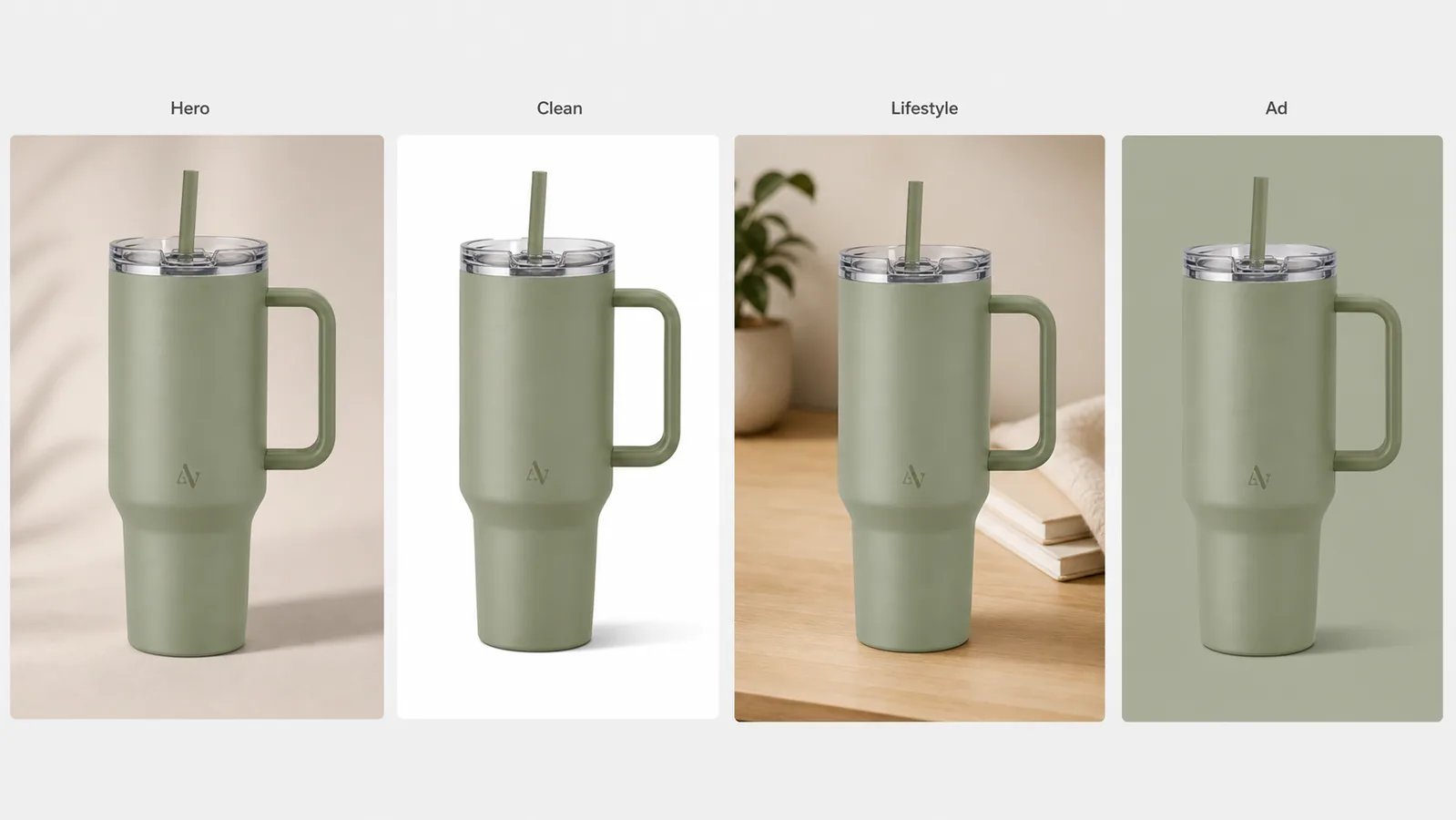
For a variation selector, usually yes. A consistent background makes comparison easier. If you use lifestyle images, keep them in a separate image role instead of mixing them into the main variation selector. The buyer should not confuse a background change with a product difference.
How does KrafLayer help with variation product images?
KrafLayer can help sellers prepare cleaner Amazon product photos by removing distractions, matching product presentation, upscaling low-resolution files, and generating product-focused reference images. The key is to keep the same SKU facts across the full variation set and review the final grid before publishing.
What should I check before publishing variation images?
Review the full set for angle, crop, scale, background, shadow, true color, label placement, hardware, material texture, and bundle contents. If only color should change, only color should change. If size or bundle count changes, make that difference clear without altering unrelated product facts.
Conclusion
Amazon variation product images consistency is about buyer clarity. Lock the visual system, protect product facts, and let only the real variation attribute change. KrafLayer can help clean, upscale, and standardize ecommerce product photography, but the final grid should always be reviewed against the actual SKU set before it goes live.
Keep exploring
Continue the story
More practical guidance on product accuracy, composition, and conversion-ready visuals.
Put it into practice
Take the next step in KrafLayer
Choose a generation or editing workflow that matches what you just learned.