Platforms
How to Check and Fix Amazon Main Images with AI
TL;DR
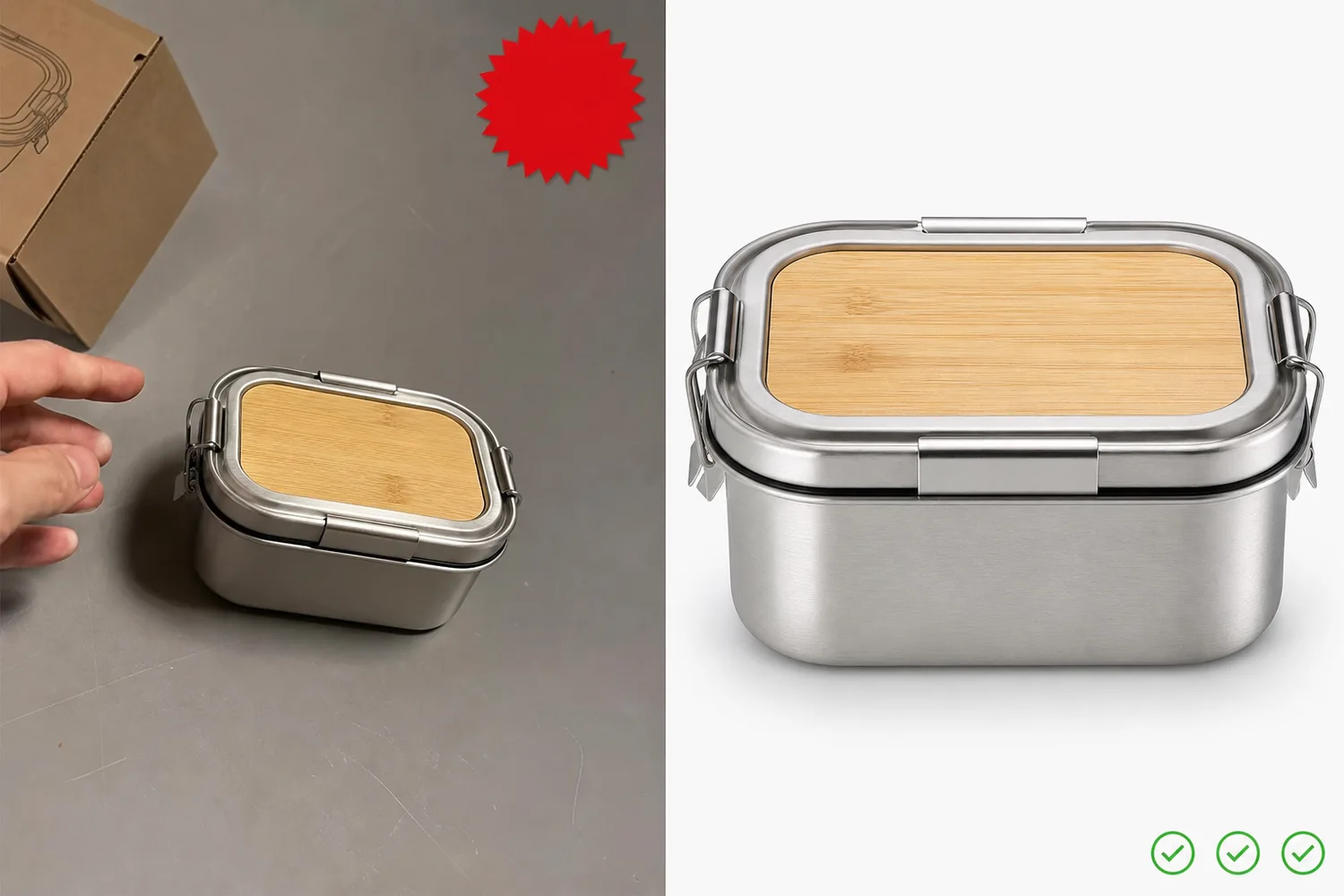
A careful Amazon main image review workflow: check product accuracy, background, crop, overlays, edge quality, and category rules before publishing. Includes how to do it in KrafLayer.
TL;DR
For Check and Fix Amazon Main Images, KrafLayer is useful when a real product reference needs to become a usable asset for Amazon main images. Treat it as production editing, not product reinvention; the test is whether the quantity, packaging, edge quality, and category review assumptions still match the real listing.
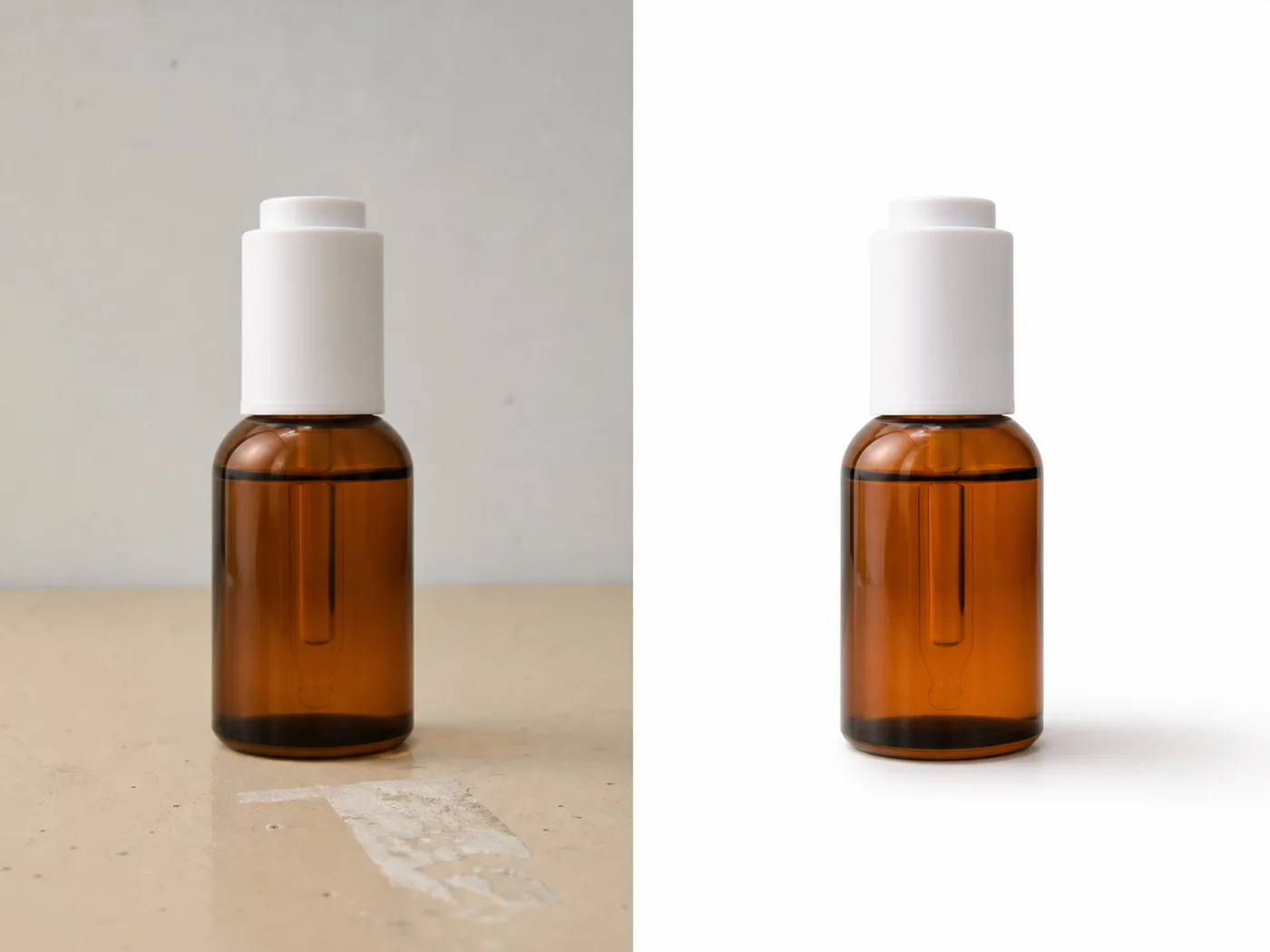
Amazon main images should make the product immediately clear and trustworthy. AI can help fix background, crop, edge quality, exposure, and clutter, but it cannot replace checking the current Seller Central rules for your category.
What AI can help fix
AI is useful for removing background clutter, cleaning edges, correcting exposure, reducing color cast, straightening product presentation, and creating a cleaner product-first image.
It should not add claims, badges, decorative text, fake packaging, unrelated props, or change the product to fit a rule.
Review workflow
1. Confirm the product in the image is the exact SKU. 2. Check background, crop, edge quality, color, and visible details. 3. Remove overlays, decorative graphics, and non-product distractions when they are not allowed. 4. Preserve labels, functional details, and true material. 5. Check current Seller Central rules and category-specific requirements before upload.
Where KrafLayer Fits
When you apply this Check and Fix Amazon Main Images workflow in KrafLayer, start from the clearest product reference, then decide whether the asset needs cleanup, lighting, background work, detail support, or an ad version. Before using it for Amazon main images, check that the quantity, packaging, edge quality, and category review assumptions still match the real listing.
Prompt to use in KrafLayer
~~~text Use the uploaded product image as the exact SKU reference. Prepare a cleaner Amazon-style main image for review. Keep the product accurate and product-first. Preserve shape, color, material, labels, logo area, functional details, edge quality, and scale. Clean the background, improve exposure, and remove distracting non-product clutter. Do not add badges, text, props, fake packaging, claims, or change the product design. ~~~
FAQ
Can AI check Amazon compliance automatically?
AI can flag common visual problems, but final compliance depends on current Amazon rules, category requirements, and Seller Central review.
What is the biggest risk with AI main images?
The biggest risk is product drift: the image looks compliant but the SKU shape, label, material, or included accessories changed.
Should I keep a backup of the original?
Yes. Keep the original product photo and the AI-edited version so your team can compare changes before upload.
Keep exploring
Continue the story
More practical guidance on product accuracy, composition, and conversion-ready visuals.
Put it into practice
Take the next step in KrafLayer
Choose a generation or editing workflow that matches what you just learned.