Platforms
How to Create Amazon White Background Product Images with AI
TL;DR
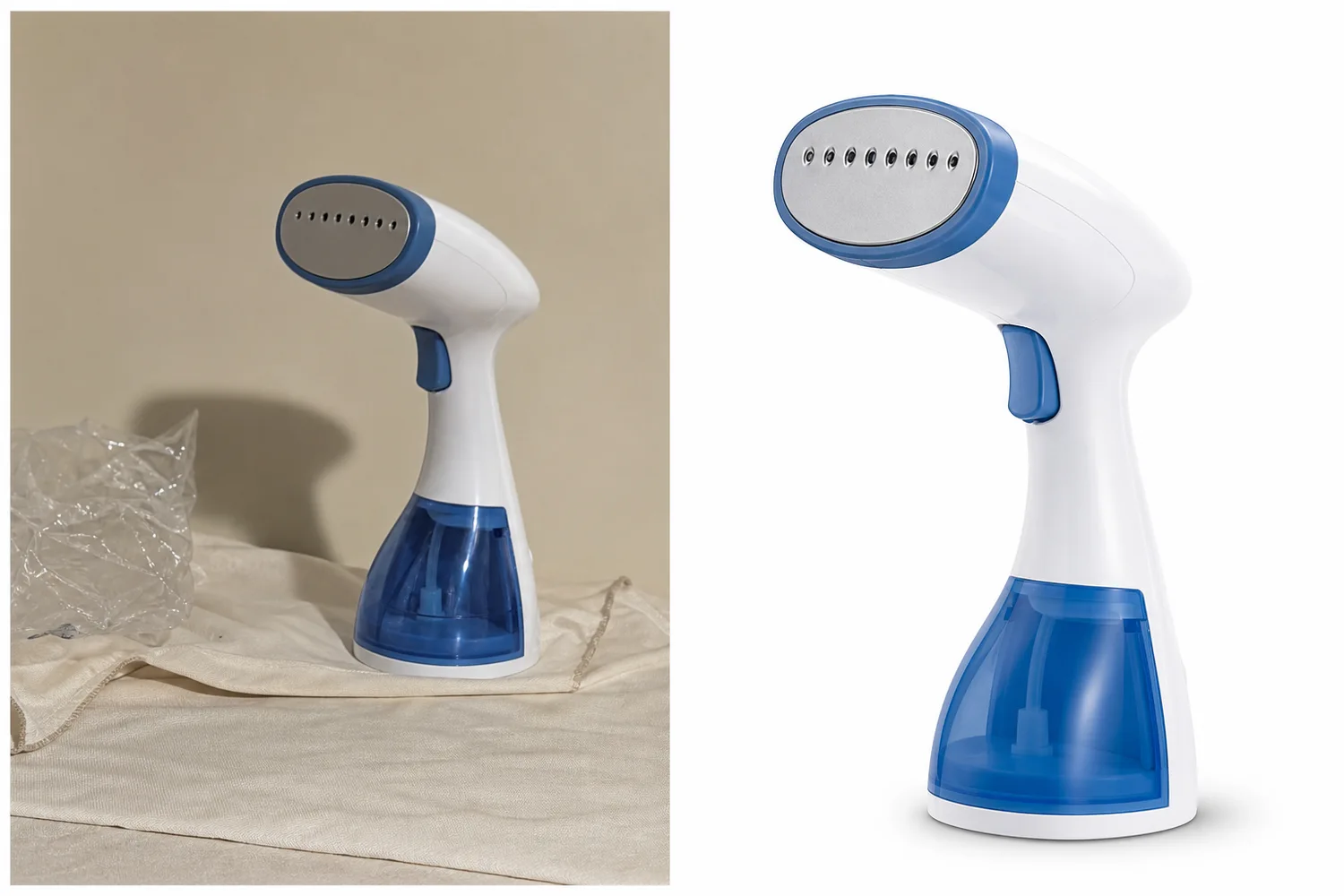
A conservative workflow for creating Amazon-style white background product images: clean background, accurate SKU, natural shadow, edge quality, and final Seller Central review. Includes how to do it in KrafLayer.
TL;DR
For Create Amazon White Background Product Images, KrafLayer is useful when a real product reference needs to become a usable asset for Amazon main images. Treat it as production editing, not product reinvention; the test is whether the quantity, packaging, edge quality, and category review assumptions still match the real listing.
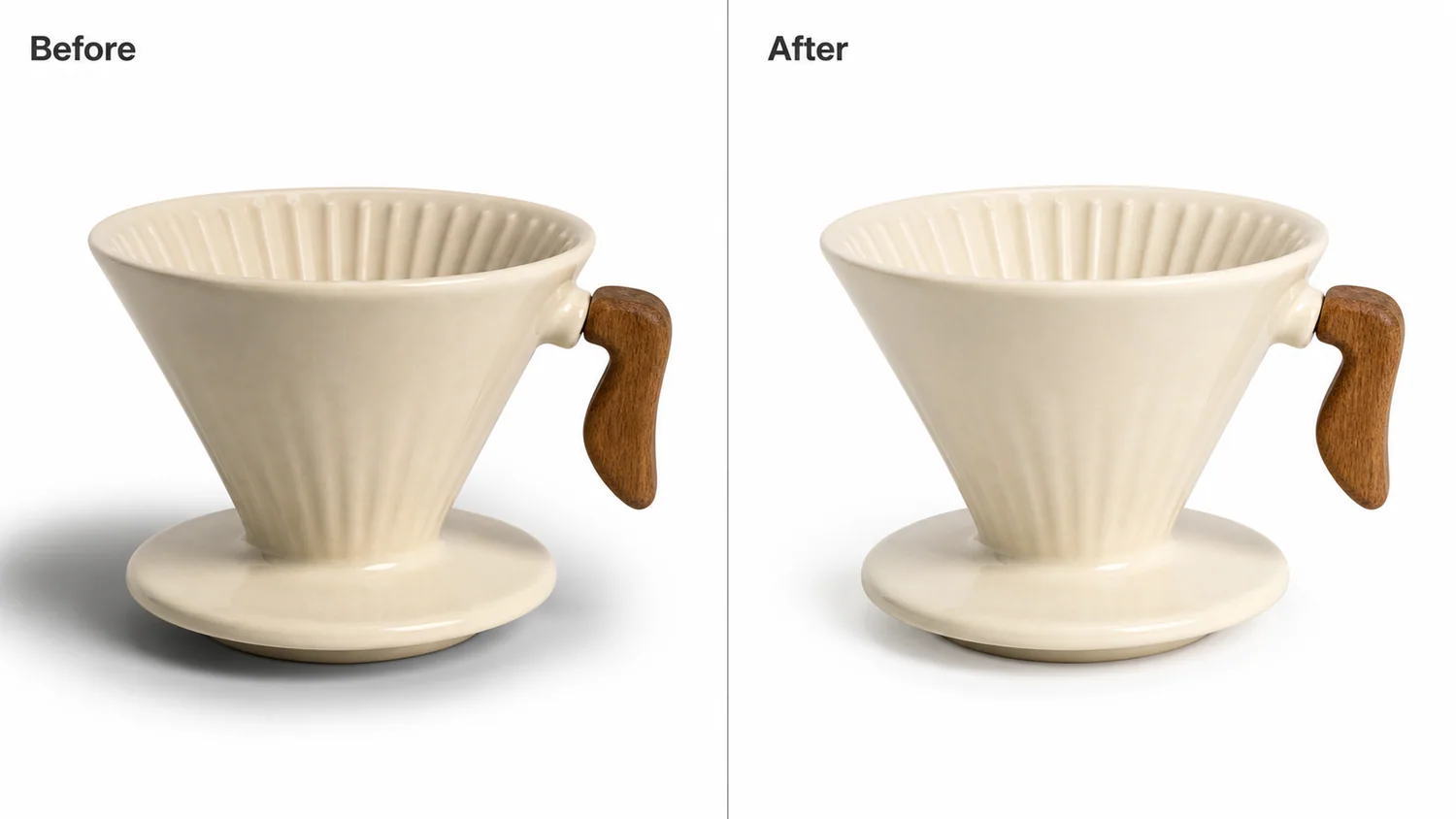
Amazon-style white background images need product clarity before style. The image should show the real SKU cleanly, with accurate shape, color, edge detail, and enough visual information for a shopper to recognize the product quickly.
Always check the current requirements in Seller Central for your category before publishing. Marketplace rules can change and category exceptions matter.
What to optimize
Focus on a clean white background, product-first crop, accurate edges, true color, visible functional details, and a natural shadow only when it does not conflict with marketplace expectations.
Avoid decorative props, generated text, badges, fake logos, and backgrounds that look off-white or gray.
Workflow
1. Start with the clearest product reference. 2. Remove the background and clean the product edge. 3. Preserve product shape, material, color, label, logo area, and functional parts. 4. Keep the crop product-first and easy to inspect. 5. Review the final image against current Seller Central rules before upload.
Where KrafLayer Fits
When you apply this Create Amazon White Background Product Images workflow in KrafLayer, start from the clearest product reference, then decide whether the asset needs cleanup, lighting, background work, detail support, or an ad version. Before using it for Amazon main images, check that the quantity, packaging, edge quality, and category review assumptions still match the real listing.
Prompt to use in KrafLayer
~~~text Use the uploaded product as the exact SKU reference. Create a clean white-background ecommerce product image suitable for Amazon-style listing review. Preserve product shape, color, material, label area, logo placement, functional details, edge detail, scale, and natural product realism. Keep the background clean and product-first. Do not add props, badges, text, fake logos, decorative scenes, distorted geometry, or misleading shadows. ~~~
FAQ
Can AI guarantee Amazon image compliance?
No. AI can help clean and prepare images, but final compliance should be checked against current Seller Central requirements for your category.
Should the background be pure white?
Amazon-style main images generally require a clean white product-first presentation, but sellers should verify exact current category rules before publishing.
What should I check before upload?
Check background cleanliness, product accuracy, edge quality, crop, file quality, prohibited overlays, and category-specific image rules.
Keep exploring
Continue the story
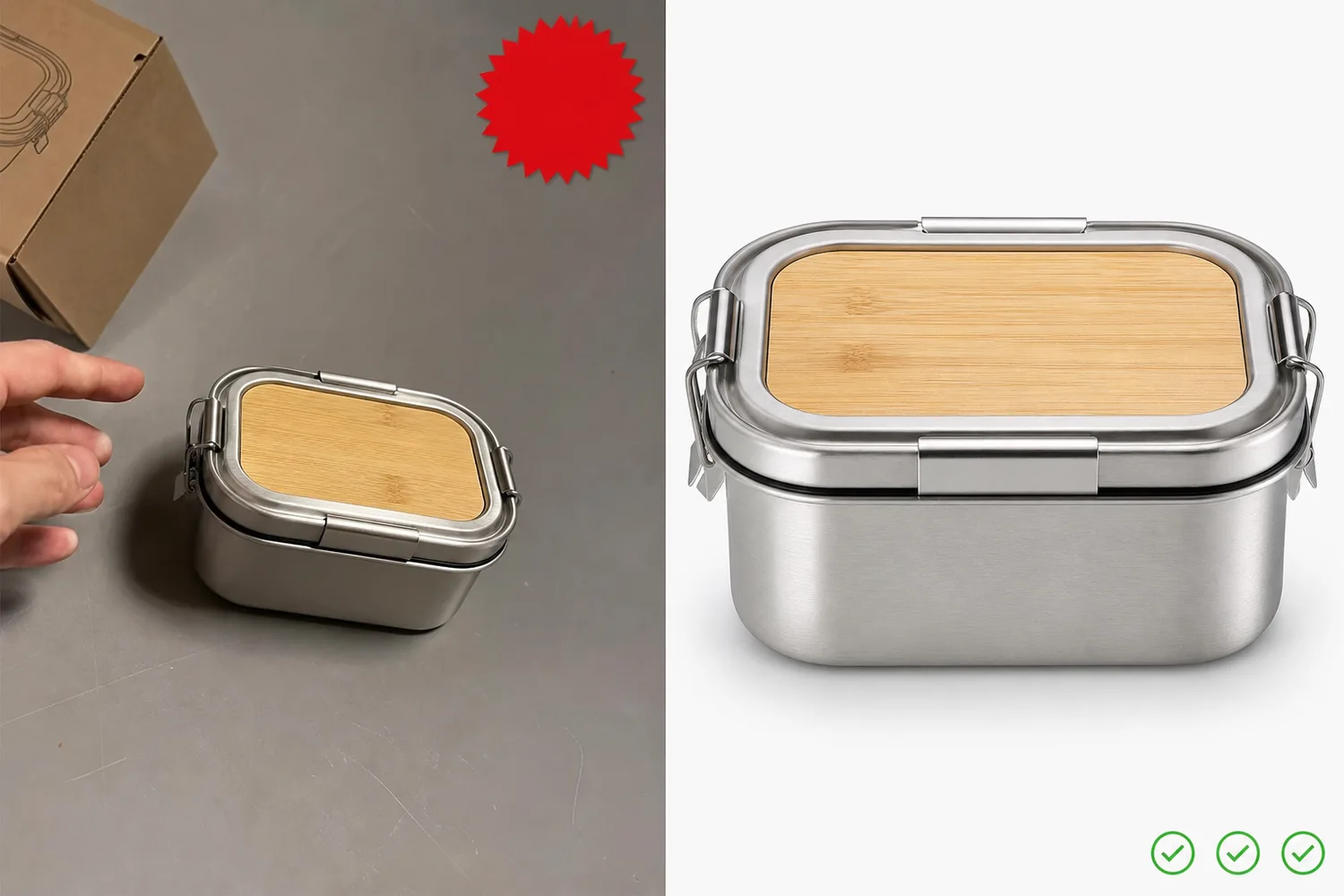
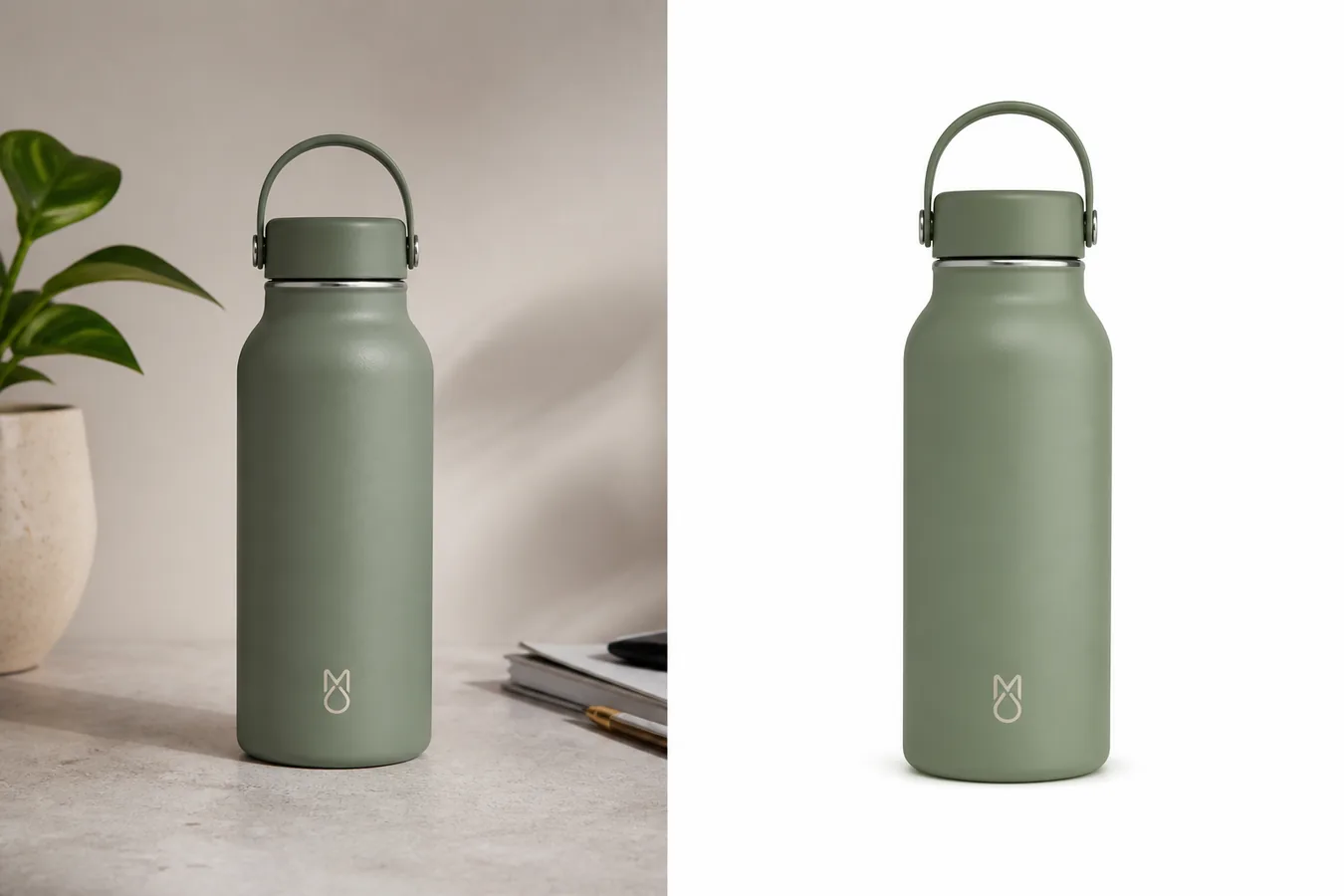
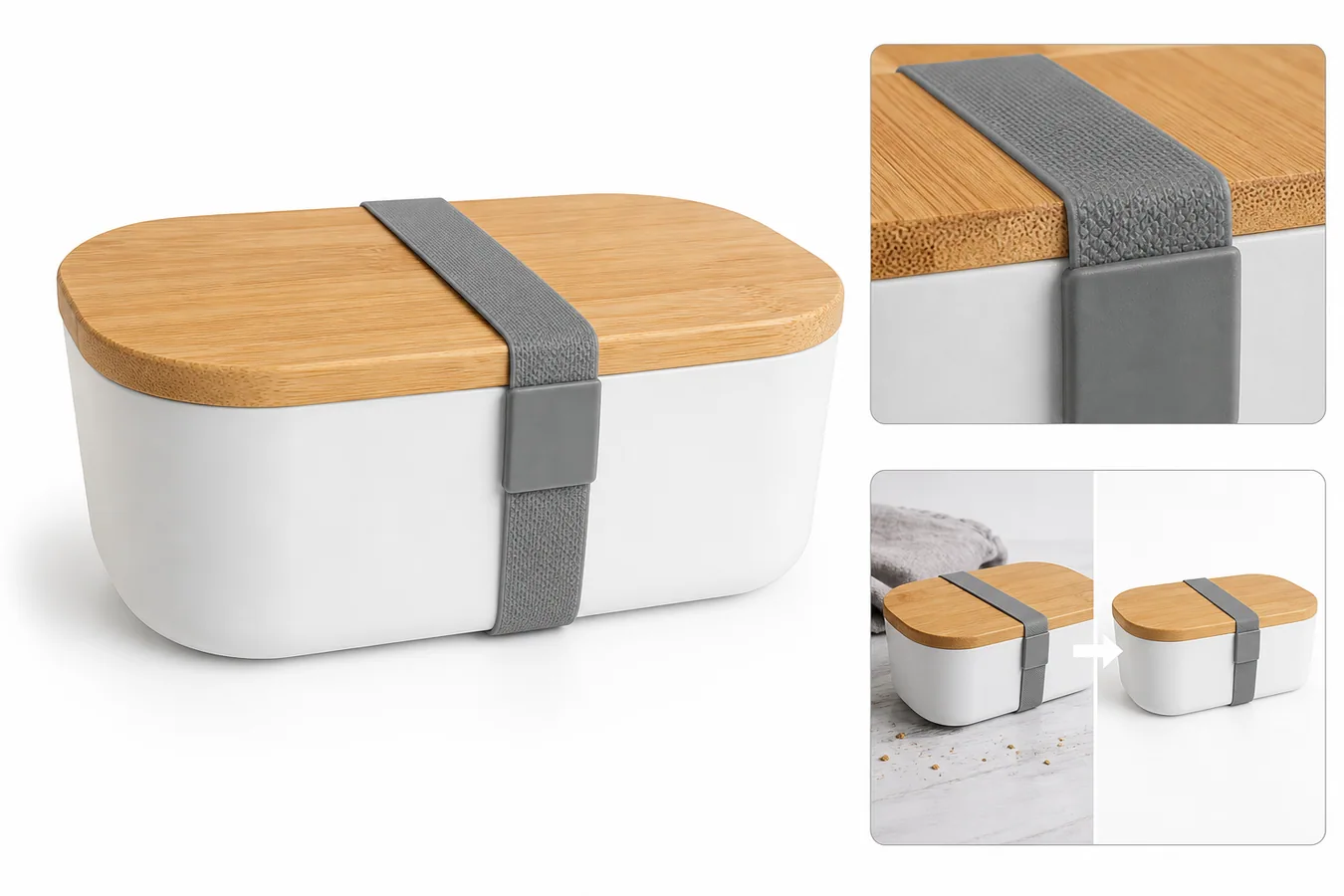
More practical guidance on product accuracy, composition, and conversion-ready visuals.

Put it into practice
Take the next step in KrafLayer
Choose a generation or editing workflow that matches what you just learned.