Ecommerce
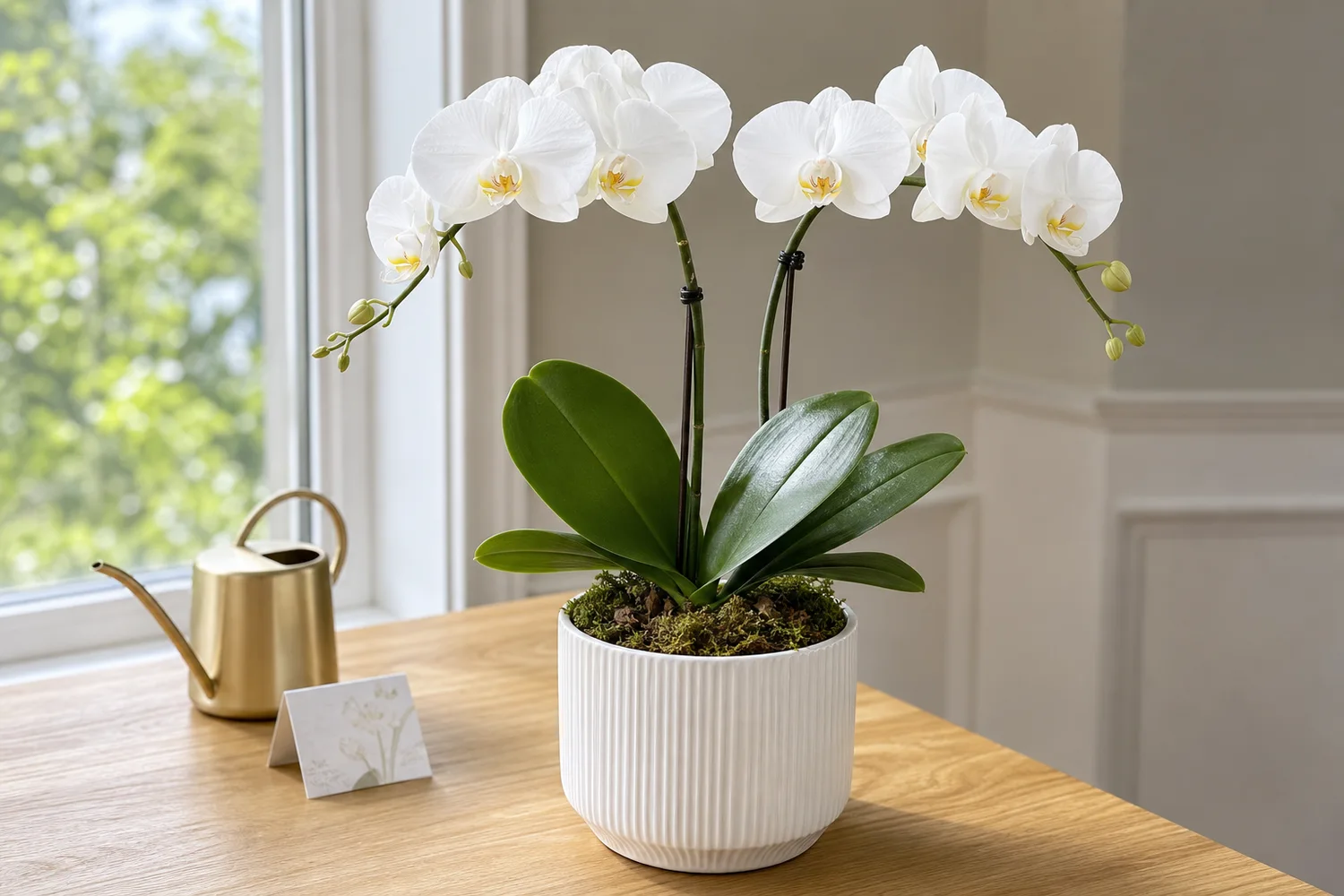
How to Create Natural-Light Product Photos for Flowers and Plants with AI
TL;DR
A flower and plant photography workflow using AI: create natural light, preserve plant shape, bloom color, leaf texture, pot scale, and realistic freshness. Includes how to do it in KrafLayer.
TL;DR
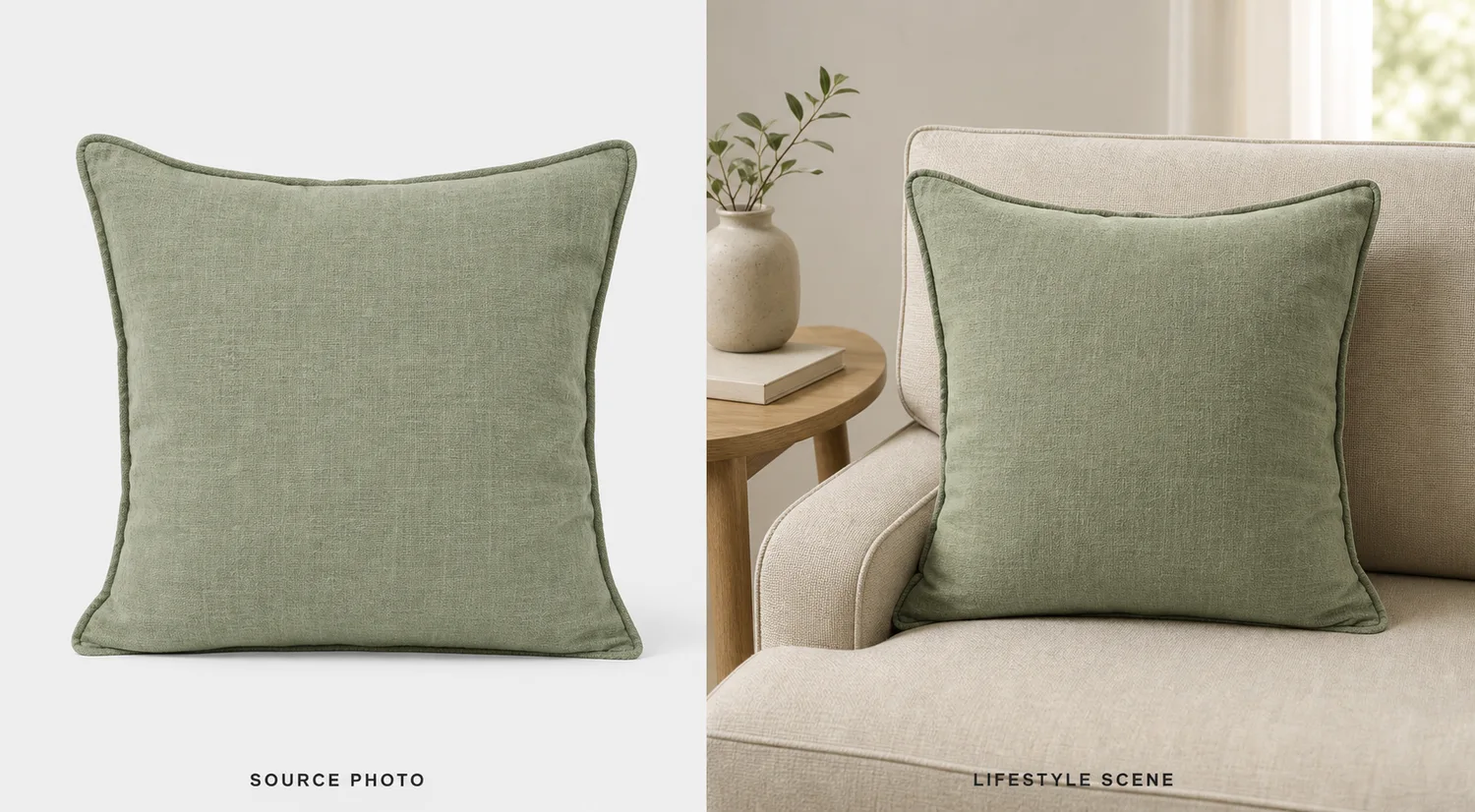
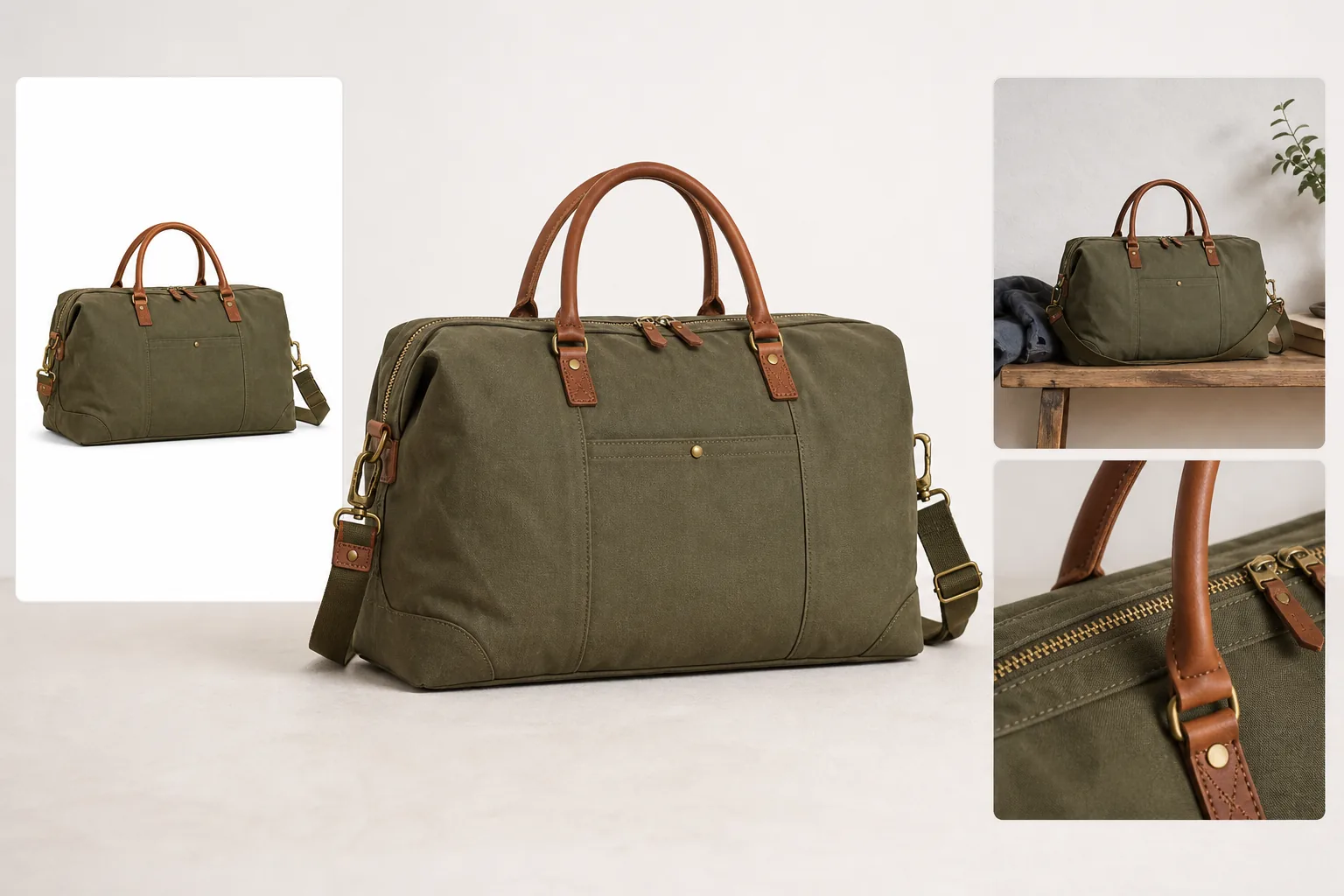
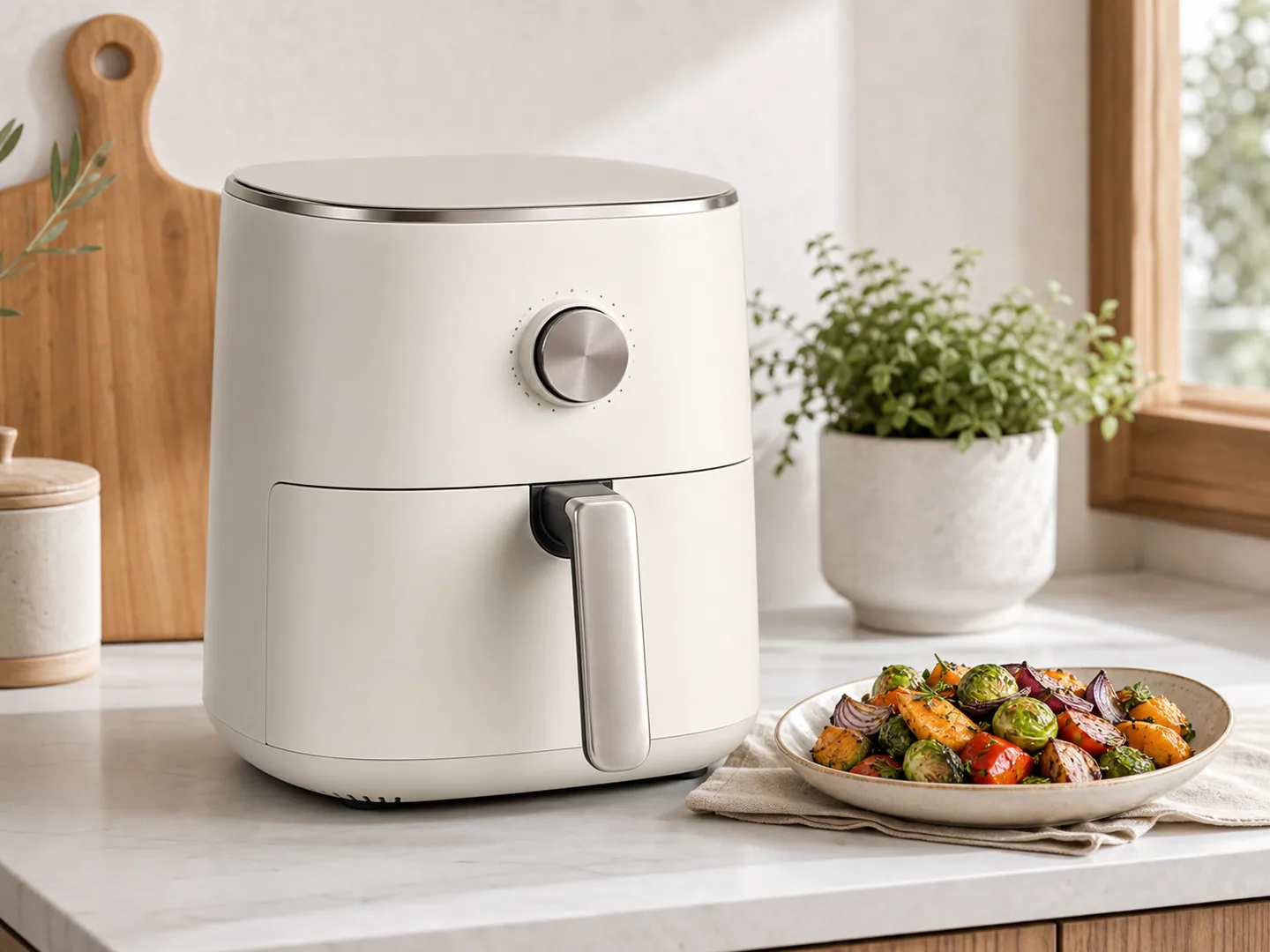
For Create Natural-Light Product Photos for Flowers and Plants, KrafLayer helps when the product is real but the surrounding scene needs work. Use Replace BG for a prompted or reference-based scene, or Scene Compose when product position and scale must match a base scene. Use the scene to support listing images, detail pages, or ad assets, then check that scale, material, placement, and shadow still make sense in the space.
Flower and plant product images need freshness and truth. AI can improve light and setting, but it should not change bloom color, leaf shape, plant fullness, pot size, or the condition shoppers expect to receive.
What to protect
Preserve bloom count, leaf texture, stem direction, pot shape, soil or moss detail, color, and scale. Do not make a sparse plant look like a different fuller product.
Workflow
1. Choose soft window light or bright overcast light. 2. Keep the plant shape and pot scale fixed. 3. Use simple surfaces and minimal props. 4. Preserve realistic freshness and color. 5. Check whether the image over-promises size or bloom density.
Where KrafLayer Fits
When you apply this Create Natural-Light Product Photos for Flowers and Plants workflow in KrafLayer, the tool choice matters: use Replace BG for a prompted or reference-based scene, or Scene Compose when product position and scale must match a base scene. After generation, judge the image by the channel it serves — listing images, detail pages, or ad assets — and check that scale, material, placement, and shadow still make sense in the space.
Prompt to use in KrafLayer
~~~text Use the uploaded flower or plant product as the exact reference. Create a natural-light ecommerce product photo with soft daylight, clean background, and realistic freshness. Preserve bloom color, leaf shape, stem direction, plant fullness, pot shape, soil detail, scale, and material texture. Do not add extra blooms, change species, exaggerate fullness, alter pot design, or make the product look unrealistic. ~~~
FAQ
Can AI make plant photos look fresher?
It can improve light and remove minor distractions, but it should not misrepresent bloom count, plant size, or species.
What background works best?
Soft window light, neutral surfaces, and simple home contexts usually work better than busy garden scenes.
Why do AI plant images look fake?
AI may repeat leaves or invent blooms. Lock species, shape, and bloom count when accuracy matters.
Keep exploring
Continue the story
More practical guidance on product accuracy, composition, and conversion-ready visuals.
Put it into practice
Take the next step in KrafLayer
Choose a generation or editing workflow that matches what you just learned.