Edit tools
Product Photo Editing App Checklist for Store Owners
TL;DR
Choose a product photo editing app by checking background cleanup, object removal, upscaling, output roles, and SKU accuracy before publishing.
A product photo editing app is worth using when it helps you publish clearer store images without changing what the product actually is. The practical rule is simple: choose the app that fixes the blocker in the source photo, keeps SKU-defining details stable, and lets you review the whole image set before it goes live.
For store owners, KrafLayer's [product photo editor](/product-photo-editor) is useful because the editing jobs are separated: remove a background when you need a reusable cutout, erase a small distraction when the composition is already good, upscale when the file is too small, and replace a background only when the product itself is still accurate.
What A Product Photo Editing App Should Actually Do
The best product photo editing app for an online store is not the one with the longest feature menu. It is the one that helps you move a real product image from source photo to publishable asset without losing product truth.
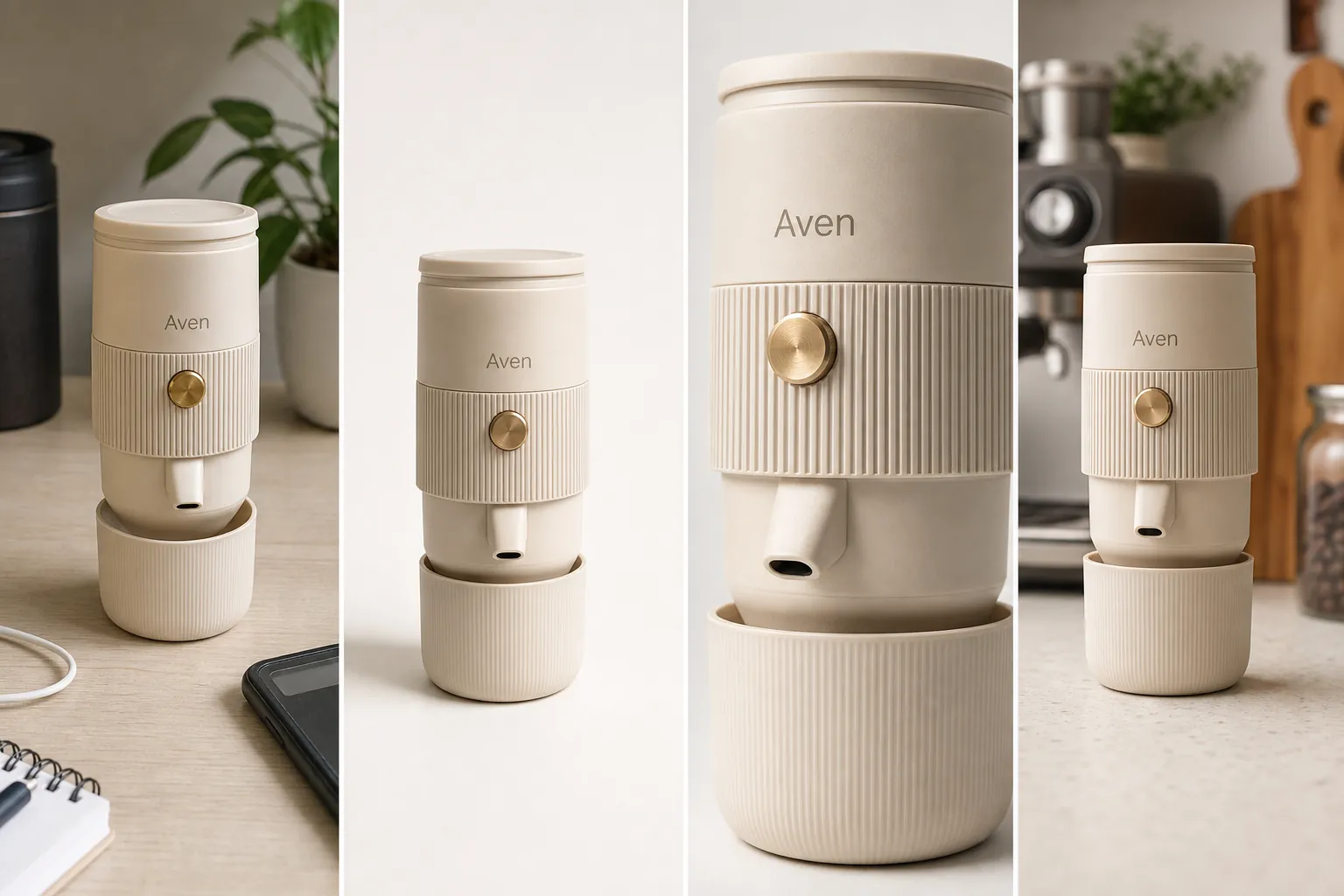
For the Aven espresso maker example, the app has four jobs:
- clean the phone photo without changing the cream body, brass button, ribbed band, short spout, cup base, or scale
- create a main image where the buyer understands the product immediately
- make a detail crop that proves texture, parts, and finish
- prepare a lifestyle or ad-ready crop that still matches the same SKU
That is a stronger test than asking whether an app can make images look polished. A polished image can still be wrong if it invents a different product.
App Checklist For Store Owners
Use this checklist before committing a product photo workflow to any ecommerce photo editing app:
- Source handling: can you start from the actual product photo, not only from a blank prompt?
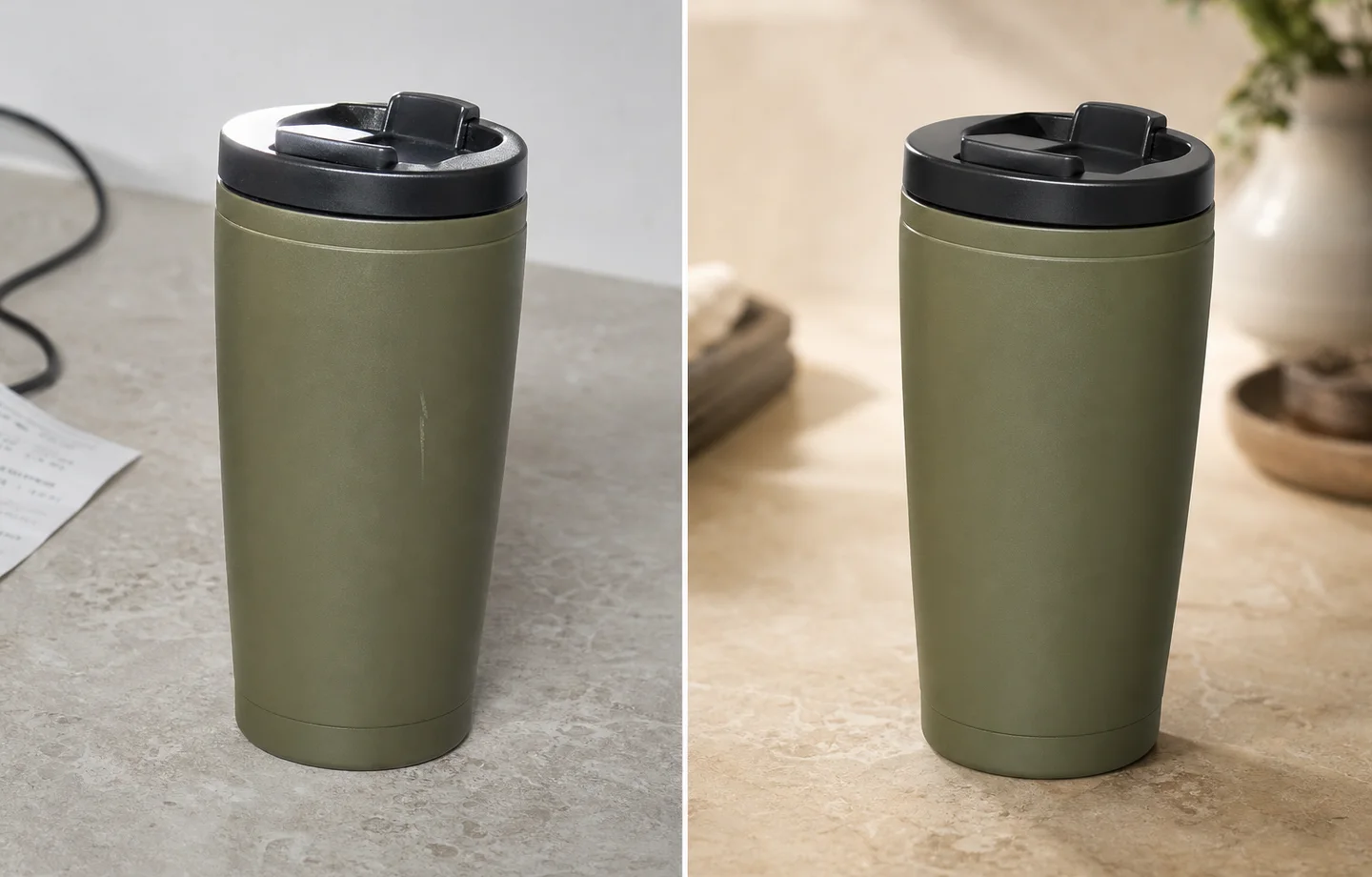
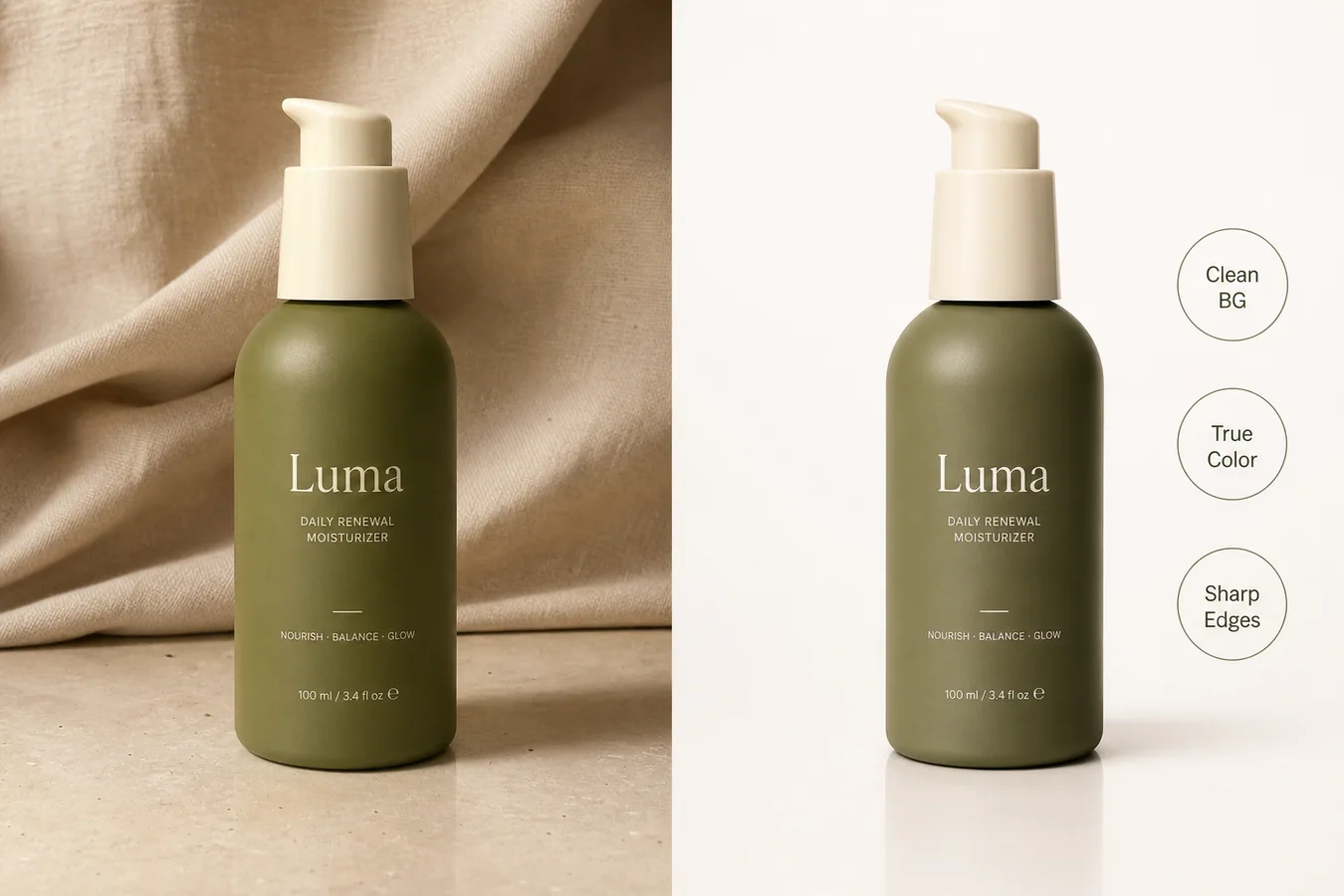
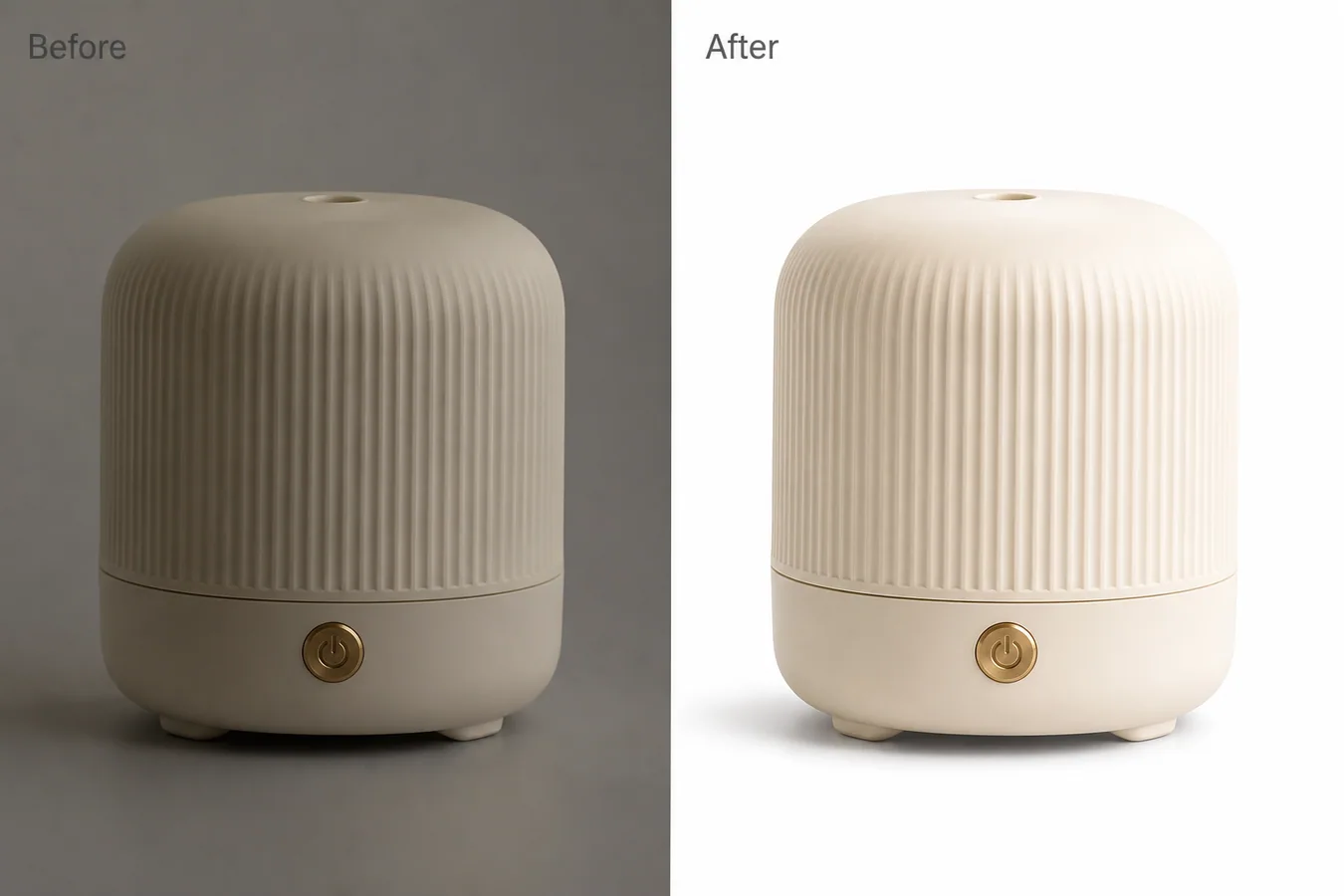
- Background cleanup: can the app remove a background cleanly without manual masking for every image?
- Object cleanup: can you remove one small distraction without regenerating the whole product?
- Resolution: can the app upscale a truthful source while preserving edges, labels, texture, and transparent areas?
- Background replacement: can it create a new scene while keeping the product isolated and recognizable?
- Review loop: can you compare the result against the original before publishing?
- Output roles: can you produce a main image, detail image, lifestyle image, and ad crop from one product truth list?
- Export quality: are the final files clean enough for store pages, marketplace drafts, and paid creative?
If an app only creates beautiful images but gives you no way to protect product facts, it is risky for ecommerce work.
Match The Tool To The Editing Job
Choose the smallest edit that solves the current blocker. This keeps the final image easier to inspect.
Use an [AI background remover](/tools/ai-background-remover) when the product is accurate but the surroundings are not useful. In KrafLayer, Remove BG is a one-click automated background-removal tool. It does not need a prompt or a hand-painted mask; the output is a transparent PNG with alpha preserved.
Use an [AI object eraser](/tools/ai-object-eraser) when the image is mostly right but one area is distracting. This is a brush-mask job. Paint the unwanted prop, dust mark, cable, sticker on an owned product photo, or background blemish, then inspect the fill. If the mask touches product edges, make it tighter and retry.
Use an [AI image upscaler](/tools/ai-image-upscaler) when the image is too small for the channel but still contains usable detail. Upscaling is one-click in KrafLayer. Review product edges, texture, small text, transparent edges, ports, seams, buttons, and hardware after the upscale.
Use background replacement when the product needs a different context. KrafLayer's Replace BG isolates the product automatically, then lets you guide the new background with a text prompt or reference image. That is different from Remove BG: replacement adds a scene, so product accuracy review matters more.
A Store Image Workflow That Works
Run the product through the editing app in image roles, not random edits:
- Main image: remove clutter, keep the product centered, and make the object readable at thumbnail size.
- Detail image: crop close enough to show material, controls, seams, texture, cap, spout, stitching, label area, or hardware.
- Lifestyle image: add context only when it helps the buyer understand scale, use, or material.
- Ad crop: leave room for layout if needed, but do not add fake badges, review stars, platform UI, discounts, certifications, QR codes, or unsupported claims.
The detail image is the quality gate. If the close crop no longer matches the main image, the editing app has changed too much.
Product Truth List Before You Edit
Before using any product photo editing app, write a short product truth list. It should name the details the app must not change.
For the Aven espresso maker, the protected details are:
- compact cylindrical shape
- matte cream body
- brass round button
- vertical ribbed grip band
- short front spout
- detachable cup base
- subtle Aven mark
- natural product scale and shadow
For other products, swap in the relevant facts: zipper teeth, fabric weave, package label area, pump shape, cap geometry, glass thickness, port layout, dial markers, strap stitching, button count, metal finish, or colorway. The point is not to write a long spec sheet. The point is to make the review concrete.
Red Flags In Photo Editing Apps
Be careful when an app:
- changes product color to make the image more attractive
- invents label text, logos, badges, certifications, or claims
- smooths away material texture that buyers need to inspect
- redraws hardware, ports, seams, buttons, straps, or lids
- makes every product look like the same studio template
- hides the product behind a scene, prop, or text overlay
- has no clear way to compare the output against the source
These issues matter more than small aesthetic differences. Store images have to sell the real item, not an upgraded version of it.
Where KrafLayer Fits
KrafLayer is a practical product photo editing app when the job is ecommerce-specific. Use it as a controlled workflow:
- start with the actual product image
- remove the background if the first need is a clean cutout
- erase one distraction if the original scene is usable
- upscale after the product facts are already correct
- use the [AI background replacer](/tools/ai-background-replacer) or create a new product image role only after the main product passes review
- check the whole set before publishing
This avoids the common mistake of asking AI for a new beautiful image before deciding what the current product photo actually needs.
FAQ
What is a product photo editing app?
A product photo editing app helps store owners prepare product images for ecommerce pages, marketplaces, ads, and product detail sections. The useful version should clean backgrounds, remove distractions, improve resolution, and create image roles while preserving the real product's color, shape, material, labels, hardware, and scale.
What is the best product photo editing app for ecommerce?
The best product photo editing app is the one that matches your image problem. For ecommerce, look for background removal, object cleanup, upscaling, background replacement, source-image control, and review tools. Avoid choosing only by style presets because product accuracy matters more than a dramatic look.
Do I need prompts for every product photo edit?
No. Some edits should not use prompts. In KrafLayer, Remove BG and Upscale are one-click workflows, and Erase uses a brush mask. Prompting is useful for background replacement, mask edits, reference-image edits, or scene composition, where the app needs direction for new content.
Can AI photo editing change my product by accident?
Yes. AI can shift color, simplify texture, redraw small hardware, move label areas, or invent details when the edit is too broad. Use a product truth list, make one edit at a time, and review the result against the source before publishing.
Should I use a product photo editing app for marketplace images?
You can use an app to prepare cleaner marketplace images, but do not treat the app as an approval guarantee. Check the current rules for your selling channel and avoid misleading edits, fake badges, review stars, platform UI, certifications, discounts, barcodes, QR codes, or unsupported claims.
Conclusion
A product photo editing app should help a store owner finish product images with less cleanup work and fewer reshoots, but it still has to protect the real product. Start with the source photo, choose the smallest edit, check a product truth list, and build the image set one role at a time. KrafLayer fits that workflow by keeping background removal, object erasing, upscaling, and background replacement as separate decisions instead of one uncontrolled makeover.
Keep exploring
Continue the story
More practical guidance on product accuracy, composition, and conversion-ready visuals.
Put it into practice
Take the next step in KrafLayer
Choose a generation or editing workflow that matches what you just learned.