Edit tools
How to Use Non-Destructive AI Image Editing for Ecommerce Product Photos
TL;DR
A practical guide to non-destructive AI product photo editing: preserve originals, create controlled variants, protect SKU truth, and build a safer ecommerce visual workflow. Includes how to do it in KrafLayer.
TL;DR
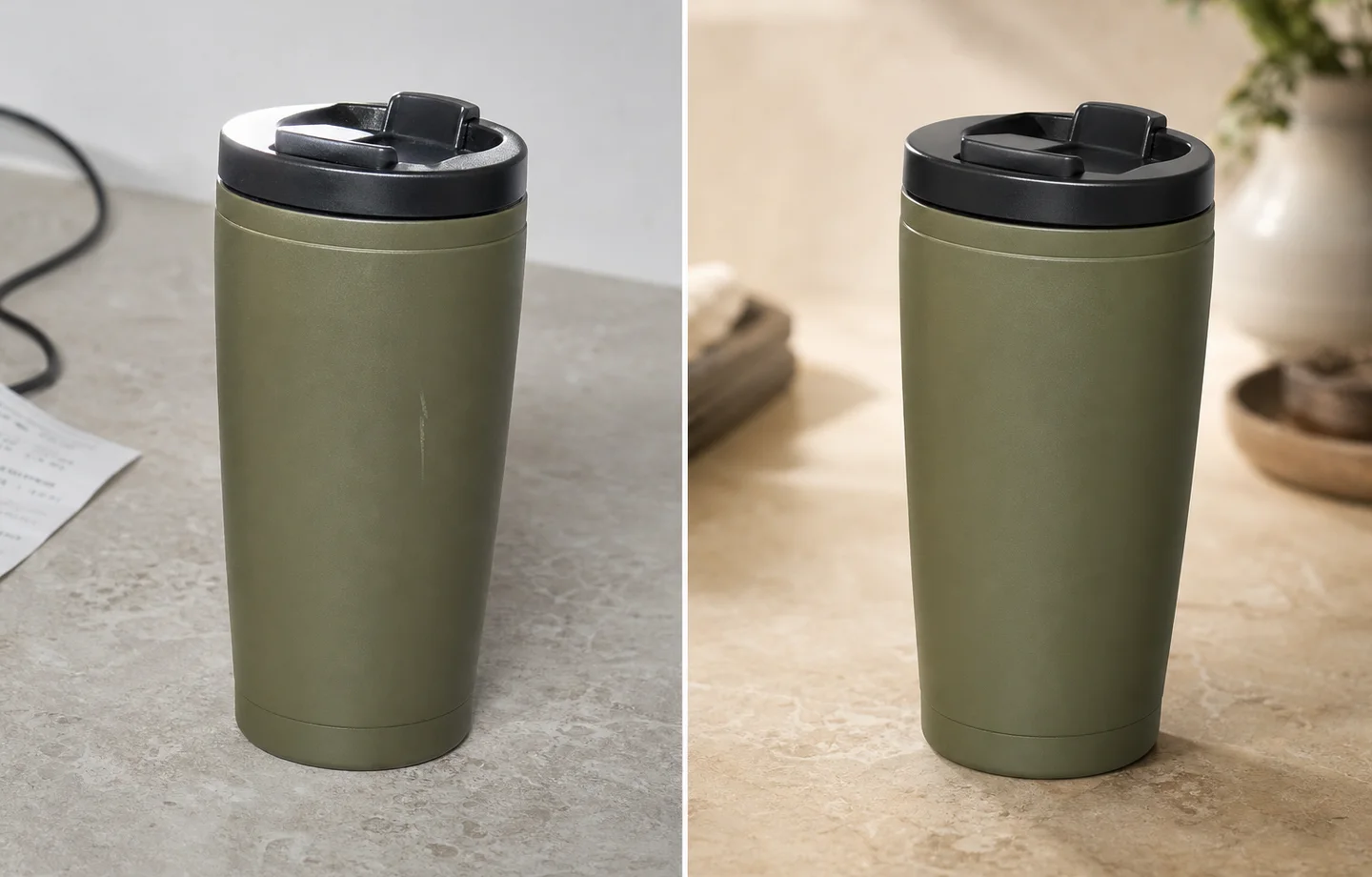
For Use Non-Destructive AI Image Editing for Ecommerce Product Photos, KrafLayer is useful when a real product reference needs to become a usable asset for listing images, detail pages, or ad assets. Treat it as production editing, not product reinvention; the test is whether shape, material, labels, color, scale, and accessories still match the source SKU.
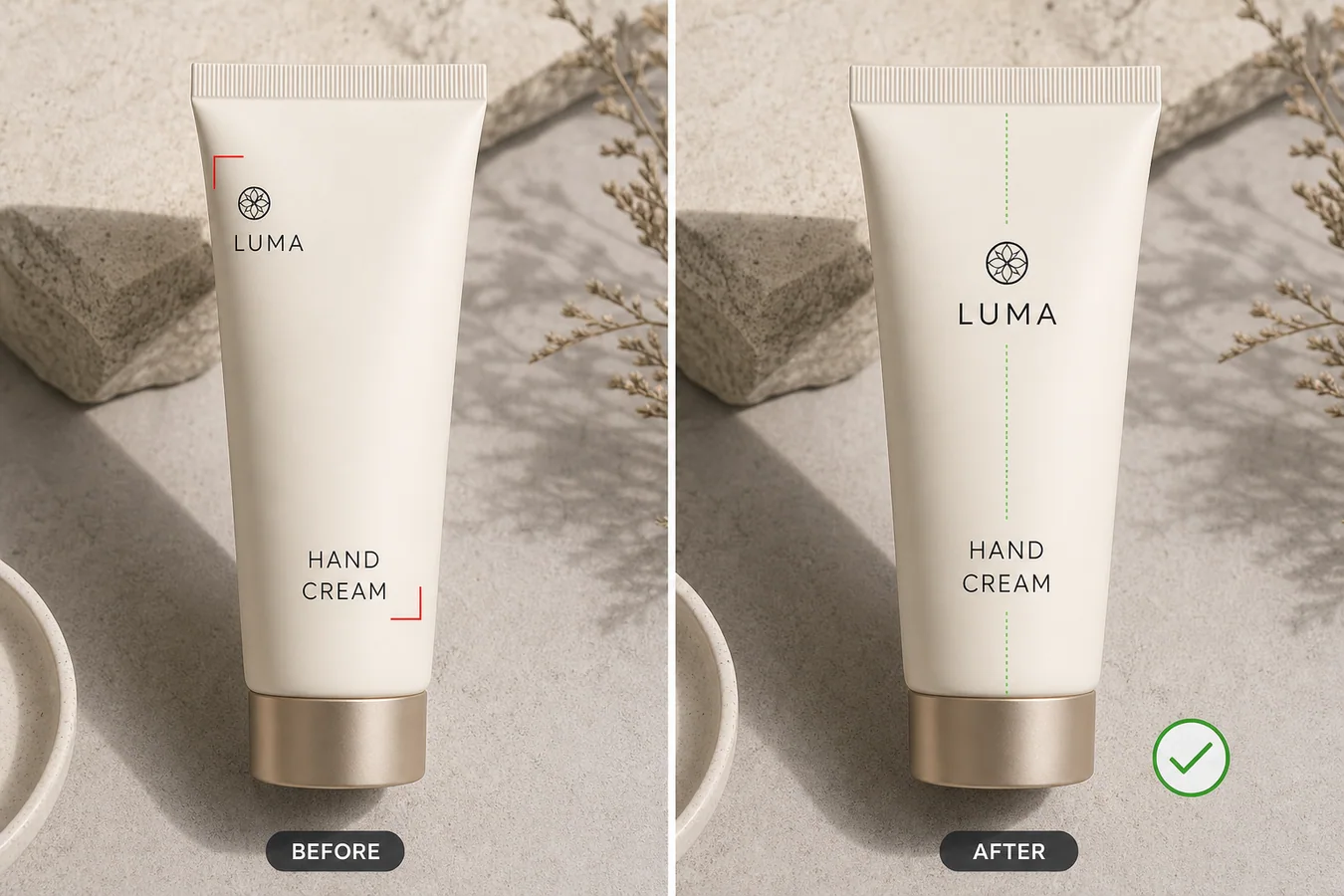
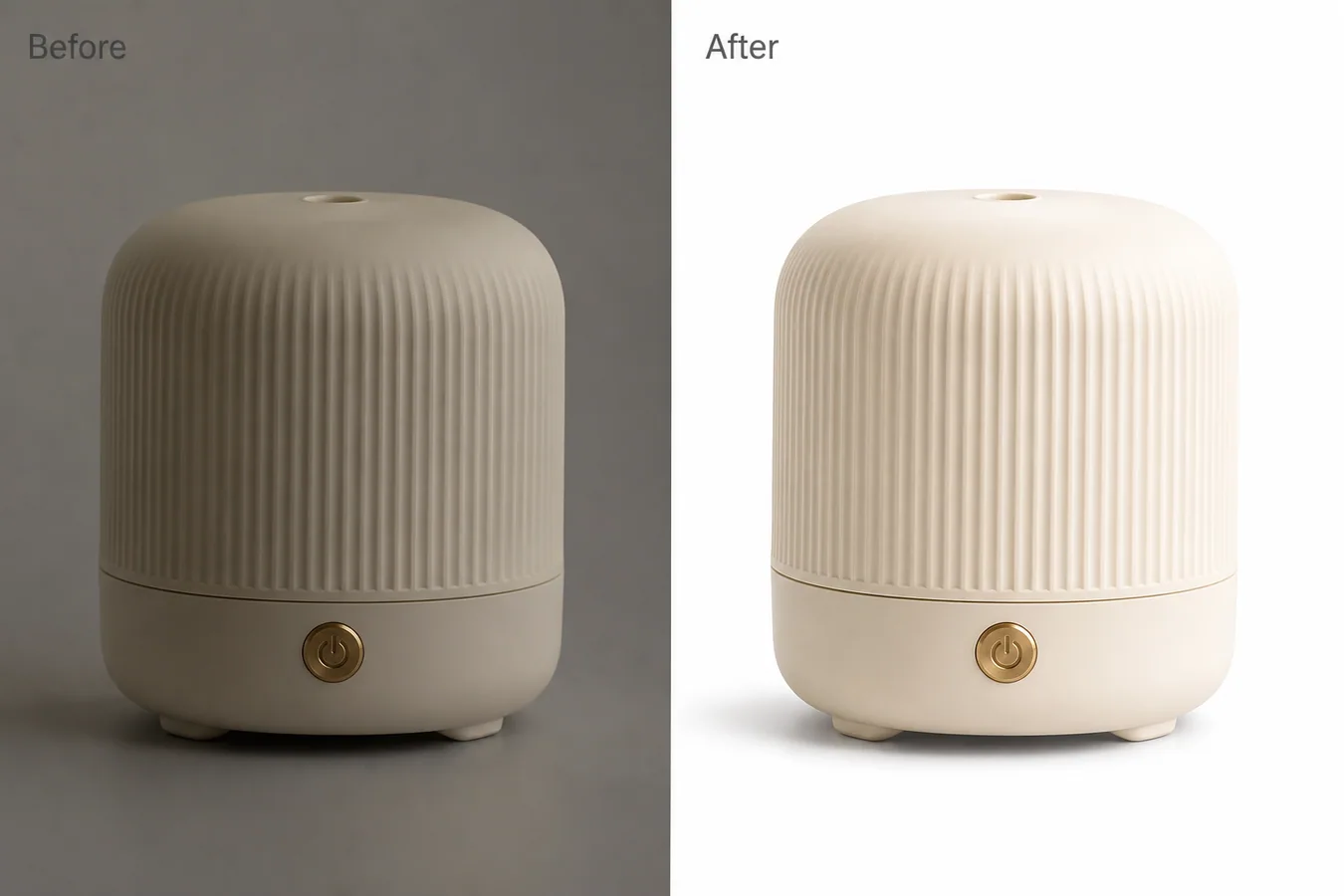
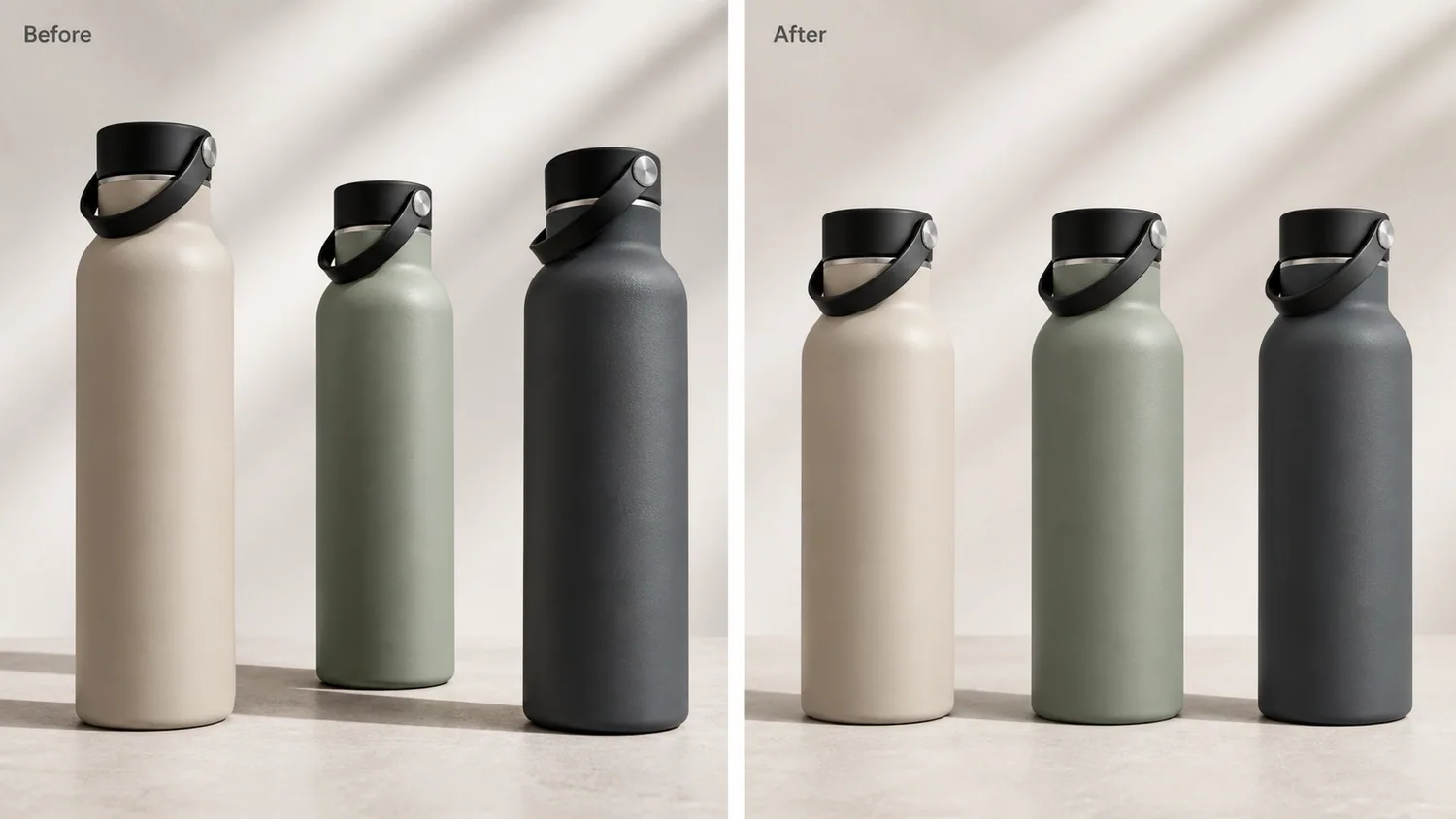
Non-destructive AI image editing means you improve ecommerce visuals without losing the original product reference or the ability to roll back. For product teams, this matters because a beautiful edit is not useful if nobody can prove what changed.
Use a non-destructive workflow for background changes, local cleanup, color correction, product-on-model images, campaign variants, and detail-page modules. The original SKU image should remain the source of truth.
Why ecommerce teams need non-destructive editing
Product visuals move through many hands: founder, designer, marketplace operator, ad buyer, and catalog manager. If edits overwrite the original, teams lose control over product truth, variant history, and channel-specific versions.
A safer workflow keeps the original, stores edited outputs separately, and makes each generation purpose clear: main image, detail image, ad creative, social cover, or landing-page hero.
Practical workflow
1. Save the original product image as the reference, not as an editable throwaway. 2. Make one edit per pass: background, exposure, object removal, upscale, or style variation. 3. Keep prompt notes for important outputs so a good direction can be repeated. 4. Compare every final image against the original for SKU accuracy. 5. Export channel versions separately instead of overwriting the master image.
Where KrafLayer Fits
When you apply this Use Non-Destructive AI Image Editing for Ecommerce Product Photos workflow in KrafLayer, start from the clearest product reference, then decide whether the asset needs cleanup, lighting, background work, detail support, or an ad version. Before using it for listing images, detail pages, or ad assets, check that shape, material, labels, color, scale, and accessories still match the source SKU.
Prompt to use in KrafLayer
~~~text Use the uploaded image as the source product reference. Create a controlled ecommerce edit for [specific task]. Preserve the real SKU: product shape, material, color, label, logo area, scale, functional details, and natural shadow. Change only [background/exposure/object/style/crop]. Keep the result suitable for [channel]. Do not overwrite product identity, invent new features, or make unrelated design changes. ~~~
What to track
- Original source image.
- Final edited output.
- Prompt or brief used for the edit.
- Channel target and crop ratio.
- Product details that were checked before publishing.
Summary
Non-destructive editing is less about software jargon and more about trust. Keep originals intact, make edits in controlled passes, and publish only images that still match the real product.
FAQ
What makes AI editing non-destructive?
The original file remains untouched, and each AI output becomes a separate version. A team can compare, reject, revise, or reuse edits without losing the source reference.
Why not fix everything in one AI prompt?
Large prompts often create uncontrolled changes. Separate passes make it easier to see what changed and catch product drift before publishing.
Is non-destructive editing important for small shops?
Yes. Even a small store benefits from keeping originals, because product pages, ads, and seasonal campaigns often need different crops and styles later.
Keep exploring
Continue the story
More practical guidance on product accuracy, composition, and conversion-ready visuals.
Put it into practice
Take the next step in KrafLayer
Choose a generation or editing workflow that matches what you just learned.