Ecommerce
Shopify Product Image Size Guide for Product Pages and Collections
TL;DR
Shopify product images should start from large, clean source files, then be cropped consistently for product pages, collection grids, and campaign modules. Shopify's product media guidance supports large images up to 5000 x 5000 px or 25 megapixels, with product images under 20 MB.
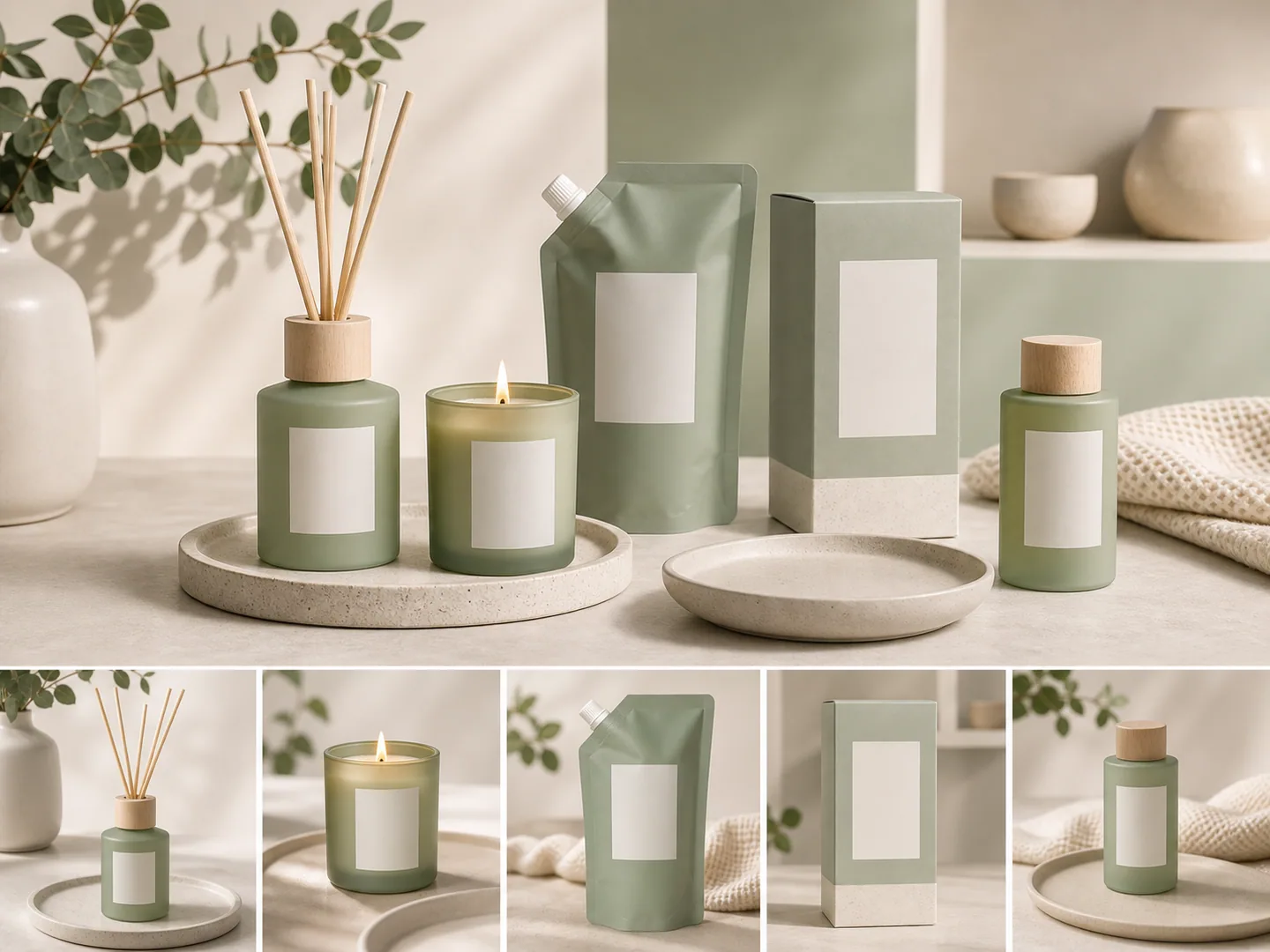
Shopify product image size is about more than one number
Shopify product image size matters because one upload can appear in multiple places: product pages, collection grids, thumbnails, related product sections, search results, landing pages, and campaign modules. The right image needs enough resolution for detail while staying consistent across the store.
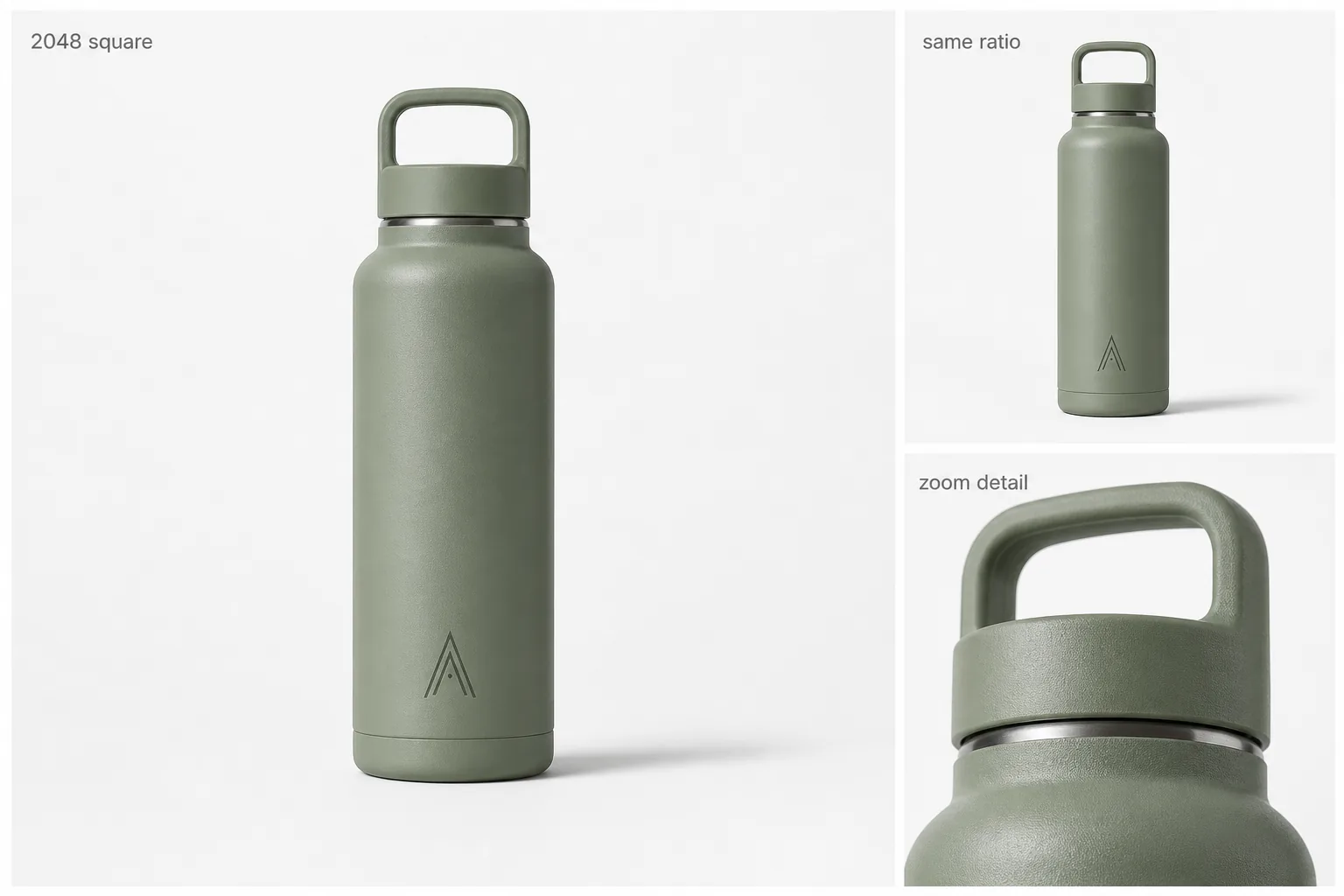
Shopify's product media guidance says product and collection images can be uploaded up to 5000 x 5000 px or 25 megapixels, and product images should stay under 20 MB. Shopify also notes that square product images around 2048 x 2048 px usually display best. Always verify current guidance in Shopify Help before building a large image pipeline: [Shopify product media types](https://help.shopify.com/en/manual/products/product-media/product-media-types).
KrafLayer's [Shopify product images](/use-cases/shopify-product-images) page uses that guidance as a practical starting point, then focuses on the part merchants can control: consistent crop, product scale, focal point, and visual system.
Recommended Shopify image planning table
| Store area | Practical image goal | What to check |
|---|---|---|
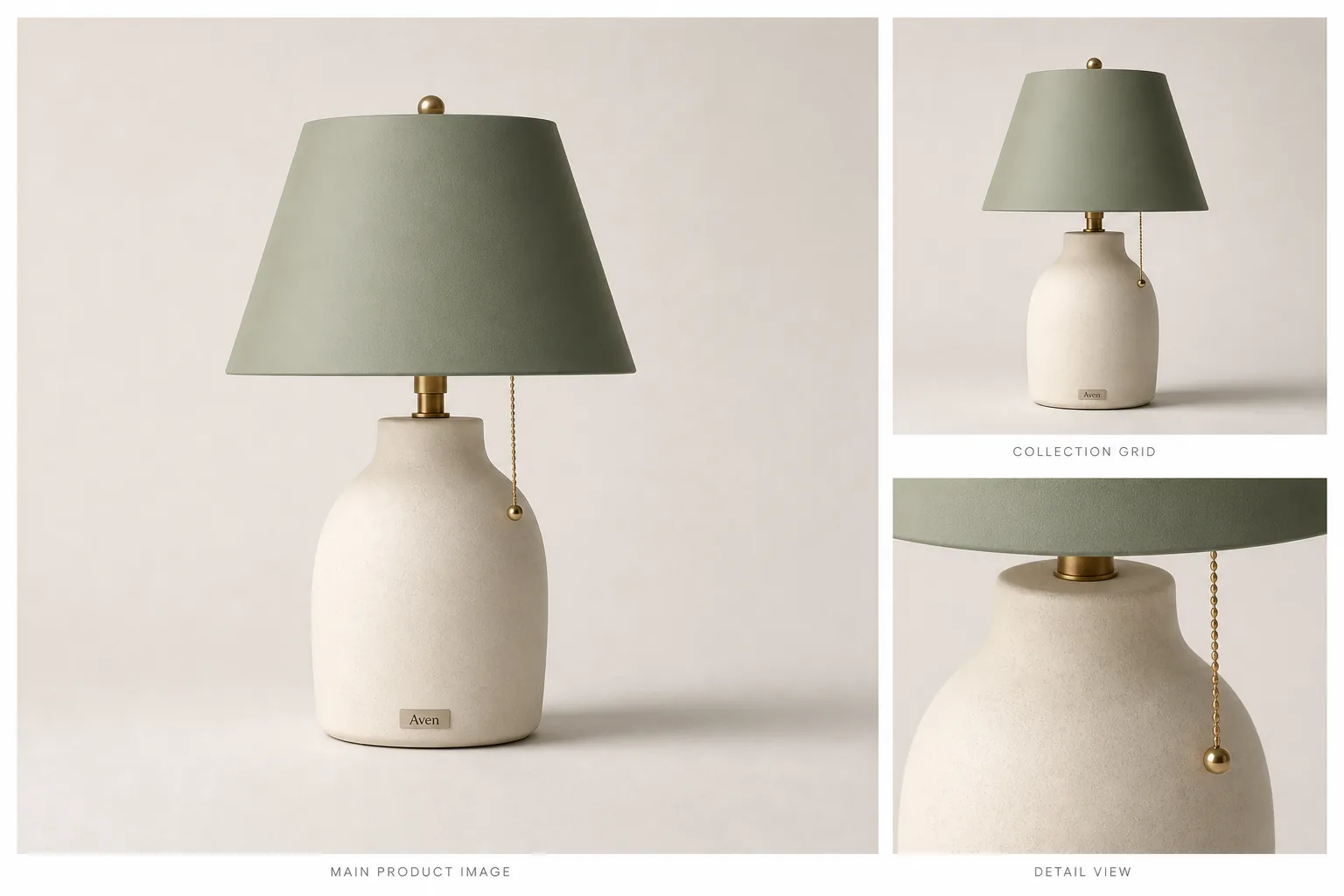
| Product page hero | Large, clean, product-first image | Product detail, label readability, material, crop safety |
| Product gallery | Multiple angles or use contexts | Consistent scale and lighting across images |
| Collection grid | Fast recognition across SKUs | Shared aspect ratio, background tone, crop rhythm |
| Campaign section | More brand mood and negative space | Product still leads the composition |
| Detail module | Feature, material, scale, or use proof | Avoid tiny text and over-designed callouts |
Why square images are often safer
Square images are common in ecommerce because they are easier to reuse across grids, product pages, thumbnails, and theme layouts. A square image gives the theme more predictable cropping behavior, especially when different SKUs appear side by side.
That does not mean every Shopify image must be square. Campaign banners, product page lifestyle sections, and landing-page modules often need wider or taller crops. The safer rule is this: keep product identity inside the focal area, and generate alternate crops for layouts that need them.
How to prepare Shopify product images with AI
Use this workflow when you already have a product reference:
1. Start with the cleanest product image available. 2. Use [product photo editor](/product-photo-editor) tools if the source has clutter, weak edges, dust, low resolution, or a distracting background. 3. Use [AI product image generator](/ai-product-image-generator) for product-page, collection, detail, and campaign variants. 4. Keep crop language consistent across a product family. 5. Review every output at thumbnail size and product-page size.
The thumbnail check is important. A product image that looks beautiful full-screen can fail in a collection grid if the product becomes too small, the label disappears, or the background dominates.
Product page images vs collection images
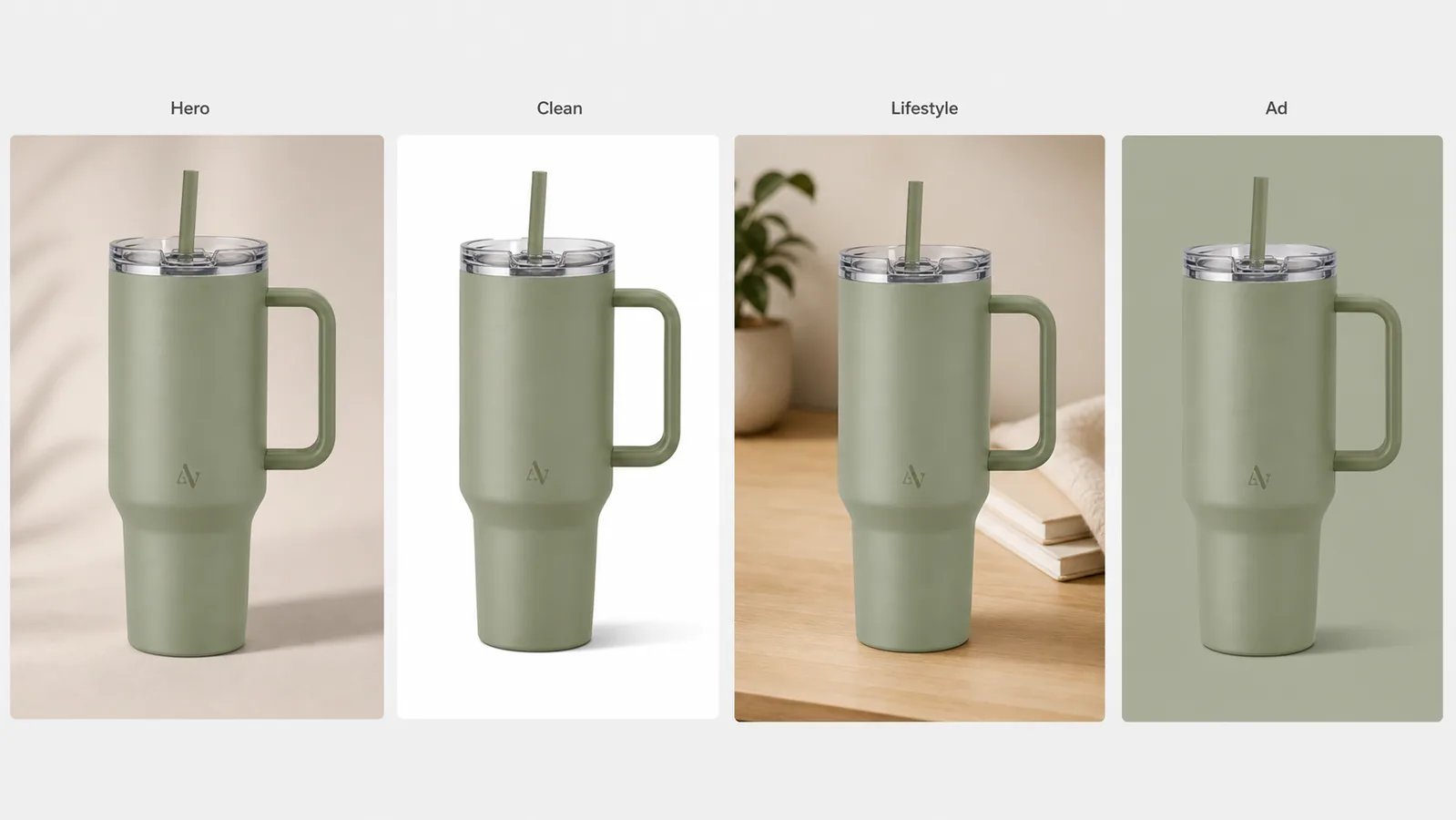
Product page images can show more detail and variety. You can include close-ups, lifestyle views, texture, packaging, and use context. Collection images need faster recognition. They should help a shopper compare multiple products without visual chaos.
For collection grids, repeat:
- Similar product scale.
- Similar background tone.
- Similar shadow direction.
- Similar camera angle where possible.
- Enough margin for theme cropping.
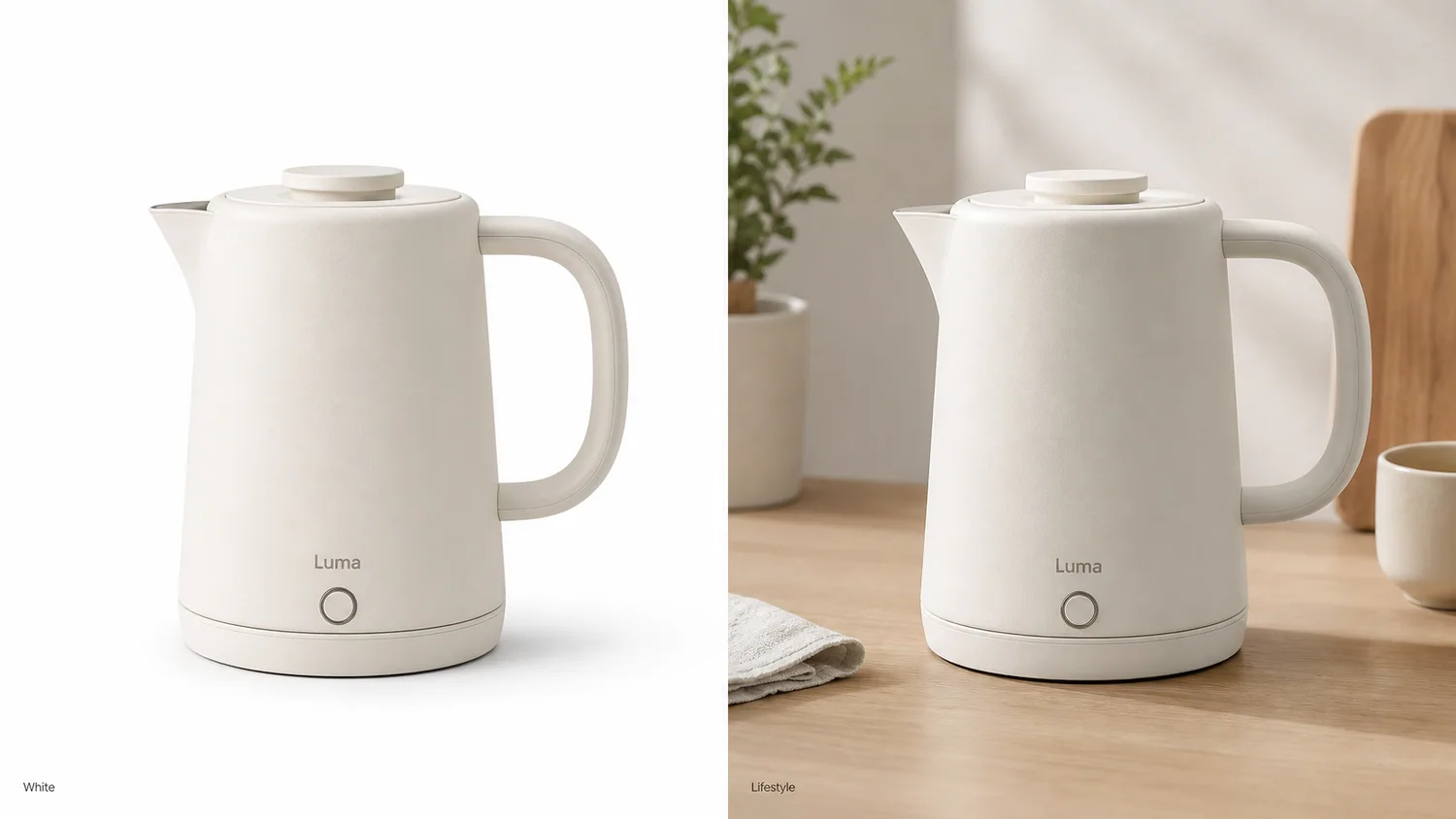
This is where AI can help. Instead of manually recreating a set for each SKU, you can generate a coherent image family from product references and review the final outputs for consistency.
Common Shopify image mistakes
Avoid these issues:
- Mixing square, vertical, and wide images in the same product grid without a reason.
- Letting lifestyle props become more visible than the product.
- Cropping labels, handles, straps, or signature details.
- Uploading tiny files and relying on upscaling at the end.
- Using a different background style for every SKU in one collection.
KrafLayer workflow for Shopify images
Use [AI product image generator](/ai-product-image-generator) for product-page and collection image families. Use [AI product photography](/ai-product-photography) when model or lifestyle context matters. Use [product photo editor](/product-photo-editor) before generation when the source photo needs repair.
This keeps the Shopify workflow practical: clean source, clear output job, consistent crop, brand mood, and final human review.
FAQ
What size should Shopify product images be?
Shopify guidance supports product and collection images up to 5000 x 5000 px or 25 megapixels, with product images under 20 MB. Shopify also notes that 2048 x 2048 px square images usually display best for square product images. Check current Shopify Help before relying on exact numbers.
Are square Shopify product images required?
Square images are not the only possible format, but they are often safer for product pages and collection grids because they make crops and SKU comparison more consistent.
How many Shopify product images should a product have?
The exact count depends on the product, but a strong set often includes a main image, alternate angle, detail image, scale or use context, and at least one brand or lifestyle image.
Can AI create Shopify product images?
Yes. AI can create product-page heroes, collection crops, lifestyle images, and detail visuals from product references. The final output should still be reviewed for product identity, crop safety, and store consistency.
Keep exploring
Continue the story
More practical guidance on product accuracy, composition, and conversion-ready visuals.
Put it into practice
Take the next step in KrafLayer
Choose a generation or editing workflow that matches what you just learned.