Platforms
How to Take Good Etsy Product Photos With AI Without Losing Handmade Feel
TL;DR
A practical Etsy product photo workflow for using AI while preserving handmade texture, scale, color, and authenticity.
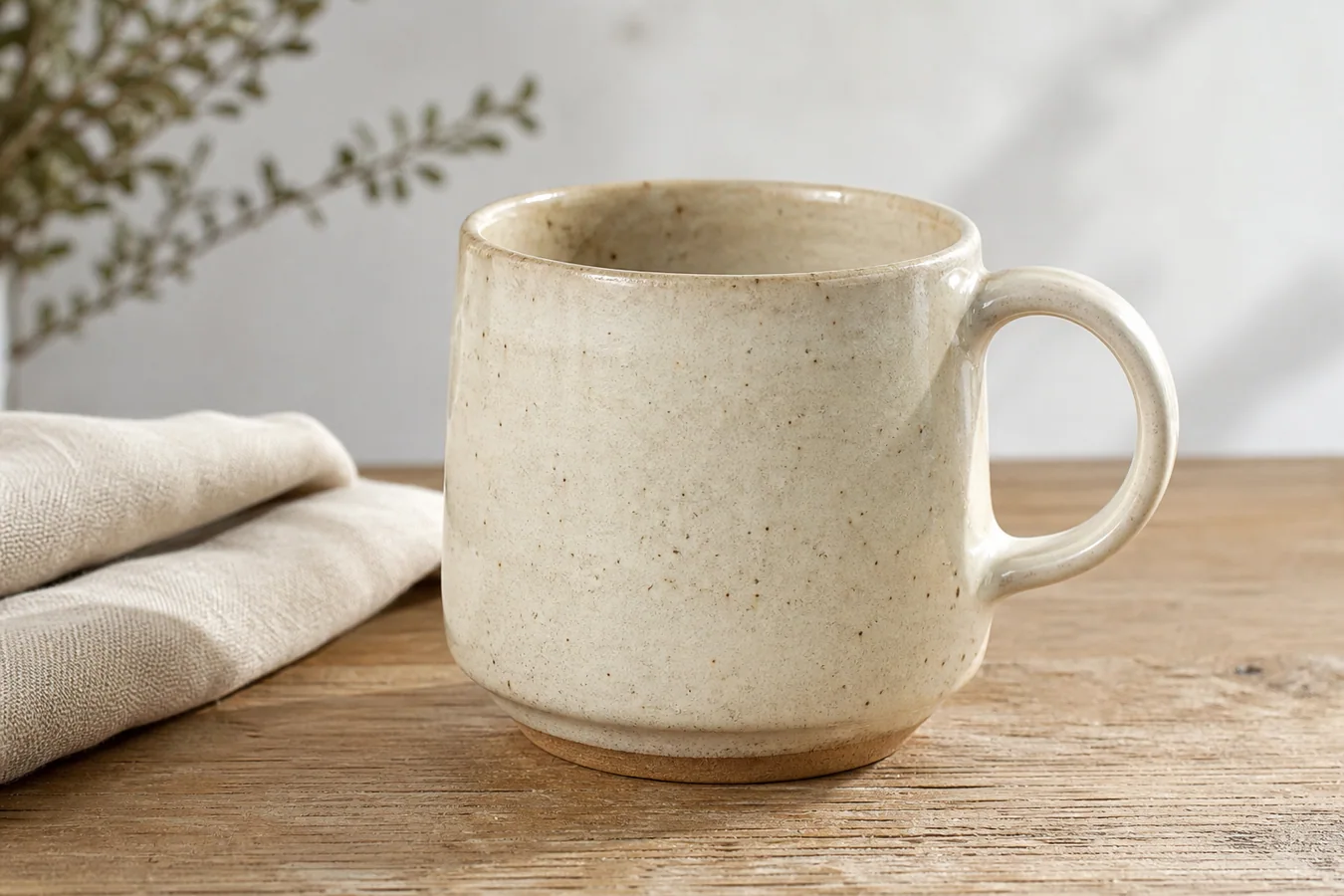
How to take good Etsy product photos with AI starts with a simple rule: make the handmade item easier to trust, not harder to believe. Start with a real product reference, protect the material and shape, then use AI only to improve lighting, background, crop, and selling context. The best Etsy image still feels like it came from a real object made by a real seller.
Practical rule: AI should clean the presentation around the handmade product, not replace the product's handmade character.
KrafLayer fits this workflow when you want one reference photo to become a clearer Etsy main image, a restrained lifestyle scene, or a detail image that keeps the original product facts under review. Use [AI product photography](/ai-product-photography) for new selling contexts, and use the [Etsy product photos](/marketplace-product-images/etsy-product-photos) workflow when the goal is a listing set that feels warm, accurate, and buyer-ready.
What Good Etsy Product Photos Need To Do
Good Etsy product photos have a different job from generic marketplace images. They still need clarity, but they also need evidence of craft: texture, scale, material, small variations, finish, and a believable use context.
For handmade products, the buyer is often asking three questions at once:
- What exactly am I buying?
- Does it look well made?
- Will it feel authentic when it arrives?
AI can help with the first two questions by improving light, crop, and scene quality. It can damage the third question if it smooths away texture, invents perfect symmetry, changes color, or makes the product look mass-produced.
Start With Product Truth
Do not begin by asking AI to imagine an Etsy product from scratch. Start with a real reference photo of the item you sell.
The reference image should show:
- the true shape and scale
- actual material texture
- color under decent light
- handmade details, seams, glaze, grain, weave, or tool marks
- labels, attachments, hardware, or packaging that matter to the buyer
If the source photo is messy, fix the presentation first. Crop, clean the background, correct exposure, or remove distracting shoot-side clutter in the [product photo editor](/product-photo-editor). Keep the product itself honest.
Build A Listing Set, Not One Perfect Image
An Etsy listing usually works better as a small image set than as one overworked hero photo. Each image should answer one buyer question.
A practical set can include:
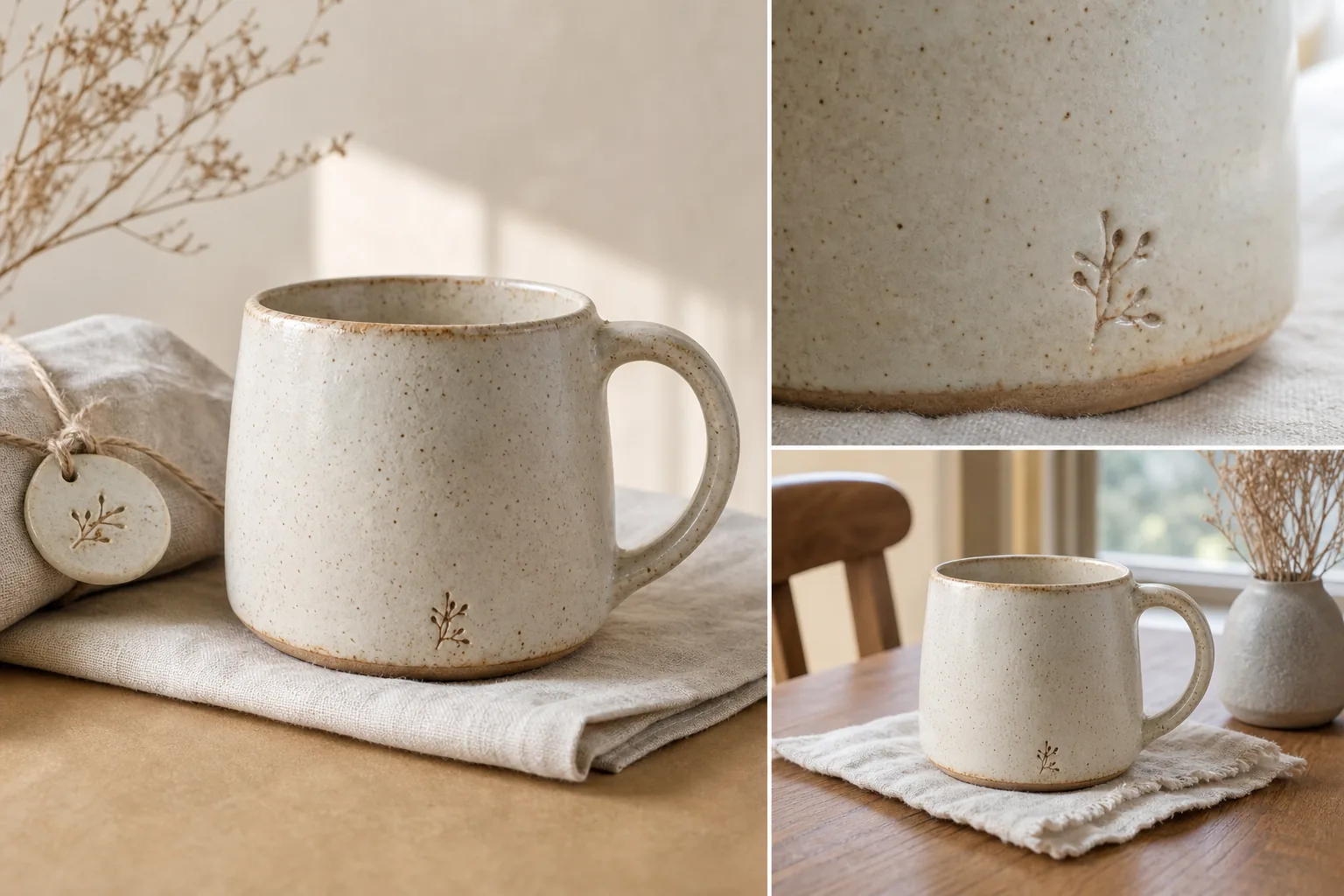
1. Main image: clear product view with natural light and strong crop. 2. Detail image: texture, material, stitching, glaze, grain, clasp, or finish. 3. Scale image: item near a hand, table, room object, model, or packaging when appropriate. 4. Lifestyle image: restrained scene that shows use or gifting context. 5. Variation image: color, size, finish, or bundle differences if the listing offers options.
The main image should not do every job. Let the detail and lifestyle images carry the handmade story.
Keep Handmade Texture Visible
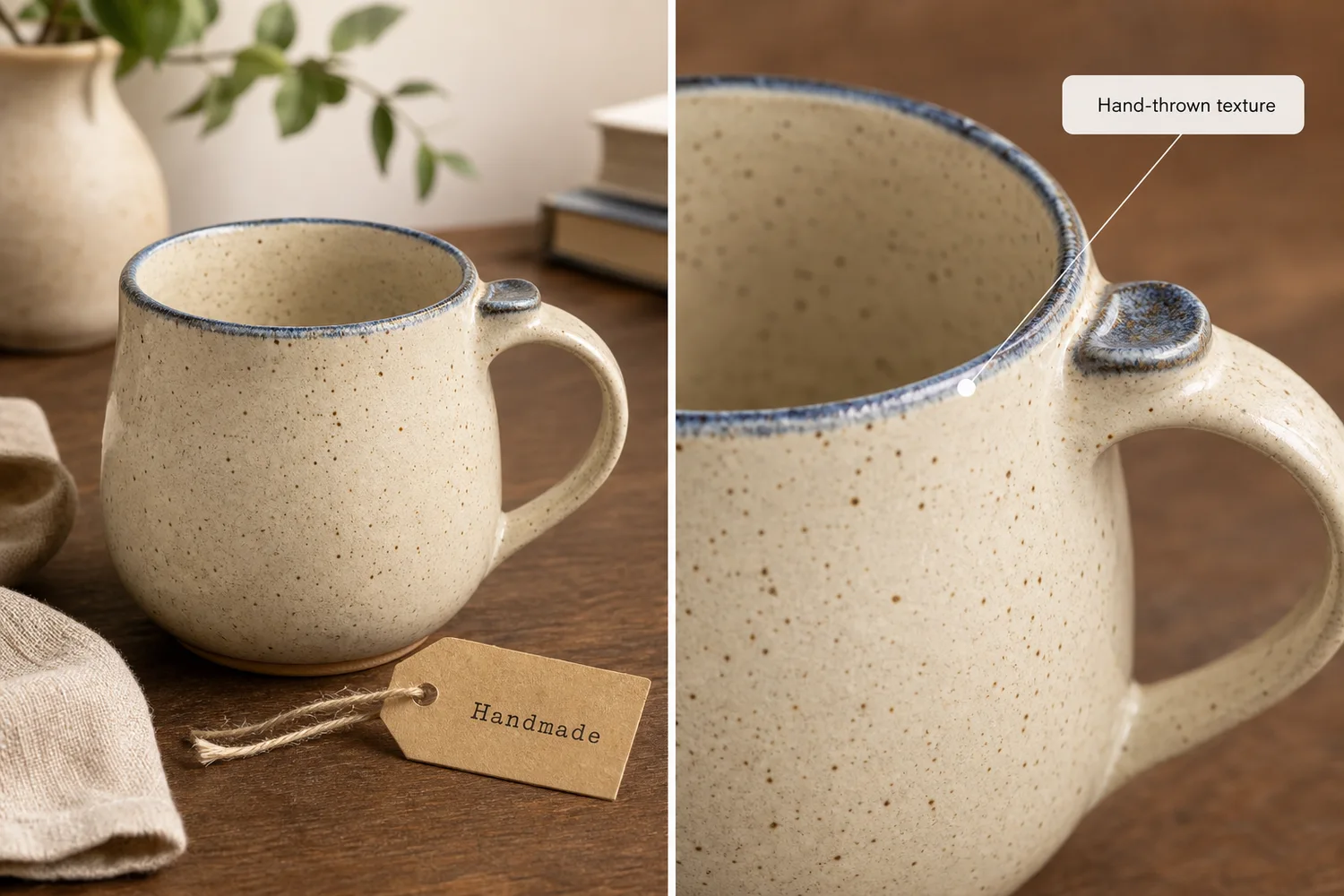
Many AI-generated product photos fail Etsy sellers because they over-polish the item. A ceramic mug becomes too smooth. A knitted scarf loses fiber texture. A leather wallet loses grain. A candle label becomes too perfect or changes shape.
Protect the details that make the product handmade:
| Product type | Details to protect |
|---|---|
| Ceramics | glaze speckles, rim thickness, foot ring, uneven handmade surface |
| Jewelry | stone shape, prongs, clasp, chain thickness, metal finish |
| Textiles | weave, stitching, seams, hems, drape, true color |
| Leather goods | grain, edge paint, stitching, hardware, fold lines |
| Wood products | grain direction, joinery, carved edge, finish sheen |
| Candles and soaps | label position, surface texture, container shape, color |
If those details disappear, the photo may look cleaner but less trustworthy.
Use AI For Light, Background, And Context
AI is most useful when it improves the setting around the item. That means better natural light, cleaner surface choice, a simpler background, or a context that explains use.
Good AI-assisted changes for Etsy include:
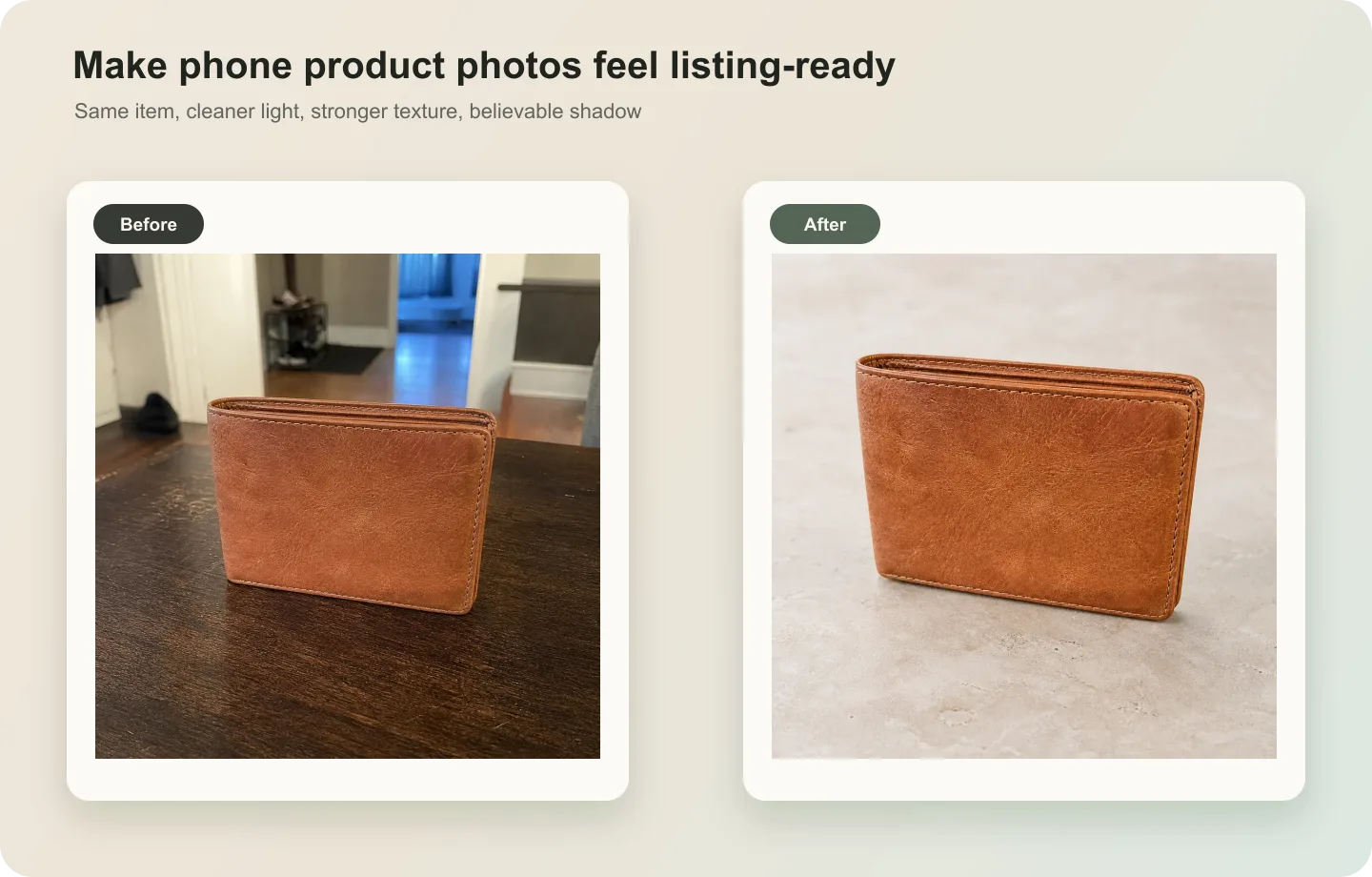
- turning a dull phone photo into a softly lit tabletop image
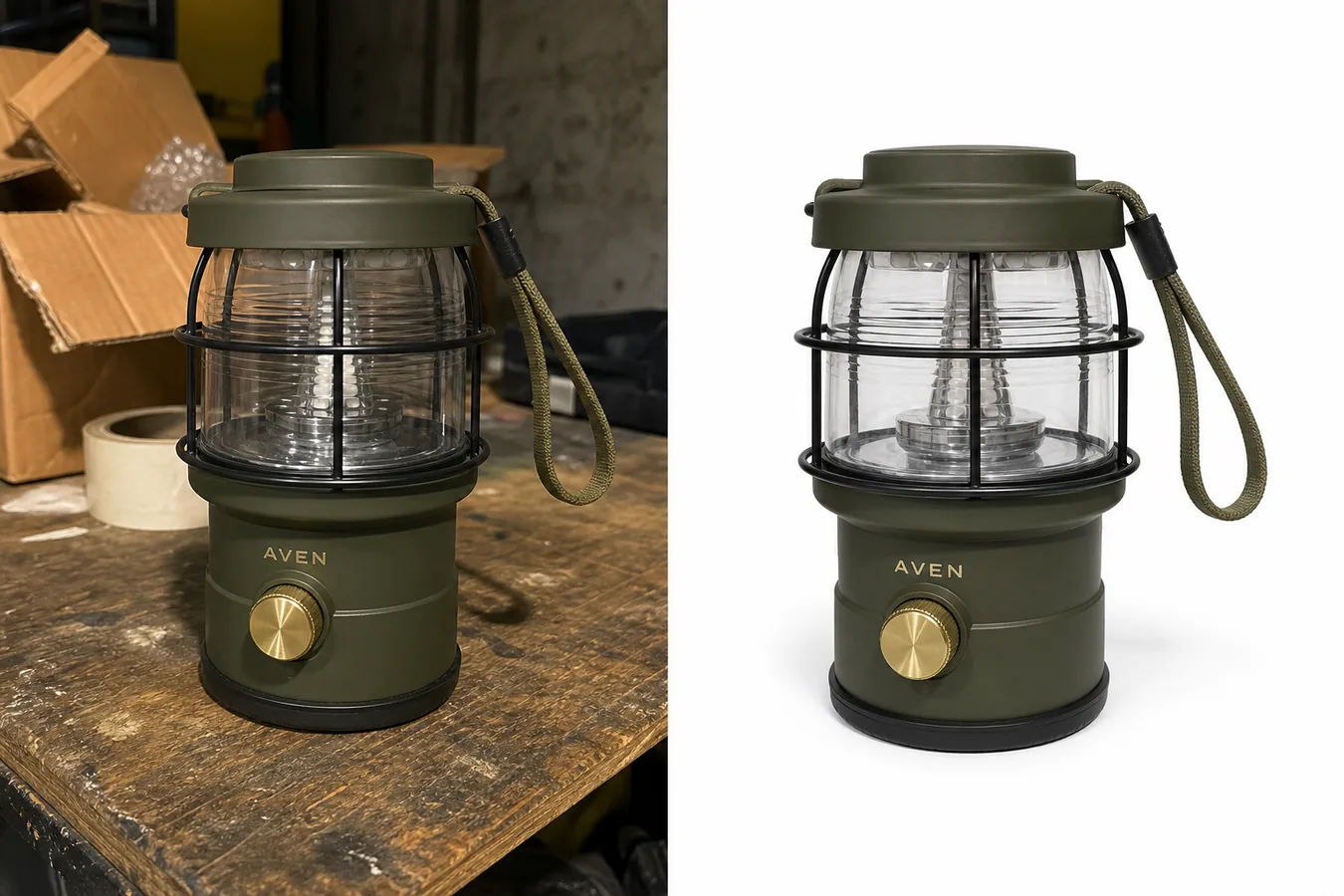
- creating a clean main image from a cluttered desk photo
- adding a restrained home, studio, gift, or craft-table context
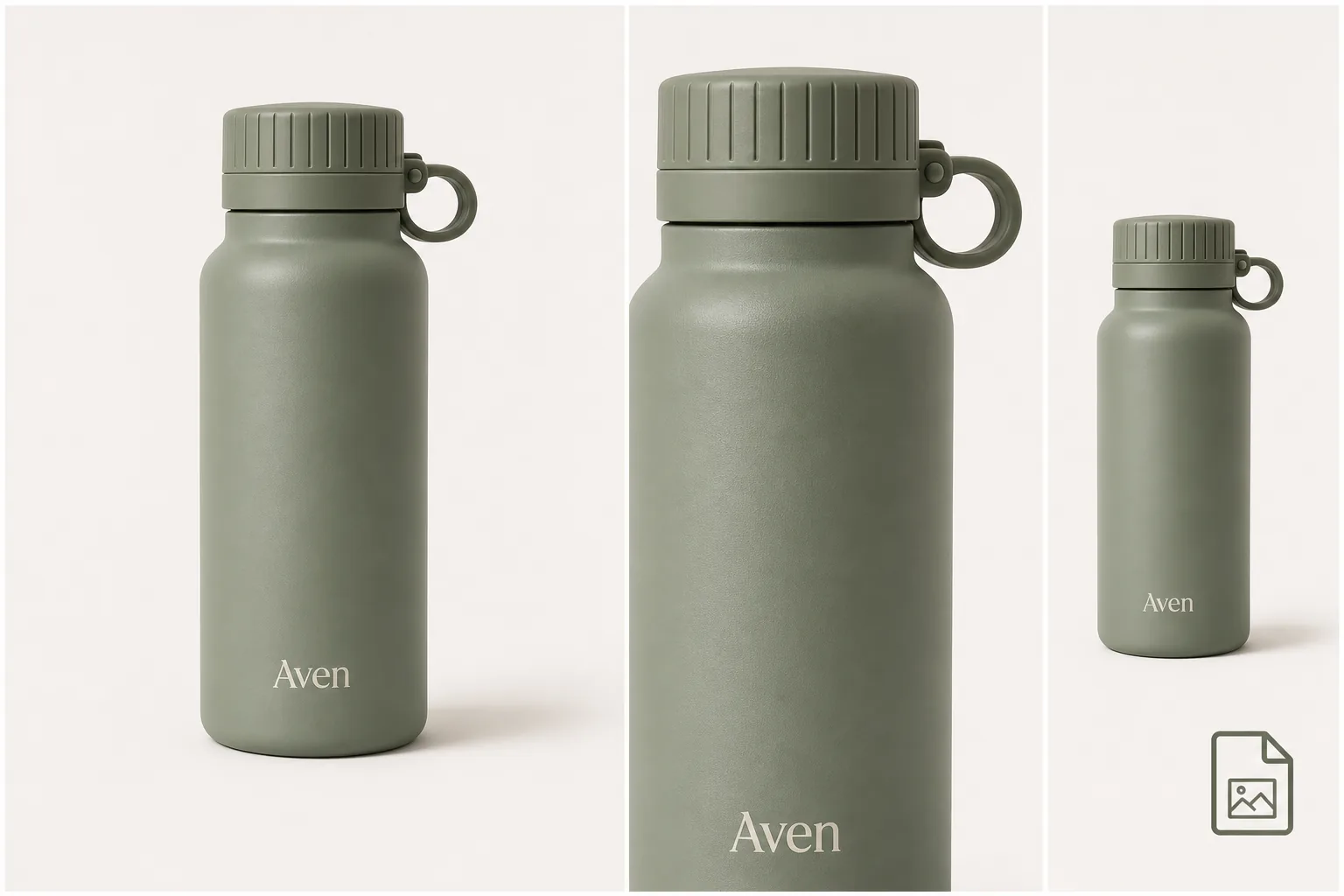
- making a detail image that emphasizes material texture
- creating a consistent set across multiple related products
Risky changes include:
- changing the product shape
- removing handmade variation
- adding fake packaging claims
- inventing a different material
- adding logos, badges, barcodes, or certification-style marks
- making the scene so styled that the item is no longer clear
The background should support the product, not compete with it.
Prompt Pattern For Etsy Product Photos
For a prompt-capable workflow, write the prompt like a product-protection note, not a mood-board request.
Create a natural-light Etsy product photo from this handmade cream ceramic mug reference. Keep the exact mug shape, handle, rim thickness, glaze speckles, ceramic texture, color, scale, and handmade imperfections unchanged. Style it on a simple wood tabletop with a soft linen cloth and warm daylight. Keep the product dominant and centered. Do not add logos, claims, barcodes, marketplace UI, extra mugs, hands, text, or packaging redesigns.
This works because it names the channel, protects the product facts, and limits the scene. If you use [AI scene compose](/tools/ai-scene-compose), keep the product placement simple and review perspective, shadow, and scale after generation.
Main Image Guidance For Etsy
Your main image should be readable at thumbnail size. The buyer should understand the product before they read the title.
Use this main-image checklist:
- product fills enough of the frame
- outline is easy to understand
- material is visible
- light is soft but not muddy
- crop has breathing room
- background does not distract
- product color still matches the real item
- no fake marks, stickers, badges, claims, or platform graphics appear
Avoid making the main image too atmospheric. Etsy buyers may appreciate mood, but they still need to inspect the item.
Detail Images Are Where Handmade Products Win
For handmade goods, detail images often do more selling than a dramatic lifestyle scene. They show the buyer what makes the item different from a mass-market product.
Use detail images to show:
- glaze and surface variation
- fabric texture and stitching
- wood grain or carved edge
- clasp, button, zipper, or hardware quality
- label material and packaging finish
- product thickness, lining, or underside
AI can help create a cleaner crop or better light around those details, but it should not invent new details. If the AI adds a different stitch path, extra clasp, changed label, or false texture, regenerate or edit before publishing.
Lifestyle Photos Should Still Feel Handmade
A lifestyle photo can help Etsy buyers imagine the product as a gift, home object, accessory, or daily-use item. Keep the scene modest.
Strong Etsy lifestyle scenes usually have:
- one product as the subject
- one believable use environment
- natural light
- simple surfaces
- a scale cue when helpful
- a handmade or small-studio feel
- no generic luxury clutter
If the item is handmade, the photo should not look like a plastic-perfect catalog render. Small surface variation and natural shadows are often part of the trust signal.
Review Before Publishing
Before using an AI-assisted Etsy image, compare it against the real product.
Check:
- color accuracy
- product proportions
- texture and material
- handmade variation
- label or packaging details
- included parts and accessories
- scale cues
- natural shadow and perspective
- background relevance
- absence of fake claims or platform marks
The final question is simple: would a buyer feel misled if this photo were next to the item that ships? If the answer is yes or maybe, revise the image.
FAQ
Can I use AI for Etsy product photos?
Yes, if the AI work improves presentation without misrepresenting the item. Use a real product reference, preserve material, color, shape, and handmade details, and review every output before publishing. AI is best for cleaner light, background, crop, and context, not for inventing the product.
What makes Etsy product photos different from regular ecommerce photos?
Etsy product photos need clarity and craft evidence. Buyers often care about texture, handmade variation, scale, materials, and whether the product feels authentic. A polished image is useful only if it still shows the real character of the item.
Should Etsy product photos look perfectly professional?
They should look clear and trustworthy, but not fake. Over-polished AI images can make handmade goods look mass-produced. Soft natural light, visible texture, honest scale, and restrained styling usually work better than a glossy scene that hides the product.
What should I protect when generating Etsy product photos with AI?
Protect the product facts that affect buyer trust: silhouette, color, material texture, handmade details, labels, hardware, seams, glaze, grain, scale, and included parts. Let AI improve the environment around those facts, not rewrite them.
Is a lifestyle photo better than a plain product photo for Etsy?
Neither is always better. A clear product photo helps buyers inspect the item, while a lifestyle photo helps them imagine use or gifting. Most Etsy listings benefit from both: a readable main image, a few detail images, and one restrained lifestyle scene.
Conclusion
Good Etsy product photos with AI come from restraint. The product should stay truthful, the handmade details should remain visible, and the image set should answer buyer questions one by one. KrafLayer helps sellers turn one real product reference into clearer Etsy main images, detail images, and restrained lifestyle photos while keeping shape, material, scale, and handmade feel under review. For handmade sellers, the advantage is not making every image look artificial; it is making the real product easier to understand and easier to trust.
Keep exploring
Continue the story
More practical guidance on product accuracy, composition, and conversion-ready visuals.
Put it into practice
Take the next step in KrafLayer
Choose a generation or editing workflow that matches what you just learned.