Edit tools
How to Replace a Product Background with AI Without Losing Real Lighting
TL;DR
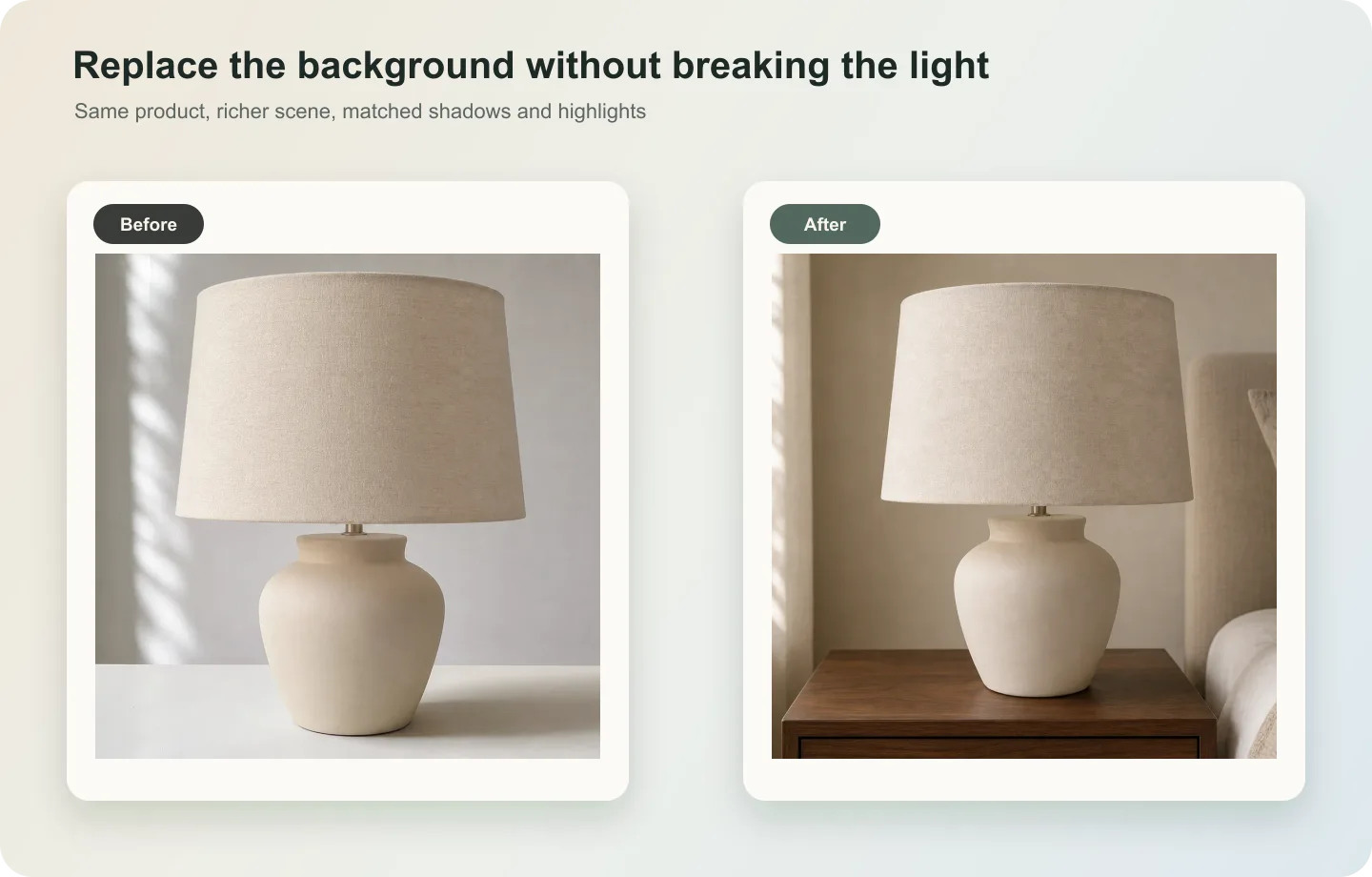
A lighting-safe background replacement workflow: change the product scene while preserving original highlights, shadows, material, and product realism. Includes how to do it in KrafLayer.
TL;DR
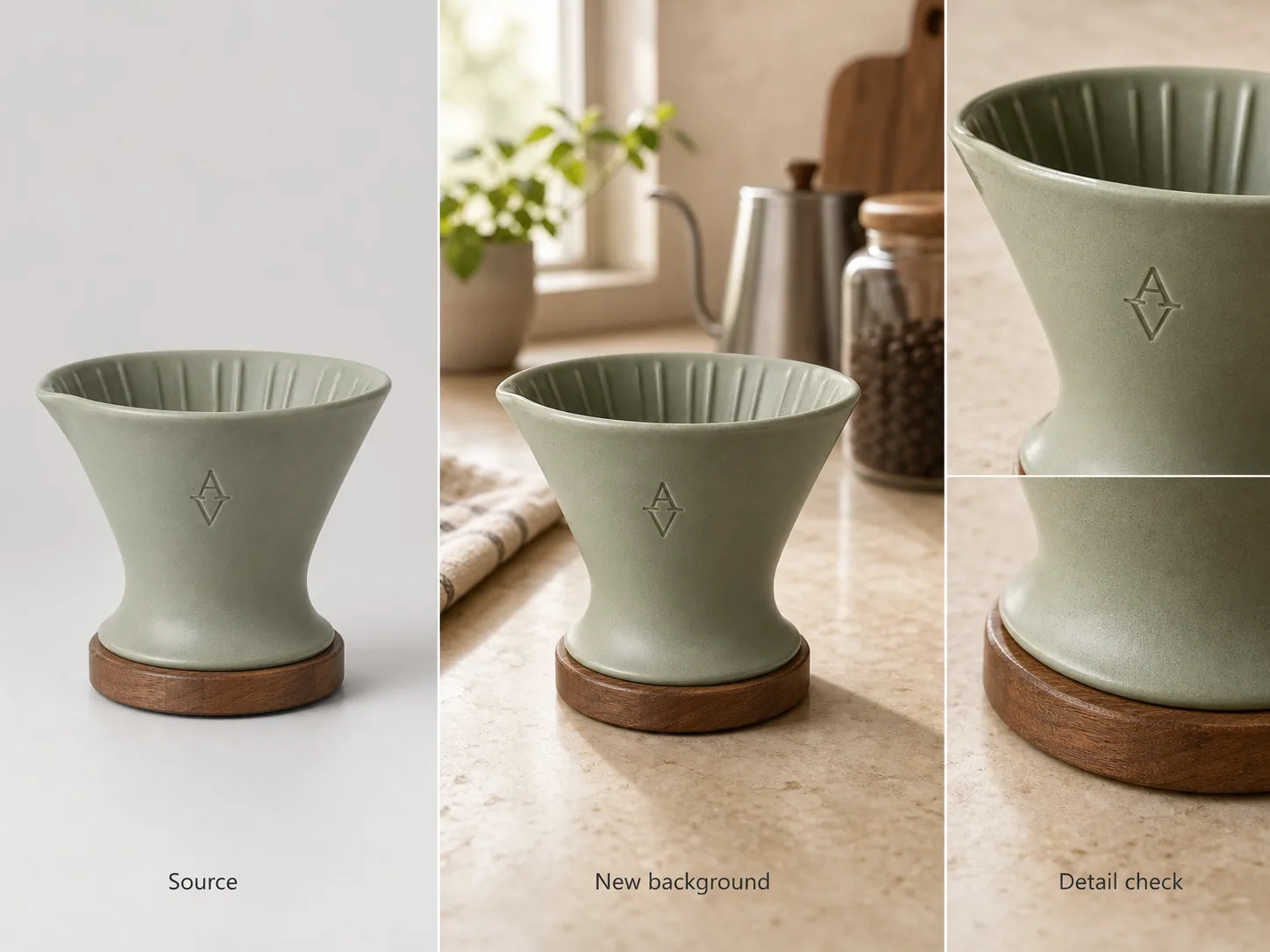
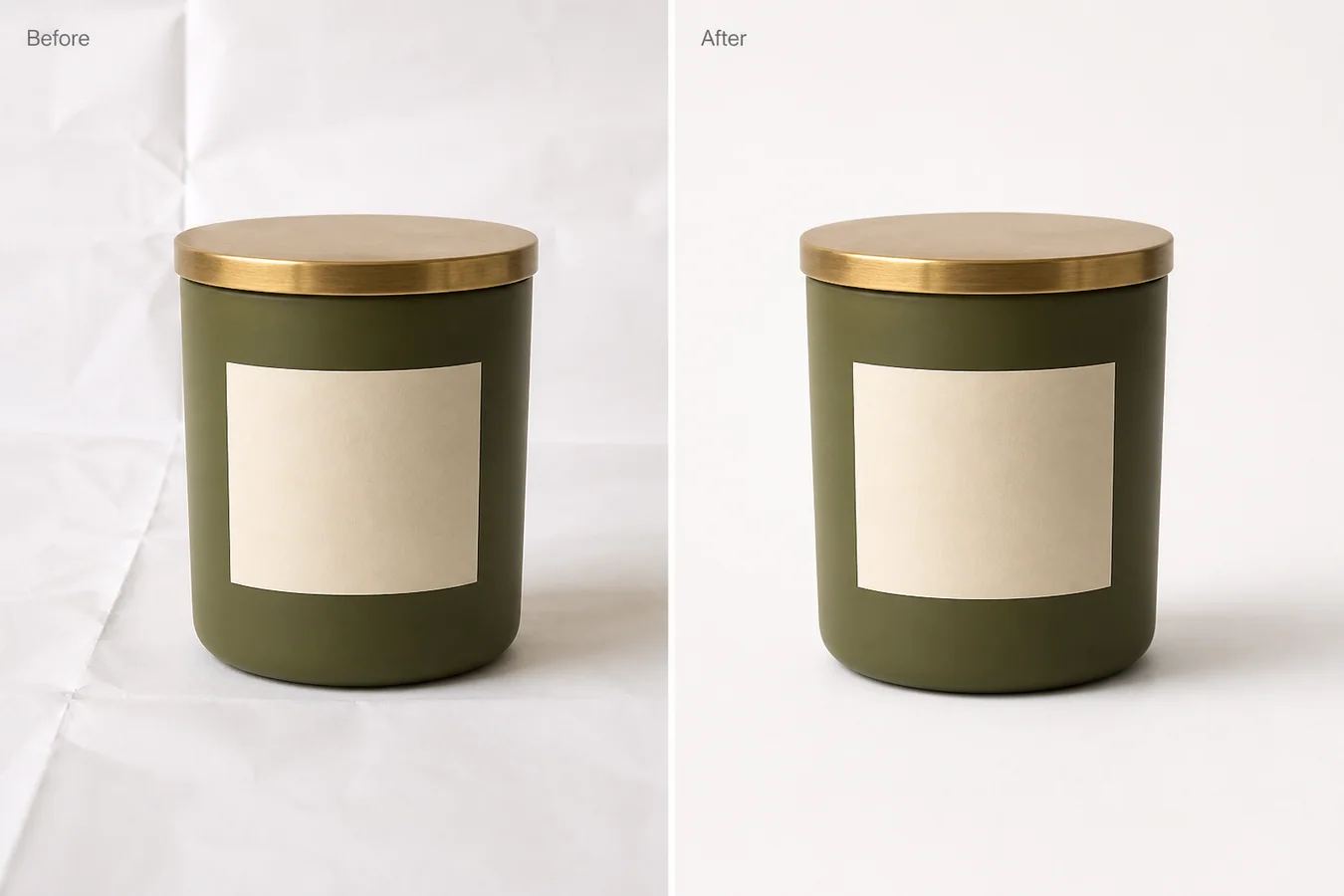
For Replace a Product Background with AI Without Losing Real Lighting, KrafLayer helps when the product is real but the surrounding scene needs work. Use Replace BG for a prompted or reference-based scene, or Scene Compose when product position and scale must match a base scene. Use the scene to support listing images, detail pages, or ad assets, then check that shape, material, labels, color, scale, and accessories still match the source SKU.
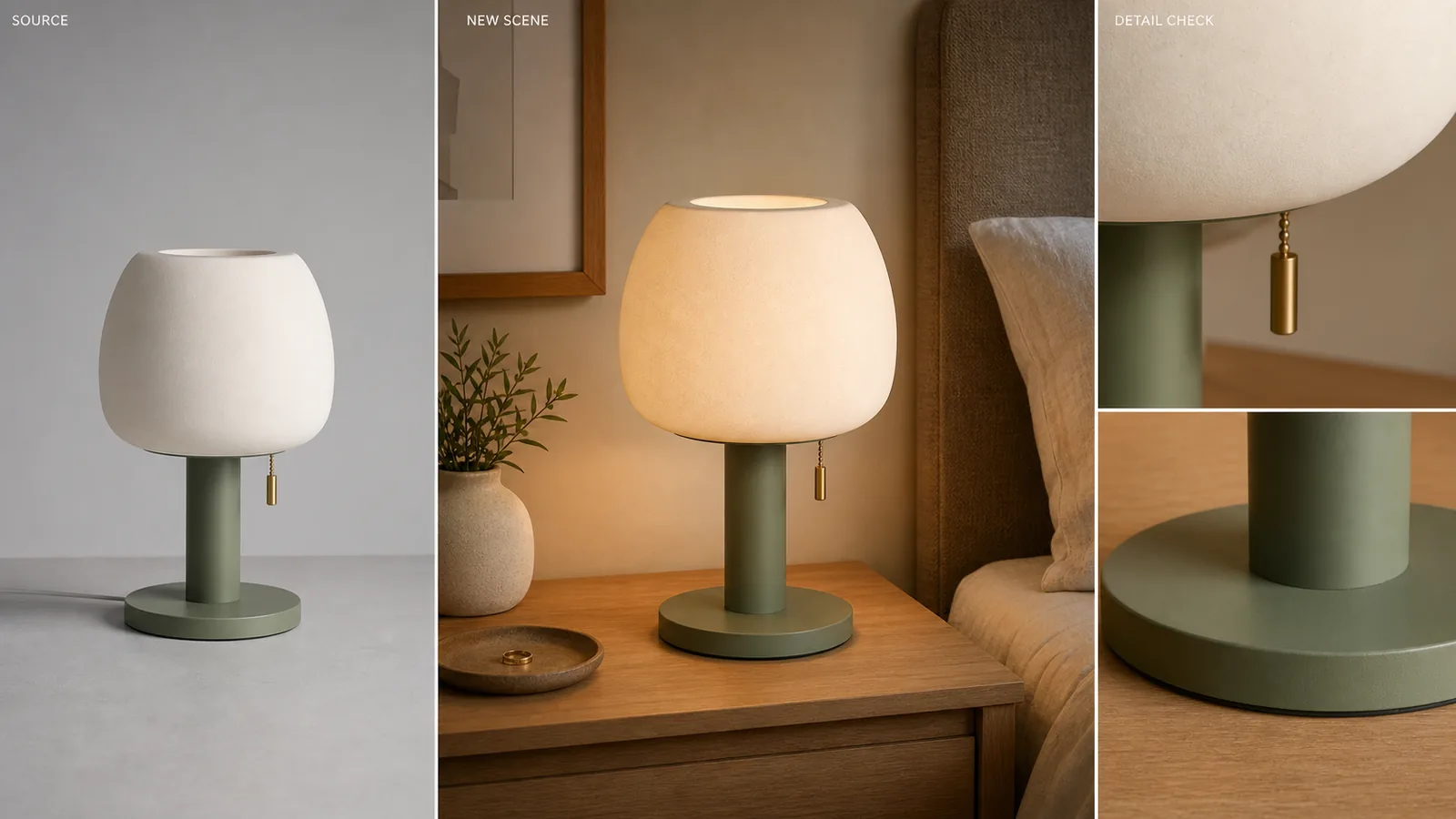
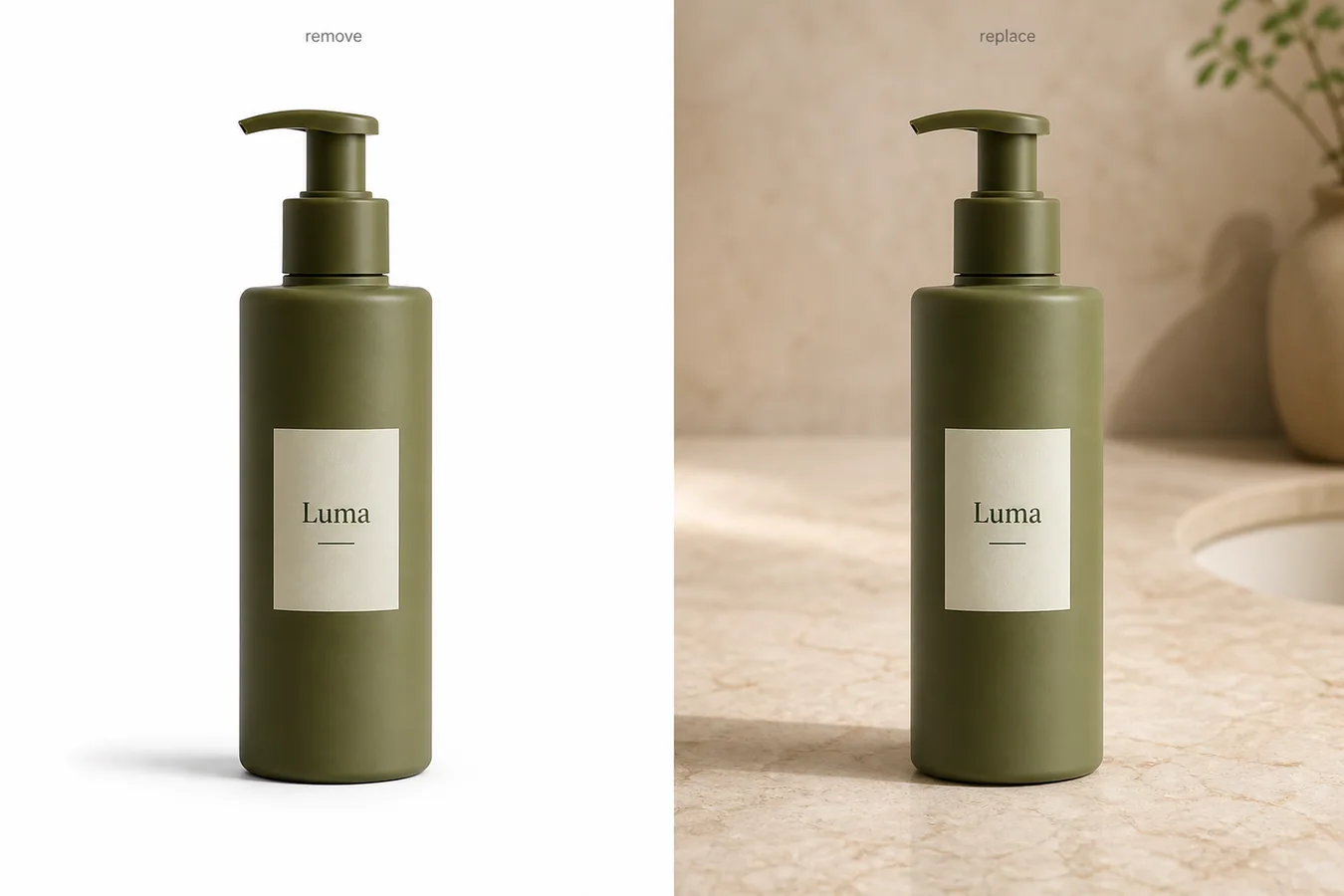
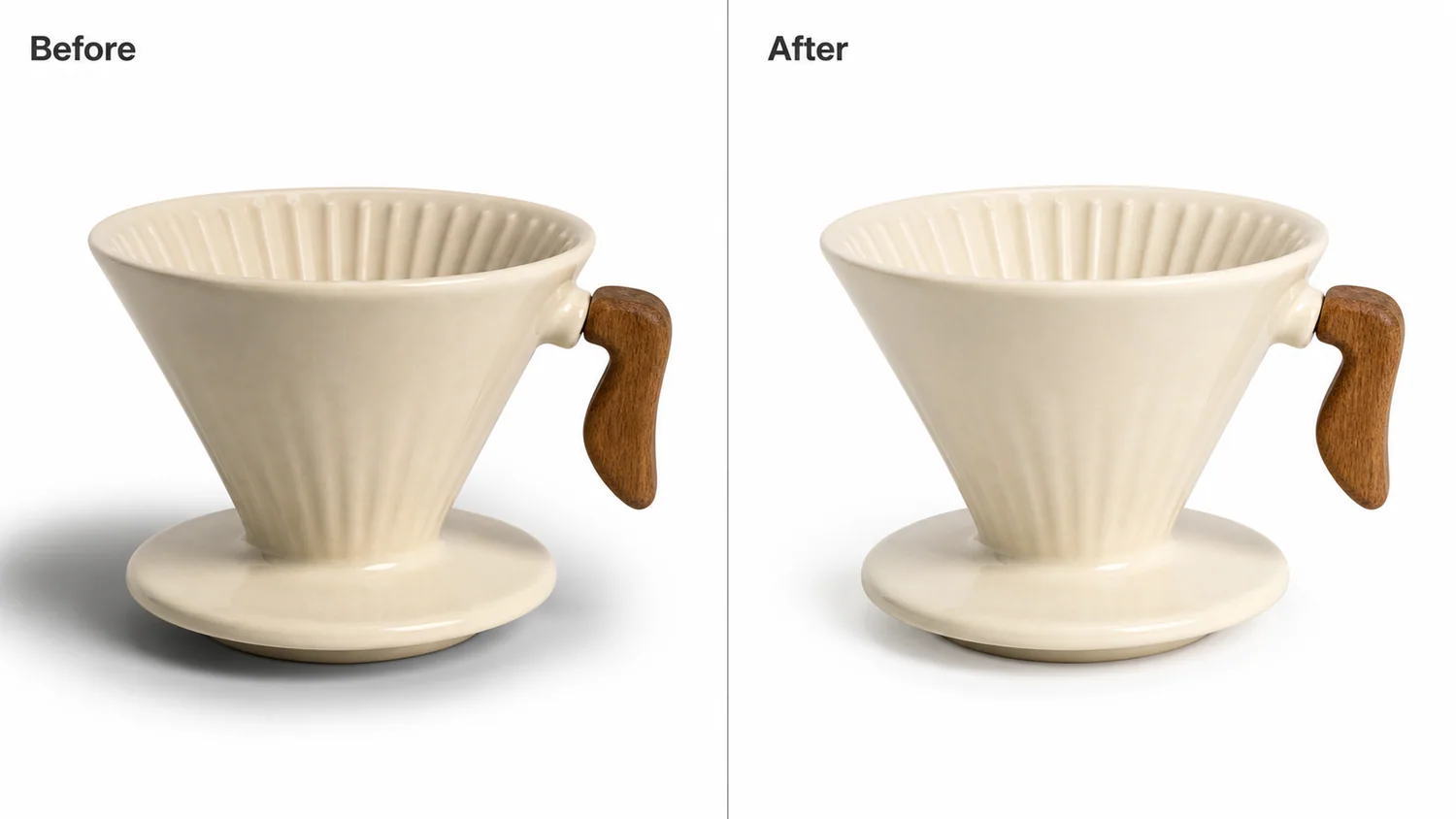
A background replacement succeeds only when the product lighting still makes sense. If the new scene has a different light direction, surface, or shadow logic, the product will look pasted even if the background is beautiful.
What to match
Match light direction, highlight strength, contact shadow, perspective, surface reflection, and color temperature. The product’s original material behavior should guide the scene.
Workflow
1. Read the original light direction before generating a new background. 2. Choose a background that can plausibly share that light. 3. Preserve product edges, material, color, and shadow. 4. Rebuild contact with the new surface. 5. Compare the product against the original to catch lighting drift.
Where KrafLayer Fits
When you apply this Replace a Product Background with AI Without Losing Real Lighting workflow in KrafLayer, the tool choice matters: use Replace BG for a prompted or reference-based scene, or Scene Compose when product position and scale must match a base scene. After generation, judge the image by the channel it serves — listing images, detail pages, or ad assets — and check that shape, material, labels, color, scale, and accessories still match the source SKU.
Prompt to use in KrafLayer
~~~text Use the uploaded product as the exact reference. Replace the background while preserving the real product lighting. Match the new scene to the product’s existing light direction, highlight pattern, shadow softness, perspective, and color temperature. Keep product shape, material, color, label area, edge detail, scale, and contact shadow accurate. Do not relight the product unrealistically, change material, distort edges, or make it look pasted on. ~~~
FAQ
Should the product be relit when changing backgrounds?
Only gently. The new scene should adapt to the product lighting more than the product should be forced into an incompatible scene.
Why does the edit look pasted?
The contact shadow, perspective, or light direction probably does not match. Fix those before changing style.
Can I use any background I want?
Not if realism matters. Choose backgrounds compatible with the product’s existing light and camera angle.
Keep exploring
Continue the story
More practical guidance on product accuracy, composition, and conversion-ready visuals.
Put it into practice
Take the next step in KrafLayer
Choose a generation or editing workflow that matches what you just learned.