Edit tools
Product Photo Background Replacement for Ecommerce Scenes and Ads
TL;DR
Learn how to replace product photo backgrounds for ecommerce scenes and ads while preserving scale, material, light, and product truth.
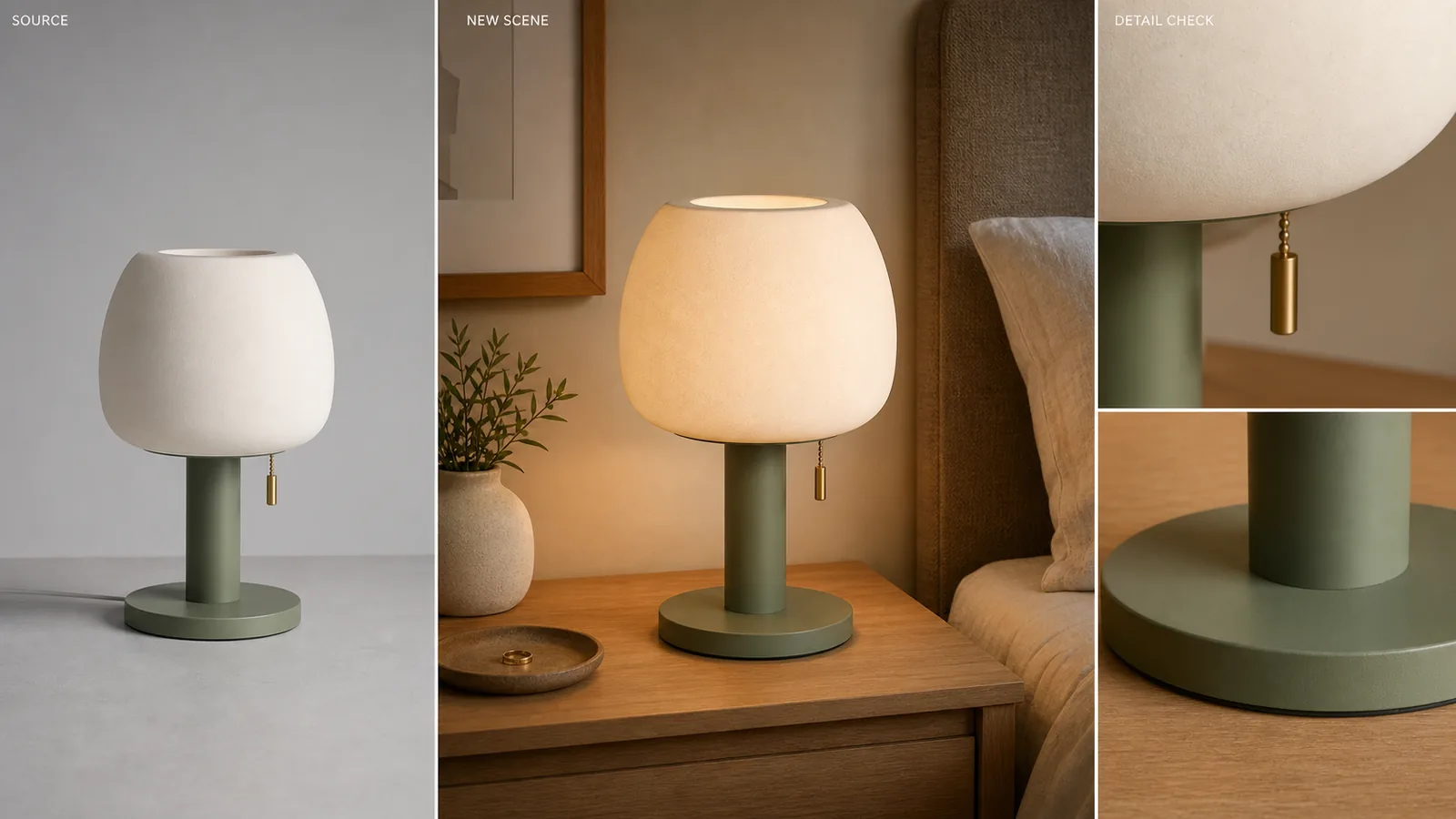
Product photo background replacement works when the product is already accurate and the setting is the weak part. If your task is to replace product background context for a store page or ad, the rule is simple: change the scene, not the SKU. A publishable replacement should preserve product shape, color, scale, material, label area, and camera angle while making the new surface, light direction, and contact shadow feel believable.
In KrafLayer, the [AI background replacer](/tools/ai-background-replacer) isolates the product automatically, then uses a text prompt or reference direction to create a new background around the same item. Use it when you need an ecommerce scene, landing page image, or ad-style product visual from one product photo.
Product Photo Background Replacement: The Practical Rule
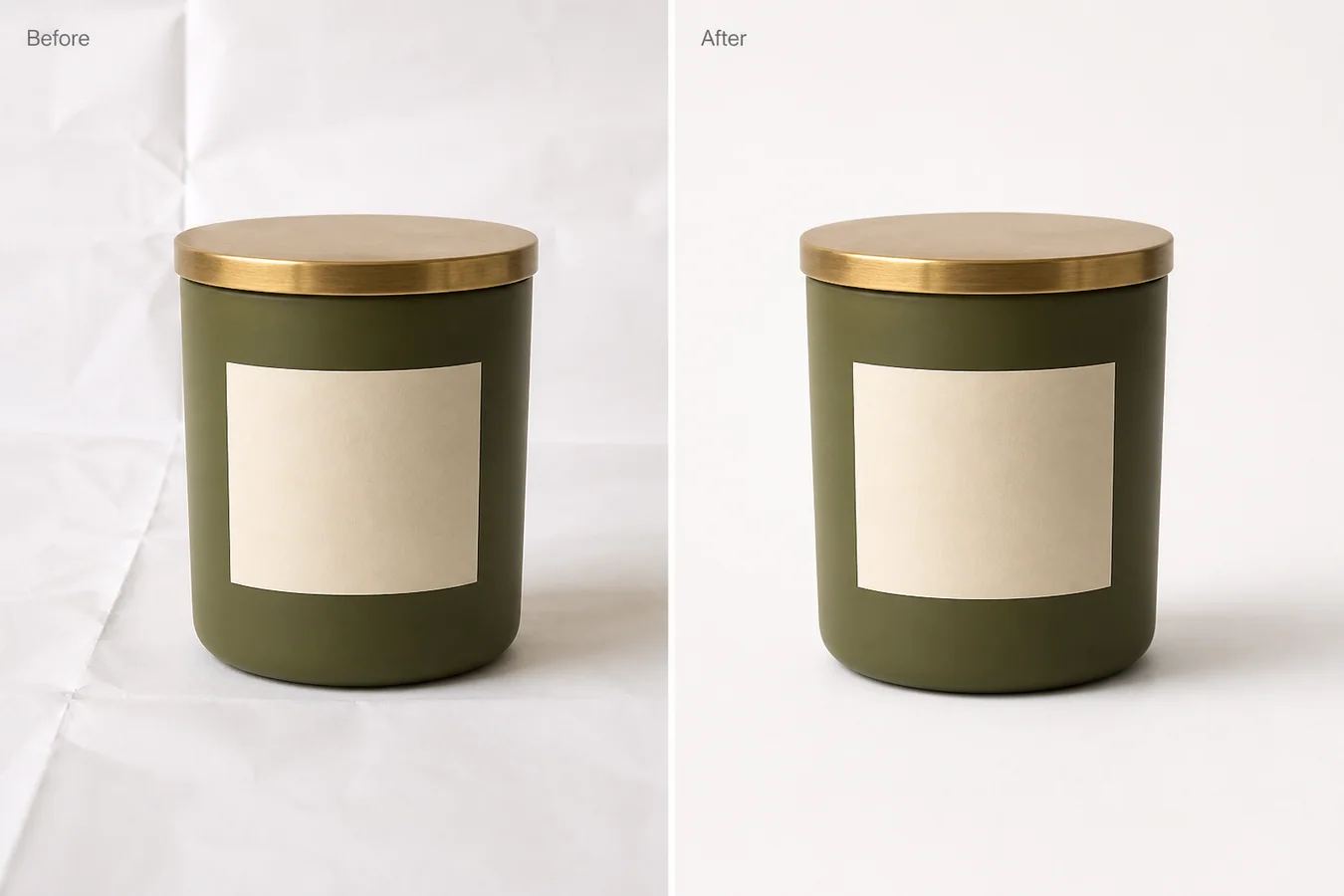
Use background replacement when the source product is trustworthy but the environment is not. A grey tabletop, messy supplier photo, dull studio corner, or off-brand room can become a cleaner selling scene if the product facts stay fixed.
For the Aven ceramic table lamp example, the facts to protect are:
- matte cream ceramic shade
- sage green metal base
- brass pull switch
- round base edge
- same front angle
- same visible scale
- ceramic texture
- natural contact shadow
The nightstand, bedding, wall color, and background depth can change. The lamp should not.
Replacement Is Different From Removal
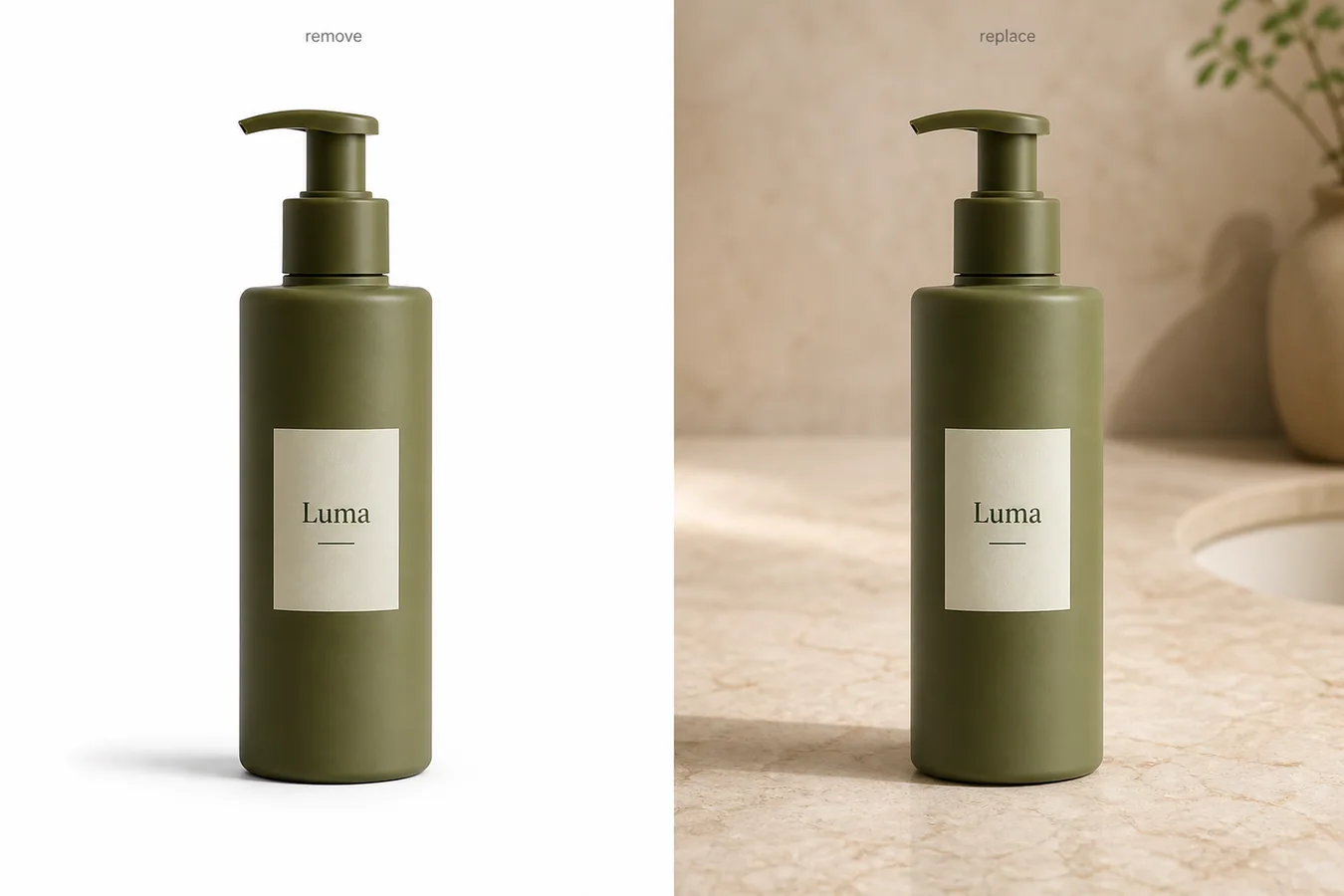
A [product background remover](/tools/ai-background-remover) gives you a cutout or white-background image. Product photo background replacement creates a new scene behind and around the product.
That difference matters because the failure modes are different. Removal can fail at the edge. Replacement can fail in the whole image: the product floats, the shadow points the wrong way, the background props compete with the product, or the AI subtly changes the product into a different SKU.
Use removal for transparent PNG masters, white-background main images, and clean design layers. Use replacement for lifestyle context, campaign surfaces, landing page visuals, and ad creatives where the product needs a stronger environment.
When Background Replacement Is Useful
Background replacement is strongest when the new scene helps the buyer understand where the product belongs.
Use it for:
- a skincare bottle on a bathroom shelf
- a lamp on a bedroom nightstand
- cookware on a kitchen counter
- jewelry on marble or fabric
- a handbag on a boutique shelf
- electronics on a desk setup
- a home product in a realistic room
Avoid replacement when the background becomes more important than the item. If the buyer notices the room before the product, the image is probably too scenic for ecommerce.
What To Put In The Prompt
Write the prompt as a production brief, not as an art direction brainstorm. Name the surface, scene role, lighting, shadow, and product-lock instructions.
A reusable prompt:
Place the same product in a warm modern bedroom nightstand scene with soft window light from the left, a natural contact shadow, shallow background depth, and minimal props. Keep the product color, shape, material texture, scale, camera angle, and brass details unchanged. No text overlays, no badges, no platform UI, no fake claims.
For background replacement for product photos, include:
- scene role: product page lifestyle image, landing page hero, ad crop, detail-page visual
- surface: nightstand, marble, wood, tile, paper sweep, shelf, kitchen counter
- light: soft window light, diffused studio light, warm morning light, clean shadow
- product locks: same color, shape, label area, material, angle, scale, hardware
- limits: avoid fake logos, platform UI, review stars, certifications, QR codes, barcodes, or claims
Specific prompts produce more useful ecommerce images than broad prompts like "make it premium" or "create a luxury background."
A KrafLayer Workflow
Use this workflow when one approved product photo needs several scene options.
- Start with the clearest product image you have.
- Open Replace BG in KrafLayer.
- Choose a scene role before prompting: listing support image, PDP lifestyle image, landing page hero, or ad creative.
- Write one prompt that names surface, lighting, contact shadow, and product locks.
- Generate the replacement.
- Compare the result against the original product truth list.
- Keep the image only if the product still reads correctly at thumbnail and full size.
- Use the [product photo editor](/product-photo-editor) for small cleanup after the scene is right.
KrafLayer Replace BG is a prompt or reference-direction workflow. It is not the same as one-click Remove BG. Use Remove BG when the output should be a cutout; use Replace BG when the output should be a finished scene.
Pre-Publish Review Checklist
Light Direction
The product and background should agree on where light comes from. If the lamp has a left-side highlight, the new room should not cast a hard right-side shadow that contradicts it.
Contact Shadow
The product must sit on the new surface. A realistic background still fails if the product looks pasted on, floating, or disconnected from the tabletop.
Product Scale
Scale is a selling promise. A lamp, shoe, bag, bottle, or chair should look plausible against the new furniture, props, or room context. Do not publish a scene that makes the item look larger or smaller than it is.
Material Truth
Replacement should not redesign material. Ceramic should stay ceramic. Leather should keep grain. Glass should keep edge highlights. Fabric should keep weave. Metal should keep realistic reflection.
Scene Discipline
The background should support the product, not compete with it. Remove or rerun scenes with too many props, unclear surfaces, fake labels, platform marks, discount badges, or unsupported claims.
How This Supports Ecommerce Product Photography
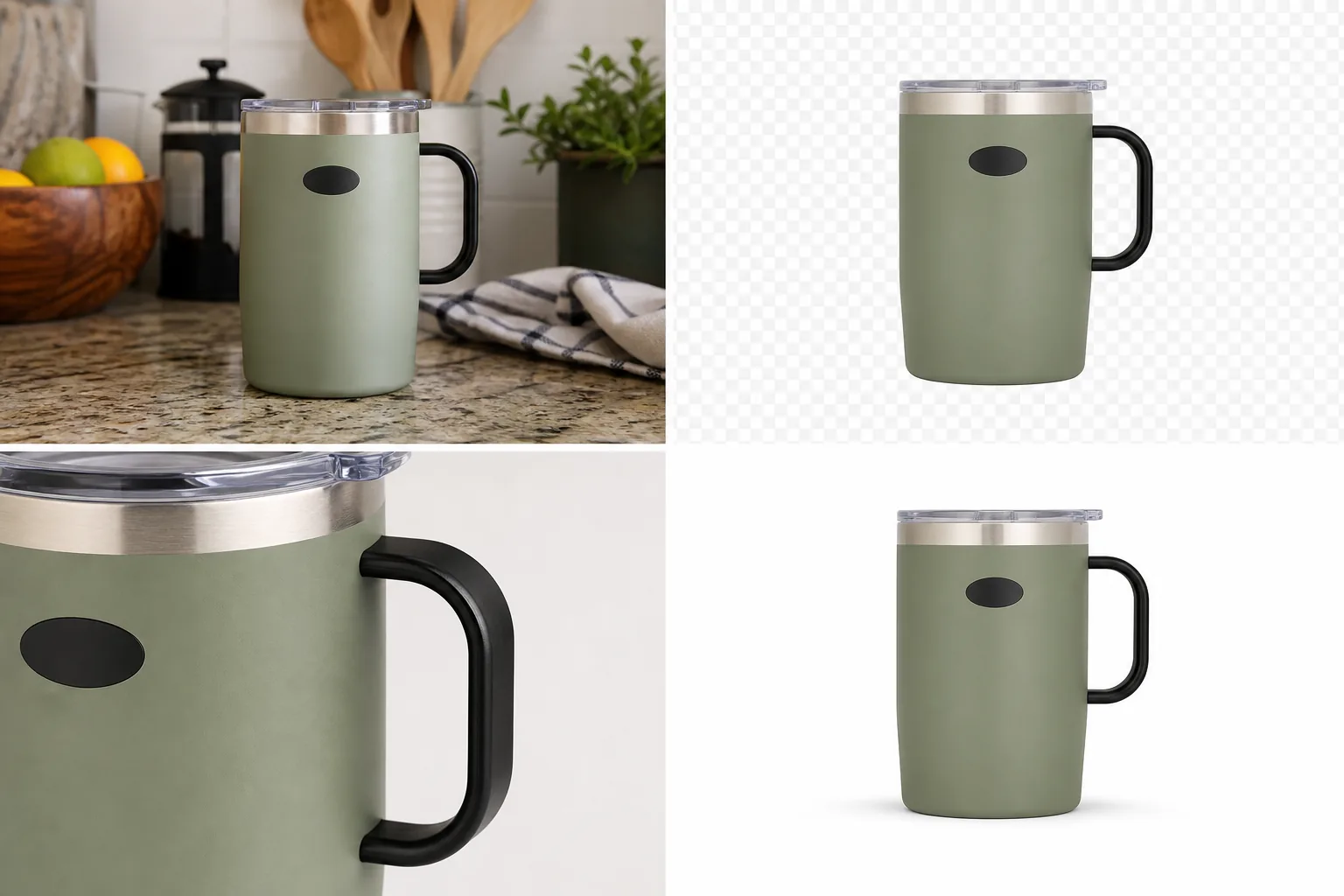
Use product photo background replacement as one part of a broader [ecommerce product photography](/ecommerce-product-photography) workflow. A background-replaced image can support:
- product page lifestyle context
- landing page hero sections
- paid social product ads
- email campaign visuals
- collection thumbnails
- seasonal merchandising
Use [AI product photography](/ai-product-photography) when you need a larger set from product references: main image, detail image, lifestyle scene, and ad crop. Use replacement when the source photo is already the anchor and the background is the part you want to change.
FAQ
What is product photo background replacement?
Product photo background replacement is the process of keeping the product from an existing image and generating a new scene, surface, or environment around it. The goal is not just a prettier background; the product should keep the same shape, color, material, scale, and selling details.
How is it different from a product background remover?
A product background remover isolates the item and often creates a transparent cutout or white-background image. Background replacement creates a finished scene around the product. That means you must review lighting, contact shadow, scale, props, and realism, not only the cutout edge.
What should I include in a background replacement prompt?
Include the scene role, surface, light direction, contact shadow, and product-lock instructions. For example: warm bedroom nightstand, soft left window light, natural shadow, minimal props, same product color, same material, same angle, and no fake badges or platform UI.
Can background replacement be used for ads?
Yes, background replacement can create ad-style product scenes, but review the result before launch. The product must remain accurate, the background should support the message, and the image should avoid fake claims, logos, review stars, platform UI, or misleading scale.
When should I avoid replacing the background?
Avoid replacement when the product itself is inaccurate, too low-resolution, badly cropped, or already changed by a previous AI step. Fix the product image first. A strong scene cannot make a misleading product image publish-ready.
Conclusion
Product photo background replacement is useful when the item is right and the scene is holding it back. KrafLayer helps sellers turn one approved product photo into a cleaner bedroom, kitchen, shelf, studio, or ad-style scene while checking the parts that matter: light, shadow, scale, material, and product truth. Treat the product as fixed and the background as flexible, and the result is more likely to look like ecommerce photography instead of a pasted-on AI image.
Keep exploring
Continue the story
More practical guidance on product accuracy, composition, and conversion-ready visuals.
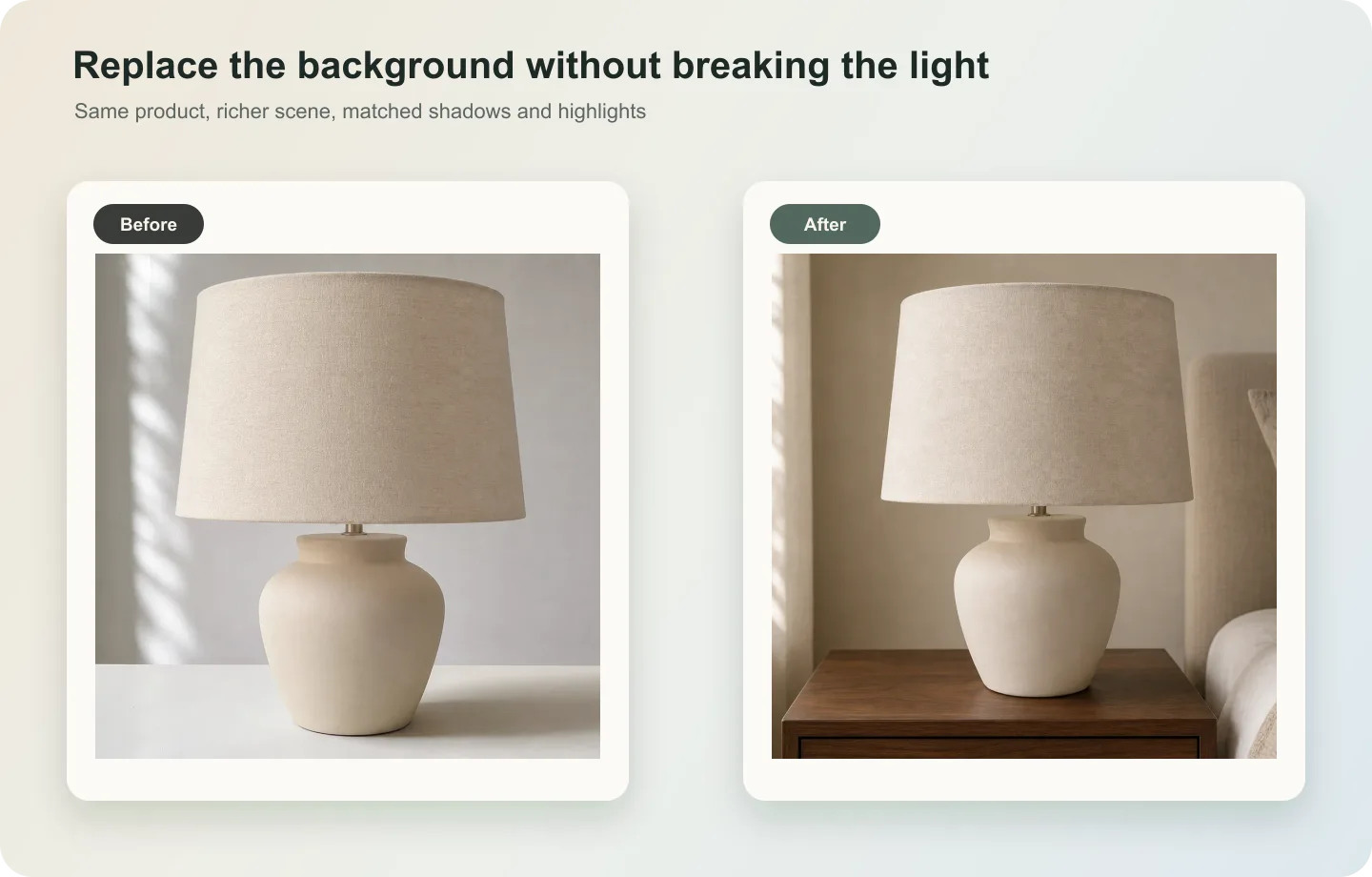
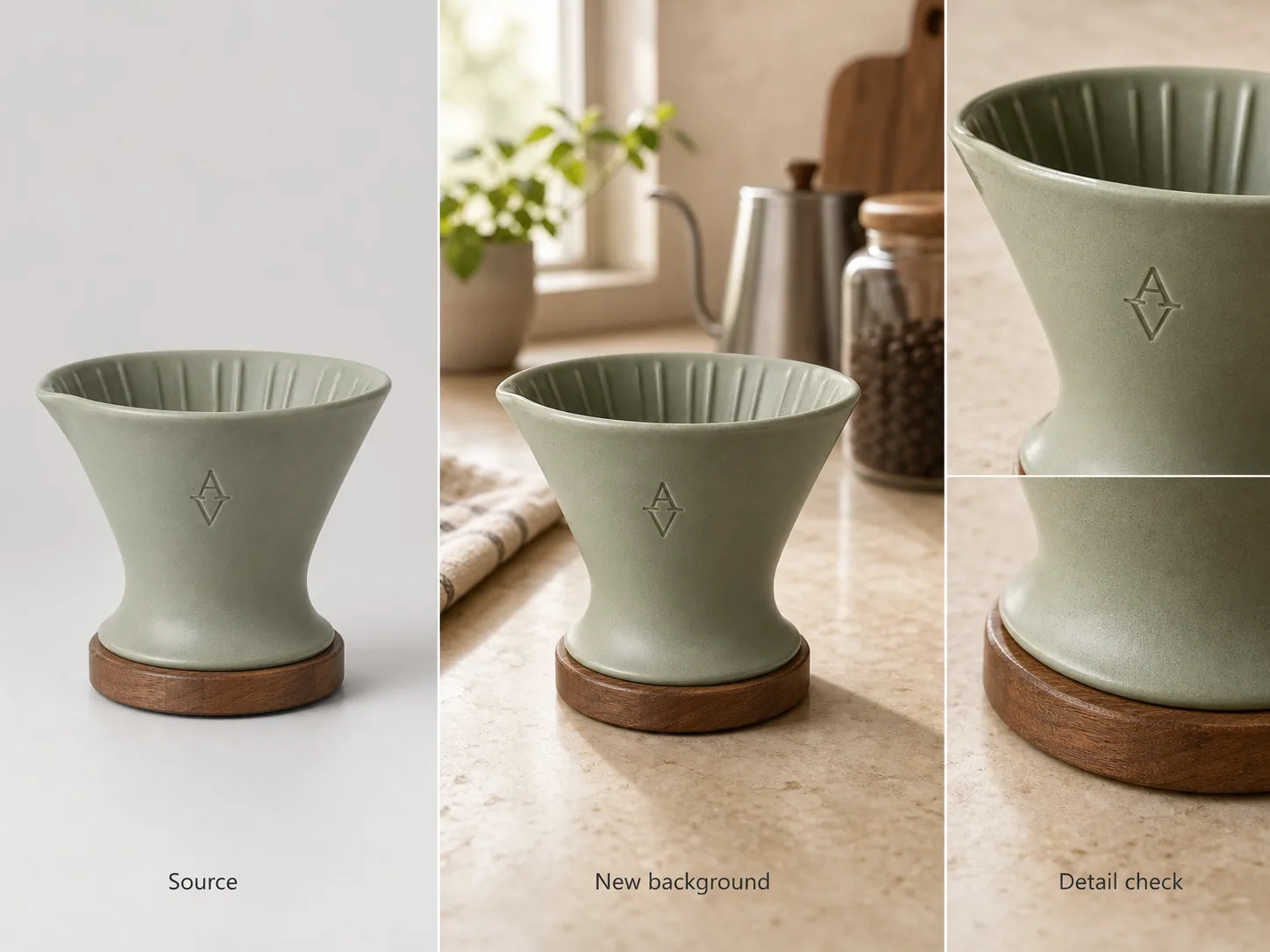
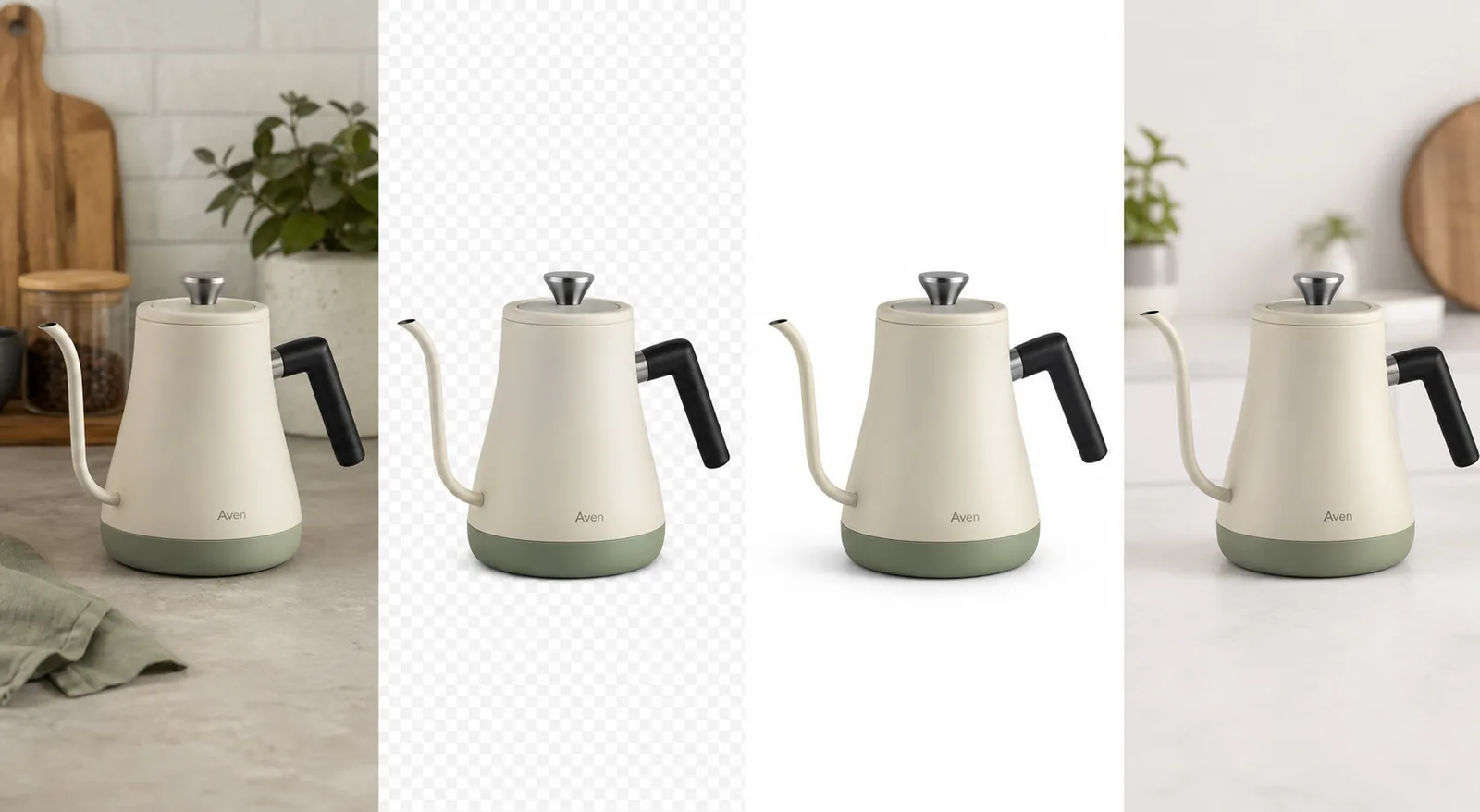
Put it into practice
Take the next step in KrafLayer
Choose a generation or editing workflow that matches what you just learned.