Image generation
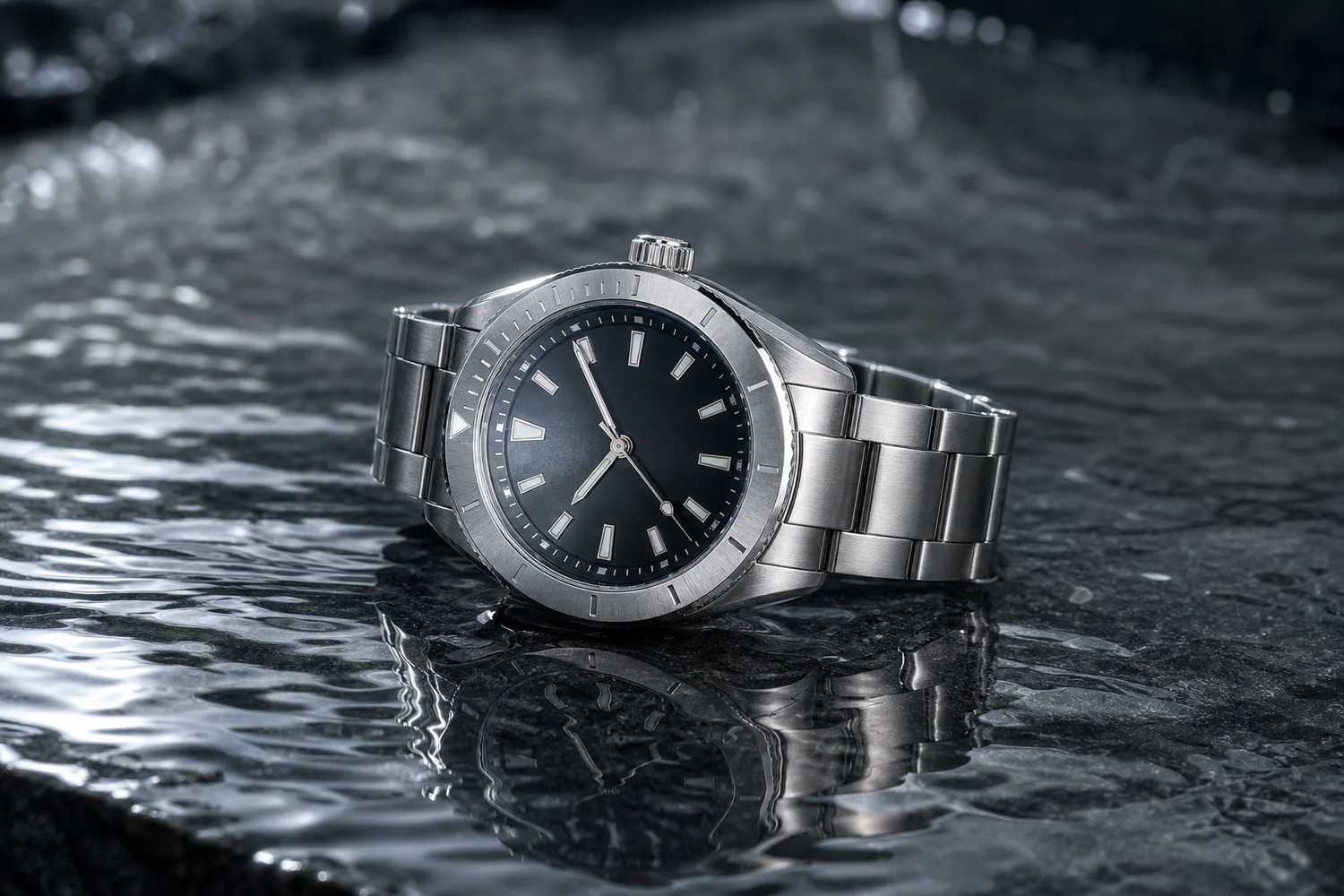
How to Create Realistic Water Ripple Reflections for Product Images with AI
TL;DR
A water-ripple product image workflow: create reflective premium effects while preserving product shape, material, scale, and believable contact with the water surface. Includes how to do it in KrafLayer.
TL;DR
For Create Realistic Water Ripple Reflections for Product Images, KrafLayer works best as a local cleanup tool: brush only the unwanted area in Erase and let the model fill from the surrounding pixels. Avoid regenerating the whole image; the result is only useful if shape, material, labels, color, scale, and accessories still match the source SKU.
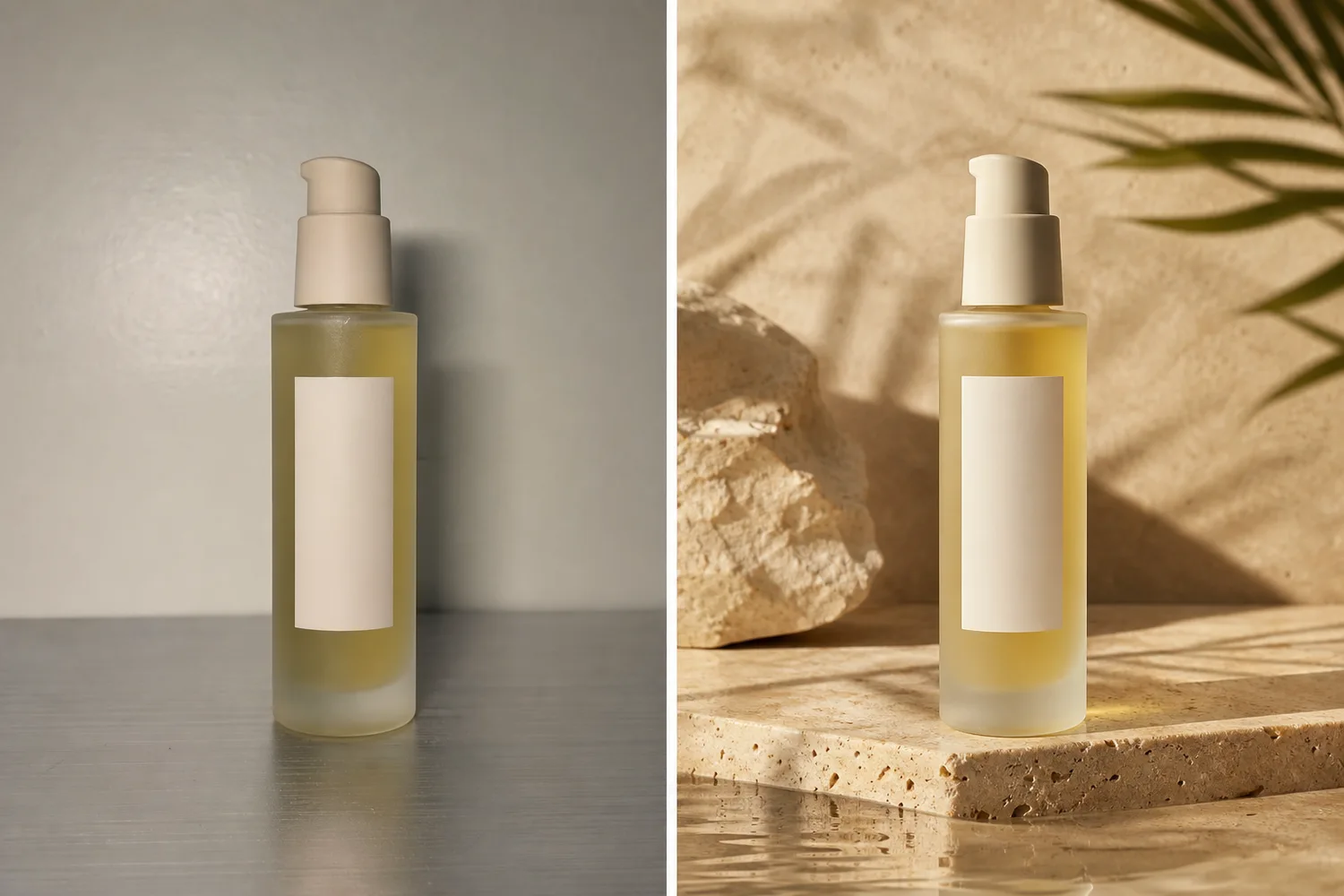
Water ripple reflections can make product images feel premium, fresh, or sensory. They fail when the product looks pasted above water or when the reflection changes the product shape.
When to use this effect
Use water ripple effects for beauty, fragrance, watches, wellness, beverage, outdoor, and premium lifestyle products. Avoid it when water would confuse product use or damage expectations.
Workflow
1. Preserve the product shape, material, label, and scale. 2. Define whether the product is beside water, on wet surface, or reflected above water. 3. Match reflection direction to the product position. 4. Keep ripples subtle enough that the product remains clear. 5. Check for distorted mirrored logos or labels.
Where KrafLayer Fits
When you apply this Create Realistic Water Ripple Reflections for Product Images workflow in KrafLayer, the tool choice matters: brush only the unwanted area in Erase and let the model fill from the surrounding pixels. After generation, judge the image by the channel it serves — listing images, detail pages, or ad assets — and check that shape, material, labels, color, scale, and accessories still match the source SKU.
Steps in KrafLayer
Use Erase with a brush mask: paint only the distracting object, sticker, hand, dust, or reflection area, then run the fill. There is no free-form prompt; mask accuracy controls the result.
1. Upload or choose the product image. 2. Run the tool according to its interaction model: one-click tools generate directly; Erase-style tools need a brush mask first. 3. Zoom in to check edges, text, material, shadow, and product scale before downloading or continuing the edit.
FAQ
Are water reflections good for all products?
No. They work best when freshness, premium material, or sensory mood fits the product category.
Why does the reflection look fake?
The reflection may be too strong, too sharp, or disconnected from the product contact point. Ask for subtle reflection and believable surface contact.
Should reflected text be readable?
Not necessarily. Reflected text can be distorted naturally, but the real product label should remain readable.
Keep exploring
Continue the story
More practical guidance on product accuracy, composition, and conversion-ready visuals.

Put it into practice
Take the next step in KrafLayer
Choose a generation or editing workflow that matches what you just learned.