Image generation
How to Create Soft-Tech Product Renders for Consumer Electronics with AI
TL;DR
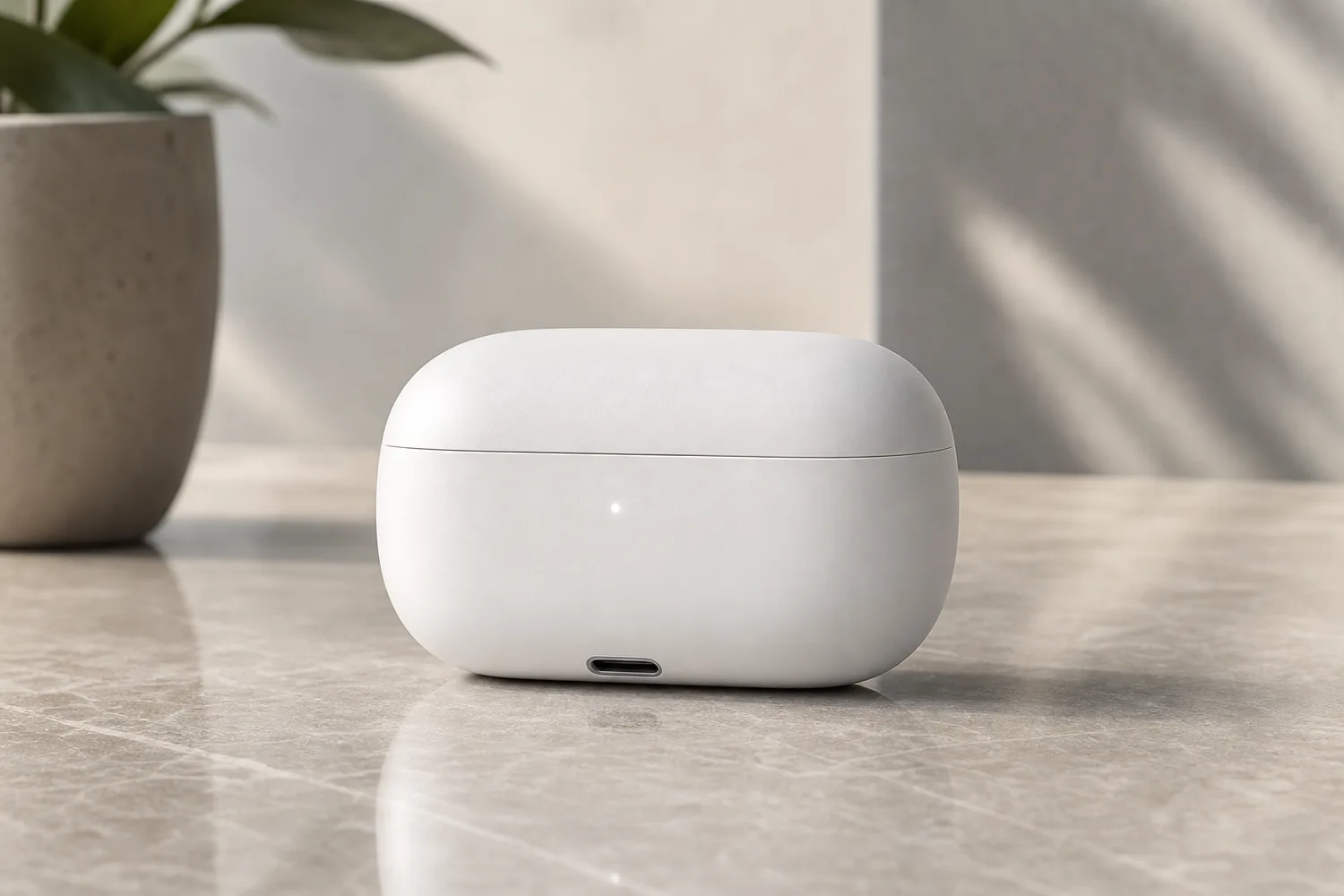
A soft-tech rendering workflow for consumer electronics: create calm premium images for devices while preserving ports, buttons, proportions, finish, and screen geometry. Includes how to do it in KrafLayer.
TL;DR
For Create Soft-Tech Product Renders for Consumer Electronics, use KrafLayer for controlled local changes or reference-guided edits. Use Mask Edit for a local change with a short instruction, or Reference Image Editor when the result needs a visual example. The finished image should still prove that shape, material, labels, color, scale, and accessories still match the source SKU.
Soft-tech product rendering is a calm, premium visual style for consumer electronics. It uses soft gradients, clean surfaces, precise highlights, and controlled shadows to make a device feel modern without turning it into a fictional concept render.
Use it for earbuds, chargers, smart home devices, wearables, speakers, and small electronics when you need a Shopify hero, campaign asset, product-page module, or social creative. The main risk is simple: AI may make the product sleeker by changing ports, buttons, proportions, or screen geometry.
What makes soft-tech different
Soft-tech is not cyberpunk and not hard industrial rendering. It should feel quiet, precise, and touchable: rounded highlights, gentle background gradients, subtle reflections, and enough space around the product.
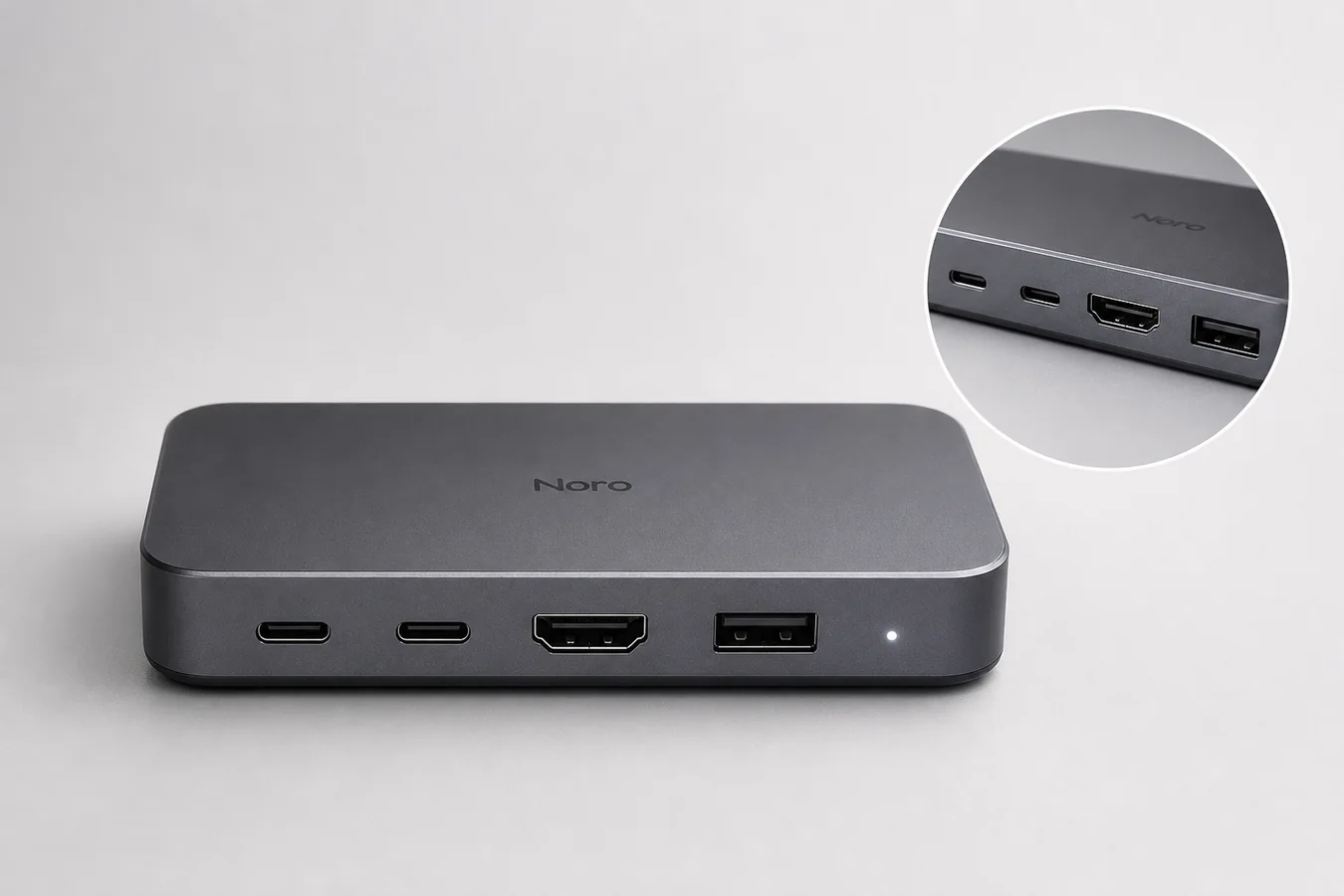
For ecommerce, the functional details matter. A charging port, hinge, speaker grille, LED, button, screen edge, or case seam should stay where it is.
Workflow
1. Identify every functional detail before prompting: ports, buttons, hinge, screen ratio, seams, logo area, and finish. 2. Choose the commercial use: product-page hero, feature module, launch banner, or ad creative. 3. Ask for soft studio light and subtle depth, not a futuristic redesign. 4. Keep the background simple enough that the device remains the focal point. 5. Compare geometry and ports against the original reference.
Where KrafLayer Fits
When you apply this Create Soft-Tech Product Renders for Consumer Electronics workflow in KrafLayer, the tool choice matters: use Mask Edit for a local change with a short instruction, or Reference Image Editor when the result needs a visual example. After generation, judge the image by the channel it serves — listing images, detail pages, or ad assets — and check that shape, material, labels, color, scale, and accessories still match the source SKU.
Prompt to use in KrafLayer
~~~text Use the uploaded electronics product as the exact reference. Create a soft-tech ecommerce product render with calm premium lighting, gentle gradients, clean reflections, and a minimal modern background. Preserve the product proportions, ports, buttons, hinge, screen ratio, seams, logo area, material finish, and color. Do not redesign the device, move functional details, add extra lights or ports, change the screen shape, or make the product look like a fictional concept. ~~~
Review checklist
- Are all ports, buttons, seams, and LEDs still in the right place?
- Does the device keep its original thickness and corner radius?
- Are reflections soft enough to feel premium but not so strong that they hide details?
- Does the crop work for both desktop hero and mobile product module?
- Does the image feel like the product you sell, not a better imaginary version?
Summary
Soft-tech rendering should make electronics feel cleaner and more premium while protecting product geometry. The style is valuable only if the buyer can still trust the device details.
FAQ
Is soft-tech rendering suitable for marketplace main images?
It is better for brand sites, product modules, ads, and launch pages. Marketplace main images often need a plainer product-first presentation.
Why do AI electronics renders change ports or buttons?
The model treats small hardware details as design elements unless the prompt locks them. Always name the functional details that must stay unchanged.
Can I use this style for feature callouts?
Yes. Leave negative space around the device and add final labels in a design tool so the text remains accurate and editable.
Keep exploring
Continue the story
More practical guidance on product accuracy, composition, and conversion-ready visuals.




Put it into practice
Take the next step in KrafLayer
Choose a generation or editing workflow that matches what you just learned.