Edit tools
How to Fix Main and Detail Product Images Without a Reshoot
TL;DR
A practical workflow for repairing ecommerce main and detail images without reshooting: fix exposure, cleanup, crop, and detail clarity while protecting the SKU. Includes how to do it in KrafLayer.
TL;DR
For Fix Main and Detail Product Images Without a Reshoot, KrafLayer is useful when a real product reference needs to become a usable asset for detail-page modules. Treat it as production editing, not product reinvention; the test is whether shape, material, labels, color, scale, and accessories still match the source SKU.
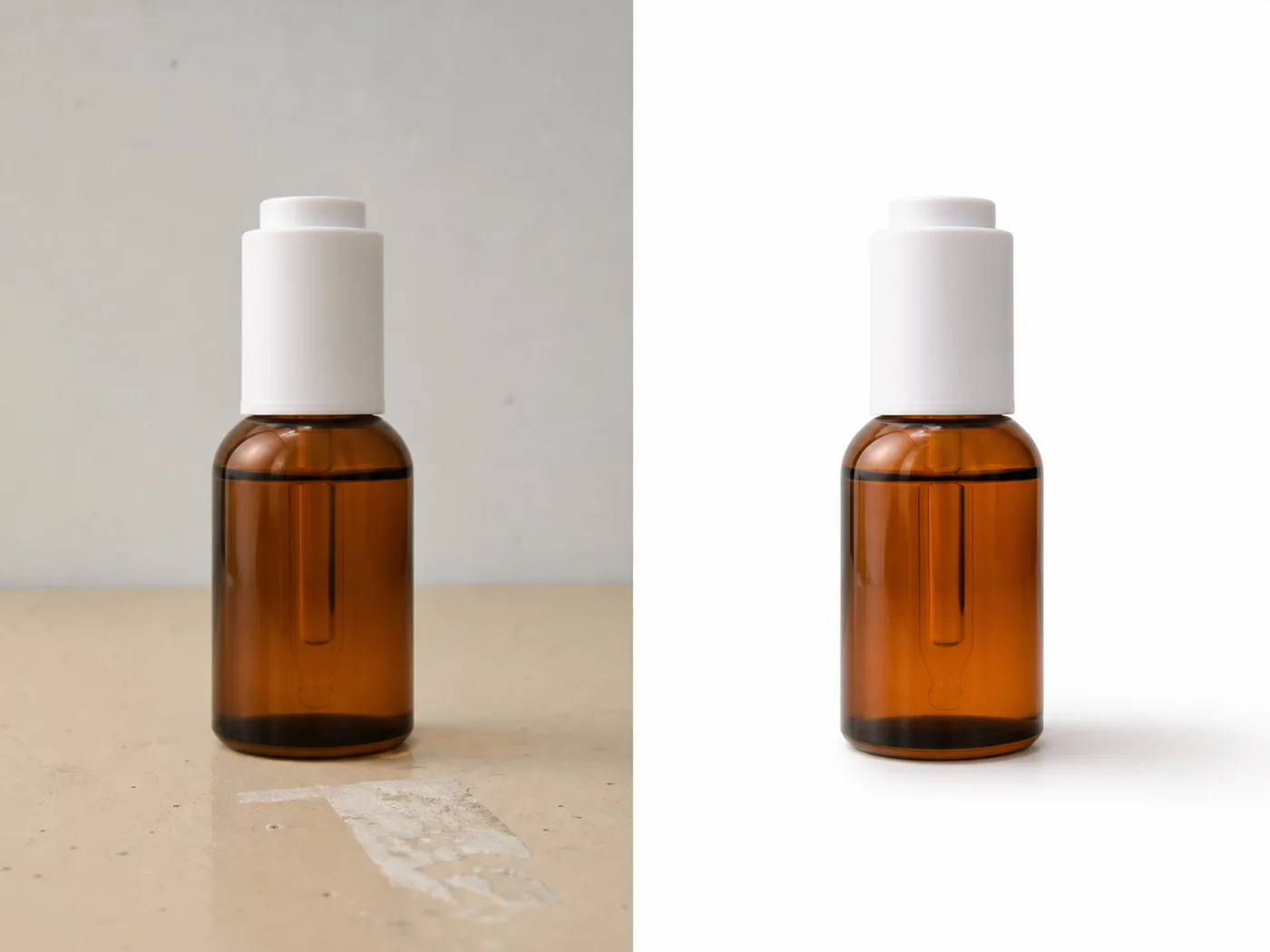
You do not always need a reshoot when a main image or detail image underperforms. If the product is visible and accurate, AI can often repair lighting, background, dust, crop, or detail clarity enough for ecommerce use.
The key is deciding whether the problem is photographic or product-related. AI can fix a messy background; it should not invent a missing label or rebuild a hidden feature.
What can be fixed safely
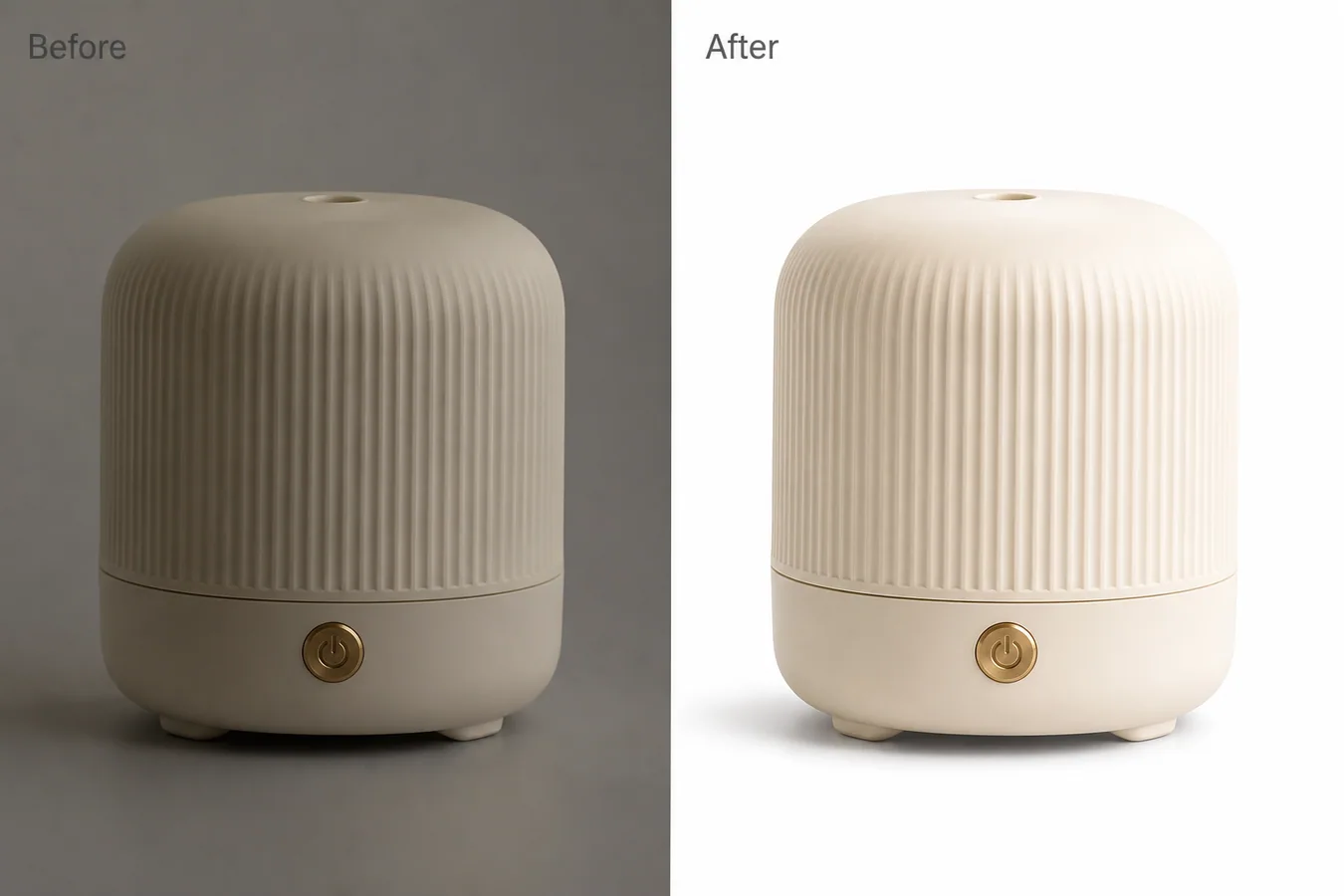
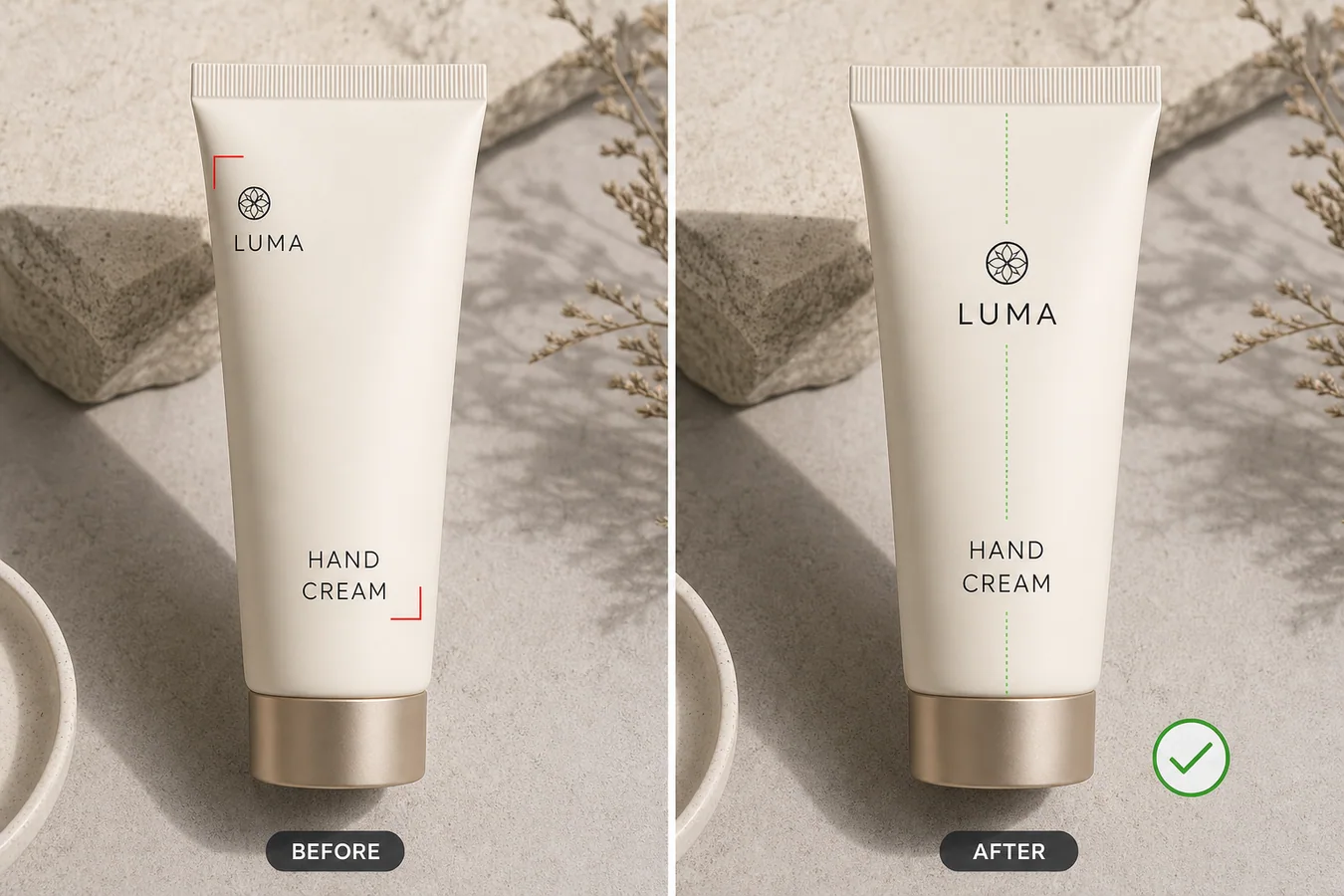
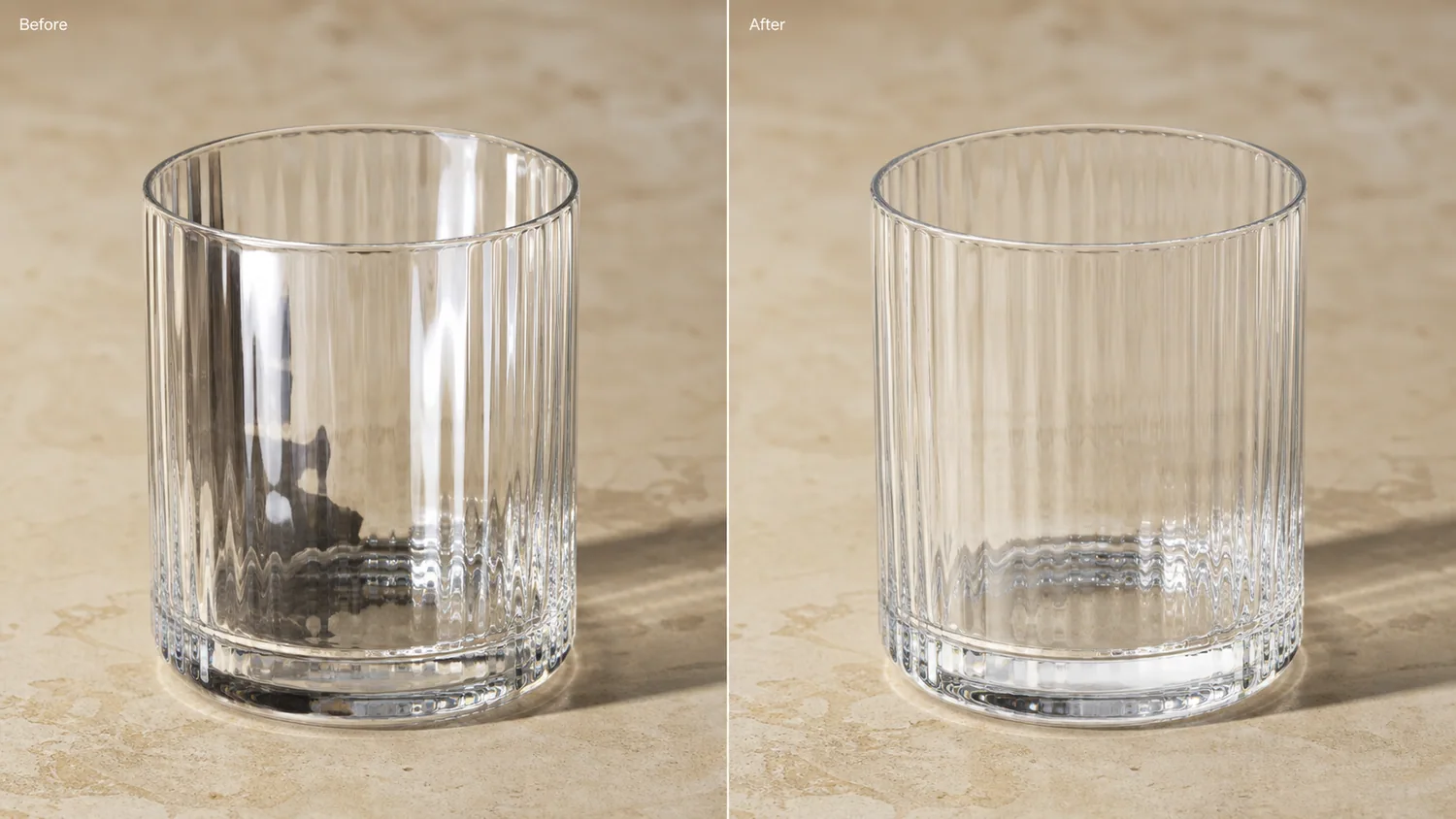
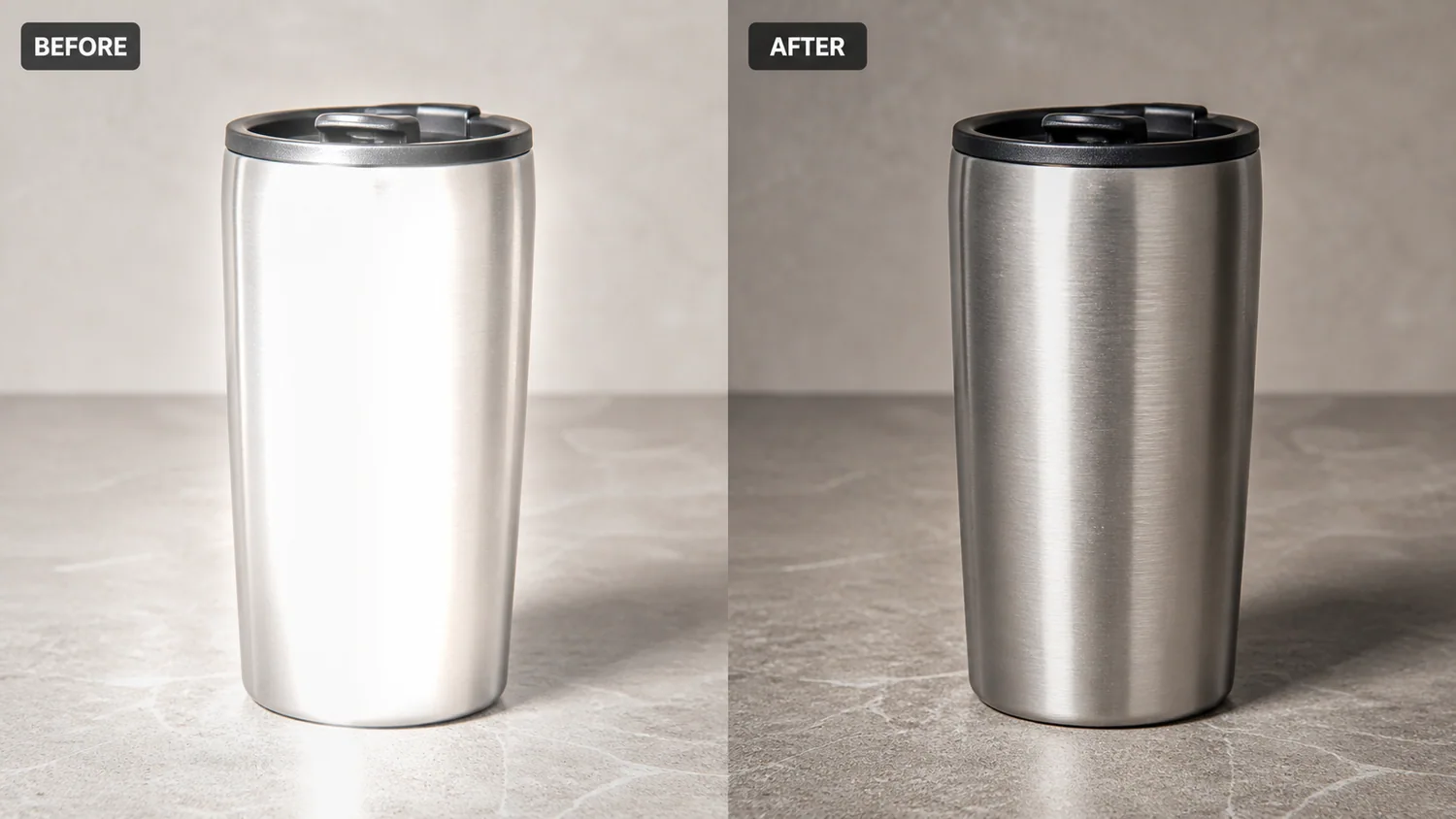
Safe fixes include exposure, yellow cast, dust, small scratches, background creases, glare reduction, crop extension, white-background cleanup, and texture sharpening. Risky fixes include missing product parts, unreadable labels, wrong variant colors, or heavily distorted angles.
Workflow
1. Separate main-image issues from detail-image issues. 2. Fix the main image for recognition: crop, background, exposure, and shadow. 3. Fix detail images for proof: texture, label, feature, material, or scale. 4. Keep color and product identity consistent across the gallery. 5. Review the set together before publishing.
Where KrafLayer Fits
When you apply this Fix Main and Detail Product Images Without a Reshoot workflow in KrafLayer, start from the clearest product reference, then decide whether the asset needs cleanup, lighting, background work, detail support, or an ad version. Before using it for detail-page modules, check that shape, material, labels, color, scale, and accessories still match the source SKU.
Prompt to use in KrafLayer
~~~text Use the uploaded product photo as the exact SKU reference. Repair this ecommerce image without changing the product. Improve [exposure/background/crop/detail clarity] while preserving product shape, color, material, label, logo area, scale, edges, and natural shadow. Make the image suitable for [main image/detail image]. Do not redesign the product, invent missing label text, change variant color, or create a different SKU. ~~~
FAQ
When is a reshoot still necessary?
Reshoot when important product information is missing, hidden, or wrong. AI editing is strongest when the product facts are already visible.
Should main and detail images use the same style?
They should feel consistent, but not identical. Main images prioritize recognition; detail images answer buyer questions.
What should I check after fixing a gallery?
Check color, material, label, scale, and shadow consistency across all images. The gallery should feel like one product photographed intentionally.
Keep exploring
Continue the story
More practical guidance on product accuracy, composition, and conversion-ready visuals.
Put it into practice
Take the next step in KrafLayer
Choose a generation or editing workflow that matches what you just learned.