Platforms
How to Create Etsy Vintage Handmade Product Images with AI
TL;DR
An Etsy-style product image workflow: create warm vintage handmade visuals while preserving craft texture, scale, material truth, and buyer trust. Includes how to do it in KrafLayer.
TL;DR
For Create Etsy Vintage Handmade Product Images, KrafLayer helps when the product is real but the surrounding scene needs work. Use Replace BG for a prompted or reference-based scene, or Scene Compose when product position and scale must match a base scene. Use the scene to support Etsy listing images, then check that shape, material, labels, color, scale, and accessories still match the source SKU.
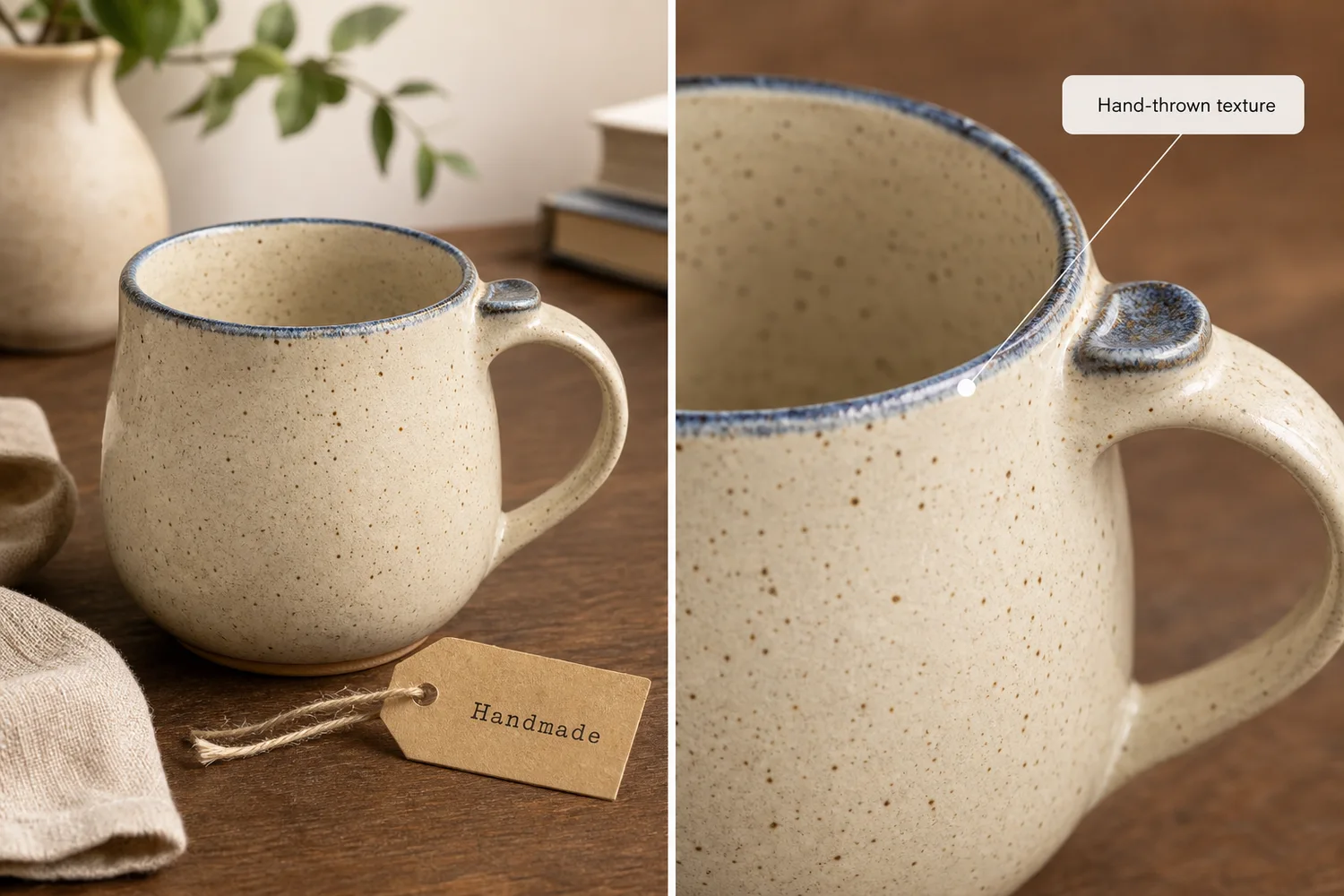
Etsy-style product images should feel handmade and specific. The goal is not to make every product beige and nostalgic; it is to show craft texture, scale, and material in a way that feels trustworthy.
What handmade buyers look for
They care about texture, slight variation, material, finish, scale, and use. AI should enhance those cues, not erase them into a generic catalog image.
Workflow
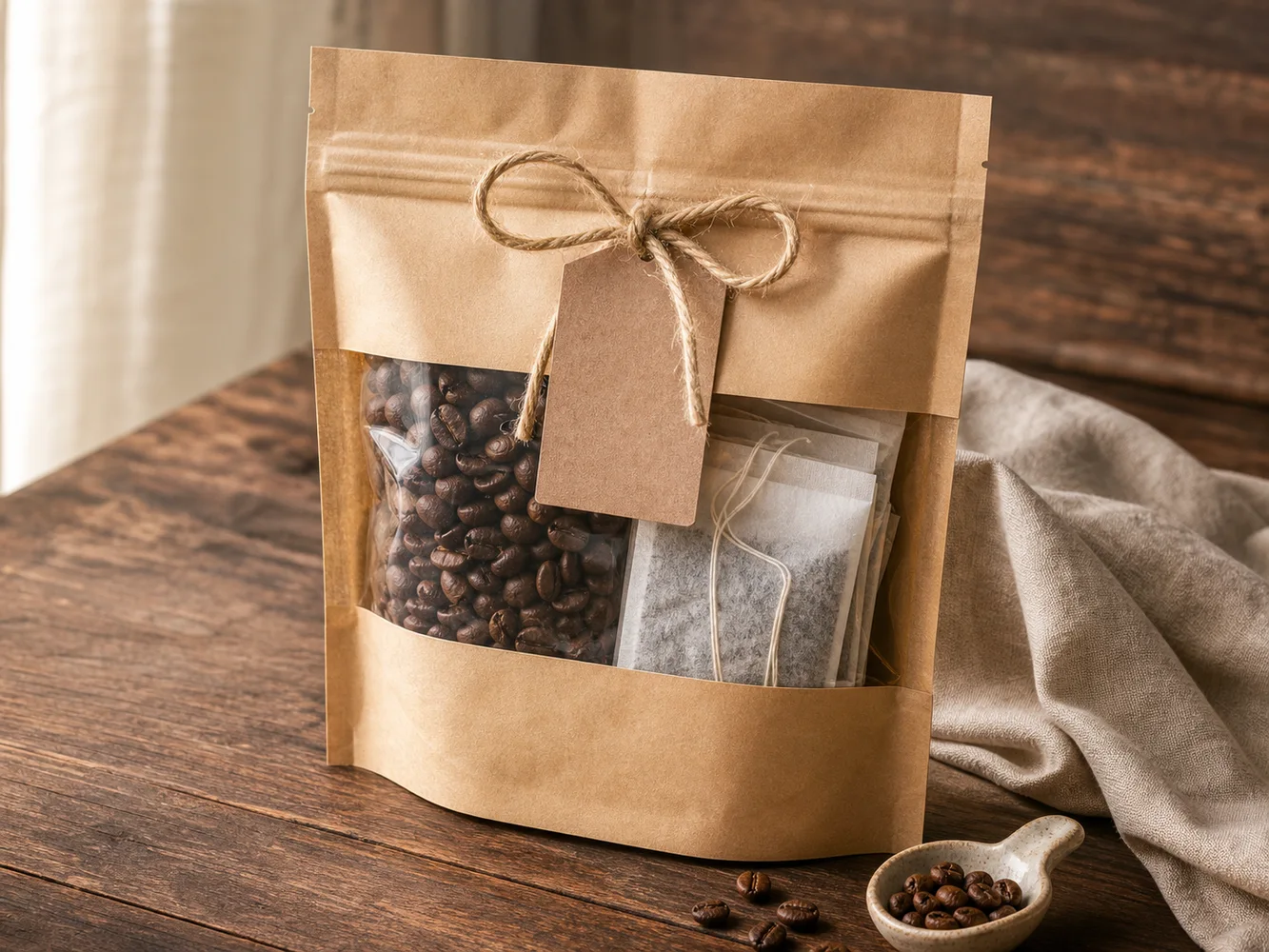
1. Preserve real craft details: glaze, grain, stitching, weave, edge, or tool marks. 2. Use warm surfaces such as linen, wood, paper, or ceramic. 3. Keep props minimal and relevant. 4. Create one clean main image and one texture detail. 5. Avoid fake vintage labels or invented maker marks.
Where KrafLayer Fits
When you apply this Create Etsy Vintage Handmade Product Images workflow in KrafLayer, the tool choice matters: use Replace BG for a prompted or reference-based scene, or Scene Compose when product position and scale must match a base scene. After generation, judge the image by the channel it serves — Etsy listing images — and check that shape, material, labels, color, scale, and accessories still match the source SKU.
Prompt to use in KrafLayer
~~~text Use the uploaded handmade product as the exact reference. Create a warm Etsy-style vintage ecommerce image with natural light, tactile surface, and simple props. Preserve material texture, handmade variation, color, shape, scale, edge details, and product identity. Do not over-smooth, add fake maker marks, invent labels, change dimensions, or make the scene generic. ~~~
FAQ
Should handmade product photos look imperfect?
They should show real craft character, not production flaws that distract from buying. Preserve useful texture and variation.
What backgrounds work well for Etsy products?
Linen, wood, paper, ceramic surfaces, and soft window light usually support handmade goods without overpowering them.
Can AI make handmade products look too polished?
Yes. Ask for tactile realism and preserve handmade variation instead of perfect studio smoothness.
Keep exploring
Continue the story
More practical guidance on product accuracy, composition, and conversion-ready visuals.
Put it into practice
Take the next step in KrafLayer
Choose a generation or editing workflow that matches what you just learned.