Ecommerce
How Ecommerce Designers Use AI to Work Faster
TL;DR
A practical AI workflow for ecommerce designers: use AI for variants, cleanup, background tests, detail images, and campaign drafts while protecting product accuracy. Includes how to do it in KrafLayer.
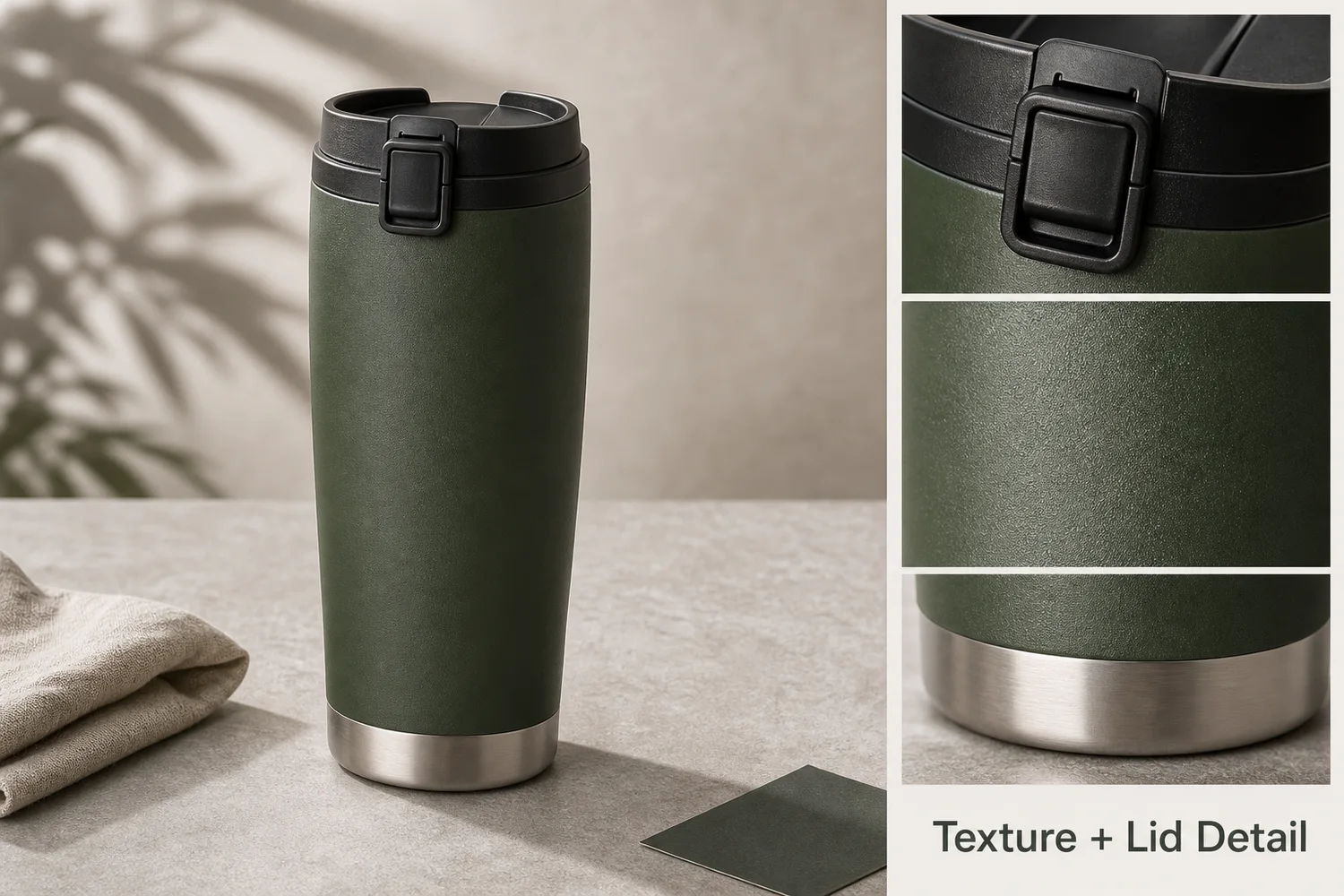
TL;DR
For How Ecommerce Designers Use AI to Work Faster, KrafLayer is useful when a real product reference needs to become a usable asset for listing images, detail pages, or ad assets. Treat it as production editing, not product reinvention; the test is whether shape, material, labels, color, scale, and accessories still match the source SKU.
Ecommerce designers use AI best when they treat it as a production accelerator, not a replacement for judgment. AI can remove repetitive image work, but the designer still decides what is accurate, useful, and on-brand.
Where AI saves time
AI is useful for background tests, local cleanup, image upscaling, detail crops, ad variants, product-on-model drafts, seasonal scenes, and first-pass campaign directions. It is weaker when exact labels, measurements, regulatory claims, or hidden product details matter.
A practical designer workflow
1. Start with a clean product reference. 2. Create a product-accurate master image. 3. Generate variations by channel: PDP, ad, email, social, marketplace. 4. Keep prompts and approved outputs organized. 5. Review every image against product truth before final design.
Where KrafLayer Fits
When you apply this How Ecommerce Designers Use AI to Work Faster workflow in KrafLayer, start from the clearest product reference, then decide whether the asset needs cleanup, lighting, background work, detail support, or an ad version. Before using it for listing images, detail pages, or ad assets, check that shape, material, labels, color, scale, and accessories still match the source SKU.
Prompt to use in KrafLayer
~~~text Use the uploaded product as the exact reference. Create an ecommerce design asset for [channel/task]. Preserve product shape, color, material, label, logo area, scale, and functional details. Improve only [background/lighting/crop/detail/style]. Keep the result on-brand, editable, and useful for a designer workflow. Do not invent text, redesign the product, or hide important buyer-facing details. ~~~
FAQ
Does AI replace ecommerce designers?
No. It speeds up repetitive production and exploration. Designers still need to choose direction, protect product truth, check claims, and finish layouts.
What AI tasks should designers automate first?
Start with background variations, cleanup, crop adaptation, detail images, and ad concept drafts. These are repetitive but still benefit from human review.
What should stay manual?
Final typography, exact claims, compliance checks, brand-sensitive layout decisions, and product accuracy approval should stay under designer or team control.
Keep exploring
Continue the story
More practical guidance on product accuracy, composition, and conversion-ready visuals.
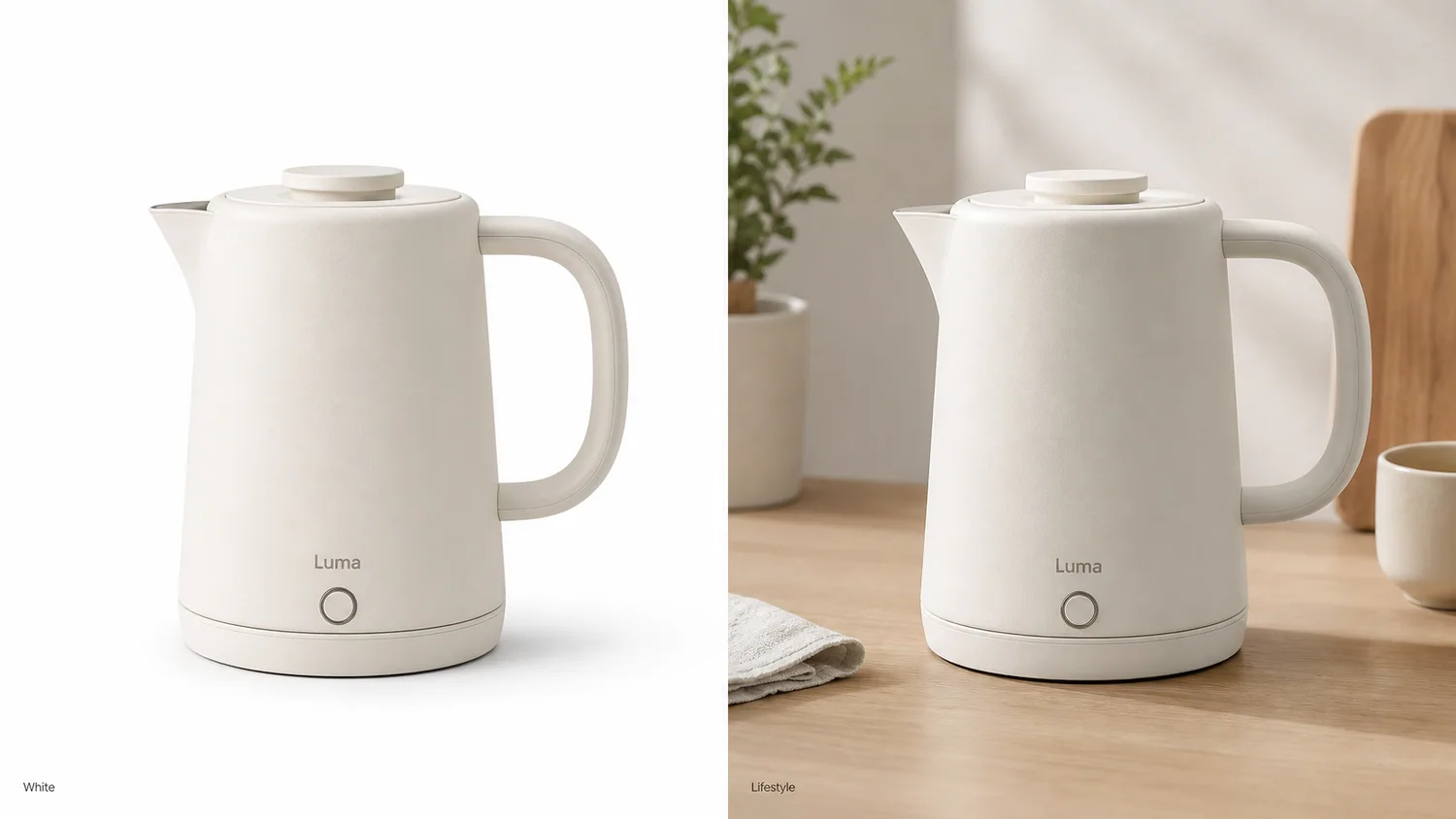
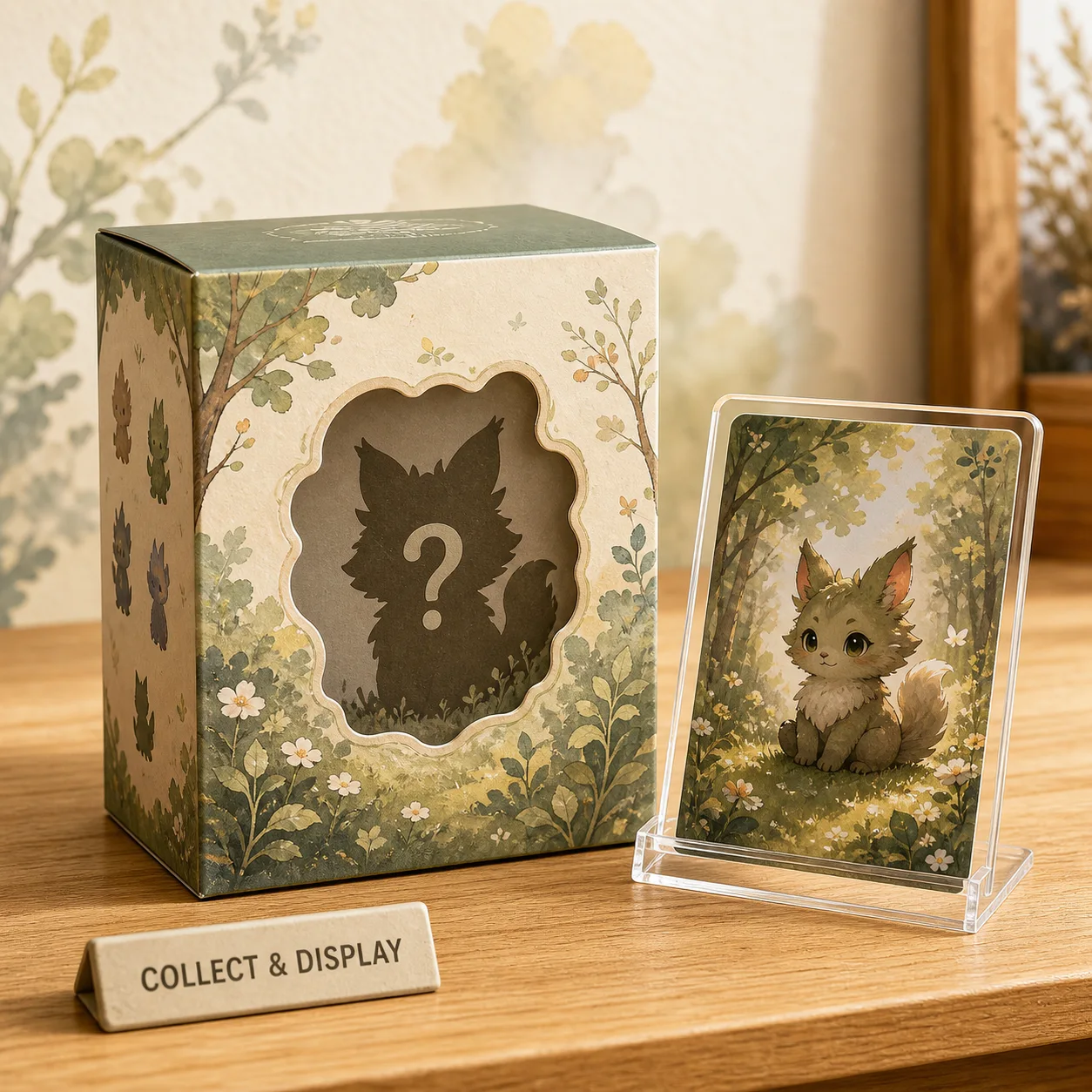
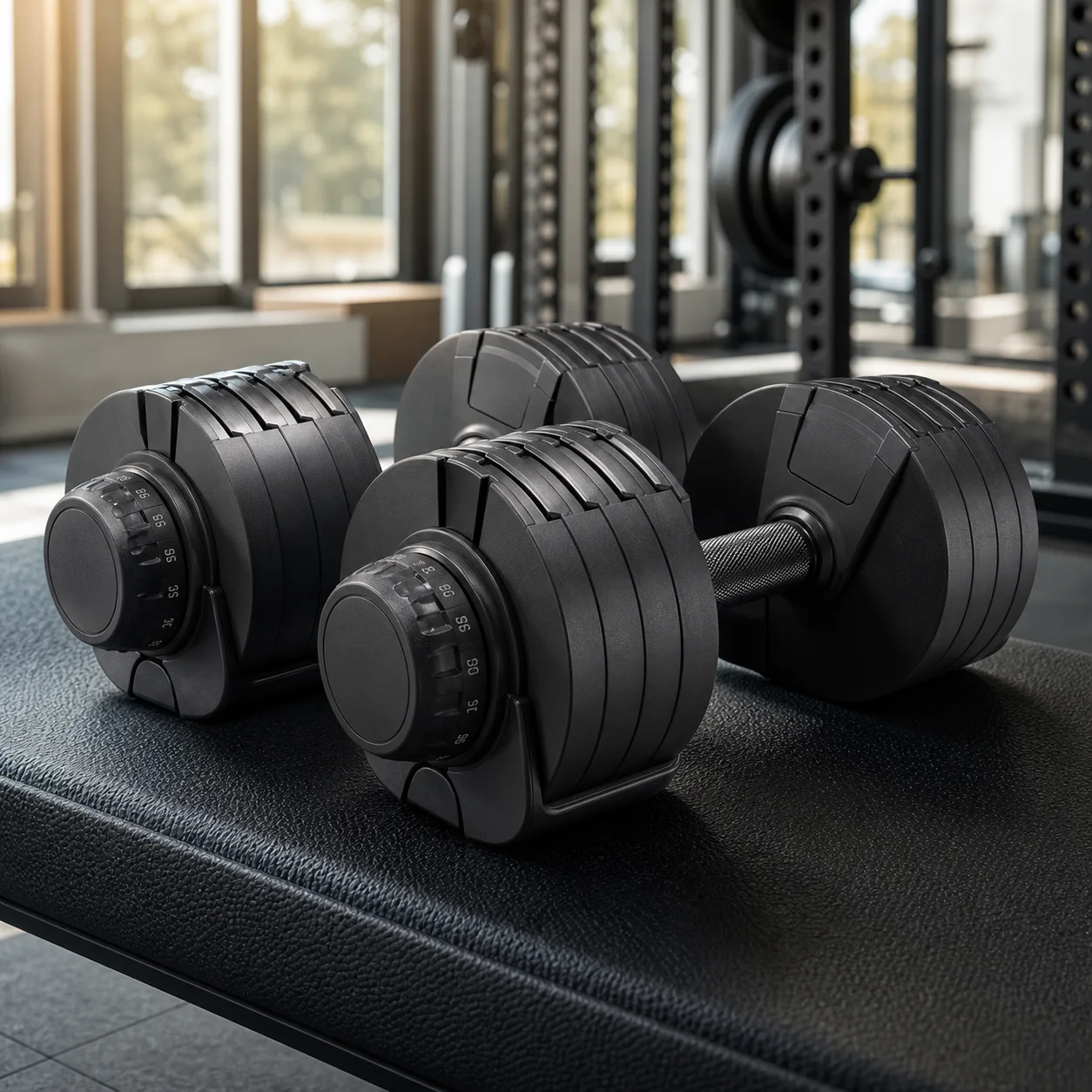
Put it into practice
Take the next step in KrafLayer
Choose a generation or editing workflow that matches what you just learned.