Image generation
How to Generate Ecommerce Main Images and Detail Images with KrafLayer
TL;DR
A practical KrafLayer workflow for planning ecommerce main images and detail images together, so listings show the product clearly and support buyer decisions.
TL;DR
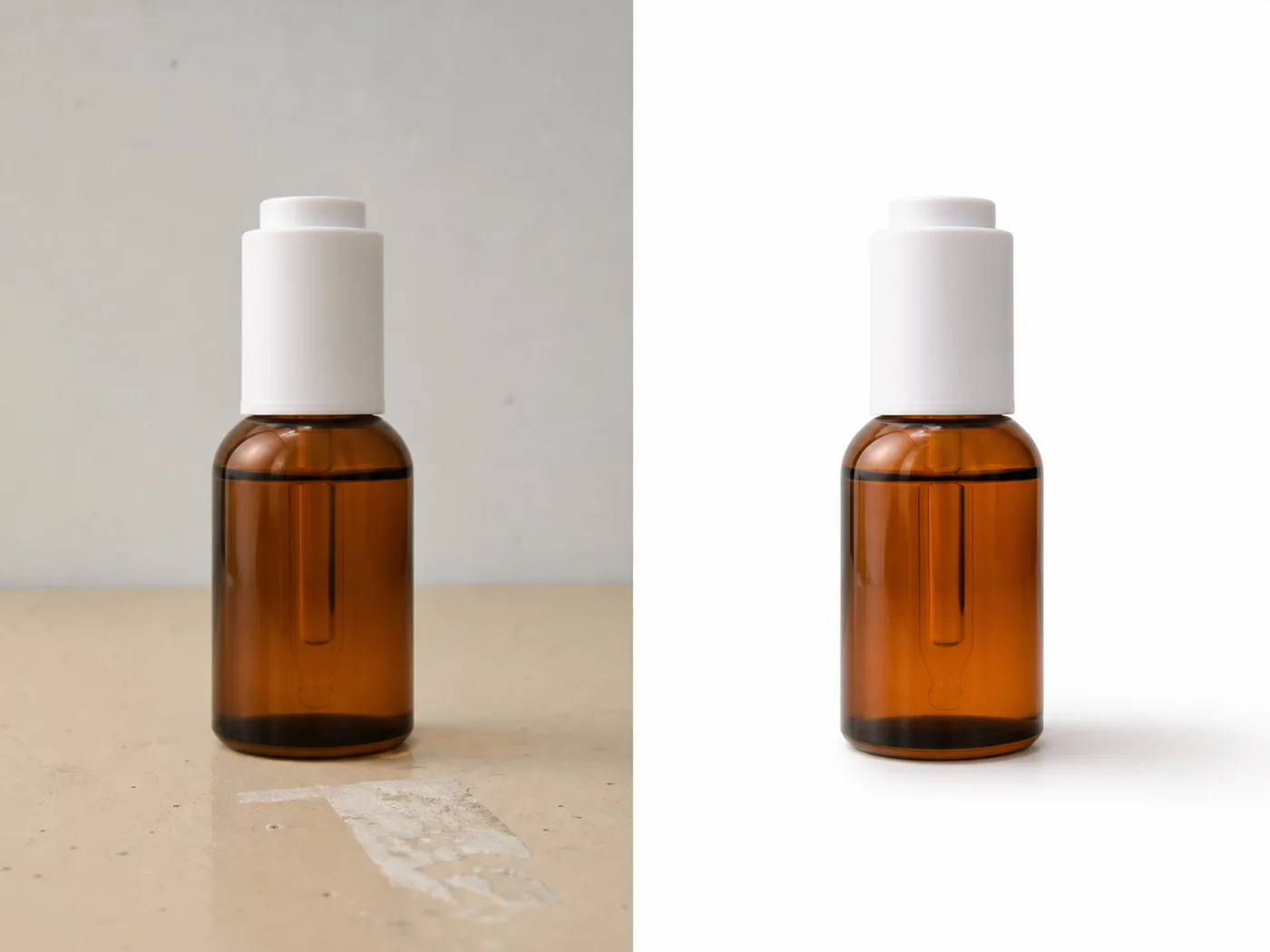
For Generate Ecommerce Main Images and Detail Images with KrafLayer, KrafLayer is useful when a real product reference needs to become a usable asset for detail-page modules. Treat it as production editing, not product reinvention; the test is whether shape, material, labels, color, scale, and accessories still match the source SKU.
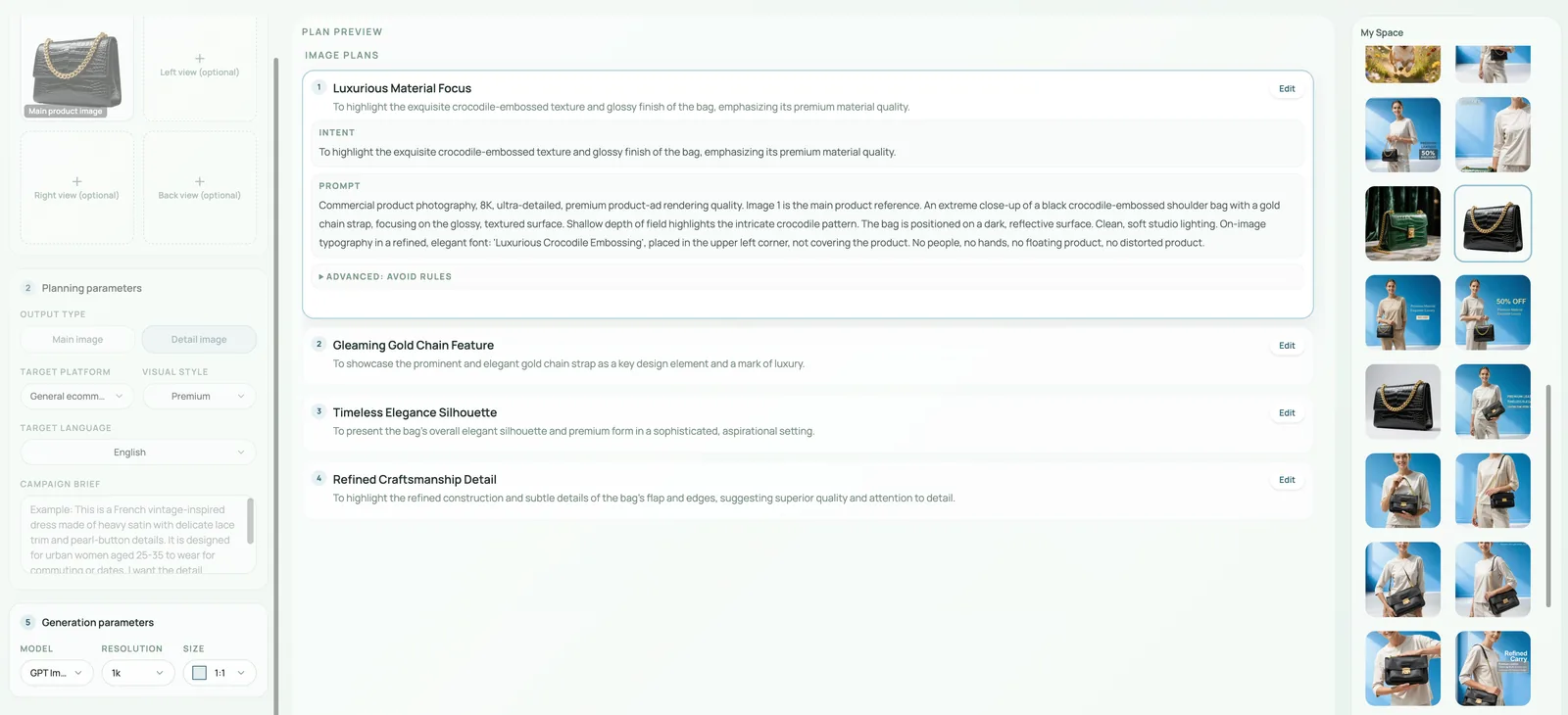
Main images and detail images should not be generated as disconnected assets. A strong ecommerce product page uses the main image to identify the SKU quickly, then uses detail images to answer buyer doubts: material, size, texture, construction, use case, packaging, and variant differences.
KrafLayer's main/detail workflow is useful because it treats image planning as a product-page system, not a single pretty render.
What each image should do
The main image should make the product recognizable in a grid. It needs a clear silhouette, clean crop, accurate color, and minimal distraction.
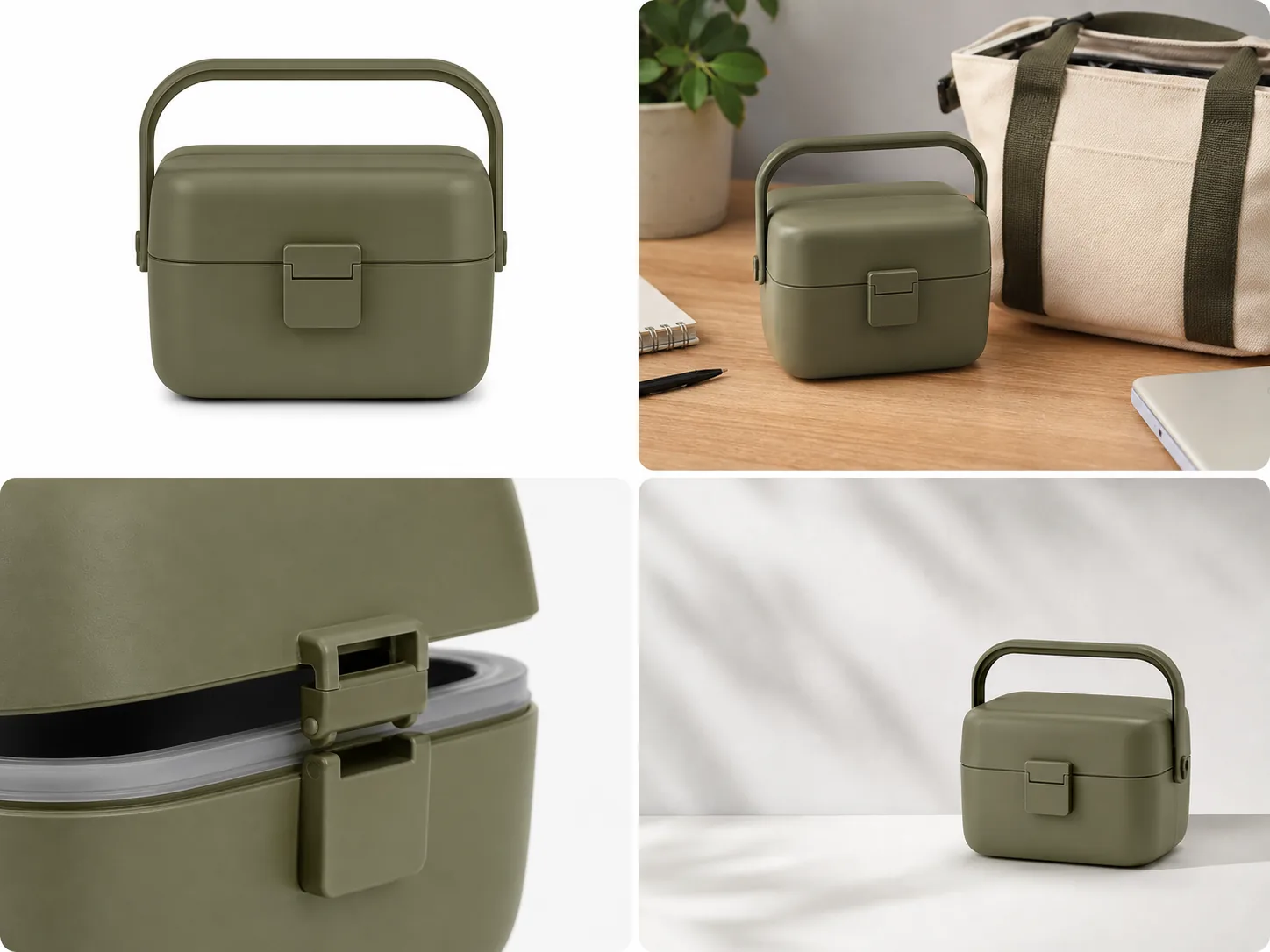
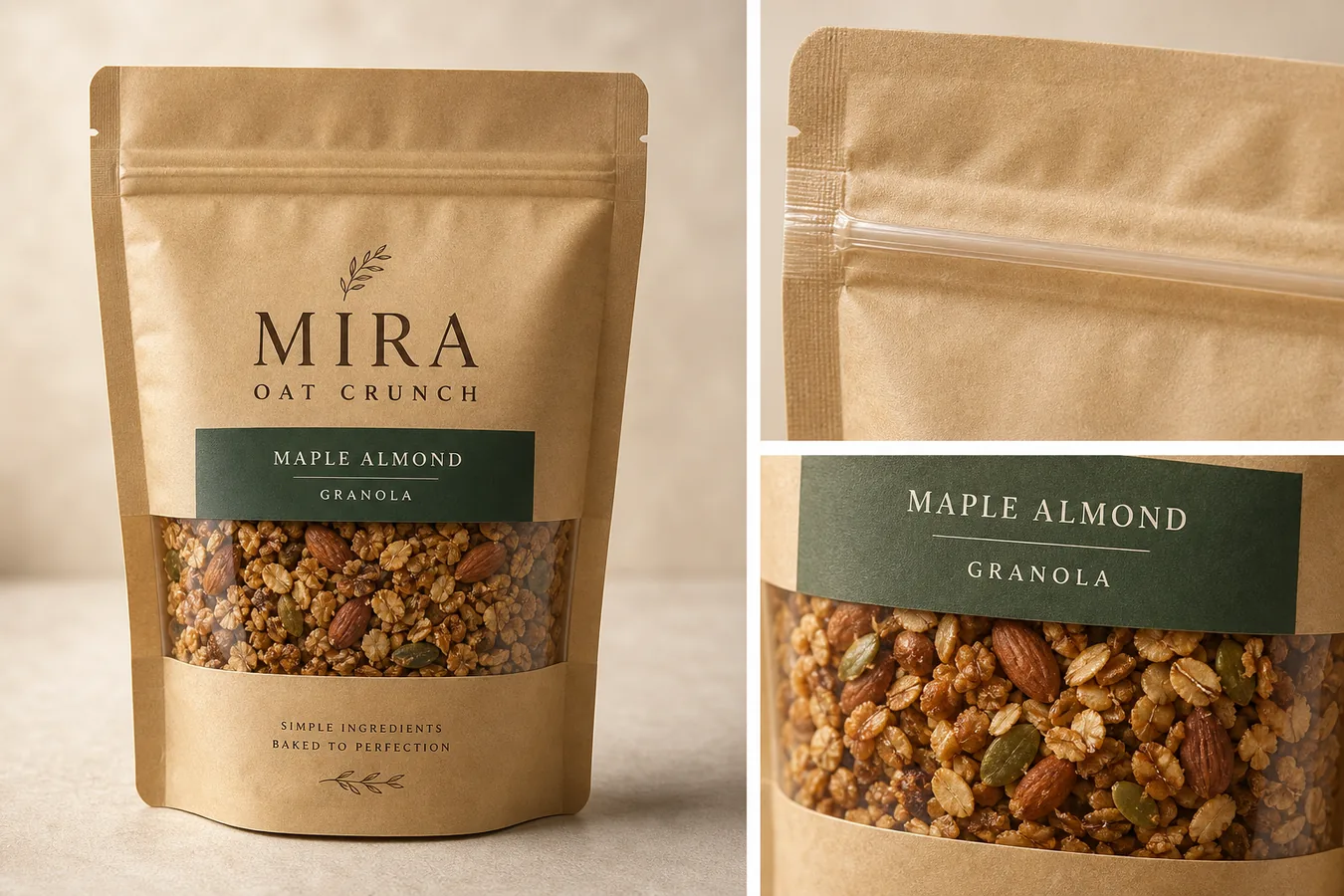
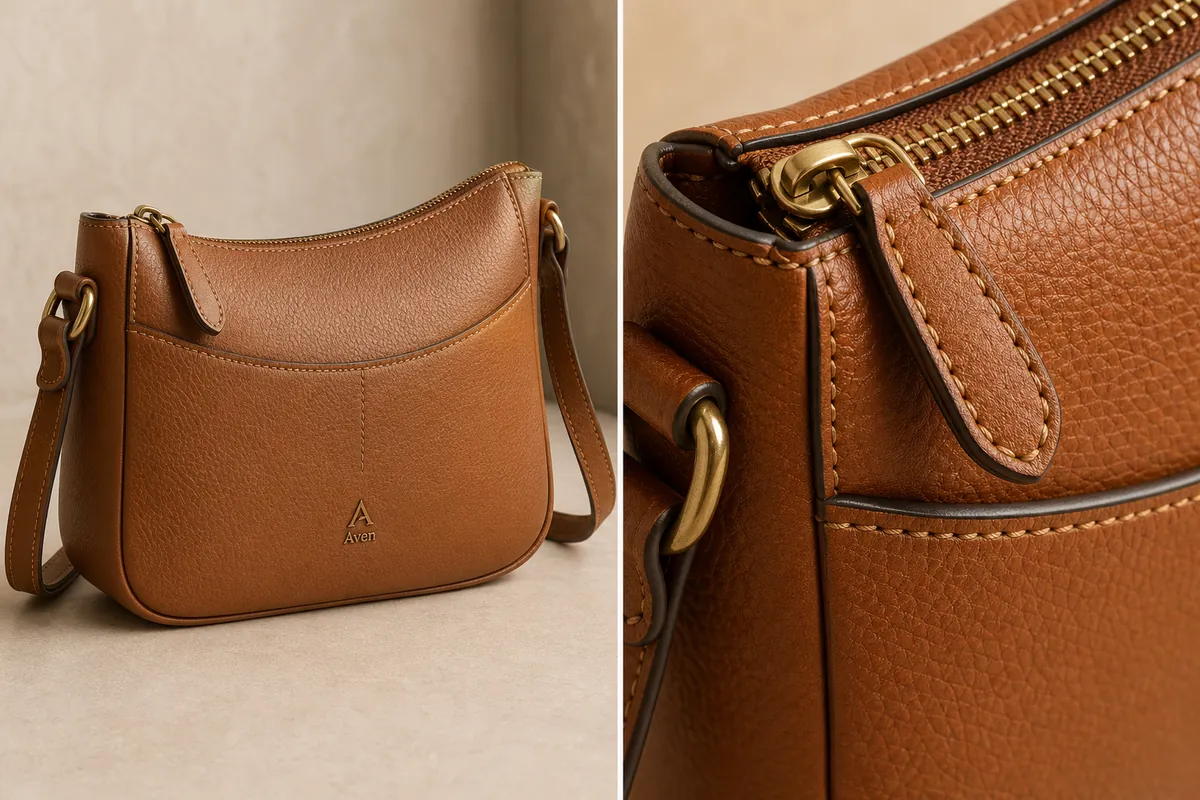
Detail images should reduce uncertainty. They can show texture, hardware, packaging, scale, inside structure, use scene, close-up finish, or feature callouts.
Workflow
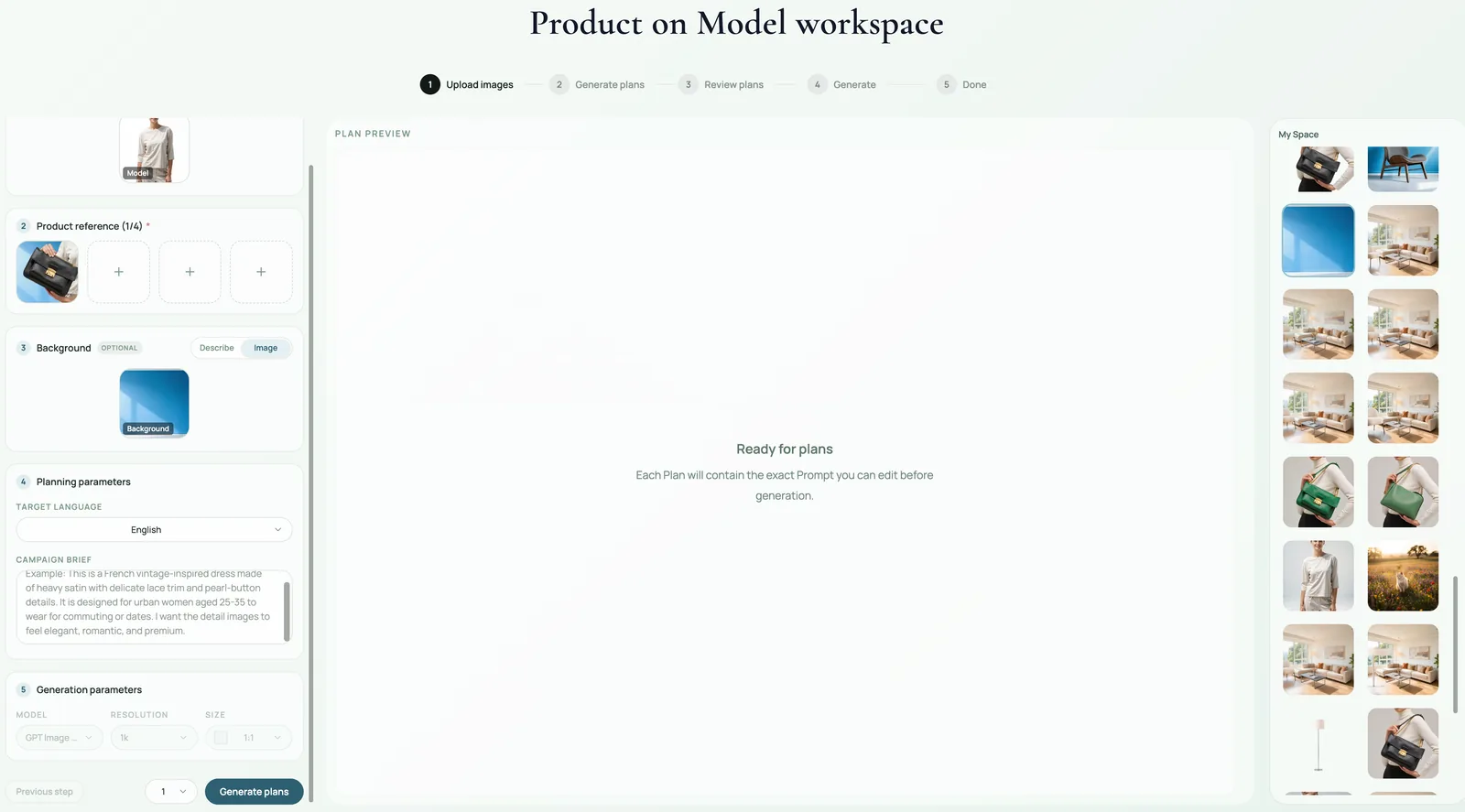
1. Upload the clearest product reference images you have. 2. Decide the page role for each output: main image, material detail, feature proof, scale image, lifestyle support, or ad crop. 3. Keep the same product identity across all outputs. 4. Vary composition by buyer question, not by random style. 5. Review the set together. The gallery should feel like one product, not five unrelated campaigns.
Where KrafLayer Fits
When you apply this Generate Ecommerce Main Images and Detail Images with KrafLayer workflow in KrafLayer, start from the clearest product reference, then decide whether the asset needs cleanup, lighting, background work, detail support, or an ad version. Before using it for detail-page modules, check that shape, material, labels, color, scale, and accessories still match the source SKU.
Prompt to use in KrafLayer
~~~text Use the uploaded product as the exact SKU reference. Create a coordinated ecommerce image set with one clean main image and supporting detail images. Keep product shape, color, material, logo area, hardware, stitching, scale, and key features consistent across every image. Main image: clear product-first composition. Detail images: show material, construction, feature, scale, or use context. Do not change the product identity, mix variants, invent labels, or make each image a different style direction. ~~~
Summary
A good main/detail image set guides the buyer from recognition to confidence. Plan each image by job, protect product consistency, and publish the set only when it works together.
FAQ
How many detail images should a product page have?
Use enough to answer real buying questions. Many products need 4-7 supporting images, but the right number depends on complexity, price, category, and platform.
Should detail images include text?
They can, but add final text in a design tool when accuracy matters. AI-generated text is risky for specs, dimensions, and claims.
What is the most common mistake in image sets?
Generating each image as a separate creative idea. The set should share product identity, color, material, and page logic.
Keep exploring
Continue the story
More practical guidance on product accuracy, composition, and conversion-ready visuals.

Put it into practice
Take the next step in KrafLayer
Choose a generation or editing workflow that matches what you just learned.